


OpenClaw Although it has been popular for a while and we’ve written many tutorials, there may still be many things that people who aren’t very familiar with computers don’t understand. And GitHub Right there, there’s an OpenClaw 101 open source project designed specifically for Chinese users. It not only consolidates many OpenClaw tutorials and Skills resources, but also offers a 7-day quick start course covering everything from explanations and installation to advanced usage, helping beginners get up to speed easily.
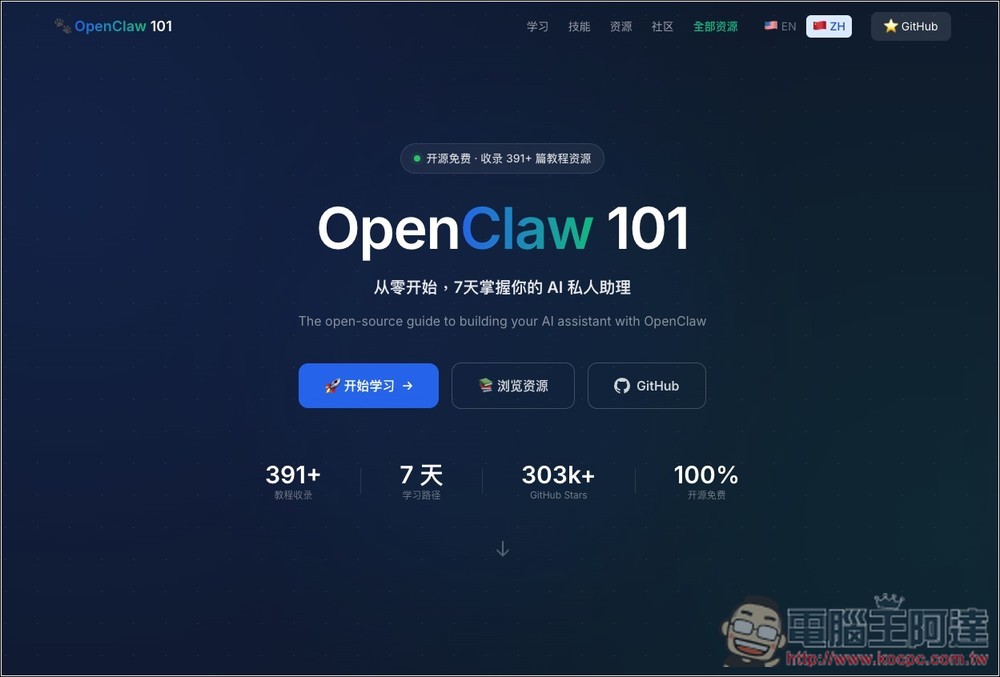
OpenClaw 101 – A free resource integration platform designed for Chinese users
There are many OpenClaw resources available online, but they’re scattered across various forums, tutorial videos, and community posts—and most are in English. OpenClaw 101 is an open-source website that aggregates OpenClaw resources, specifically designed for Chinese users. It consolidates the vast amount of tutorials and real-world examples available online, organizing them by topic so users can quickly find the information they need. This allows people who want to build an “AI personal assistant” to learn the relevant technologies faster and in a more systematic way.
The standout feature is its “7-day learning path,” offering clear guidance from basic concept introductions and environment setup to advanced skill development. Whether you want to integrate OpenClaw with Telegram or develop custom AI skills, you can find corresponding tutorial resources on the website. Additionally, OpenClaw 101 also features content from platforms like Alibaba Cloud, Tencent Cloud, DigitalOcean, Bilibili, and Reddit, allowing users to browse high-quality tutorials from different sources in one place.
For developers, the entire site is built with Next.js, TypeScript, and Tailwind CSS, offering a simple and clear structure. If you want to add new resources, you only need to add new resource information in the data file. And since it’s an open source project, anyone can fork the project and submit Pull Requests to continuously expand more tutorial content.
Key Features
- Over 300 OpenClaw Tutorials and Resources Compiled
- Provide a complete 7-day learning roadmap from beginner to advanced
- Features tutorials from multiple platforms including Alibaba Cloud, Tencent Cloud, DigitalOcean, Bilibili, and more
- Supports Chinese and English resource organization for quick searching
- Filter teaching content by category, language, and keywords
- Curated AI skills and real-world application examples
- An open source project where anyone can contribute new resources
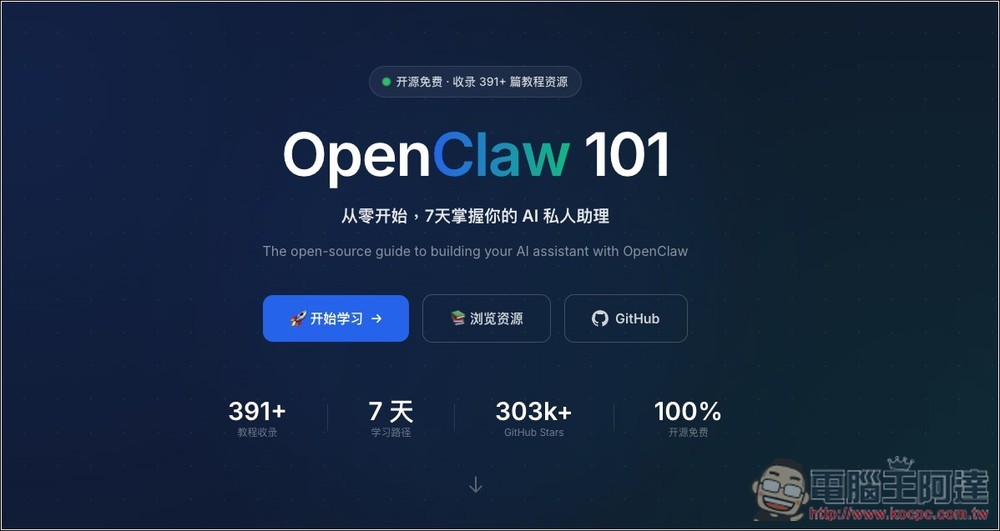
After following the link above to OpenClaw 101, if you want to take the 7-day course, click “Start Learning”:
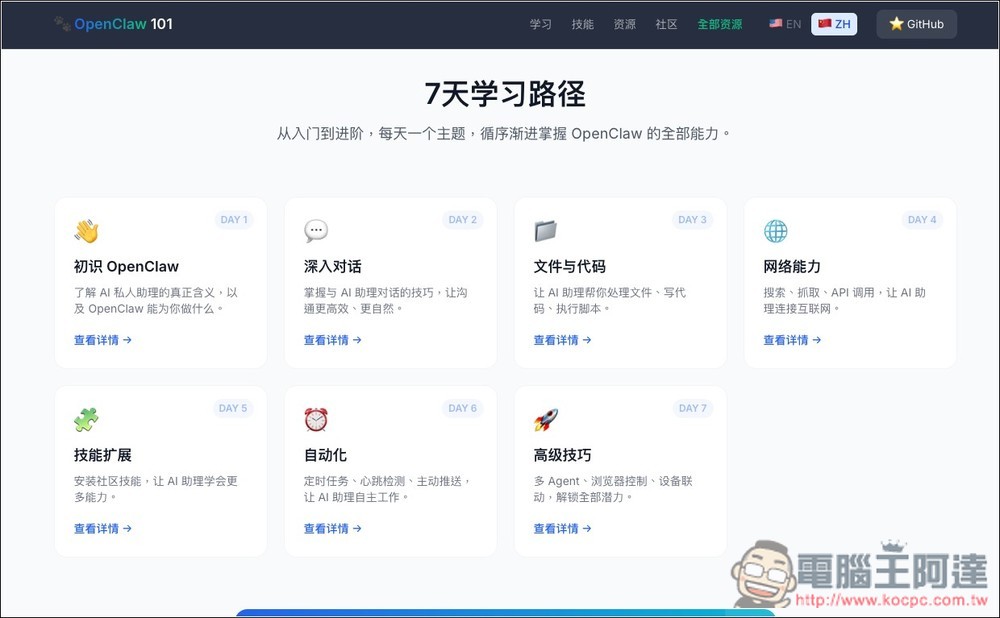
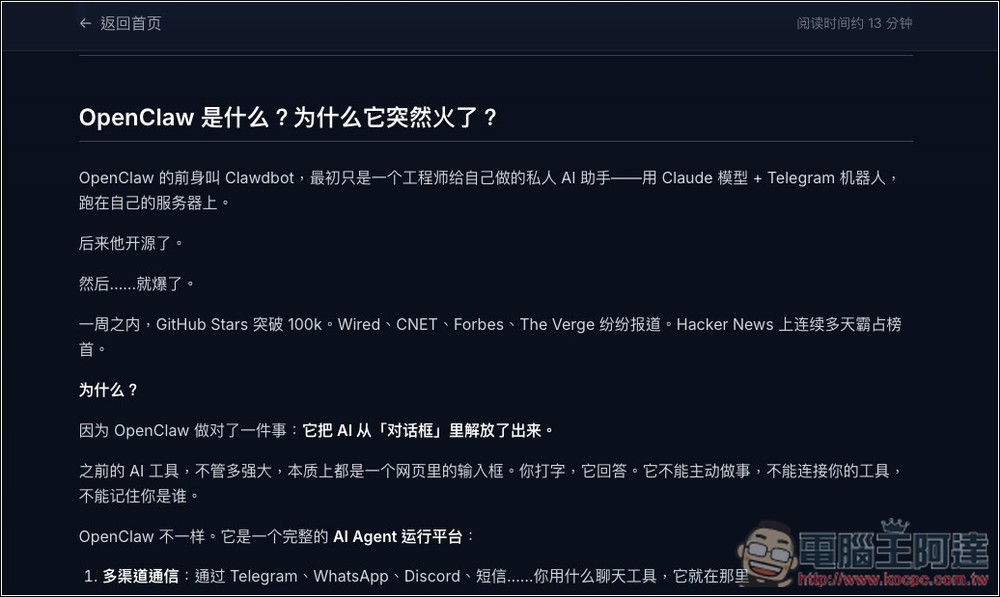
The 7-day courses are “Getting Started with OpenClaw,” “Deep Dive into Conversations,” “Documents and Code,” “Web Capabilities,” “Skill Expansion,” “Automation,” and “Advanced Techniques,” each with a brief description:
The only downside to this site is that there are quite a lot of ads. When taking courses, there are ads on both the left and right sides, and ads also pop up every few paragraphs, which slightly disrupts the reading experience.
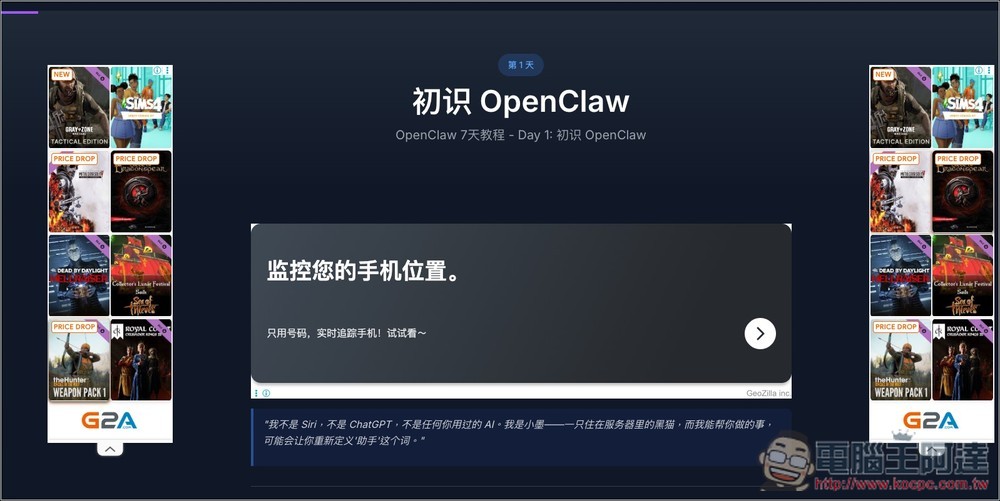
Each course shows an estimated duration in the upper right corner – most are around ten to twenty minutes, and the content is pretty easy to understand.
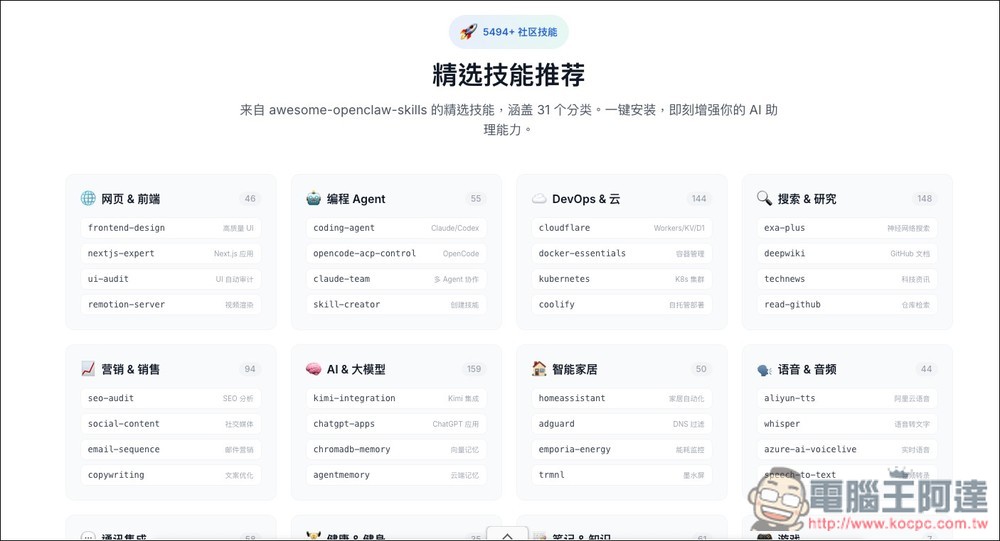
The ‘Skill Recommendations’ section lists the top recommendations for each category, but it’s important to note that while each skill has a link, it doesn’t actually navigate to that skill’s page.
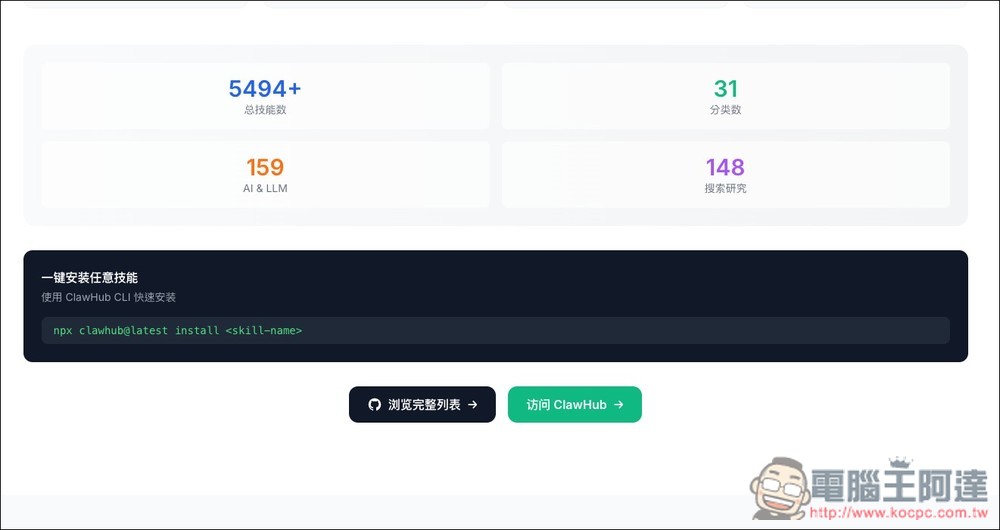
Scroll down to find the installation instructions, and fill in the name of the skill you want to install in the marked area below:
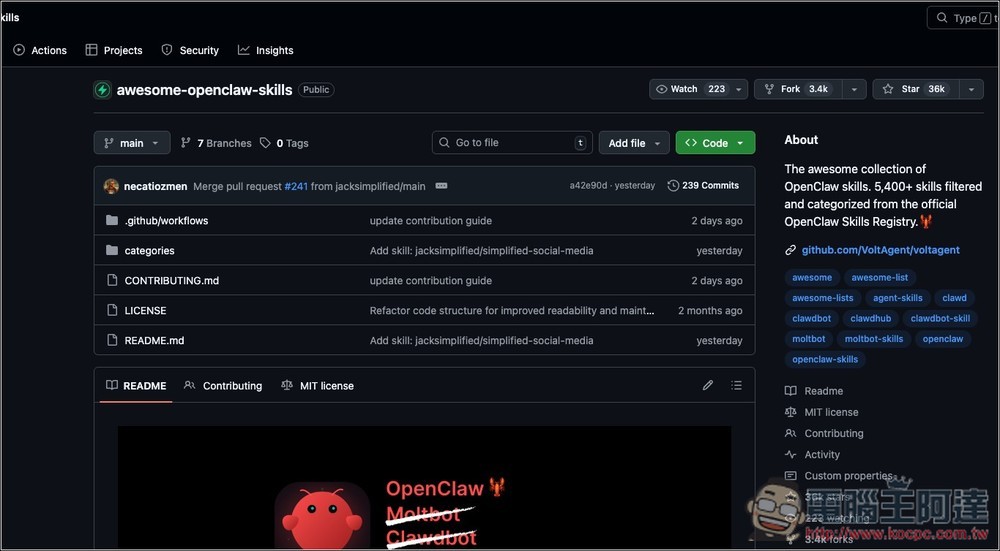
The complete list is what we introduced earlier Awesome Openclaw Skills:
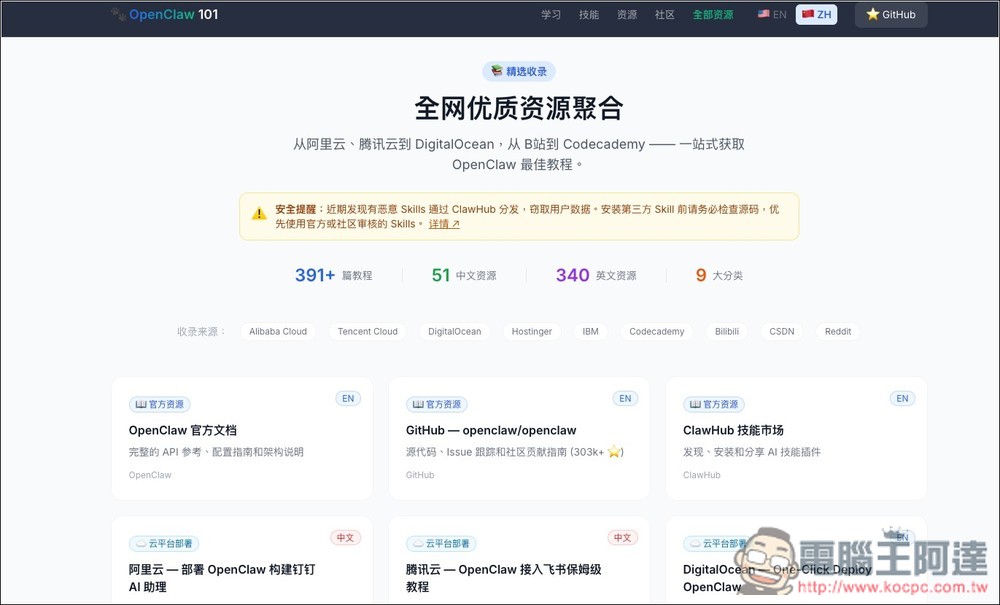
At the very bottom are all the organized tutorials and resources, each marked in the upper right corner to indicate whether it’s in Chinese or English:
Source: KOCPC Chinese