


Now more and more tools are starting to integrate AI Functions. Earlier I discovered this “Cleaner Cat”Mac A system cleanup tool, in addition to common junk files, unnecessary large files, duplicate files, and other cleaning functions, combines LLM Smart Analysis uses AI to analyze your system and provide recommendations. It also comes with a handy system monitoring feature – definitely worth trying out.
The lifetime version is currently available for free for a limited time. No payment required — use it free forever. The free offer is expected to end on 4/10.

Cleaner Cat is a Mac system cleanup tool that combines LLM intelligent analysis with system monitoring capabilities.
Cleaner Cat is a Mac utility focused on AI-powered smart cleaning. Unlike traditional cleaning software, it doesn’t just list a bunch of files for you to decide on yourself. Instead, it uses a large language model (Alibaba Cloud) to analyze your system and file content, automatically generating personalized cleanup recommendations.
Additionally, note that Cleaner Cat is not a conversational AI chat tool, but rather one that first performs a system scan, then uses AI to analyze the scan results and provide organization recommendations.
In terms of features, it supports common system junk cleanup, including cache files, leftover system update files, backup data, and trash contents, while also being able to clear temporary files and logs generated by various applications such as Xcode, VS Code, Docker, and other development tools.
It also provides complete app removal functionality that can clean up all related leftover files to prevent long-term storage accumulation. Additionally, it includes duplicate file detection and large file scanning to help users quickly identify key sources of storage usage.
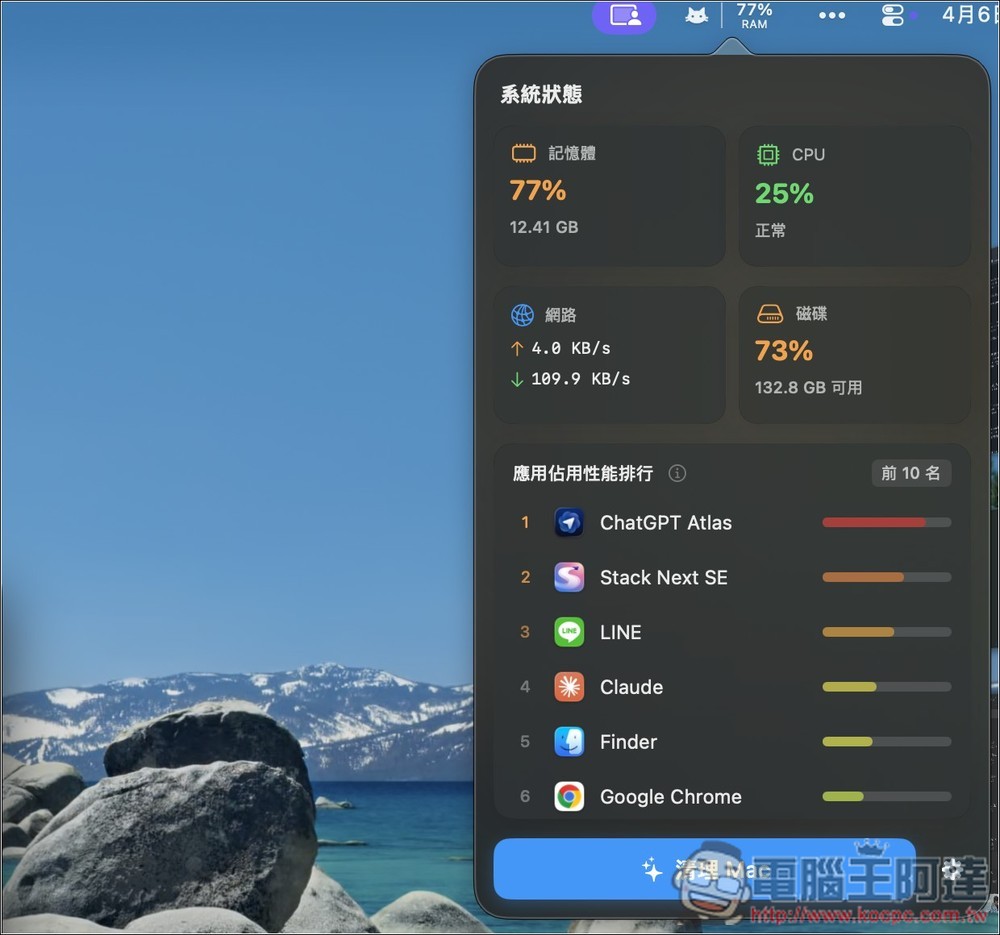
In addition, it can also monitor memory and CPU usage in real time, displaying relevant information through the menu bar, so you can keep track of your computer’s performance at all times.
Main features
- AI Smart Analysis Cleanup: Analyze file content through LLM to generate personalized cleanup suggestions
- System Junk Cleanup: Supports clearing cache, update files, backup files, and trash bin
- Application Residue Cleanup: Includes Xcode, VS Code, Docker, and other development tools
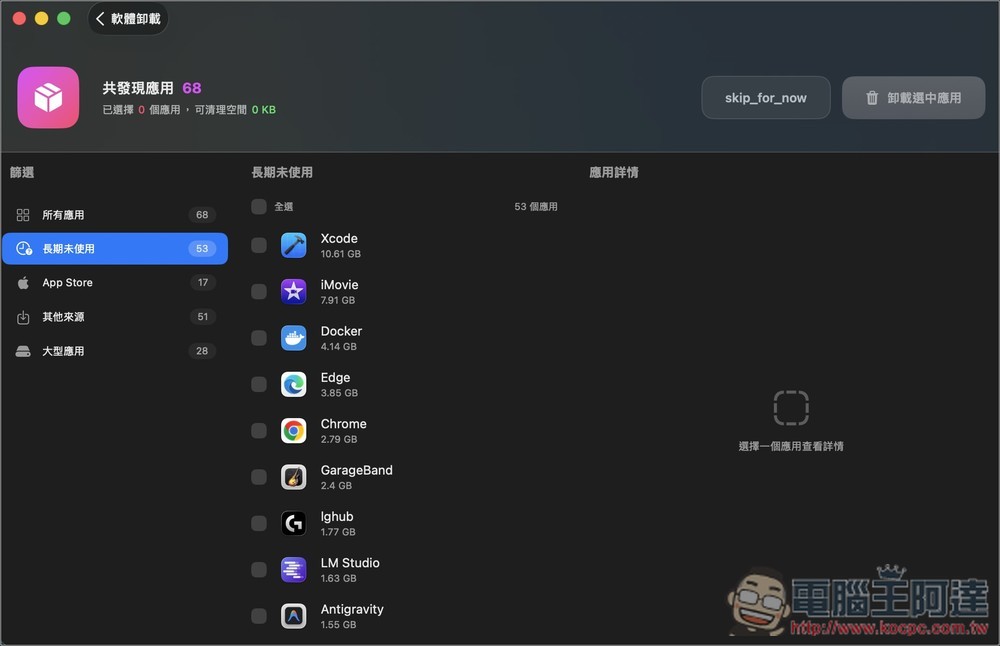
- Complete app removal: also remove all related settings and leftover files
- Duplicate and Large File Scanner: Quickly Identify Space-Consupying Files
- System Monitoring: View CPU, memory, and resource usage in real time
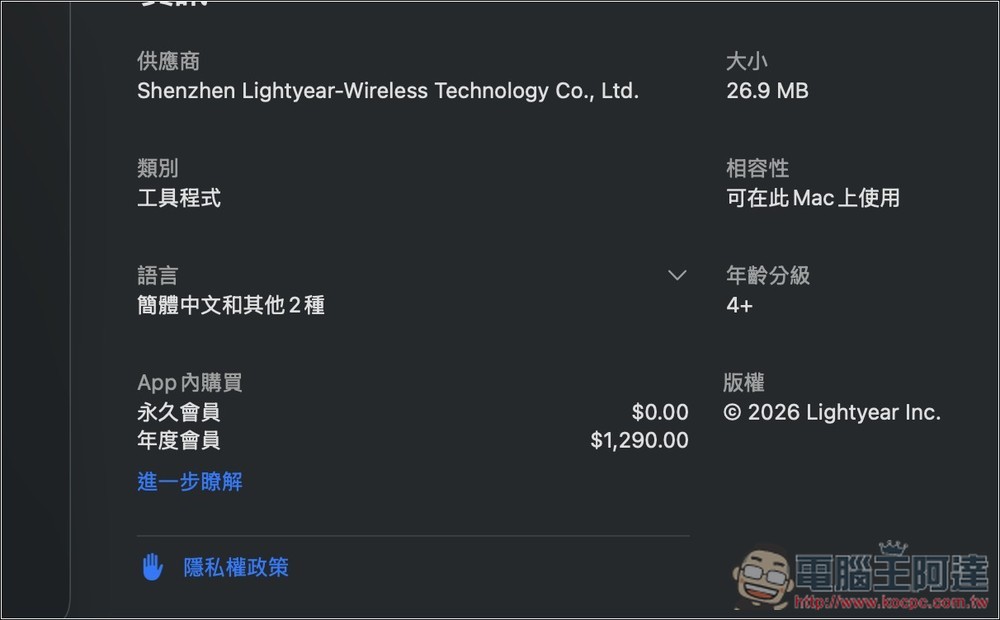
After tapping the link above to go to Cleaner Cat’s App Store page, it’s recommended to scroll down first to check the in-app purchases — whether the lifetime membership still shows $0. If it does, that means the app is still in its limited-time free promotion period:
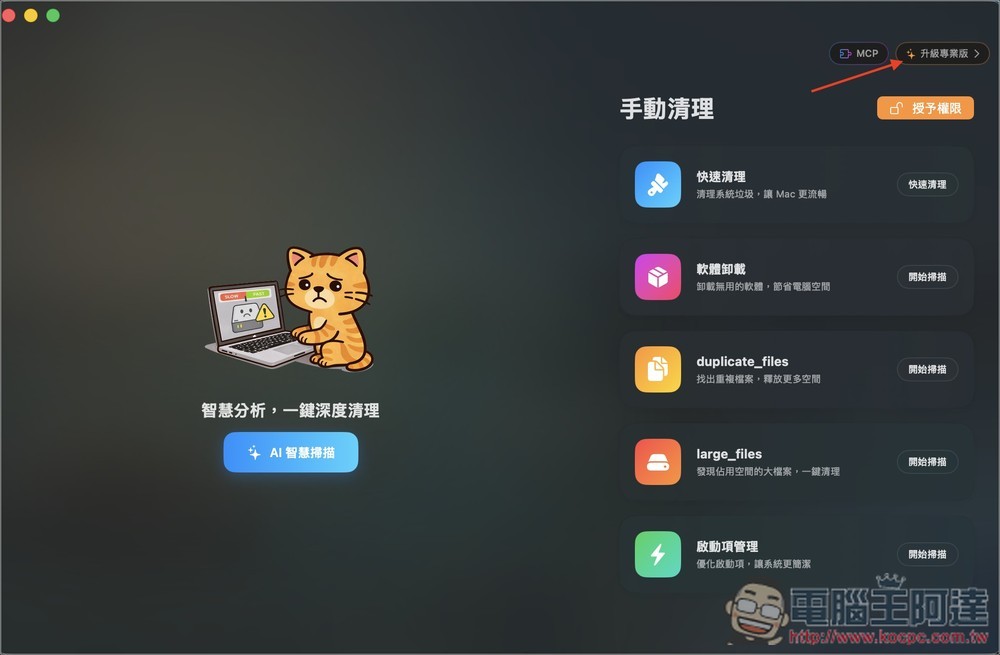
After installing, open it and tap “Upgrade to Pro” in the upper right corner.
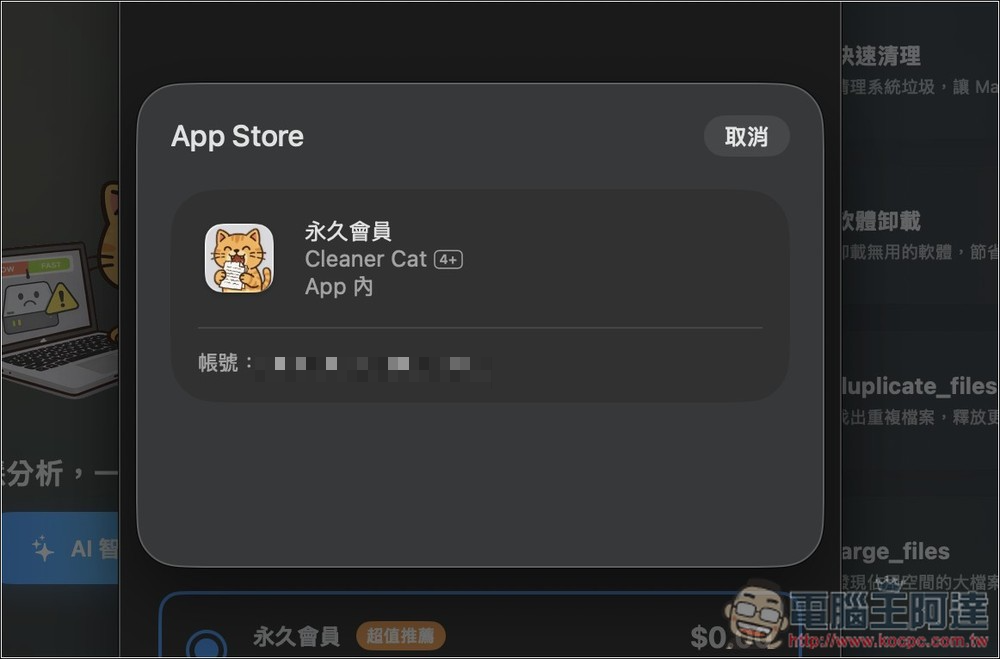
You will then see the lifetime membership offer for $0. After selecting it, click Buy Now:

Confirm whether there is no amount; if so, proceed to confirm the purchase.
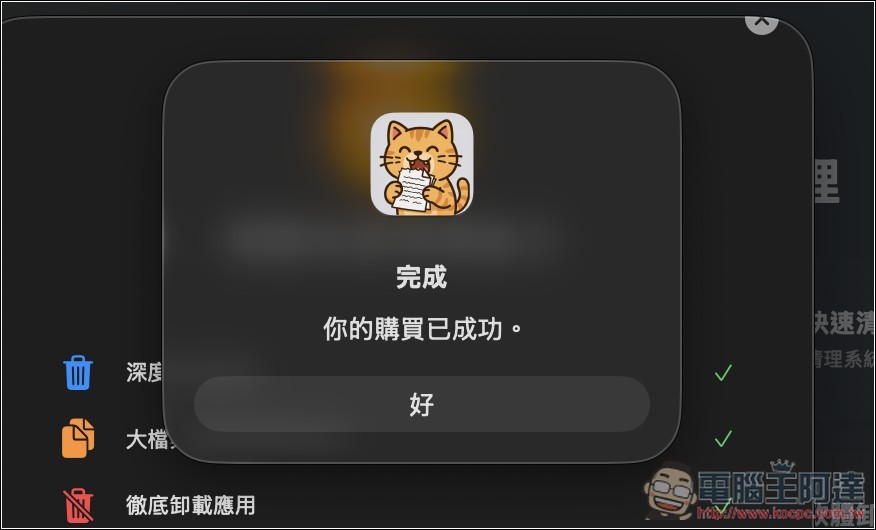
When it displays “Your purchase was successful,” you’re done.
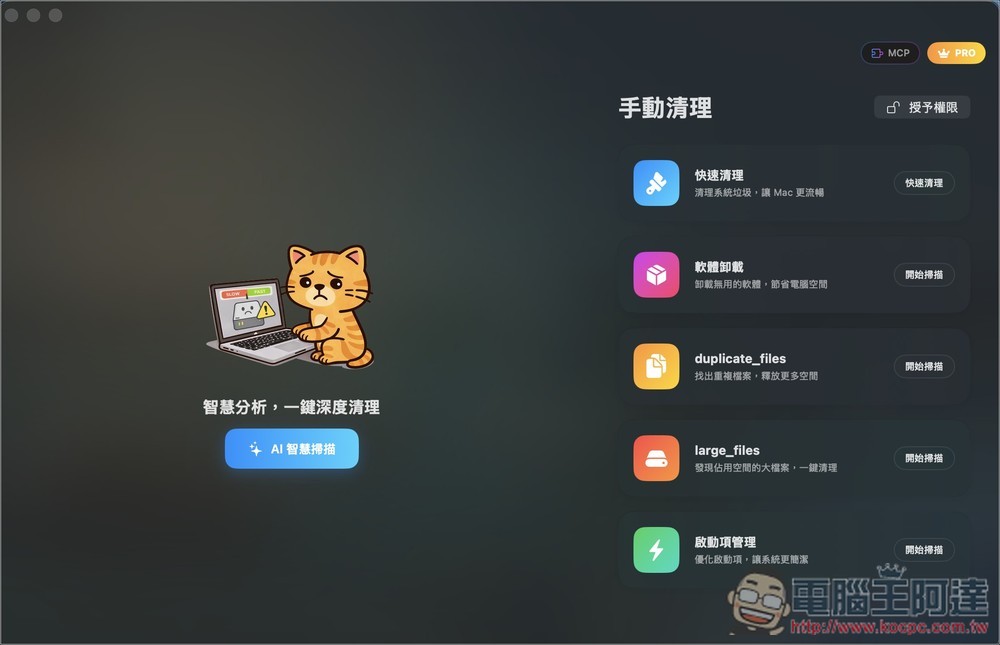
The top right corner of the main screen will also show PRO. Before getting started, you can “grant permissions” first. If you want AI to analyze and provide cleaning suggestions, tap “AI Smart Clean” on the left, while the right side has the manual cleaning option:
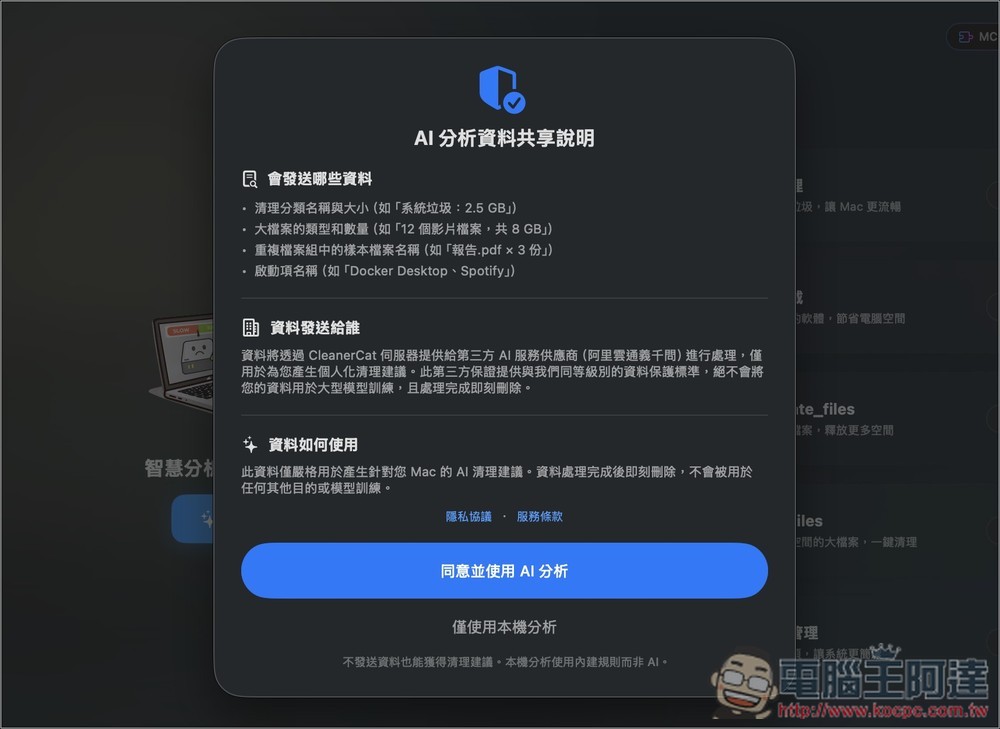
The AI uses Alibaba Cloud’s Tongyi Qianwen, and it also states above what data will be sent. If that’s okay, press “Agree and use AI analysis”. Local analysis isn’t AI:
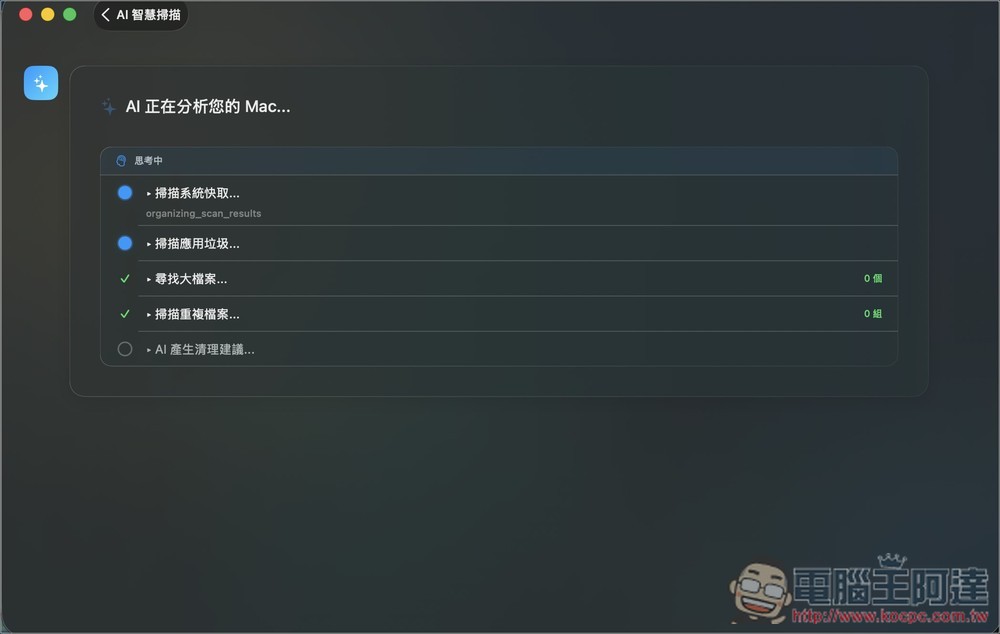
Wait for all steps to finish running.
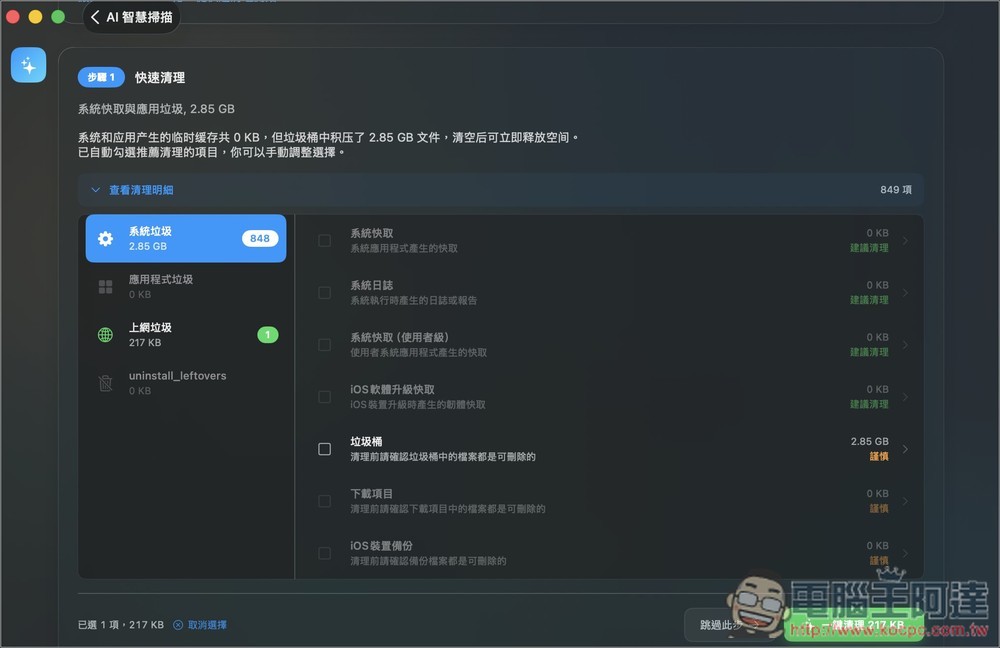
The AI will provide cleaning suggestions, detailing what should be cleaned at each step:
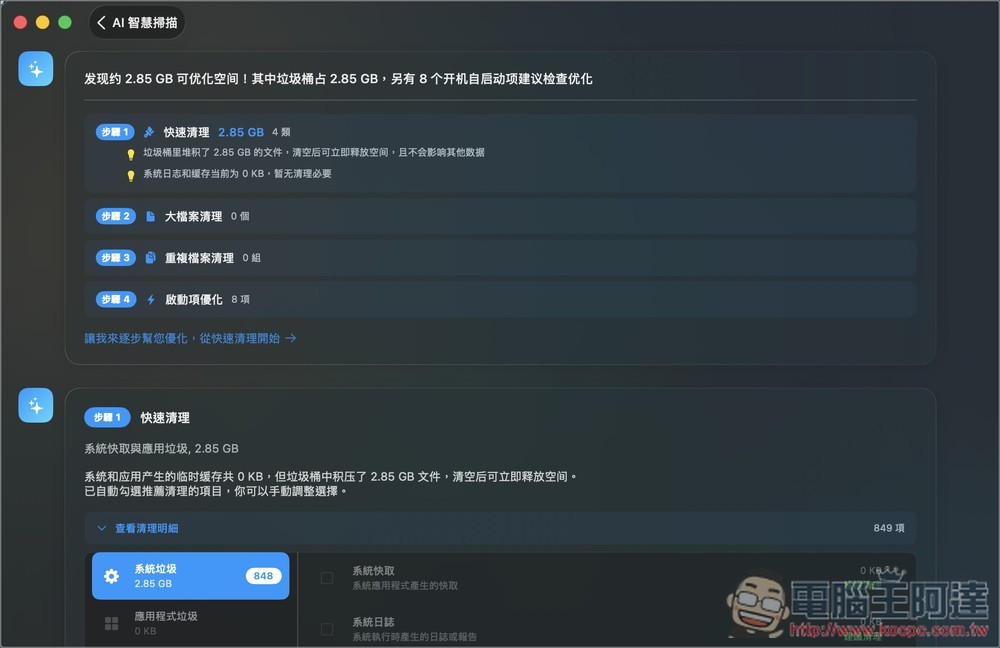
Scroll down to find the function to start cleaning:
Also provides the ability to remove applications:
The small icon in the Menu Bar at the top right corner is used to monitor system status. It displays the current usage of memory, CPU, network, and disk, along with a ranking of application performance usage:
Source: KOCPC Chinese