


It’s now 2026, and it’s hard to find a smartphone, tablet, or most computers that doesn’t come equipped with a USB-C port. This is a good thing, because we can use a single cable for everything and no longer have to carry around a tangled mess of wires. Some people might assume that almost all devices use USB-C, but once you dig deeper, you’ll find that things are far from that simple—there are several long-standing misconceptions about this important connectivity standard.
Stop Believing These 5 Myths About USB-C
Myths about USB-C are almost as common as the cables themselves, and when expectations don’t match reality, users can become frustrated. From misunderstandings about USB-C cable functionality to confusion among the various Type-C standards—and even the claim that USB-C cables can be plugged in either way—it’s time to set the record straight.
Myth: USB-C connectors are the same on both sides
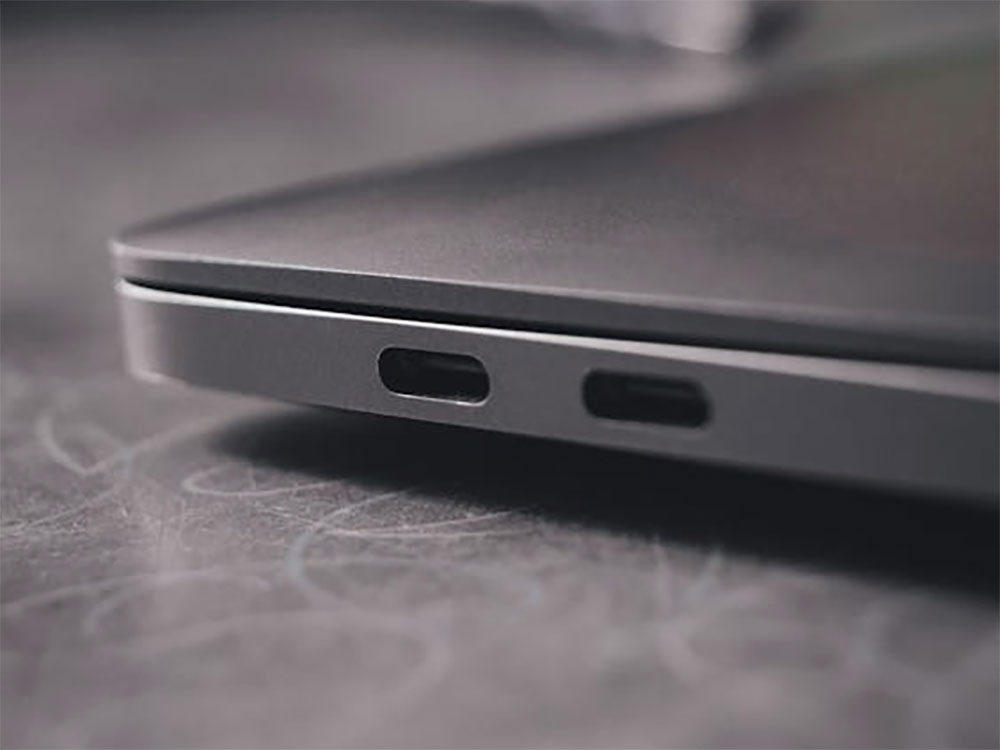
The best thing about USB-C plugs is that they’re symmetrical, so you don’t have to worry about which way to plug them in—at least, that’s what many people think. In reality, it’s a bit more complicated. Although every Type-C port does indeed have two rows of 12 pins inside, arranged in opposite sequences to connect to the corresponding pins on the plug, the way they connect isn’t the same in every orientation. When using USB 2.0, the orientation of the plug has absolutely no effect on functionality—it works the same whether inserted the right way up or upside down. However, when you switch to USB 3.x or output video via DisplayPort Alt Mode, the situation becomes less straightforward.
The host controller routes different functions to the corresponding pins based on the orientation of the plug it detects. In other words, USB-C’s “reversibility” is only truly effective in USB 3.0 and later modes, because the device automatically switches the pin configuration based on the direction in which you insert the plug. The average user typically won’t notice these differences unless they’re using a Type-C-to-Type-A cable. These cables must retain directional pins to maintain compatibility with older standards, so if there’s an issue with the cable itself (such as internal damage while the exterior appears normal), strange behavior may occur: the same cable might transfer data very quickly when inserted the correct way, but much more slowly when inserted the wrong way.
So, if you find that your USB-C transfer speeds are slower than the rated specifications, try plugging the connector in the opposite direction—that might restore normal speeds.
Myth: All USB-C cables have the same functionality
There’s a common misconception about USB-C: that every cable has the same functionality. While this misconception isn’t as widespread as it used to be, some people still firmly believed it before USB-C became mainstream. It’s hard to pinpoint the origin of this claim, but it seems to stem from a misunderstanding of the fact that USB-C supports charging, data transfer, and video output—leading some people to mistakenly believe that every USB-C cable can do all of these things. However, not all USB-C cables are the same.
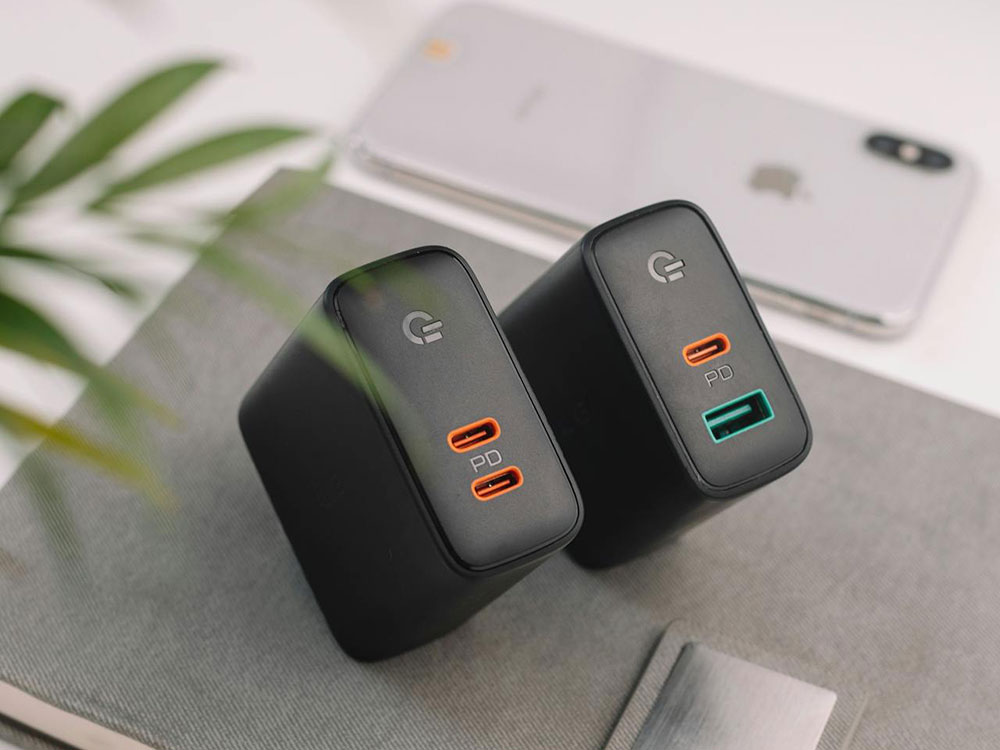
Although USB-C cables capable of data transfer definitely have basic charging capabilities, conversely, not all charging cables can transfer data. There is a type of USB-C cable on the market known as a “charging-only cable”; these can only recharge your phone but cannot be used to transfer files. These cables aren’t as useless as you might think. Since public USB charging ports may pose a risk of malware, using a charging-only cable is actually safer if you frequently charge your device in places like airports or coffee shops, as it helps prevent data theft. However, it’s important to note that a charging-only cable doesn’t necessarily mean faster charging. It’s best to check its Power Delivery (PD) specifications before use to ensure it meets your needs.
As for video output, not every USB-C cable supports it. Although the USB-C standard supports DisplayPort and HDMI Alternate Mode, you can’t simply plug your device into a monitor and expect the image to display properly. Before use, be sure to verify that the cable itself supports USB-C Alt Mode video output to ensure it can be used with an external display.
Myth: Thunderbolt and USB-C are the same thing
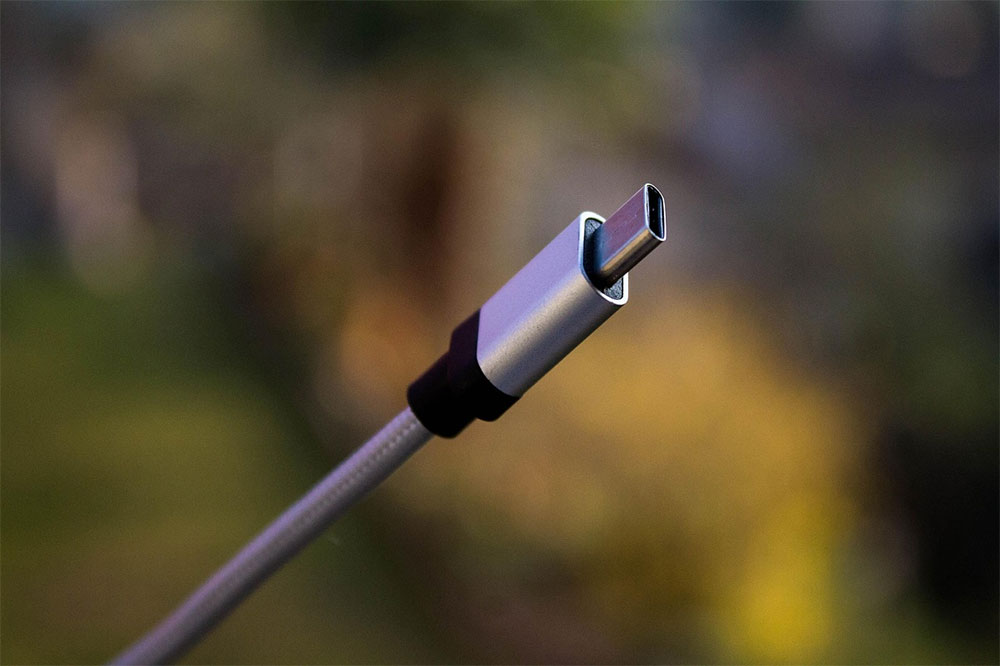
Thunderbolt is a high-speed connectivity technology that has evolved alongside USB-C for many years, and in 2015, it officially adopted USB-C as its sole interface. Because the two connectors look identical, many people mistakenly believe that Thunderbolt is USB-C, or a version of USB-C. In fact, however, Thunderbolt merely borrows the USB-C connector and some of its features; it remains, at its core, a proprietary technology developed by Intel and is not part of the USB-IF, the organization responsible for USB standards.
Thunderbolt was originally developed jointly by Intel and Apple, but Intel retains the majority of the rights. (Another common misconception is that Thunderbolt belongs to Apple, which likely stems from the fact that it first appeared on the MacBook Pro.) For this reason, you won’t find native Thunderbolt ports on laptops or desktops powered by AMD platforms. Much of this confusion stems from the fact that Thunderbolt 3 switched to using USB-C connectors, and USB4 is built on the Thunderbolt 3 protocol, making the two appear to be part of the same family.
As standards continue to converge, the relationship between Thunderbolt and USB is becoming increasingly close. All Thunderbolt 3 and later cables use USB-C connectors and can be used as standard USB-C cables in everyday situations; however, when connected to a Thunderbolt port, they unlock higher speeds and additional features. Thunderbolt 4 and Thunderbolt 5 ports are typically compatible with USB4 and can be used with any USB-C cable. In the future, the lines between these standards may become increasingly blurred, but for now, they coexist in a way that makes them “look the same but are actually different.”
Myth: USB-C means faster cables or ports
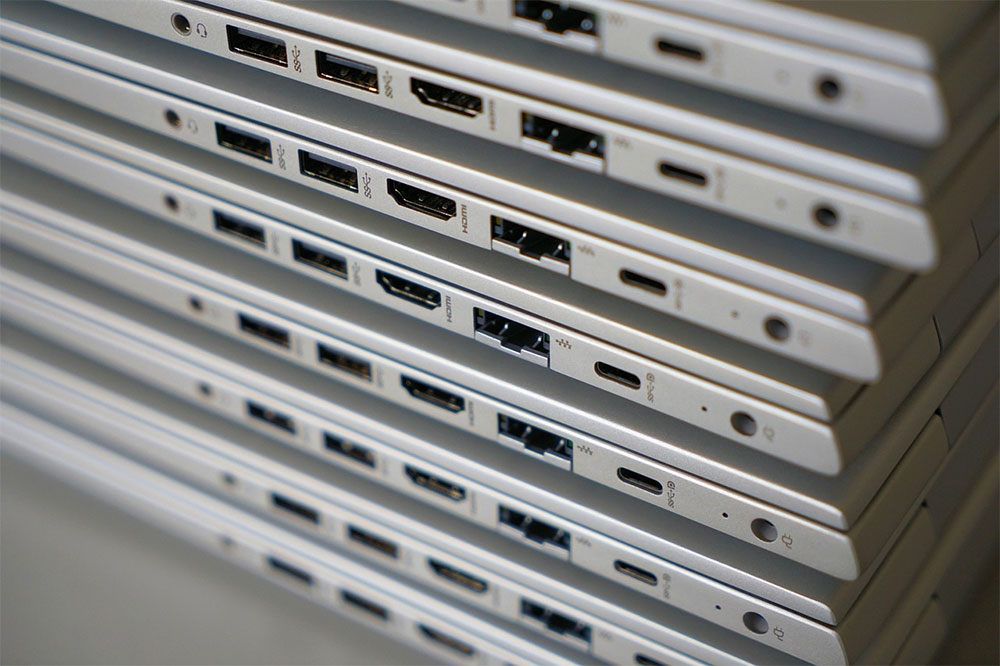
Since USB Type-C is the latest standard for USB plugs and sockets, it is sometimes mistakenly believed to be a faster standard. However, even though USB-C cables were introduced during the USB 3.x SuperSpeed generation, this does not mean that all USB-C connectors or cables support high-speed data transfer rates.
The fastest USB standards, including USB4 and USB4 2.0, only support the USB-C interface. Therefore, if you see a USB Type-A connector, you can be certain it does not support these high-speed specifications—but the reverse is not necessarily true. USB-C refers only to the shape of the connector; it does not indicate the speed rating. It may even support only the earliest USB 2.0 standard, with a maximum speed of just 480 Mbps, so simply seeing a Type-C connector does not guarantee high-speed data transfer.
When purchasing a USB-C cable, the most important thing is to check the listed data transfer speed. If the speed isn’t listed, look for the USB version:
- USB 2.0: Up to 480 Mbps
- USB 3.0: Up to 5 Gbps
- USB 3.1: Up to 10 Gbps
- USB 3.2: Up to 20 Gbps
- USB4 (1.0): Up to 40 Gbps
- USB4 (2.0): Up to 80 Gbps
However, due to past confusion surrounding the SuperSpeed naming convention, many cables labeled “USB 3.2” actually only support 5 Gbps. If you need higher speeds, please note:
- 10 Gbps → USB 3.2 Gen 2×1
- 20 Gbps → USB 3.2 Gen 2×2
The USB-IF has also recently introduced a more intuitive labeling system that directly prints the speed on the connector housing and packaging. For example, a USB4 1.0 cable will be labeled “USB 40 Gbps” and will also be compatible with USB4 2.0’s 80 Gbps connection.
Myth: Apple invented USB-C, or Apple hates USB-C
When it comes to Apple’s relationship with USB-C, two diametrically opposed myths have long circulated online, even though this connector has actually been around for over a decade. The first claim is that “Apple invented USB-C,” while the second is that “Apple hates USB-C but was forced to adopt it.” These two misconceptions stem from two key products: the 2015 MacBook Air and the 2023 iPhone 15.
The 2015 MacBook Air was one of the most controversial laptops in Apple’s history. Apple is indeed a member of the USB-IF and participated in the development of USB-C (although the extent of its specific contributions is unknown to the public, there are indications that it played a significant role), however, what truly cemented the deep association between USB-C and Apple was the fact that it became the first major manufacturer to fully commit to USB-C, launching a MacBook Air equipped with only a single USB-C port and a headphone jack. From that year onward, expansion hubs became a standard item in many people’s laptop bags, leading many users to equate USB-C with Apple from then on.
Next up is the 2023 iPhone 15, the first iPhone to switch to USB-C instead of Lightning. For years, users and the media have been calling on Apple to adopt USB-C for the iPhone, but what truly drove the change was intense regulatory pressure from the European Union. This is somewhat puzzling: Apple had long embraced USB-C in its Mac and iPad product lines, yet was reluctant to bring the iPhone up to speed.
In summary, Apple is neither the sole inventor of USB-C nor its archrival; the relationship between the two is more complex and pragmatic than what online myths suggest.
Source: KOCPC Chinese