


Speaking ofHuawei…It’s been a while since they’ve released any new tablet models in the Taiwanese market.…Actually, they haven’t slowed down at all. I’ve seen their products and flagship stores in places like Dubai and Europe, and I’ve also seen counters for their headphones and smart bracelets in Japan—they even brought in Takuya Kimura as their brand ambassador. And today, I’m going to unbox this *HUAWEI MatePad 11.5 2025》The Yunxi Eye-Care Tablet is Huawei’s latest tablet product, launched after a two-year hiatus as part of the company’s ongoing commitment to the Taiwan market—in addition to its headphones and smartwatches. With competition in the tablet market so fierce right now, this new model, which highlights “eye-care e-paper” and “learning features,”Tablet, featuring a screen that claims to eliminate 99% of ambient light interference, paired with third-generation M-Pencil What makes it so great? Let’s find out.
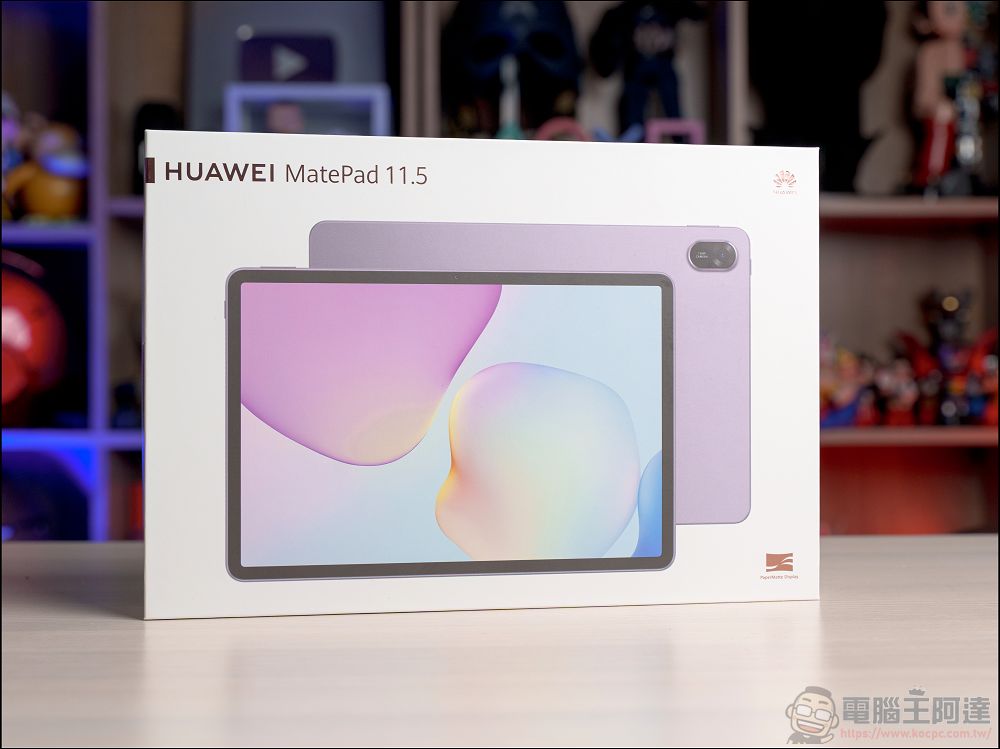
Unboxing the HUAWEI MatePad 11.5 2025 Eye-Care E-Paper Tablet
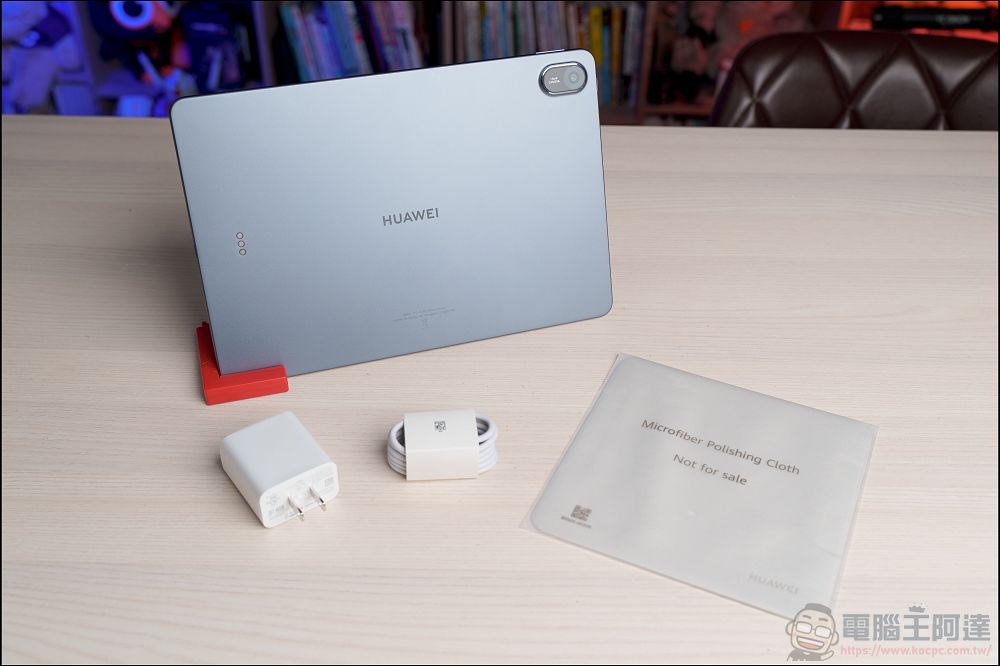
Upon opening the box, you’ll find our star product, the MatePad 11.5 2025, along with all the accessories, including the tablet itself, a 40W charger, a charging cable, a cleaning cloth, and other basic accessories:
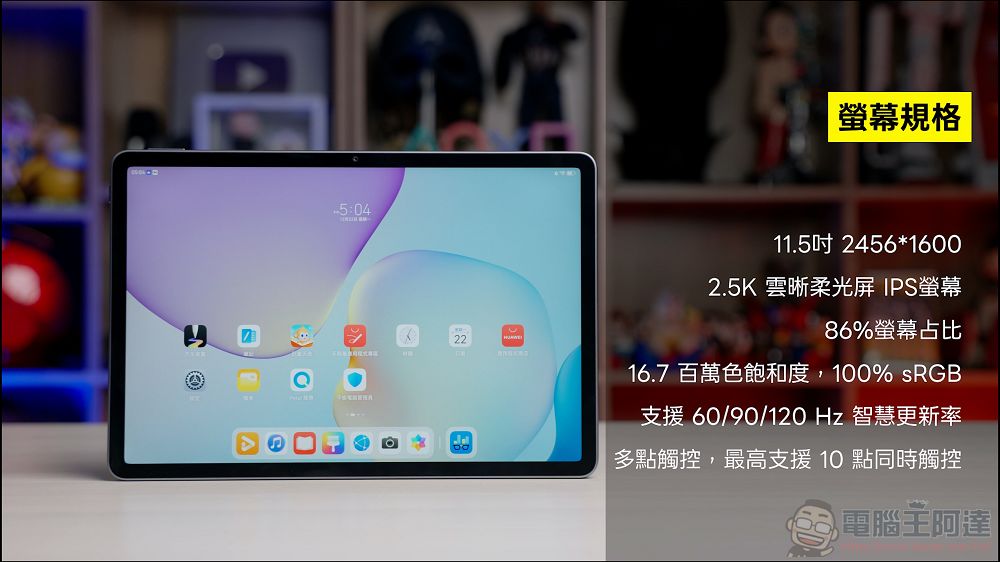
First, let’s take a quick look at the key specifications of the MatePad 11.5 2025. It features an 11.5-inch 2.5K IPS display with a resolution of 2456×1600 and “Cloud-Clear Soft-Light” technology:
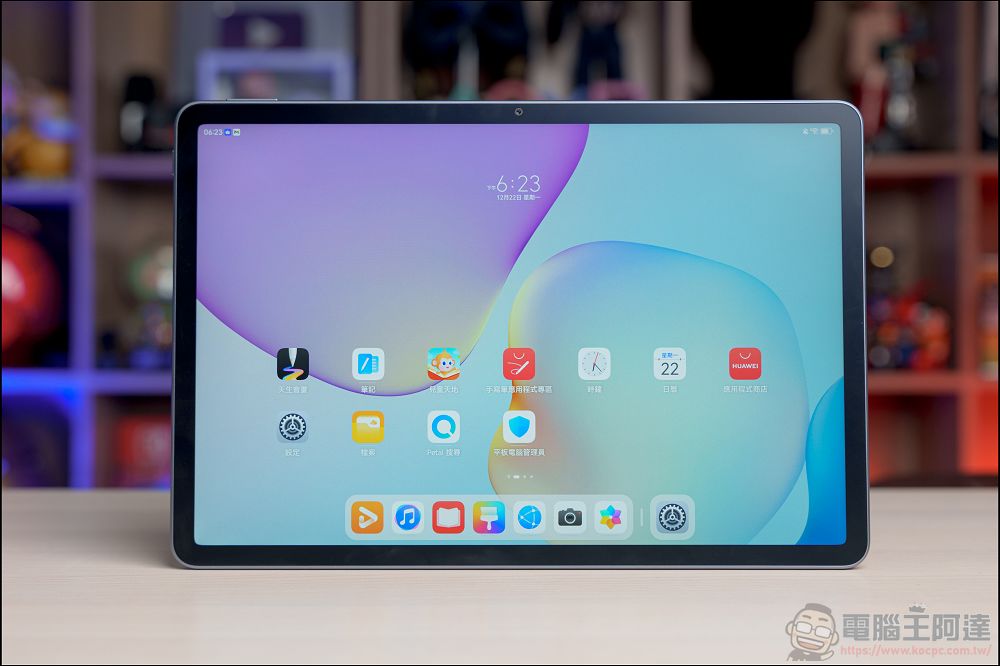
The display specs are quite impressive, with a screen-to-body ratio of up to 86%, 100% sRGB coverage, a refresh rate of up to 120 Hz, and support for 10-point touch:
The body is crafted from a single piece of metal, yet it’s remarkably lightweight and slim, weighing just 515 grams and measuring only 6.1 mm thick. It feels light, slim, and solid in the hand, and the craftsmanship is exquisite:
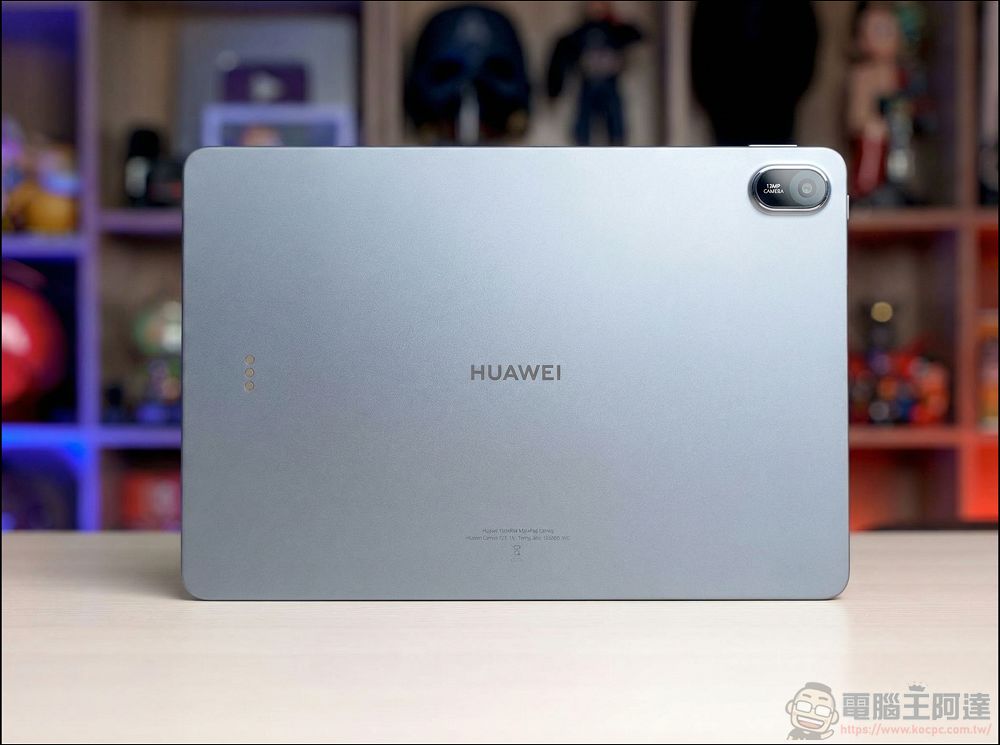
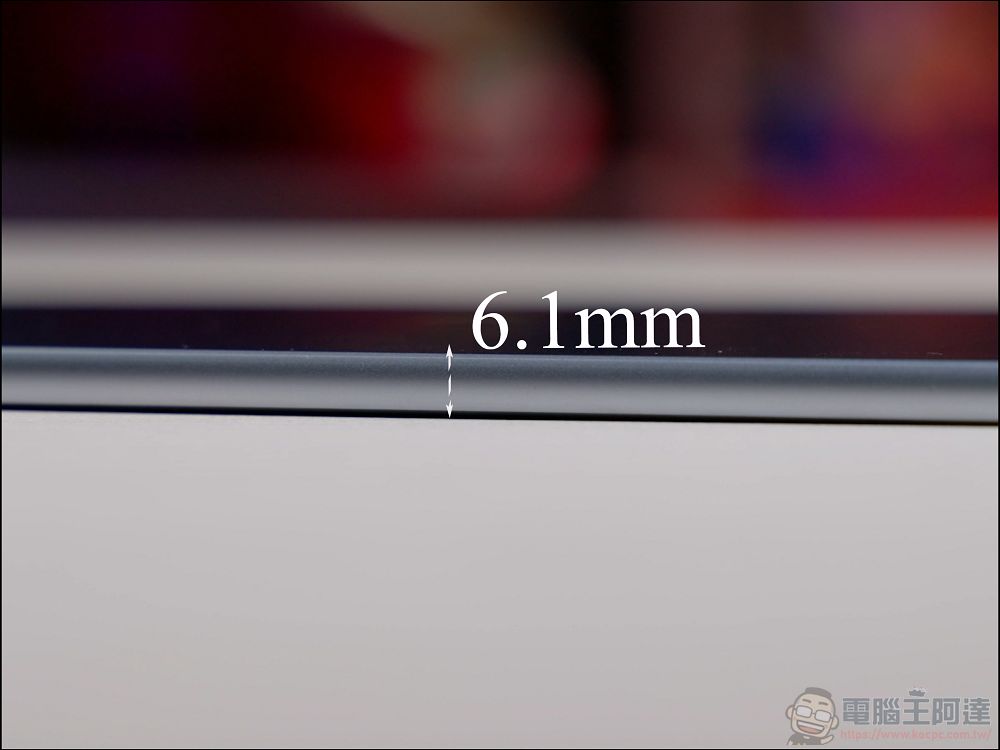
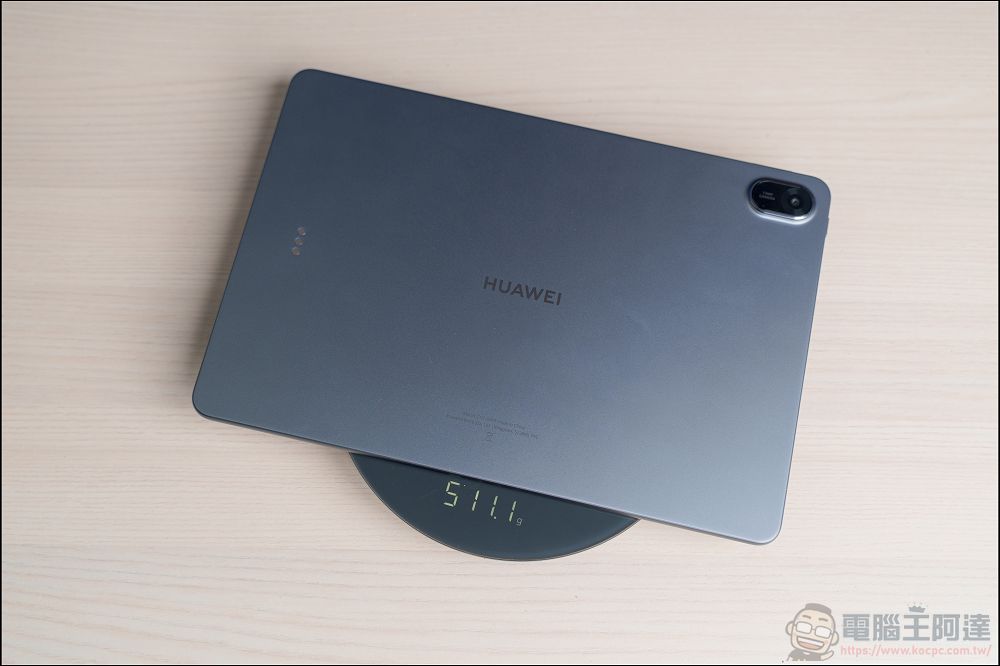
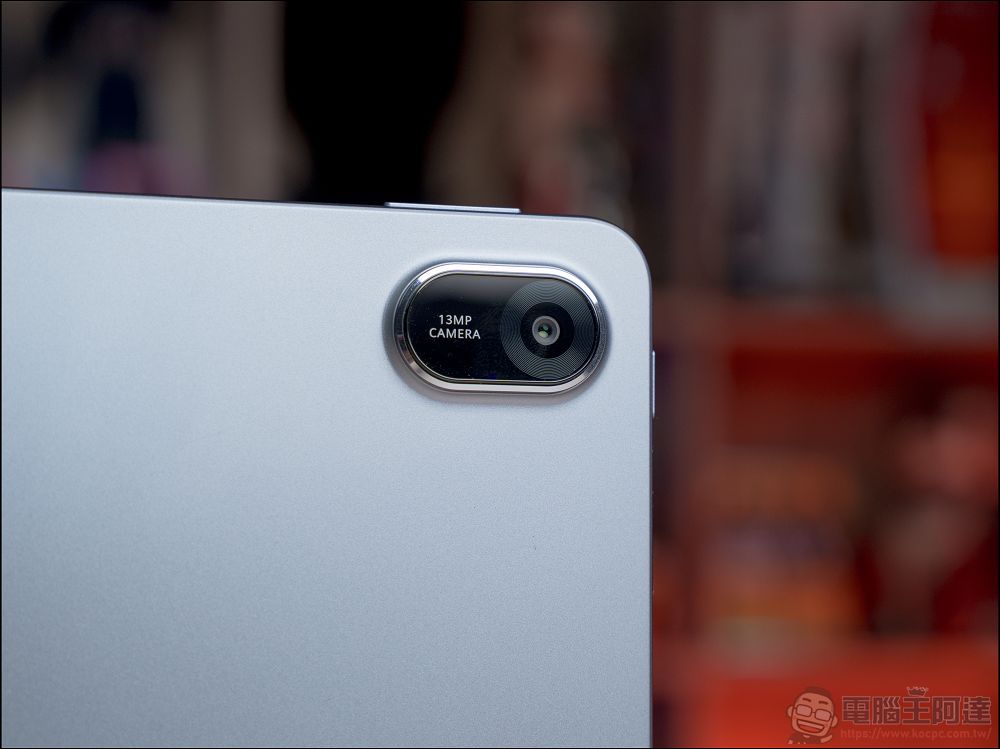
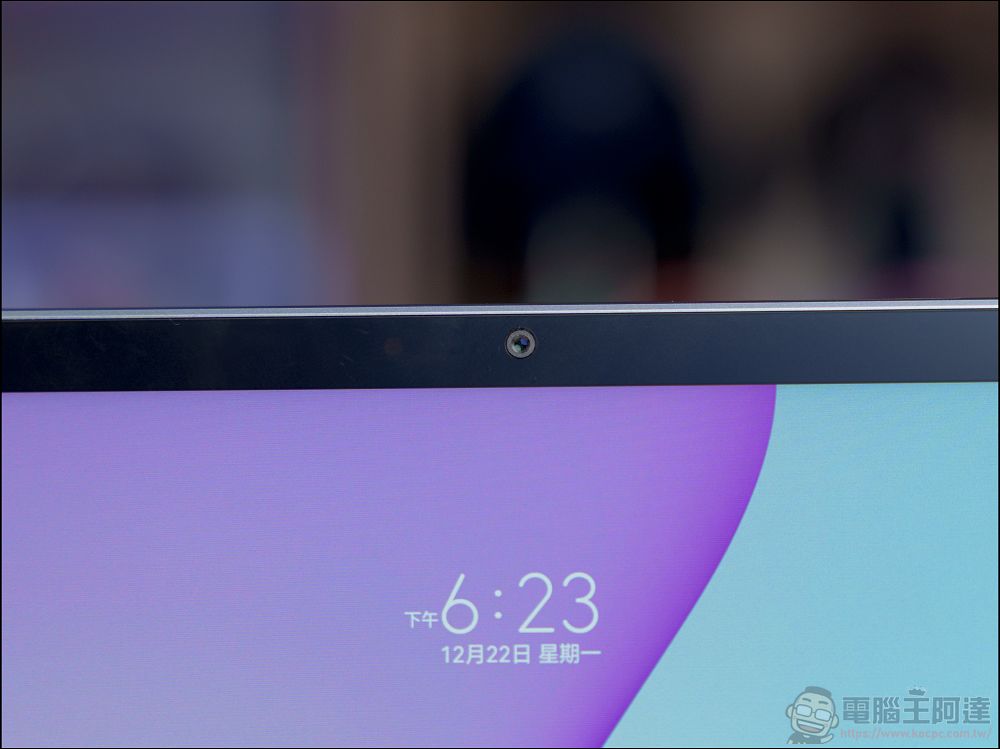
The back of the device features a 13-megapixel main camera, while the front is equipped with an 8-megapixel front-facing camera:
As for the battery, it features an ultra-high-capacity 10,100mAh battery. According to official specifications, it can play videos continuously for 14 hours. Combined with support for 40W fast charging, you can basically use it on and off without any issues—charging it just once every few days is no problem:
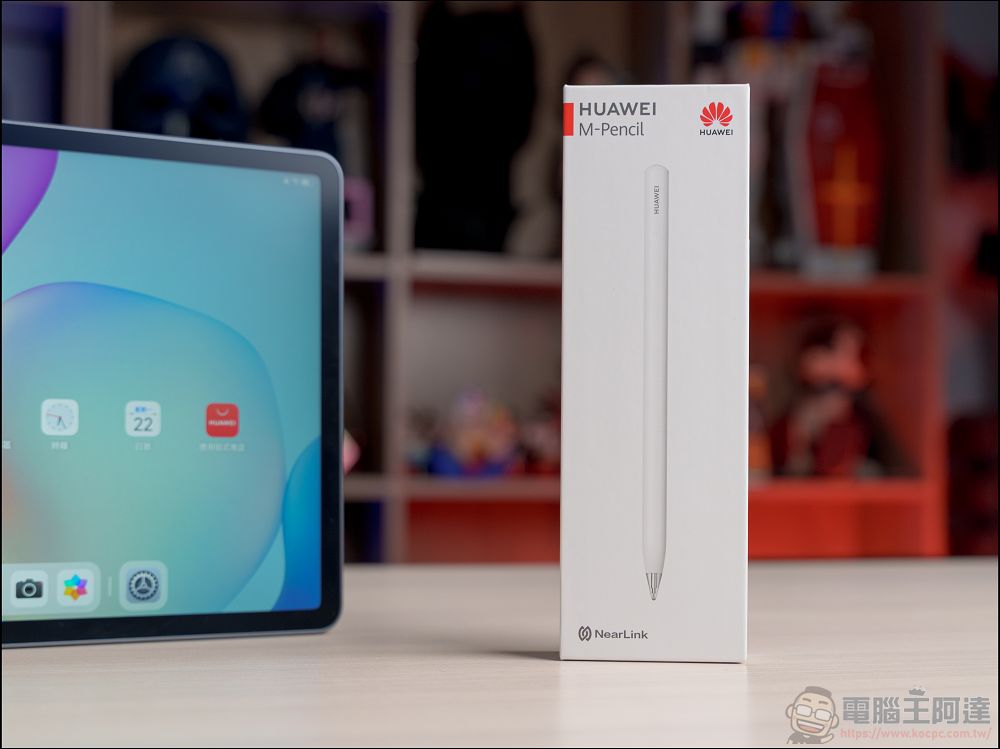
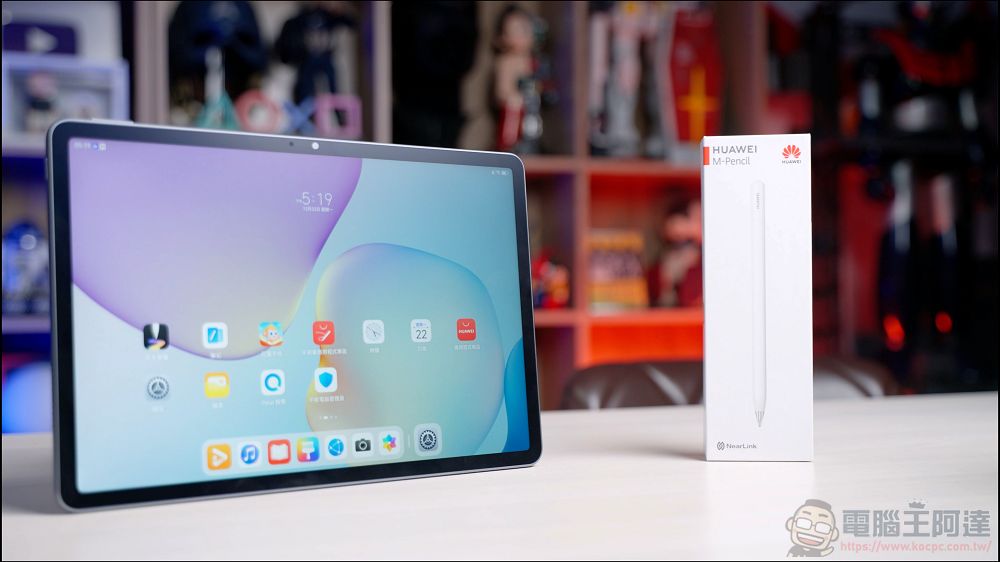
In addition to the tablet itself, Huawei is also launching its latest third-generation M-Pencil; we’ll spend a little more time testing its handwriting experience in a moment:
HUAWEI Online Store Promotions
Before February 28, 2026Visit the HUAWEI Online Store (Click here)), Register as a member and enter the promo code “matepadkoc500” to enjoy a NT$500 discount when you purchase the HUAWEI MatePad 11.5 2025.
Key Feature: PaperMatte Eye-Care Soft-Light Screen, which eliminates 99% of ambient light interference
Next, I’d like to talk about the biggest highlight of this tablet: its screen. People today spend far too much time staring at screens every day, which can easily lead to eye strain. Huawei’s 11.5-inch “PaperMatte Eye-Care Cloud-Clear Soft-Light Display” was designed specifically to address this issue:
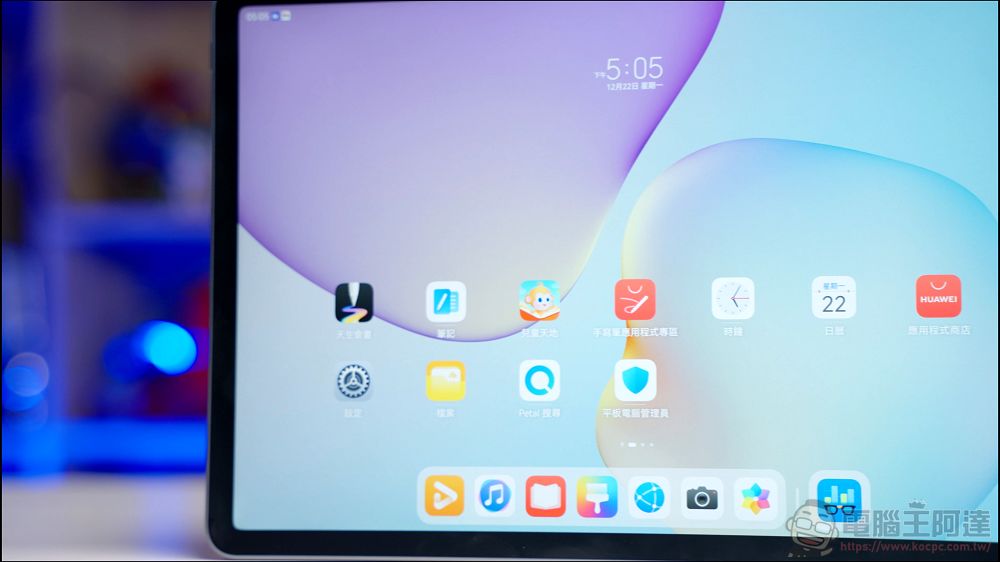
So what makes it so great? First, it uses a technology called “nanoscale anti-glare etching.” To put it simply, this creates an extremely fine texture on the screen’s surface, giving it a feel somewhat like paper. The biggest benefit is “anti-glare”—even when you hold the tablet under a light source, you’ll see almost no noticeable reflections:
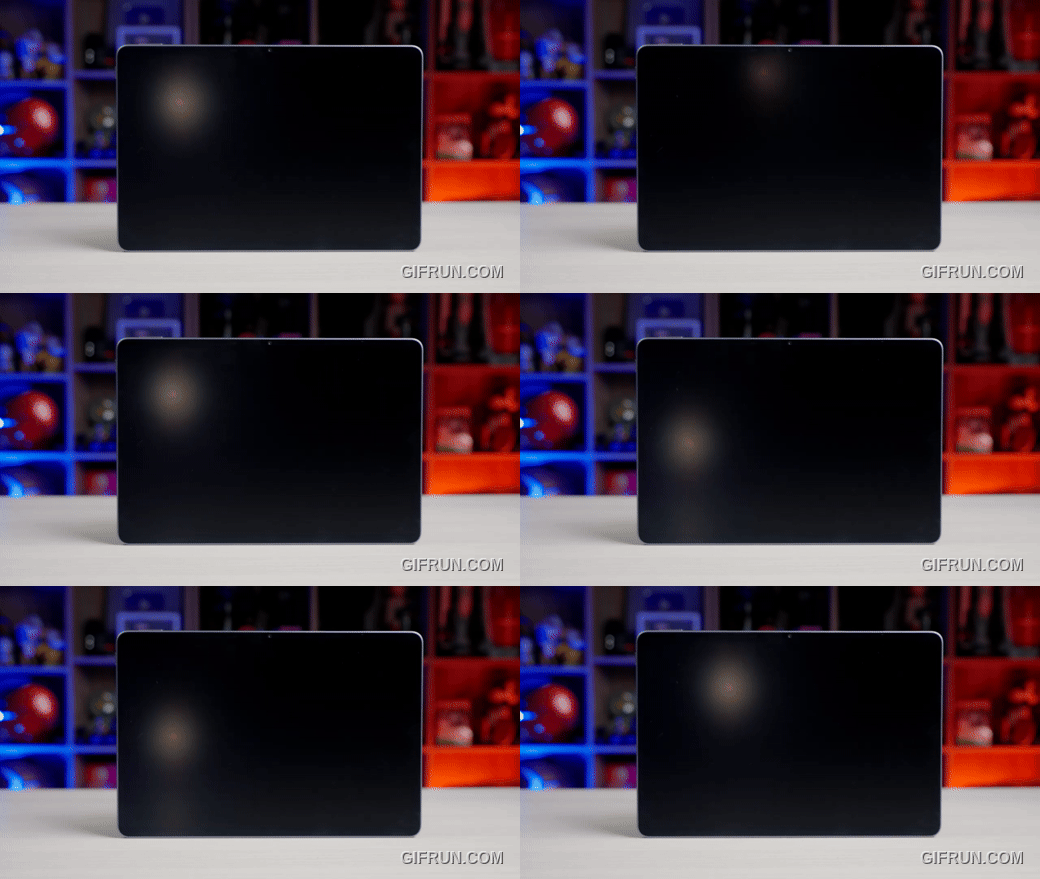
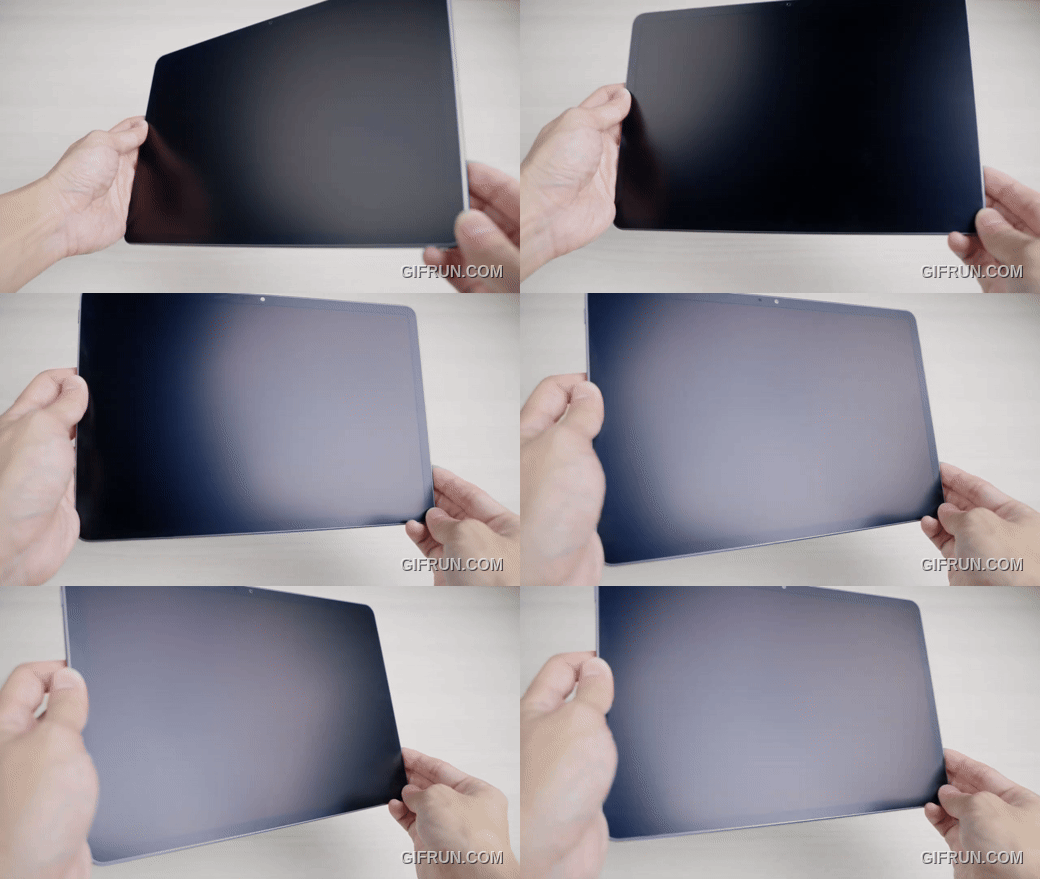
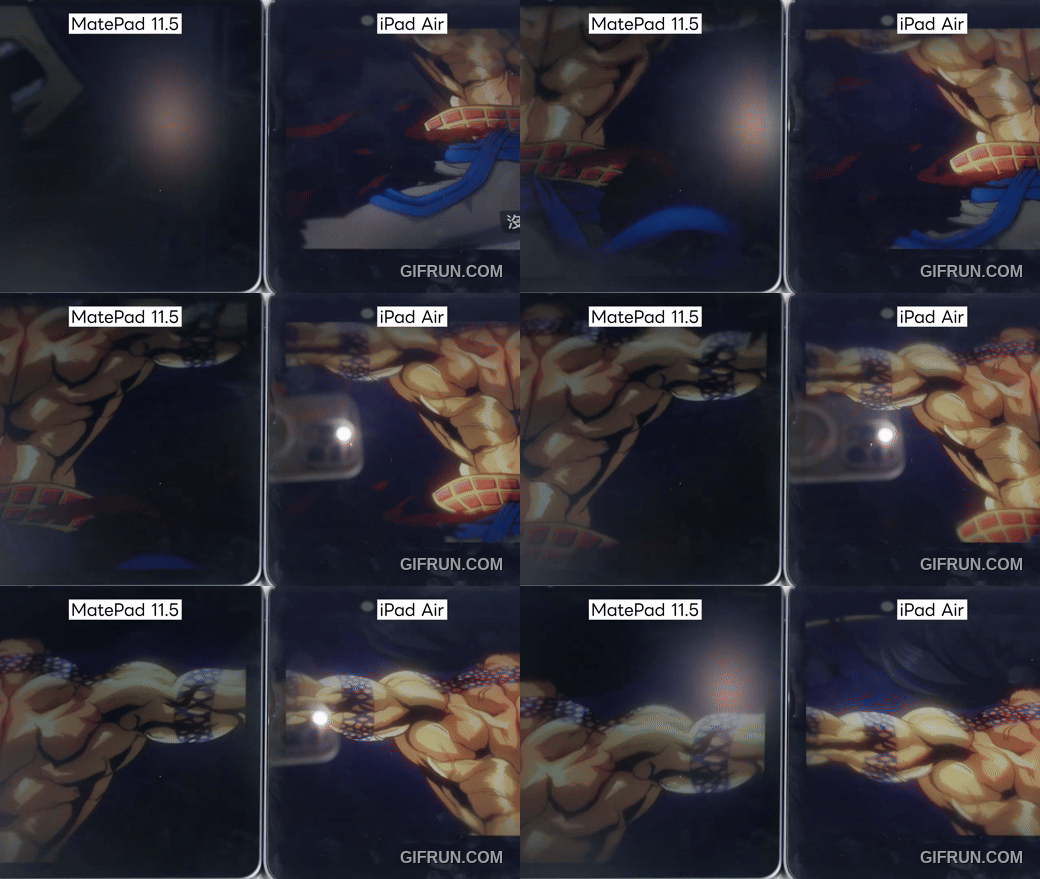
According to official data, it can eliminate 99% of light interference, which is very noticeable in brightly lit indoor or outdoor settings (the image below shows a comparison with the iPad Air 4). However, please note that because the screen surface already has a textured finish, if you purchase this product, be sure to “do not” apply a screen protector—otherwise, the effect will be significantly reduced:
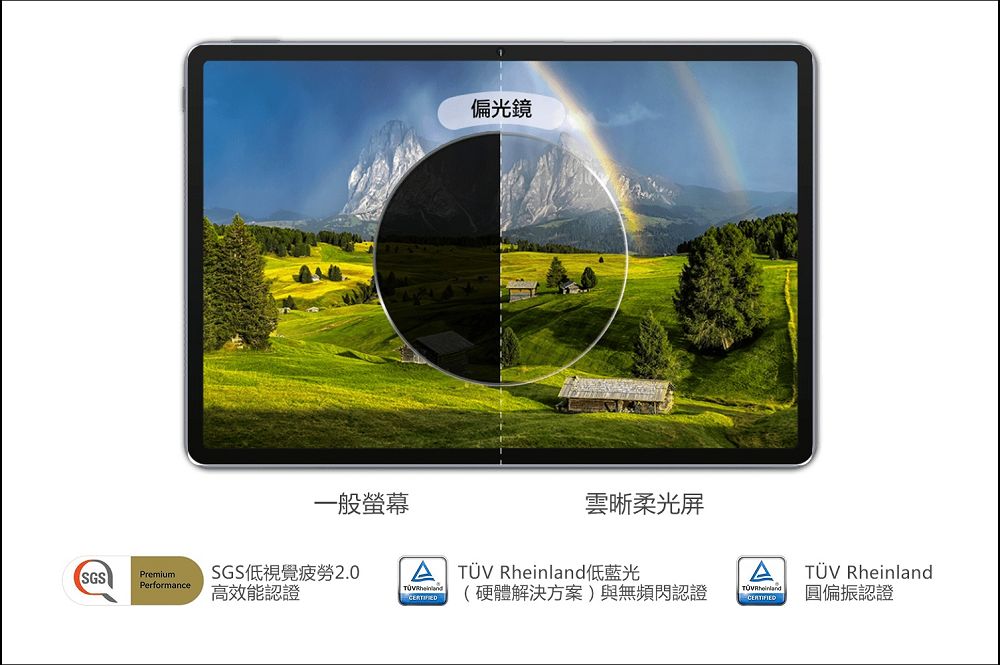
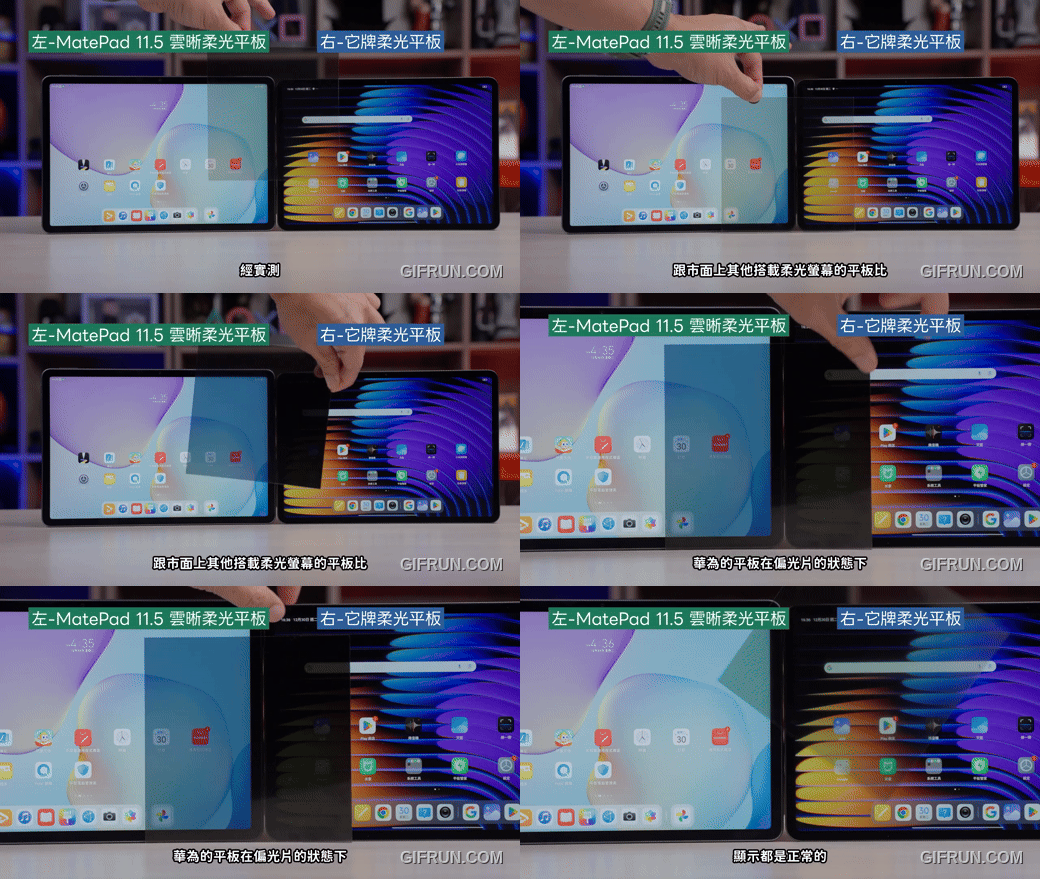
The second impressive technology is called “circularly polarized light.” Light from typical screens is direct and can be quite glaring, but this technology makes the light as soft as natural light. Plus, it features a 2.5K resolution and a 120Hz refresh rate, so it’s not just easy on the eyes—the overall smoothness and detail of the display are also at a flagship level:
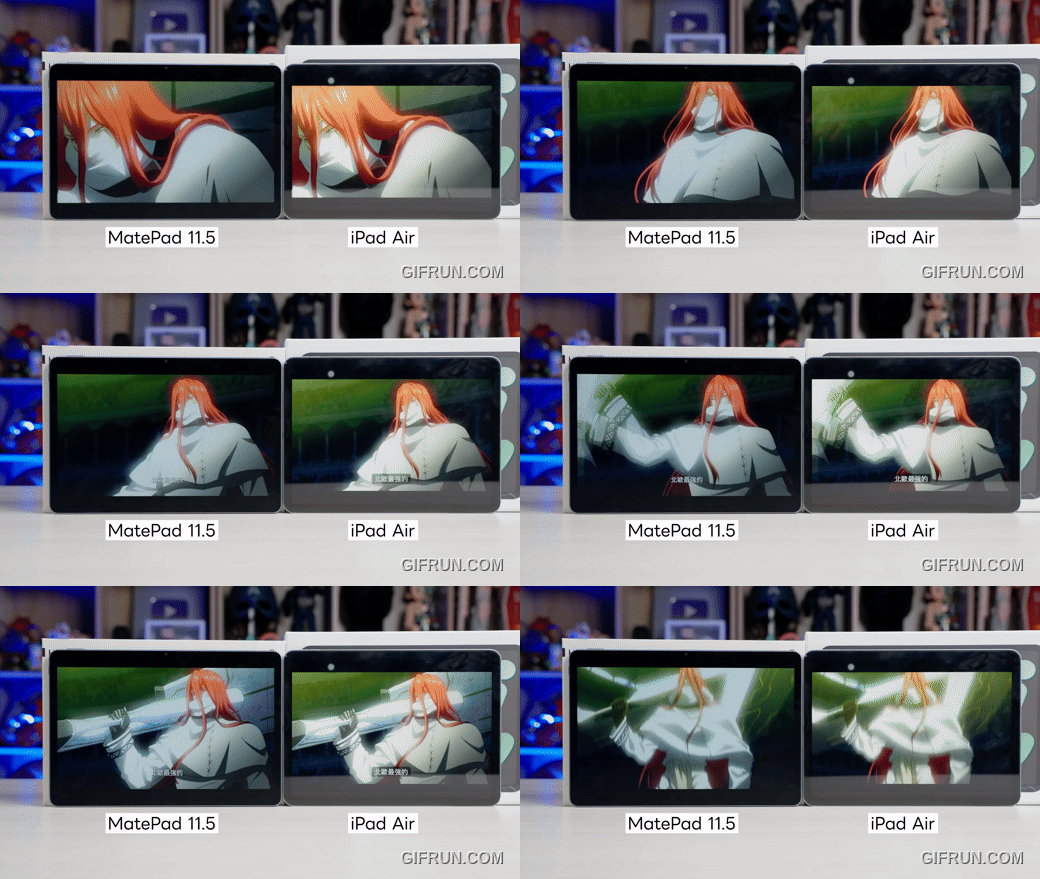
It also supports “Natural Light Eye Care Display,” DC dimming, and automatic brightness adjustment. Combined with new circular polarization technology, it converts screen light into soft, natural-looking light, providing a comfortable viewing experience while maintaining high visibility—even when wearing sunglasses, which has earned it SGS Low Visual Fatigue certification and multiple eye-care certifications from TÜV Rheinland:
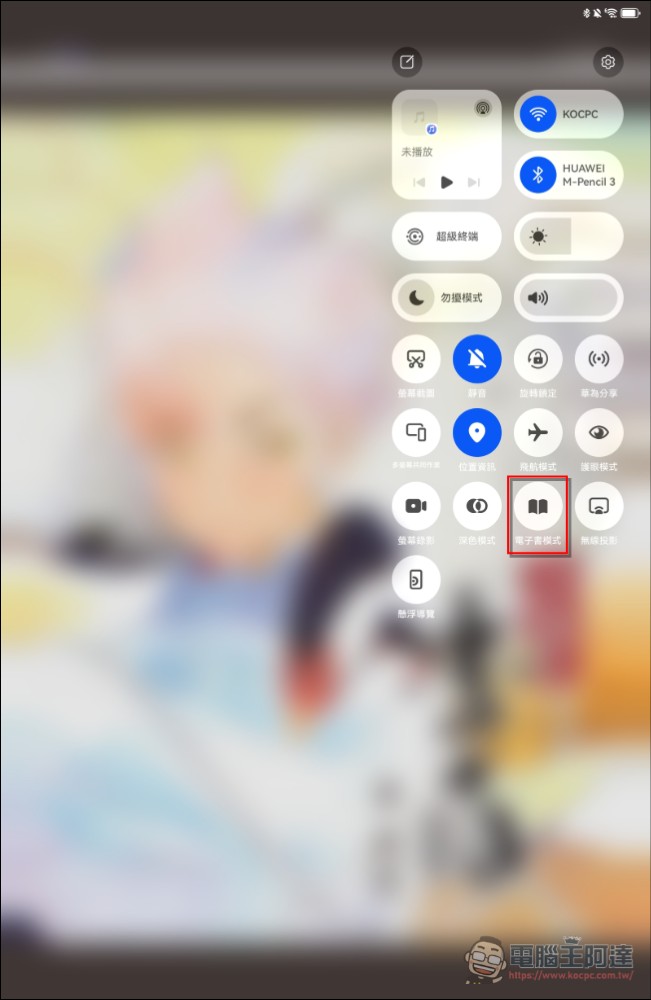
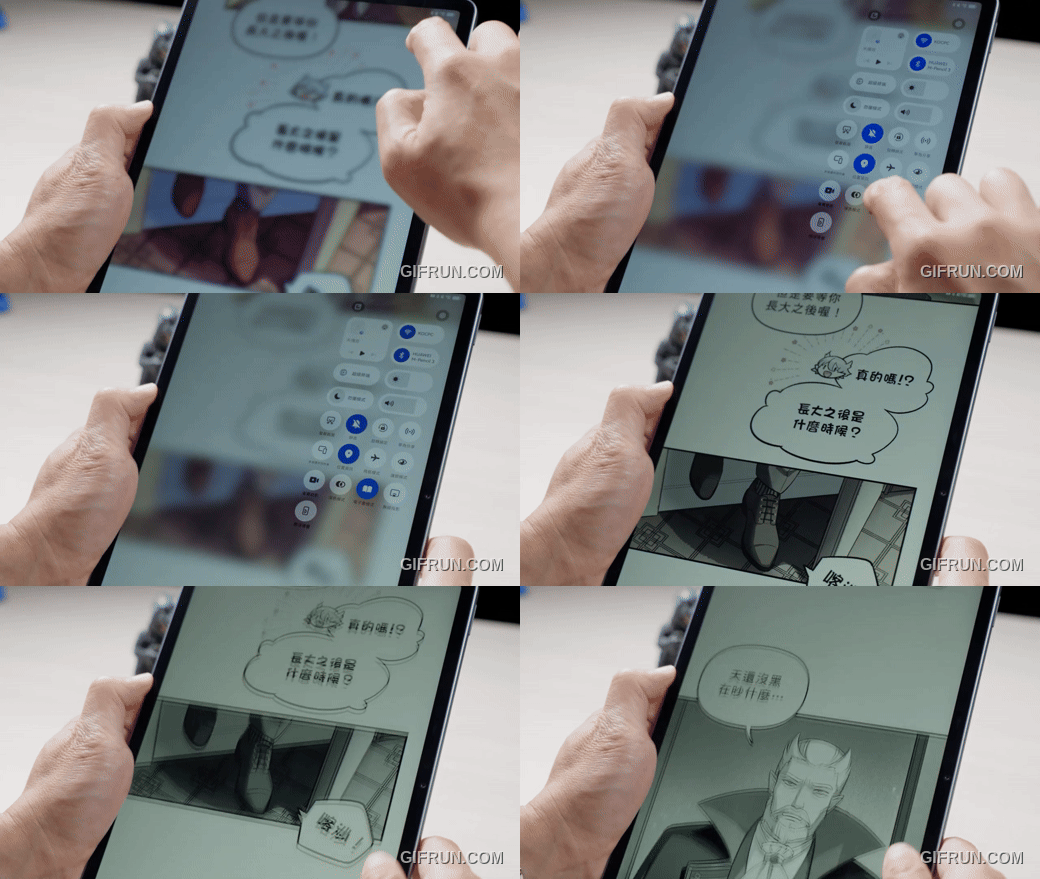
To be honest, it’s hard to put this feeling into words, but when you actually use it to read articles or e-books, the experience really feels just like reading a physical book. Plus, it has an e-book mode that changes the display to resemble an e-ink screen, which is much easier on the eyes. For students or office workers who need to read for long periods of time, this is a huge plus:
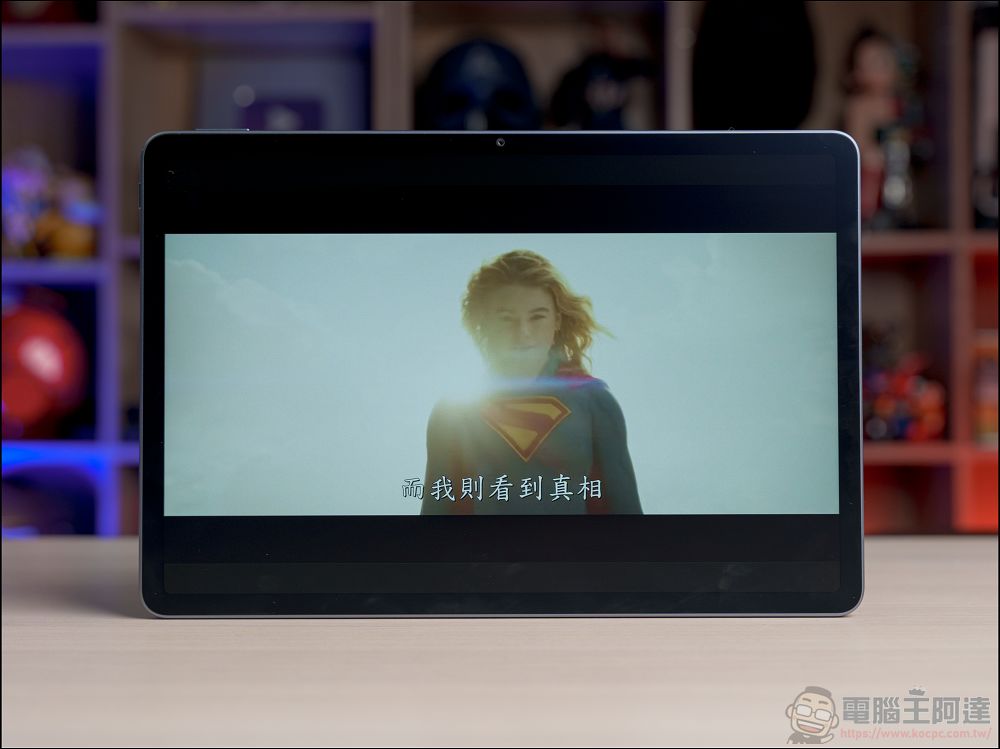
In addition to reading e-books, it also features four stereo speakers, making the MatePad 11.5 2025 a great choice for enjoying all kinds of streaming content. If you’re interested, check out the comparison below:
Key Highlights: M-Pencil and Smart Note features, with over 10,000 levels of pressure sensitivity for a writing experience just like on paper
Now that we’ve covered the display, let’s talk about the handwriting features. I believe that buying the MatePad 11.5 2025 and pairing it with this optional third-generation M-Pencil is the only way to truly get the most out of this “paper-like” display:
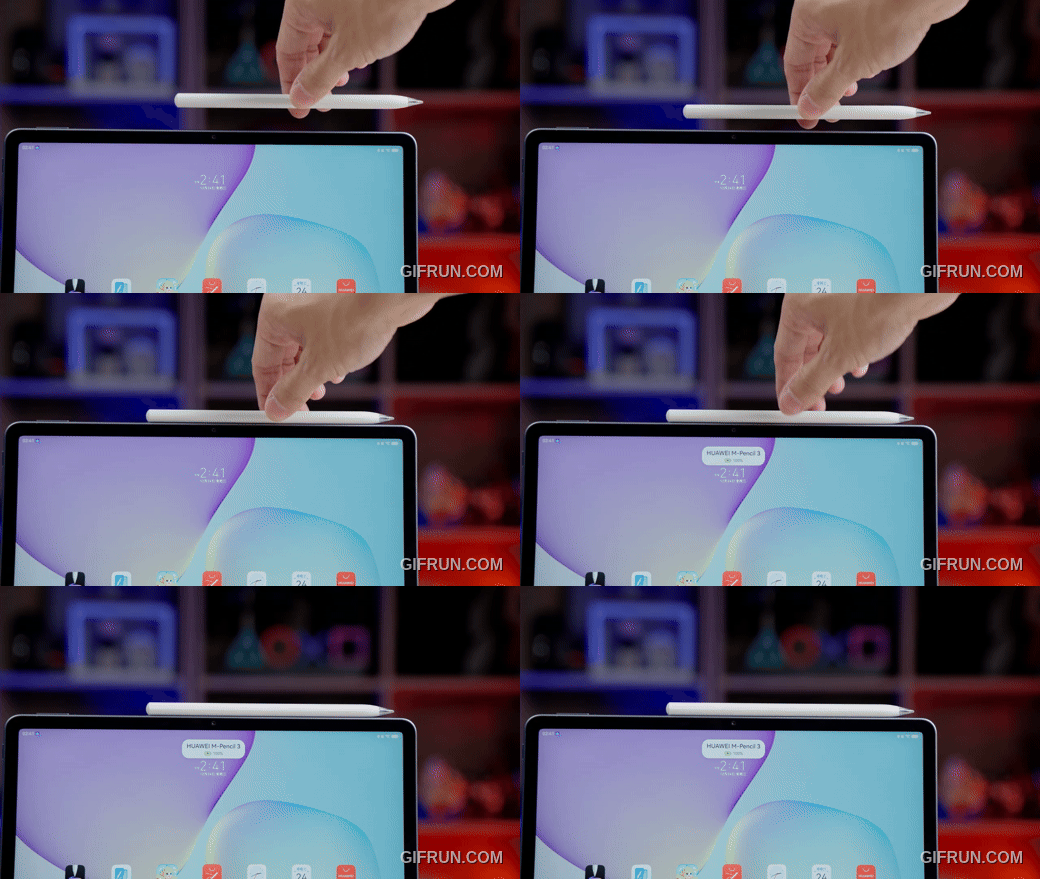
It can be magnetically attached to the side of your tablet and charged through the tablet—just like an iPad or other tablets—so you can start writing or drawing the moment inspiration strikes (you can even tap the screen while it’s in sleep mode to wake it up and start writing right away):
What’s more, the third-generation M-Pencil features over 10,000 levels of pressure sensitivity, making it extremely responsive. When you write on it, the “squeaking” sound and resistance you feel as the pen tip rubs against the screen—and the fact that the stroke width varies depending on the pressure you apply—really give you the illusion of writing on paper:
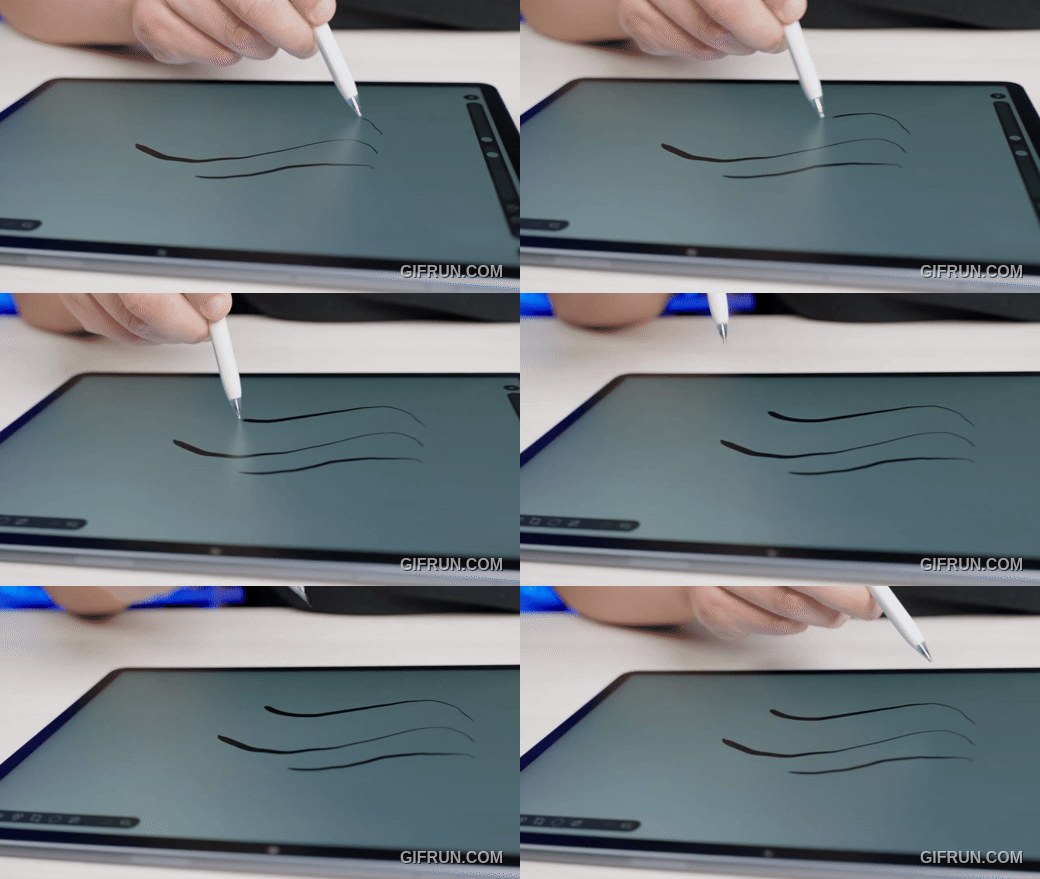
Let’s open the built-in “Huawei Notes” app to give it a try. As you can see, whether it’s quick handwriting or lines drawn with varying pressure, the latency is very low, and it feels very natural to use:
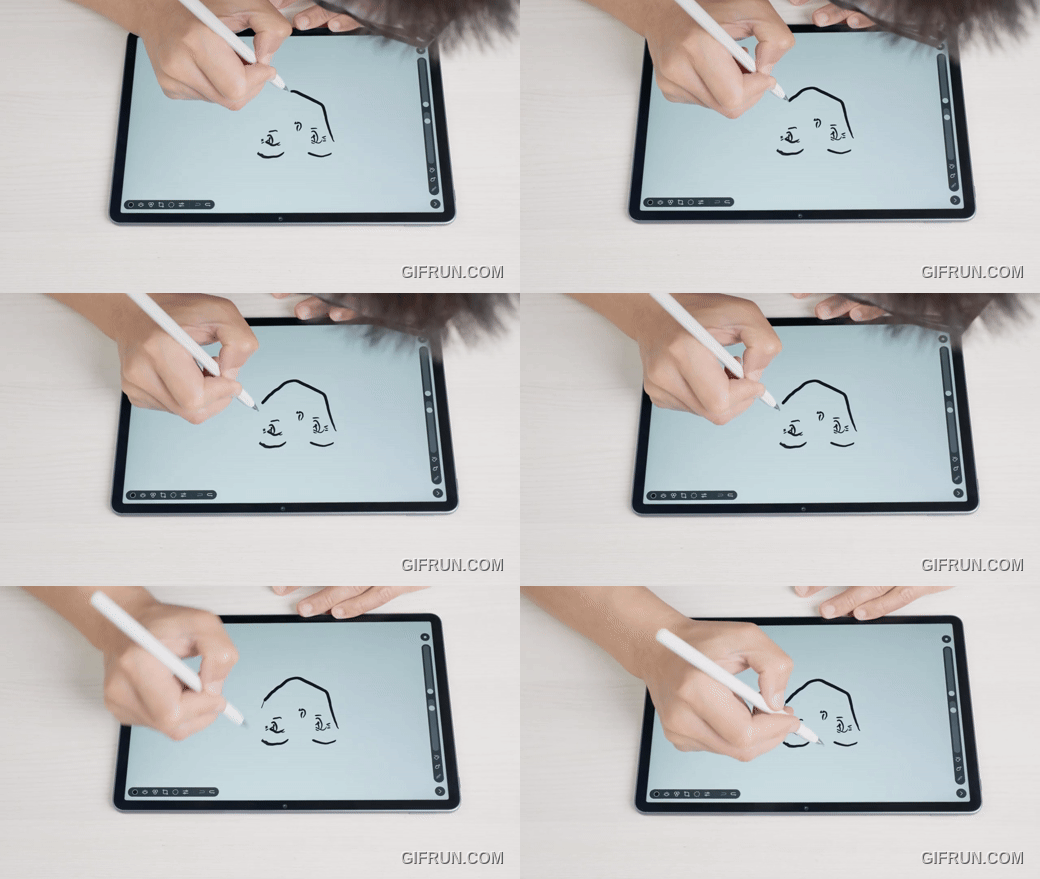
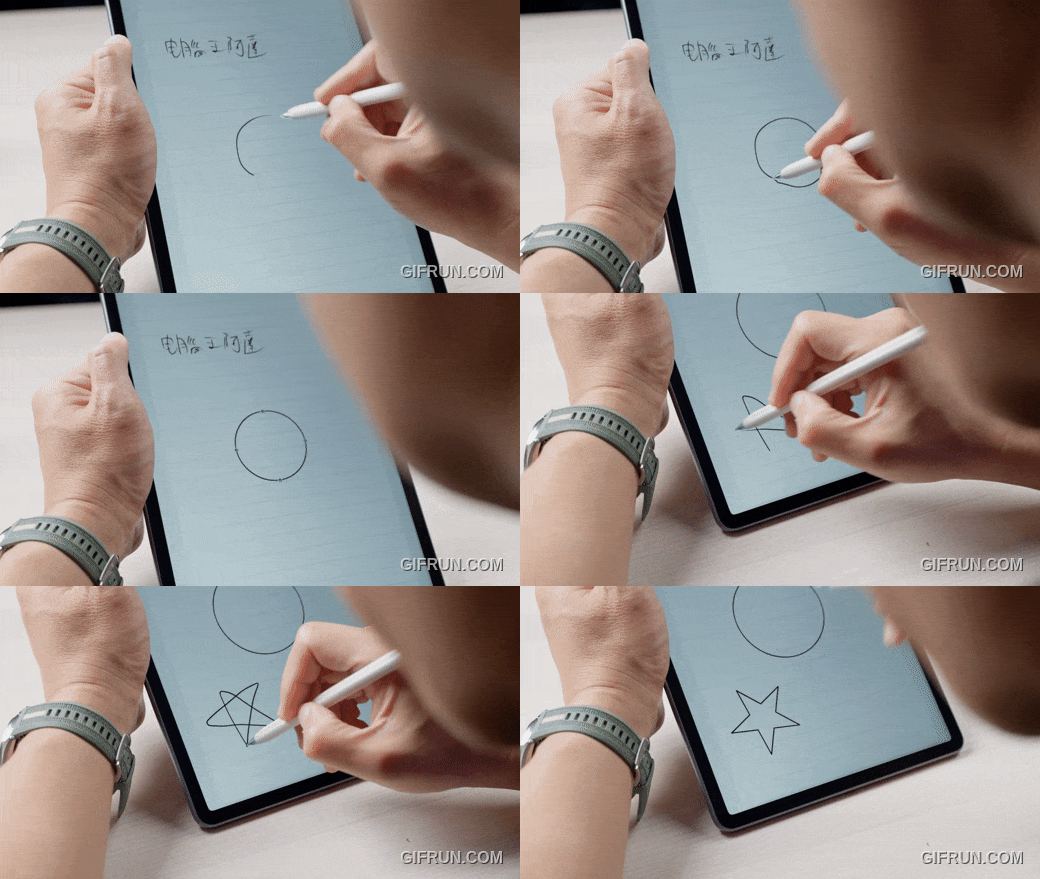
Plus, if you draw lines, circles, squares, or stars in your notes, as long as you pause briefly after drawing them, the system will automatically turn them into perfect shapes—which is super convenient for drawing diagrams or organizing your notes:
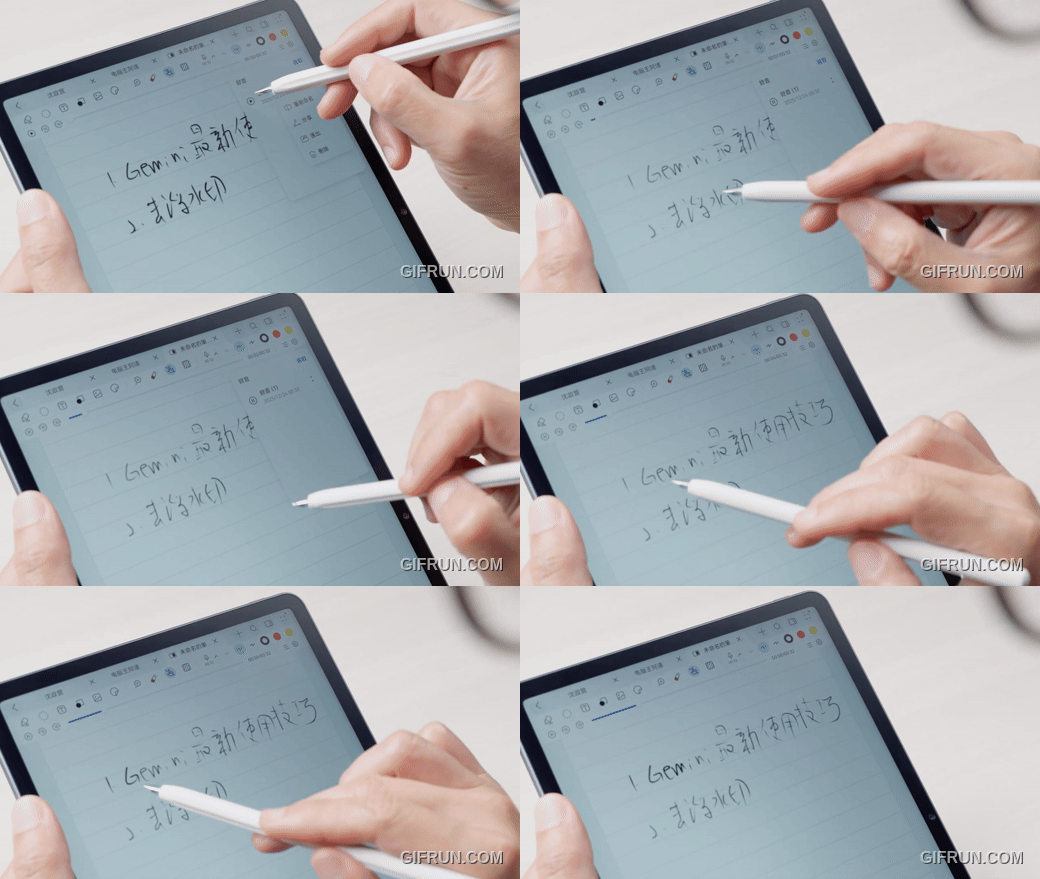
I think the coolest feature is “Note Replay,” which lets you play back the entire process of taking a note—including the audio recording from the meeting or class at that time—as if it were a video. This is incredibly useful for students reviewing problem-solving steps or for anyone looking to retrace the train of thought behind meeting notes:
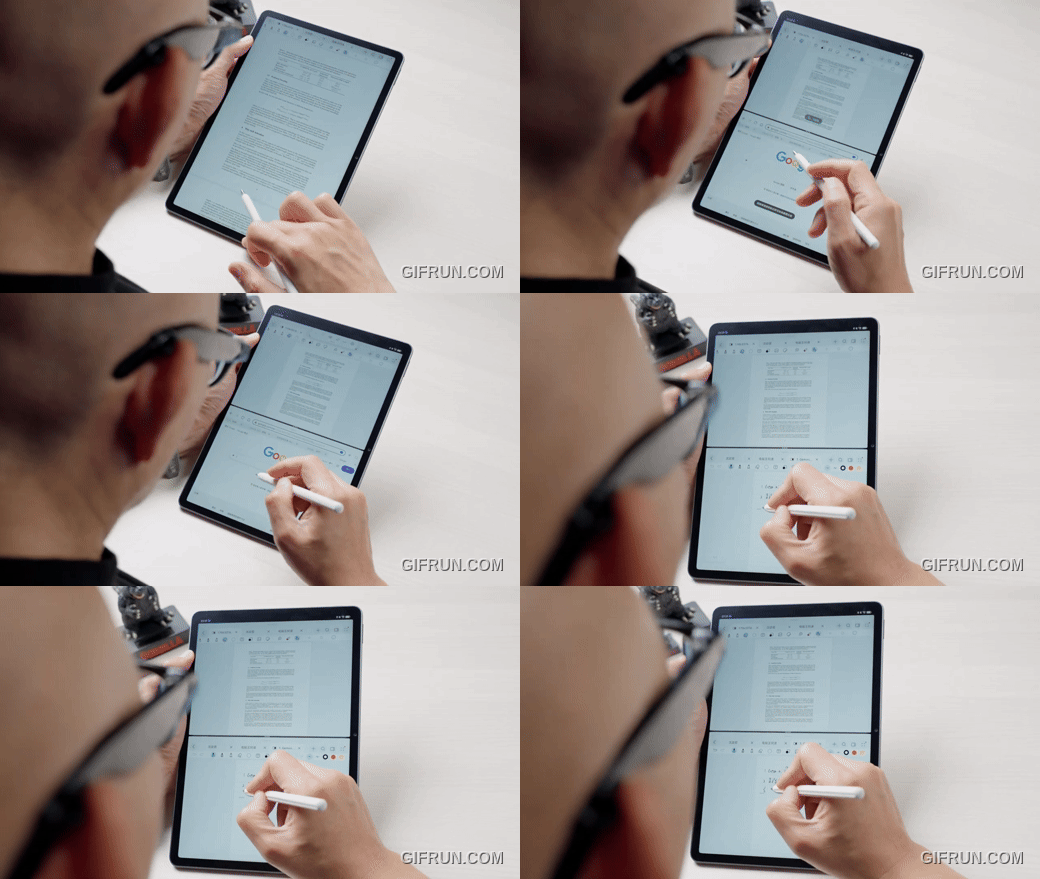
Of course, it also includes all the high-efficiency features you’d expect—such as double-tapping the pen body to switch to the eraser, splitting the screen with a single tap to look up information while taking notes, and the ability to view two different notes simultaneously. If you’re a student or someone who takes a lot of notes, I believe the learning experience offered by this bundle is one of the most powerful on the market today:
Software Ecosystem and Performance
When it comes to software, it’s a topic that can’t be avoided when discussing Huawei products. For reasons well known to everyone, Huawei tablets can’t directly install everyday Android apps from the Play Store. However, using them isn’t actually that difficult—there are now third-party app stores that allow you to install apps, and all features except for payment functions work normally. Furthermore, as long as a service is available via a web interface, it generally runs without issues in a browser.
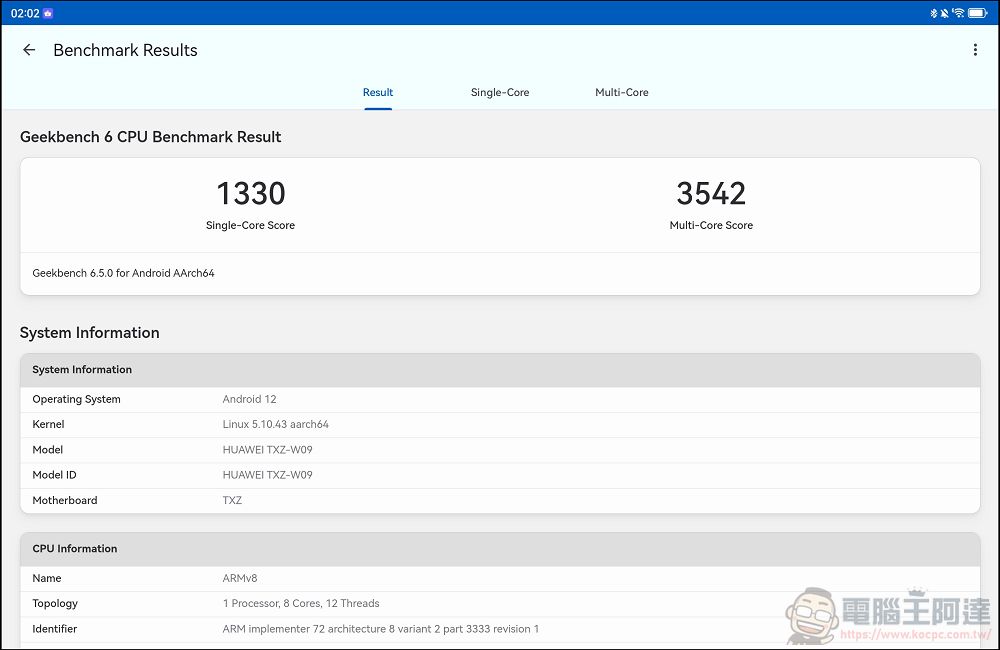
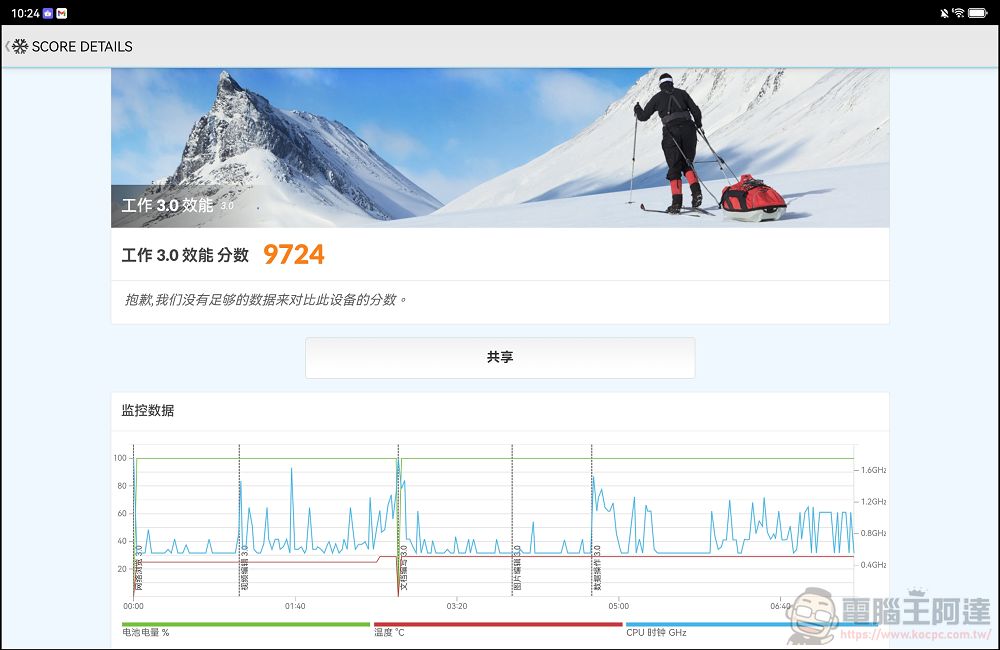
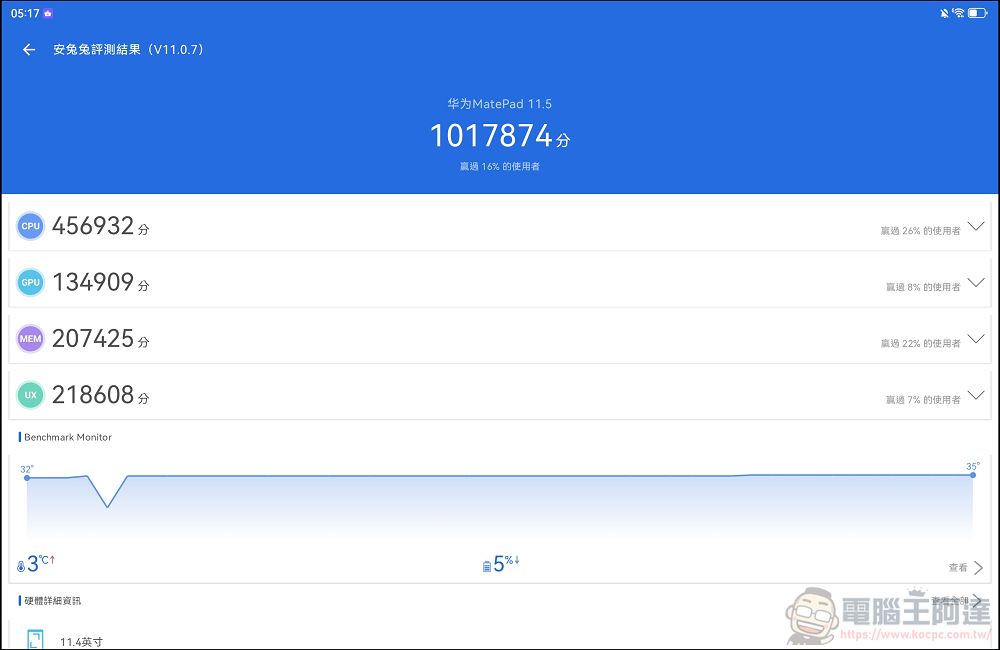
I also ran some quick performance tests: GeekBench scored 1,330 in single-core and 3,542 in multi-core; PC MARK 2.0 recorded 9,724 points; and AnTuTu yielded a score of 1.01 million. When running apps from the app store or third-party apps, and playing most games, there were no issues:
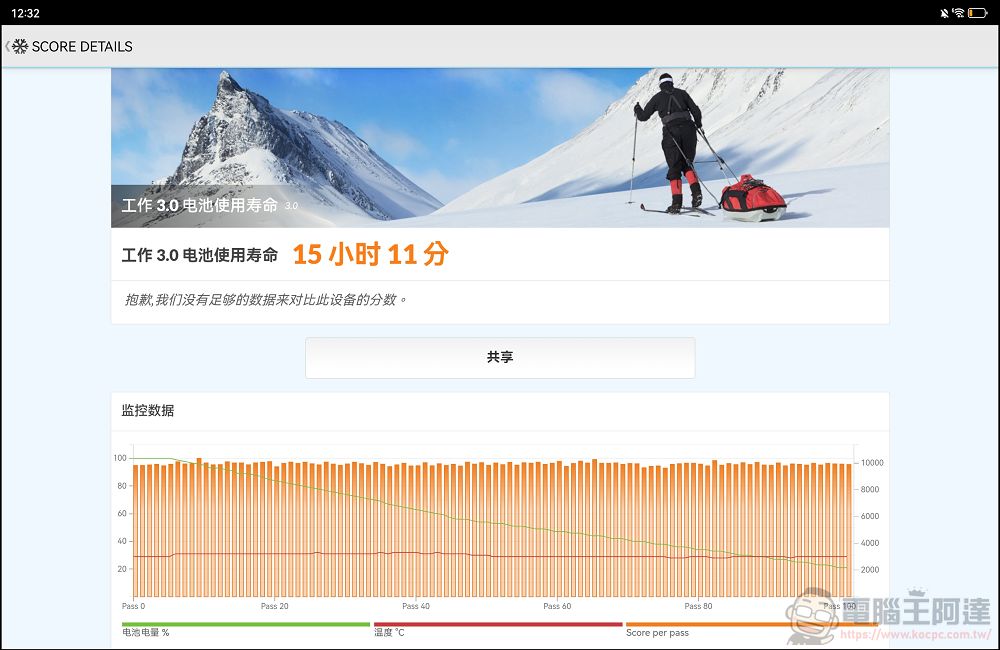
As for battery life, it features a massive built-in 10,100mAh battery, and the manufacturer claims it can play videos continuously for 14 hours. Based on my experience using it over the past few days, it easily lasts a full day with normal use, and its standby performance is excellent—it hardly loses any charge. During my testing, I left it on standby for nearly a full day, and the battery level didn’t even drop by 1%—which is pretty incredible. In the PCMark battery life test, it lasted 15 hours and 11 minutes from 100% to 20% under heavy load—this battery life is truly remarkable:
Bonus Feature: Hands-On Review of the HUAWEI FreeBuds 7i Bluetooth Earbuds
Launching alongside the MatePad 2025 are the HUAWEI FreeBuds 7i Bluetooth earbuds, available in three colors: pink, white, and black: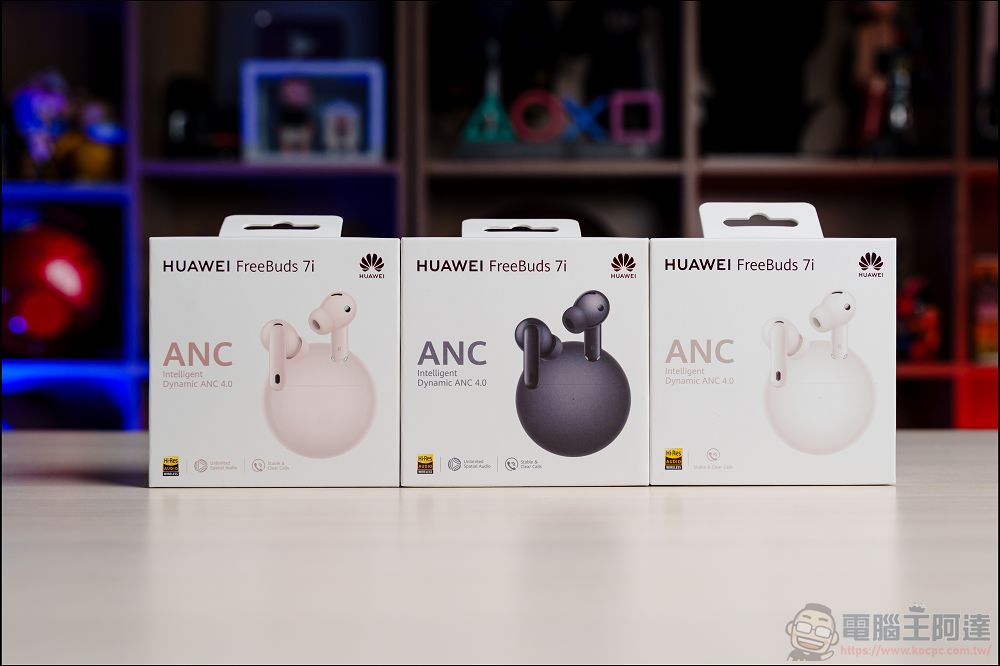
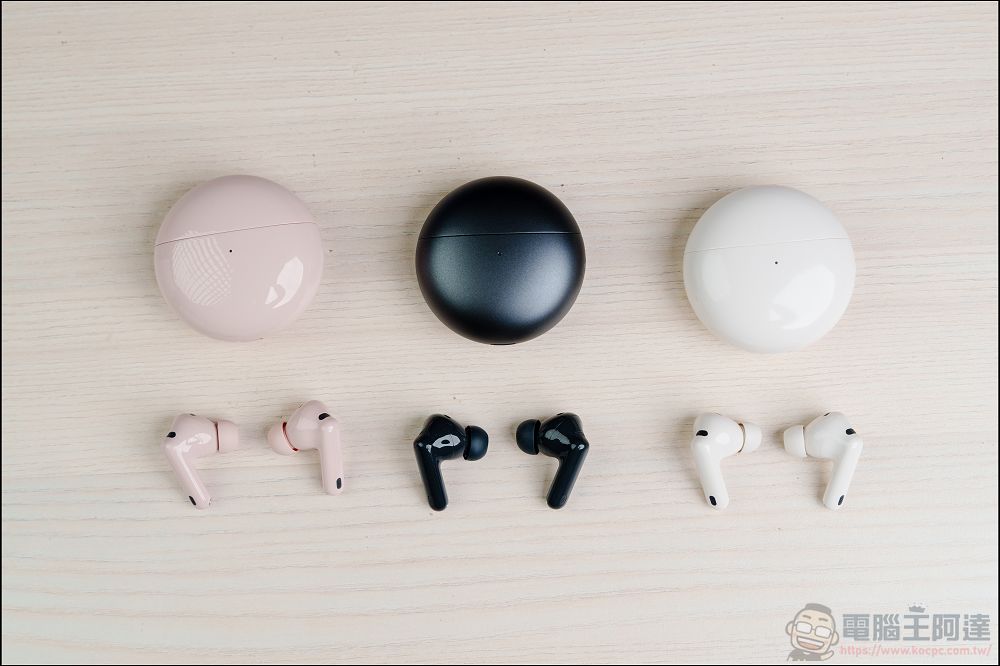
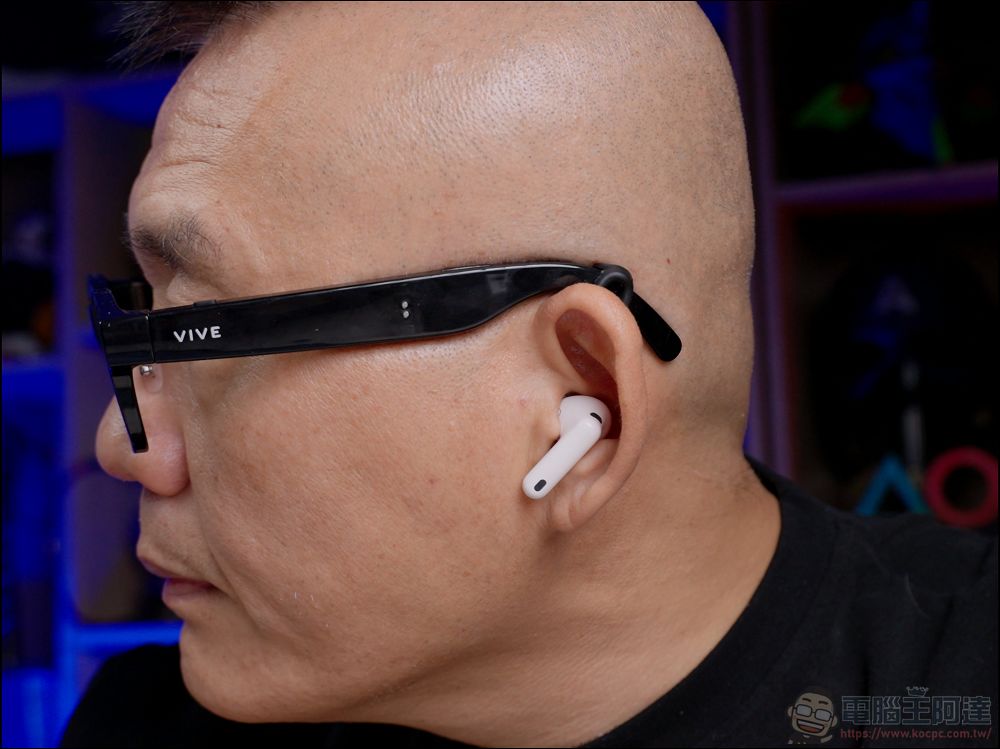
Huawei’s Bluetooth earbuds perform just as well as its smartwatches—they’ve always been excellent and are definitely worth buying. As for the FreeBuds 7i, my personal listening experience is that they have “rich but not overpowering bass, clear vocals, and a sense of spaciousness in the high frequencies.” If you’re in the market for Bluetooth earbuds, you might want to check them out:
Conclusion
Overall, the HUAWEI MatePad 11.5 2025 is a tablet with a very precise positioning. Rather than competing with others for peak performance, it focuses all its resources on two core experiences: “eye care” and “learning productivity.”
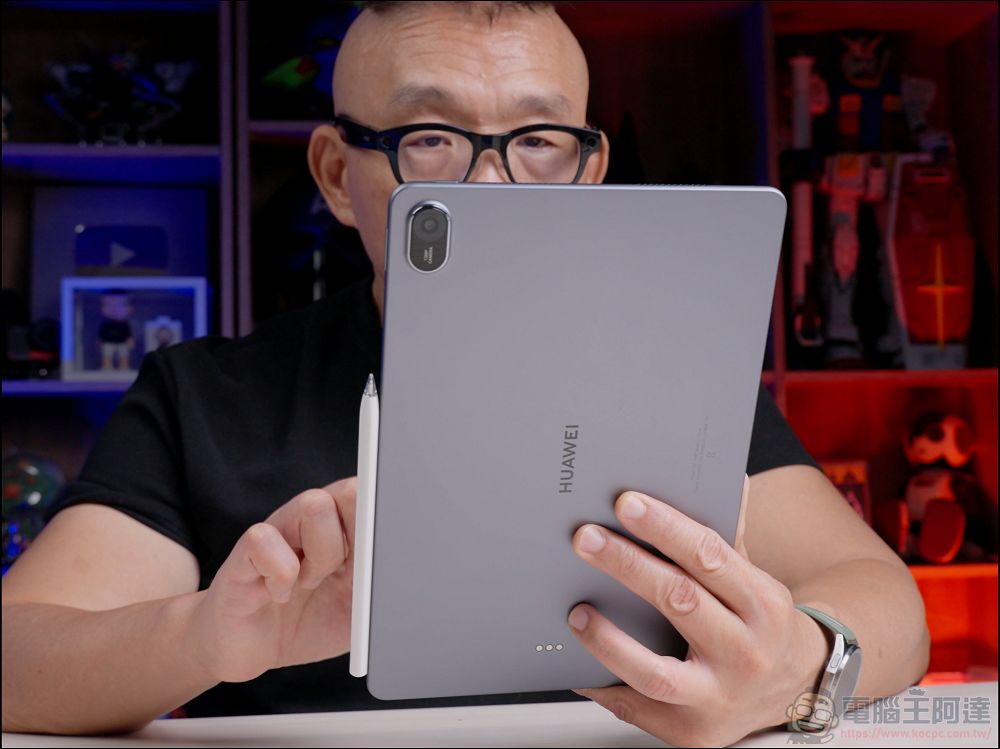
Its advantages are particularly notable:
The screen is really awesome.: The PaperMatte screen’s anti-glare properties, paper-like feel, and circular polarization technology are truly unmatched on the market right now; it’s really easy on the eyes even during extended use.
Top-Notch Handwriting Experience: The writing experience with the M-Pencil is excellent, and the software integration is seamless—it’s a must-have tool for students and anyone who takes notes.
Amazing battery life: With a battery capacity of over 10,000 mAh, you can take it with you all day without any worries.
Of course, it’s not without its drawbacks. The Google services that everyone cares about most are still not built in. However, thanks to third-party app stores or simply using the web versions, they actually work just fine now, so this issue is much less of a problem than it used to be. But if you’re bothered by it, you’re just making things hard on yourself—and if you don’t like it, don’t argue with me.
Personally, I think that if you’re a student or graduate student who needs to stare at a tablet for long periods of time, or a professional who likes to read and take notes on a tablet, then the MatePad 11.5 2025 is definitely the best option on the market right now. Its eye-care display and handwriting experience truly offer you a whole new level of value. Considering its price of NT$14,990, especially when combined with the launch promotions, I think it offers excellent value for the money. If you have any questions about this tablet, feel free to leave a comment on our fan page to discuss!
HUAWEI Online Store Promotions
- Discounted Item: MatePad 11.5 2025
- Discount Amount: $500
- Valid from: December 25, 2025 – February 28, 2026
- Discount Code: matepadkoc500
Before February 28, 2026Visit the HUAWEI Online Store (Click here)), Register as a member and enter the promo code to receive a NT$500 discount when you purchase the HUAWEI MatePad 11.5 2025.
First-Time Homebuyer Incentives:
- Buy a MatePad 11.5 2025 by January 31, 2026, and get a FreeClip (valued at $5,990) for free.
- When you purchase the MatePad 11.5 2025, the box includes a NT$1,000 discount voucher for the HUAWEI Online Store, allowing you to buy it at the discounted price of NT$990.(Original Price$1,990)Purchased the Third-Generation HUAWEI M-Pencil or otherHUAWEIProducts
Source: KOCPC Chinese