


Minimax recently open-sourced its M2.7 modelMany people must want to try it out. Not only does it support agents, tool calling, and multi-tasking, but it also has “Self-Evolution” capabilities, which sounds really powerful. However, with 230B parameters, most people’s computers definitely can’t run it. And this article is going to tell you some good news.NVIDIA can call this with a free API Minimax M2.7 and the newly launched GLM 5.1 model, and it’s completely free to use, no credit card required, actually tested usable for OpenClaw Openclaw—let me show you how to make it.
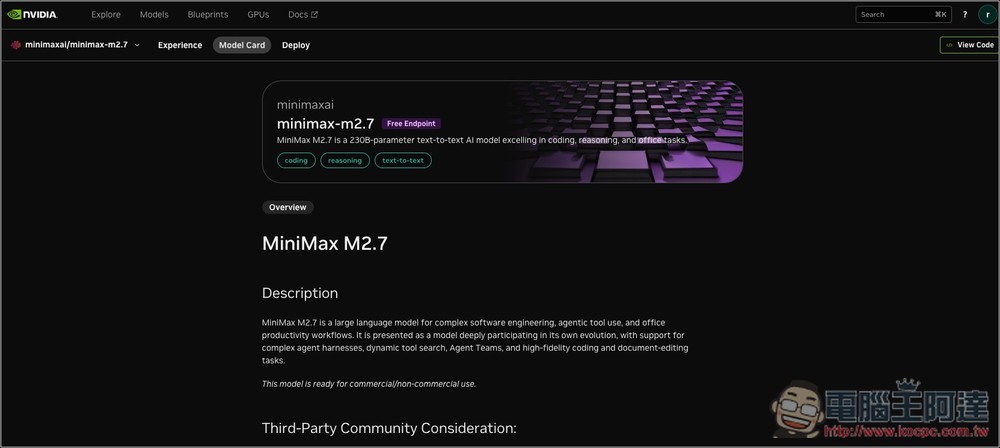
NVIDIA API lets you call Minimax M2.7 and GLM 5.1 models completely free, and it also works with OpenClaw
Applying for the NVIDIA API is very simple, just like other free API services (such as Gemini API). You only need an NVIDIA account to apply, no payment information is required, and registration only needs an E-mail address. Below I use Minimax M2.7 as an example.
NVIDIA Nemotron 3 Nano Omni free API KEY website URL
DeepSeek V4 Flash free API key URL
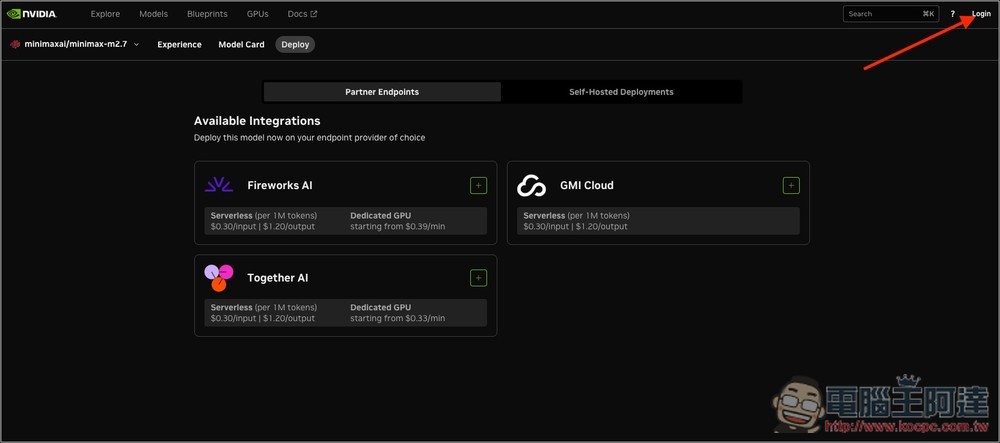
After clicking the link above to access NVIDIA’s Minimax M2.7 model page, click Login in the upper right corner to sign in or register:
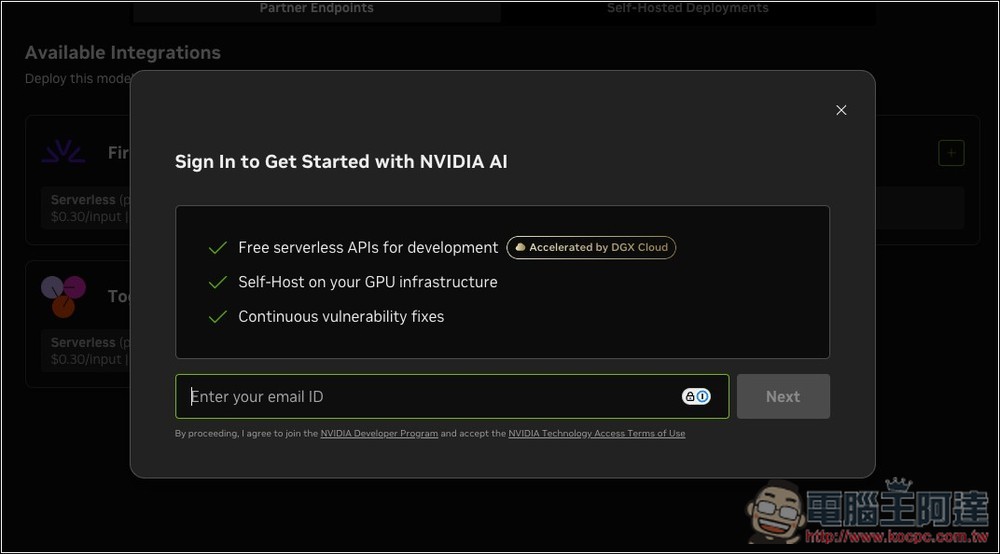
Enter your email address:
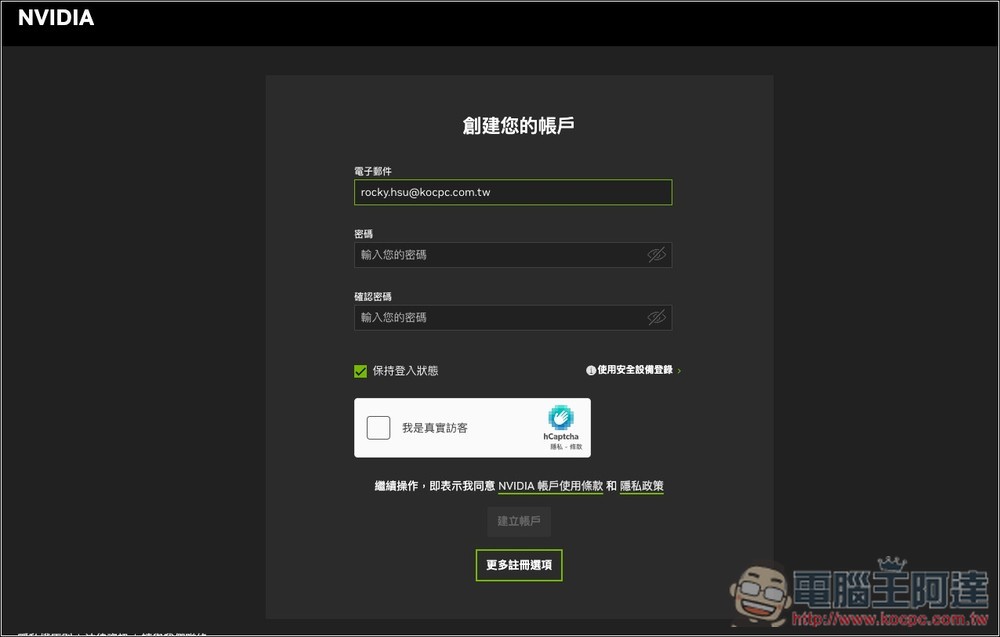
If you haven’t registered an NVIDIA account yet, you’ll be asked to set a password to create one. The next step is to enter the verification code sent to your email, and then the registration is complete.
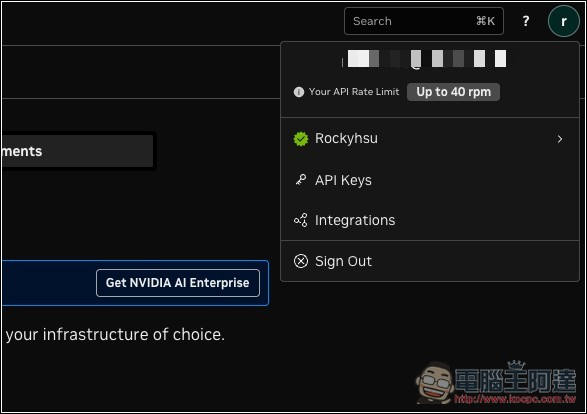
After logging in, open the personal menu in the upper right corner. It will display API Rate Limit at the top. The free version allows up to 40 rpm (requests per minute). Each model has different rpm limits, and since NVIDIA hasn’t disclosed them, you can only test them yourself. Additionally, NVIDIA discontinued the credits system last year and switched to pure rate limits. So as long as you’re not rate-limited, you can keep using these free models indefinitely:
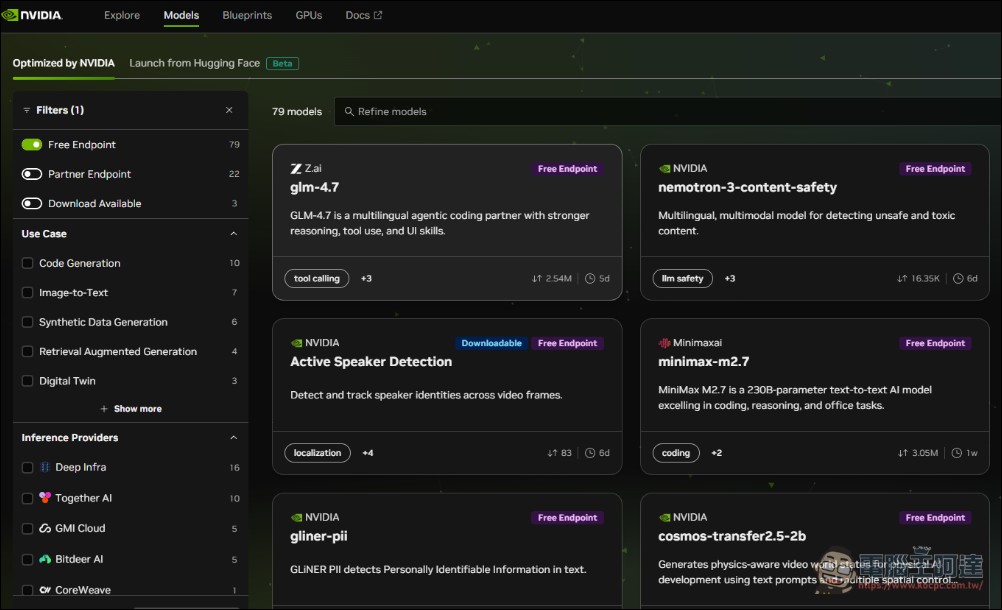
Go to the Models menu and click “Free Endpoint” to view all models available for free calls. Here we select Minimax M2.7, though the approach is the same for other models:
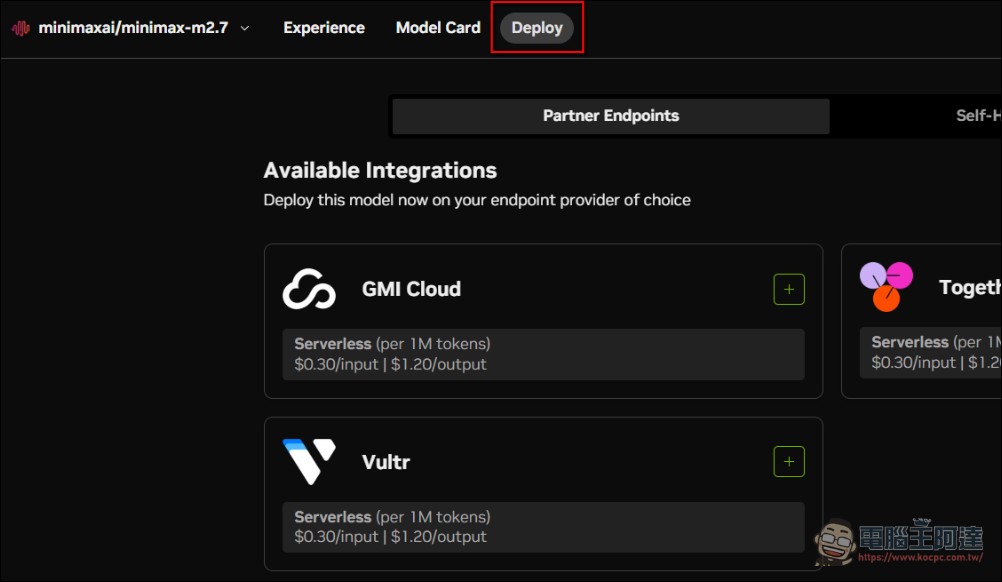
After selecting the free model you want, first choose ‘Deloy’:
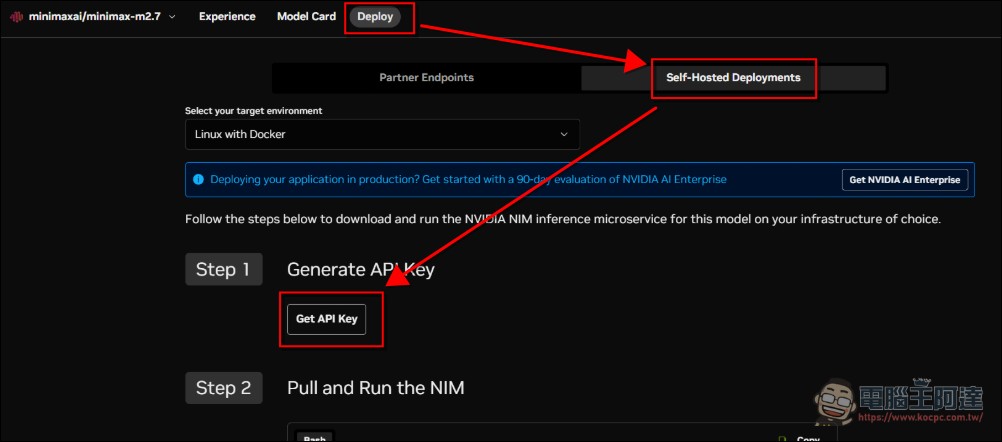
Next, switch to “Self-Hosted Deployments” -> “Get API Key” to get the API Key, or go to the API Key section in the top-right menu to create one. Either way works:
Click Generate Key:
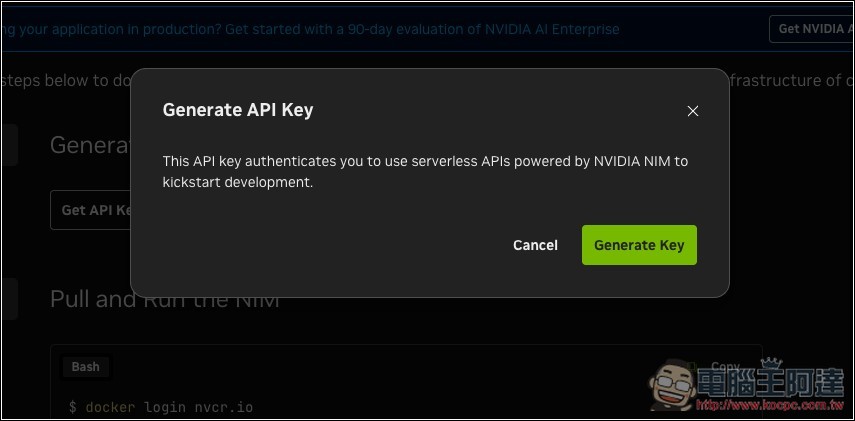
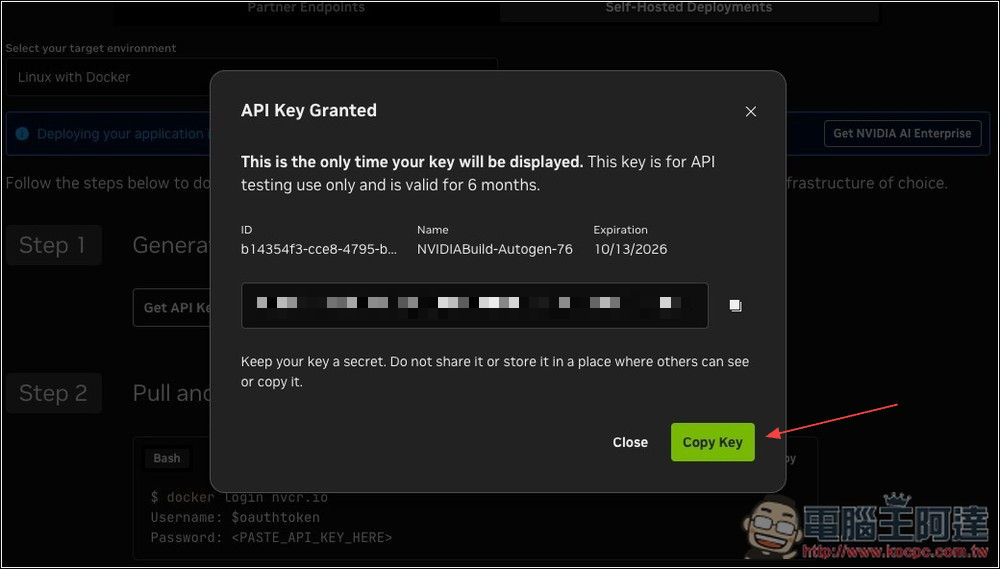
This way you can get your API Key, and then you can use it with common AI agent tools like OpenClaw or Hermes. However, OpenClaw’s model settings don’t have an NVIDIA API option, so you need to manually add it in openclaw.json (or you can just give the API application page URL and API Key to OpenClaw or Hermes and have it set it up for you).
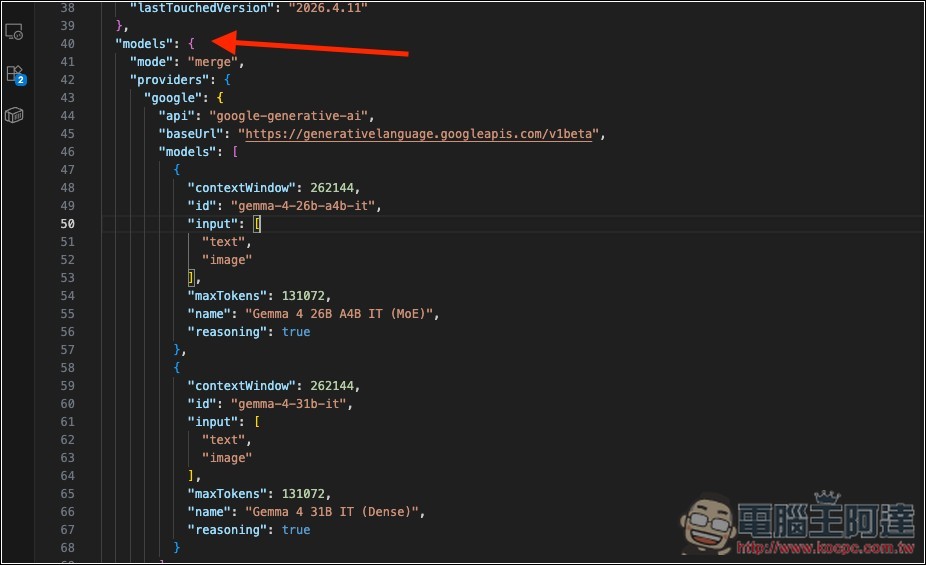
After opening openclaw.json, find the models section:
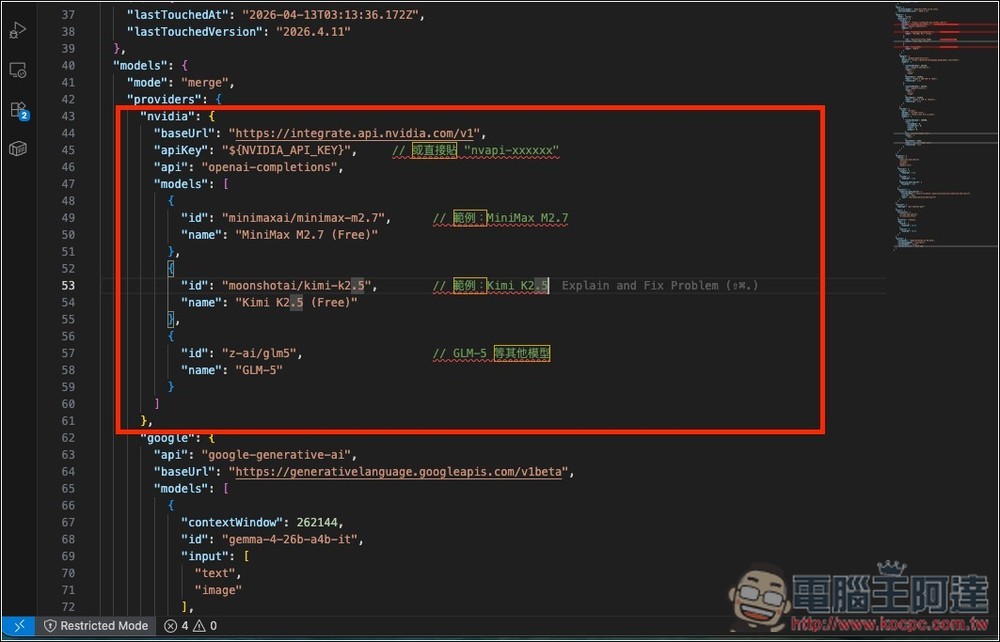
Fill in the following information below “providers”, then press Save. If you’re not sure if what you filled in is correct, you can ask AI tools like ChatGPT, Gemini, or Grok.
"nvidia": {
"baseUrl": "https://integrate.api.nvidia.com/v1",
"apiKey": "${NVIDIA_API_KEY}", // 或直接貼 "nvapi-xxxxxx"
"api": "openai-completions",
"models": [
{
"id": "minimaxai/minimax-m2.7", // 範例:MiniMax M2.7
"name": "MiniMax M2.7 (Free)"
}
]
}
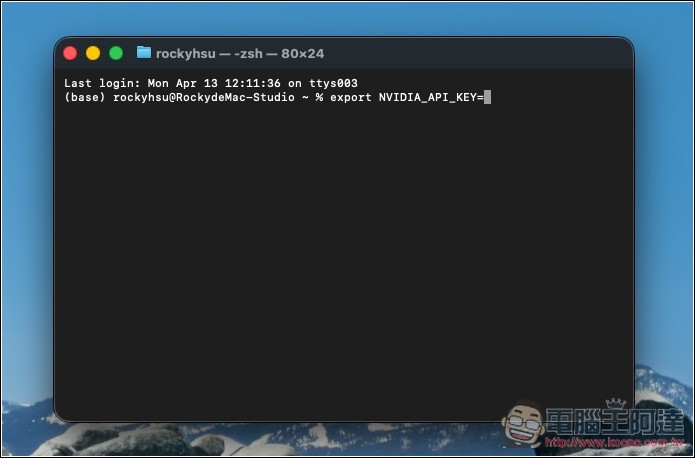
Next, enter your NVIDIA API Key, open the terminal and type:export NVIDIA_API_KEY="nvapi-你的完整金鑰"
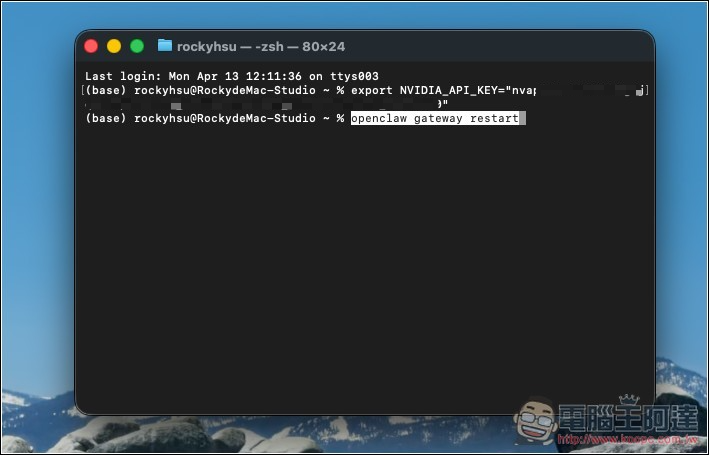
Then restart the gateway:openclaw gateway restart
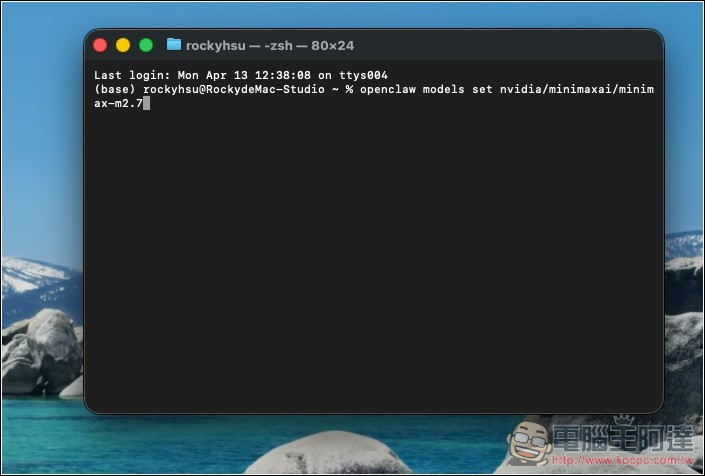
Finally, enter this command to enable the model:openclaw models set nvidia/minimaxai/minimax-m2.7
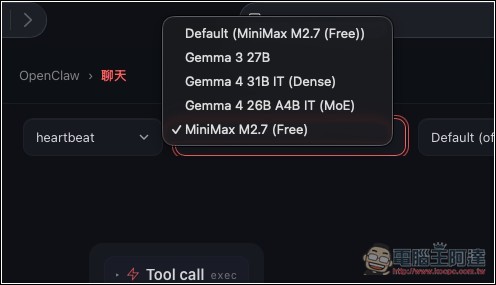
You will see Minimax M2.7 (Free) in OpenClaw’s model menu:
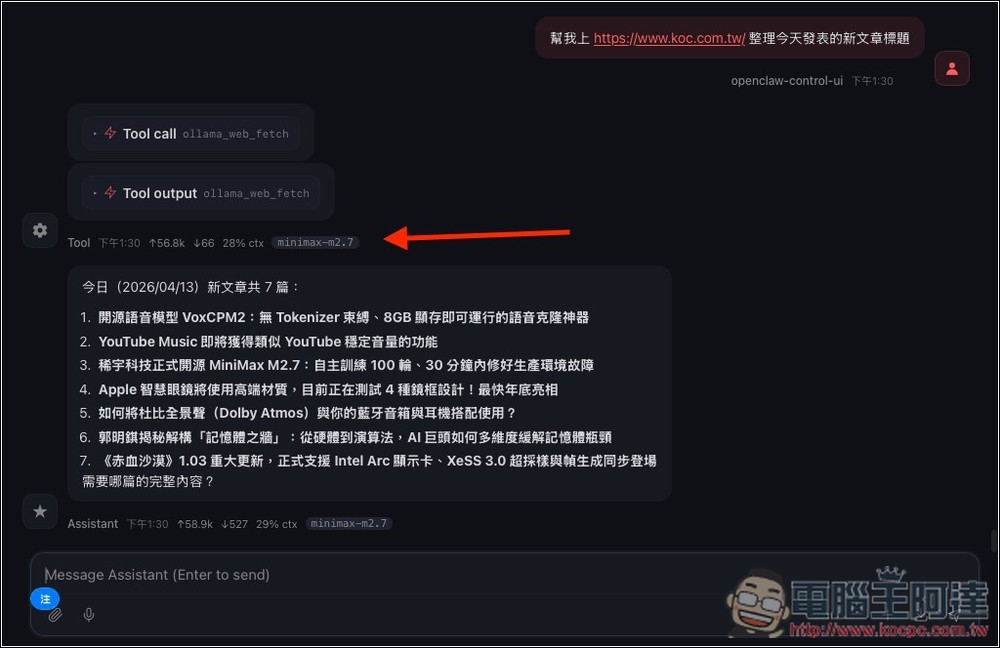
Actually tested and it works fine, butAfter all, it is a free service—the free model content changes frequently, the speed isn’t fast, and the connection is definitely not as stable as the paid version. Plus there’s a usage limit, so if you use it a lot, I’d recommend getting a Coding Plan.:
Source: KOCPC Chinese