


Google brought Gemini Spark to macOS earlier this year, and now it has added two very useful upgrades to the Mac version of the Gemini app. These two updates are not just functional enhancements, but may change the way you complete work on your Mac, whether you are ready to give up the existing voice input tools, or hope that AI can directly understand and operate the content on the screen.
Gemini for Mac can now convert what you say into text and act on the content
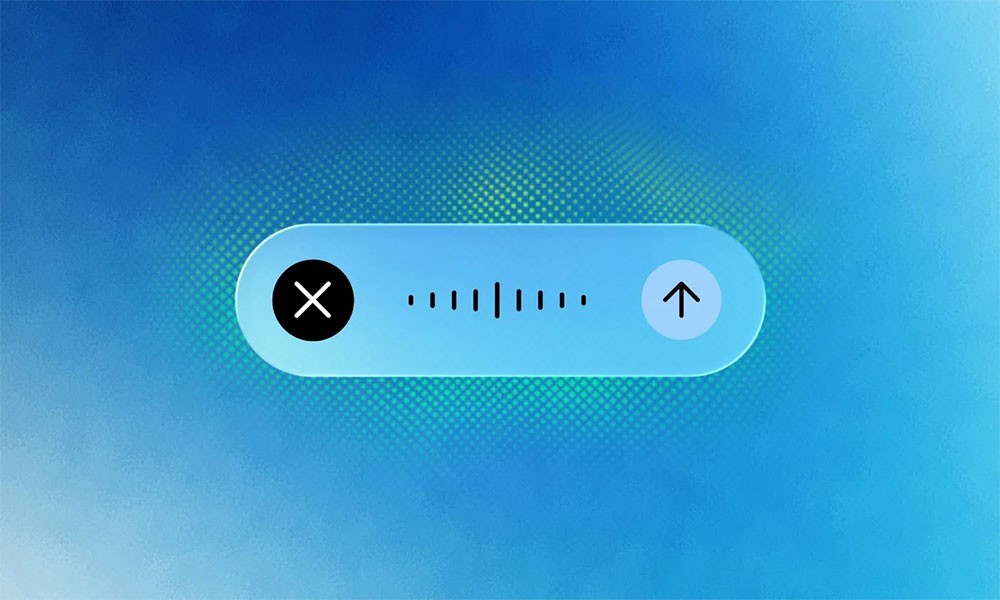
In its latest version, Gemini gets system-wide voice input on macOS. Just long-press the Fn key in any window to start voice input immediately. Gemini will instantly transcribe your voice into text and automatically filter out modal particles such as “um” and “ah” to make the output content more natural and usable directly. This feature is enabled by default, requires no additional settings, and is not limited to specific applications. You can use it to write emails, respond to Slack, organize notes, or write documents, and it can be fully integrated into your daily workflow.
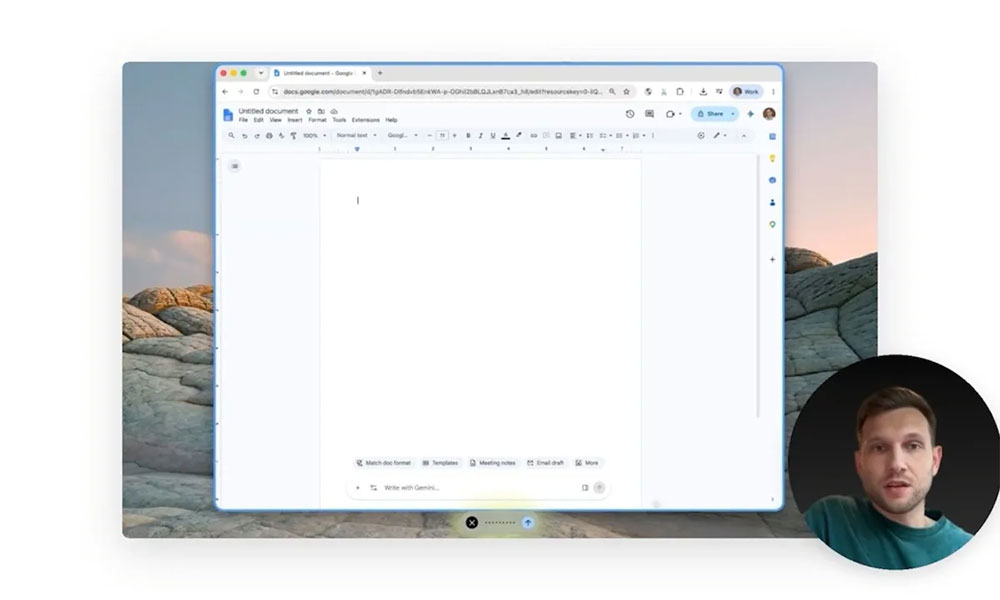
In the past, AI voice input tools like Wispr Flow, Willow, and others have offered similar optimized transcription capabilities, but they required additional downloads and some even required subscriptions. Now Gemini integrates voice input directly into system-level operations. For Mac users who are already using Gemini, it saves a set of tools and makes the voice workflow smoother. Google said that the voice input feature has been rolled out to all macOS Gemini users around the world. It currently supports English, and more languages will be added later this year.
The second update is more ambitious screen-aware reasoning. When enabled, Gemini can read your currently active window and use the screen content as context to help handle more complex requests. This is not just about “understanding” the screen, but being able to take action directly based on the content on the screen.
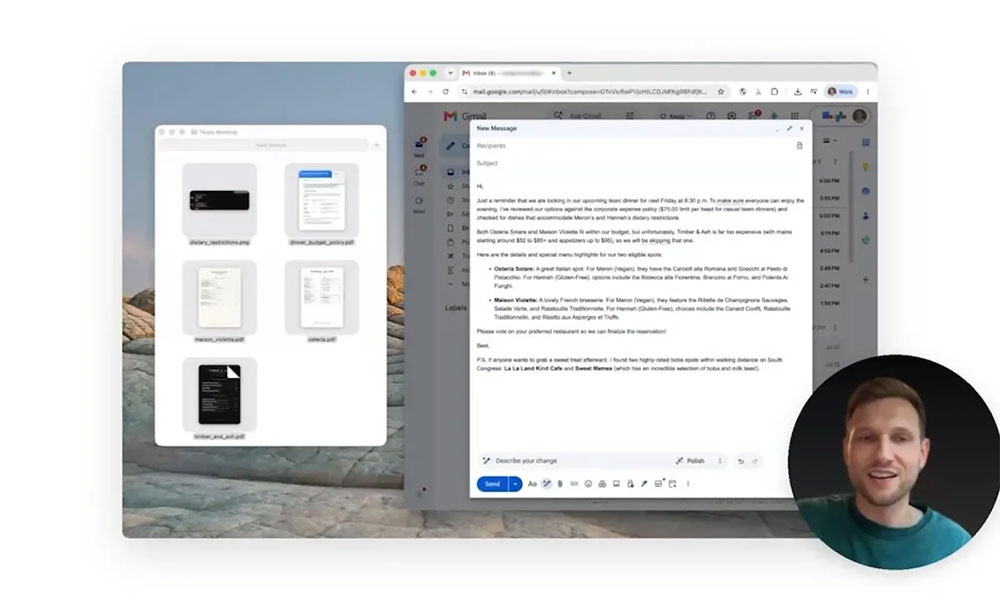
For example, you can select a draft note and ask Gemini to rewrite it into a more streamlined summary. It will understand the content, reorganize the statements, and output the results directly to the cursor location. If you’re looking at a highlighted document that contains details like budget policies or dietary restrictions, Gemini can read that information and compose a reminder email for you based on the content. It can even fetch recommended information about nearby handheld beverage shops from Google Maps and add it as an attachment to the email, making the reply more contextually relevant.
These capabilities make Gemini no longer just a chat AI that “answers questions”, but can actively understand what you are dealing with and take direct action in your work environment. For Mac users, this means that Gemini is gradually becoming a true “work agent” that can span applications and situations to help complete tasks that originally required manual operations.
With Apple still not launching an enhanced version of Siri, Google’s update stands out. Through speech transcription and screen-aware reasoning, Gemini for Mac has evolved from an AI assistant to a work partner that can understand speech, read screens and take direct action, opening up new possibilities for the use of AI on macOS.
Source: KOCPC Chinese