


There are now a lot of tools available online that can be used to createTemporary MailboxIt’s a free tool, but the vast majority of the domains it uses consist of strange combinations of English letters, so when registering for certain services, these temporary domains may be blocked.Mailboxregistration. If you’ve ever encountered this situation, then EmailTick—which we’ll introduce in this article—is perfect for you, because it can create gmailA temporary email address for a .com domain.
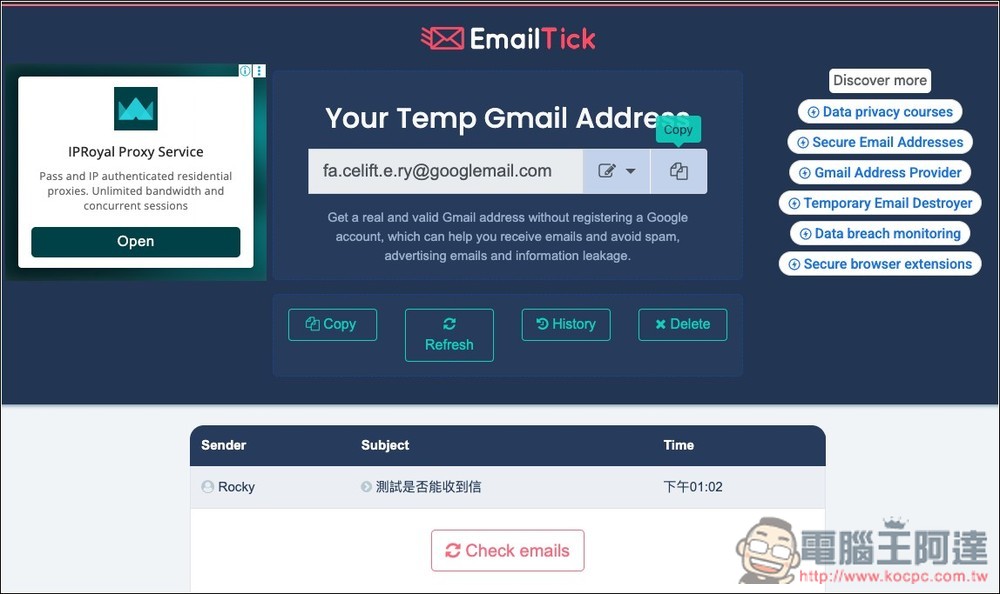
EmailTick is a tool for creating free temporary email accounts on gmail.com
EmailTick is an online tool that specializes in providing “temporary Gmail accounts.” Simply open the webpage to instantly get a Gmail or Googlemail address that can receive emails. It’s very useful for users who only need to receive one-time verification emails or test services; not only does it have a high success rate for registrations, it also effectively prevents your primary email inbox from being flooded with spam and promotional emails.
It’s very simple to use: once you receive a set of automatically generated temporary Gmail addresses, you can copy the email address with a single click and then enter it on the website you need to use. After sending the verification email, wait a few seconds, and the message will appear in your EmailTick inbox—no need to log in to Gmail, set up forwarding, or perform any additional steps.
The website doesn’t explain what technology is used to achieve this, but judging by the random Gmail addresses it generates—which all include symbols like “.” and “+”— so it’s likely that they already have a large pool of Gmail addresses and, by adding these symbols to the account names, are able to generate a much larger number of temporary Gmail addresses.
After clicking the link above to go to EmailTick, you’ll be given a temporary gmail.com email address. If you’re not satisfied with this account, you can click the “Random” button on the right, and the system will generate a new one:
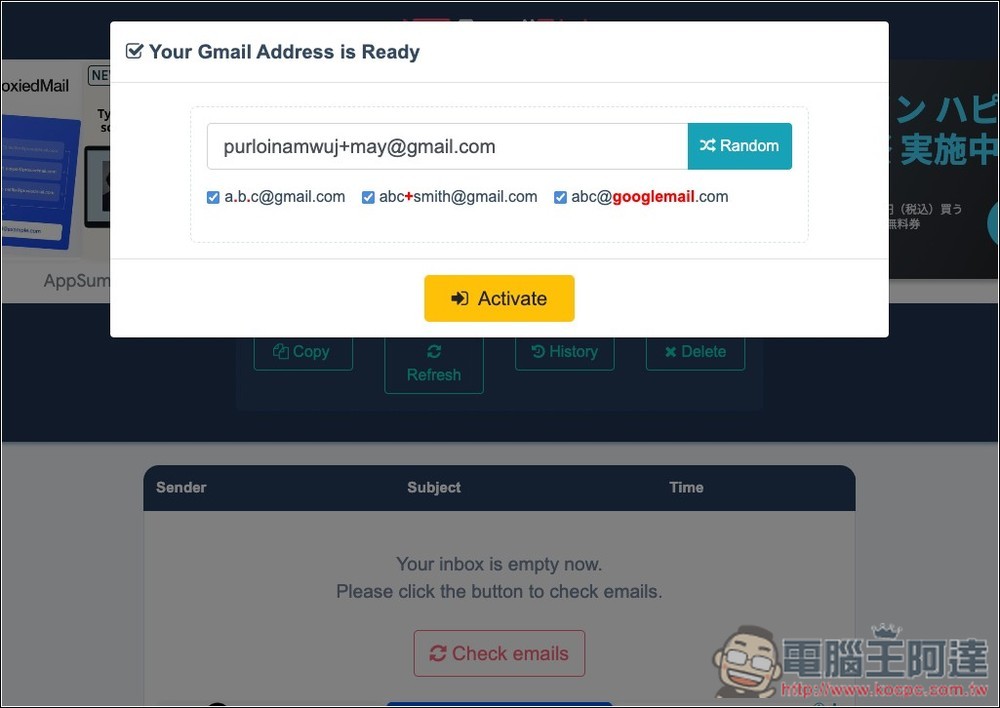
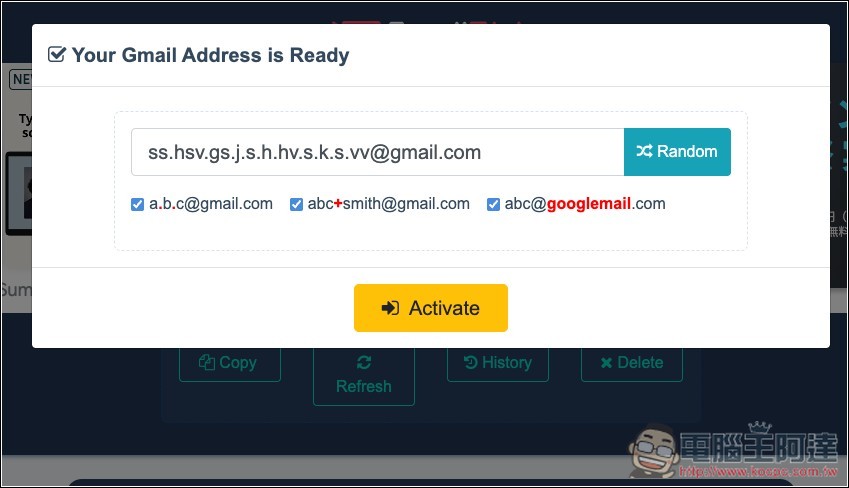
As shown in the image below, once you click it, you’ll be given another set. Also, for the username before “gmail.com,” you can choose whether to include a “period” or a “plus sign.” If there’s one you don’t want, simply uncheck the corresponding option below:
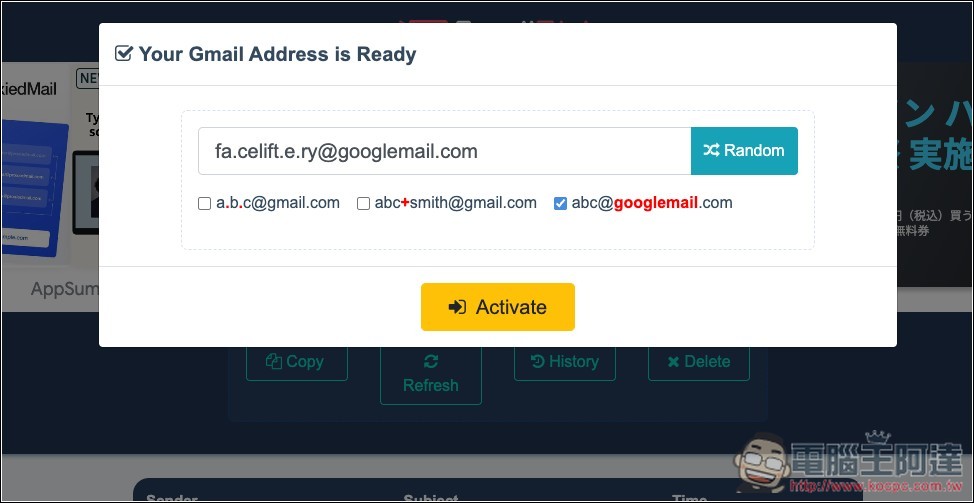
If you want a googlemail.com domain, simply check the box in the lower-right corner, then click “Random” to get a temporary email address ending in googlemail.com:
After clicking “Activate,” you’ll be taken to the inbox screen, where you can copy the temporary email address with a single click at the top:
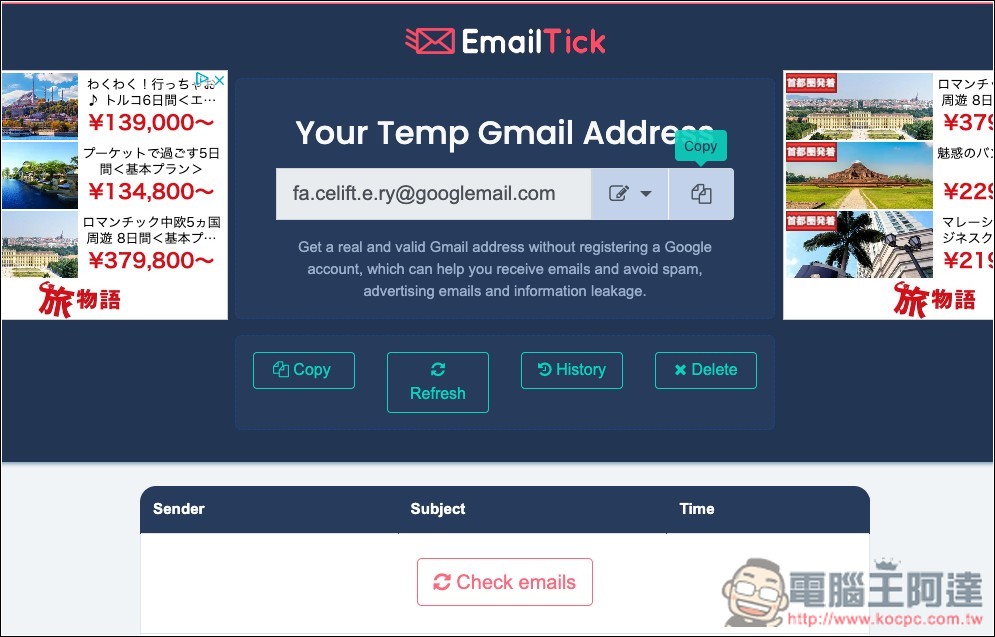
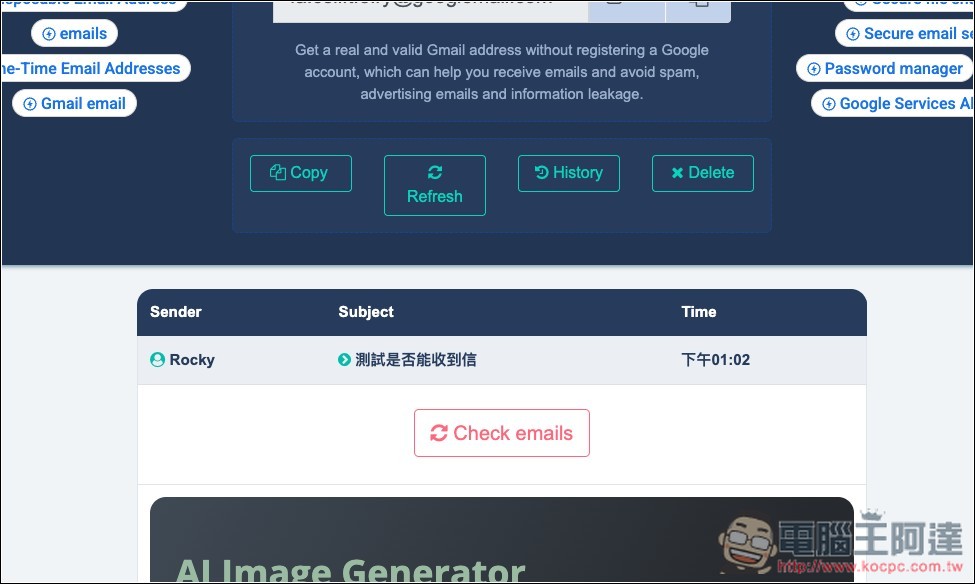
I’ve tested this myself, and I can indeed receive emails. However, after sending an email, it may take 10 to 20 seconds before you receive it:
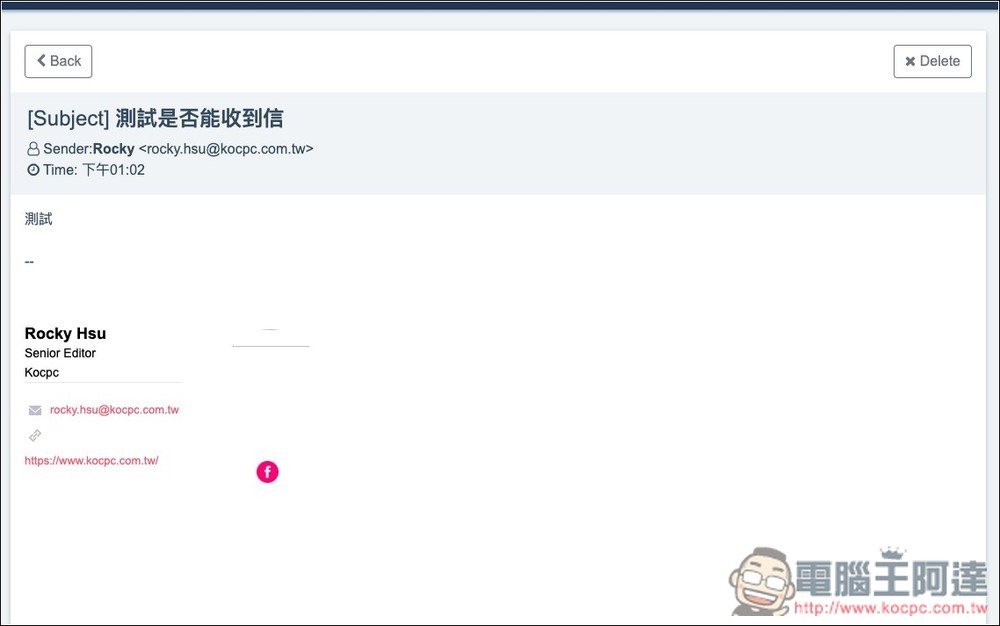
You can open and read the email, or you can delete it:
Finally, a quick reminder: when using a “temporary email address,” remember to use it only for one-time registrations, testing services, or receiving verification emails for a short period. If you plan to use a service long-term, you should switch to your real email address. We also do not recommend using it for financial, work-related, or sensitive personal information to prevent the leakage of your important personal data.
Source: KOCPC Chinese