


As the iOS 27 public beta version grabs the spotlight this week, Apple has also launched a firmware update for the AirPods public beta version. Although this update was released in a low-key manner, it brings a feature that AirPods users have been waiting for for many years: Custom EQ. This is an important milestone for users who have long wanted to fine-tune their sound quality.

AirPods adds a long-awaited custom equalizer feature in the latest public beta firmware
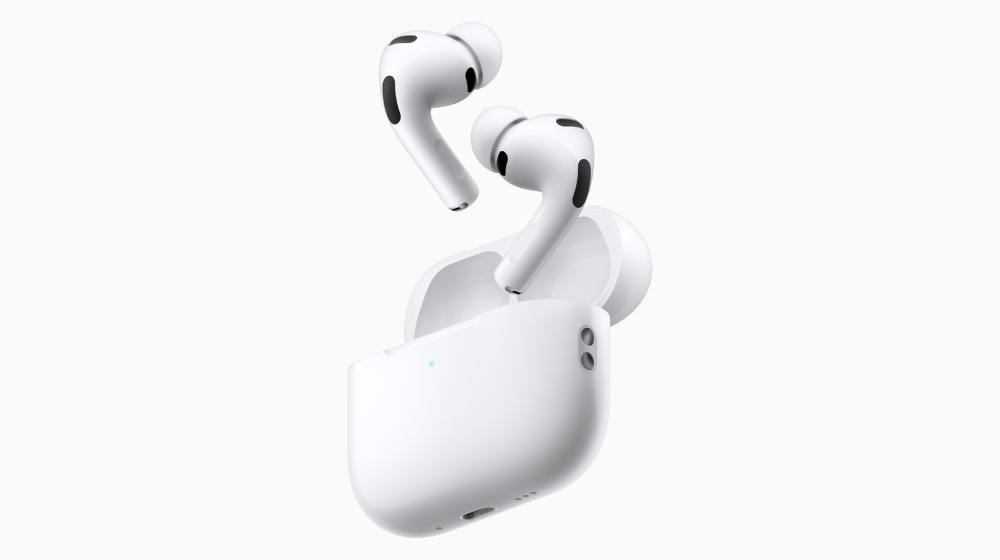
The latest public beta firmware version of AirPods is 9.0.314 (build number 9A314b). The custom equalizer is located in the menu of “Settings >> Audio and Routing >> AirPods”. It is applicable to all models equipped with H2 chips. The following models can be installed:
- AirPods Pro 3
- AirPods Pro 2(Lightning/USB‑C)
- AirPods 4
- AirPods 4 (with active noise cancellation)
- AirPods Max 2
To enable the public beta firmware, simply go through your iPhone’s Settings app. After connecting AirPods to iPhone, users will see the “AirPods Beta Update” switch on the Bluetooth settings page. Once enabled, the firmware will automatically download and install as long as the AirPods are in the charging case and within signal range of a paired iPhone.
Once the update is complete, users will see the new custom equalizer feature in the Settings app. This feature provides three-stage EQ control, allowing users to adjust the bass, midrange, and treble to their liking. While this isn’t the most advanced EQ system on the market, it’s the first time the AirPods series offers official sound quality fine-tuning capabilities.

Apple said that AirPods are designed to faithfully present music, videos and call content; however, if users prefer different sound styles, they can now adjust the playback performance through custom EQ. What’s even more considerate is that users can play Apple Music songs directly on the settings page and listen to the adjusted effects immediately.
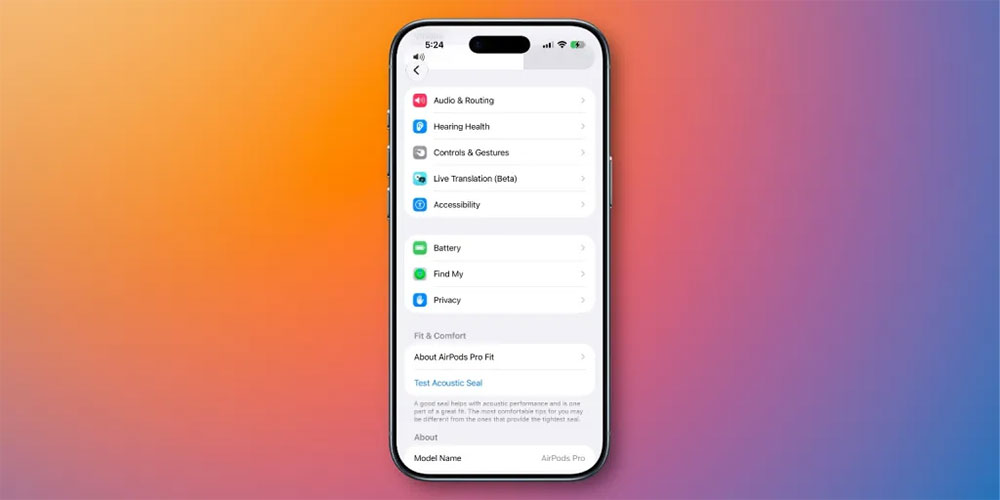
In addition to custom EQ, iOS 27 also brings many experience improvements to AirPods:
- Redesigned AirPods setup interface
The menu is clearer, hearing health, search, real-time translation and other functions are classified independently, making the operation more intuitive. - Adaptive audio slider
A more detailed adjustment method has been added to allow users to control the adaptive audio mode more accurately. - GymKit expands to iPhone and AirPods Pro 3
GymKit, which used to have to be used with an Apple Watch, can now be used directly through iPhone and AirPods Pro 3 in iOS 27 to complete the full experience. - Find AirPods Pro 3 accurately
Apple Watch’s “Find” app adds a precise search function to locate AirPods more quickly. - Siri AI integration
When paired with a compatible iPhone, AirPods can now interact with Siri AI for a smarter voice experience.
Source: KOCPC Chinese