


With the launch of Seedance 2.0, AI video has become incredibly powerful—just feed in a prompt and you can generate videos that actually look and feel impressive. However, achieving stable, highly consistent AI video generation is another story. A character’s face might look completely different from one second to the next, or a simple scene shift could completely change the background. On top of that, video generation costs significantly more than image generation, so if you’re constantly regenerating, the expenses can really add up.
If you’re facing this challenge too, this GitHub open-source project “GPT Image 2 + Seedance 2.0 Workflow” is a must-have. It collects a large number of use cases, demonstrating how to use GPT Image 2 to prepare the scene, characters, and storyboards first, then hand them over to Seedance 2.0 to turn them into coherent videos. Each case also includes the actual prompts used and links to the original creators, organized and published by EvoLinkAI, with over 90 cases so far.
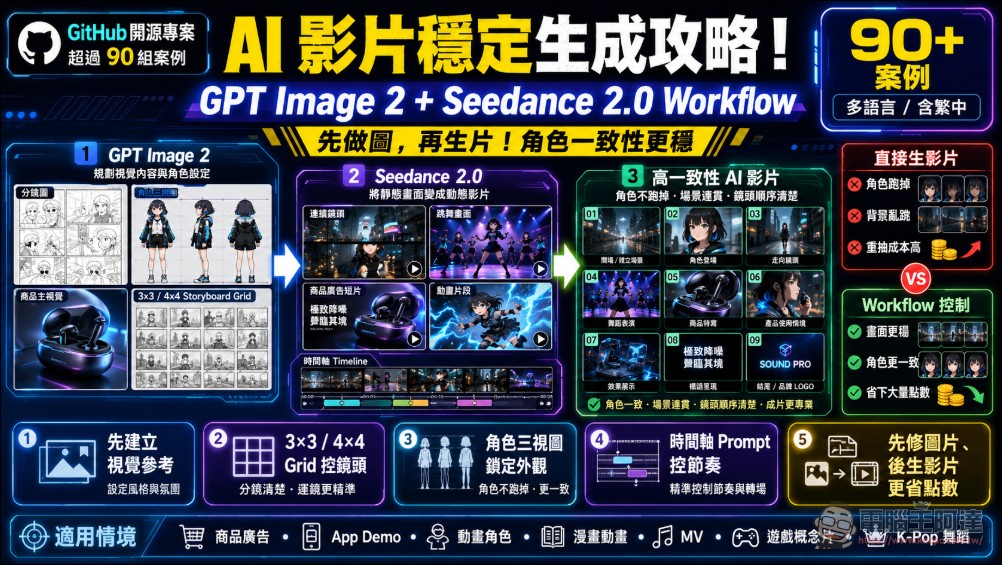
GPT Image 2 + Seedance 2.0 Workflow Open Source Project Introduction
“GPT Image 2 + Seedance 2.0 Workflow” is a reference database dedicated to organizing AI video generation workflows, prompt templates, and practical case studies. It uses GPT Image 2 to generate images, storyboards, character design sheets, or product visuals, then passes these static visuals to Seedance 2.0 to transform them into dynamic videos. In other words, GPT Image 2 handles “what the visuals look like,” while Seedance 2.0 handles “how the visuals move.” By combining the two, AI video production becomes more reliable rather than just hit-or-miss. Methods such as storyboards, grid reference images, three-view character sheets, and timeline-based prompts help improve visual consistency and character consistency.
The project mostly features cases from X creators, covering categories like product ads, app demos, animated characters, comic animations, music videos, game concept reels, K-pop dance videos, and luxury brand short films. For those looking to level up their AI video generation skills, beyond just copying and modifying prompts, you can also learn how creators break a video down into controllable visual sequences.
For example, first create a 3×3 or 4×4 storyboard grid, then let Seedance generate videos according to the frame sequence. Alternatively, first use character three-view drawings to lock down the appearance, thereby reducing the chance of character inconsistency during animation generation.
Features
- Organize the actual workflow for combining GPT Image 2 and Seedance 2.0
- A large collection of real creator examples and prompt templates
- Supports storyboard layouts, 3×3 grids, 4×4 action grids and other video control methods
- Suitable for product advertisements, App showcases, animation, music videos, game concept videos, and similar applications
- Emphasizing character consistency, visual continuity, and shot sequence control
- Provide timeline prompts, character orthographic views, manga page animation, and other advanced techniques
Go to the “GPT Image 2 + Seedance 2.0 Workflow” open source project
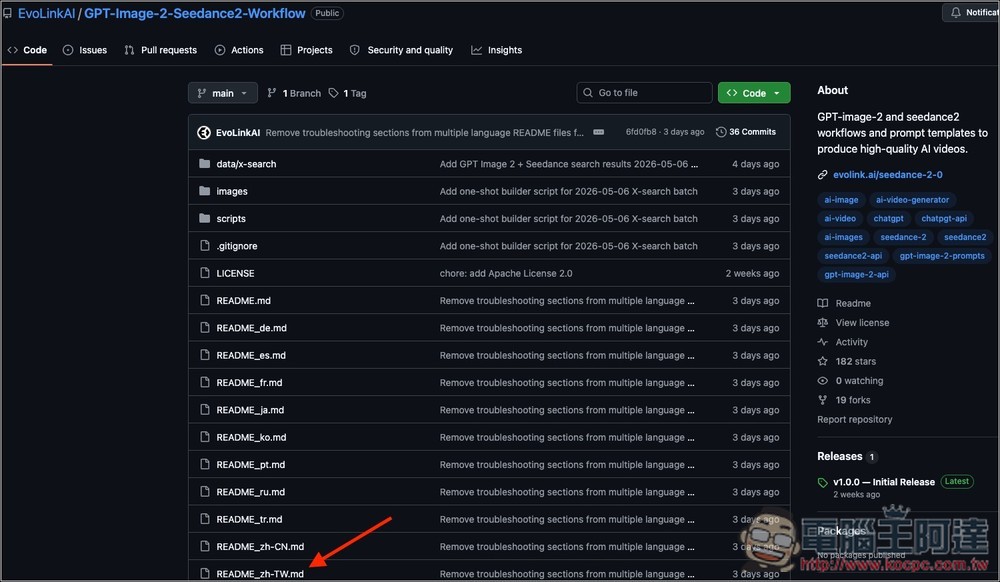
The GPT Image 2 + Seedance 2.0 Workflow comes with multilingual documentation, including Traditional Chinese. So after clicking the link above to access the project, you can directly open the “zh-TW.md” file:
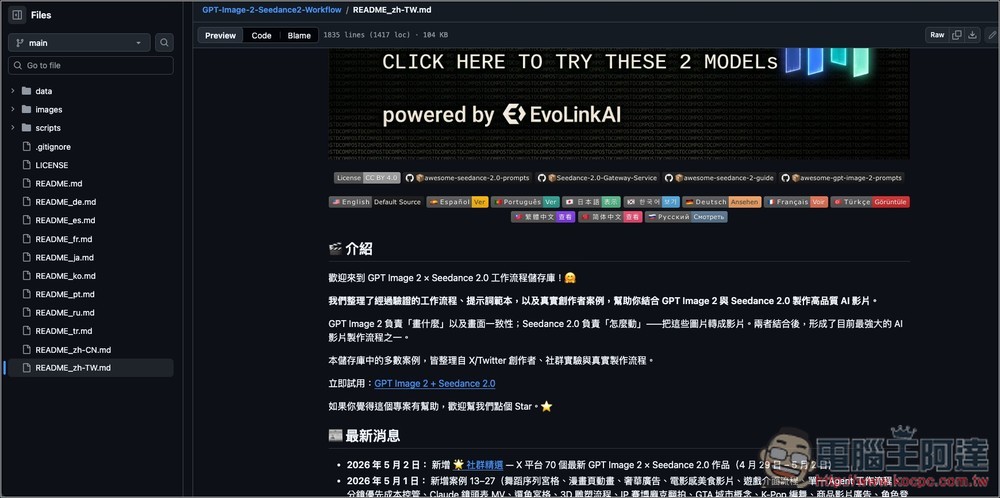
Then it opens the Traditional Chinese documentation file. The content is quite comprehensive, covering basic introduction, storyboarding techniques, various case studies, tips and categories, consistency guidelines, prompt templates, and more:
Scroll down for the complete table of contents:
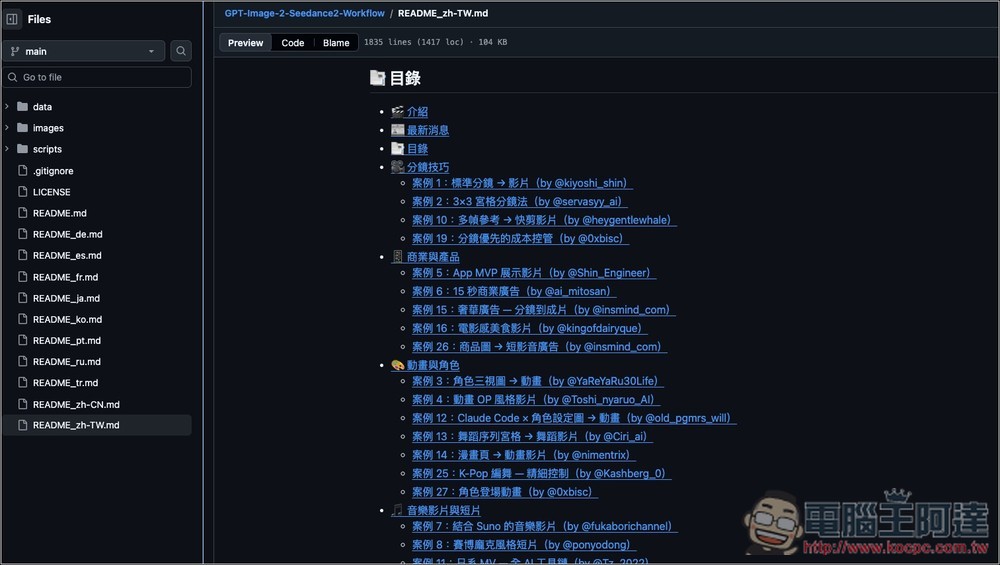
Additionally, you can also tap the icon in the top right corner to open the table of contents on the right side, making it easier to switch topics. The current main categories include “Business & Products,” “Animation & Characters,” “Music Videos & Shorts,” “Game Concepts,” “Production Tools,” and 子蓻 “Community Picks”:
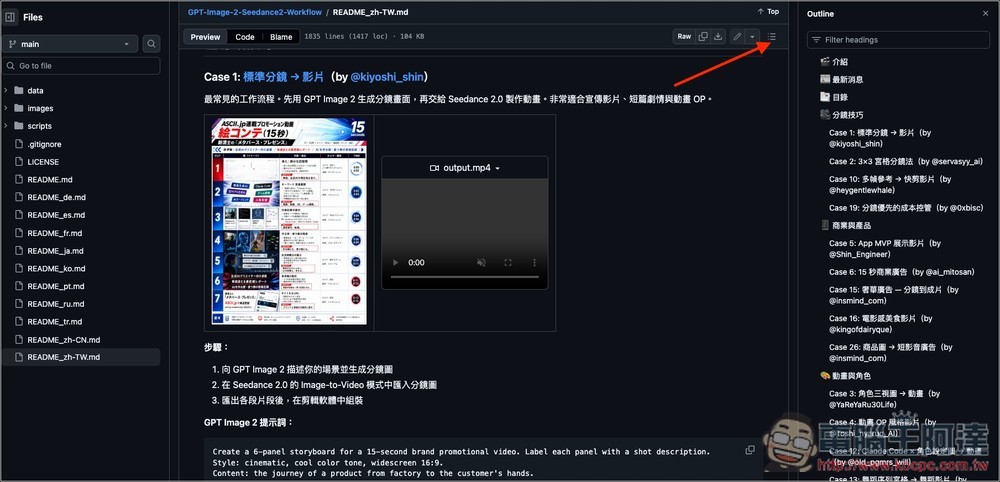
Before diving into the case studies, I’d highly recommend reading through the framing techniques section at the very beginning first. This will help you understand how GPT Image 2 and Seedance 2.0 work together, the key techniques involved, recommended prompts to use, and even cost control strategies. Once you have this foundation, you’ll be able to quickly grasp how each creator achieved their results when looking at other cases.
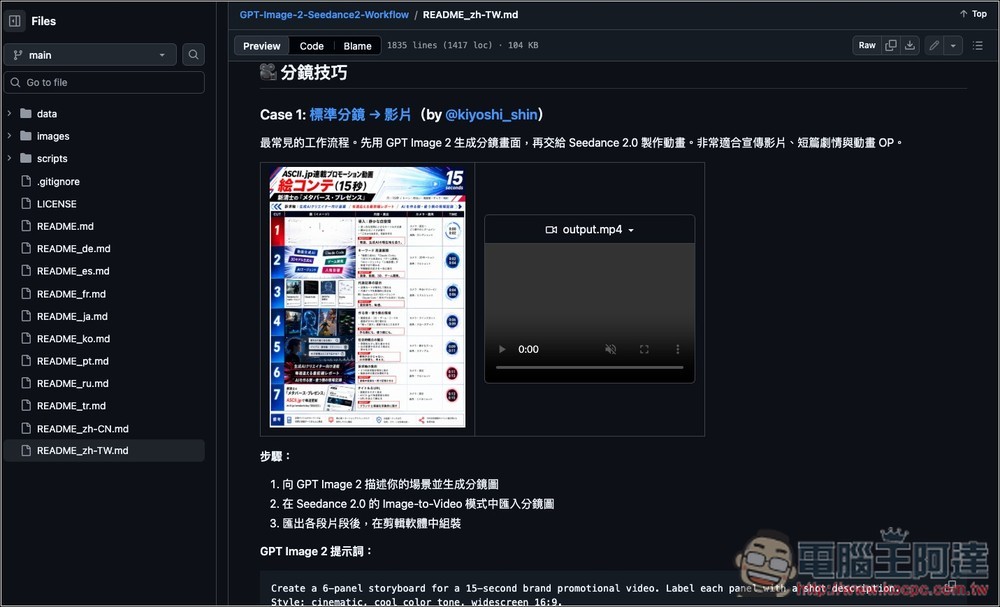
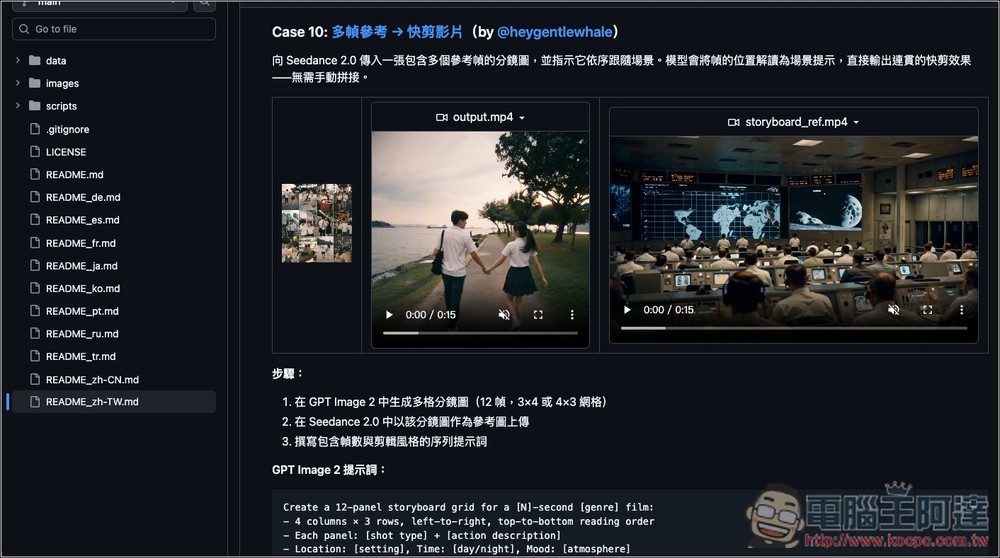
Every case includes a demonstration video, so you can see the results directly:
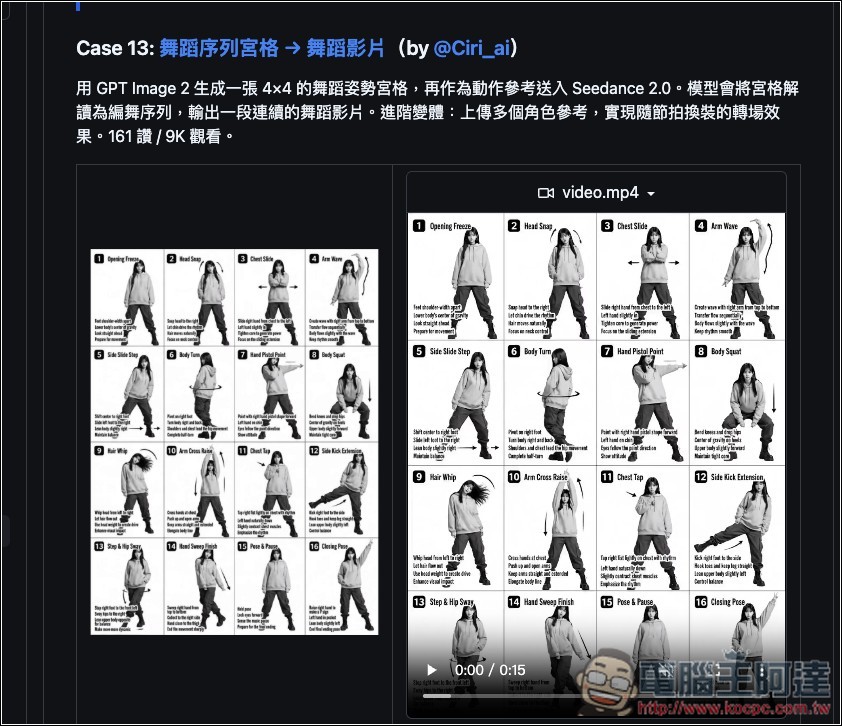
For those looking to create dance videos, Case 13 is definitely worth checking out:
The anime opening style video of Case 4 is probably something many people also want to learn:
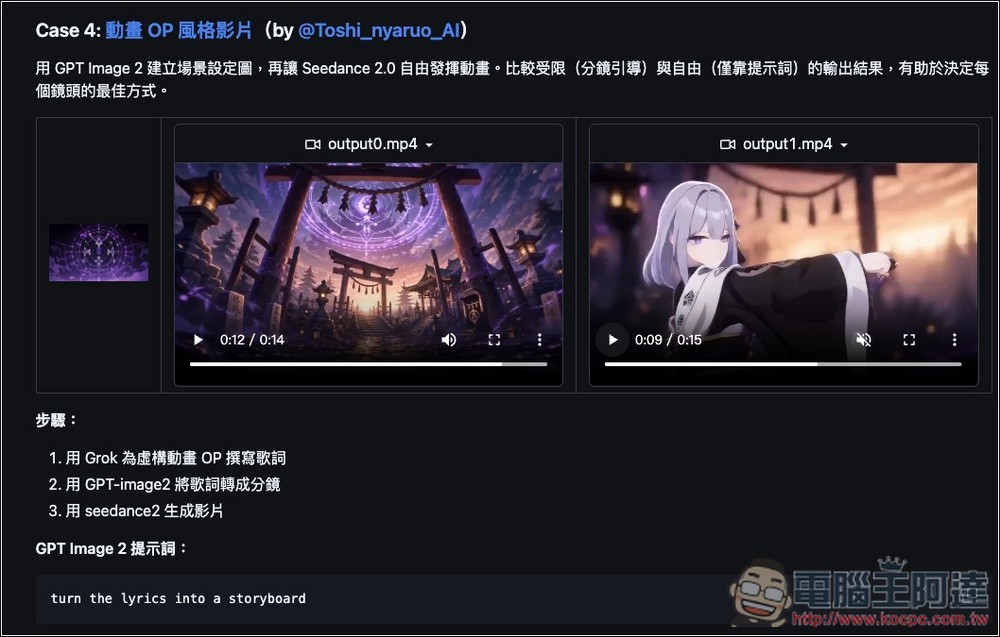
Since this project contains a large number of videos, browsing online might sometimes be laggy. I would recommend cloning a copy to your local machine.
Here are a few key techniques you must know
- Don’t generate videos directly—create visual references first.For stable AI videos, the most important thing is not to let the model hallucinate. Start by using GPT Image 2 to prepare storyboards, character designs, product images, or scene images, then move on to the video phase.
- The clearer the storyboard, the more stable the videoUse 6, 8, or 12 panels for storyboarding. Each panel should depict only one clear action. Avoid overloading with information. The simpler the prompt, the closer the output will be to your expectations.
- The grid view can significantly reduce camera clutter.3×3, 3×4, 4×4 Grid is the most common method in this project. It allows Seedance to see the complete sequence in a single image, making it less prone to discontinuity issues compared to inputting frames one by one. If you want a fast cut with a clearer temporal sequence, remember to add an instruction like “follow the storyboard sequence of the [N] reference frames” to the prompt—this tells the model “this is the timeline.”
- Character animation always starts with character design sheets.Don’t describe characters with text every time—three-view drawings are always more reliable than text prompts.
- Use timeline prompts to control video pacingLike Case 16, breaking 15 seconds into a 0–2 second top-down close-up, 2–4 second slow-motion side angle, 4–6 second macro shot, etc., is much more precise than just saying “make a beautiful video,” and is especially suitable for product demos, food videos, unboxing videos, or how-to guides.
- Product videos should showcase the locked-in product appearanceThe project’s Consistency Guide mentions a handy tip: adding “keep the product appearance completely unchanged, camera movement only, no rotation” to Seedance prompts can prevent product details from being distorted by motion interpolation. Also, try to keep each video segment under 3 seconds — the shorter the clip, the less distortion accumulates.
- Edit images first, then generate videos to save a lot of credits.Redoing video costs 10 to 50 times more than images, so fixing all errors at the image stage and only doing final rendering for the video phase is far more cost-effective than repeatedly regenerating video clips.
Source: KOCPC Chinese