


There are more and more modern subscription services, and many people are probably like me. They subscribe more and more unknowingly, and then they don’t keep track of how much they spend in total. They even forget about some services after subscribing, and still secretly deduct money every month. The “Subscription Hunter” I will introduce in this article is a very good auxiliary tool. It not only allows you to quickly take stock of the total monthly subscription costs in 30 seconds, and find services that you have forgotten to cancel, but also provides a “price increase sentinel” function. Whenever the official price changes, it will send you a letter as soon as possible, so that you can know immediately and avoid spending more money.
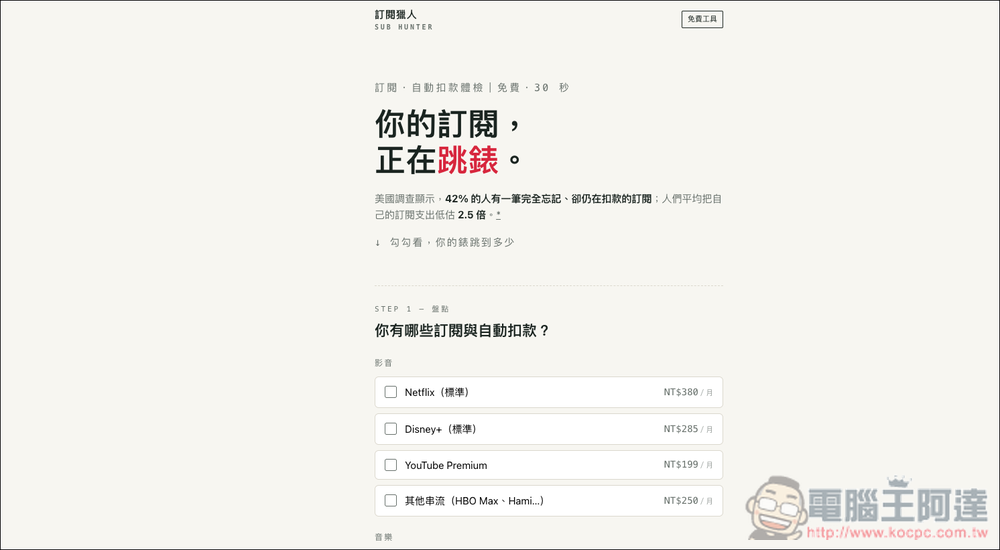
“Subscription Hunter” helps you consolidate the total monthly subscription costs and provides automatic reminders for price increases.
“Subscription Hunter” is a free subscription and automatic deduction calculation tool that mainly helps users find out how much they spend on audio and video, music, cloud software, AI tools and life services every month. When using it, just check Netflix, Disney+, Spotify, YouTube Premium, ChatGPT Plus, Claude Pro and other items, and the system will calculate the monthly, annual and average daily expenses based on the reference price. The amount can also be modified to reflect the actual plan or promotional price.
In addition to displaying the total expenditure, Subscription Hunter can also keep a list of the last inventory, allowing users to compare the differences before and after, and quickly understand how much they have saved or increased in subscription fees. After completing the inventory, you can also choose to apply for the free “Sentinel” service. The website will check the official price announced in Taiwan for the designated service every month. Only when the plan or price changes are confirmed, an email notification will be sent, and the operation path for canceling the subscription or switching to a cheaper plan will be included to avoid missing the price increase notification and continuing to deduct payment after the discount expires.
Main features:
- Quick inventory of common subscriptions and automatic deductions in 30 seconds
- Automatically convert monthly, annual and average daily expenses
- Supports adding new items and modifying actual payment amount
- Save the last list, showing the increase and decrease in expenses and the annual difference
- Track Taiwan’s official public prices for multiple services for free
- Only send letters after confirmation of price changes to avoid frequent notifications
- Provide instructions for unsubscribing or downgrading to a cheaper plan
- Inventory data is retained in the browser, taking privacy into account
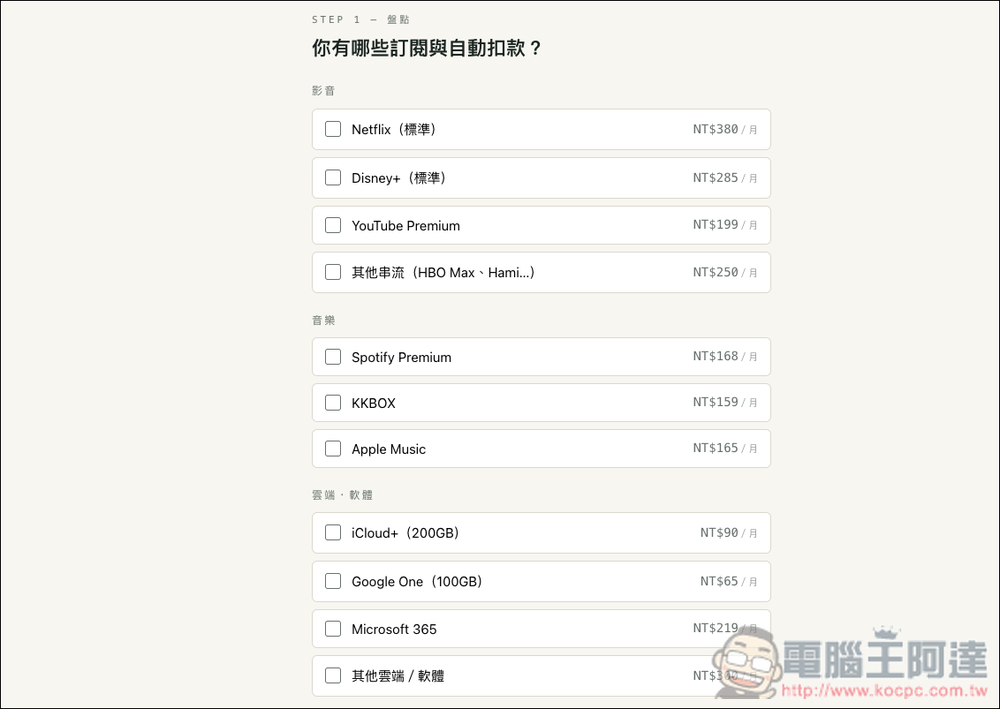
After clicking the link above to enter the subscription hunter website, STEP 1 select which subscriptions and automatic deductions you currently have. Many common services have been preset, such as: Netflix, Disney+, YouTube Premium, Spotify, Apple Music, iCloud+, Google One, Microsoft 365, etc.:
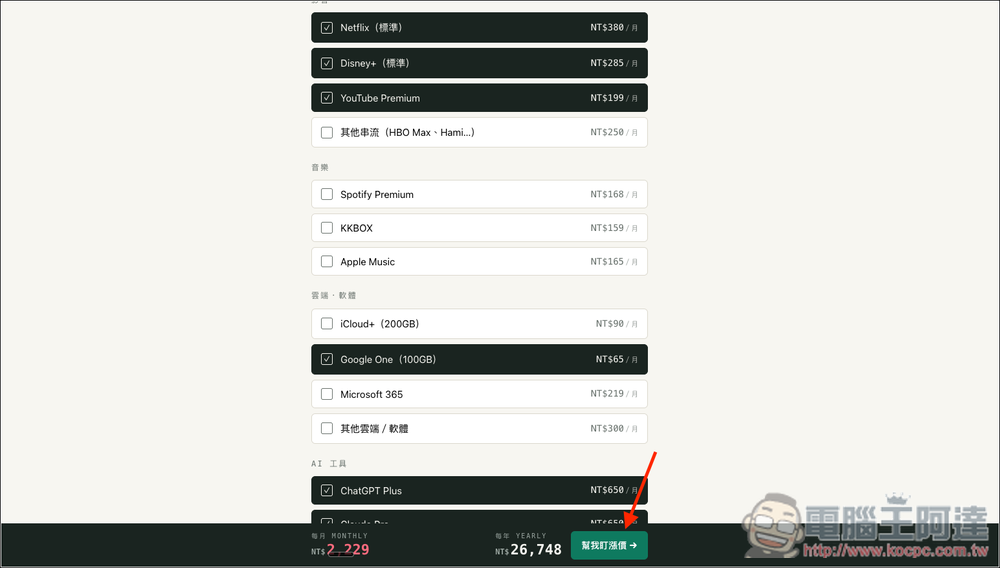
Scroll down to find AI tools and lifestyle services. After selecting, the bottom will instantly calculate your total monthly spending and annual expenses. I didn’t expect that my Plus One Plus cost exceeded 20,000 yuan:
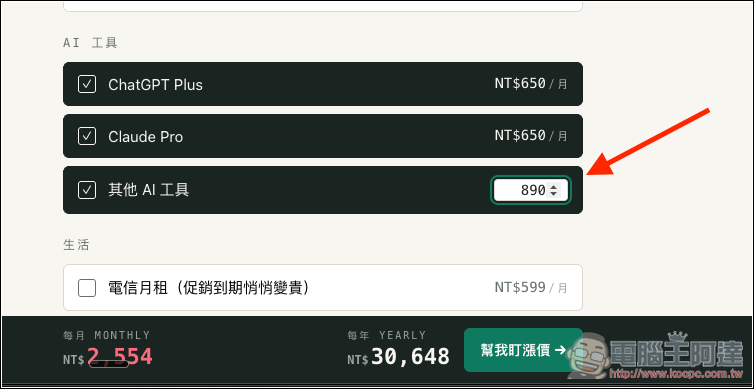
If the service you subscribe to is not listed above, you can calculate it yourself and enter it in other fields below. The amount can be changed (monthly), but the name cannot. Unfortunately, each category only has one other xxx item, and there is no way to add more items. The representative said that if you have multiple services that are not on the list, you need to calculate the full cost yourself and then fill it in. This is a bit troublesome:
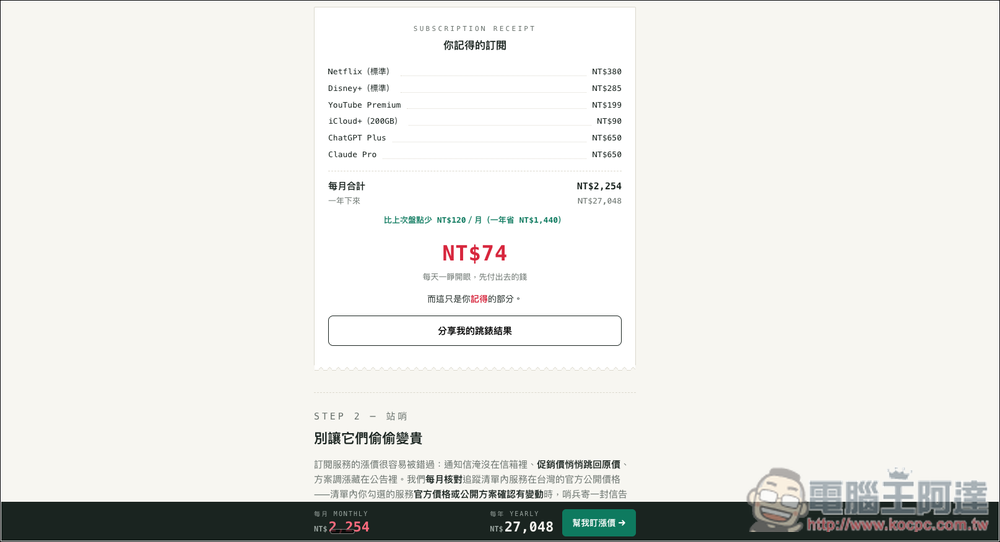
Scroll down and there is a subscription receipt, which will record the total subscriptions you have, how much each one costs, and how much you spend every day when you open your eyes:
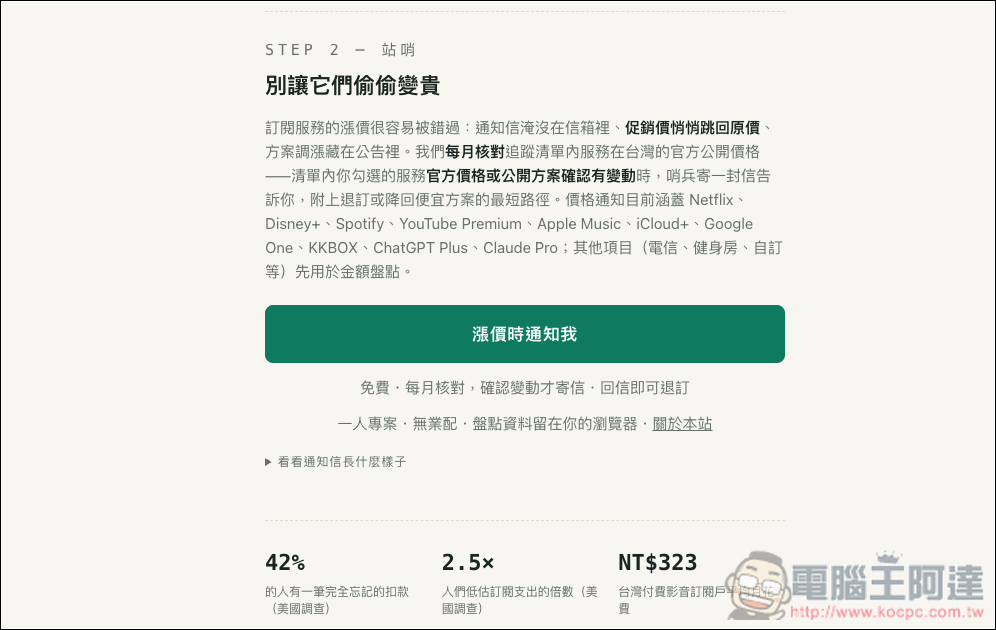
STEP 2 is a sentinel function. If you want to track price changes, you can apply for “Notify me when prices increase.” The system will automatically check the prices in Taiwan every month, and will only send a notification after confirming the changes:
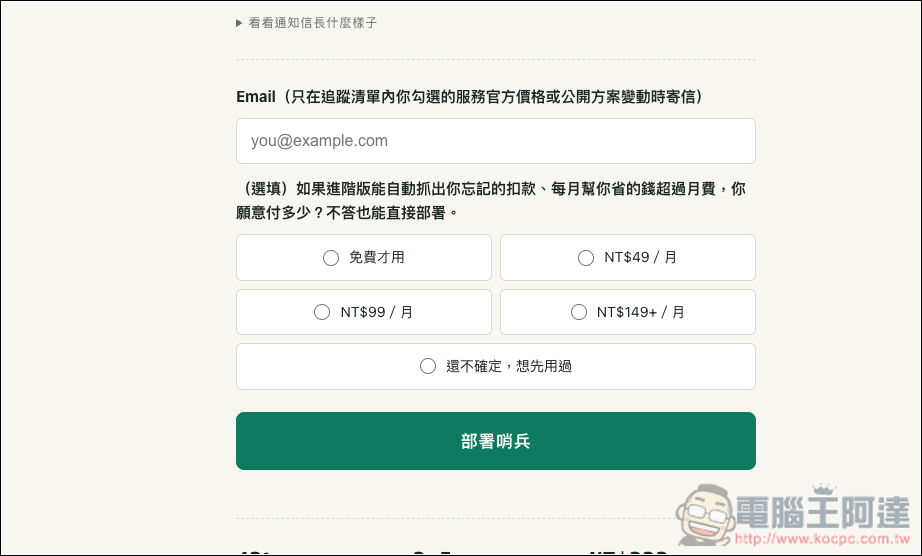
After filling in the Email, click Deploy Sentinel to complete:
Source: KOCPC Chinese