


In the past, when encountering low-resolution images or low-quality videos, we usually had to make do with them. However, now with AI technology, upscaling images and improving video quality has become much simpler, and the results are quite impressive.
If you often need tools like this, the free version of Winxvideo/Macxvideo AI is highly recommended to grab this time. It comes with built-in AI image and video enhancement tools, plus practical features like downloading online videos, video conversion, and compression. If you’ve already claimed it before, check your version — if there’s an update available this time, take the opportunity to upgrade.
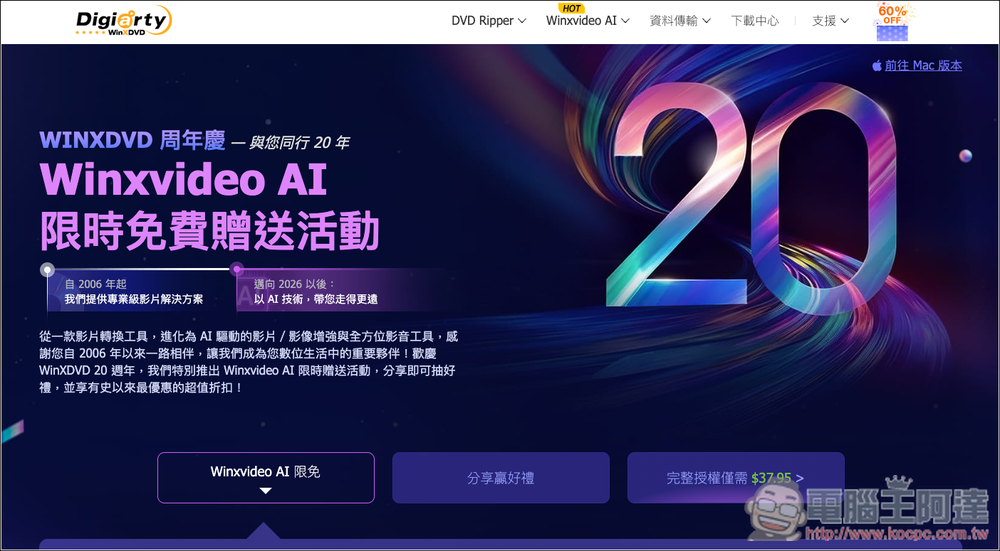
Winxvideo/Macxvideo AI Limited-Time Free Offer
To celebrate the WinXDVD anniversary, Winxvideo/Macxvideo AI are simultaneously releasing a free giveaway promotion. Although the promotion page states it’s limited to 200 sets per day, after my testing, the number seems to have stayed at 50 remaining. Another thing to note is that the free promotion pages for Winxvideo and Macxvideo are different—if you’re a Mac user, remember to go to Macxvideo to get your registration code.
Visit the Winxvideo AI Limited-Time Free Offer Page
Visit the Macxvideo AI limited-time free offer page
Winxvideo AI/Macxvideo AI Free Version Introduction
Winxvideo AI/Macxvideo AI Free Version is a multi-functional audio/video tool combining AI video enhancement, image restoration, video conversion, compression, and screen recording. This offer includes Winxvideo AI V3.2 and Macxvideo AI V3.0, with lifetime access to the core features of the current version. This is more than sufficient for daily video organization, improving quality of old videos, photo upscaling and restoration, as well as basic audio/video conversion.
Its standout feature is the ability to use AI to upscale low-quality, blurry, or noisy videos to HD, 1080P, or even 4K quality. It can also stabilize shaky footage and boost frame rates, making old videos or smartphone recordings look clearer and smoother. For images, it supports AI upscaling and detail enhancement, capable of boosting low-resolution photos to 4K or 8K.
Beyond AI enhancement, it also comes with built-in tools for video downloading, video and audio conversion, video compression, and screen recording. So it’s not just a simple AI repair tool, but rather closer to an all-in-one video and audio processing utility. However, it’s important to note that the free version has feature limitations—for example, some advanced AI functions are unavailable, free upgrades and technical support are not included, and features like AI audio enhancement, face restoration, and colorizing black-and-white photos also require the full version to unlock.
Here I use Winxvideo AI as an example. After clicking the link above to go to the promotion page, enter your email address, and the serial number will be sent to this inbox:
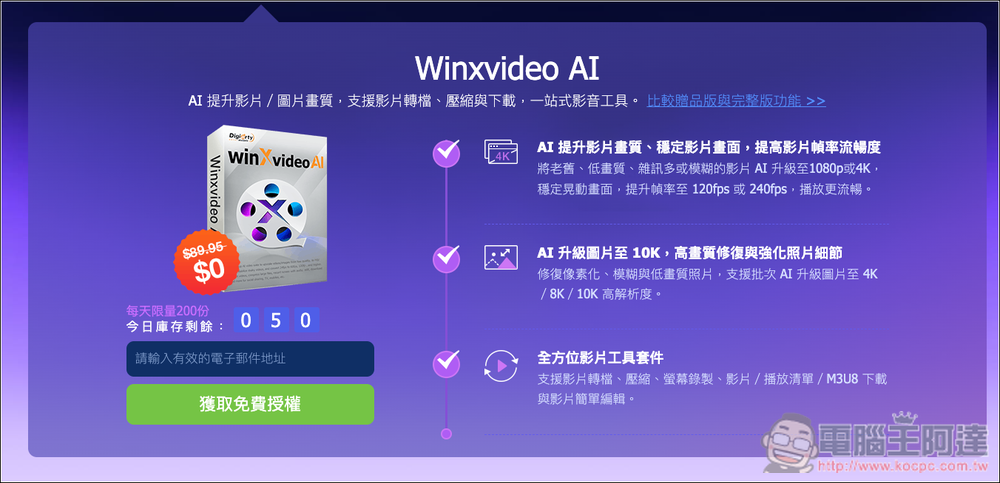
The registration code will appear in your inbox. Remember to activate it by June 30, 2026:

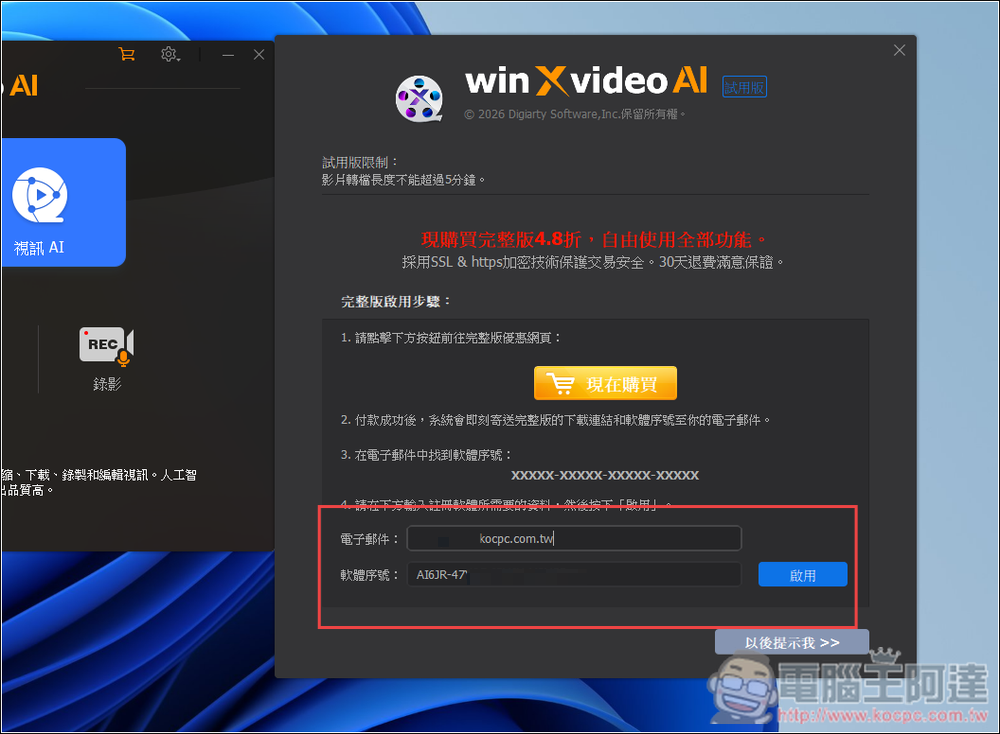
After the software is installed, when you open it for the first time, it will ask you to enter a serial number. Enter your email address and the serial number you just received, then click Activate:
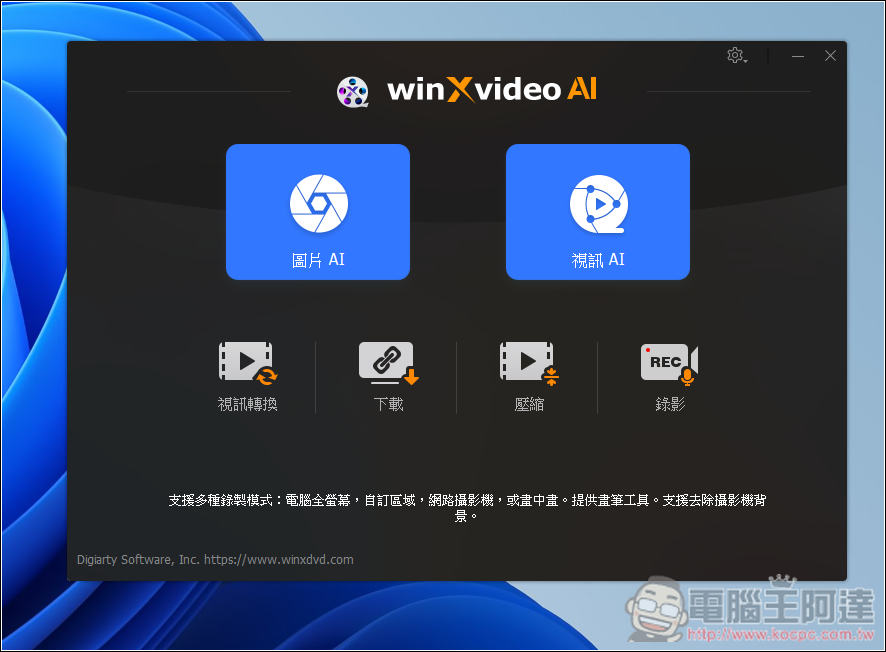
This is how you can get started. There are six features: “Image AI,” “Video AI,” “Video Conversion,” “Download,” “Compression,” and “Recording”:
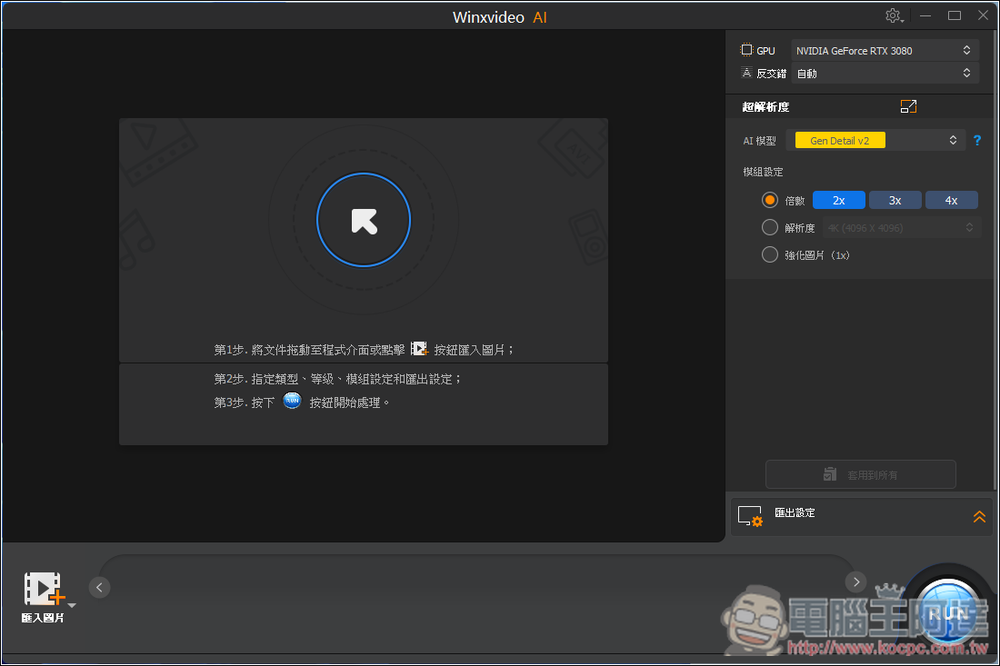
The image below shows the Image AI interface, where you can set the AI model you want to use and the upscaling factor (2x, 3x, 4x) on the right.
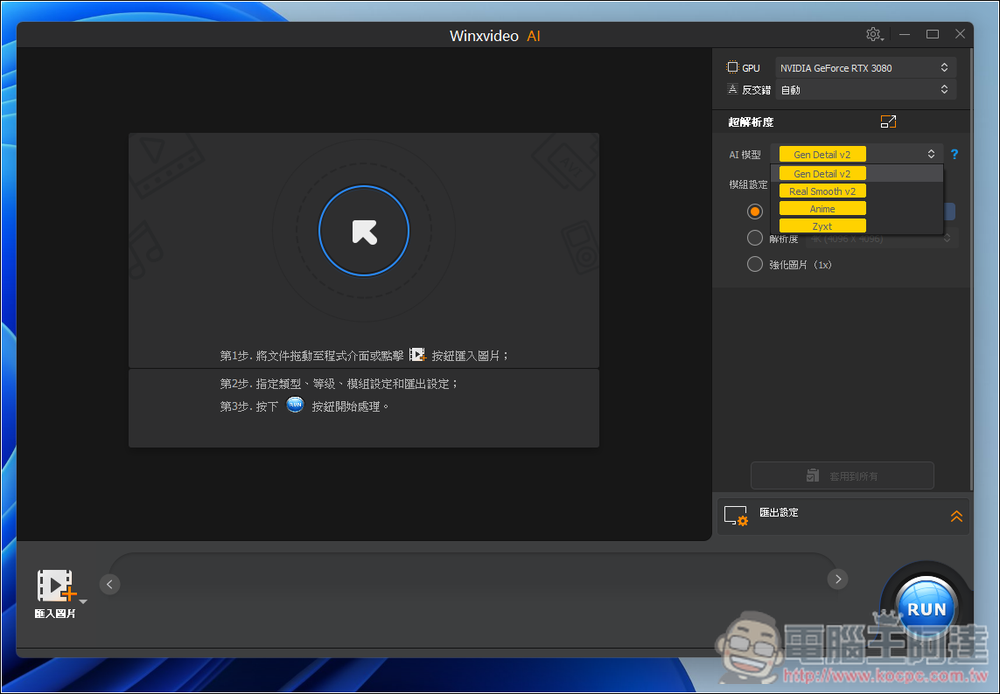
There are four model options, but the first two are usually enough. For anime-style content, you can use Anime:
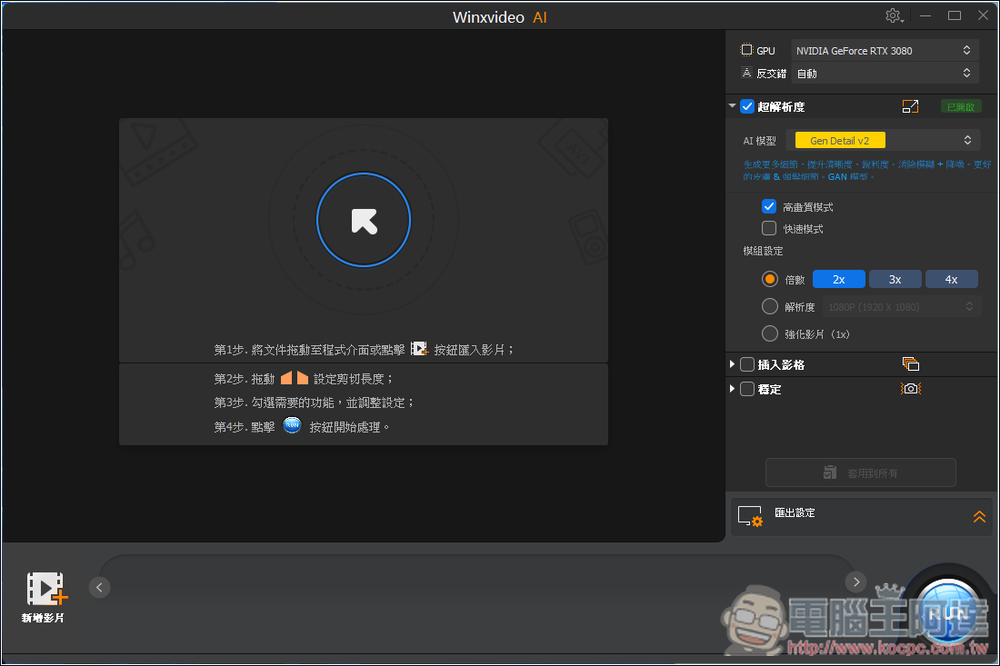
The image below shows the Video AI interface. On the right side, you can set the zoom level, with a maximum of 4x as well. It also allows you to insert frames and stabilize the footage:
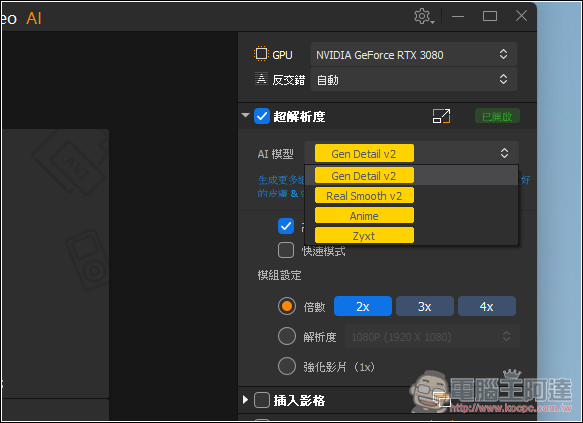
There are also four models:
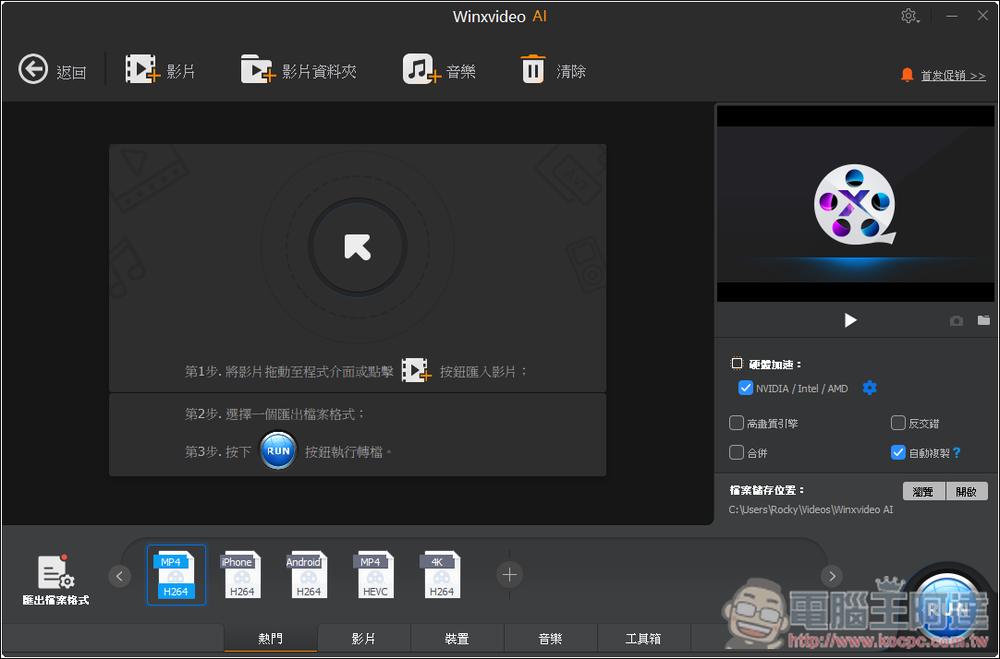
The video conversion interface, like most conversion software,
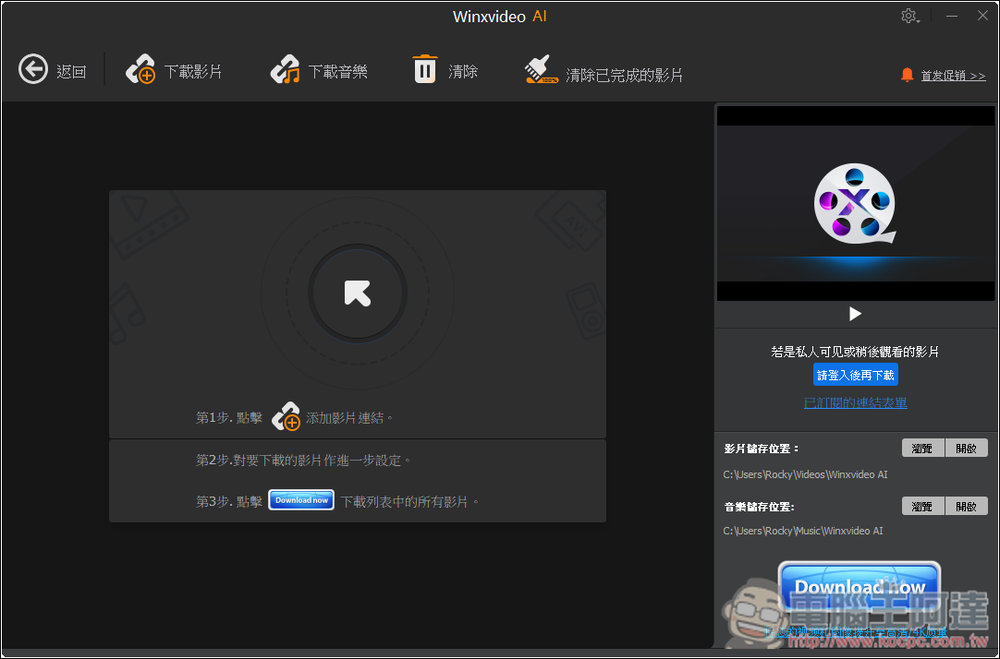
Online Video Download, Free Version Supports Over 300 Websites:
Source: KOCPC Chinese