


When watching YouTube videos, it is more or less possible to find some videos of interest. If you want to download them and add them to your collection, there are many free tools on the Internet that can do this without installing any software. They also support up to 8K resolution and MP4 quality. This article will sort it out for you.

Summary of free online tools for downloading YouTube videos
1. Cobalt.tools
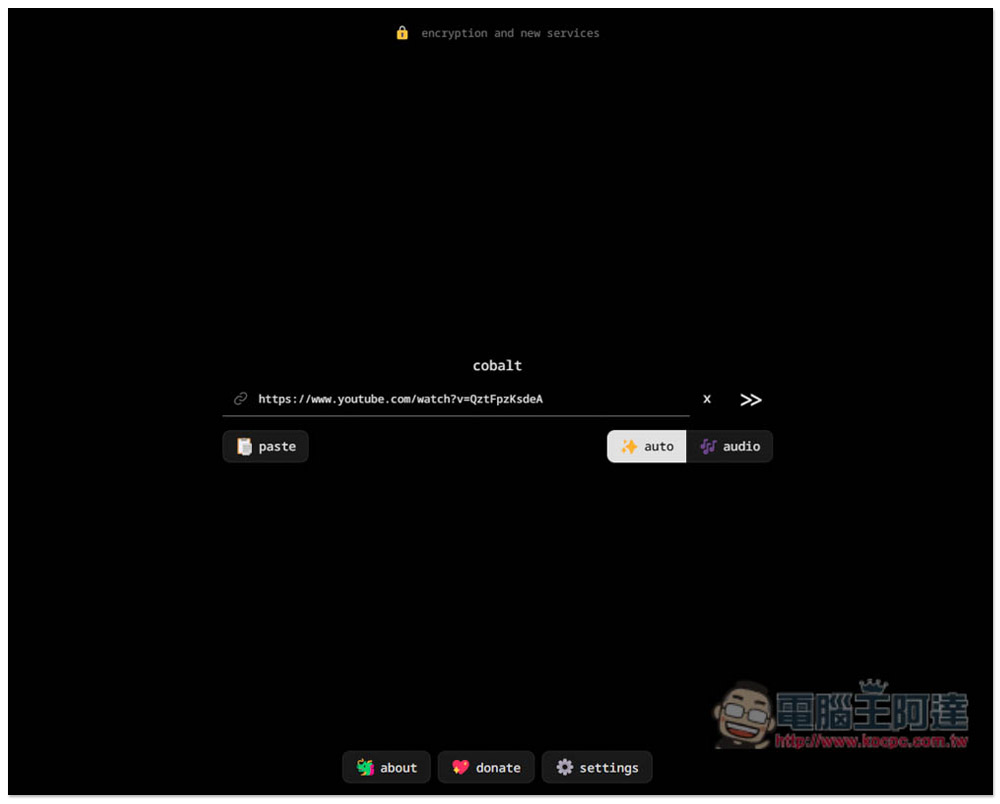
Cobalt.tools It is the most recommended free tool for downloading YouTube that we have used. Not only is it completely ad-free and can download YouTube videos and music, but the highest supported resolution for videos is 8K. There are also a variety of format options, including h264 (mp4), av1 (webm), and vp9 (webm). Moreover, videos from Xiaohongshu, Bilibili, X and other platforms can be downloaded, and can even be used on iOS and Android devices, which is quite powerful.
After setting the format and resolution you want, paste the YouTube video URL and press the send button to start downloading. The download speed is also quite fast. (Editor’s note: YT videos cannot be downloaded at the moment)
Go to Cobalt.tools
2. VD6S
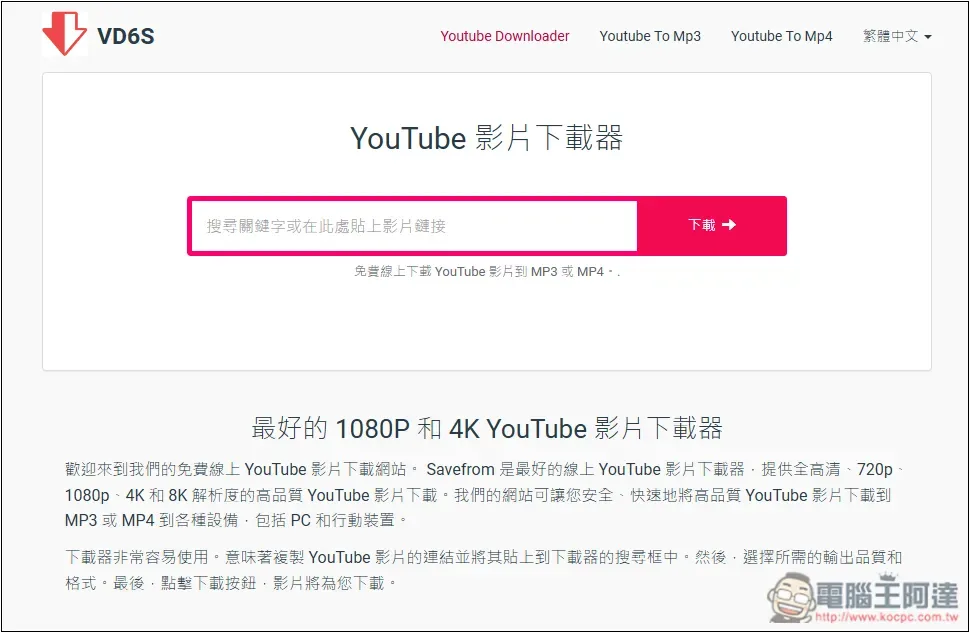
VD6S It was formerly the very old SaveFrom download tool. It was recently renamed and launched, becoming completely ad-free and with fast download speed. YouTube MP4 and MP3 formats can be downloaded. Although the video supports up to 4K resolution, it is a version without sound, and the highest resolution with sound is only 1080p.
If you want to use this to download 4K, then you need to post-edit yourself to combine the audio files with the video files.
Go to VD6S
3. yt-downloaderz
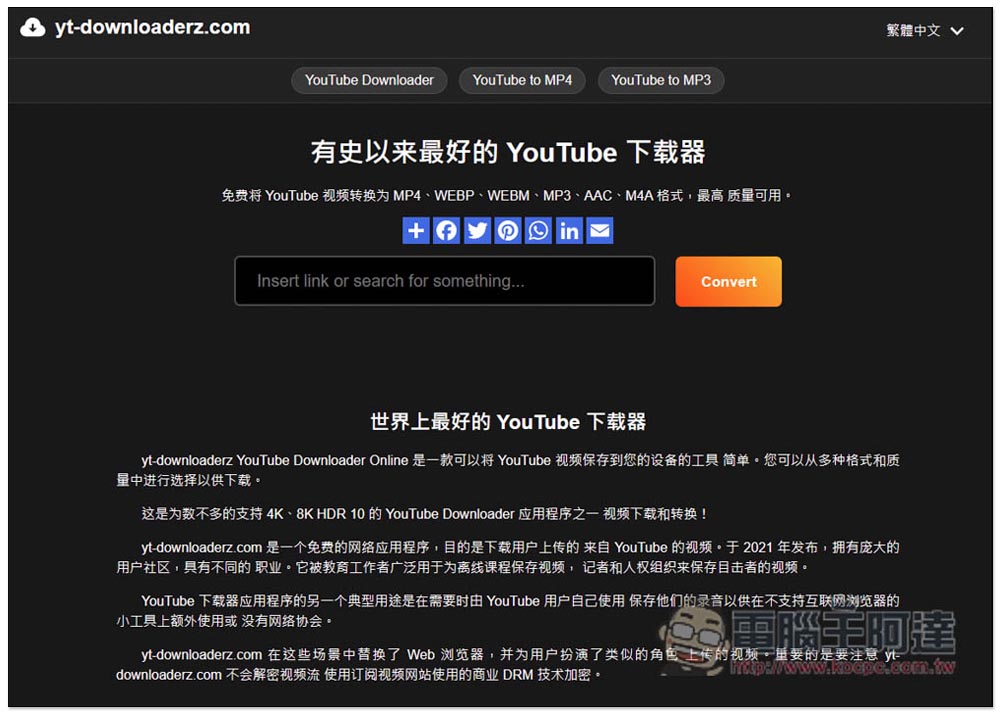
yt-downloaderz It is also a very powerful downloader. The website directly advertises it as “the best YouTube downloader ever”. The download formats are MP4, WEBP, WEBM, MP3, AAC and M4A. The video supports up to 4K, and it is in MP4 format with sound. The conversion speed is quite fast.
Go to yt-downloaderz
4. yt2K
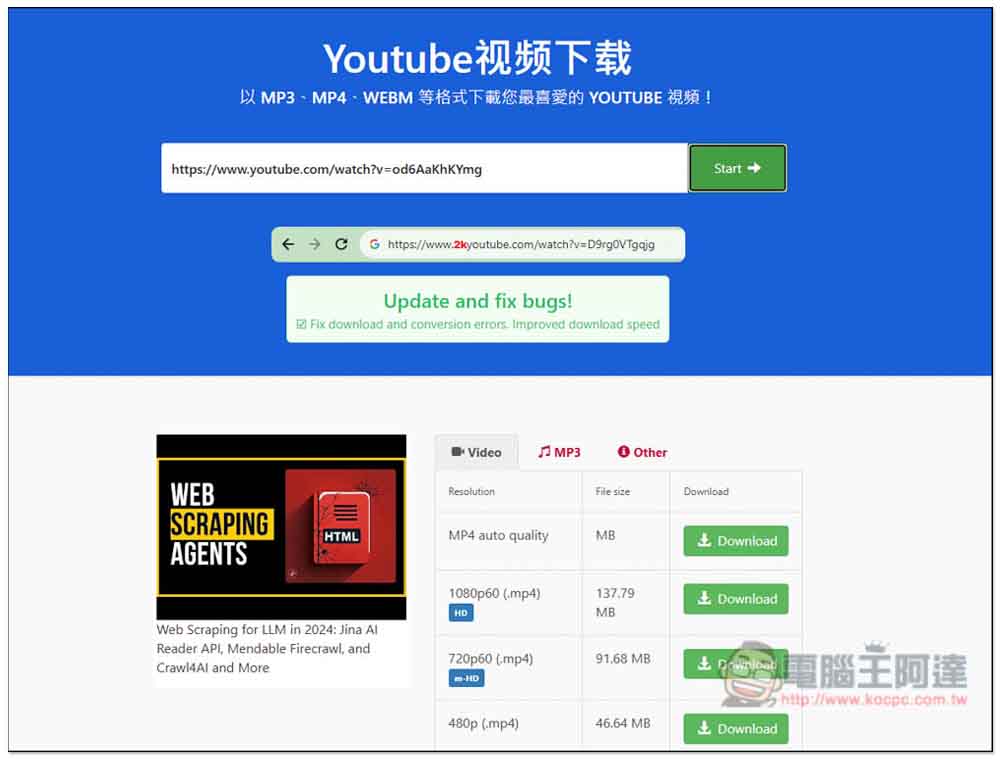
yt2K You can also download YouTube videos and MP3 music. In addition to operating from the website, you can also directly add 2k in front of the YouTube URL and it will automatically jump to the website. This is quite convenient. You can download YouTube videos by changing the URL.
It supports up to 1080p image quality, and also provides 720p, 480 and 360p options. The download speed is moderate, neither too fast nor too slow.
Go to yt2K
5. loader.fo
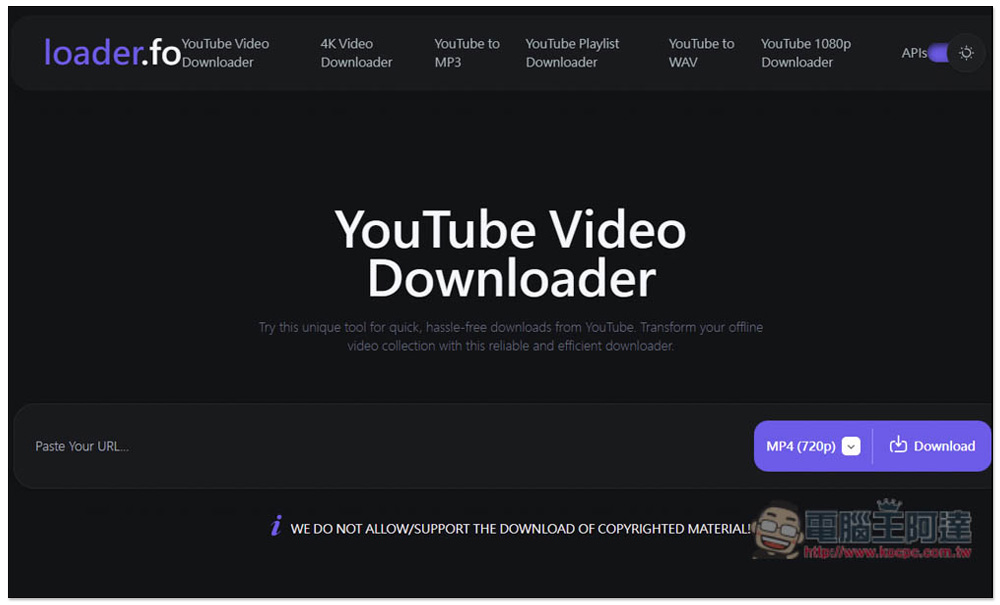
loader.fo You can download videos of up to 4K resolution from YouTube in WEBM format. If you want to MP4, you need to convert it yourself. Below 2K, you can choose MP4 format.
It also supports downloading YouTube music and provides many formats, including: MP3, M4A, WEBM, AAC, FLAC, OPUS, OGG and WAV. It should be regarded as the one that supports the most audio formats among all the YouTube download tools I have used.
However, the conversion speed is a bit slow, especially at 4K resolution.
Go to loader.fo
6. yt5s.best
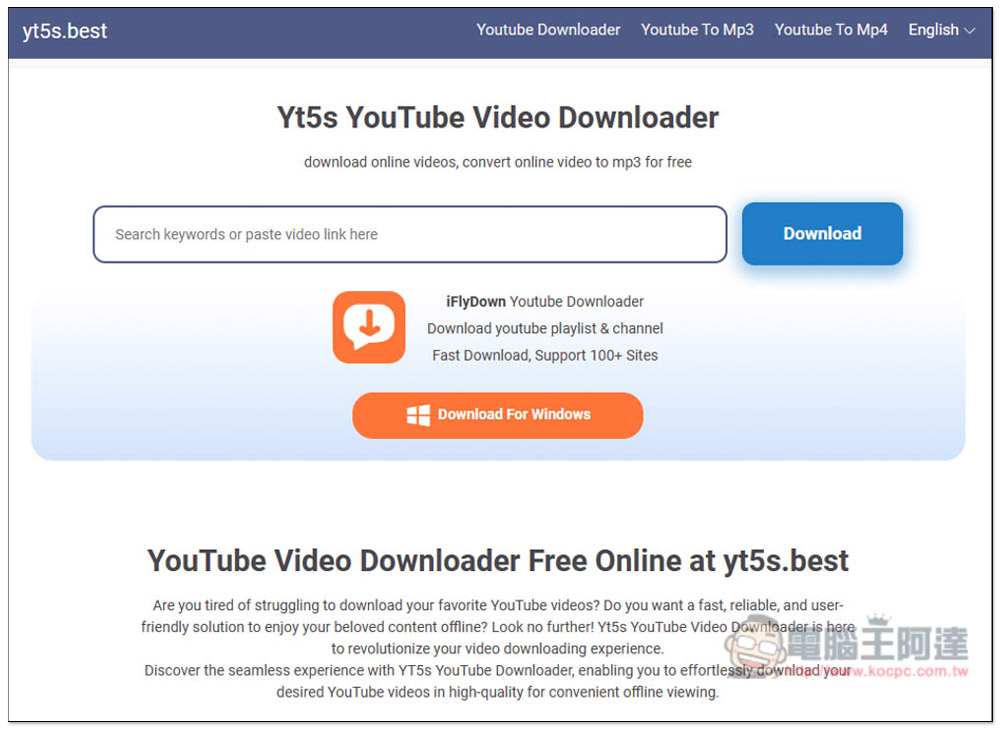
yt5s.best It is also an ad-free YouTube download tool that supports both MP4 and MP3. MP4 supports up to 2K image quality and is also an MP4 format with sound, which is quite good. In addition, 1080p, 720p, 360p and other image qualities are also provided.
It also has a 4K option, but it requires desktop software and is not supported online. Although it can be downloaded to 2K, the speed is a bit slow, and the download speed jumps greatly. Sometimes it reaches 1MB/s, and sometimes it is left around 100KB/s, so you need to wait for a while.
Go to yt5s.best
7. Ummy

Ummy The biggest feature of the online download tool is that it supports more than 700 websites. The representative said that if you have video download needs from other websites, you can also try it.
In the past, this tool could download up to 4K resolution, but recently I tested it again and it seems to have dropped to 1080p, and many of them have no sound. I am not sure if it is a temporary change or if they want to push software (they also provide Windows software).
Go to Ummy
8. Myvid
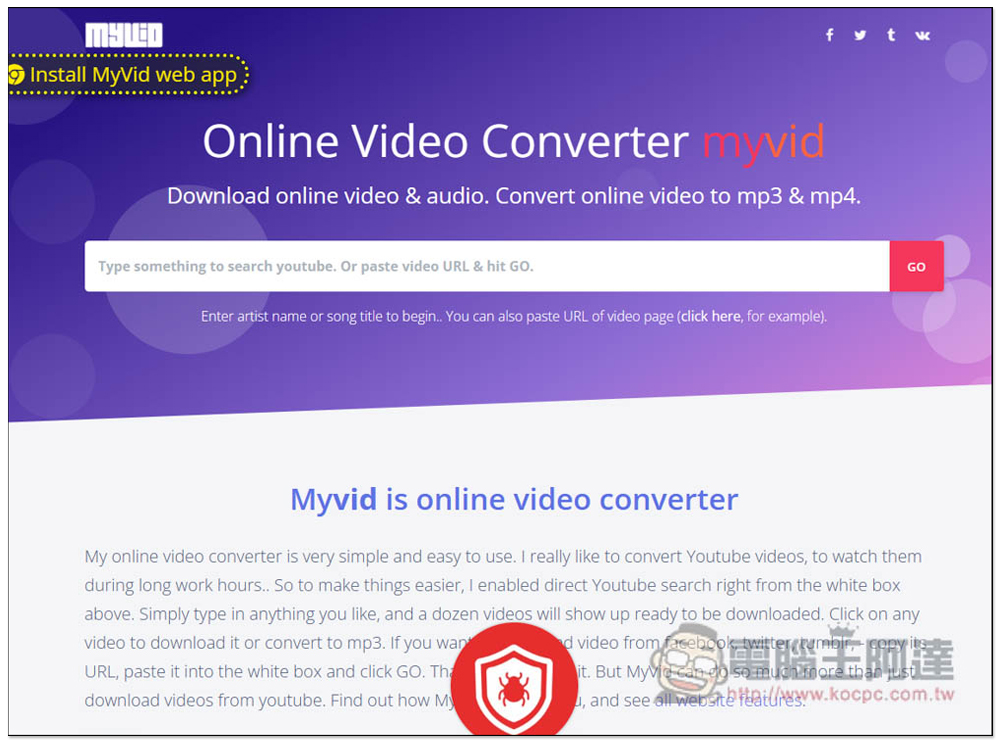
The special feature of Myvid is that in addition to being able to download YouTube MP4 videos and MP3 music, it also has a built-in search function, which means you can directly search for YouTube videos on this website and download them, which is quite convenient. Up to 1080p image quality can be downloaded.
However, there are a lot of ads. Every time you search, click on a video, or click on the download function, ads will pop up. It is the one with the most ads in this recommendation list.
Go to Myvid
9. SLICETUBE
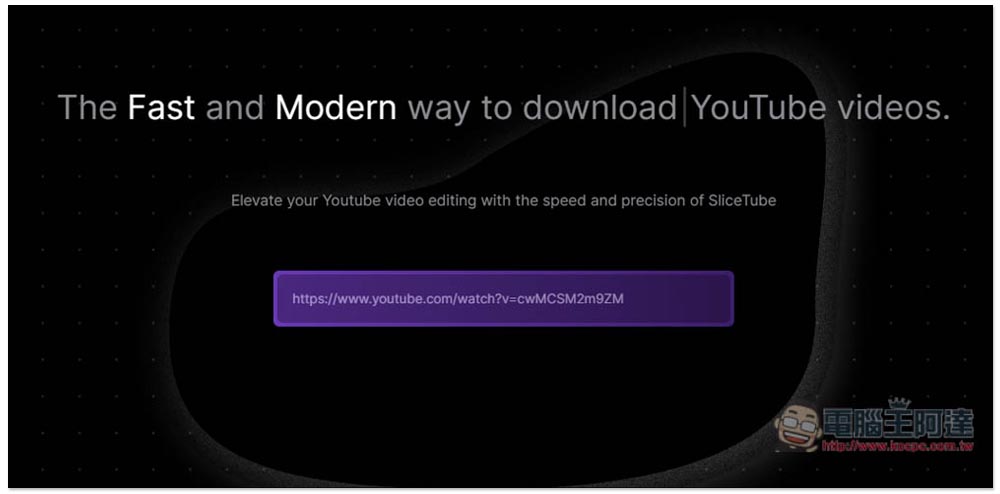
SLICETUBE It is a YouTube download tool that claims to be the fastest and most stylish. The interface design is really high-quality. Its biggest feature is that it also provides an editing function, which allows you to specify the YouTube video clips you want to download without downloading the entire video.
So if you just want to save a certain part of the video, this tool is best for you.
Go to SLICETUBE
10. TubeMP4
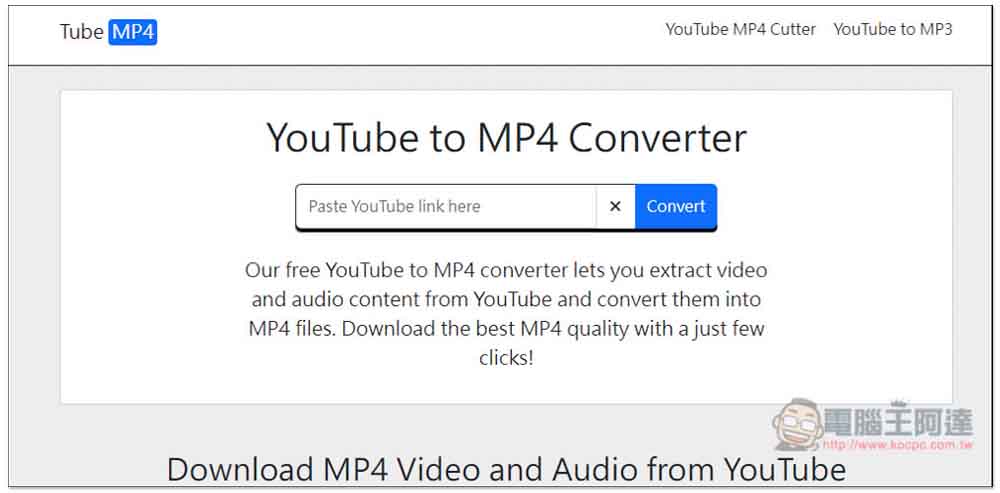
TubeMP4 It has been recommended by many people on foreign Reddit forums, and I have actually used it and it is indeed pretty good. Compared with other free tools, the download speed is quite fast, and YouTube supports up to 1080p image quality.
But a big drawback of this product is that there are quite a lot of advertisements, not only on the page, but also pop-up advertisement windows. This is not recommended for people who are very concerned about the interference of advertisements.
If you are using a browser such as Arc instead of Chrome or Edge, you may encounter ads that will open when you click anywhere on the web page.
Go to TubeMP4
11. Video Grabber
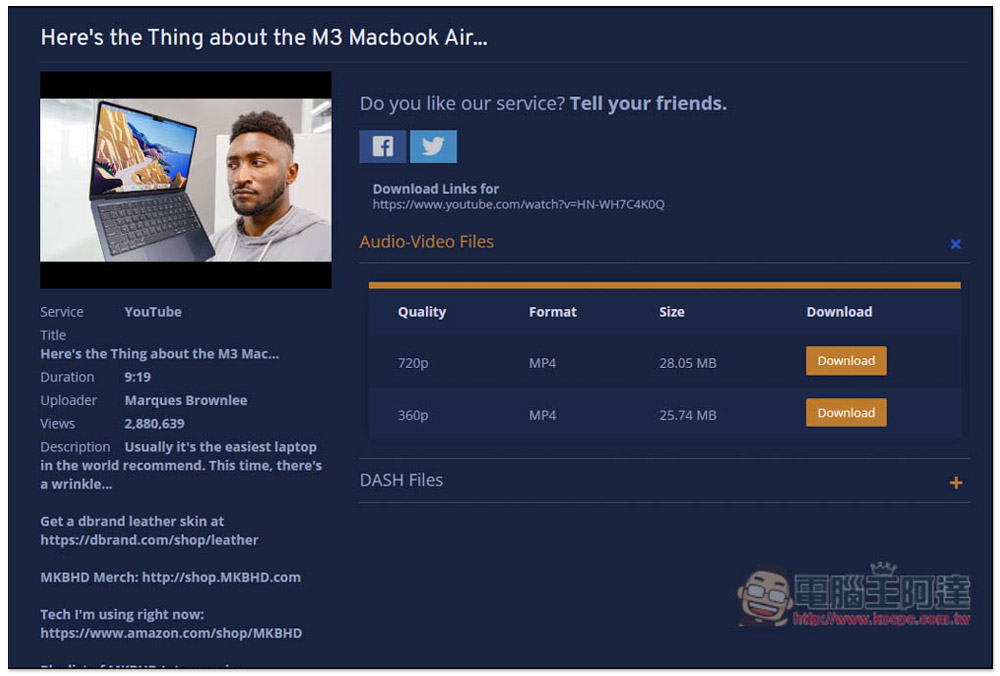
Video Grabber It is a video download tool that supports multiple websites. In addition to YouTube, it can also download dozens of websites such as Vimeo, Facebook, Twitter, and Instagram. However, it can only download up to 720p, which has a slightly lower resolution, but the file size is relatively small.
The only drawback is that every time you press anywhere on the screen, pop-up ads will pop up.
Go to Video Grabber
Source: KOCPC Chinese