


High-definition webcams have become standard equipment on modern laptops, allowing us to maintain a professional image in remote meetings at all times. But behind the camera light turning on, have you ever considered that you might be at risk of being “spied on”? This is not alarmist. Even laptops from top-tier manufacturers still have hidden privacy leak concerns. In minor cases, video software such as Zoom automatically turns on the camera when launched, exposing your home environment when you are unprepared; in serious cases, you face illegal intrusion by malware.
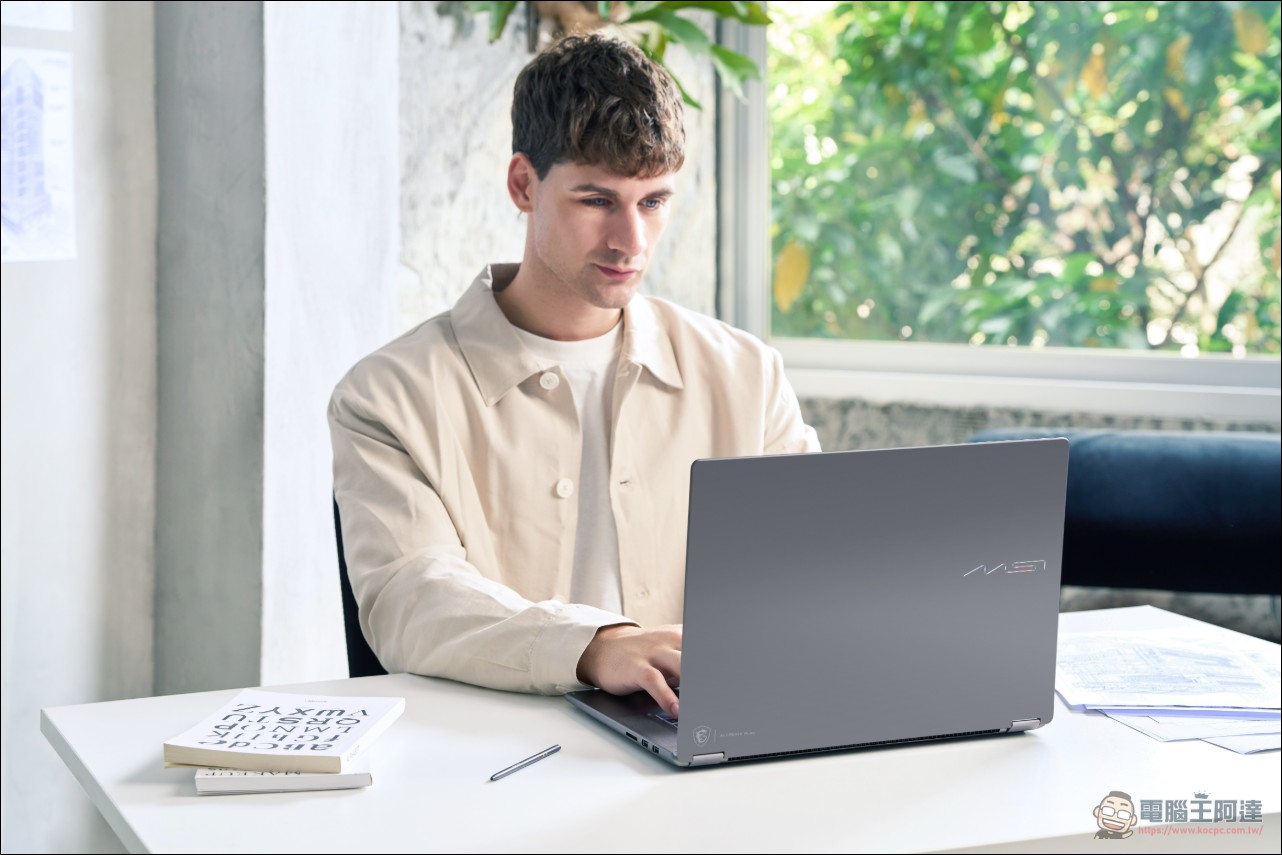
Are laptop cameras becoming a cybersecurity weak point? From physical covers to system-level protection, build a zero-blind-spot privacy defense.
The “Blackshades” incident, which caused a sensation in the cybersecurity world, is a stark lesson. The hacker group sold remote access trojans (RATs) and remotely activated victims’ webcams without authorization to steal confidential information. More than 500,000 computers in over 100 countries worldwide were affected. The mastermind, Alex Yücel, was ultimately indicted by the U.S. Federal Bureau of Investigation (FBI) in 2014 and sentenced to nearly five years in prison.
Faced with pervasive digital snooping, the most intuitive defense is “physical covering,” combined with system-level security protection. We have put together a practical guide to privacy protection and anti-hacking.

Physical Privacy Protection: From OEM Design to DIY Shielding Techniques
- Make good use of built-in hardware design: The least painful approach is to use your laptop’s built-in protection mechanisms directly. For example, some Dell models have an automatic camera shutter, while many Lenovo laptops have a physical sliding cover next to the lens that can be pushed over to block it; in addition, some models also offer a dedicated function key or physical switch to disconnect the camera with one press. It is recommended that you first check the specifications of the device you have on hand and make good use of these built-in designs.
- Adding a third-party webcam cover: If the laptop lacks a built-in privacy shutter, a third-party webcam cover available on the market is a cost-effective alternative. These accessories can be attached directly to the screen bezel and block the camera via a sliding mechanism. When purchasing, be sure to confirm that the size fits the bezel.
- MacBook users, pay special attention: Apple has explicitly warned that the clearance between the MacBook screen and keyboard when closed is extremely small. Adding any third-party sliding cover, even an ultra-thin model, may put extra pressure on the panel when the screen is closed, potentially causing the screen to crack. For Mac users, the safest and zero-cost approach is to apply a small piece of opaque tape, such as masking tape or electrical tape, which leaves no residue and provides perfect privacy protection.
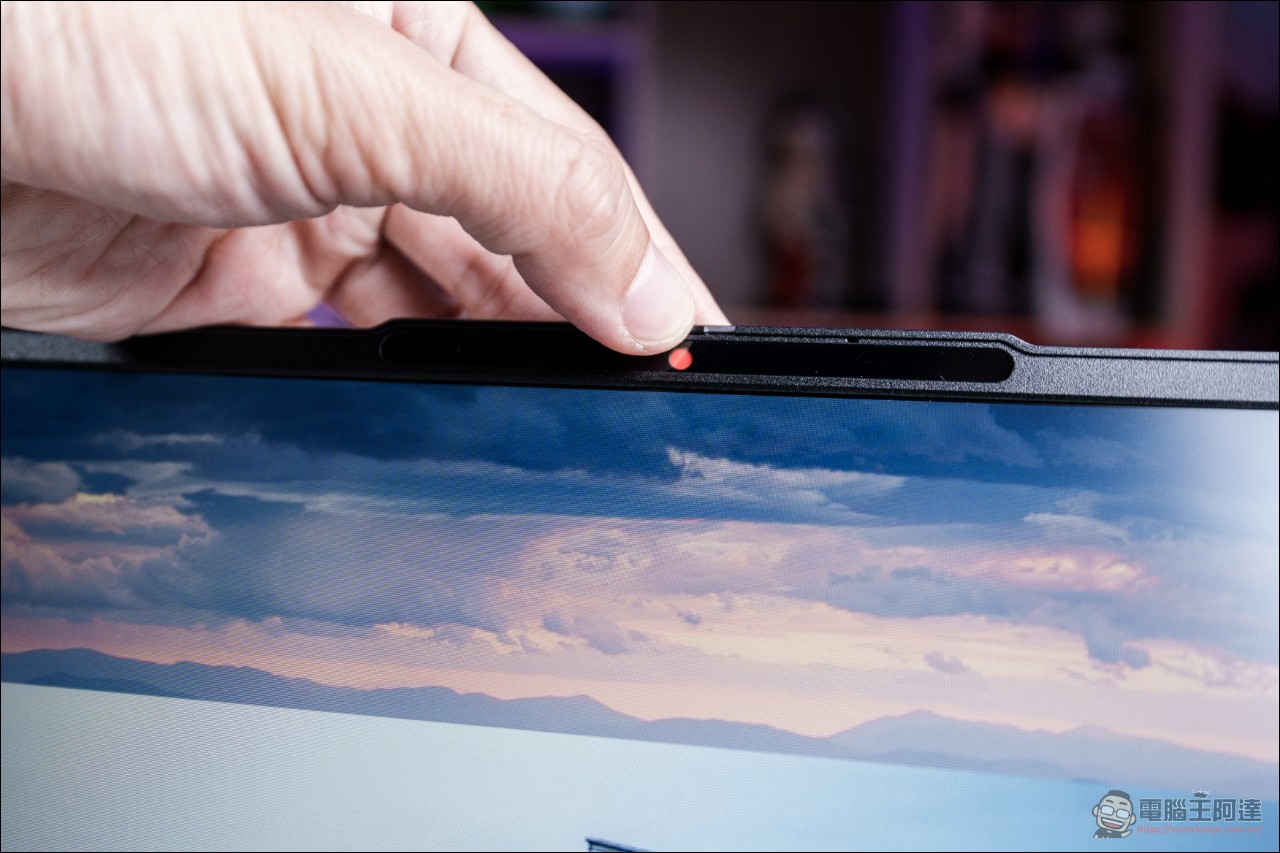
System Protection: Three Lines of Defense Against Malicious Trojans
Physical covers can block the camera’s view, but they cannot stop hackers from breaking into the system. To completely prevent Trojans like Blackshades RAT from making a comeback, good cybersecurity habits must be established:
- Keep your system updated and enable the firewall: Regularly updating the operating system can promptly patch known security vulnerabilities and prevent hackers from exploiting them; also make sure the system’s built-in firewall is enabled to block unauthorized external connections.
- Make good use of built-in and third-party antivirus tools: Windows’ built-in Microsoft Defender and macOS’s XProtect already provide fairly reliable baseline protection. If you want more advanced detection performance, consider Malwarebytes—in a consumer assessment report published in September 2026 by independent cybersecurity testing organization MRG Effitas, Malwarebytes stood out among the eight antivirus products tested, not only successfully blocking all malware samples but also achieving a near-perfect score with “zero false positives.”
- Adhere to the golden rule of “don’t click at random”: even the most powerful antivirus software can hardly prevent human error. Not clicking links from unknown sources and not downloading files from unknown sources are the fundamental ways to prevent Trojan implantation and protect digital privacy.

Source: KOCPC Chinese