


The Lunar New Year is approaching, and people often travel abroad or travel during the Spring Festival holiday. The Information Security Administration of the Ministry of Digital Development reminds the public to follow the “3 essentials for travel and 3 essentials for home” digital protection rules to strengthen personal digital defense and celebrate the new year with peace of mind.
What are the contents of the Spring Festival digital defense proposed by the Information Security Administration’s “Three Essentials for Traveling and Three Essentials for Staying at Home”? Here’s a summary:
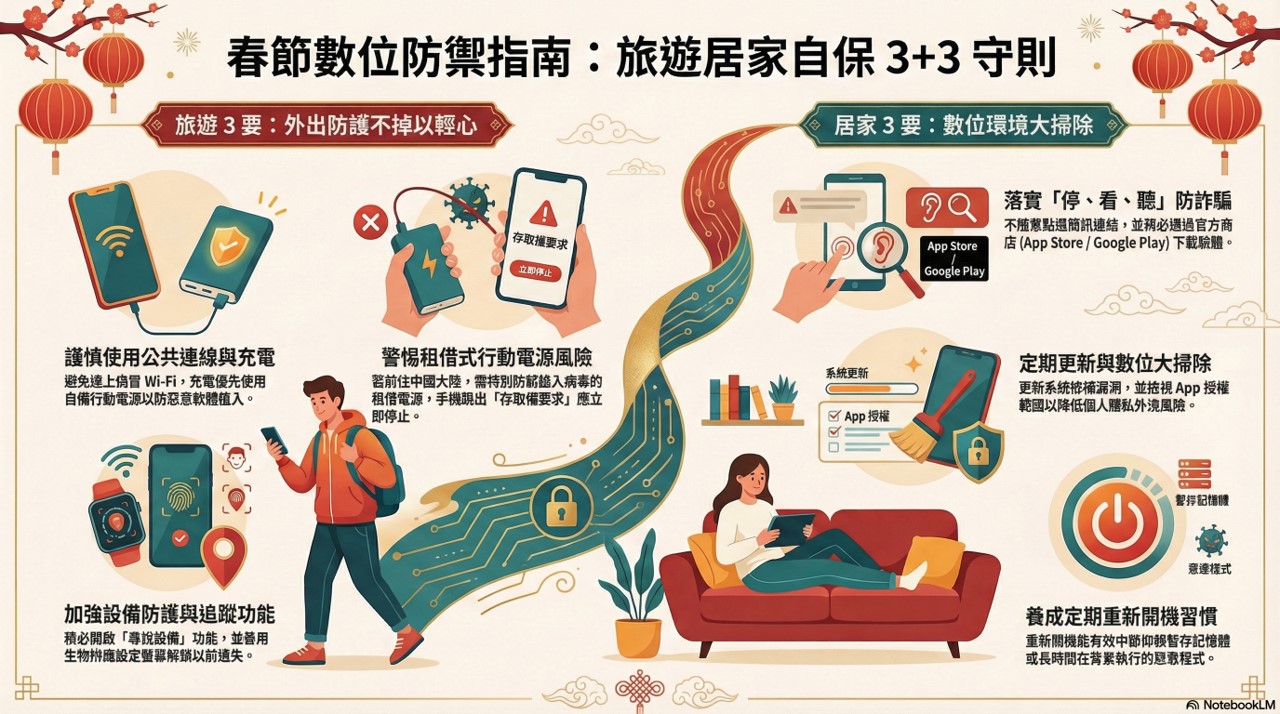
To ensure the security of people’s digital information during the Spring Festival holiday, please follow the “3 things you need when traveling and 3 things you need at home” digital protection rules. When traveling during the Spring Festival, do not use public Wi-Fi, charging stations, or rented mobile power supplies from unknown sources. Below is a summary video and detailed description of the 2026 Lunar New Year Digital Defense Guide:
In order to ensure the digital security of Taiwanese people during the Spring Festival holiday, the Information Security Administration of the Ministry of Digital Development has specially put forward the “3 things to do when traveling and 3 things to do at home” before the spring break: digital defense tips for the Spring Festival:
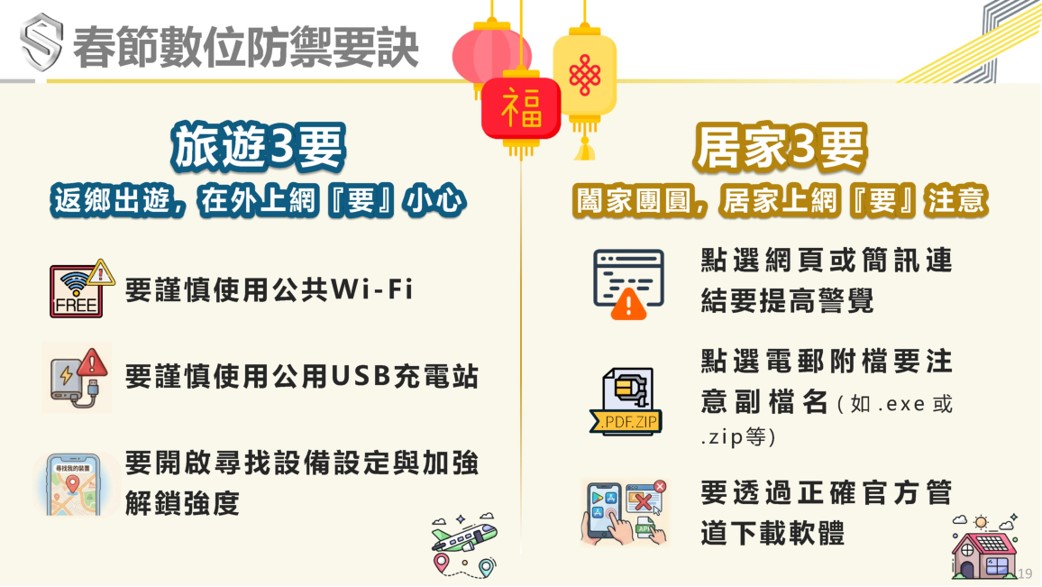
1. “Three essentials for traveling”:
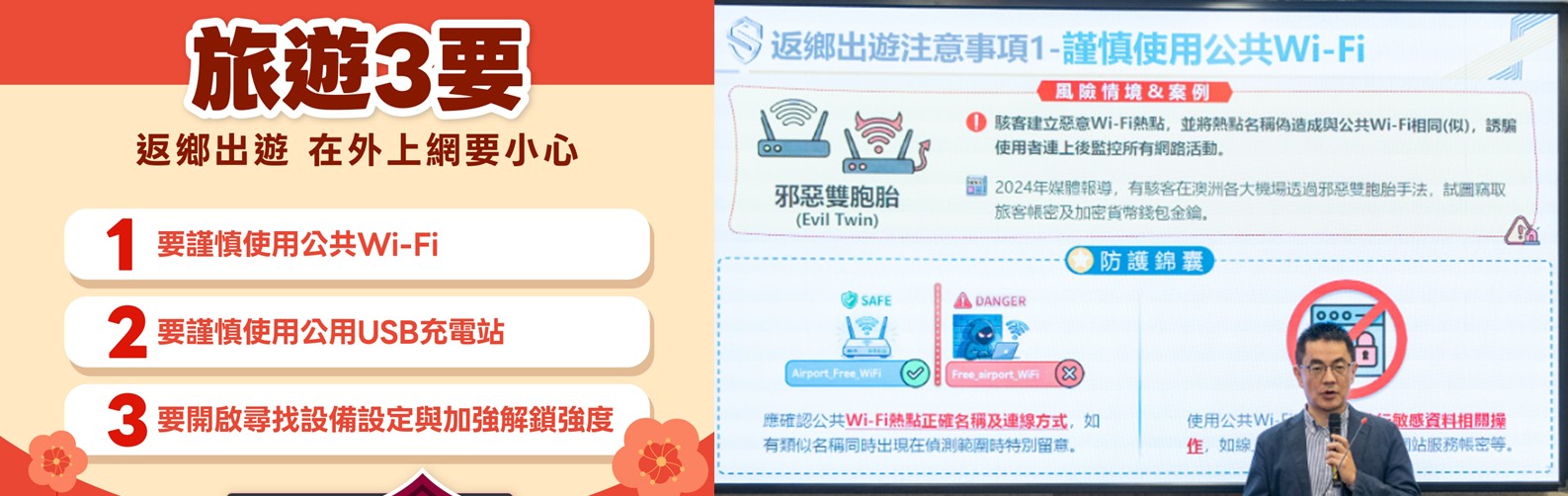
The Information Security Administration’s “Three Travel Tips” include using public Wi-Fi with caution, using public USB charging stations with caution, turning on device search settings and strengthening unlocking strength.
Because people should beware of “fake Wi-Fi” and “malicious charging stations” when entering public places such as cafes and airports. Hackers may set up Wi-Fi hotspots with names that are very similar to official Wi-Fi hotspots, tricking users into monitoring all network activities after connecting to them; in addition, maliciously configured charging docks can implant malware into users while charging. It is recommended that people use public Wi-Fi with caution when going out. When charging is needed, give priority to using your own mobile power supply or power plug (tofu head), be sure to turn on the “find device” function, and make good use of biometric settings to unlock the screen to reduce the risk of device loss and information leakage.
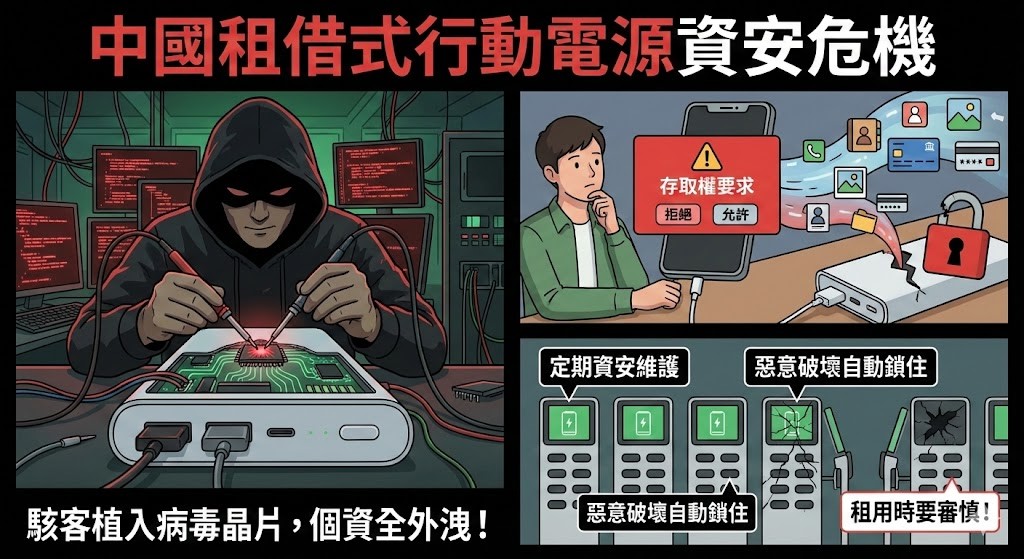
China’s “rental power banks” are full of security risks!
In addition to the Information Security Bureau’s reminder to be cautious when using public USB charging stations, the moderator reminded that if you are traveling to mainland China or visiting relatives, since China’s “rental mobile power banks (power banks)” often have security risks, you must be very cautious when renting them. Hackers often implant virus chips into “Chinese rental power banks”. If consumers use them, all the phone’s personal information will be leaked, and it will be useless even if they are unplugged. Although the rental operator emphasizes that regular security maintenance will be carried out, the mobile power supply cannot be disassembled. Even if it is maliciously damaged by an intentional person, the machine will be automatically locked after it is returned to prevent users from renting it. But there are no surprises in mainland China. If the phone pops up “Access Request” when using a power bank to charge, there is a problem and you must not continue to use it.
2. “Three essentials for staying at home”:
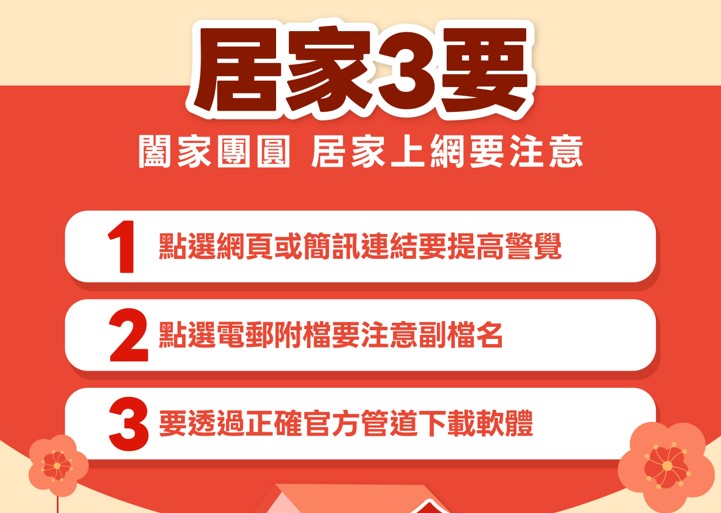
The Information Security Administration’s “Three Things to Do at Home” include being vigilant when clicking on web pages or text message links, paying attention to file extensions when clicking on email attachments, and downloading software through the correct official channels.
Hackers often use phishing text messages with attractive themes such as government cash handouts to defraud people’s personal information, or set up fake websites so that people can accidentally download fake software. It is recommended that the public should implement the three steps of “stop, watch and listen”: do not rush to open suspicious links, clearly understand the source and URL of the data, and verify through multiple parties before taking action. It is recommended to download the application from official platforms such as App Store or Google Play, and use free online detection tools to identify whether the website has security concerns.
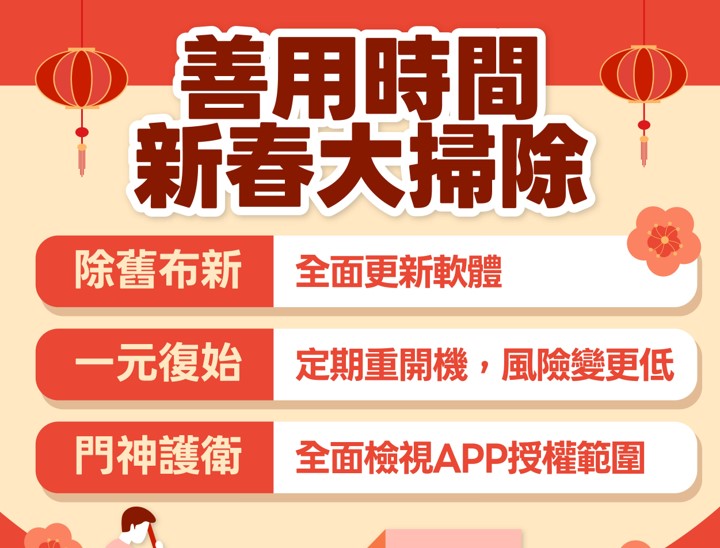
In addition, in line with the Chinese people’s custom of cleaning before the Chinese New Year, the Information Security Administration also encourages the public to conduct “digital cleaning”. In addition to comprehensively updating the operating system and apps to patch security vulnerabilities, and reviewing app authorization scope to reduce personal privacy risks, the public is also advised to develop the habit of restarting their mobile phones regularly.
The Information Security Administration pointed out that some malicious programs rely on temporary memory or long-term background execution. Their operation can be interrupted in a timely manner by restarting the computer, which has unexpected effects on preventing specific types of malicious behaviors. Although rebooting cannot replace system updates or anti-virus measures, as a part of people’s daily information security protection, it is simple to operate and can effectively reduce risks.
Source: KOCPC Chinese