


In March this year, Google already launched Gemini’s “automatic on-screen operation” feature for phones, but initially it supported few apps, so its practicality wasn’t really great, and many people must have been hoping for more app support. Recently, the foreign outlet Android Authority unearthed a target app list that Google has never made public, with as many as 134 apps. In addition to food delivery, ride-hailing, and shopping platforms, it even includes Word, Excel, Slack, and LINE, which people in Taiwan use every day.
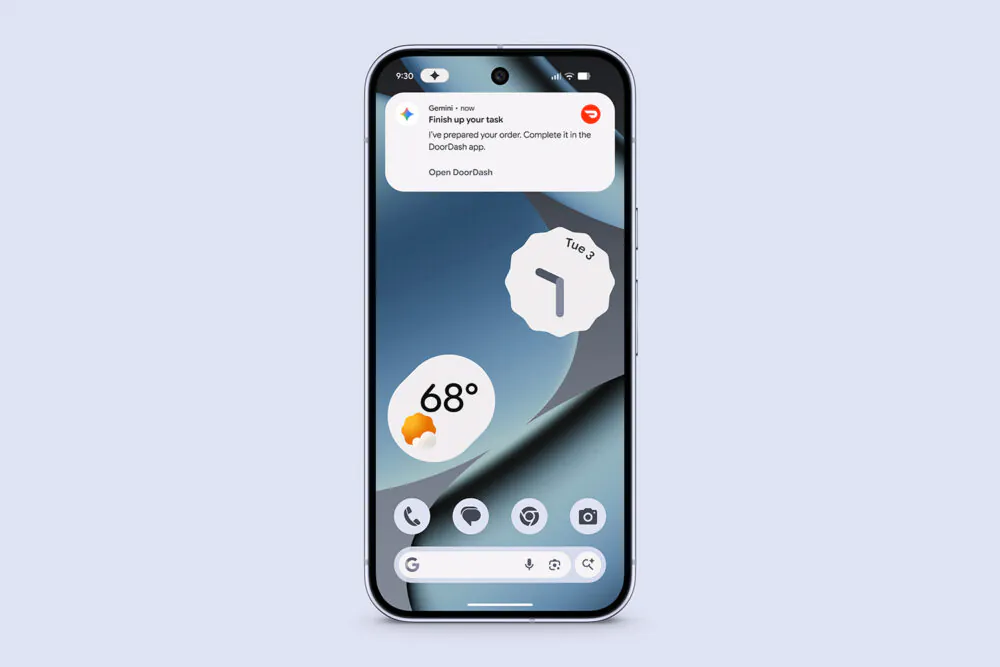
Google’s undisclosed list of apps Gemini can operate automatically has been exposed: 134 apps are included, with Word, Excel, LINE, and Slack all on the list.
Android Authority An earlier exclusive report noted that hidden in the official Android 17 QPR2 release is a “target app list” delivered by Google’s servers. As of November 12, it included 114 apps. Just two days earlier, on November 10 (when it was still Android 17 QPR1), there were only 106, meaning 8 apps were added in just two days. On the Android Canary 2611 beta, the list has an additional 20 test items, bringing the total to 134. The speed of these additions is certainly something to look forward to.
Below is a roundup of representative apps for each category. For the full list, you can read the Android Authority article:
| App Category | Representative App | Which list does it appear on? |
|---|---|---|
| Office and Productivity | Word、Excel、Outlook、OneNote | 114-item target list |
| Team collaboration | Teams、Slack、Evernote | 114-item target list |
| Communication and Community | LINE、KakaoTalk、Reddit、X | 20 additional Canary models |
| Shopping | eBay, Temu, AliExpress, SHEIN, Etsy (official); Shopee, Mercado Libre, Costco (Canary) | Both are included. |
| Travel, transportation | Uber、Booking.com、Airbnb、Trip.com、Expedia、Skyscanner | Official list of 114 models |
| Fitness and Health | Strava、MyFitnessPal、Peloton、AllTrails | Canary extra 20 styles |
Now that there’s a list, is it usable now? Android Authority actually tested it with its own Galaxy S26 Ultra, and the result was no.
- Zomato (delivery): Success. After opening the app, Gemini first skipped a dark mode toggle screen on its own, then searched for the specified restaurant, found the meal, selected the correct portion size, and added it to the cart (and also got a free dessert along the way), finally stopping to ask the user to complete payment themselves.
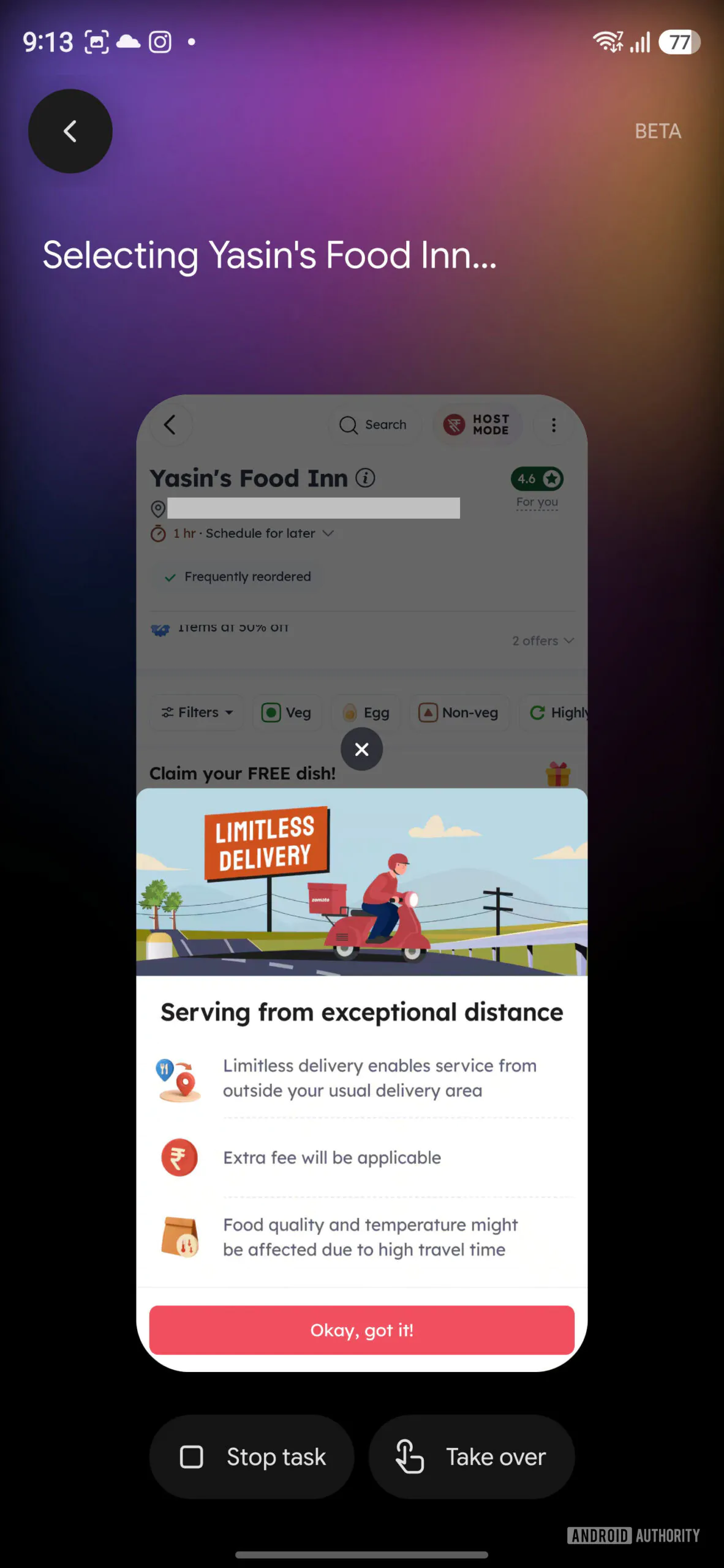
- Blinkit (groceries): Success. Asked to add one liter of milk; Gemini searched and selected the 1-liter pack, taking it directly to the cart page.
- Starbucks India: Success—navigated all the way to the step before checkout.
- Swiggy, Zepto: directly rejected — Gemini responded, “This app does not support automation.”
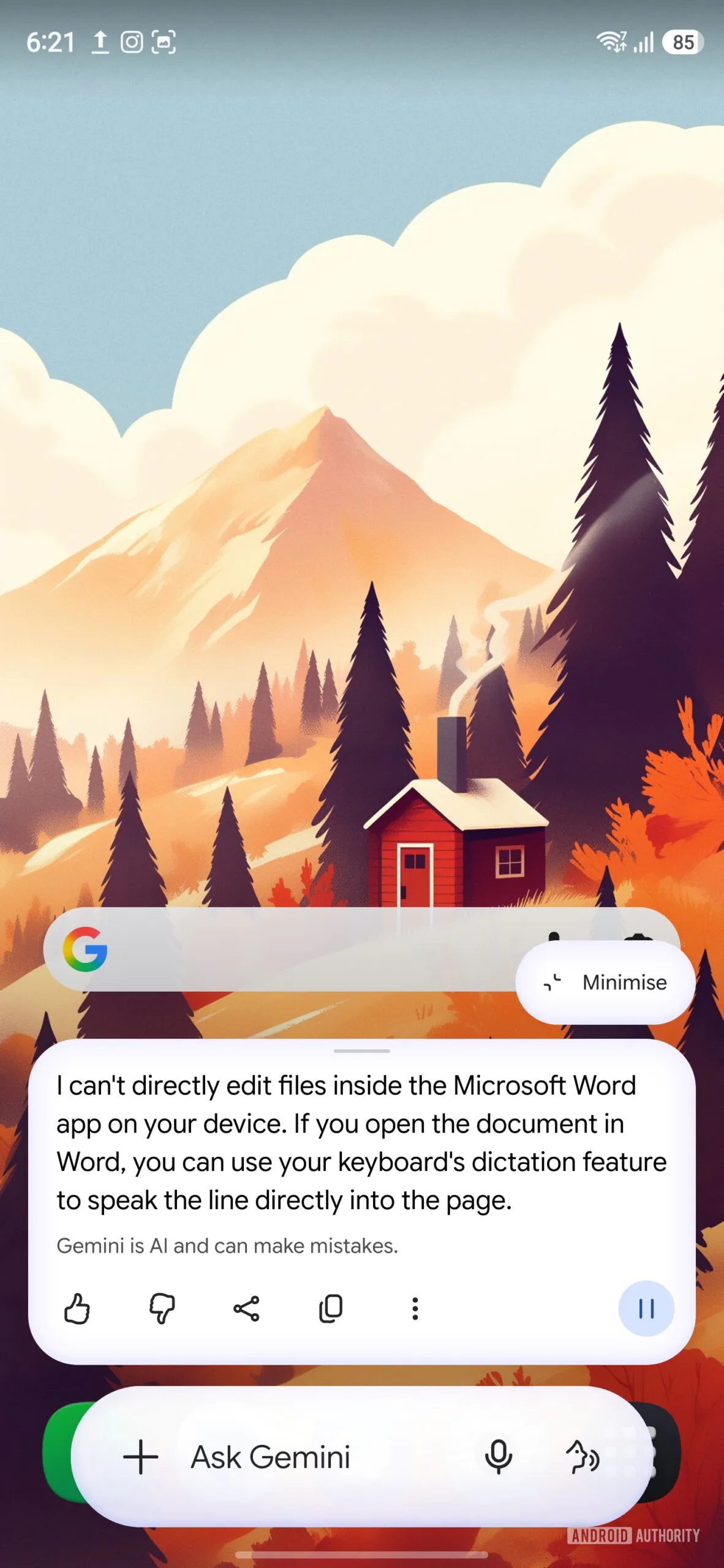
- Microsoft Word: Failed. When asked to edit a document, Gemini said it couldn’t directly edit files in the Word app on the device; when asked to share a Word file, it said it didn’t have access to Word; when asked to open recent documents, it would only open Word (but not the document), or pop up a button to open the app.
- Outlook: Failed. Gemini did not actually operate the app; instead, it provided a link to compose an email.
So being on the list doesn’t mean it’s actually supported—at most, it means Google is paving the way for it.
Many people may not yet be familiar with Gemini’s automatic screen operation feature, so here’s a quick explanation.
This is an AI automation feature Google launched for Android devices, which means Gemini no longer just answers questions or offers operational suggestions—it can directly operate apps on the phone on the user’s behalf. By using AI to understand on-screen content, it simulates real-human actions such as tapping, swiping, and typing text. As long as the task is described in natural language, Gemini can automatically carry out multiple steps.
The entire process runs in an isolated virtual environment on the phone. Users can view progress and stop tasks, and some operations also require manual confirmation.
However, this feature is currently still in beta testing and is only supported on specific Android devices, regions, languages, and apps; it has not yet been made fully available.
- Supported regions:The United States, the United Kingdom, India, Japan, and South Korea. The Pixel 10 series is not supported in South Korea.
- Supported languages:English, Japanese, and Korean, and only for some apps.
- Eligibility for use:You must be at least 18 years old and use a personal Google Account; work, school, and supervised accounts cannot be used.
- Opening method:It’s being rolled out gradually, so even if your phone meets the requirements, you may not have received it yet.
Supported Android devices:
- Google Pixel: Pixel 10, Pixel 10 Pro, Pixel 10 Pro XL, as well as Pixel 11, Pixel 11 Pro, Pixel 11 Pro XL, and Pixel 11 Pro Fold.
- Samsung: Galaxy S26 series, Galaxy Z Flip 8, Galaxy Z Fold 8, and Galaxy Tab S12 series.
As for when it will be launched in Taiwan, that’s still unknown.
Source: KOCPC Chinese