


Do you feel a little bored when you turn on your computer every day and face the browser’s default new tab? Can you bear with such a cluttered browser interface, which has an aesthetically pleasing search box and is filled with all kinds of gossip news that you don’t even want to read? I can’t help it. The homepage of the browser should be a clean, comfortable and exclusive space interface that can improve efficiency.
If you are looking for a perfect solution, then this browser extension introduced today——「iTab New Tab」, absolutely not to be missed. Not only does it have great appearance and practicality, it has recently received valuable official recognition: it was successfully selected as the “Editor’s Choice Recommendation” on the homepage of the official Edge browser extension store, and also received the official “Approved Publisher” exclusive badge in the Chrome Online App Store:
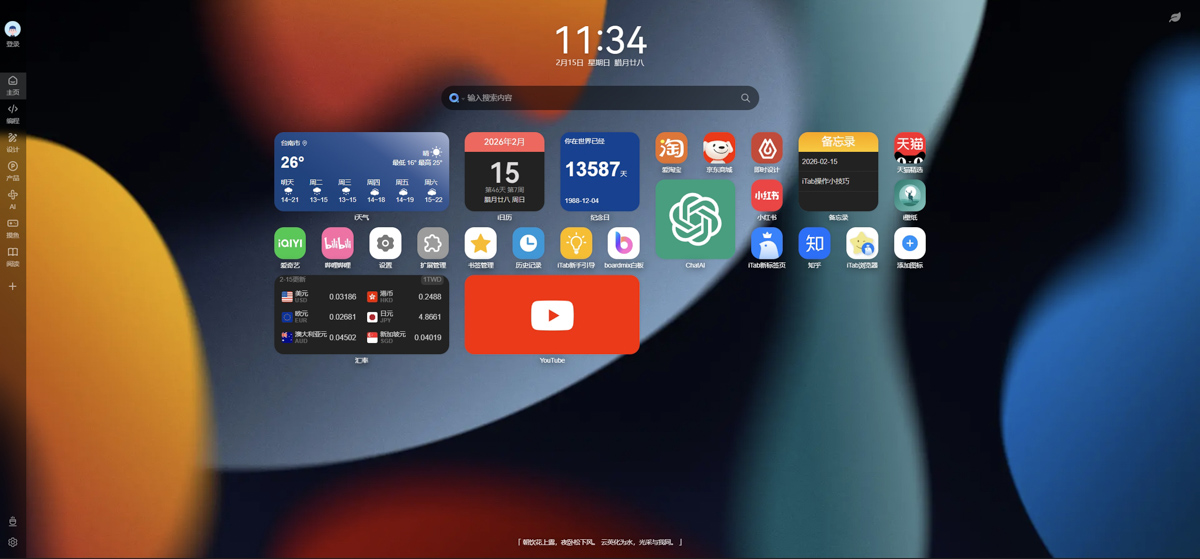
iTab New Tab download
iTab New Tab is a browser plug-in that can be used by Chrome and Edge:
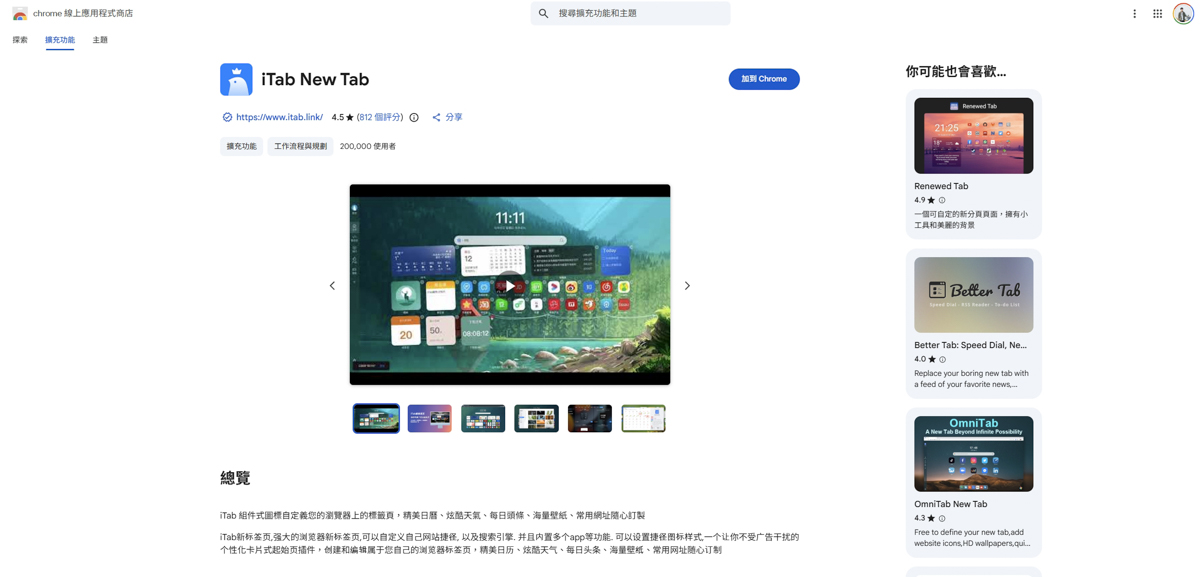
iTab New Tab Introduction
After installation, the new tab on the homepage will be directly applied as iTab New Tab:
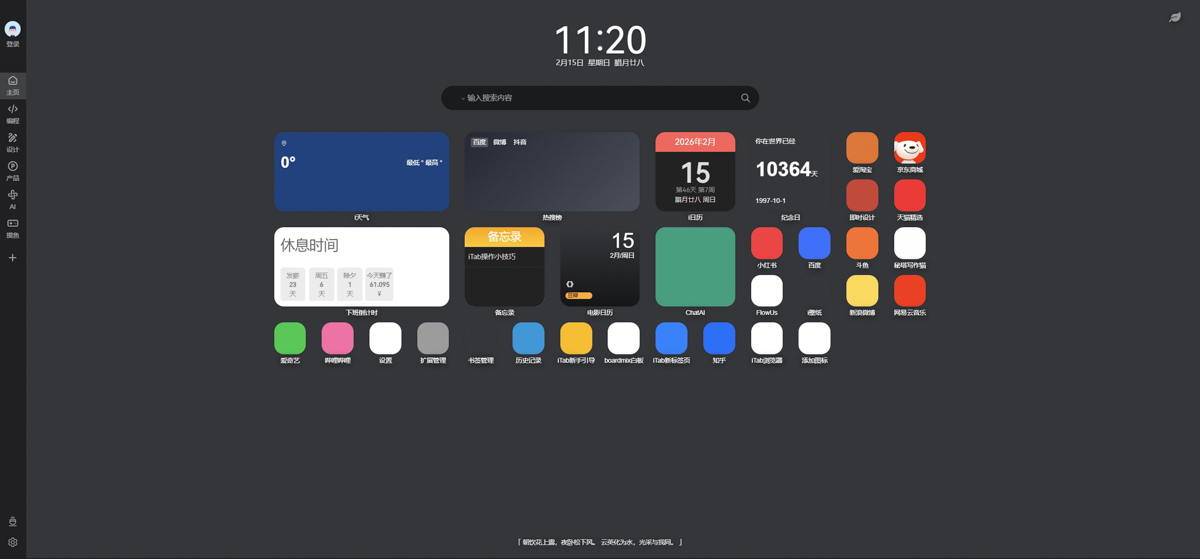
Before the introduction, write the warning at the front. Since this package was developed by a developer from the other side of the country, the text on the page is all in Simplified Chinese. If you care about this part, I don’t think you should use it. In addition, this suite also supports the function of logging in and saving personalization, but it can only be registered using the other side’s software and mobile phone, so it depends on the readers’ needs:
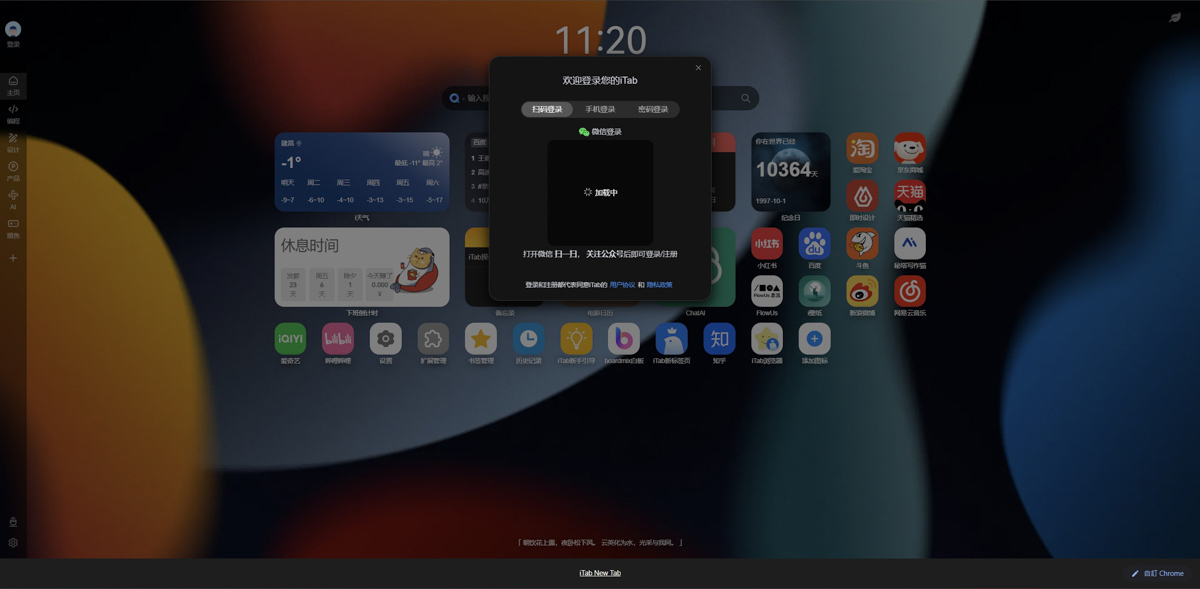
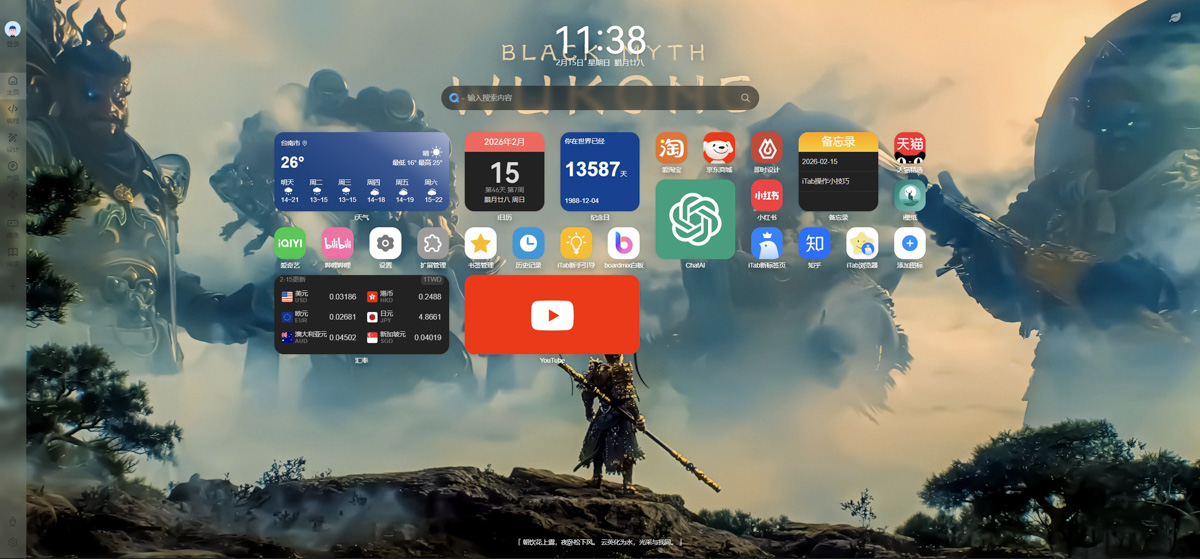
The style content on the homepage is actually very similar to that of mobile phones and tablets. You can even use your mouse to drag icons, control functions, etc.iTab New Tab The most eye-catching feature is its highly designed card-style UI (user interface), which you can treat as your own private digital dashboard. Different from the traditional new page that can only place rigid website bookmarks,iTab New Tab Provides an extremely rich set of “gadgets”. You can freely arrange practical information such as weather forecast, stock market updates, calendar, to-do list, daily quotes, social platform trending lists, memos, and even countdown days in the form of beautiful cards. This design not only makes the homepage lively, but also allows you to quickly grasp the important information of the day as soon as you open the browser:
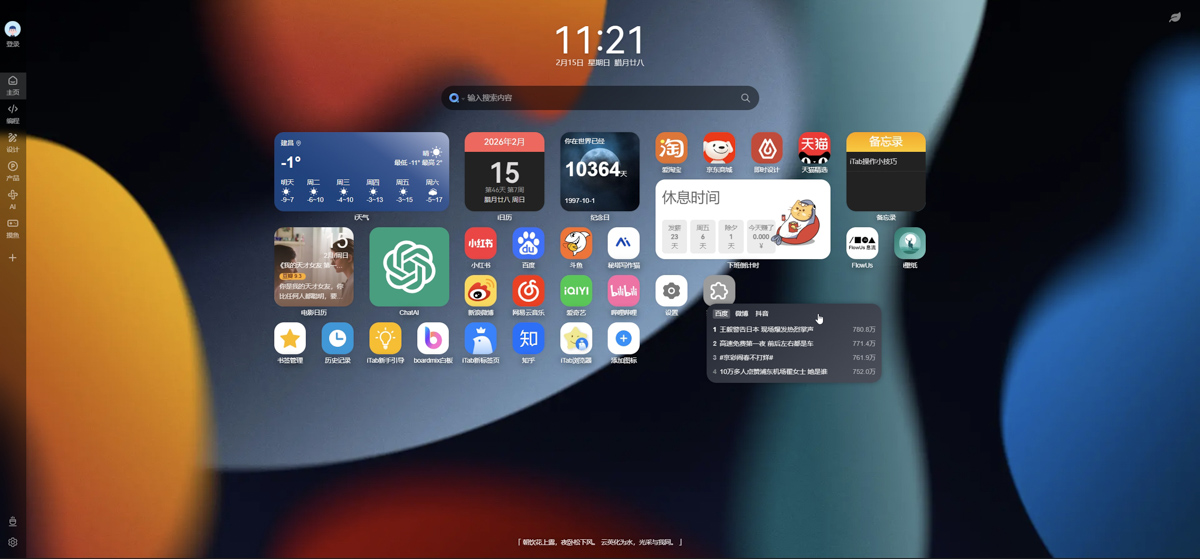
The initial style will have a lot of content from the other side. If you don’t like it, you can delete it directly:
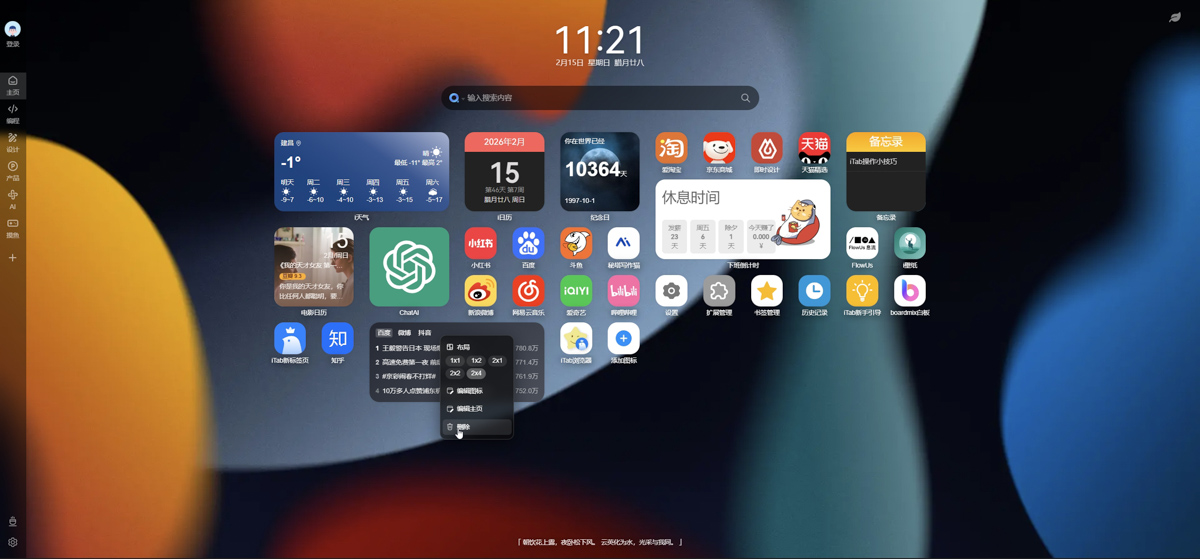
In addition, the icon style of the homepage can also be changed in size:
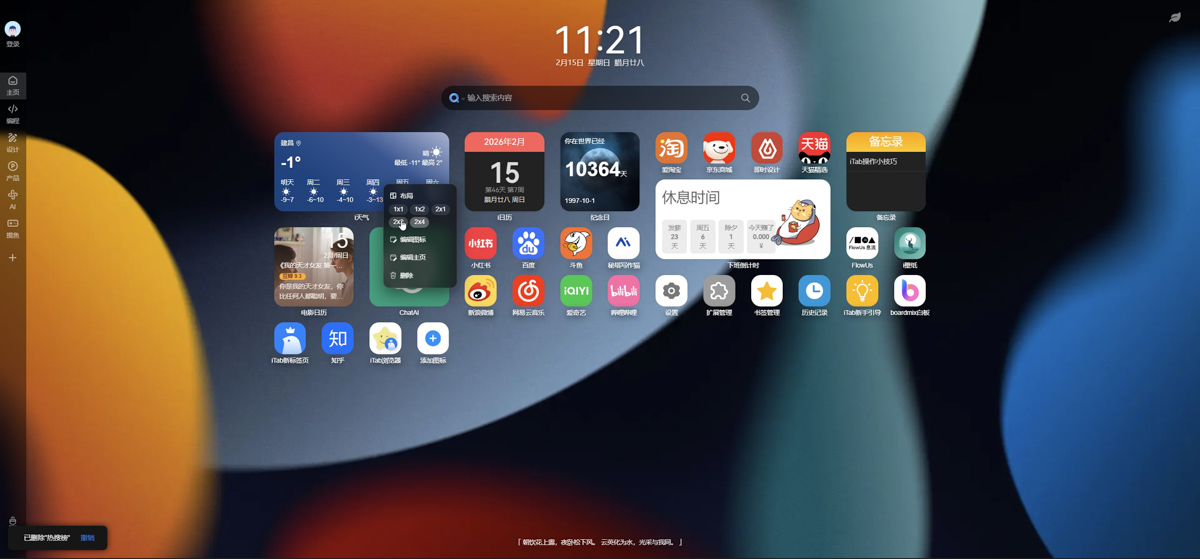
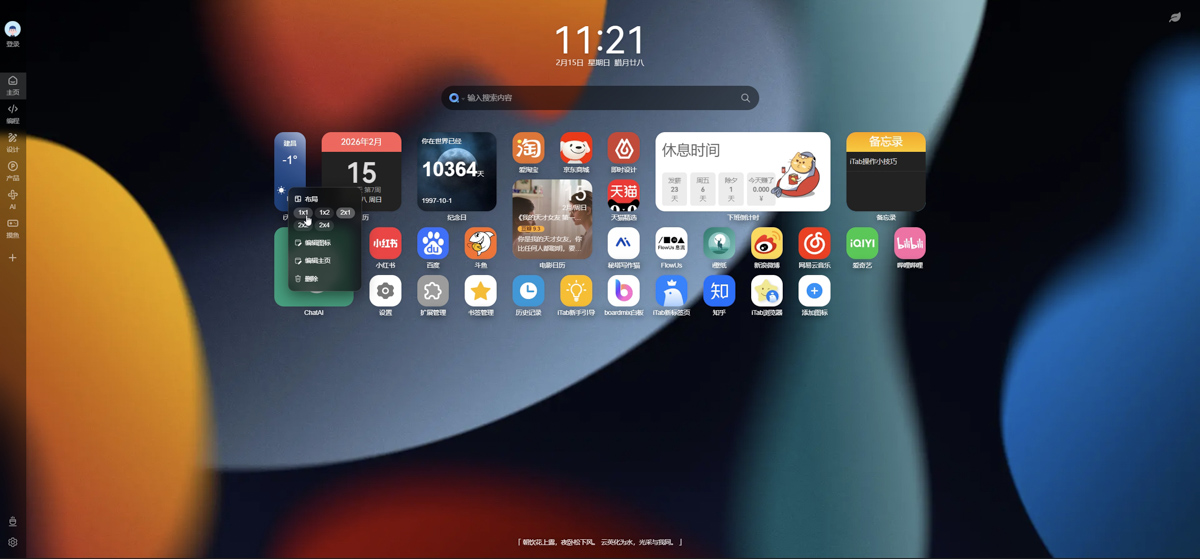
The minimum value can be changed to 1*1, and the maximum value can be changed to 2*4:
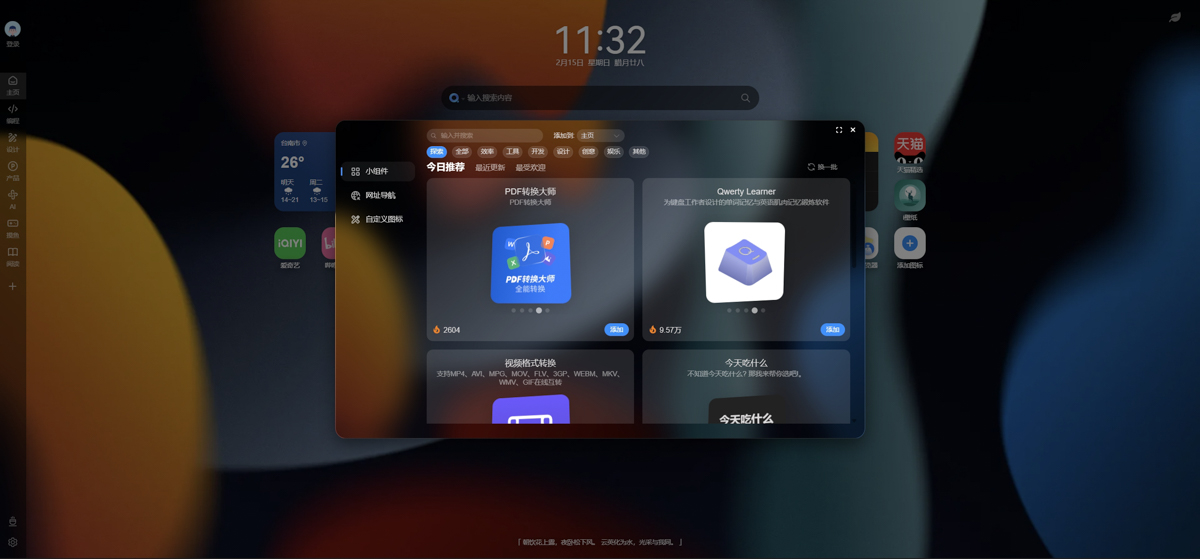
The functions of the homepage can also be expanded with tools, and you can find options for development, design, entertainment, finance, etc.:
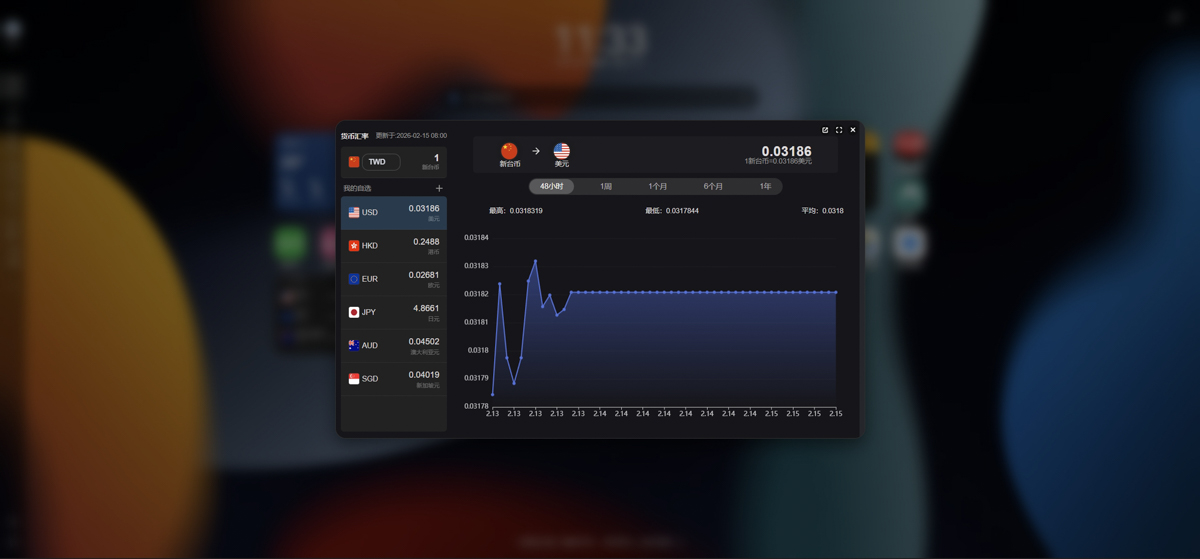
For example, by adding exchange rate tools, you can quickly obtain real-time exchange rate information on the homepage. However, since it is cross-border software, don’t pay attention to the New Taiwan Dollar icon…:
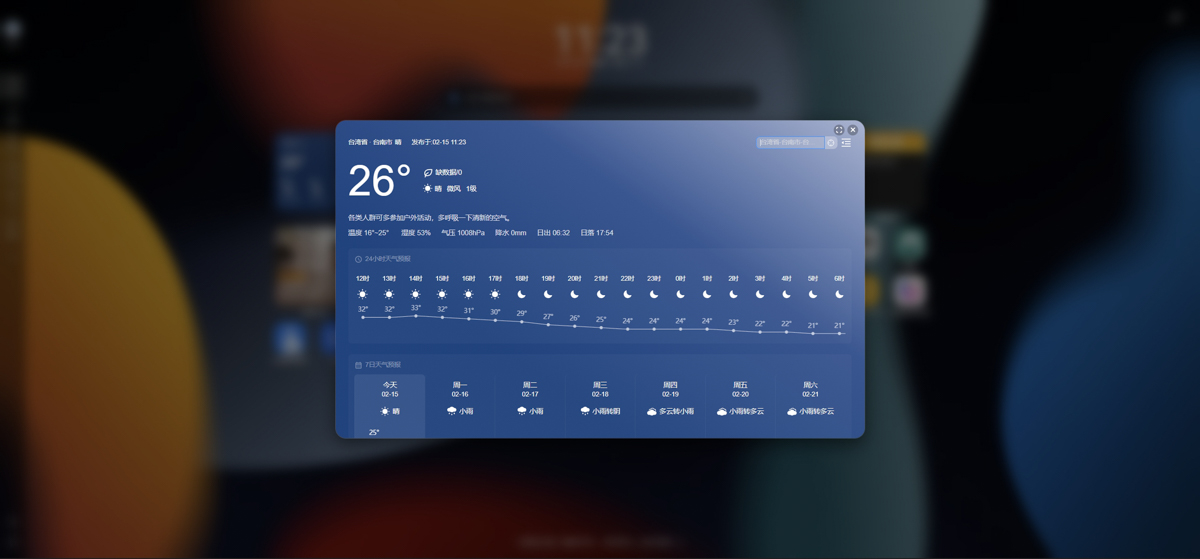
The tools I commonly use include the following, such as weather:
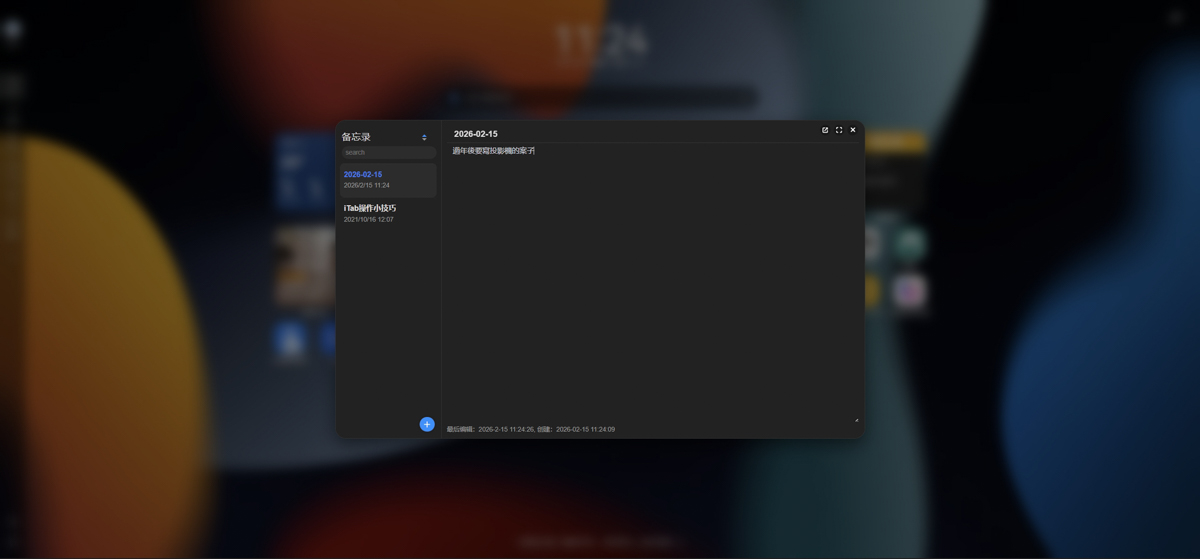
There are also reminders. I hope that when I open the web page, it will remind me of the next work content:
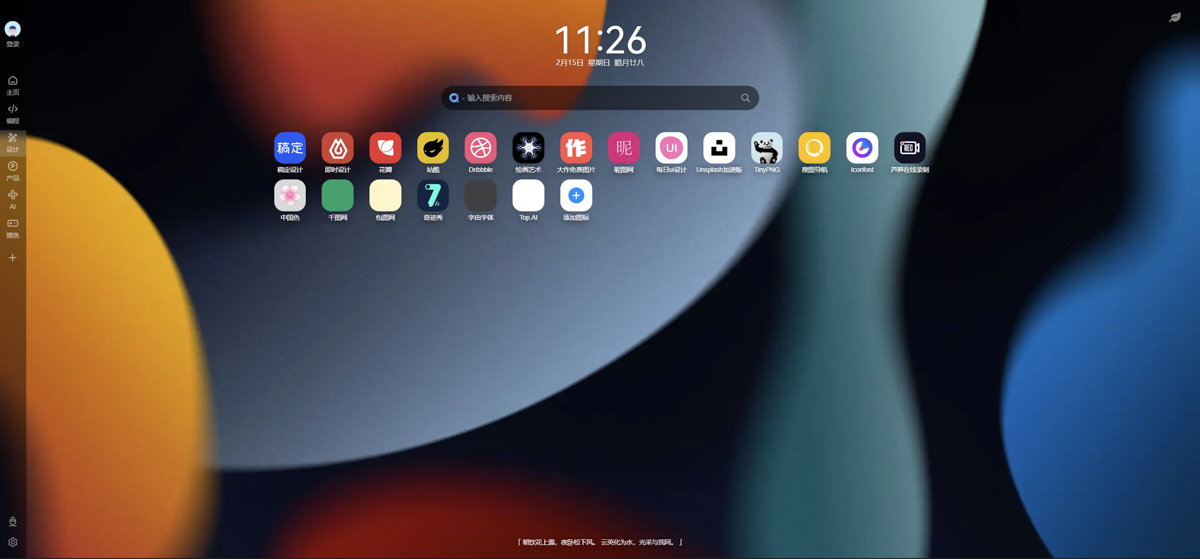
In addition to adding commonly used websites and gadgets to the homepage, the column on the left can also create tool categories. In the early days, there were already several quick toolbars, such as programming, design, product, AI, and entertainment:
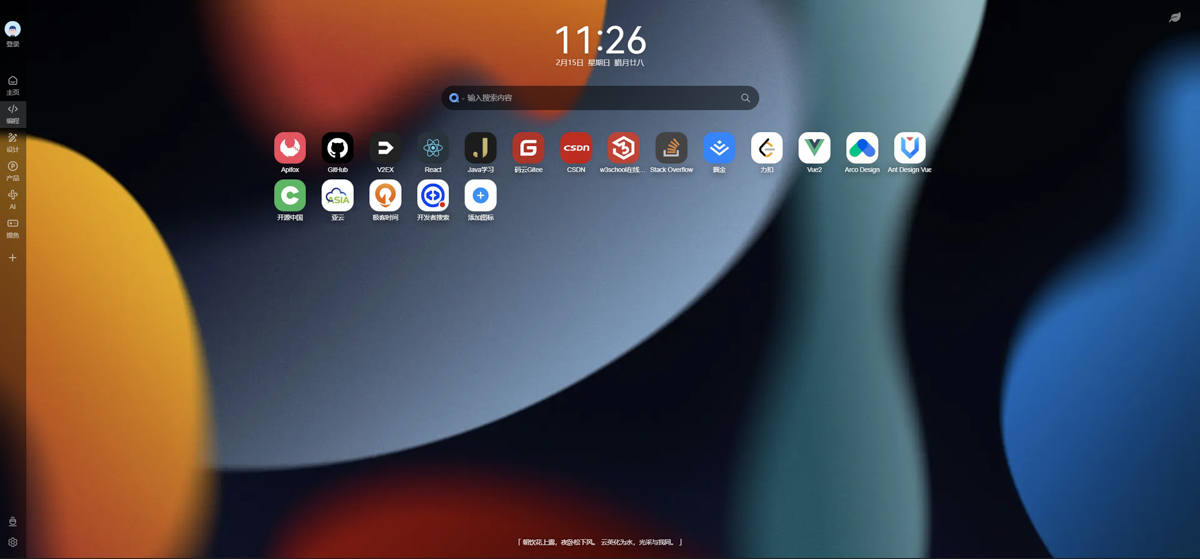
There are tools such as GitHub, JAVA, etc. in programming. Of course, you can also customize what content you want to add:
In the design category, there are commonly used websites for design:
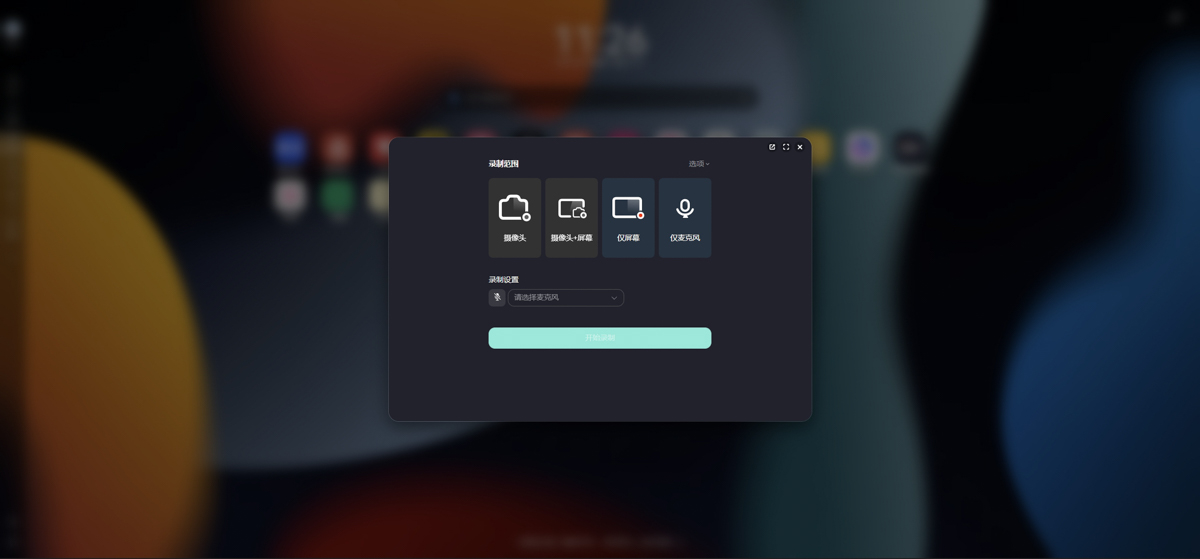
You can even record the screen directly, which is a very powerful function:
If you don’t like the initial category, you can also add a new category yourself. After entering the most commonly used websites into it, you can quickly open it by just clicking on the icon:
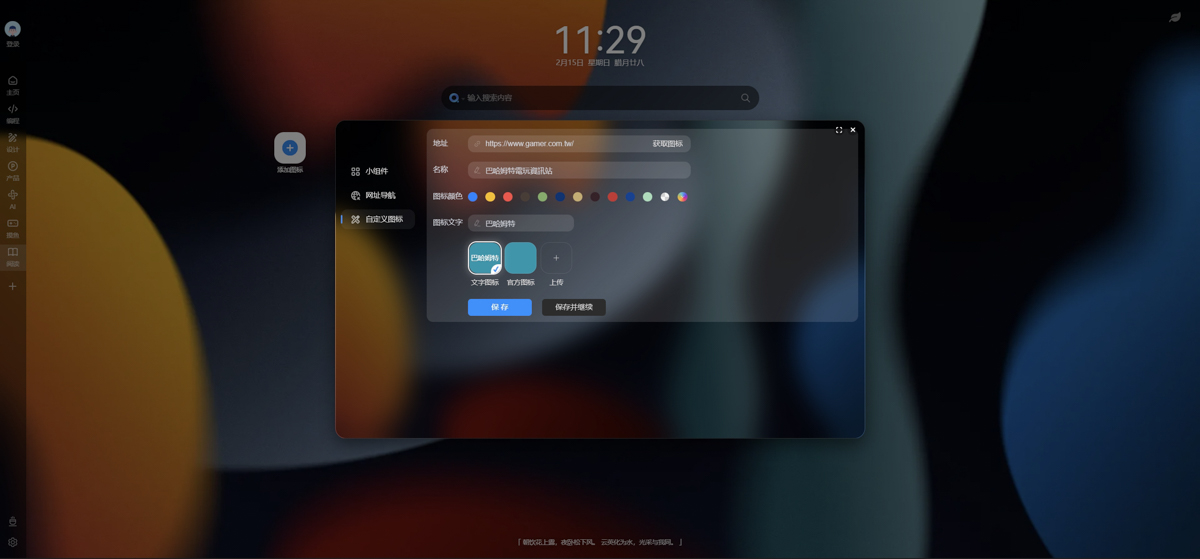
For example, if I add a Bahamut website:
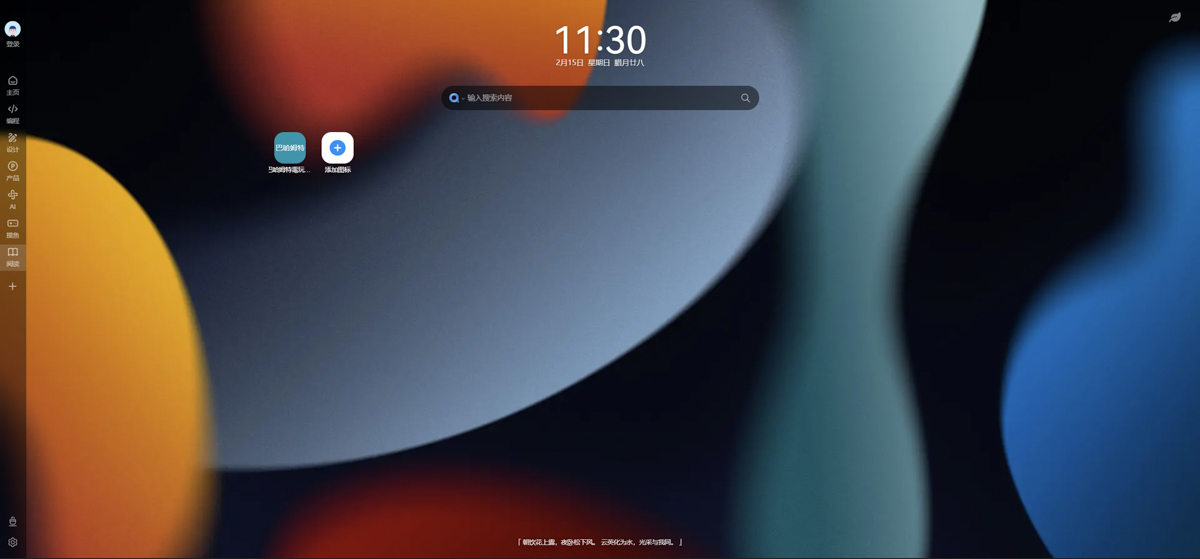
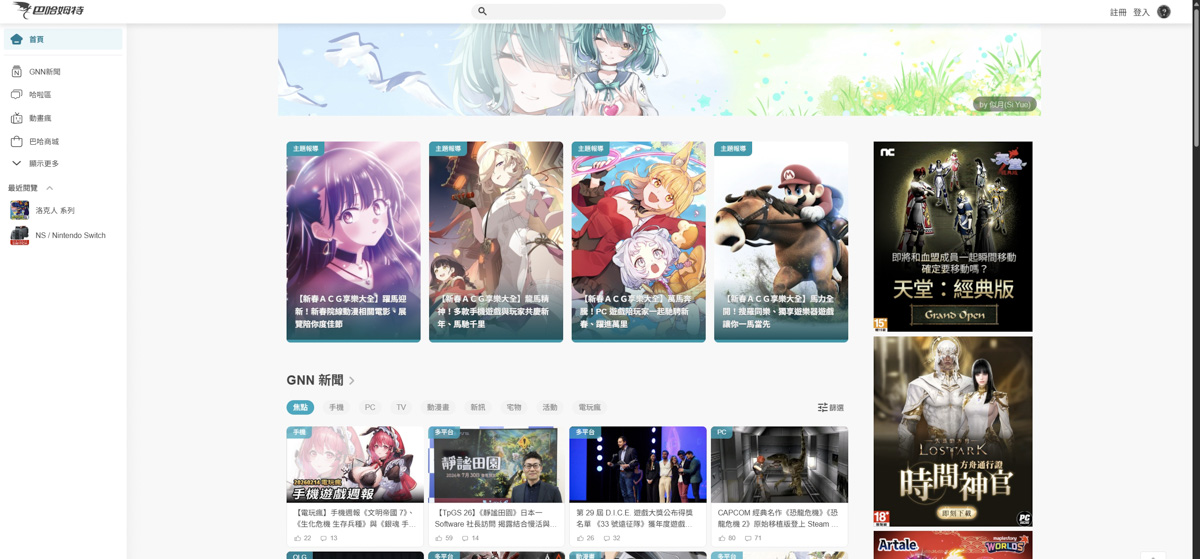
Click this icon to quickly enter the website:
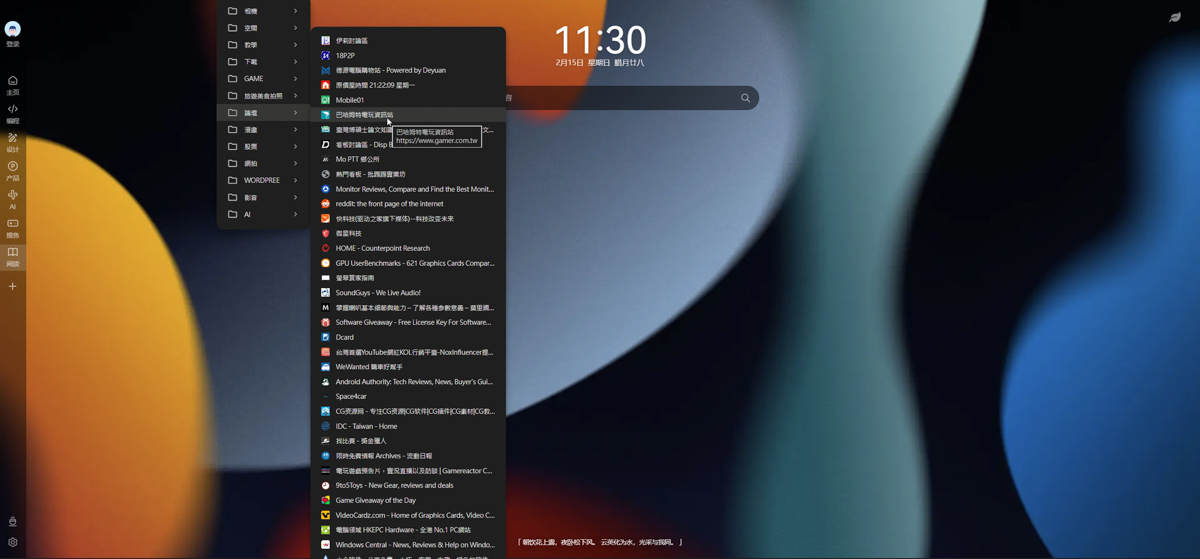
This method is easier to find than Chrome’s original bookmark bar, and the screen is simpler and more beautiful:
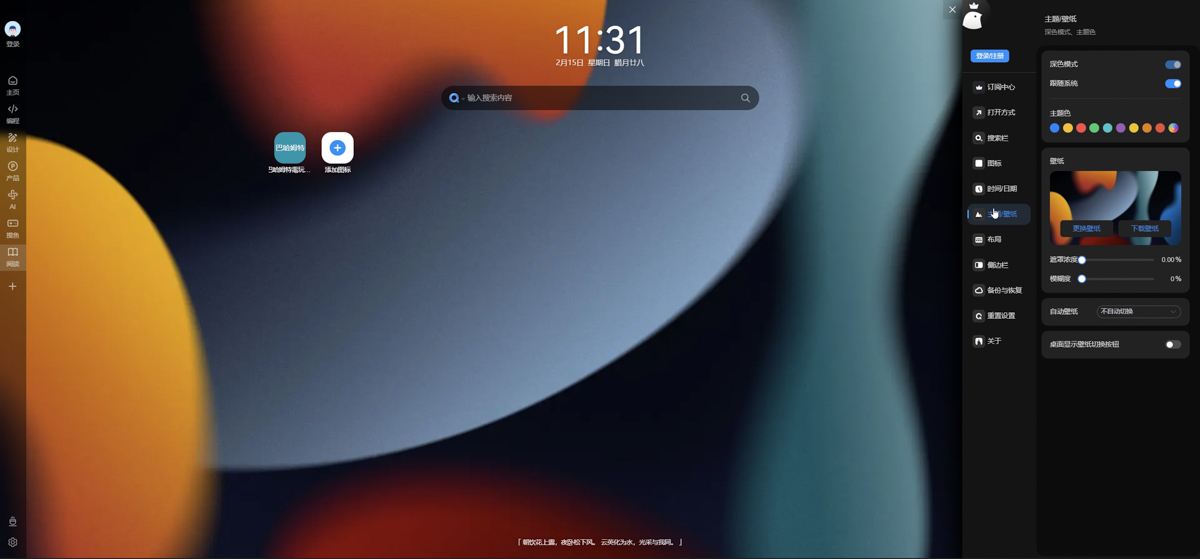
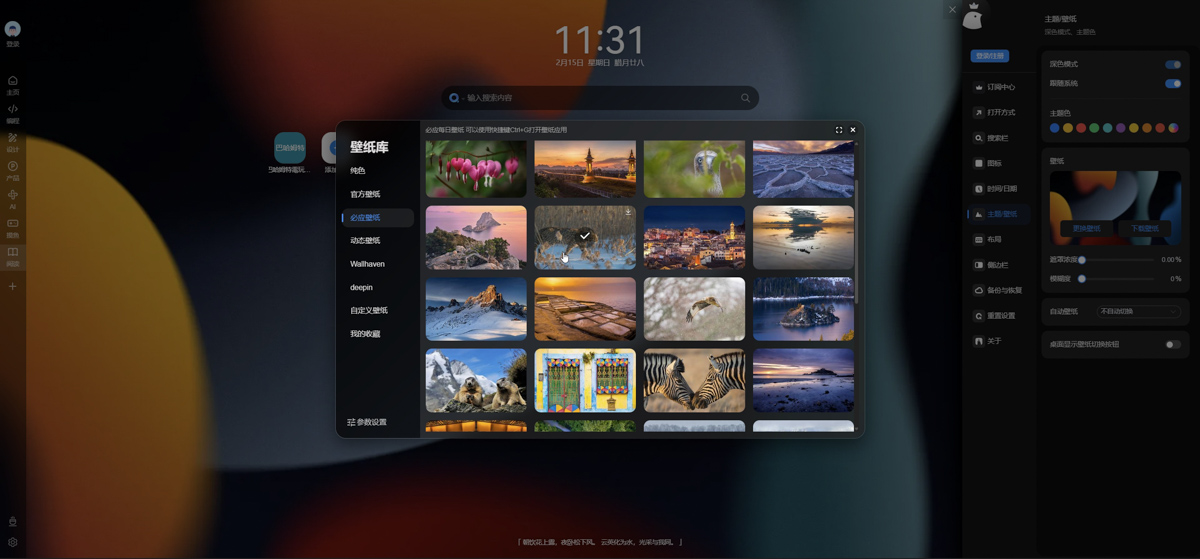
In addition, the plug-in itself also provides a large number of background images that can be replaced, and has a built-in amazing wallpaper system, which integrates many well-known wallpaper libraries such as Bing, Wallhaven, deepin, etc., with a number of more than 100,000. Whether you like magnificent natural scenery, minimalist geometric shapes, or vibrant anime illustrations, you can find your favorite background here. You can even set the tablecloth to automatically change every day, so that every time you open a new tab, it will be full of surprises and completely say goodbye to visual fatigue:
You can also upload your favorite pictures as backgrounds to create a browser homepage that is exclusive to you:
Conclusion
To sum up,iTab New TabMore than just a browser plug-in, it is more like a pursuit of the quality of digital life. It eliminates the noise of the online world with its elegant design, meets the efficiency needs of modern people with its powerful functions, and uses officially certified security commitments to make every time online safe and enjoyable. Supports Chrome, Edge, Firefox browsers and other platforms. If you are tired of the same browser default homepage and long for a clean and beautiful exclusive space that is truly your own, we strongly recommend you to install it now and experience it!
Source: KOCPC Chinese