


For those who like to learn English, practice guitar, rehearse dance moves or listen to music on YouTube, YouTube is really a huge learning treasure house and music library. Although YouTube now has a loop playback function for watching videos, there is actually a shortcoming that is quite frustrating. That is, if you want to specify the number of seconds to replay the clip, your finger has to keep pulling back and forth on the progress bar, and you often accidentally pull it over. It is a waste of time and interrupts the rhythm of practice.
There are many webpages on the Internet today that provide YouTube repeat playback functions, but these webpages must open a new page to execute, not on the original YouTube page. In order to solve this problem, the product introduced today 「Looper for YouTube」 The plug-in can be built directly into YouTube. Whether you want to replay or use the “A-B Loop” function, it can replay infinitely directly on the page on YouTube, and will no longer interrupt your practice or listening to music:

Introduction to Looper for YouTube
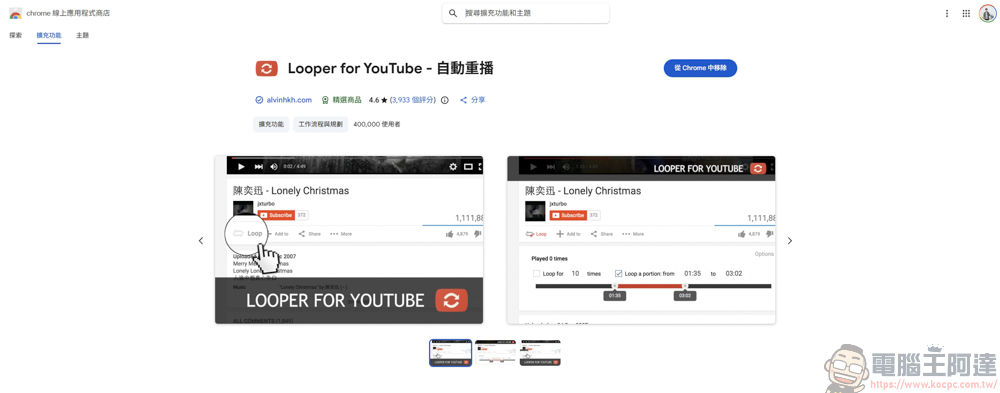
The Looper for YouTube add-on can be found in the Chrome Web Store:
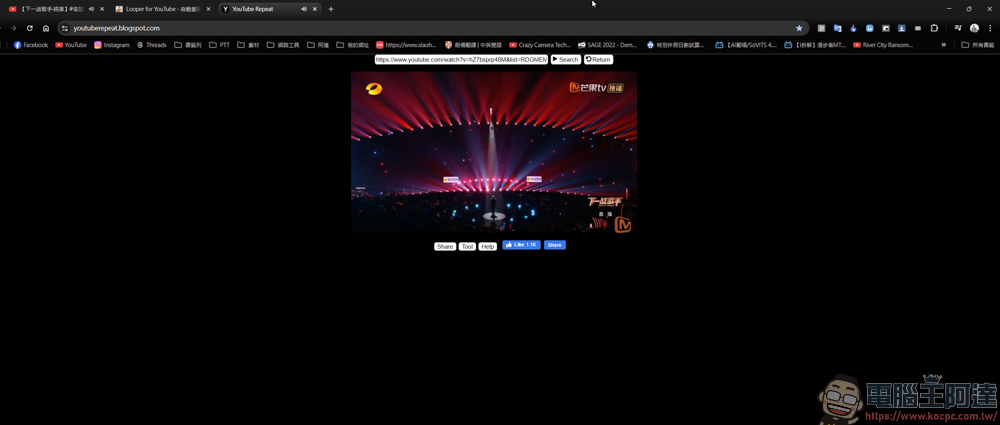
In the past, if you wanted to continuously replay music on YouTube, you could only do it on other web pages. Now you have to open another web page to continue playing. If you want to watch videos, you can’t resize it. Apart from listening to music, it is a bit troublesome:
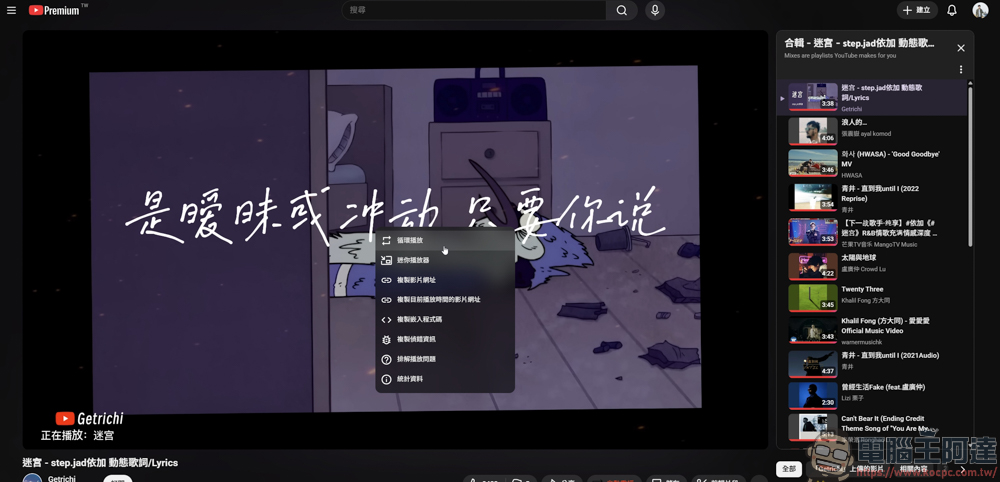
Although you can now loop playback by right-clicking on the YouTube page, it is only a loop playback function for the video, and there is no way for you to specify the desired playback time:
After installing Looper for YouTube, there will be an additional autoplay function bar in the original YouTube function bar:
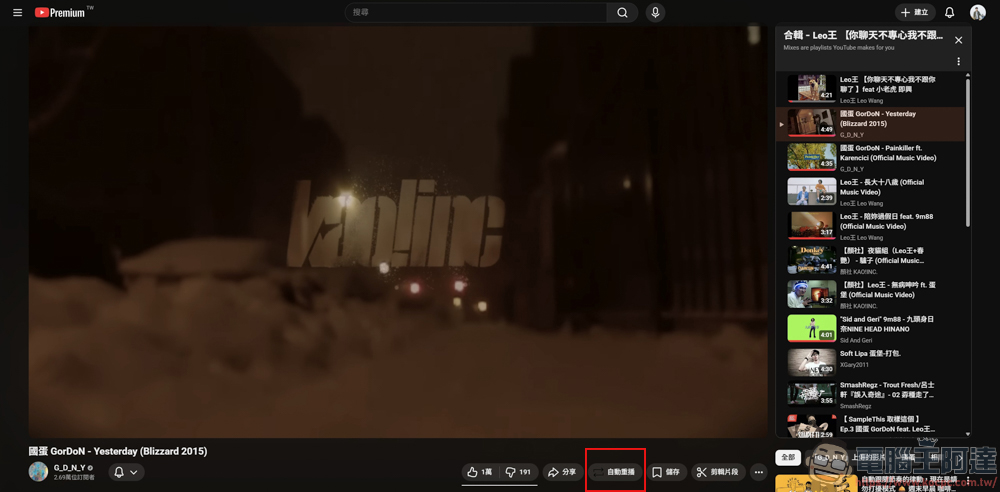
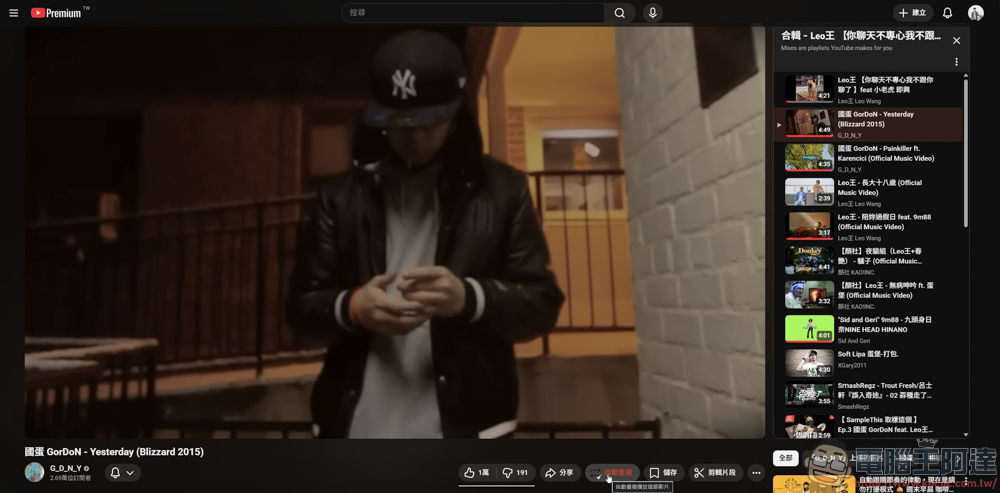
The method of use is also very simple. Click or press the “P” button to activate the automatic repeat playback function:
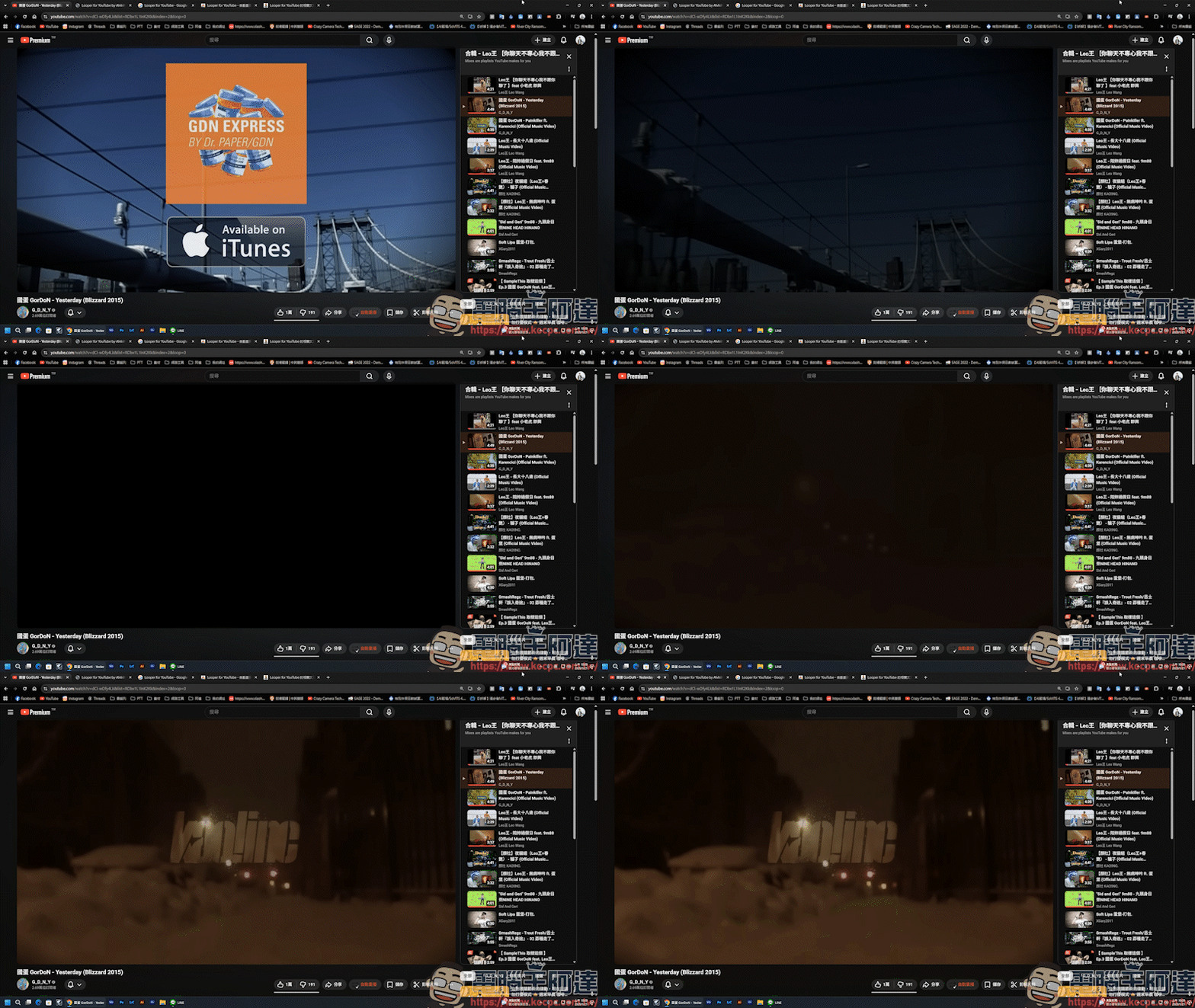
Even when listening to a music playlist, it will automatically repeat the song. The actual measured results are as follows:
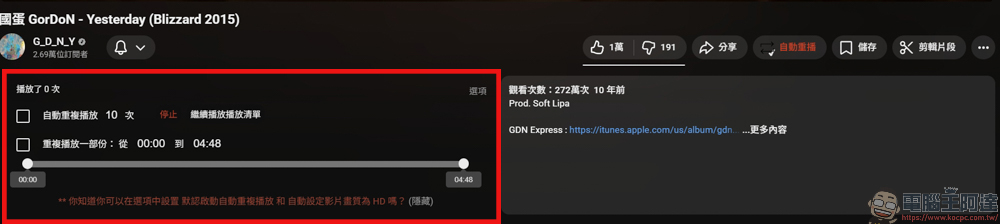
And it’s not just the auto-repeat function. After clicking auto-play, you can scroll down the page to see other options. You can choose to auto-play 10 times or repeat a clip from a few seconds to a few seconds:
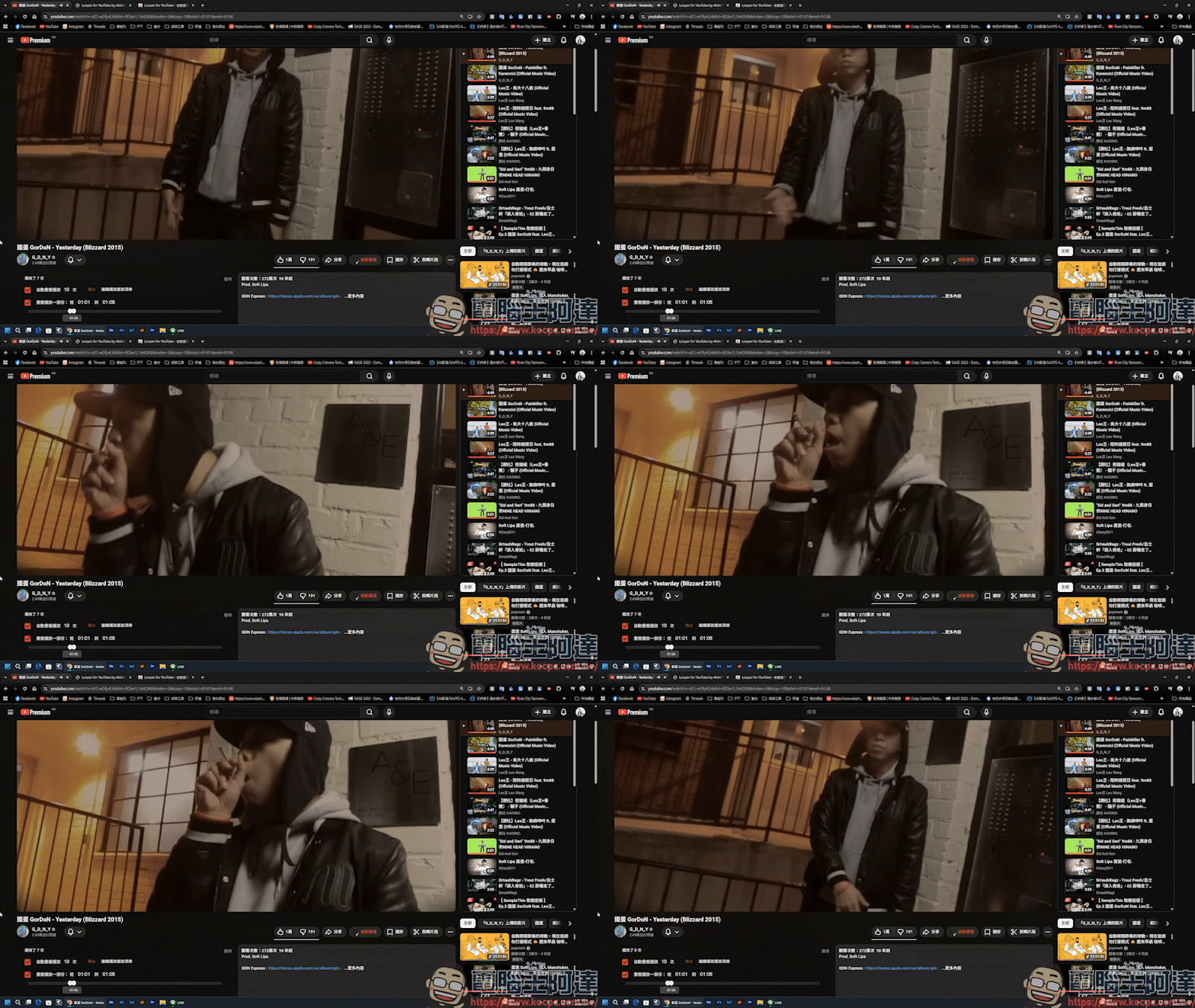
If you happen to be learning a dance or want to omit the intro and outro of the MV, you can customize the playback time to make the video loop continuously for the specified number of seconds:
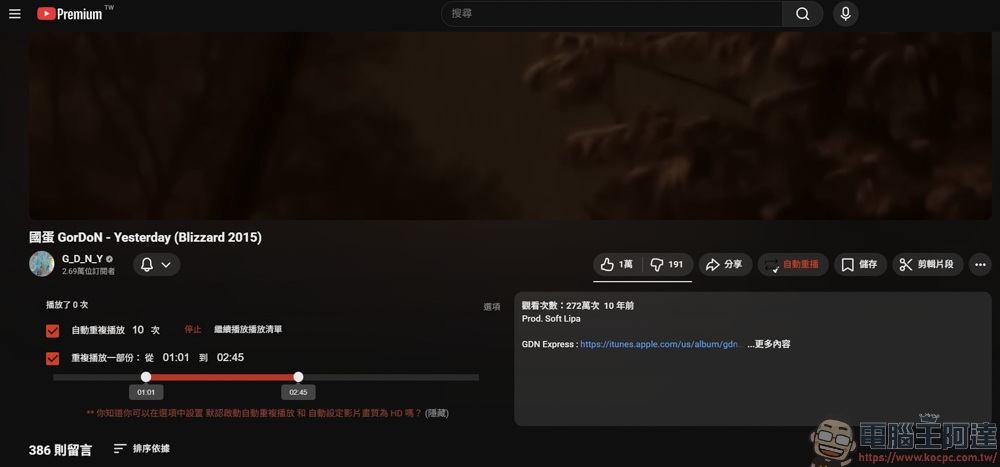
The actual measured clip is as follows. Once set, it will be automatically replayed at the specified number of seconds, which is very convenient:
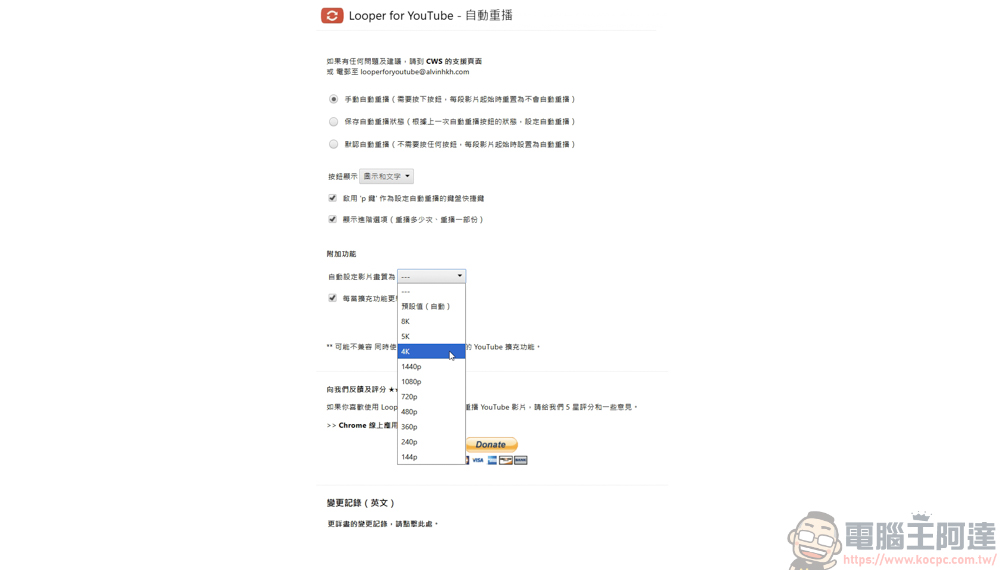
You can also adjust functions in the background settings. The best thing is that you can set the image quality for each playback, so you don’t need to manually adjust the image quality every time. This is very convenient:
User experience
Overall,Looper for YouTube It is an expansion function with specific functions but very powerful. It not only solves the problem of “the loop function is too deep” in YouTube’s native player, but also perfectly meets the advanced needs of users in listening to songs, practicing dance or learning languages through “A-B Loop” interval setting and “automatic quality adjustment”.
The most important thing is that its operation interface is completely integrated into the native YouTube page, without any sense of disobedience, and there is no need to jump to a third-party website. However, there is still a disadvantage of installing this plug-in, which is that it will make YouTube Music unable to play, but if you are not using YouTube Music, it is actually fine. In short, if you are also a heavy user of YouTube, this free plug-in that can improve efficiency is definitely one of the artifacts that must be installed in your browser!
Source: KOCPC Chinese