


Portable smart displays (bestie machines) have already been featured in many unboxing articles on Ada’s website. Whether you’re binge-watching in the living room, following video recipes in the kitchen, or watching variety shows while soaking in the bath, a screen you can push around like this has indeed solved the problem for many people who don’t want to be tied to the living room by the TV. However, from the unboxings so far, the form factor of the bestie machine has always remained”push it alongOnce separated from the stand and base, its functionality is almost useless; taking it camping or using it directly on a table is simply out of the question.
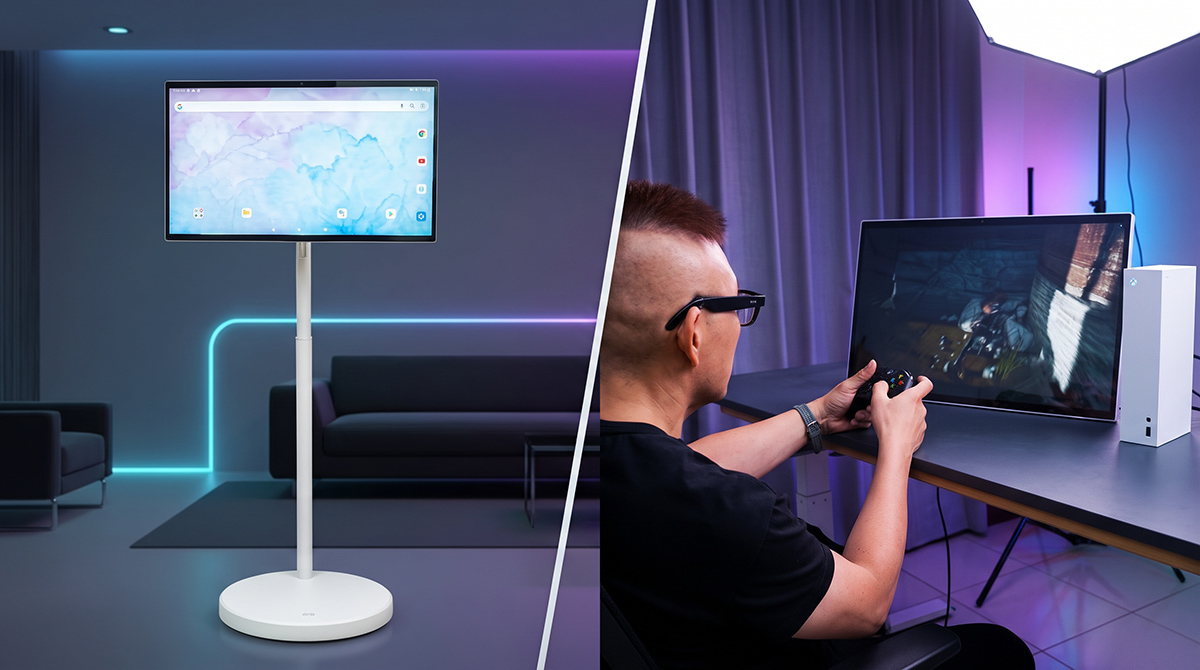
This newly launched model from Taiwanese audio-visual brand OVO, “OVO TT6 Push-Push Bestie Machine Cross”—you could say it broke through these limitations all at once! This unit OVO TT6 Its 27-inch touchscreen features a detachable design; once removed from the stand, it can be placed directly on a table for use, which arguably changes the original form of the “bestie screen.” It also has an 8-core CPU, 6GB RAM, and 128GB storage, has passed official Google EDLA certification, and even natively supports Gemini Live generative AI and free APK installation. This change arguably adds a more practical function to the original roll-it-anywhere, watch-anywhere capability!
OVO TT6 Push-Around Bestie Machine Cross Unboxing
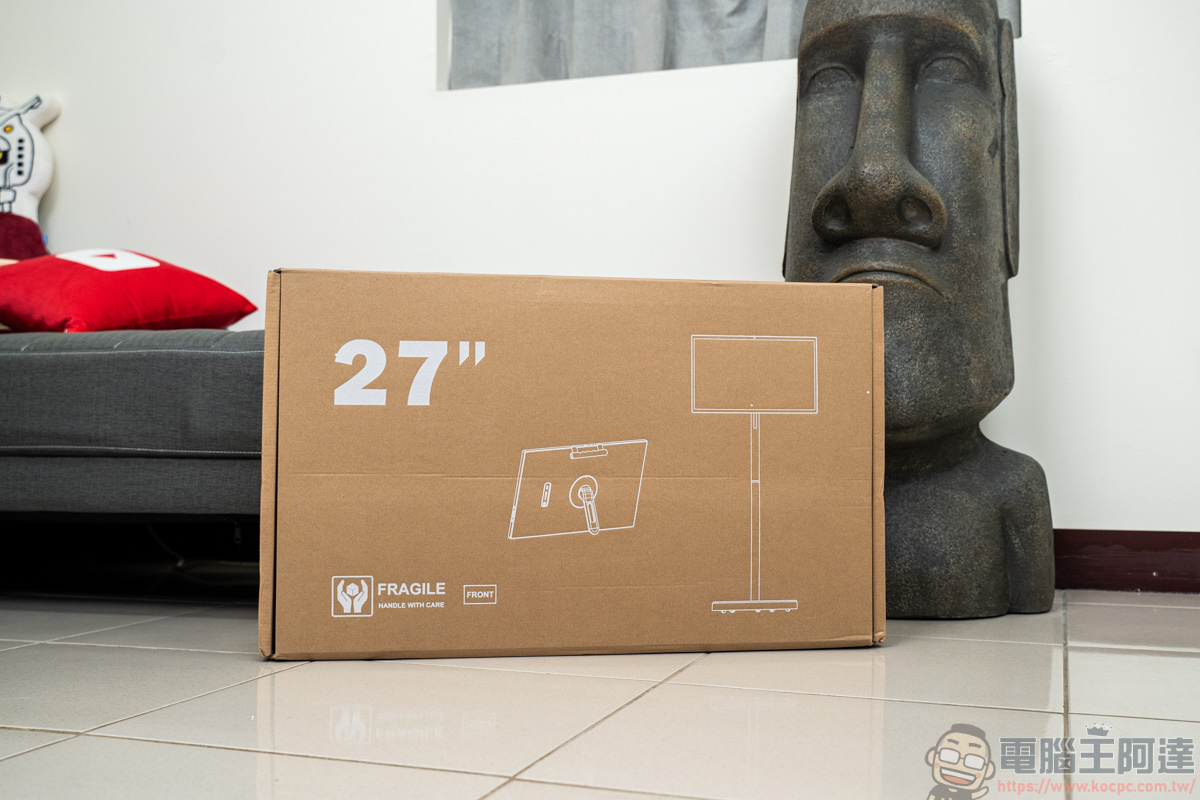
This is the OVO TT6 outer box (it may not be the official packaging yet; please refer to the actual item received upon shipment). On the outer box, you can clearly understand how the two forms of the OVO TT6 are used this time:
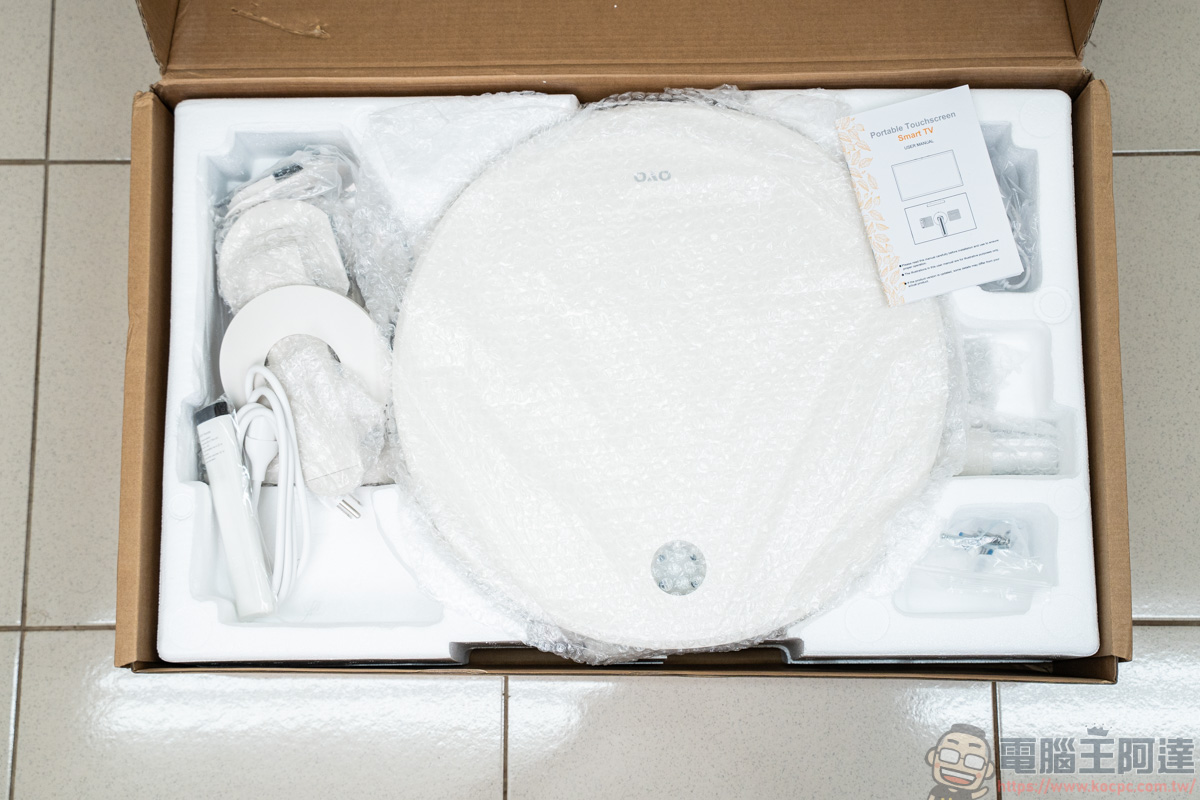
The inside has dedicated spots for each component, so if you plan to move or resell it later, it’s advisable to keep the box packaging for now:
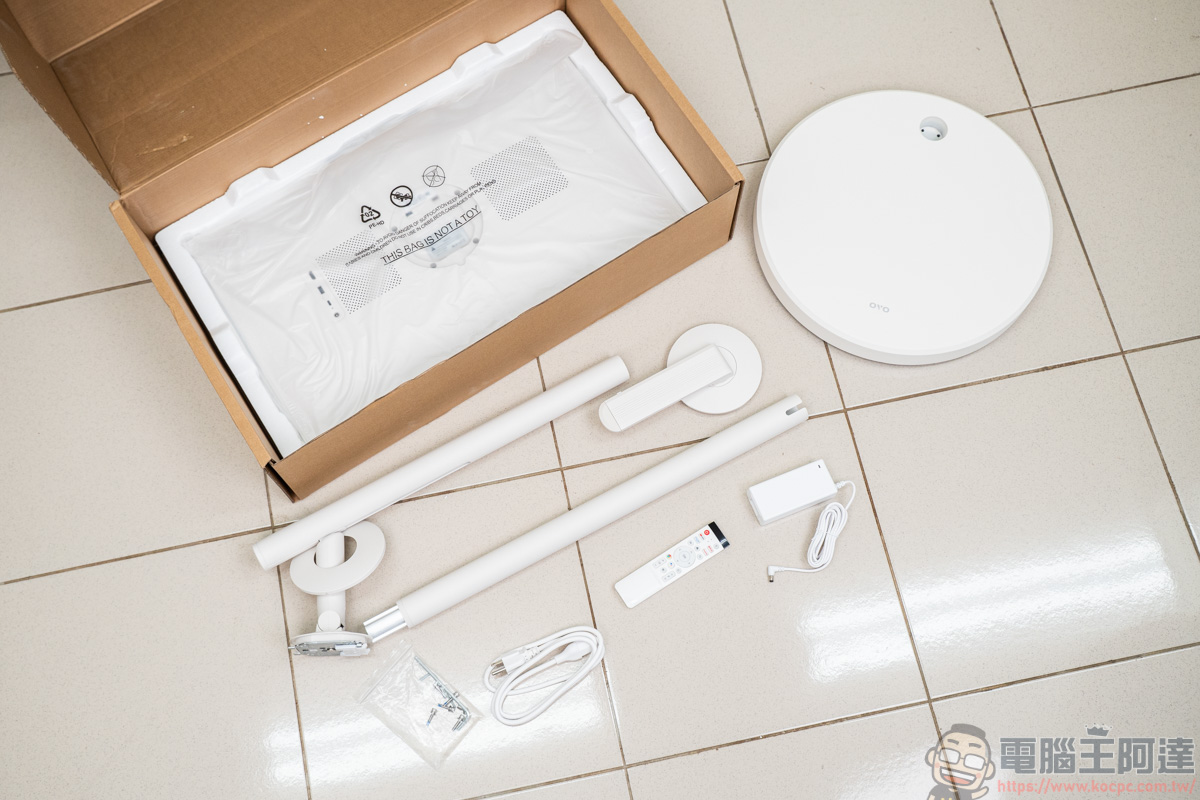
Package contents: OVO TT6 screen, desktop stand, mobile base, power cable & adapter, pole, remote control, assembly tools.
In the past, many people complained that the base of the Bestie device was really too heavy and a bit difficult to move. That was because the base at the time also served as the power supply, and the screen still had to be connected with a cable to the base below, making use a little more troublesome. But the current base simply has a stand and mobility functions, so it is also relatively much lighter:
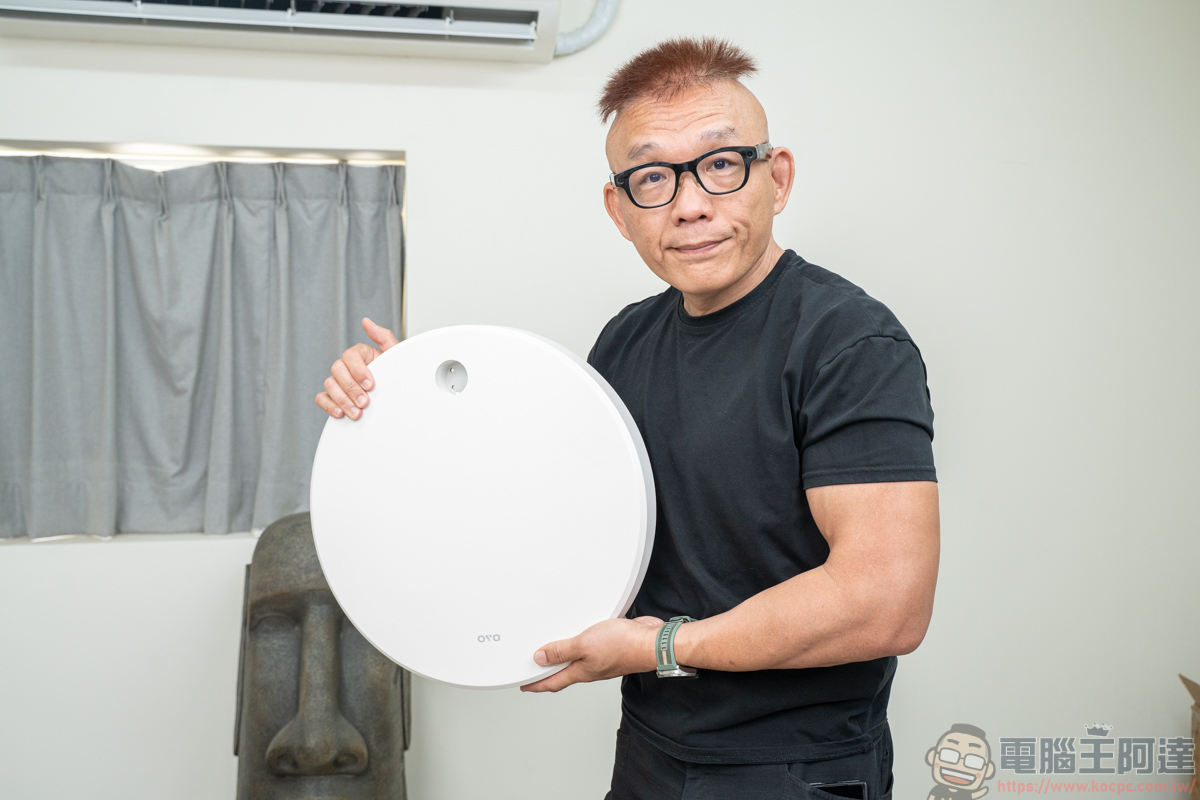
The base features a five-swivel-caster configuration:
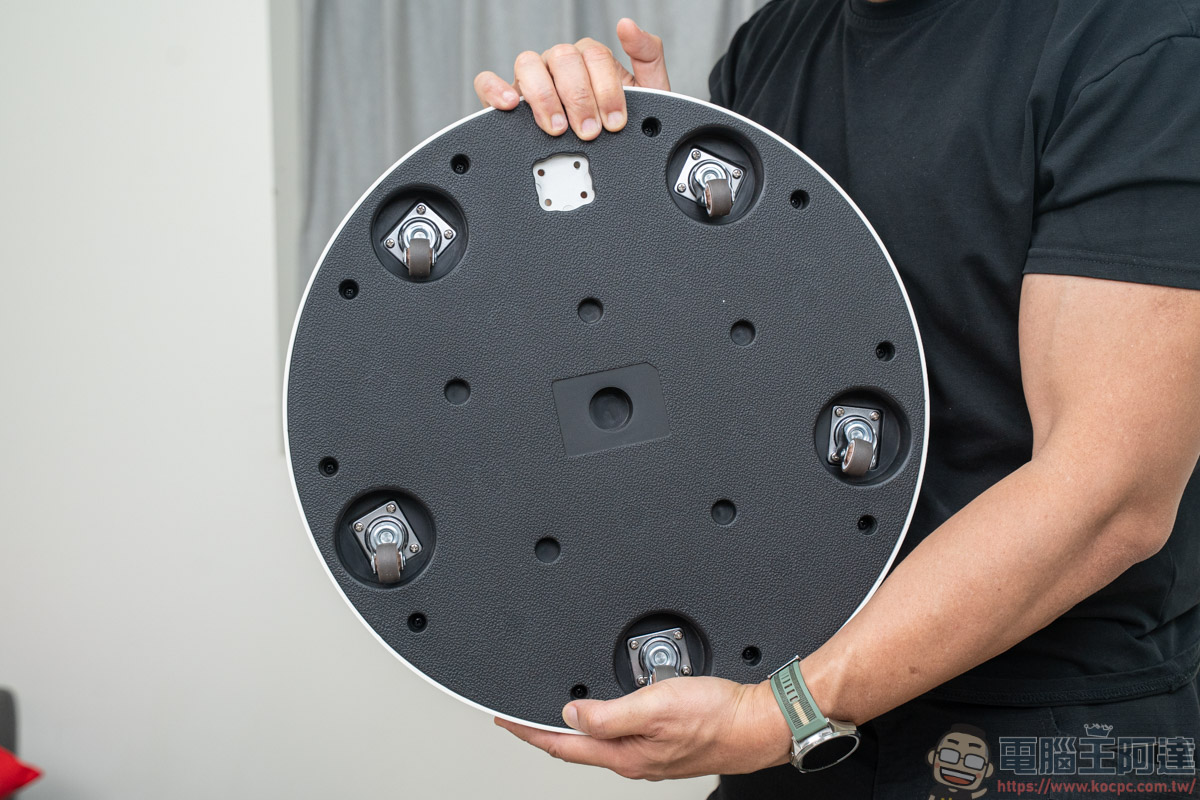
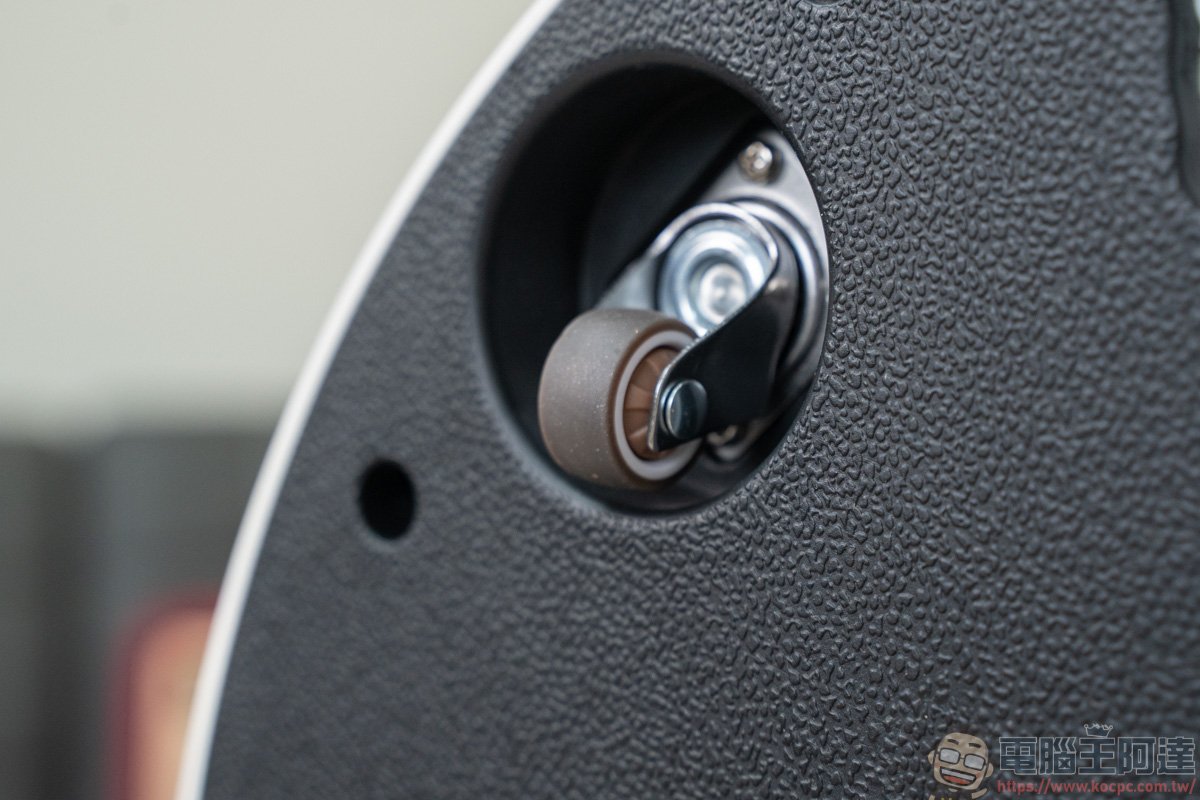
The swivel casters have a rubber surface, so they won’t cause scratches even when moved across wooden floors. Moreover, if a wheel breaks, you can buy a new one at a hardware store and install it yourself:
Installation is also very easy. If you’re installing it alone like Ada, just place the base into the Styrofoam recess in the box, and one person can handle the installation:
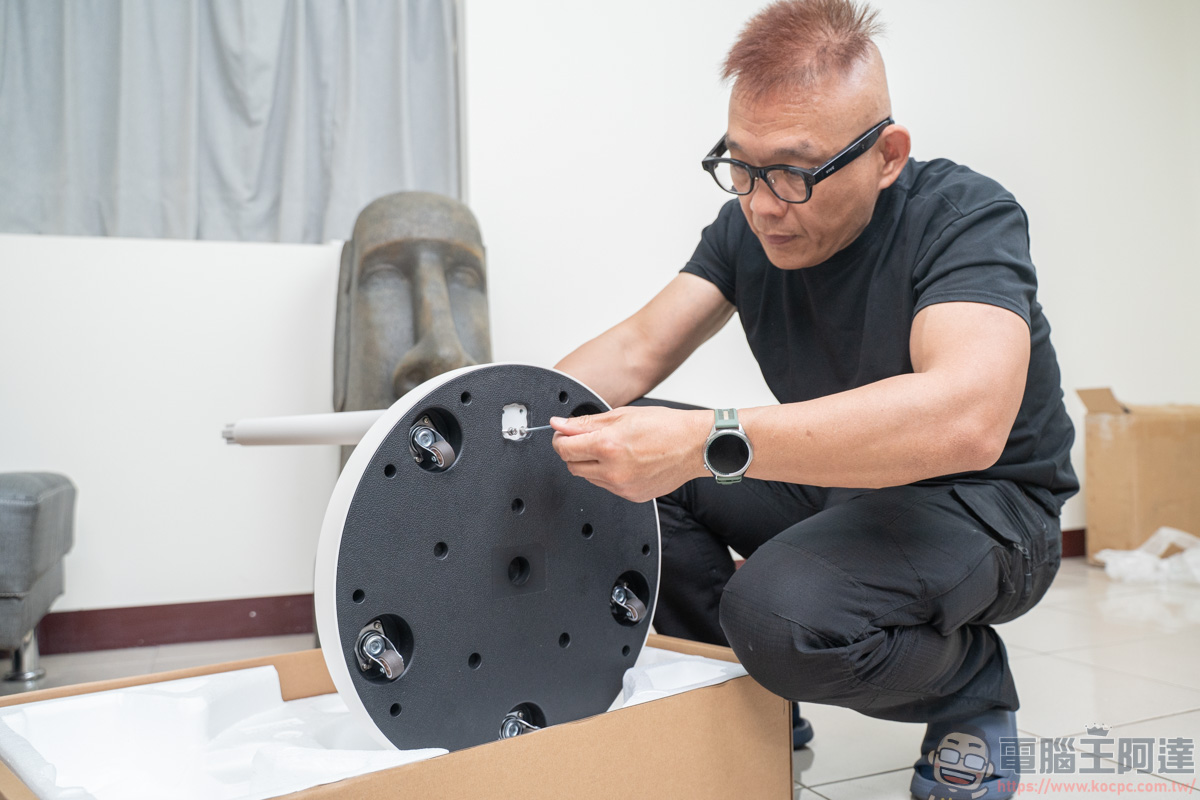
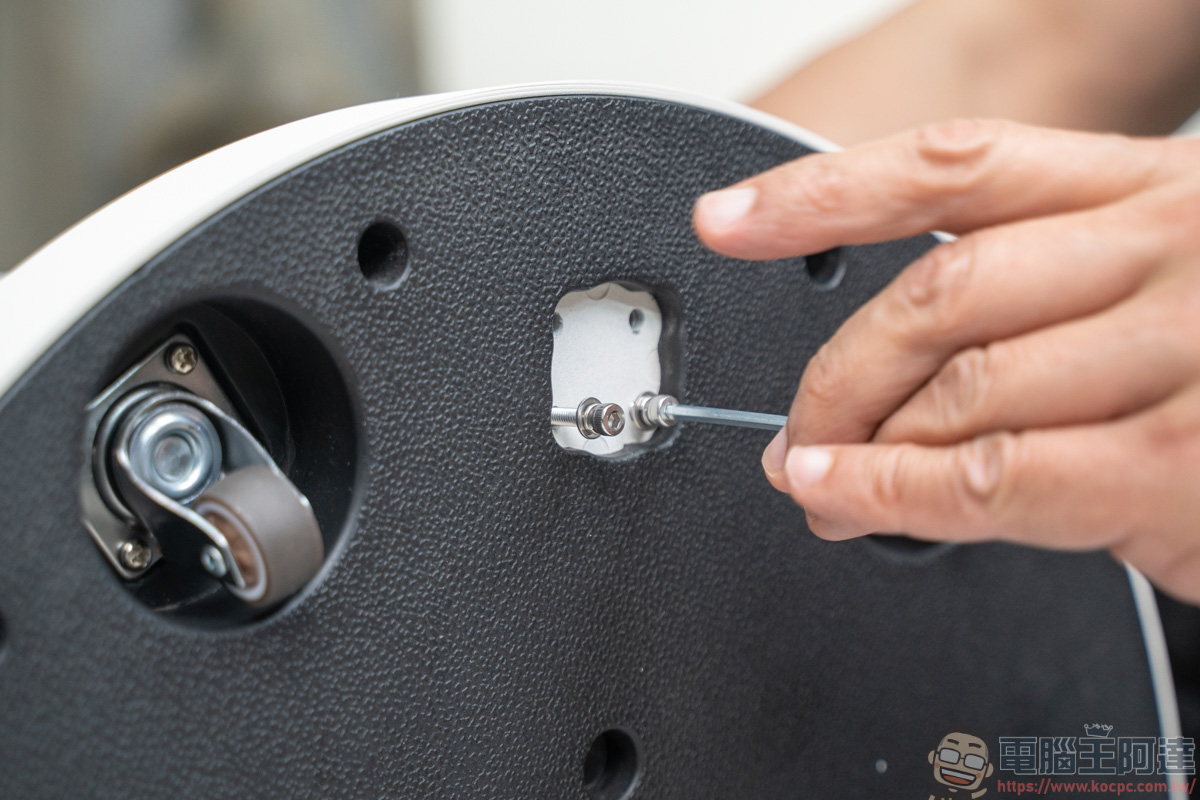
Use the included tool to tighten the screws and secure the pole:
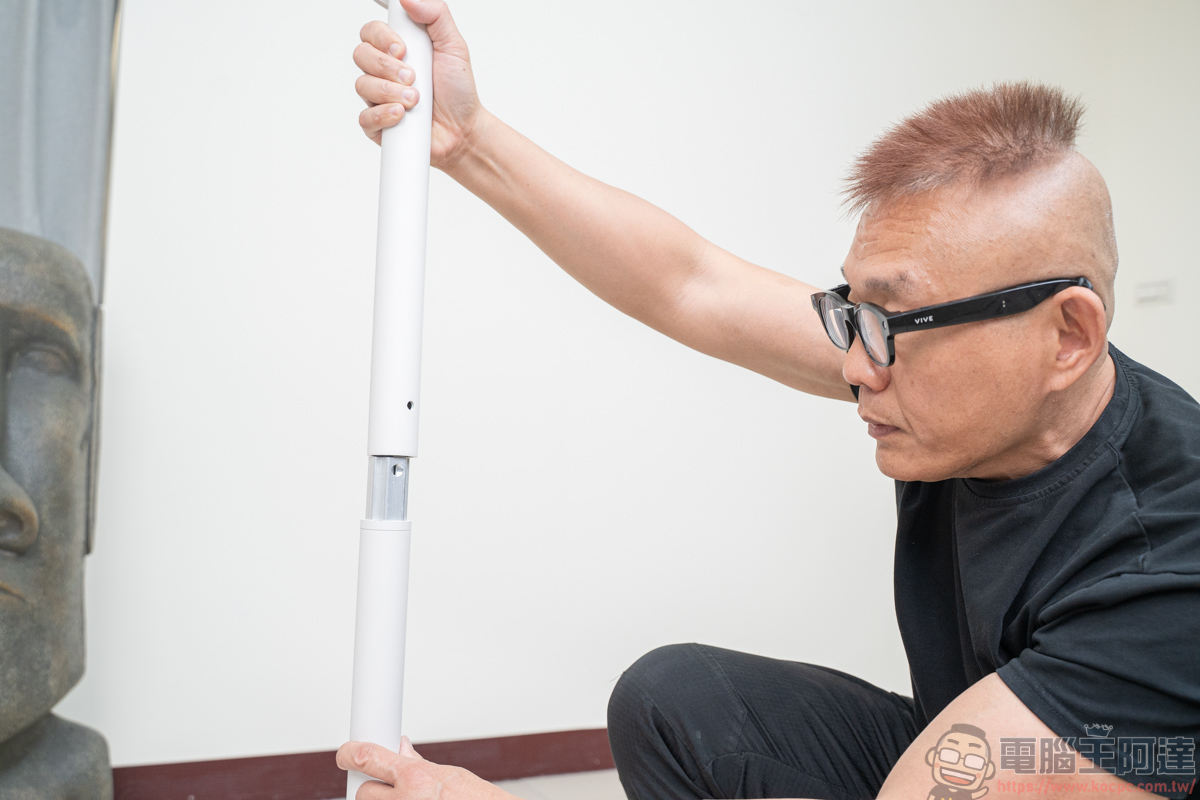
The pole is a two-piece design:
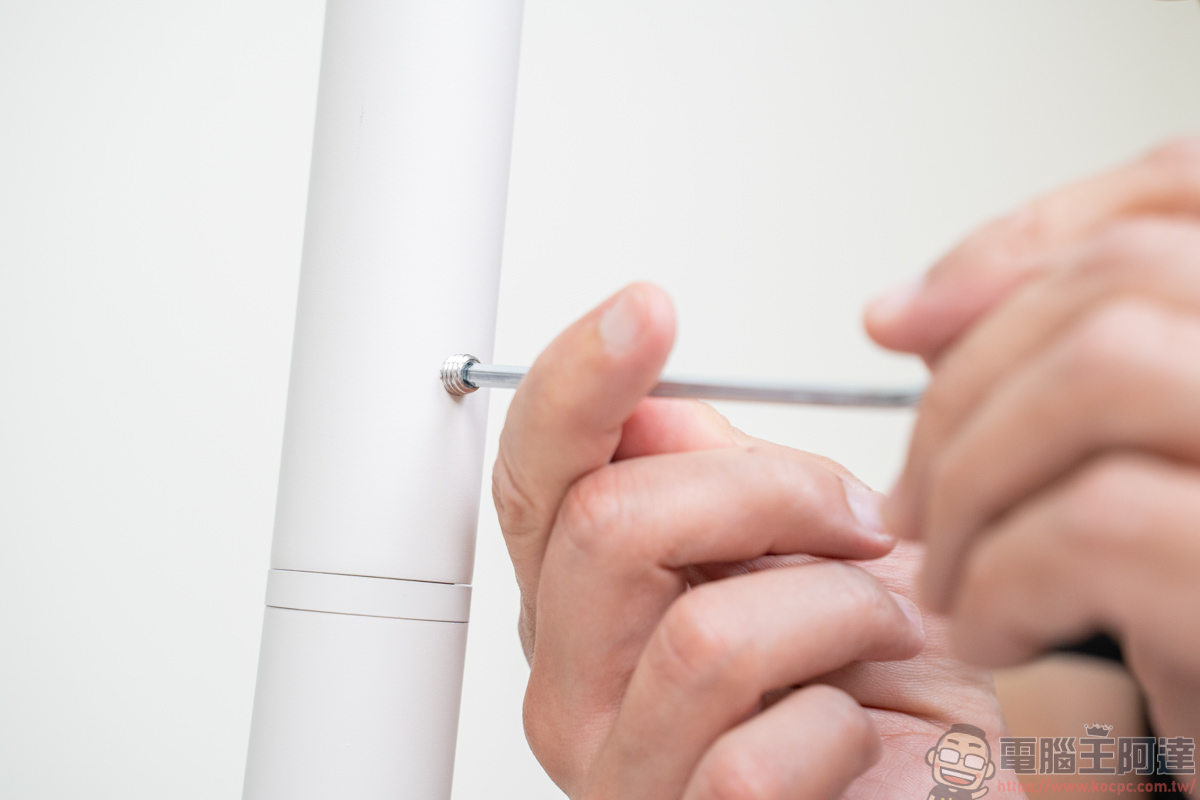
At the connection point, tools must be used to secure it:
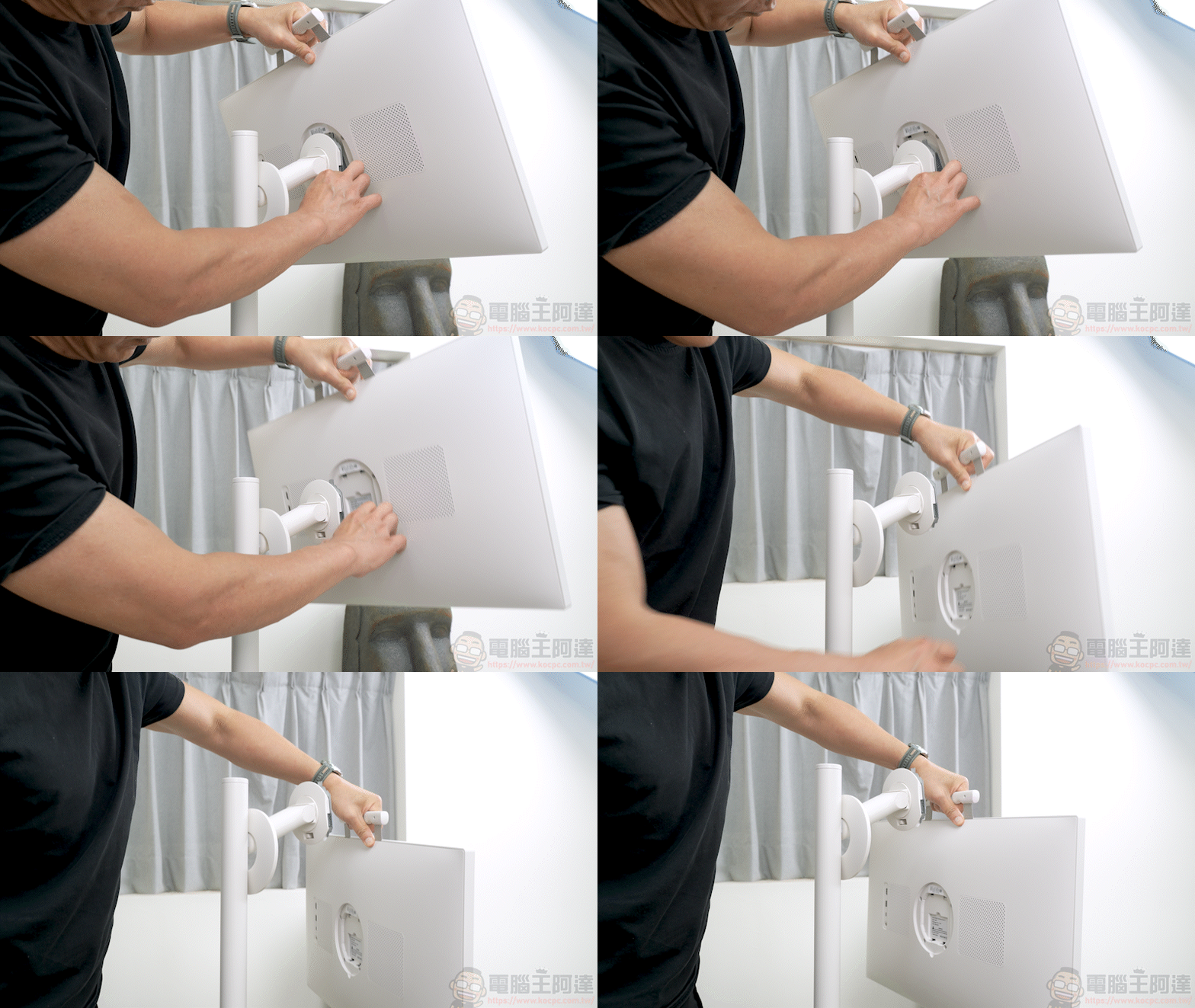
Next, take out the screen. This time, the OVO TT6 has a magnetic grip designed above the screen for easy lifting and use:
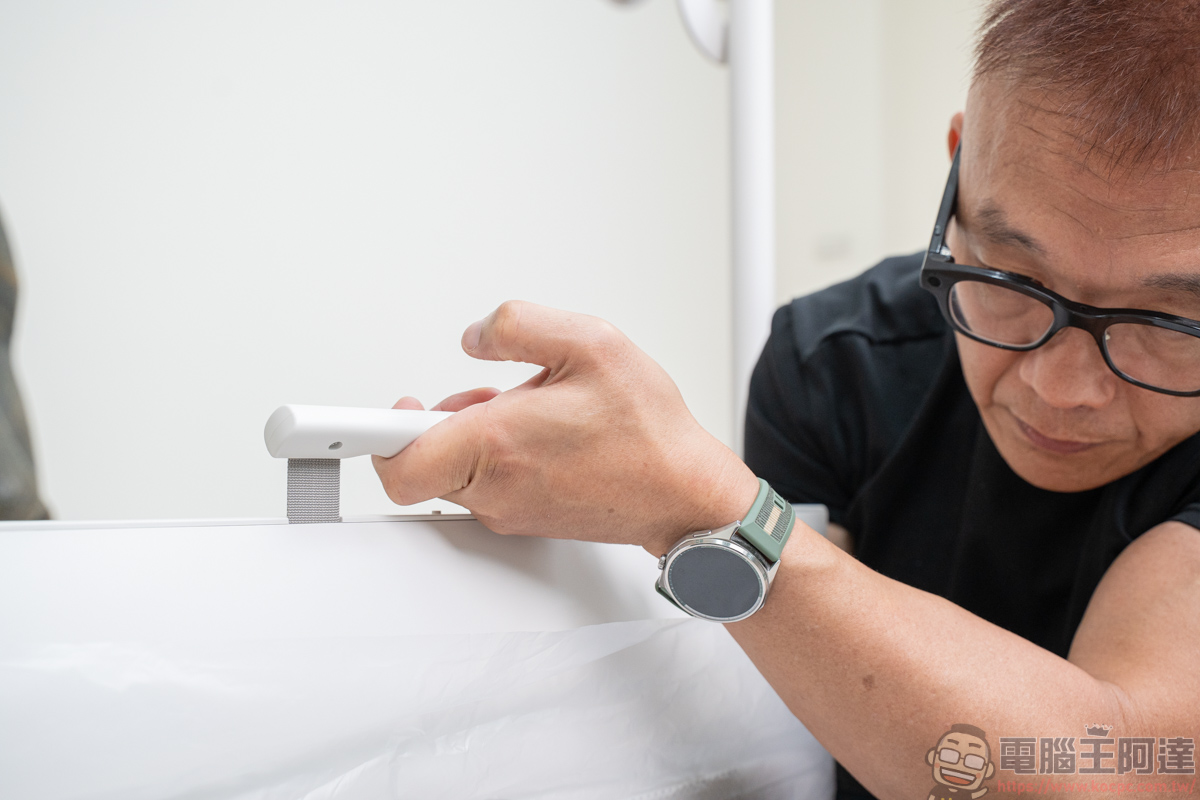
With this magnetic grip design, one-person installation becomes much easier:
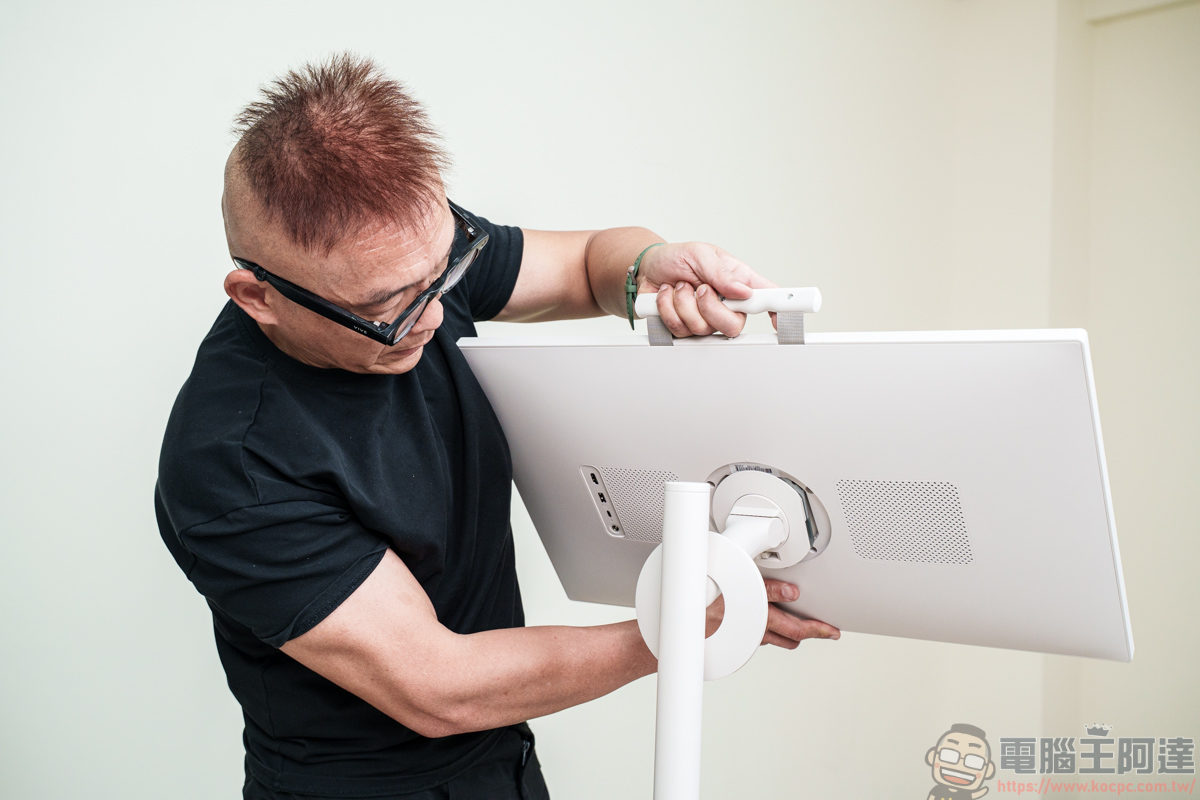
Align it with the tab and snap it into place:
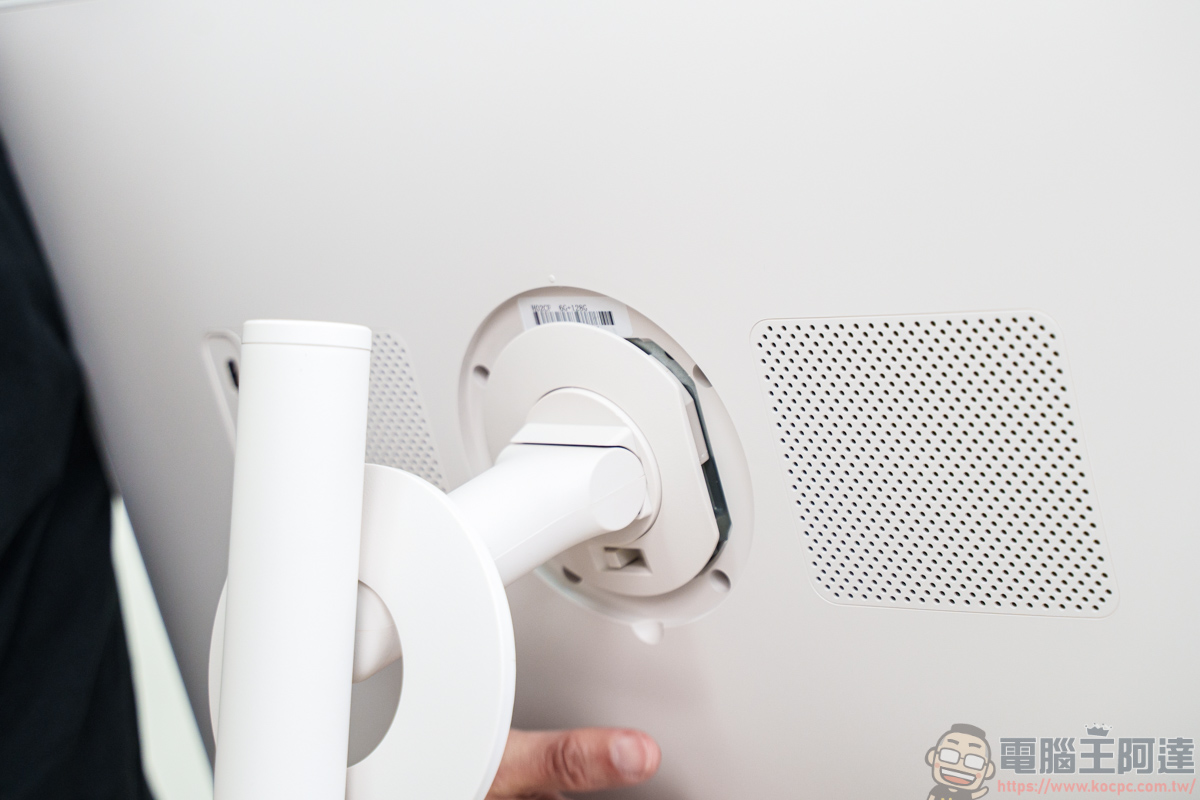
Finally, put the protective cover on, and it’s assembled:
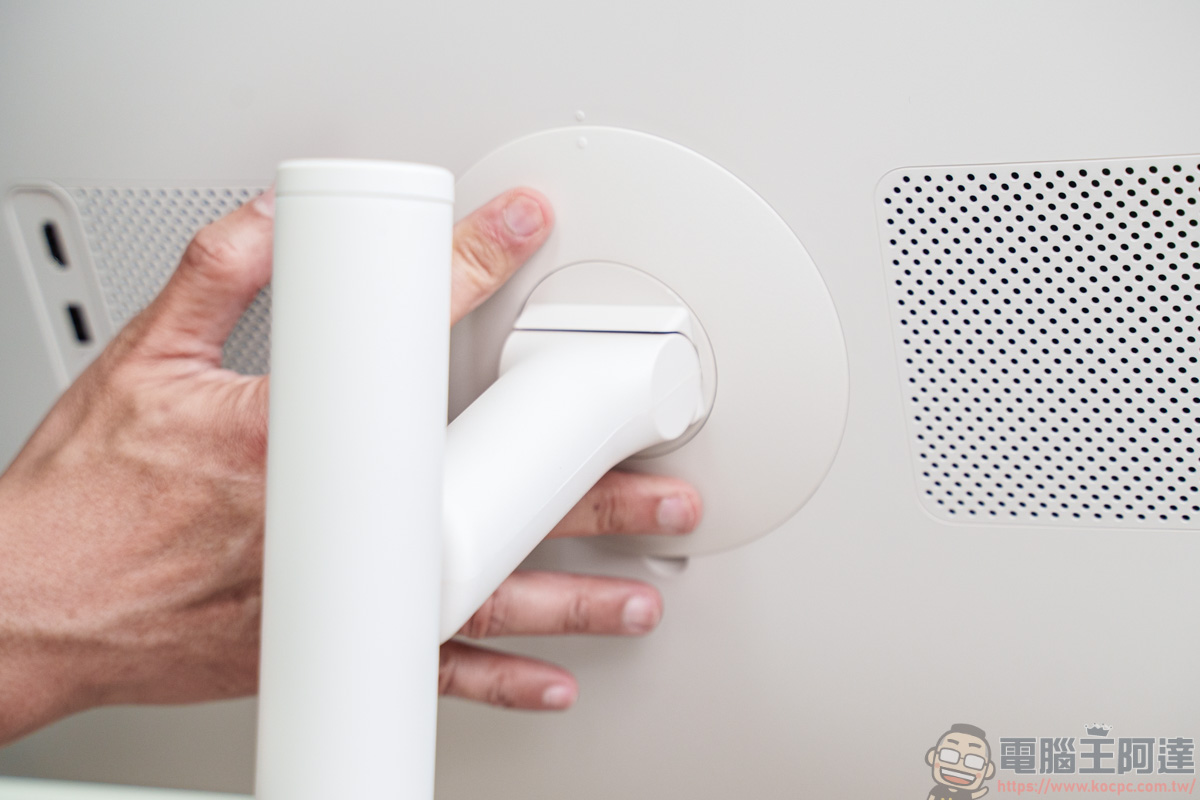
Before you start using it, it is recommended that you fully charge the screen first:
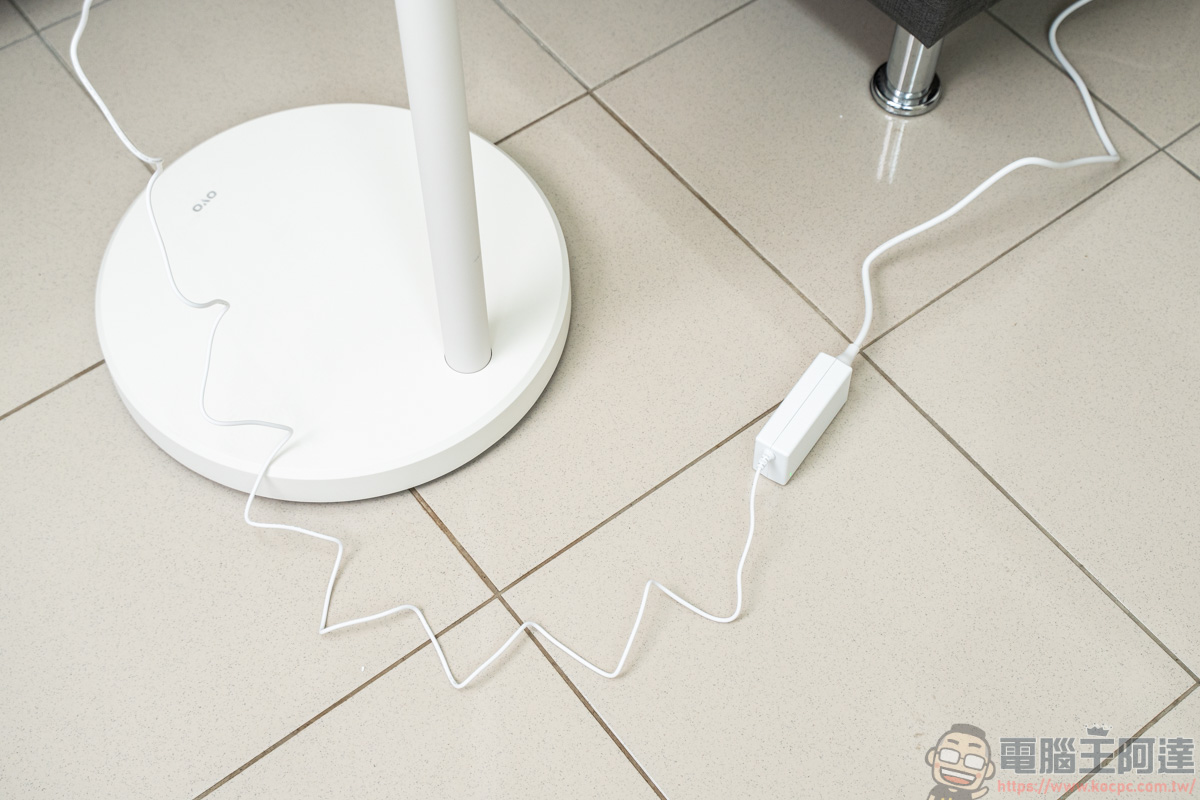
OVO TT6 Push-Around Bestie Machine Cross Introduction
Specifications
- 27-inch FHD (1920×1080) / 100% sRGB color gamut / 300 nits brightness / 178° viewing angle / 10-point touch support / low blue light / flicker-free technology / ultra-narrow bezel design
- 8-core CPU / Memory: 6GB RAM / Storage: 128GB ROM
- Android system (Google EDLA certified)
- Supports Google Play, Google Workspace (Drive / Docs), Gemini Live
- 10W stereo speaker
- 13-megapixel webcam / built-in noise-canceling microphone
- Dual-band Wi-Fi (2.4GHz / 5GHz), Bluetooth 5.0
- Wired interfaces: HDMI, USB-C, USB-A
- Built-in battery lasts about 4 hours.
- Supports touch operation and voice air-mouse remote control.
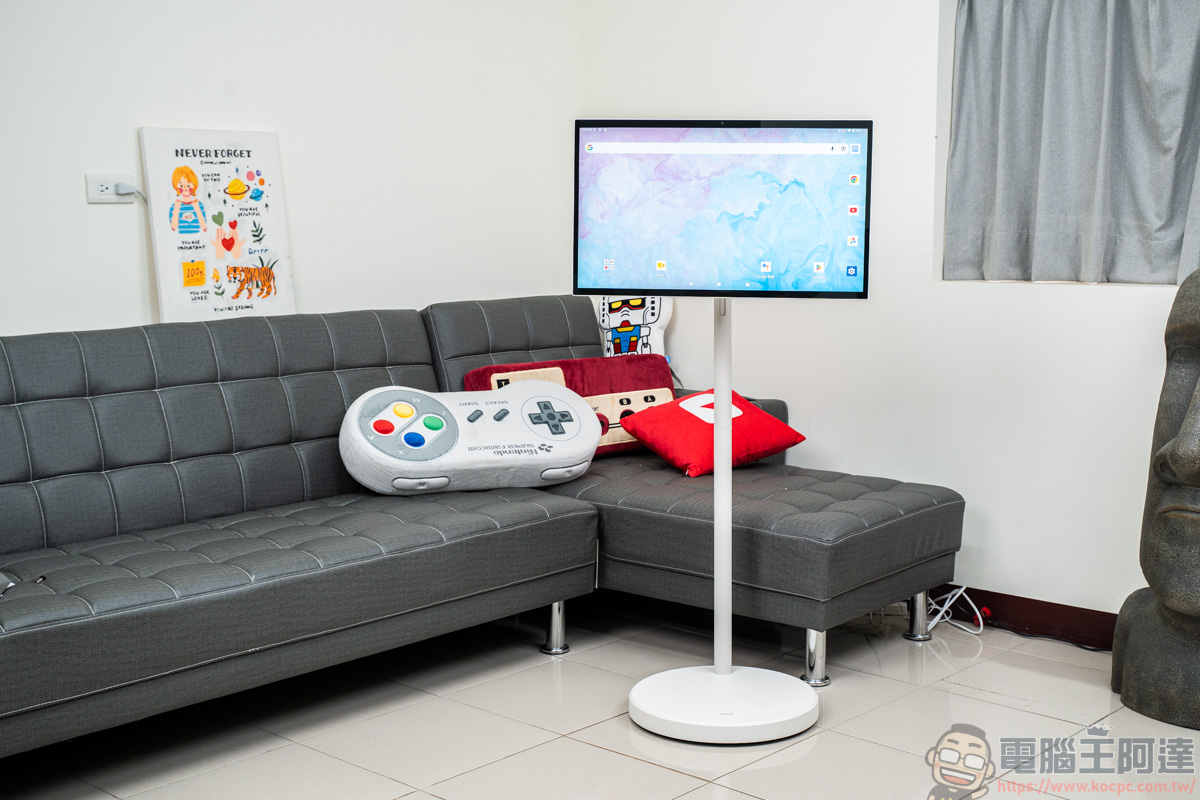
The display uses a 27-inch FHD 1080P specification. For a roll-around companion screen, this specification is actually more than enough. Some people might wonder why the display specification isn’t 4K. The reasons are simple. First, battery life would be shorter; second, driving 4K resolution also demands more performance and cost. For a 27-inch mobile screen, 1080P not only maintains smooth operation but is also the most balanced choice between battery life and image quality.
The device runs Android and is Google EDLA certified, so you not only get official security updates and the native Google Play Store, but also more stable and reliable downloads of various media apps and office software:
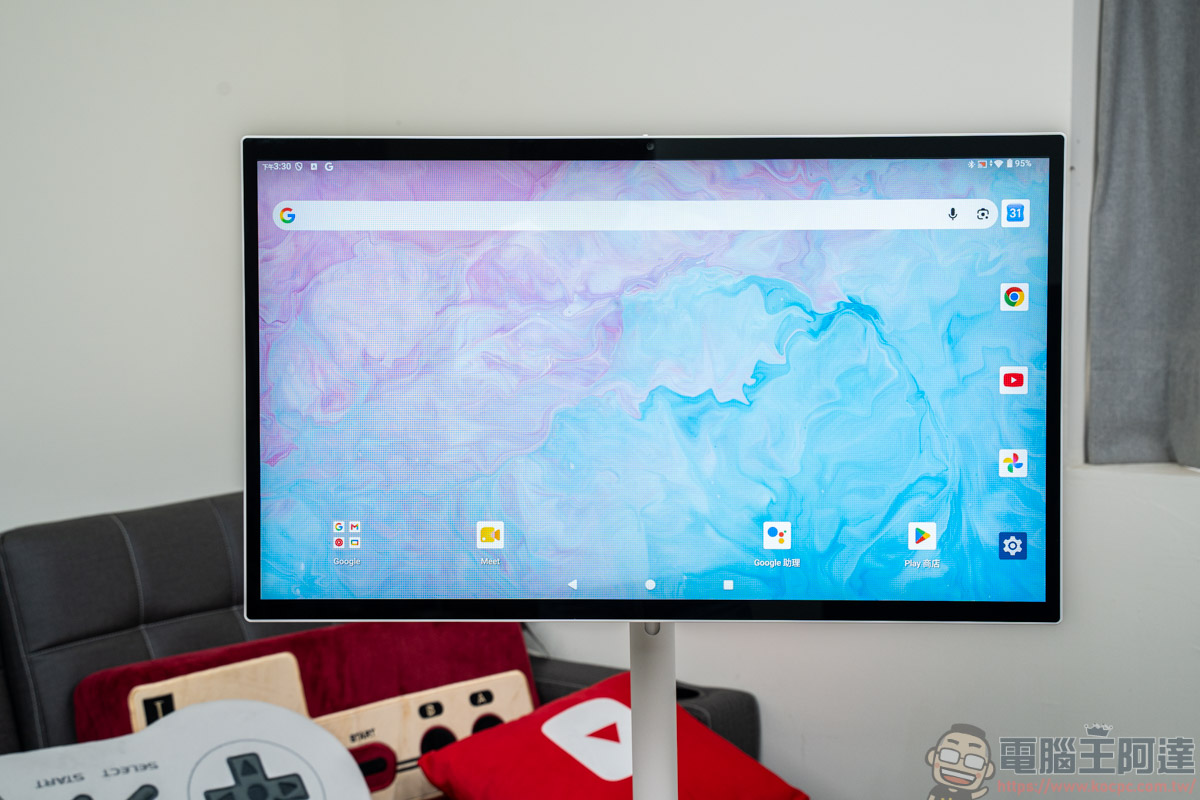
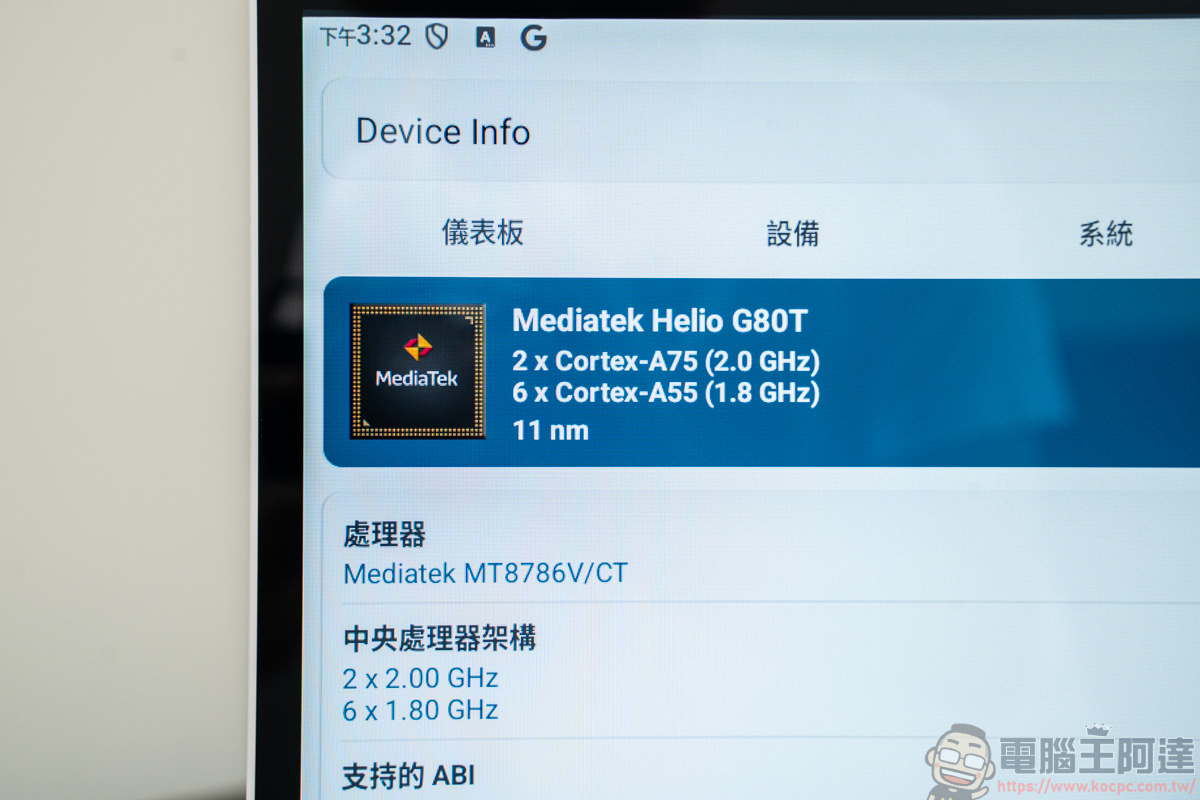
It uses a MediaTek 8-core CPU, 6GB RAM, and 128GB ROM storage:
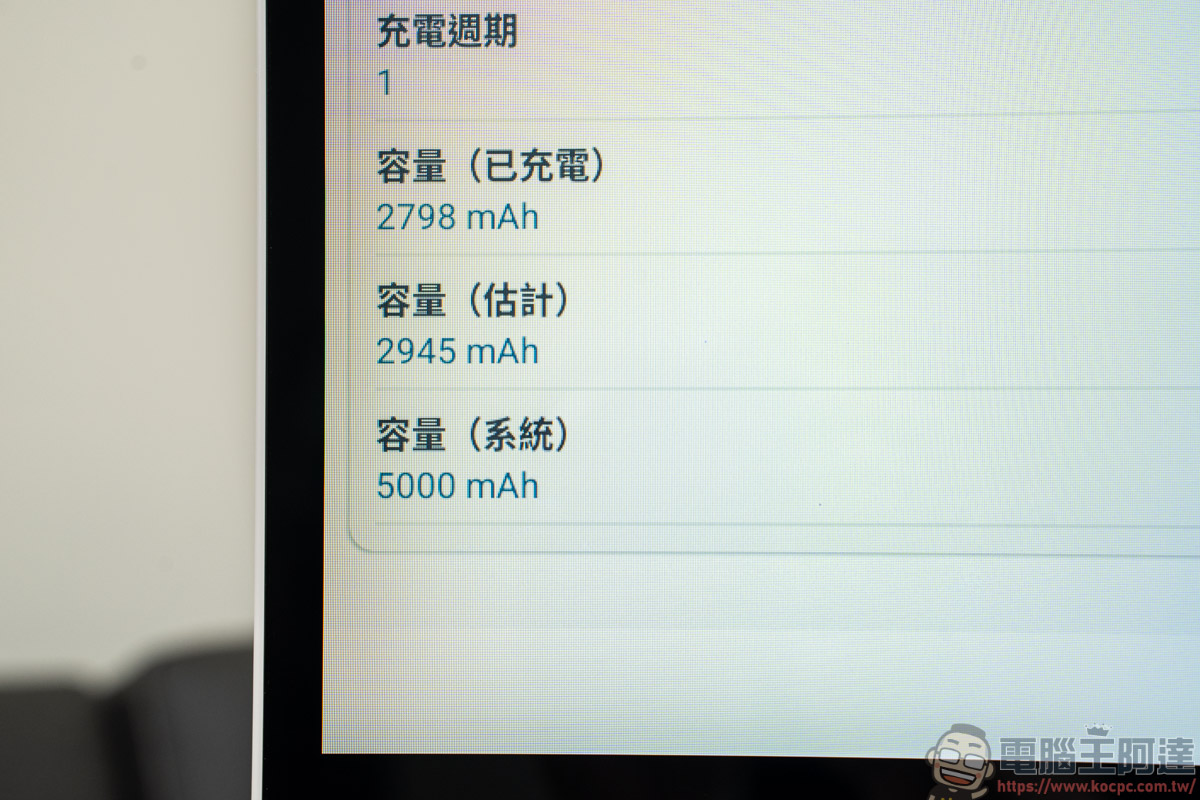
The OVO TT6 has a built-in 5,000 mAh battery, and according to official specs, it can last about 4 hours. With 4 hours of battery life, I think that’s more than enough for average users!
Connectivity supports 2.4GHz / 5GHz Wi-Fi and Bluetooth 5.0. Its controls and functionality are just like an Android tablet interface. If you know how to use a smartphone, you’ll quickly get the hang of operating the OVO TT6:
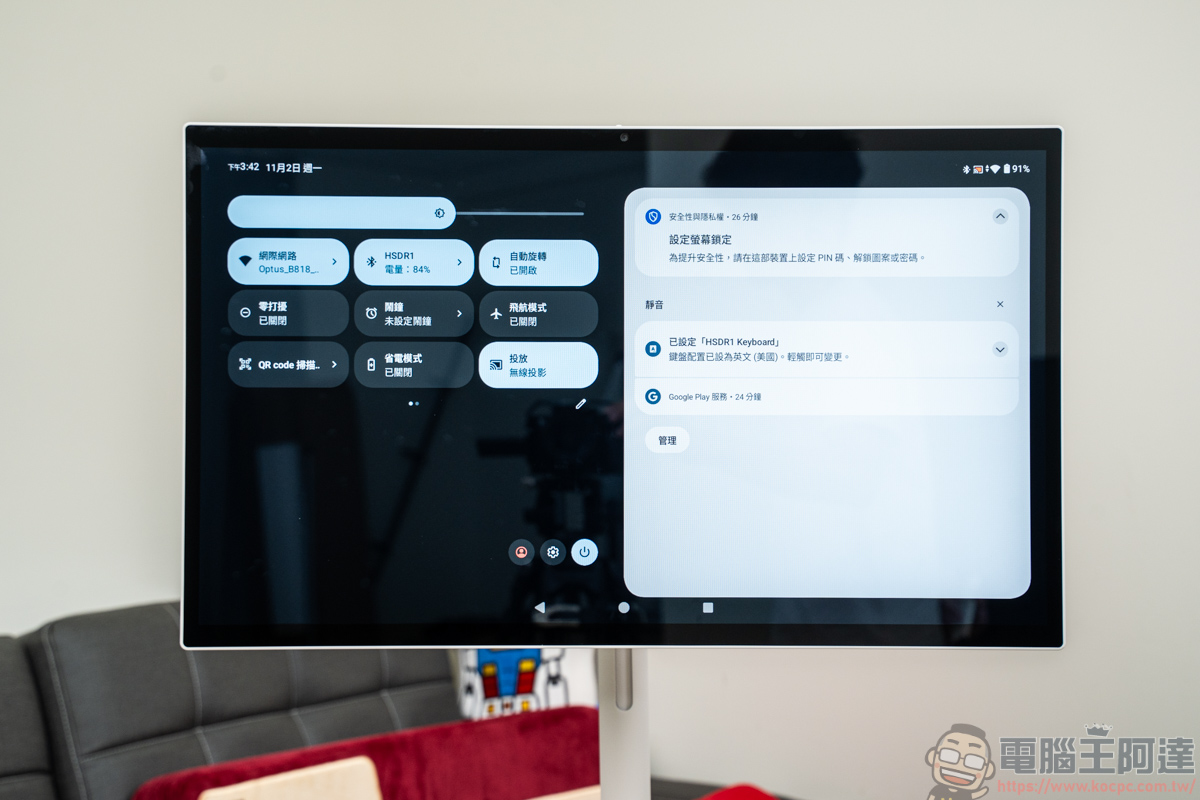
Appearance and viewing angle
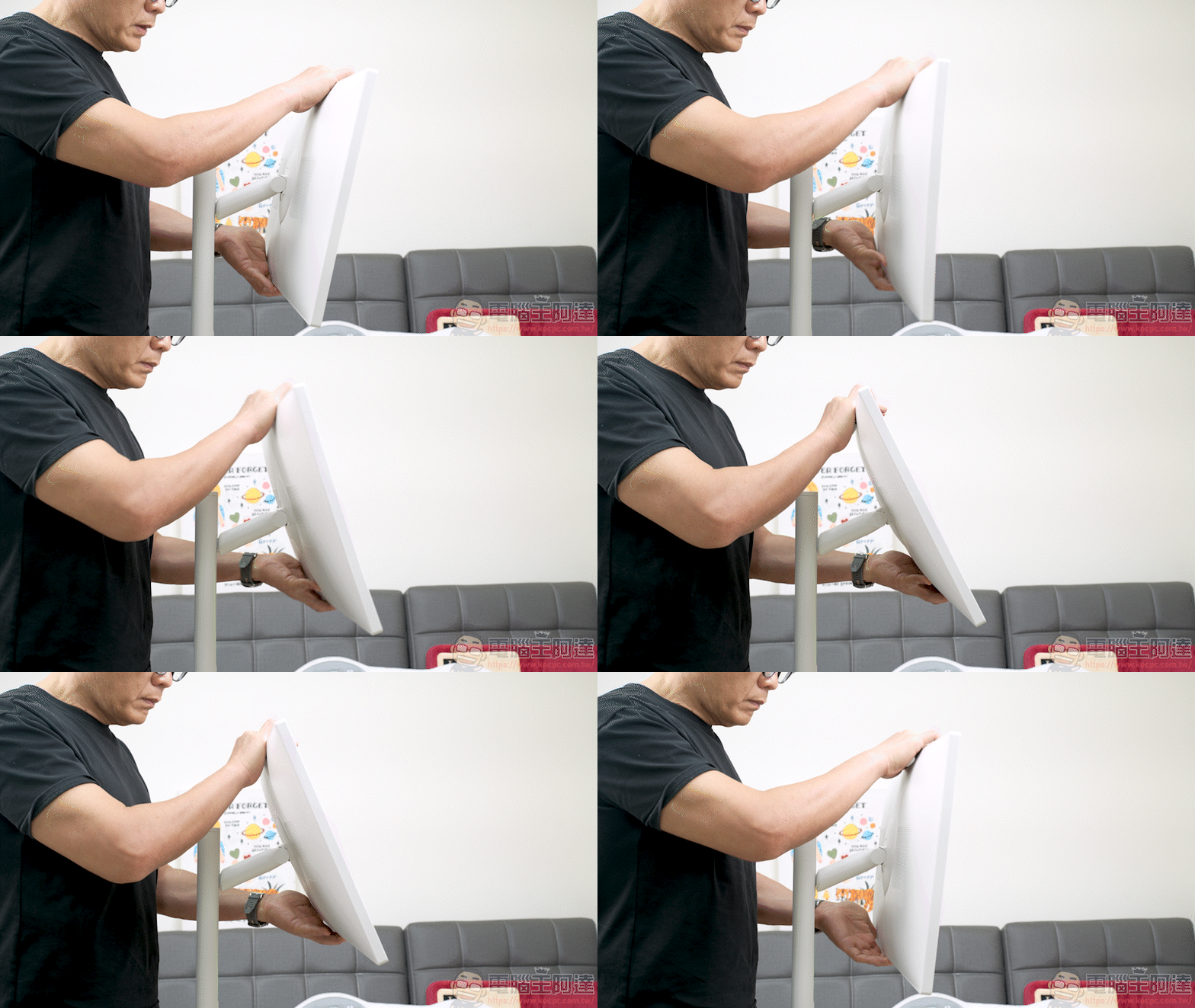
The screen’s angle and height can be adjusted freely, with a height adjustment range of 18 cm:
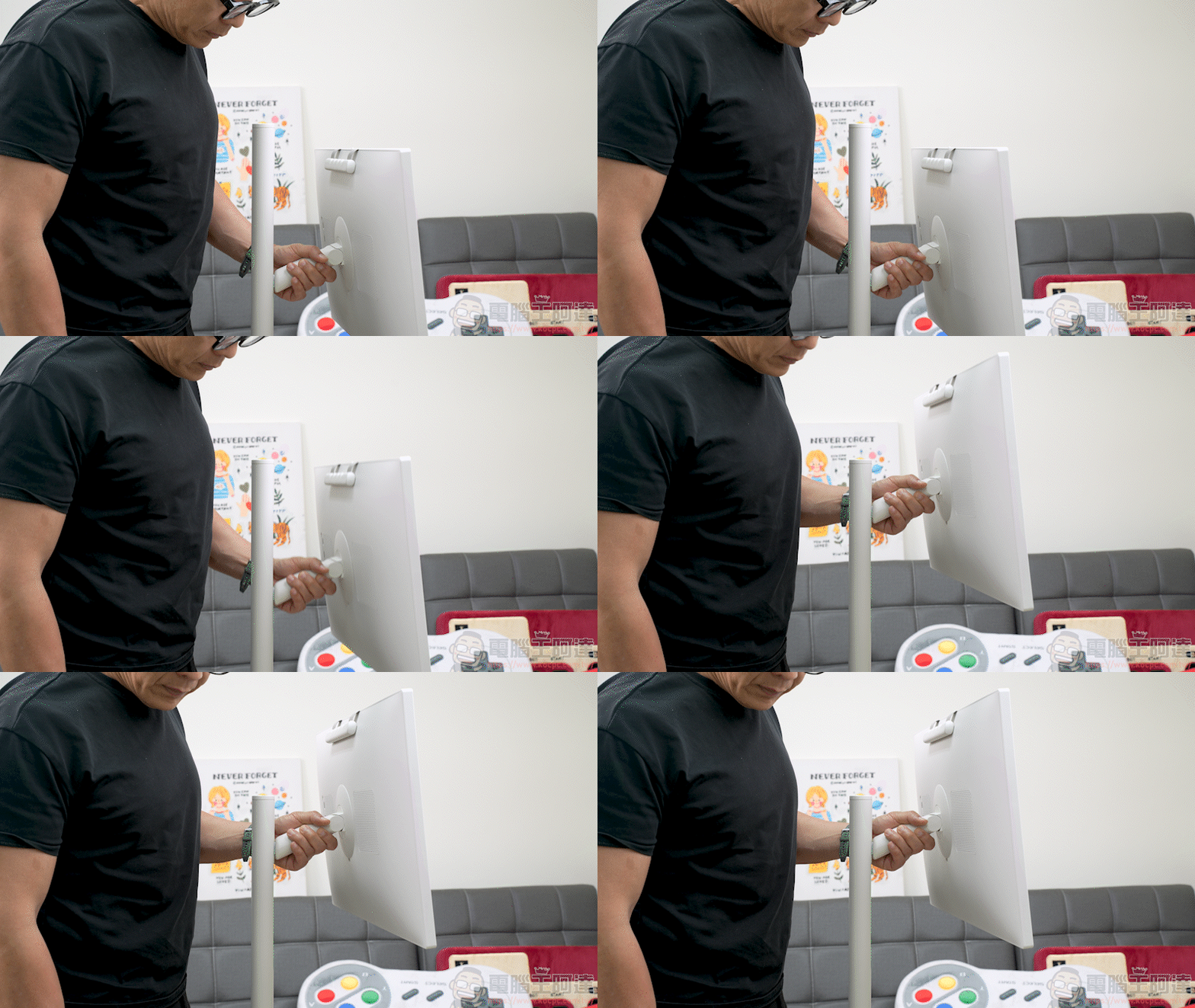
Additionally, it can rotate 180° left and right and tilt 40° forward and backward, and can even be turned upright for use:
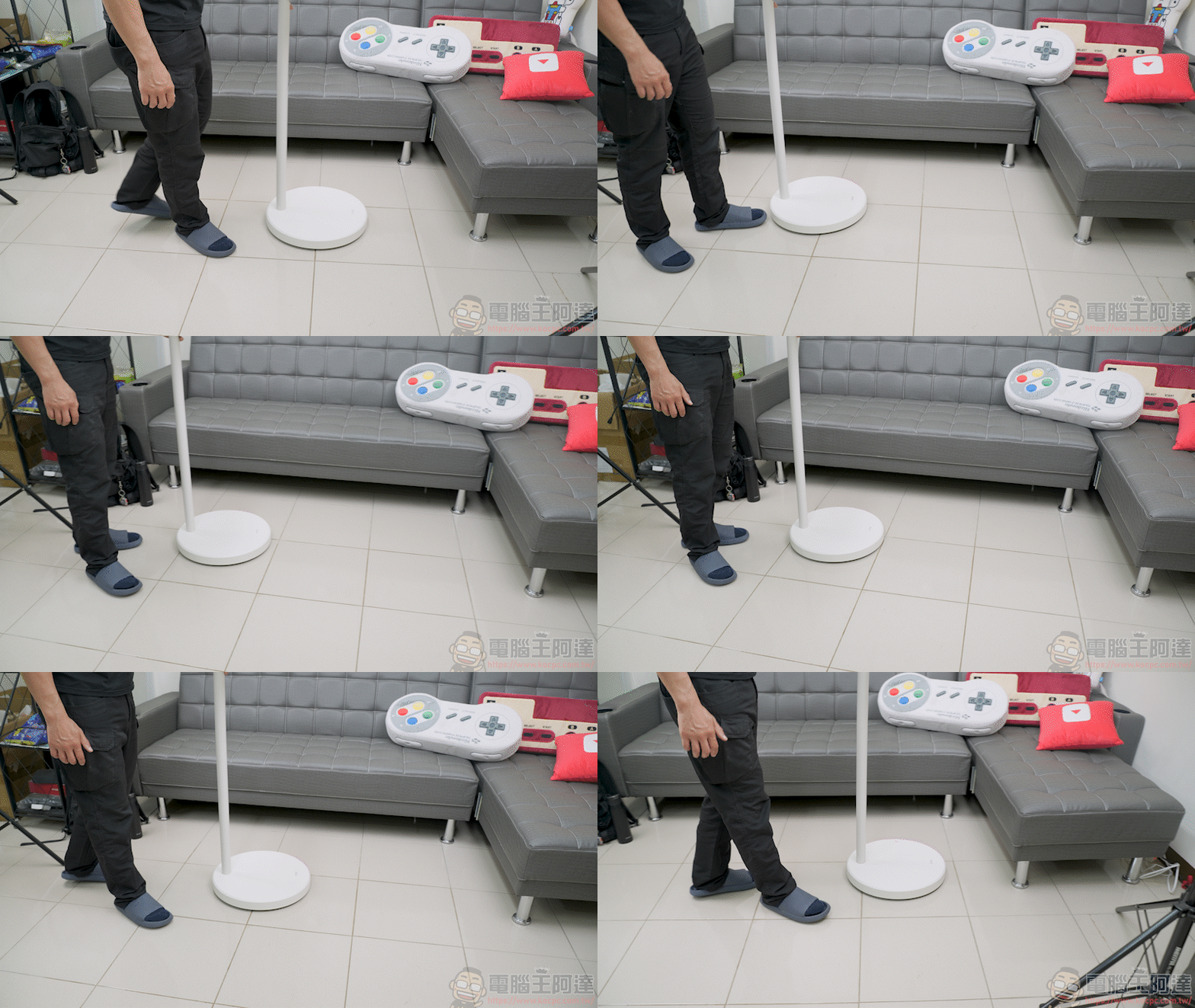
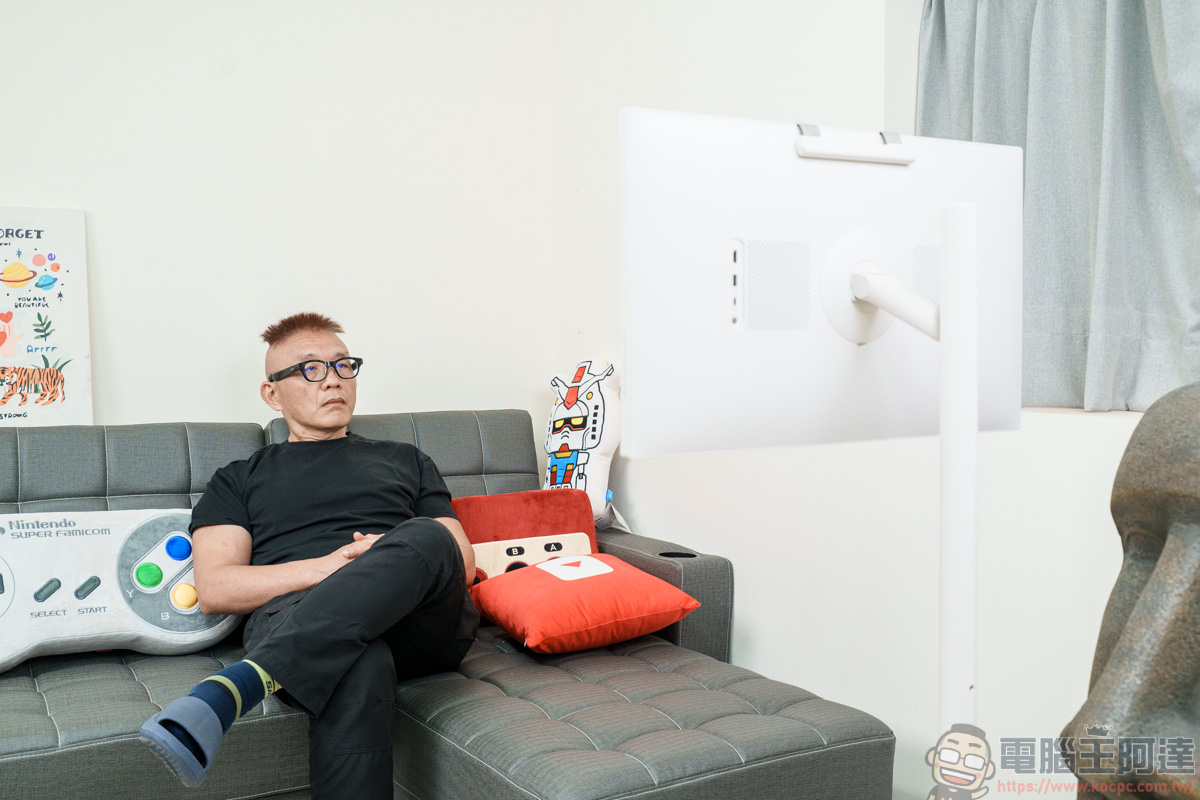
As just mentioned, the chassis is very light. Compared with previous chassis models with built-in batteries, the OVO TT6 is really much easier to push:
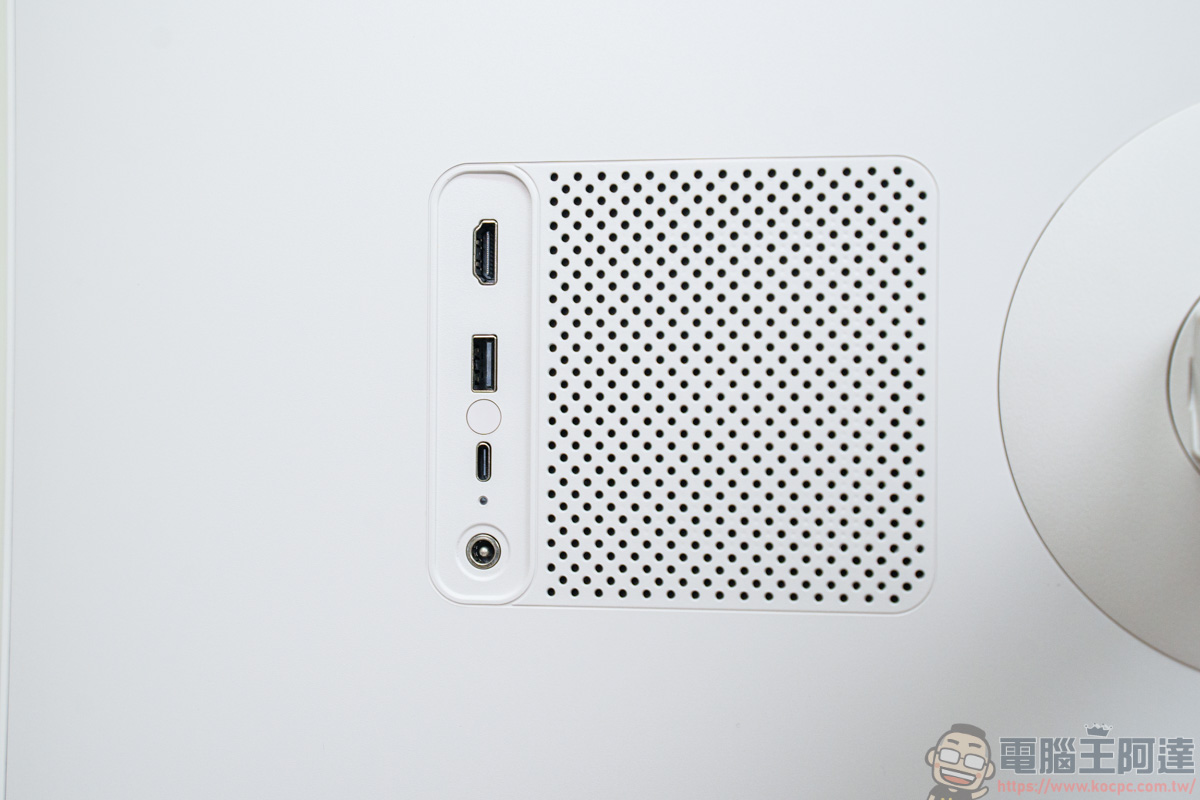
The back of the device has 10W stereo speakers and ports:
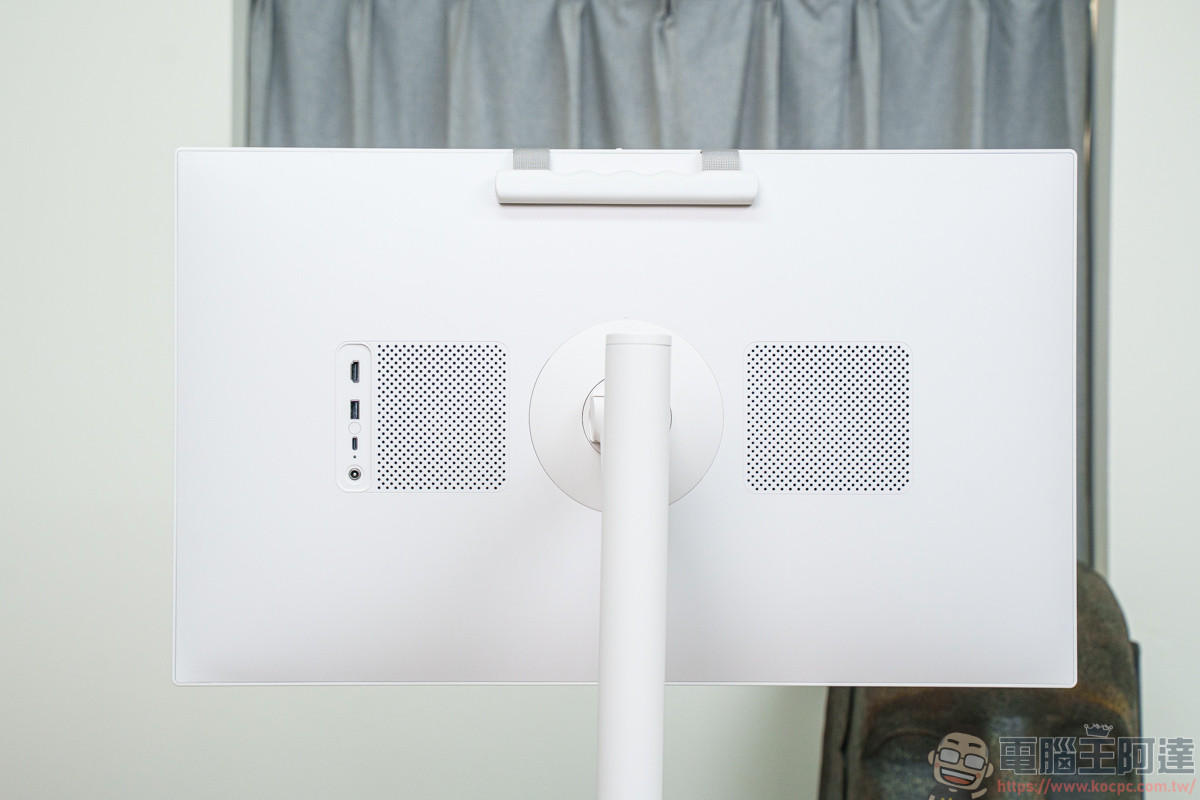
The ports include HDMI, USB-C, USB-A, and a DC power jack—covering all the port types users commonly use:
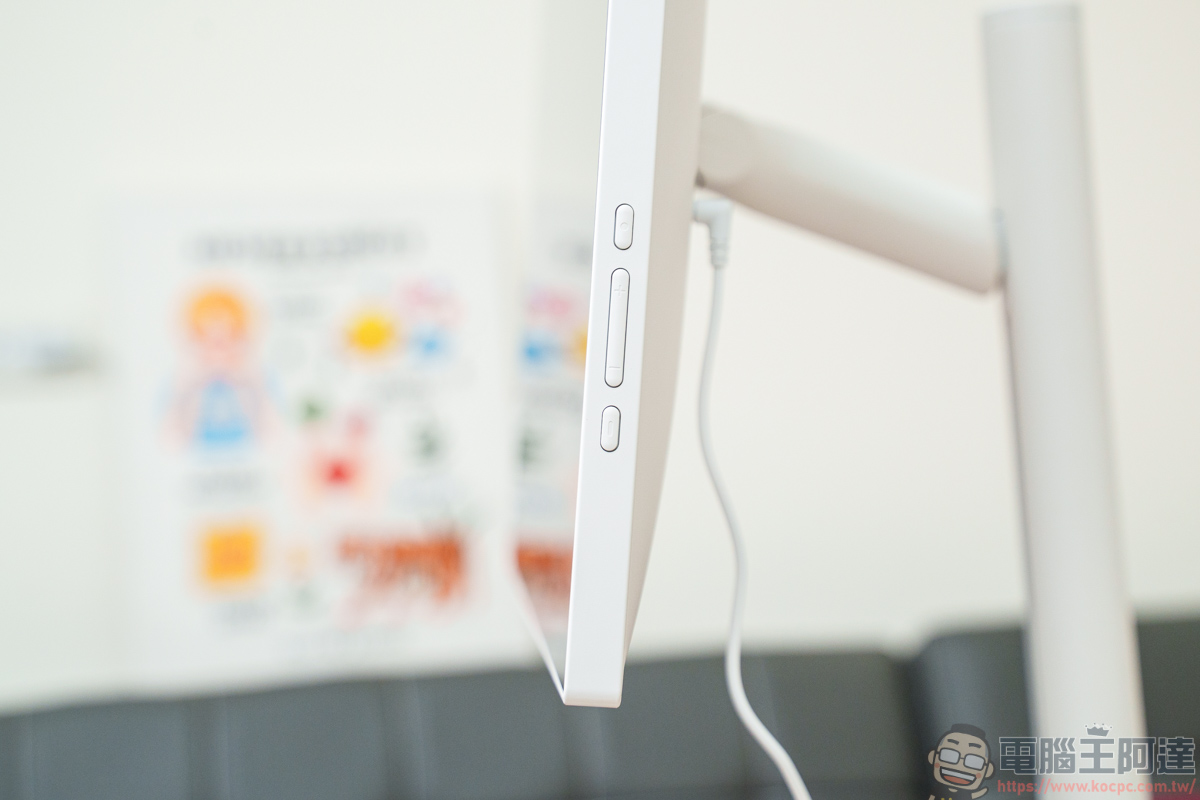
On the right side of the screen are physical buttons such as the power button and volume buttons:
13-megapixel video camera
There is a 13-megapixel front-facing camera at the top of the screen:
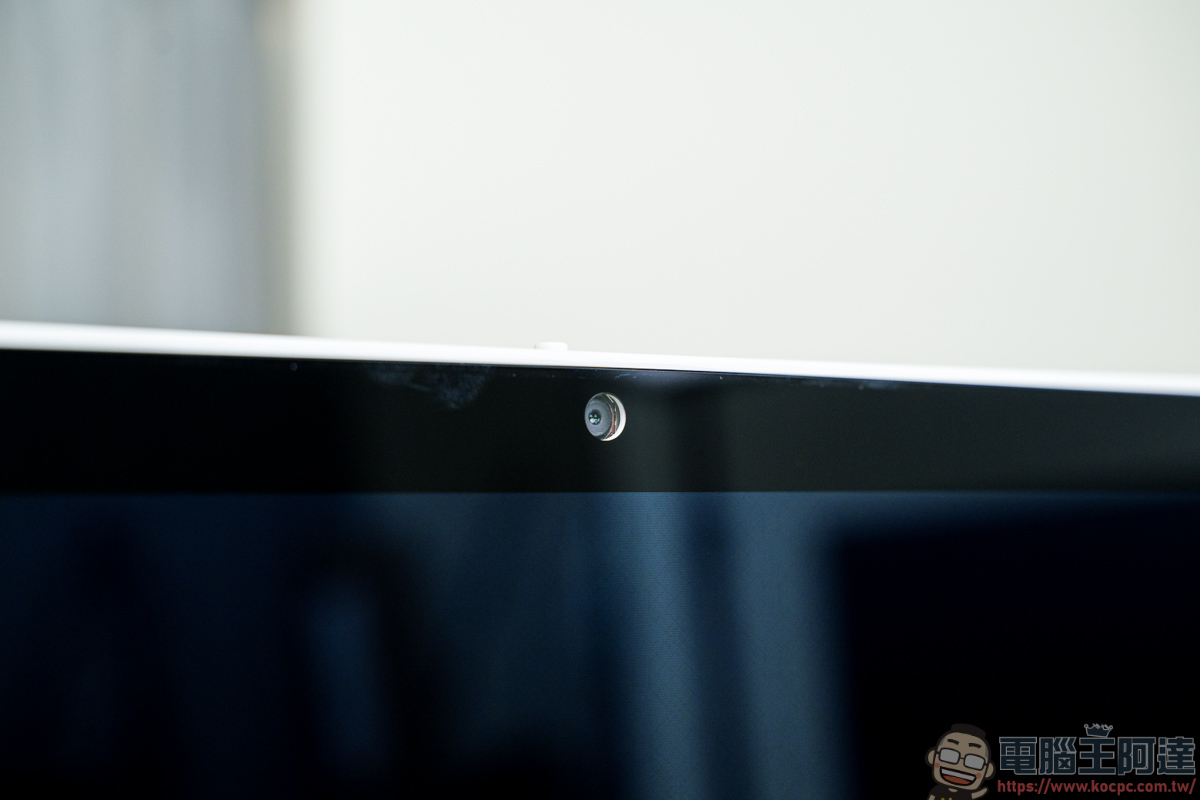
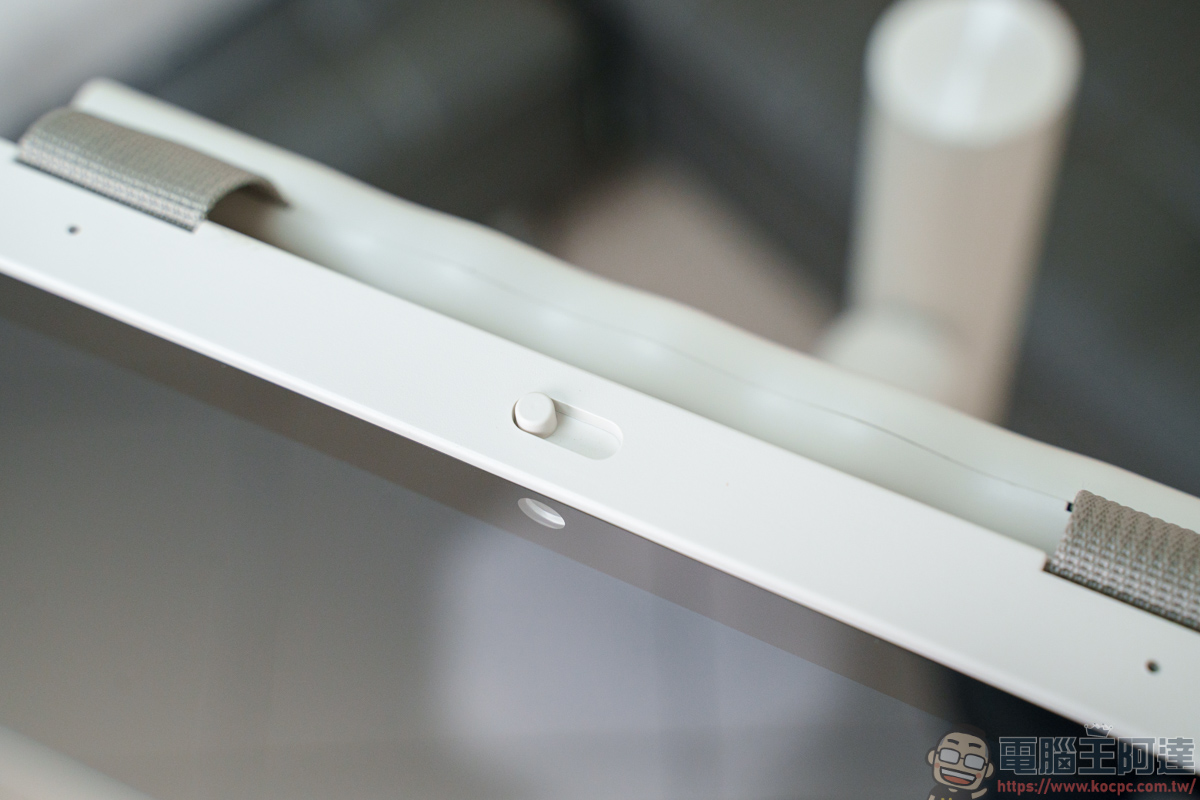
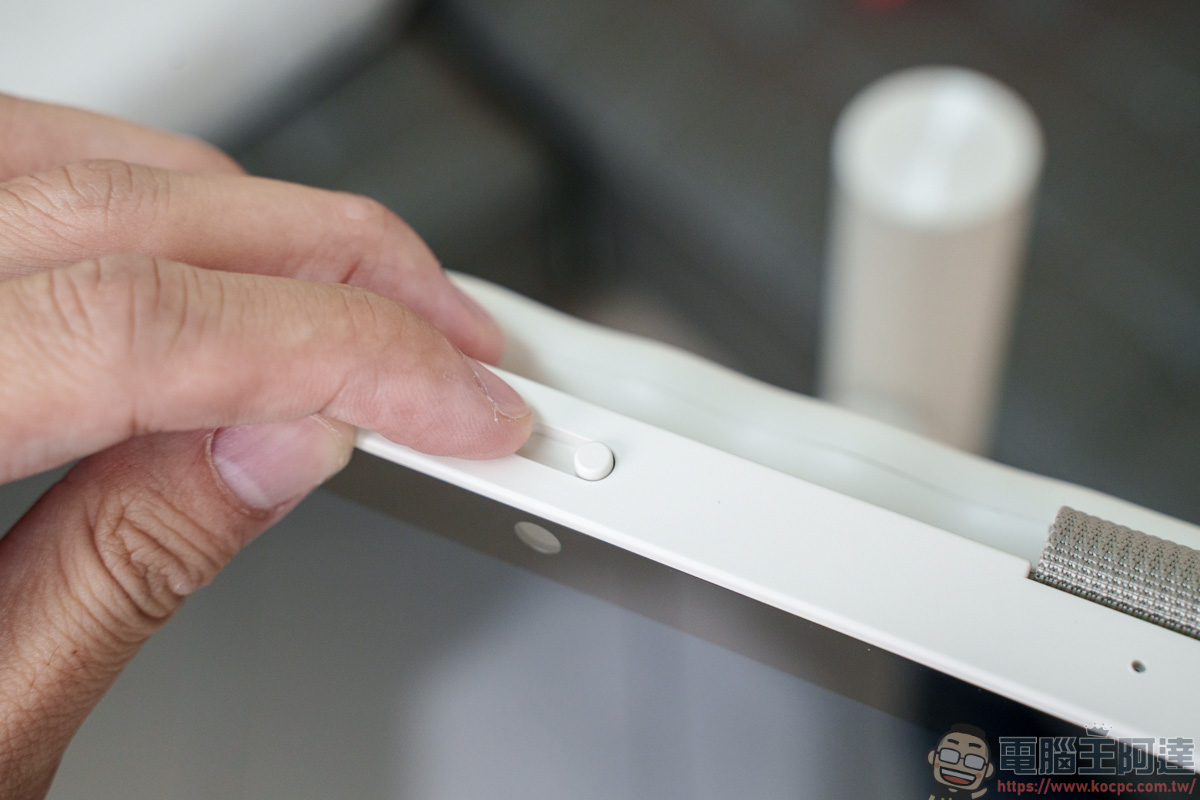
Above the camera, in addition to a noise-canceling microphone, there is also a physical switch that can quickly cover the lens. During a video call or video conference, if something unexpected happens nearby, you can use this switch to quickly cover the camera and prevent privacy exposure:
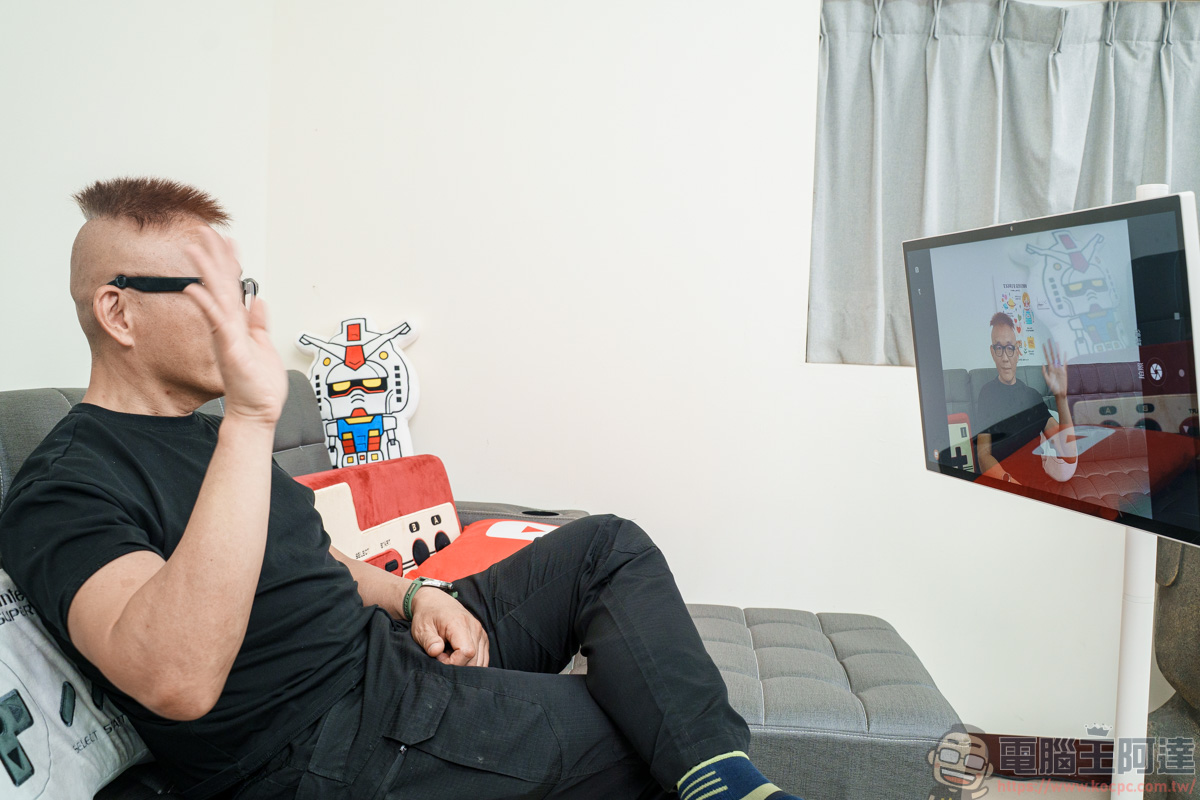
With this 13-megapixel video camera, whether you’re making video calls, attending online meetings, or taking remote classes, the image clarity and practicality are much better than those of typical tablet or laptop cameras:
Voice Air Mouse Remote Control
The included voice air-mouse remote has many functions you can use; for example, its buttons include shortcuts for YouTube, Netflit, Prime Video, Google Play, Chrome, etc. With one press like this, you can quickly and easily switch to that app—no need to jump back to the home screen to make a selection:
It also features an air mouse function (simply put, a mouse), allowing you to directly use this remote to move the pointer and click. When selecting detailed functions and navigating quickly, this is faster than using the remote’s directional selection directly:
In addition, OVO TT6 also supports Gemini Live conversational voice interaction, with a dedicated shortcut button on the remote to quickly bring it up. Users can have two-way voice conversations with Gemini AI—whether they want to look up information, find videos, or ask questions, they can do it all through this feature:
Official Google Play download
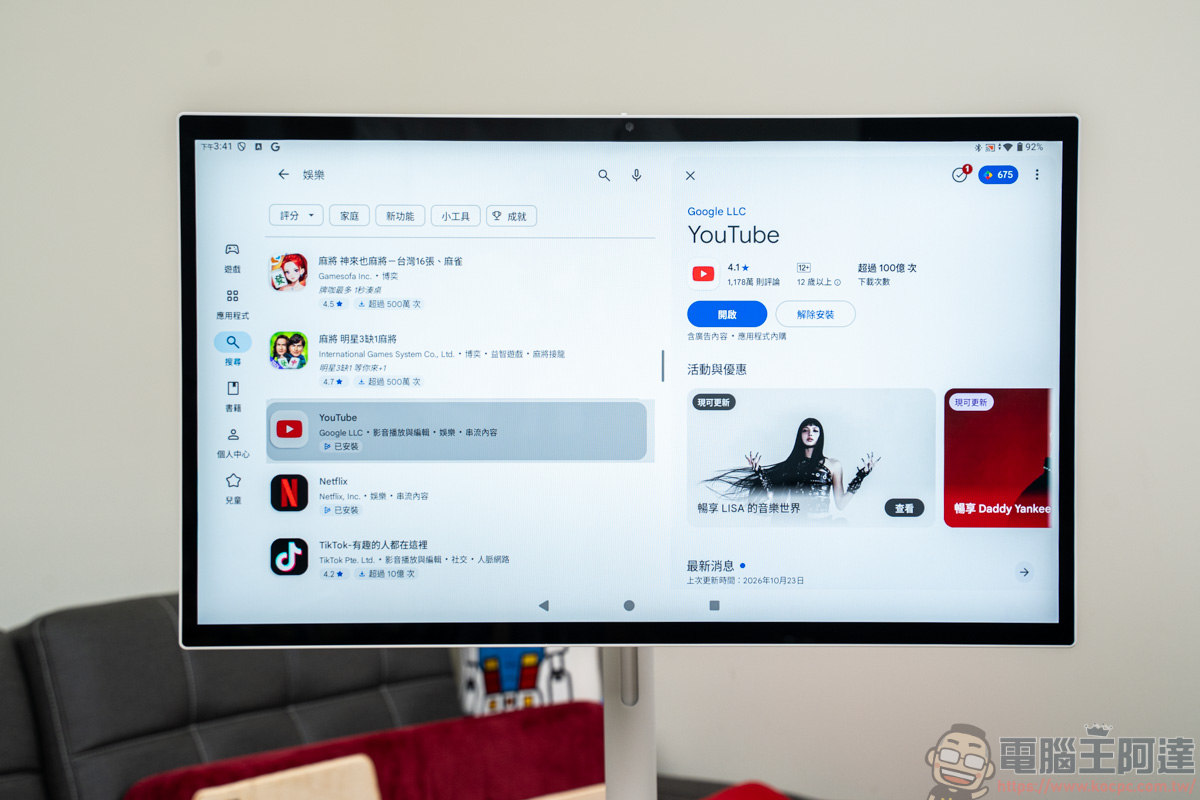
The Android system on the OVO TT6 has passed Google EDLA certification, which means you can directly use the genuine Google Play Store to download various video and audio apps and commonly used apps. This not only provides better software compatibility but also offers greater assurance for account security and official system updates:
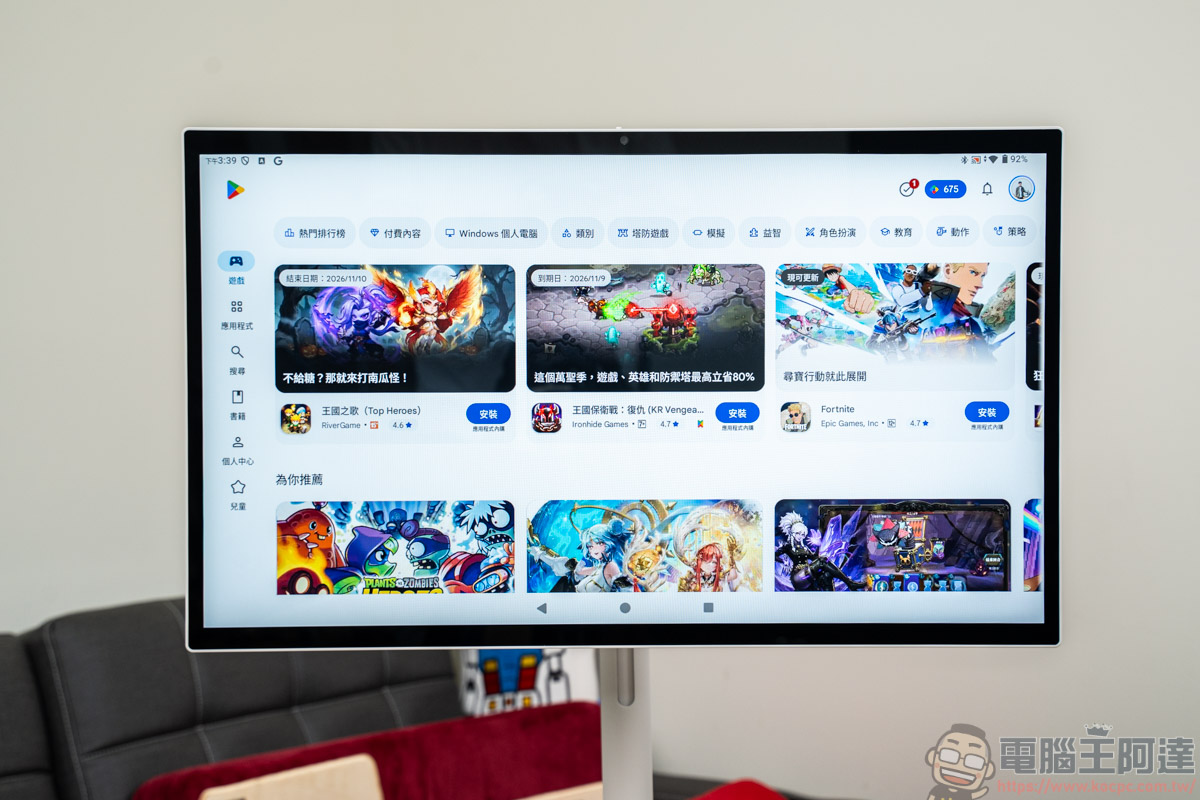
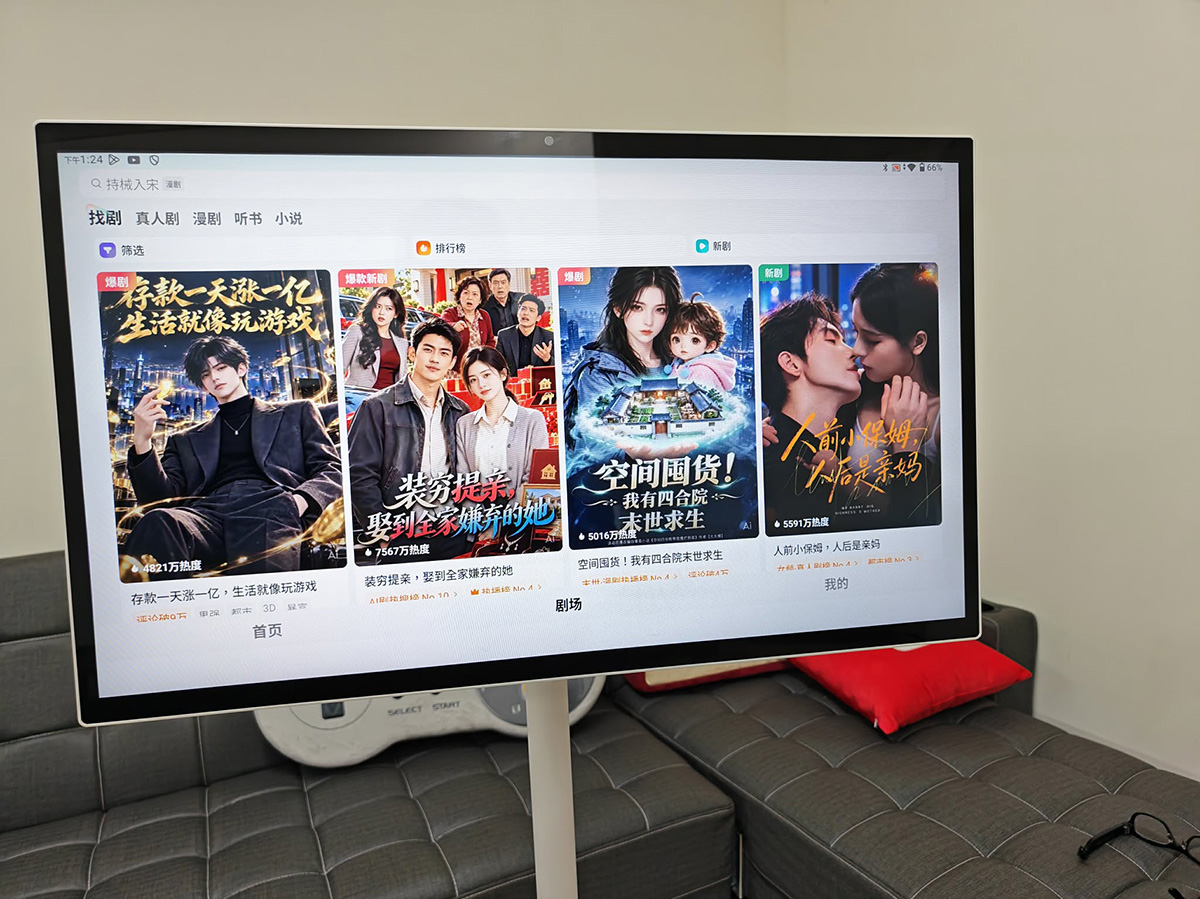
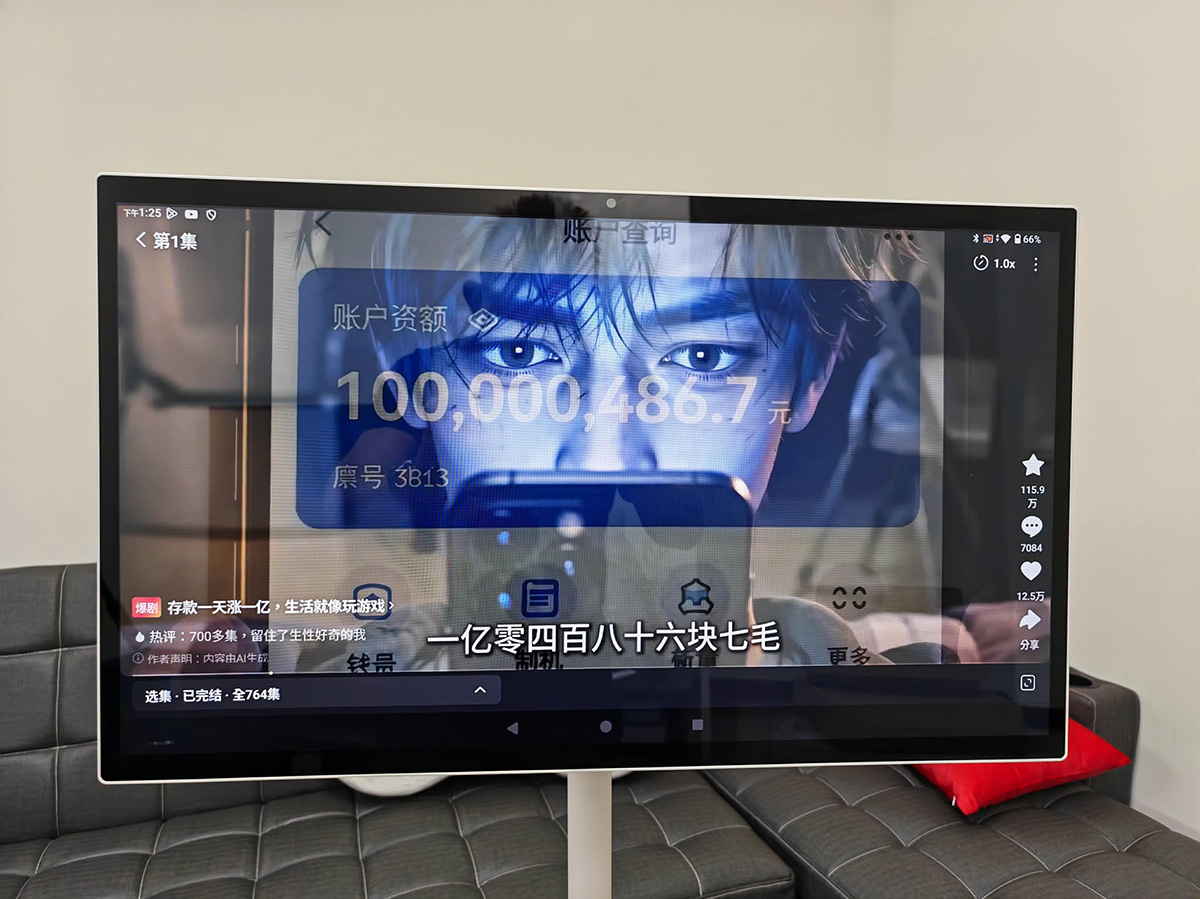
With the recently popular Hongguo short dramas, you can also download and watch them through the OVO TT6. Paired with a 27-inch large screen, not only is the visual experience greatly upgraded, but going hands-free also makes binge-watching more relaxed and enjoyable than watching on a phone!
A smooth operating experience
The OVO TT6 is equipped with an 8-core CPU and 6GB RAM, and the overall user experience is very smooth. In addition to watching videos, this portable display also provides a very good experience for browsing web pages and viewing images…:
Image quality performance
For a portable screen built around the idea of “watch wherever you go,” its visuals and audiovisual impact can’t compare with a large-screen smart display, but the OVO TT6 still delivers good, clear, detailed color performance and built-in 10W speakers. Whether you wheel it into the kitchen to watch tutorials while cooking or place it by the bed to binge-watch shows, the overall audiovisual immersion fully lives up to its convenience:
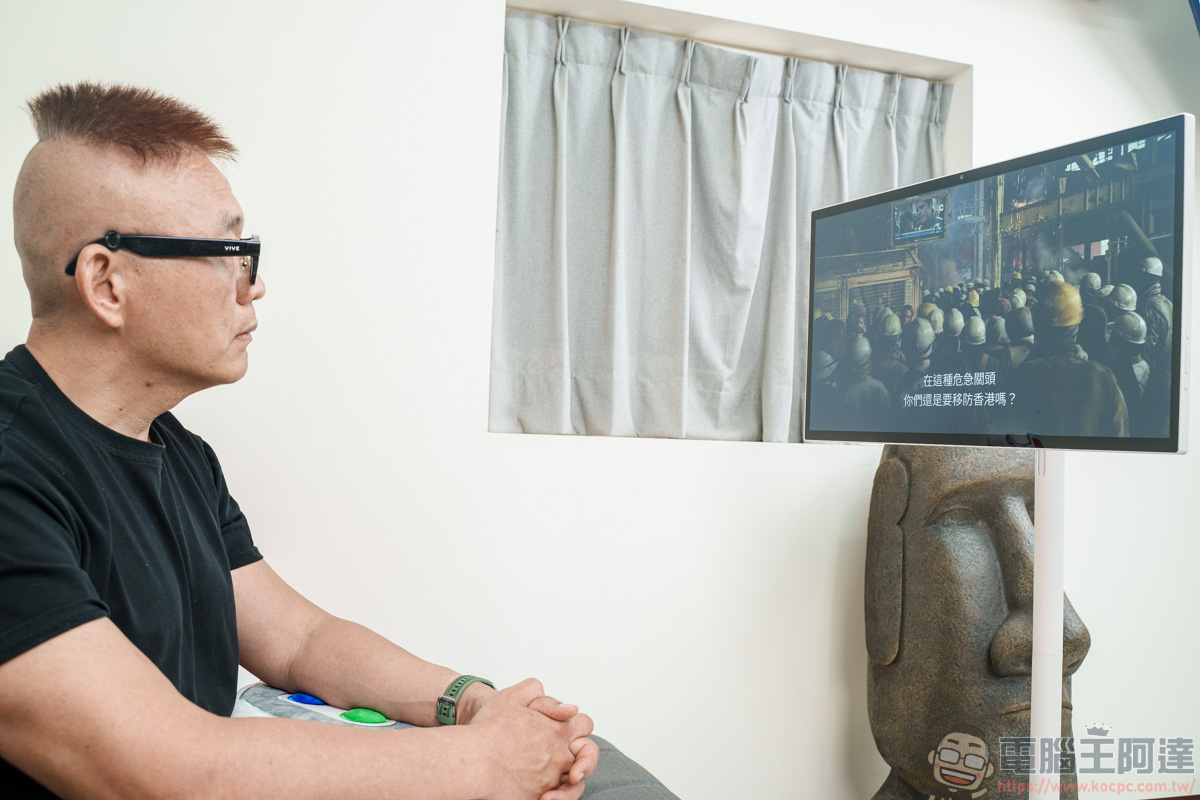
In terms of color performance, the TT6 offers 100% sRGB wide color gamut coverage. Whether you’re binge-watching Netflix series, watching YouTube 4K videos, or mirroring travel photos from your phone, colors are reproduced vividly and naturally, without excessive color shift or washed-out, pale whites. Saturation and gradation are well balanced; even skin tones in portraits or the light and dark details of natural landscapes perform above expectations:
Equipped with 10W stereo speakers, whether you move it to the kitchen to play music while cooking or place it by the bedside to binge-watch shows, the volume and stereo immersion are more than sufficient, and the overall sound performance is commendable:
For example, my household hasn’t had cable TV service for a long time. When we want to watch TV content or news, we mostly use the ofiii 歐飛 app. Thanks to its Google EDLA certification, there’s no need to hunt around for APKs—you can download and install it directly from the official Play Store. You can watch all kinds of free TV news and dramas whenever you want, which basically fully replaces the traditional TV viewing habit:
Take it off and put it on the table to admire.
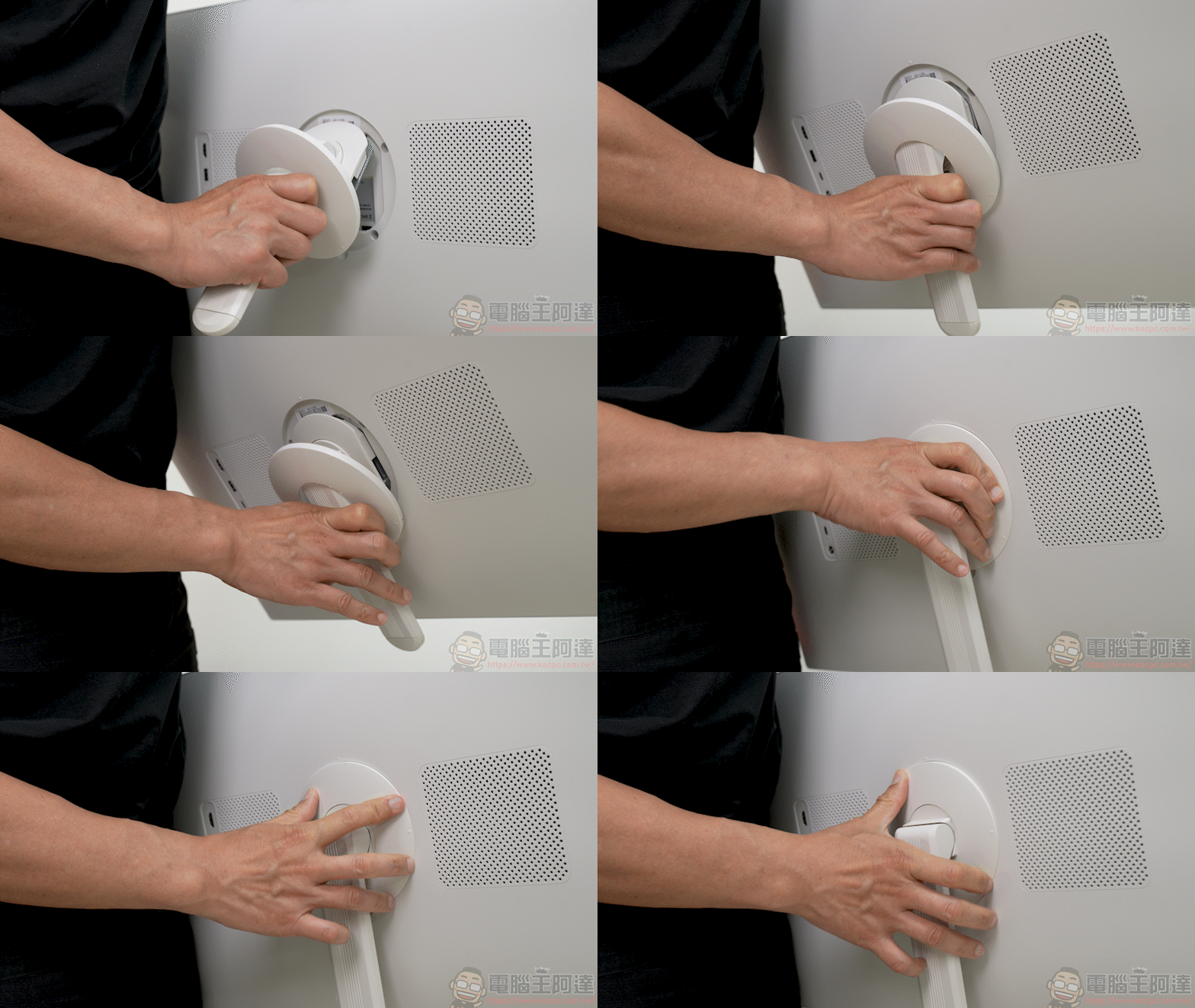
In the past, our impression of the “bestie machine” was mostly limited to a screen permanently attached to a pole and base that you push around. But the biggest highlight of the OVO TT6 this time is that the screen can be detached directly, and the included desktop stand instantly turns it into a 27-inch desktop smart display, completely breaking the form-factor limitations of the traditional bestie machine:
Once detached, attach the desktop telescopic stand to instantly change its form:
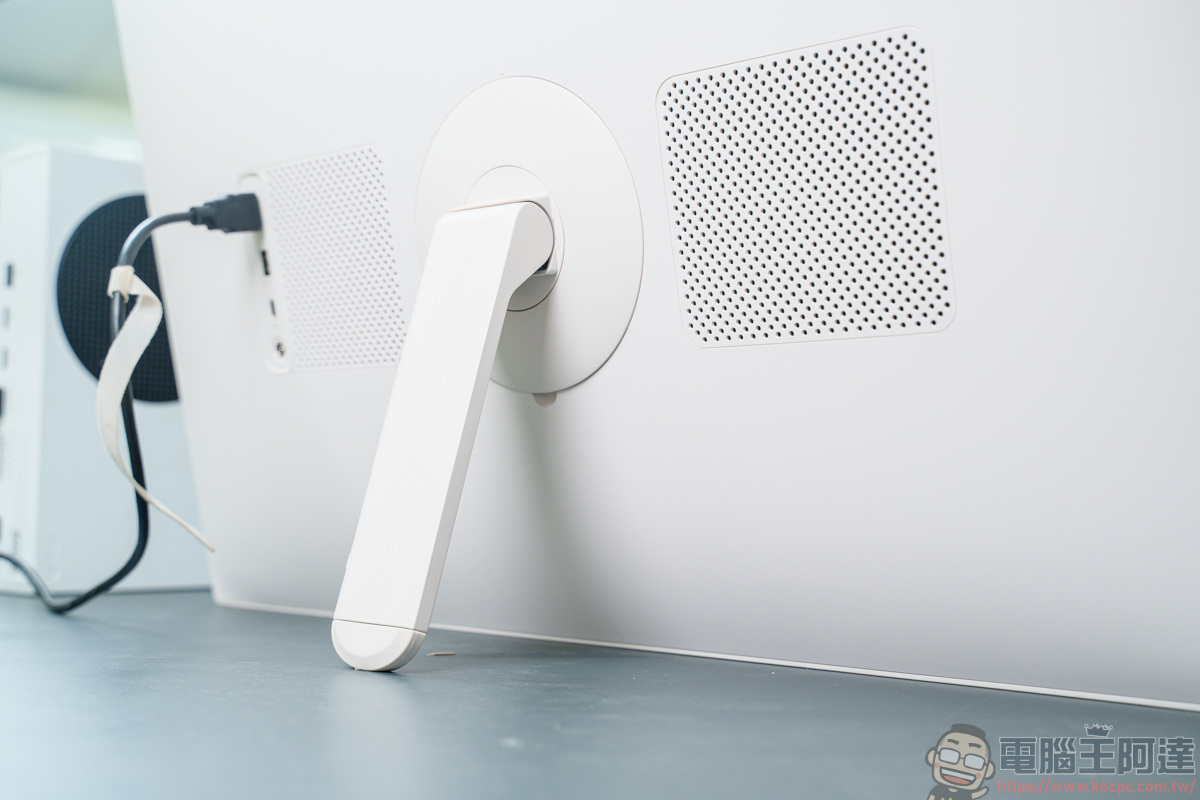
With the new desktop telescopic stand installed, even if you don’t wheel it around, you can place it directly on a desk and use it as a second computer monitor or a dedicated large tablet for binge-watching, making placement much less limited by space:
For example, if the HDMI cable for a device you want to connect isn’t long enough, you can simply push or move the monitor next to the device and plug in the cable, and it can immediately be used as an external extended monitor, completely free from cable-length limitations. You can also place the monitor right next to your desktop PC. Whether connecting a Switch to play games or using it as a second large work monitor for a laptop, it’s very convenient and hassle-free:
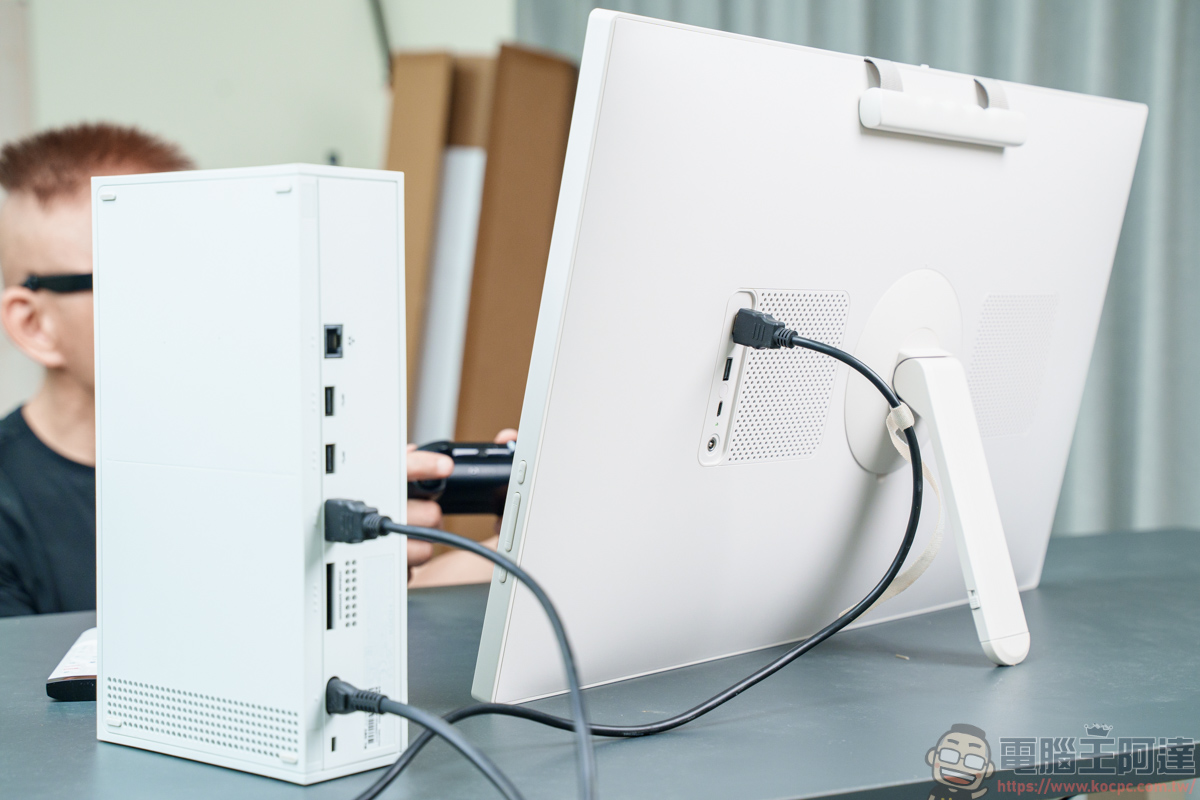
By changing the way the stand is installed, the Bestie Machine is no longer limited to use on a pole and base. It can switch at any time to a large desktop display, upgrading “roll it around” to the dual-display capability of “roll it around” + “carry it around.” This upgrade indeed makes the Bestie Machine’s usage scenarios more diverse and easier to use:
User Review
Hands-on test of this “OVO TT6 Rolling Bestie Device Cross—what amazed me most was that it completely shattered the old limitation that bestie screens could only be “pushed around.” With a detachable screen and desktop stand, it transforms into a 27-inch desktop display in seconds. Whether connecting a Switch to play games or using it as a secondary laptop monitor, it’s incredibly convenient, truly delivering the dual freedom of “push it around + carry it around.”
The system’s Google EDLA certification is a major advantage, providing direct access to official Google Play and security updates. Combined with 8-core performance, a voice air mouse remote, and Gemini Live AI, the overall operation is smooth and intuitive. With a 13-megapixel video camera and a physical privacy switch, it is also very practical for remote meetings and video calls.
Although it uses 1080P to balance battery life and cost, with 100% sRGB color reproduction and 10W speakers, it still feels very immersive for binge-watching up close. If you’re looking for a smart display that combines portability, desktop multitasking, and the native Google ecosystem, the OVO TT6 is definitely the most versatile option on the market right now!
Source: KOCPC Chinese