


Recently, SteamOS can really run on any operating system. Following… Android、iOS Later, there was also a free open-source project for macOS called FX Steam Launcher that can run SteamOS on Apple Silicon Macs. Installation is extremely simple—just follow the on-screen steps one by one—and it also supports game controllers, audio, and GPU acceleration.
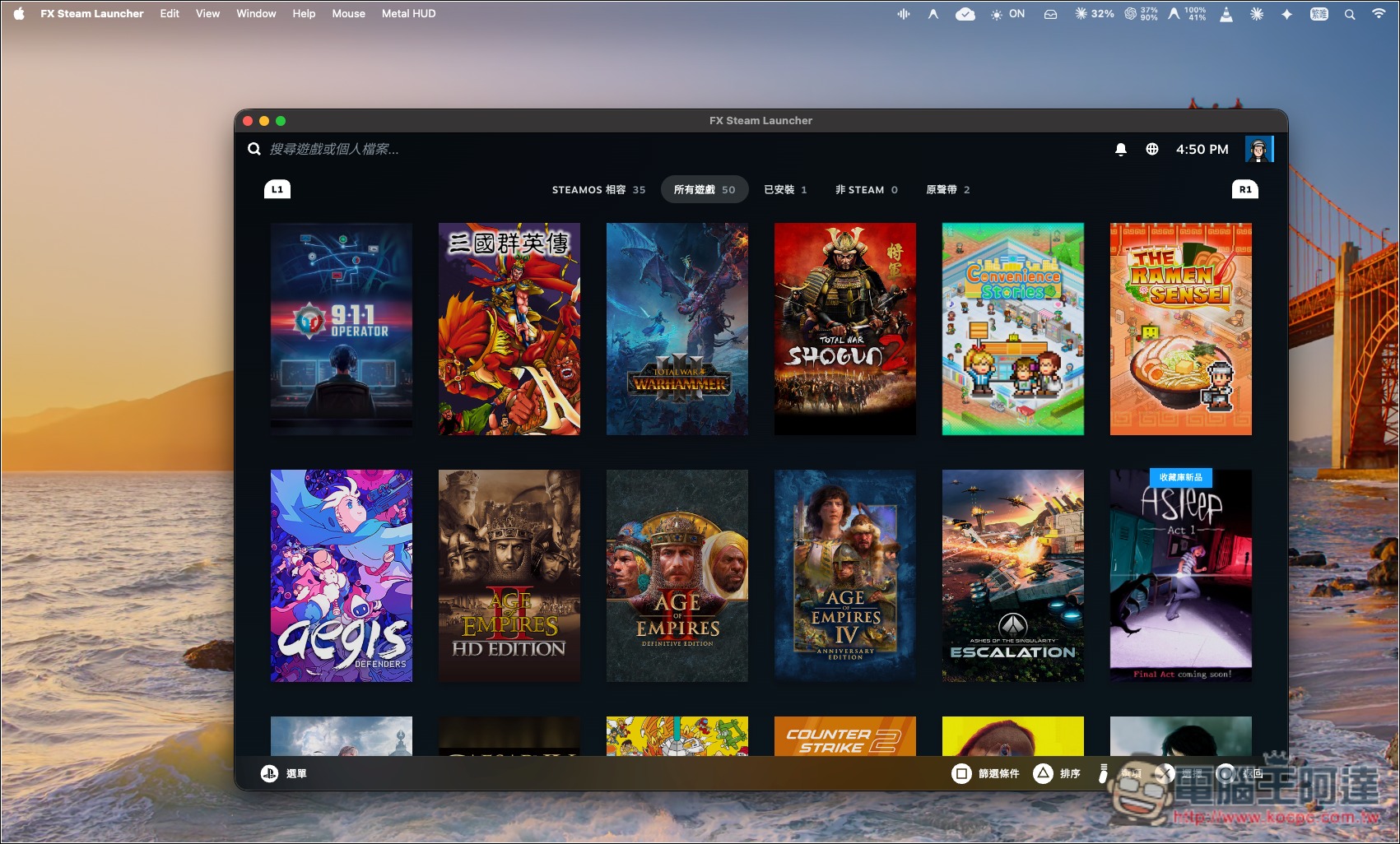
Introducing FX Steam Launcher: a free tool that lets your Mac run SteamOS
FX Steam Launcher is a free, open-source gaming tool designed specifically for Apple Silicon Macs, enabling Macs with M-series chips to run Valve’s official ARM64 version of SteamOS through a lightweight virtual machine without installing Windows, and to play Steam games originally designed for Windows.
It uses macOS’s built-in Hypervisor.framework together with libkrun to create a virtual environment. What boots is not an interface mimicking the Steam Deck’s appearance, but actual SteamOS. The system image is obtained from Valve’s servers, and the download process verifies signatures and integrity. Users can download the DMG installer directly, create a SteamOS disk on first launch, log in to Steam, and then choose which games to install, without having to deploy Docker themselves or compile from source.
As for how Windows games run on a Mac? FX Steam Launcher mainly combines Proton and FEX to provide a Windows-compatible environment and translates x86 instructions into ARM64 instructions in real time. For graphics, it uses technologies such as DXVK and vkd3d-proton to convert DirectX 9, 10, 11, and 12 graphics calls into Vulkan, then connects to Apple’s Metal through Venus and MoltenVK or KosmicKrisp, allowing games to use GPU hardware acceleration.
It also integrates common Mac input methods, supporting keyboard, mouse, trackpad, and controllers such as Xbox, DualSense, and DualShock; some controllers also support vibration. Audio can be output via CoreAudio to devices such as built-in speakers and headphones. The window resolution also adjusts with its size, and options include full screen, Retina resolution, and MetalFX upscaling.
Of course, not all Windows games will run smoothly. Some games that require specific DirectX 12 features, newer shader models, or anti-cheat that blocks virtual machines may fail to launch.
Key Features
- Completely free and open source: licensed under Apache 2.0 and available for free download and use.
- Mac directly runs SteamOS: run Valve’s official ARM64 SteamOS system via a lightweight virtual machine.
- Supports DirectX graphics translation: run games through Vulkan, Metal, and GPU acceleration technologies.
- Supports multiple game controllers: compatible with Xbox, PS5 DualSense, PS4 DualShock 4, and other gamepads, including vibration functionality.
- Integrate Mac audio and display features: support CoreAudio, Retina resolution, full screen, and MetalFX upscaling.
- Provides game-specific settings: adjust graphics drivers, launch parameters, and mouse controls for different games.
- Supports SteamOS Desktop Mode: in addition to the Steam gaming interface, you can also switch to the KDE Plasma desktop.
- Supports Apple Silicon Macs: compatible with M-series chips, requires macOS 15 or later.
Visit the official FX Steam Launcher website.
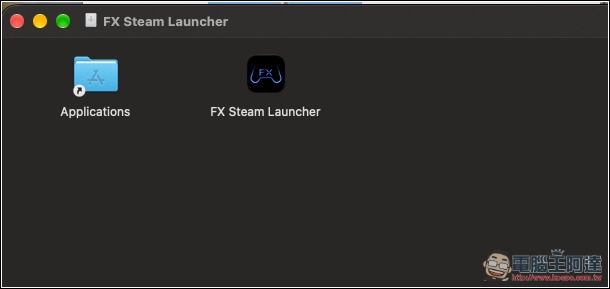
FX Steam Launcher provides a DMG installer, so installing it works just like any regular Mac app: drag it into the Applications folder:
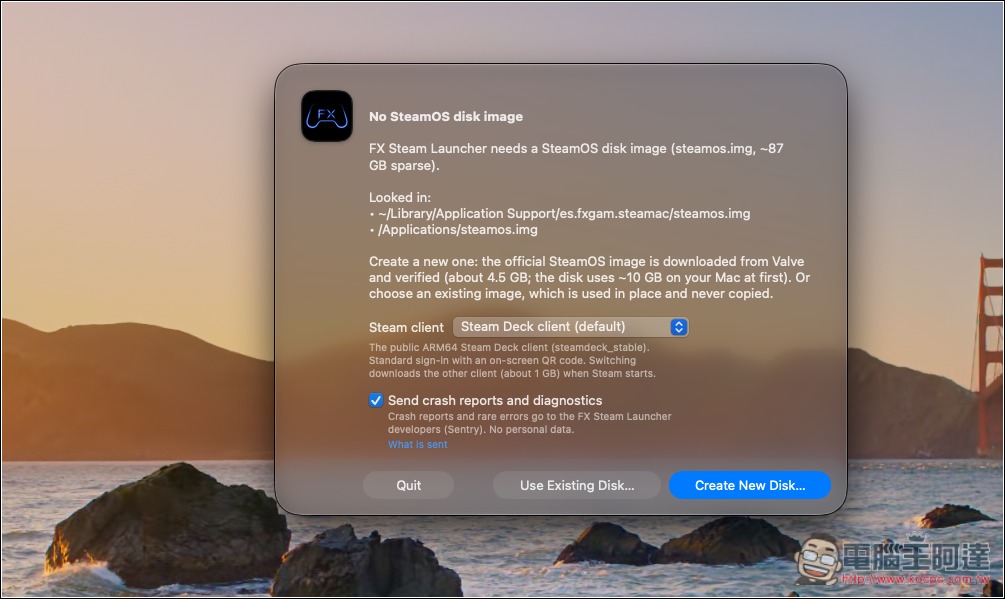
Once opened, it will download the SteamOS image from Valve’s servers. Click Create New Disk:
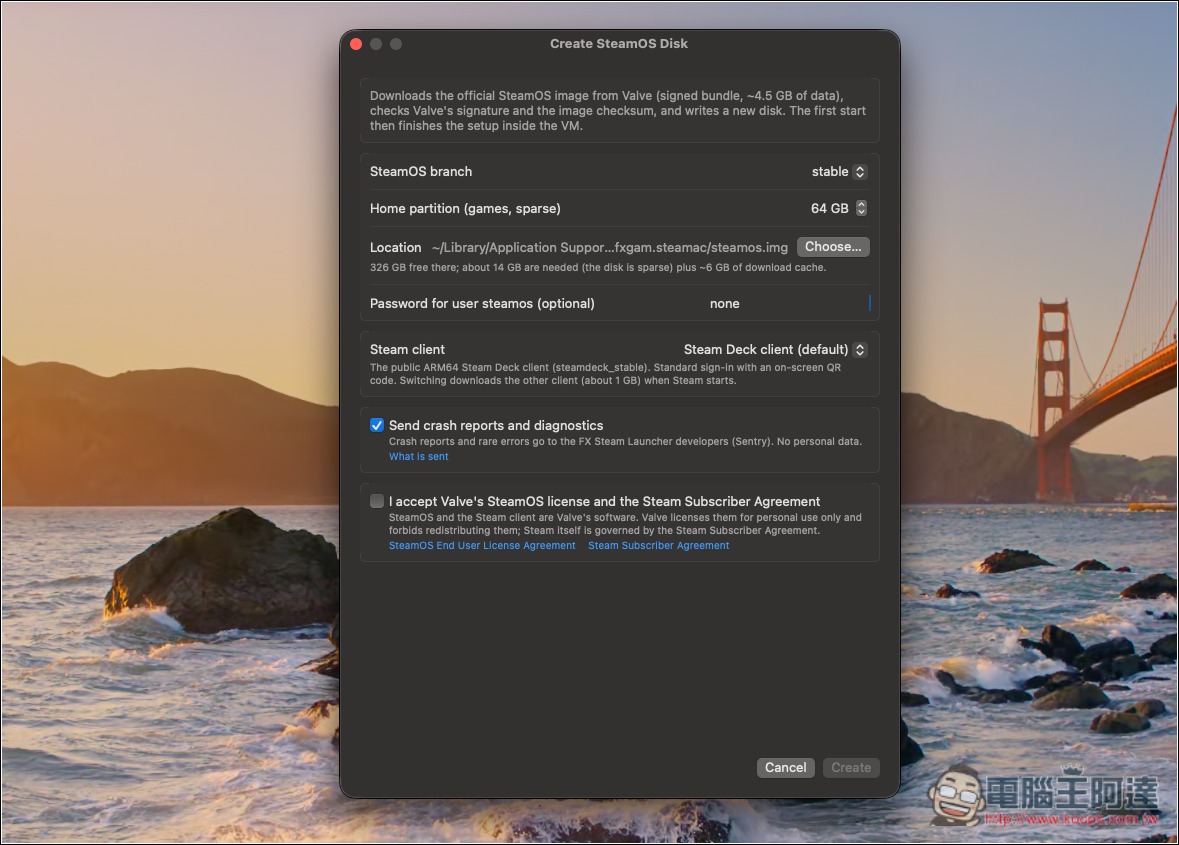
Next is creating the virtual machine. The default space is 64GB; if you want to install more games, it’s recommended to increase it a bit. For the rest, it depends on your needs—basically just keep the defaults. Check the terms at the bottom and click Create to create it:
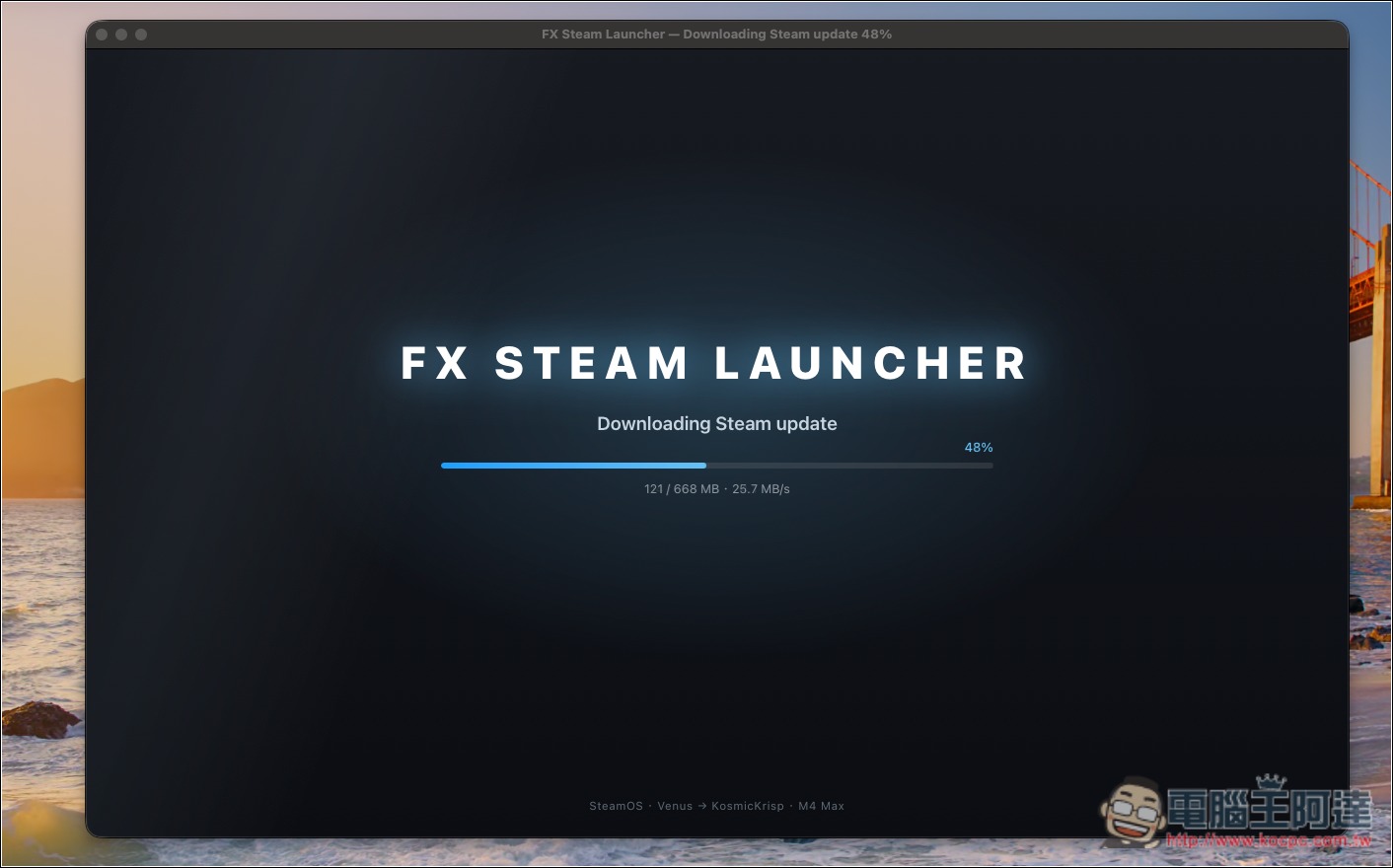
Next, just wait for the update to complete:
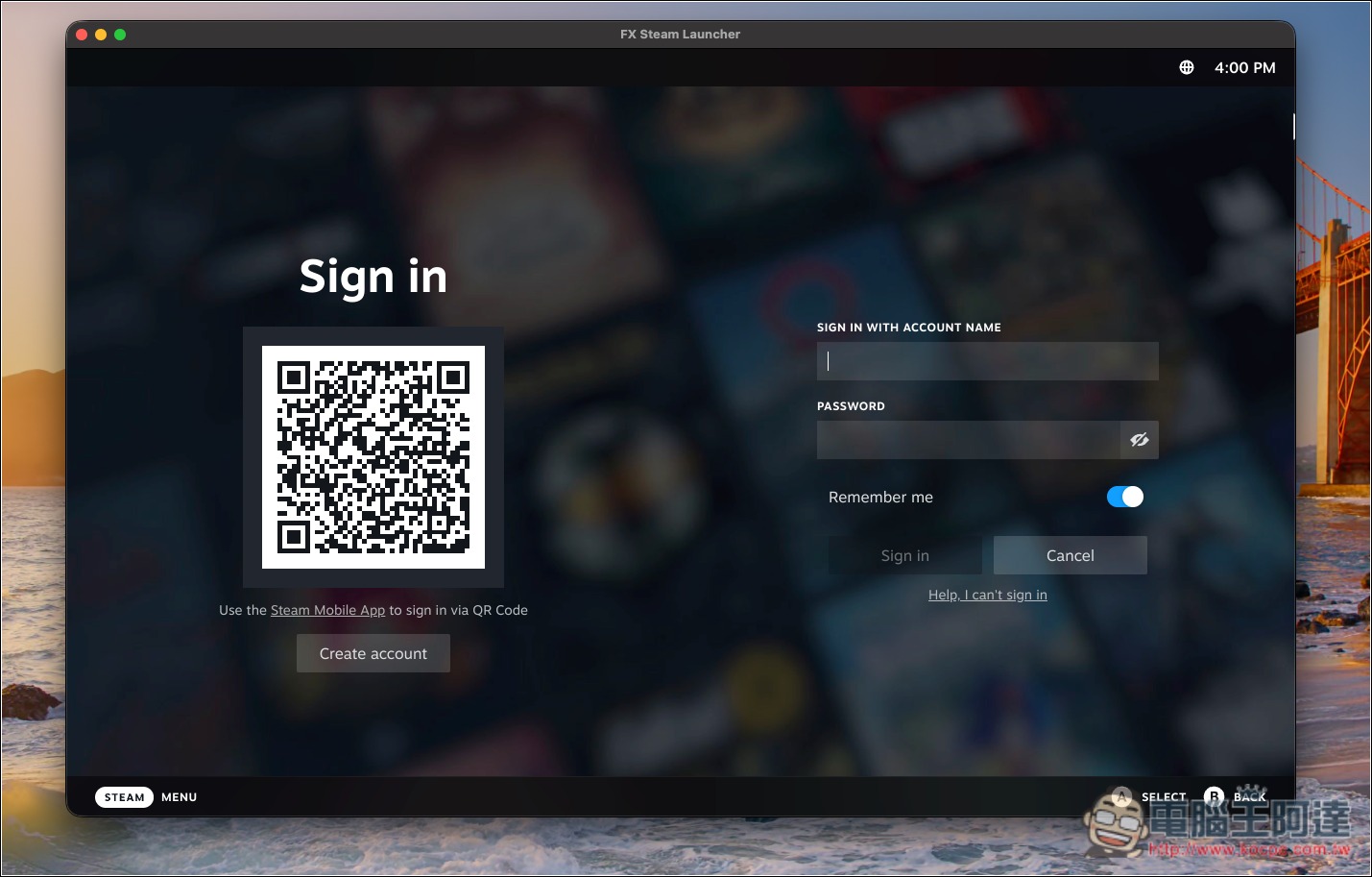
Once completed, the Steam login screen will appear:
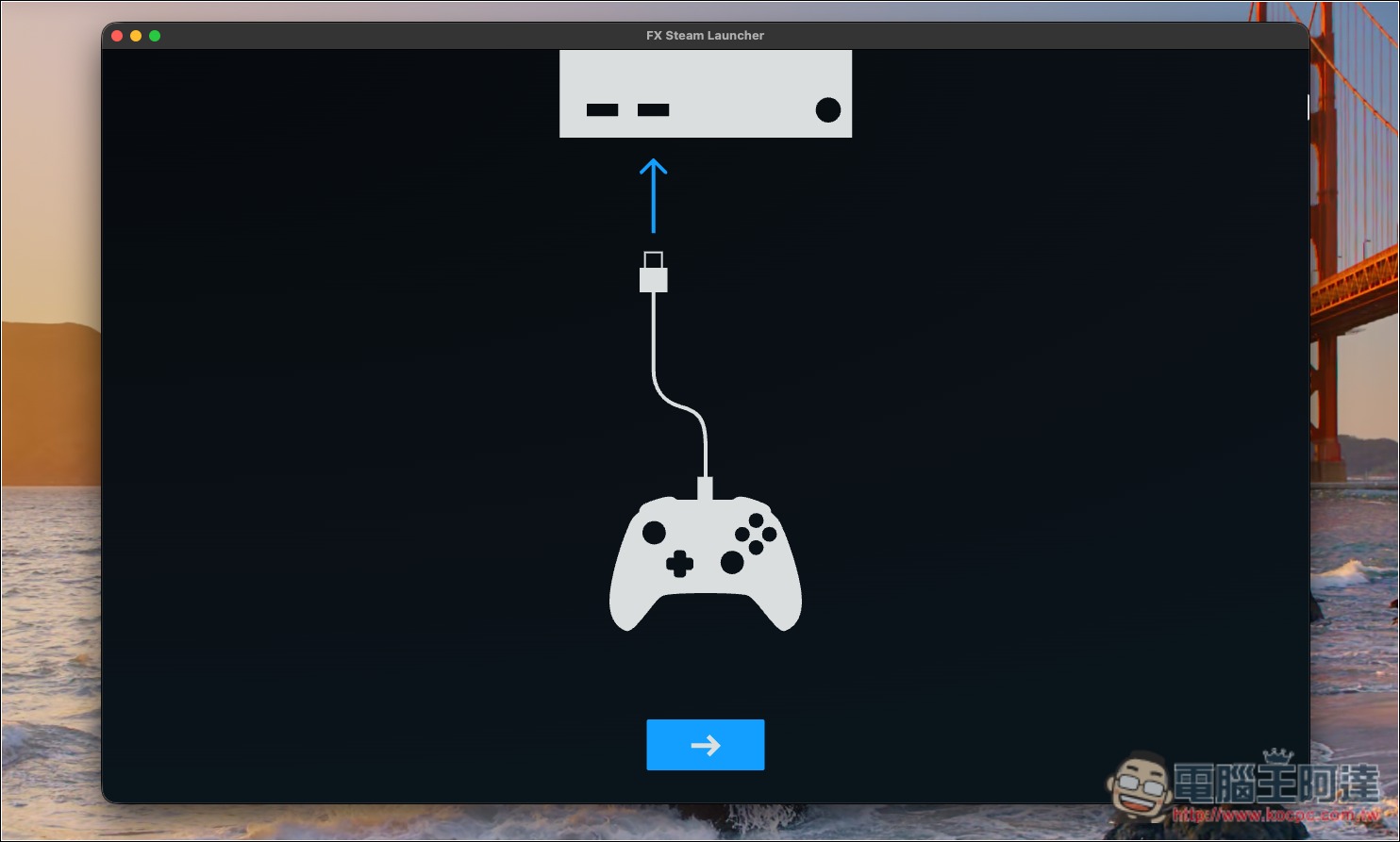
The first time, it will ask whether you want to connect a controller. I use a PS5 controller:
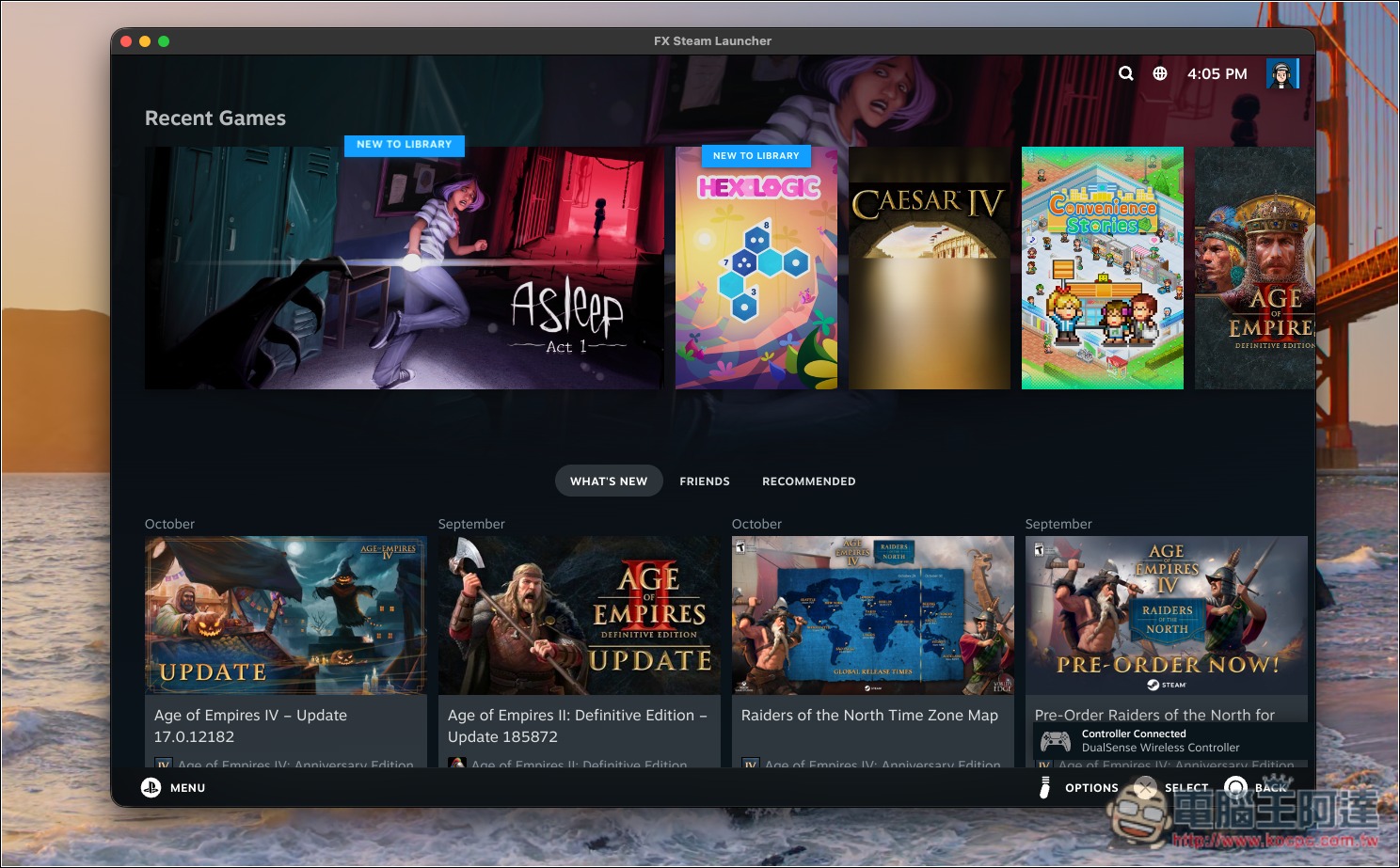
Once setup is complete, you’ll get to the SteamOS screen! It’s that simple. SteamOS has a Traditional Chinese interface, so if you’re not used to English, you can adjust it in Settings:
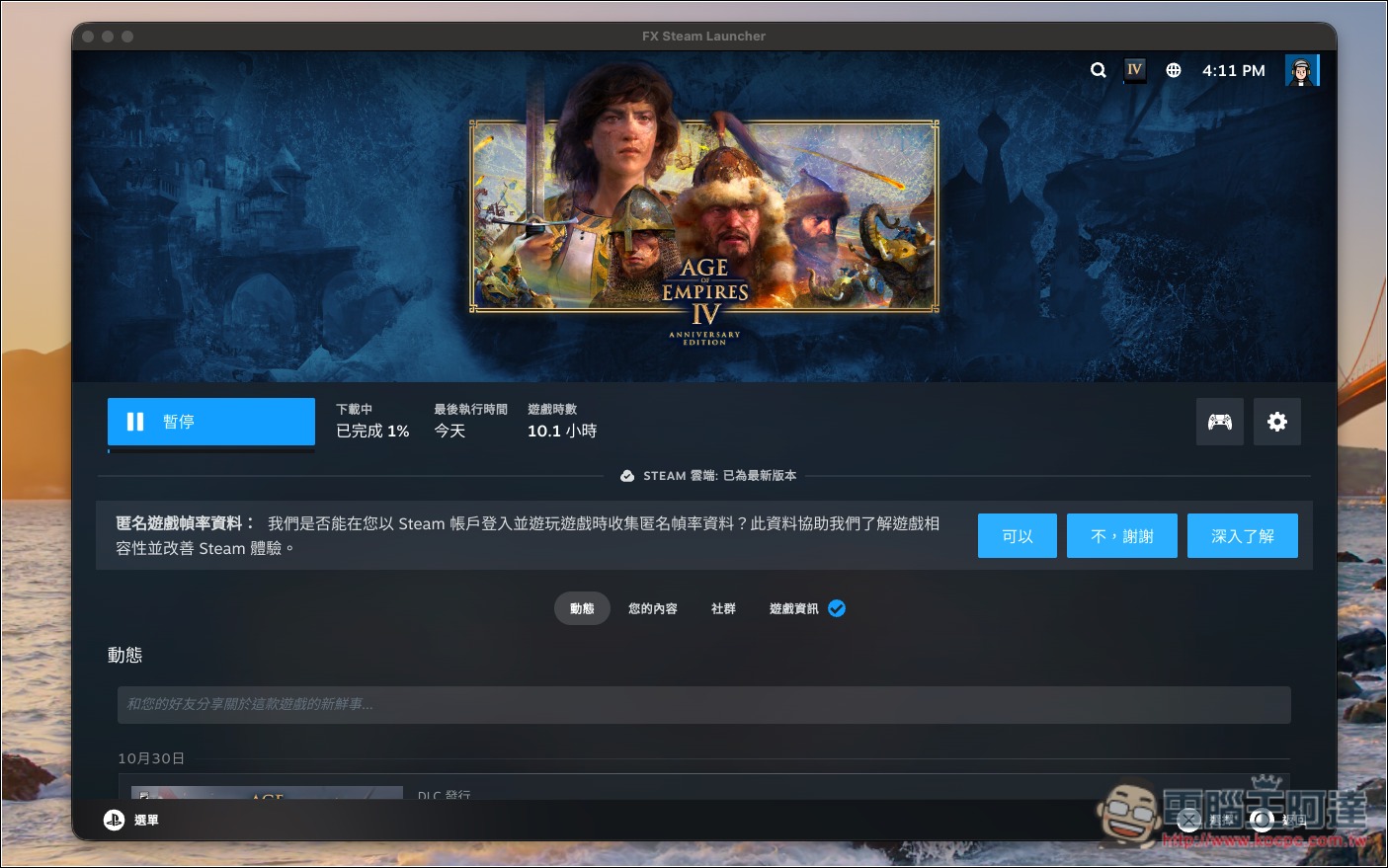
Next, you can go to your game library and install the games you want to play. I ran a quick test, and not all games are playable yet. For example, Age of Empires IV shows as fully compatible with SteamOS, but it won’t launch properly and crashes:
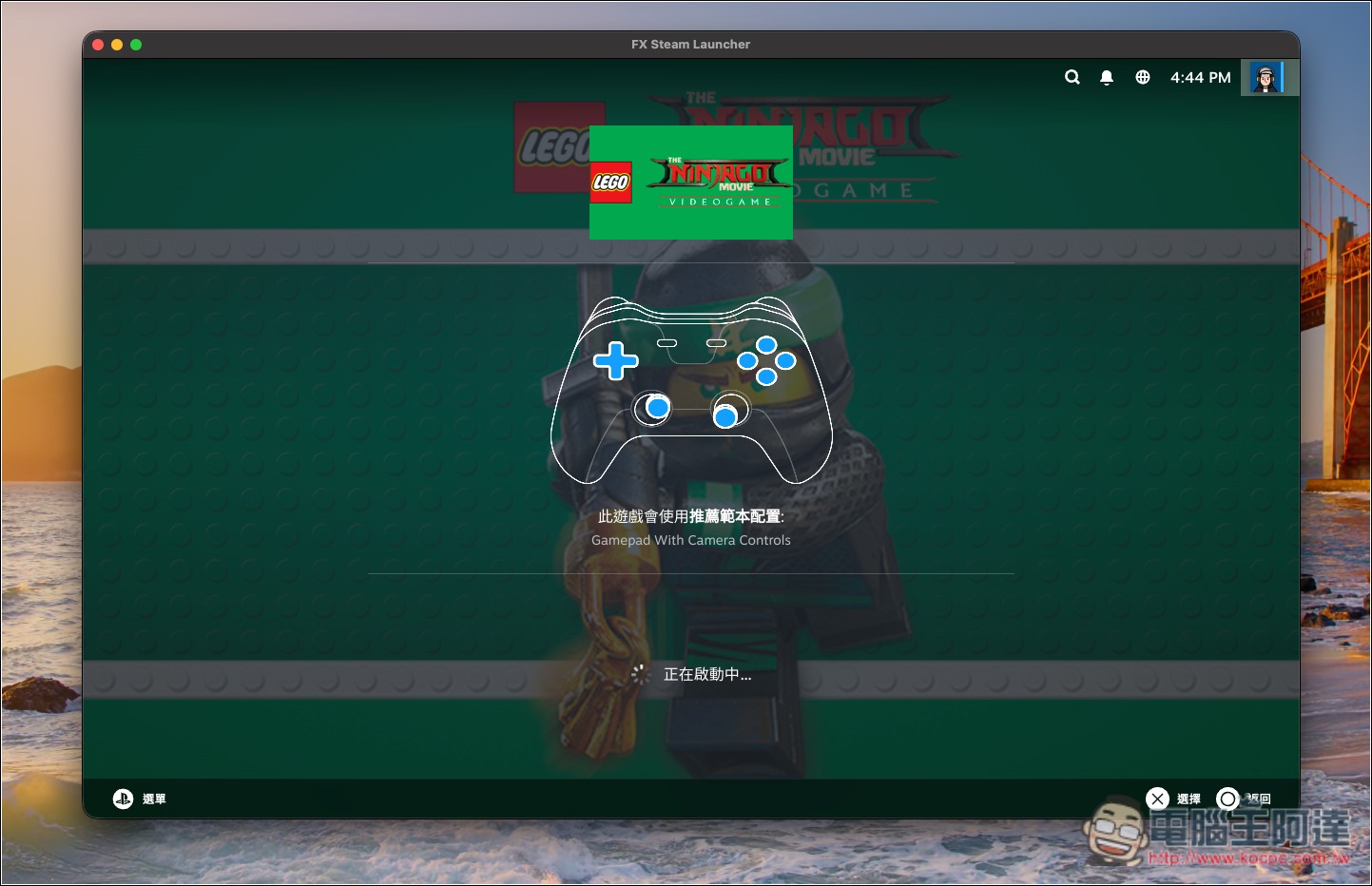
The other title, The LEGO® NINJAGO® Movie Video Game, is fine—it only supports Windows, and it can also be played with a controller:
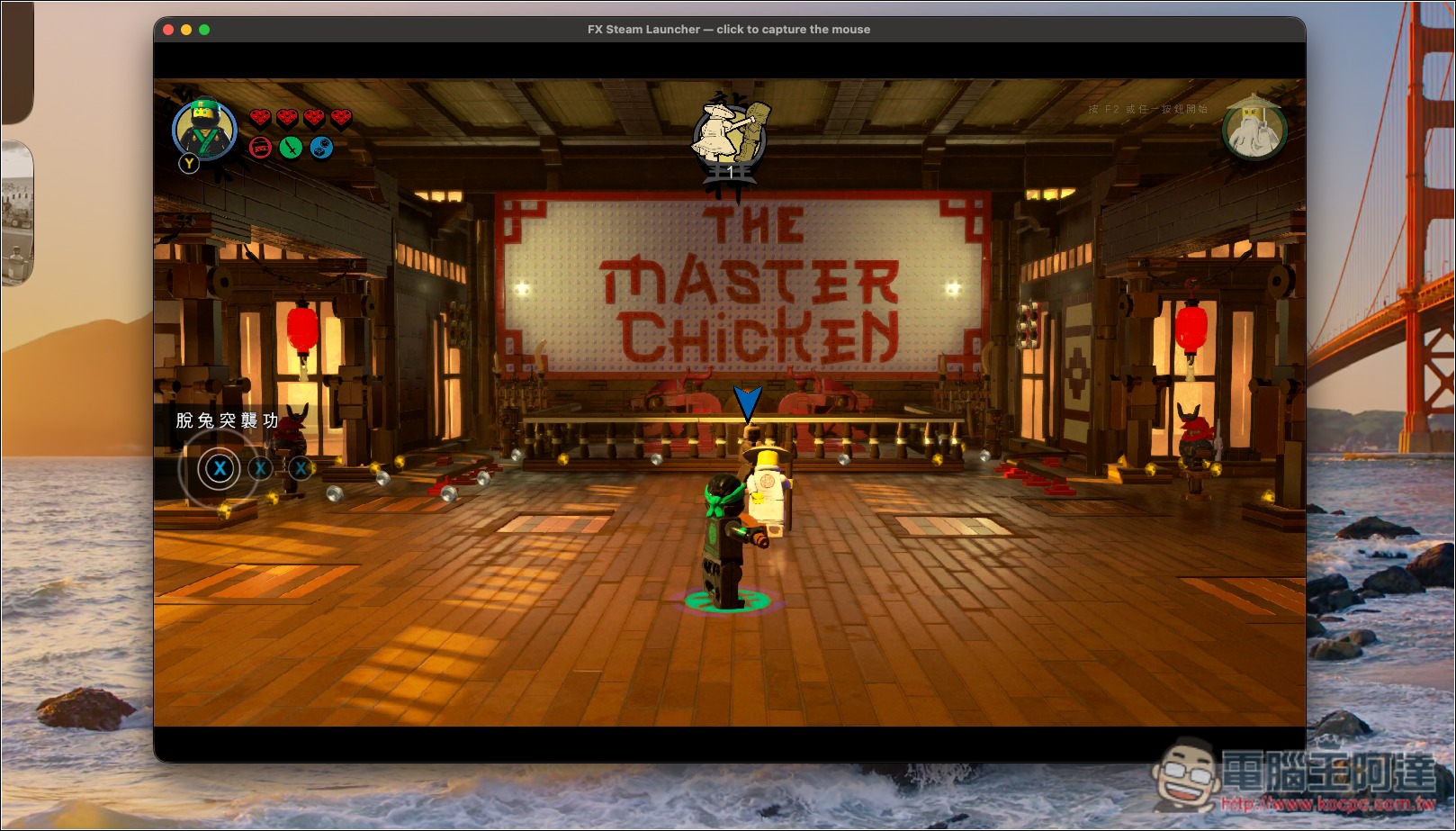
Gameplay is pretty smooth, but during transitions or when switching to other scenes, loading times are longer:
The overseas YouTube channel ETA PRIME has tested this app in detail. For more actual gameplay results, you can refer to his video:
Source: KOCPC Chinese