


OneDrive for Mac has long been stable and easy to use, but in the macOS ecosystem, it has never been Microsoft’s most eye-catching and “native” application. The interface is old and the interaction logic is slightly cumbersome, which has always been a common complaint among many Mac users. Now, Microsoft has finally launched a truly comprehensive upgrade, bringing the appearance and experience of OneDrive to a new stage, and introducing a series of native enhancements such as Liquid Glass to make the overall use experience closer to the design language of macOS.
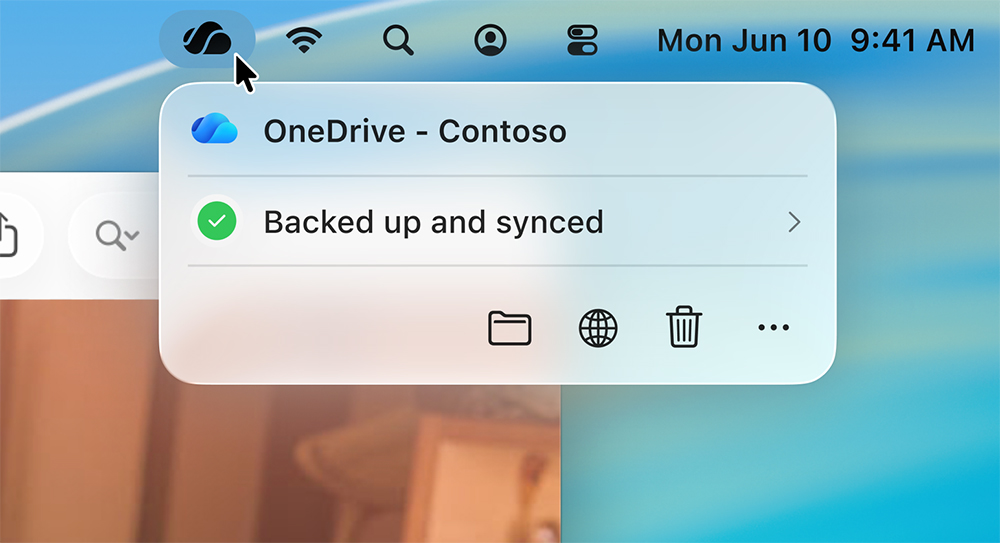
OneDrive for Mac finally gets an upgrade, with Liquid Glass interface and new Activity Center
Microsoft said that this update is the result of continuous investment over the past few years, with the goal of making OneDrive no longer just “usable” on macOS, but “easy to use and comfortable to look at.” The most obvious change is the newly created menu bar interface. In the past, the OneDrive menu window was biased towards cross-platform design and was visually incompatible with macOS. Now it has been officially replaced with a native menu panel, using a translucent material and a lighter layered effect, which is completely consistent with the Liquid Glass design vocabulary after macOS 26.
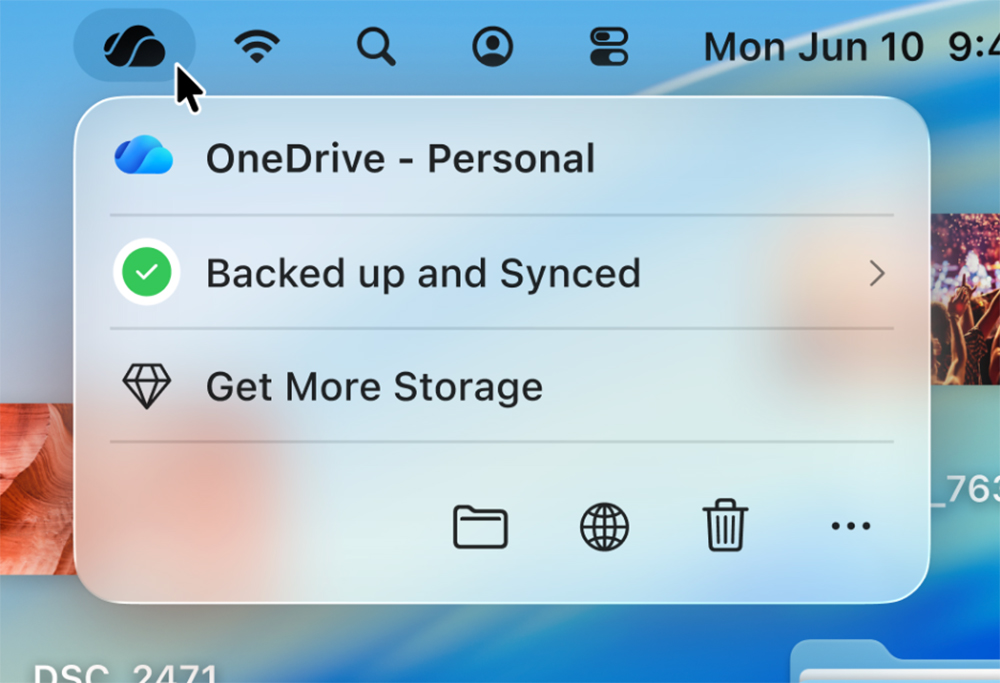
After opening the menu, users can view the synchronization status more intuitively and quickly access the OneDrive folder and Recycle Bin. Microsoft has moved “Recently Synced Files” into a sub-menu. Although it may require a few more clicks, the overall information is presented cleaner and the hierarchy is clearer. Since the entire menu has been fully nativeized, it also fully supports VoiceOver and keyboard operations, which is a big improvement for users who rely on accessibility tools.
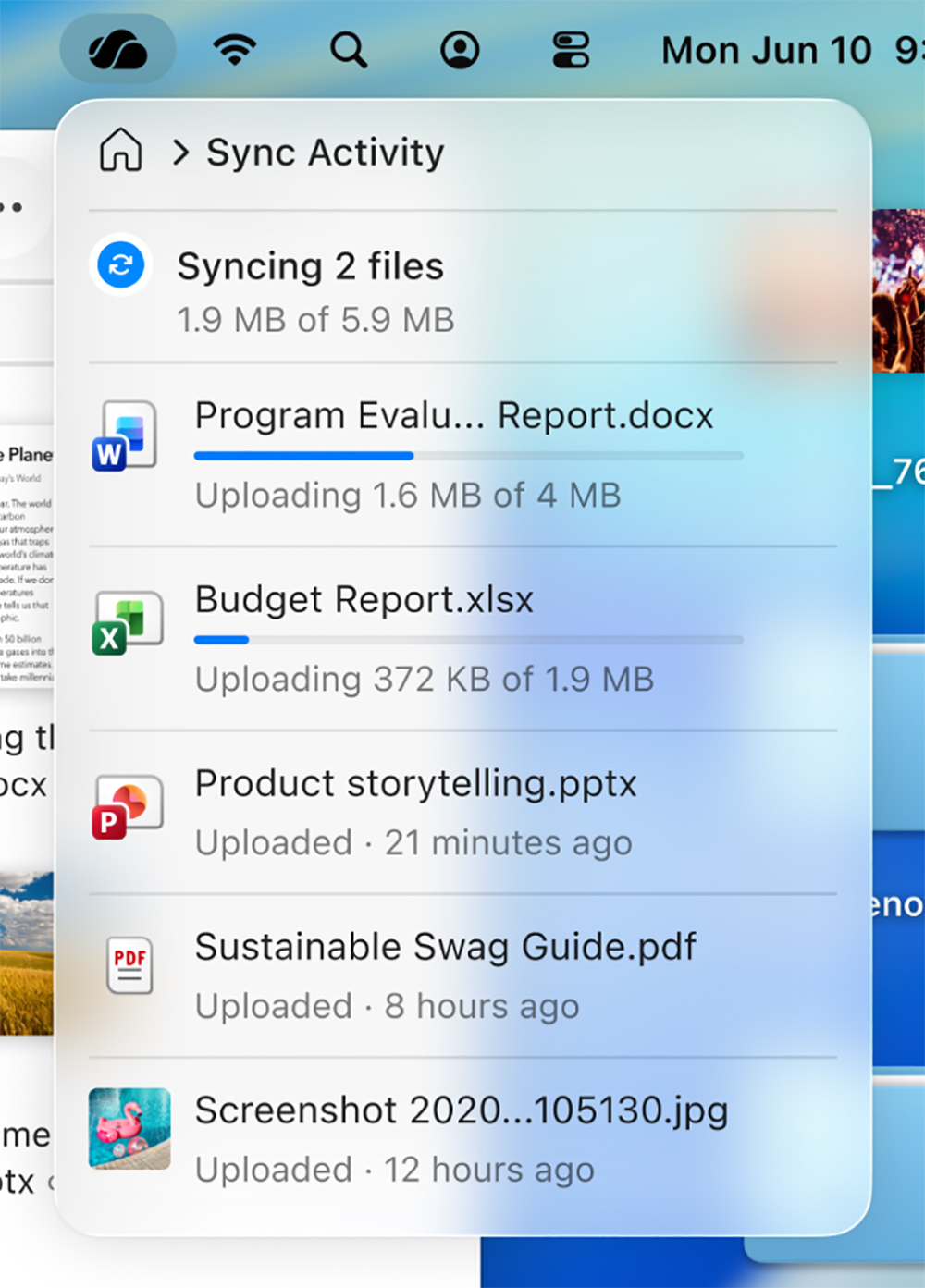
Microsoft mentioned in a blog post, the new menu allows users to “see recent changes at a glance”. The amount of information is the same as in the past, but the layout is simpler and the cost of understanding is lower. When there are available thumbnails for images or videos, they will also be displayed directly, allowing you to quickly identify which files have just been updated. This is especially useful for users who process a large number of multimedia materials.
In addition to the menu bar, other interface elements of OneDrive are also undergoing native transformation. For example, the reminder window that pops up when deleting a file is now presented as a native macOS dialog box. Although the functions and content have not changed, they are more visually integrated into the system and more in line with the operating habits of Mac users. These details may seem small, but they make the overall experience more consistent and smoother.
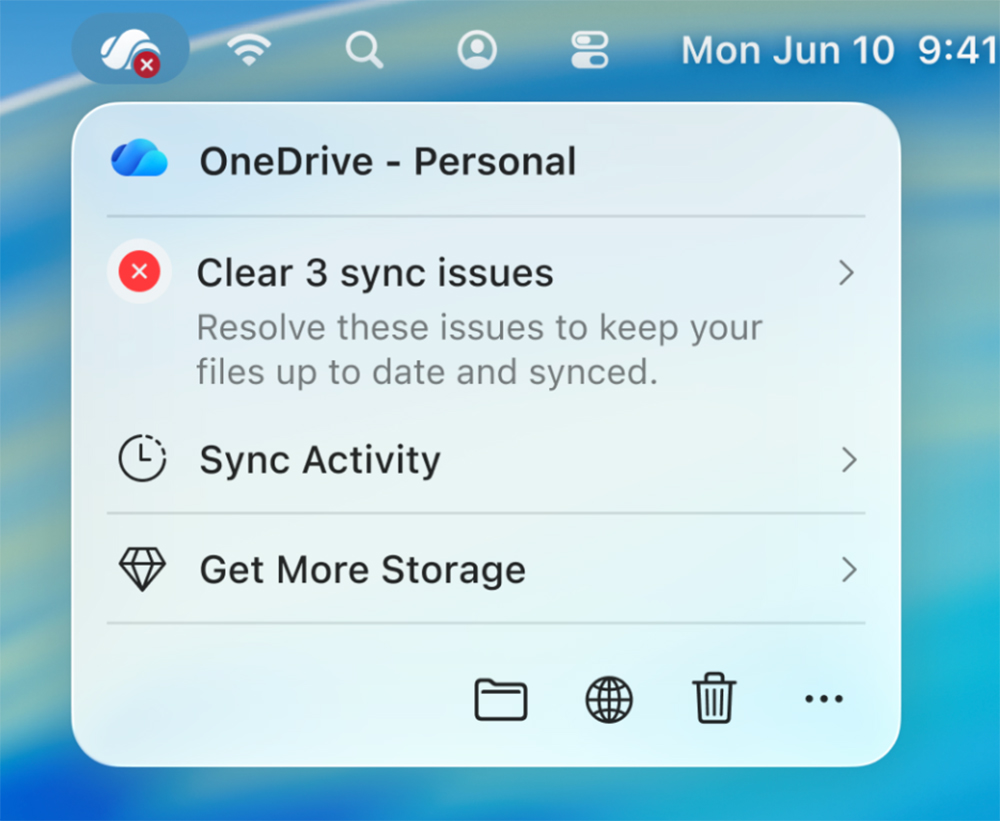
It is worth noting that this update does not involve changes to the synchronization mechanism or core functions. Microsoft did not announce any updates to sync performance, stability, or cloud capabilities. In fact, OneDrive for Mac has fully adopted Apple’s modern file API a few years ago, and the native Apple Silicon version will also be officially launched in early 2022, so the underlying architecture is quite mature. The system requirements remain the same, as long as your Mac is equipped with an Intel or Apple Silicon processor, runs macOS 13 or above, and places the OneDrive folder on an APFS-formatted disk.

From my own experience, OneDrive synchronization on Mac has always been quite stable, with almost no file conflicts or freezes. What really makes me dissatisfied is the interface. It is fully functional, but the visuals are old-school and the interactions are not intuitive enough. There is a clear gap with the overall experience of macOS. If this update can completely improve these issues, OneDrive is likely to become one of the most trusted cloud storage options for Mac users, especially for cross-platform workers.
Currently, the new interface has begun to be gradually rolled out to users of the OneDrive test channel, starting from version 26.017. Once all bug fixes are completed, Microsoft expects to make it fully available to all users. For Mac users who have relied on OneDrive for a long time, this update is not just a visual overhaul, but an important step in making the entire application truly integrated into macOS.
Source: KOCPC Chinese