


For those who like to play with computersgameFor players, you must have hoped to be able to play in yourcell phonePlay all the time on the Internet, and it’s not like streaming through the cloud, it’s really running locally. Although there was a way to do it in the past, the smoothness was appalling, and it could only be said to work. The good news is that as technology continues to advance and mature, now Android Run locally PC The game is much better than expected. Recently, it has become well-known abroad. YouTuber Showing the actual measurement results, many AAA games run smoothly (of course, the image quality settings are not very high).
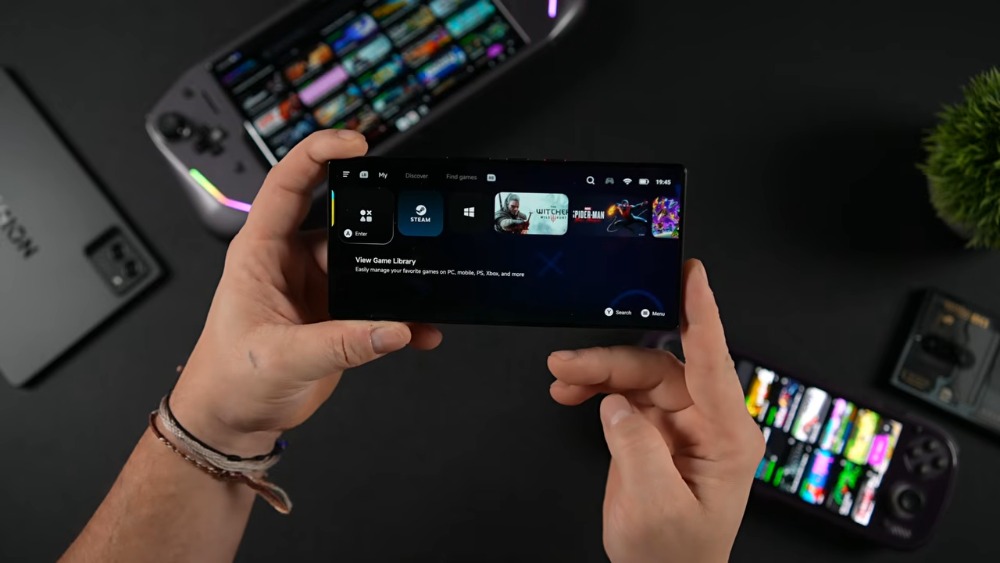
ETA Prime shares actual test results of running PC games on multiple Android phones
The ETA Prime channel, which has millions of subscribers abroad, often shares technology and game testing videos. A few days ago, he shared the effect of using several Android devices to test the effect of running PC games, all equipped with Snapdragon 8 Elite processors, including AYN Odin 3, Lenovo Y700 Gen 4 tablet, and Red Magic 11 Pro mobile phone. The specifications are roughly as follows:
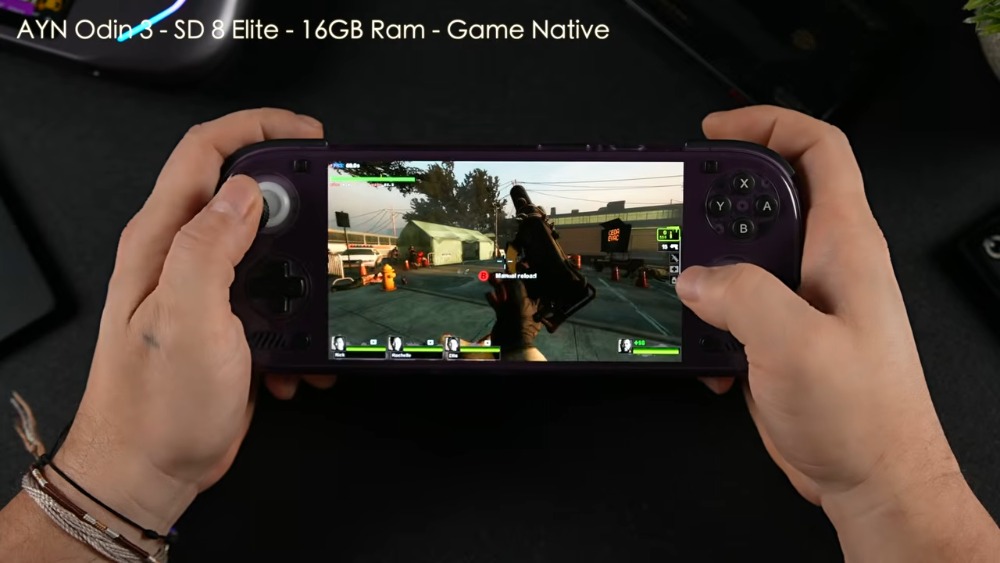
- AYN Odin 3 comes with Snapdragon 8 Elite processor and 16GB of RAM
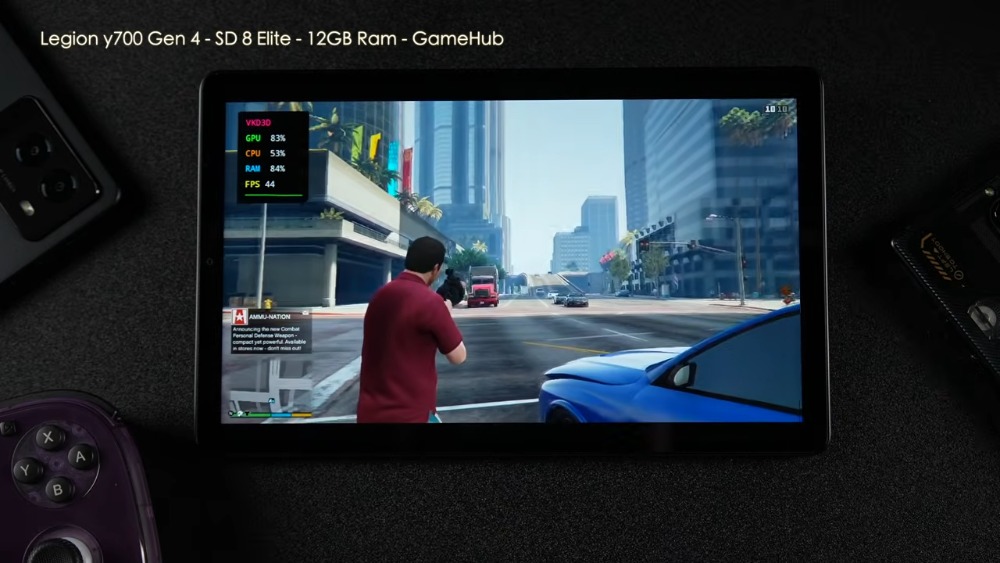
- Lenovo Y700 Gen 4 is also Snapdragon 8 Elite with 12GB of RAM
- Red Magic 11 Pro has a more powerful Snapdragon 8 Elite Gen 5 processor, 16GB of memory, and a liquid cooling system to enhance heat dissipation.
There are two apps used during testing. One is “GameHub” downloaded from the Google Play Store. It combines Proton and FEX to convert computer game code into a format suitable for running on Android devices. The other is the open source “Game Native”. You can download the APK file from the official website or GitHub, and supports Steam, Epic and GOG.
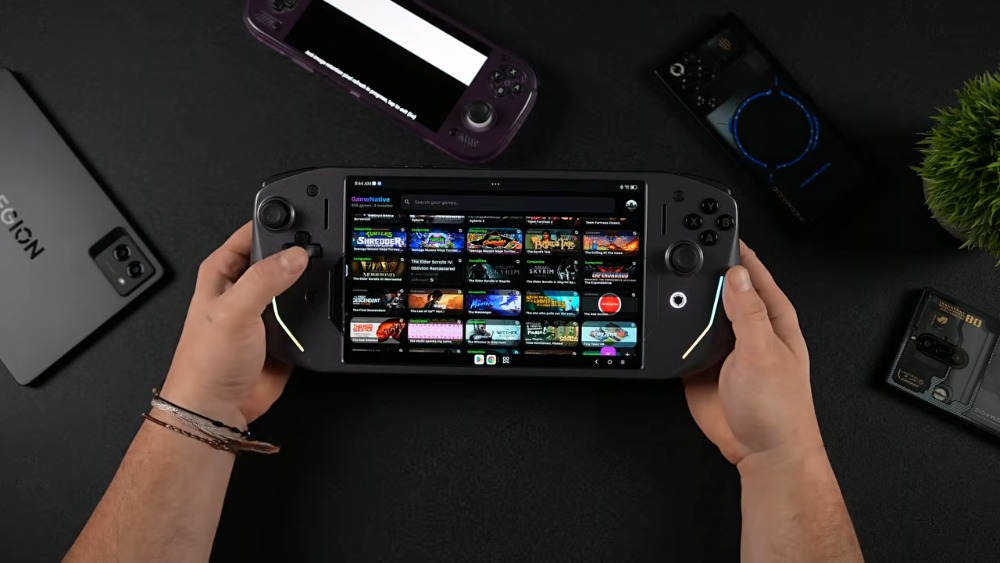
ETA Prime tests a variety of games, and the performance is different on different devices. Let’s look at AYN Odin 3 first.
In AYN Odin 3, he tried “Evil Force 2” and “Marvel Universe Invasion”. The two games played smoothly without obvious lag. The FPS performance of the latter was above 60:
Then he played the game “GTA V” on a Lenovo Y700 Gen 4 tablet. It was set to 720p resolution and normal graphics quality. The average frame rate was above 40FPS. He felt that the game felt very smooth, even like 60FPS. In addition, he also mentioned that neither AYN Odin 3 nor Red Magic 11 Pro can launch “GTA V” normally, whether through GameHub or Game Native. This shows that which games can be played by each Android device currently depends on luck, and it is not 100% guaranteed to run:
The Red Magic 11 Pro was tested with the most games, mainly because it has better specifications and is equipped with a liquid cooling system that can last longer.
He first tested “Spider-Man: Miles Moras”, setting 720p low graphics, using FSR 3 balanced mode, and the frame rate was locked at 30 FPS. It played at an almost stable 30 FPS without much fluctuation:
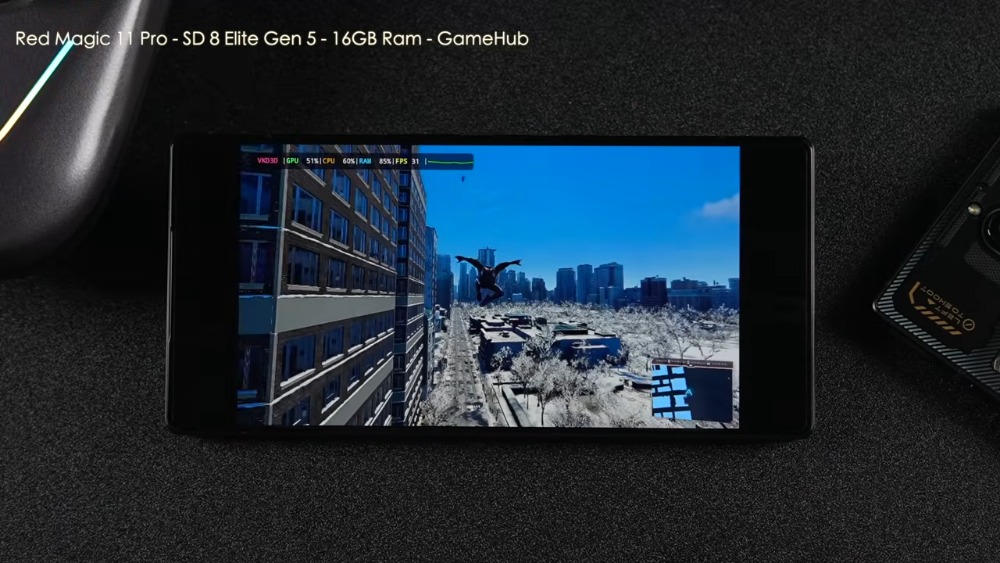
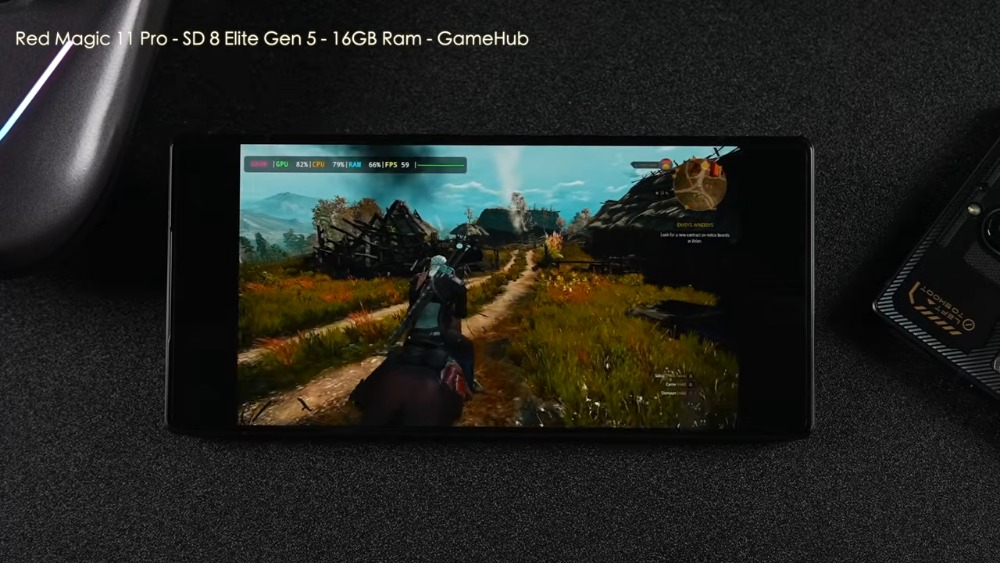
Then there is “The Witcher 3”, which is the one that impressed him the most. It is also set at 720p low graphics, and the frame rate is capped at 60FPS. It really reaches 60FPS when running, but the graphics will be broken in some areas, but it will recover when you leave. Also, please note that this is the DX9 version, not DX12:
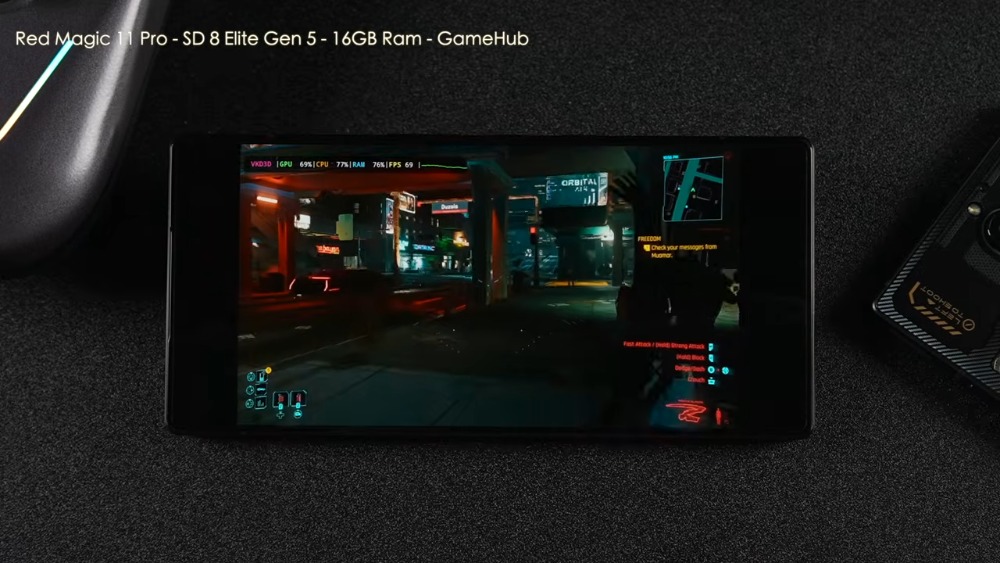
Finally, there is “Cyberpunk 2077”. The frame rate is only 45 to 50FPS at the beginning. After using the screen generation function and re-adjusting the graphics settings, it can exceed 60FPS:
From the results of this test, we can see that Android is getting better and better at running PC games. Many 3A games can run successfully and play smoothly. This is all thanks to Valve’s Proton tool, which makes code conversion smoother. ETA thinks now is like the moment Steam Deck was launched.
For players who are interested in testing their own mobile phones, they can use GameHub or Game Native apps.
Source: KOCPC Chinese