


Can you imagine being able to play XBOX Game Pass games on PS5? To make this wish a reality, a Brazilian developer created PSBox ( xbox-cloud-gaming-ps5 ) project and released it as open source on GitHub. This homebrew software lets a jailbroken PS5 directly stream Xbox cloud games, automatically maps the DualSense controller to an Xbox controller, and can even use the PS5’s GPU to upscale the image to 4K output.
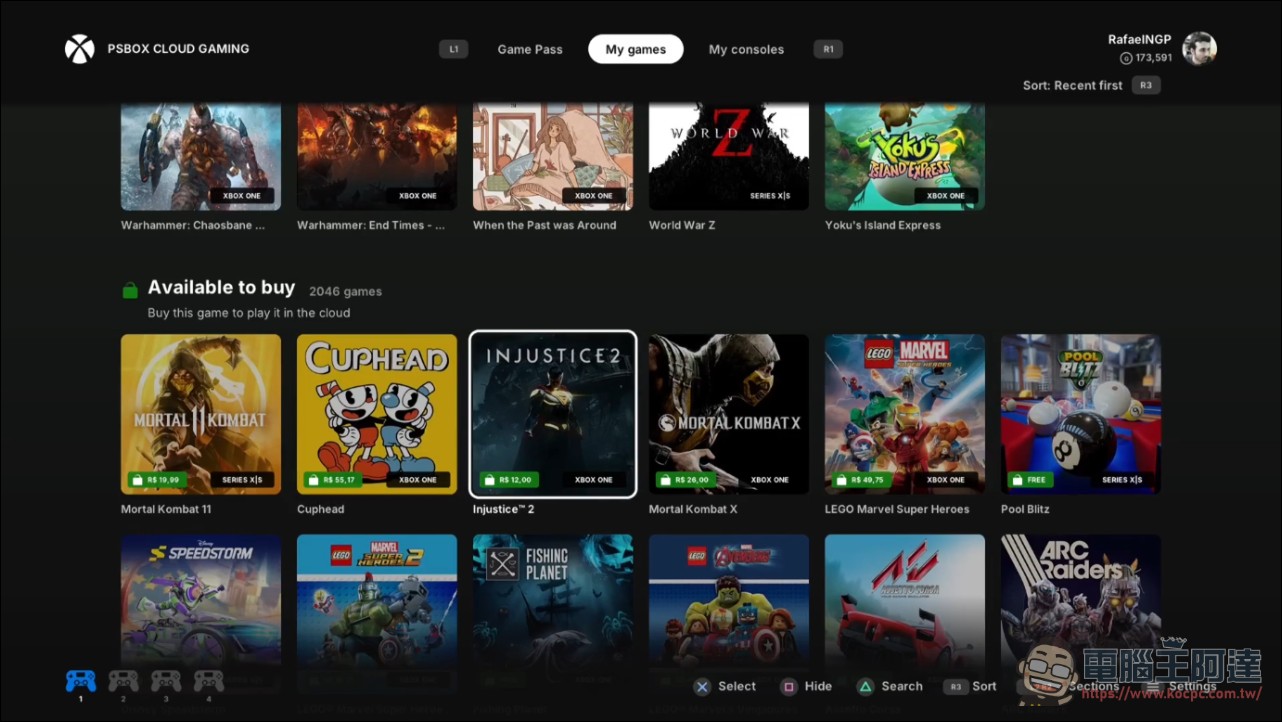
PSBox works on the principle of cloud gaming streaming.
First, let’s clarify one thing: PSBox takes the cloud gaming streaming route (Xbox Cloud Gaming). The games actually run on Microsoft’s remote servers, while the PS5 is responsible for receiving the video, sending control commands, and doing some image upscaling. You don’t need to install Xbox games on the PS5, nor does it mean the PS5 has the native ability to run Xbox games. The original development motivation was straightforward: since there’s already a PS5 in the living room, why switch devices to play Xbox cloud games?
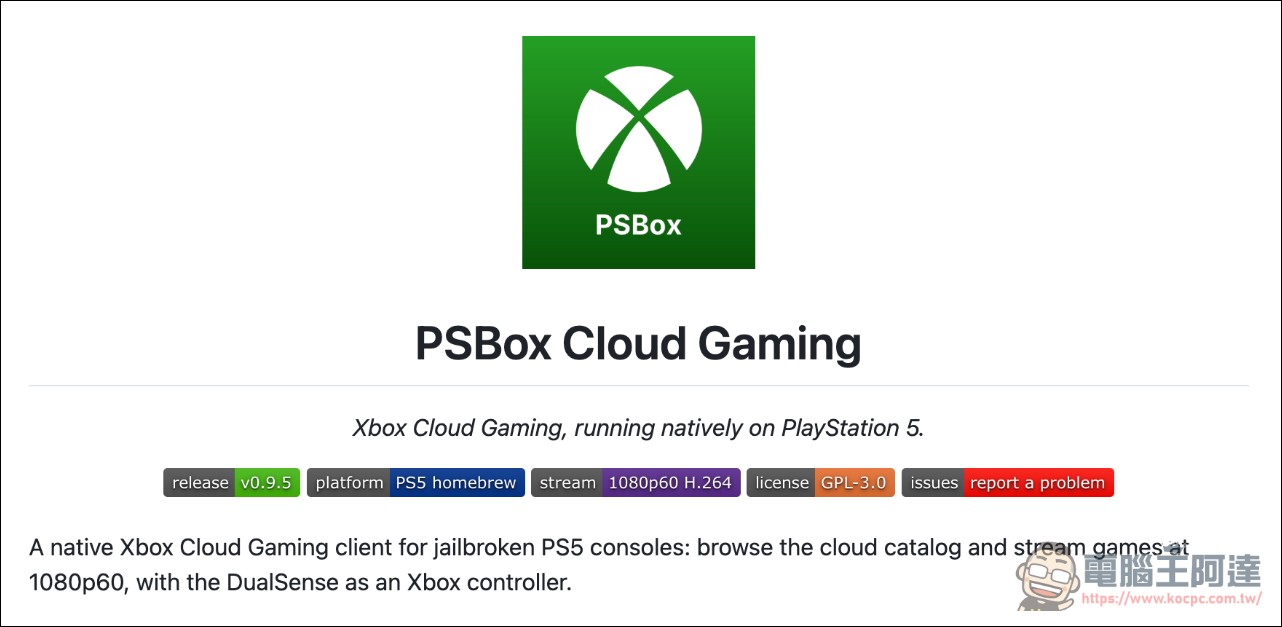
The project is independently developed by RafaelNGP, with some development aided by Anthropic’s Claude AI coding tool. It is released as open source on GitHub under the GPL-3.0 license and is updated quite frequently. The author has only tested it on a PS5 running system version 13.60 and is publicly asking for reports from more models.
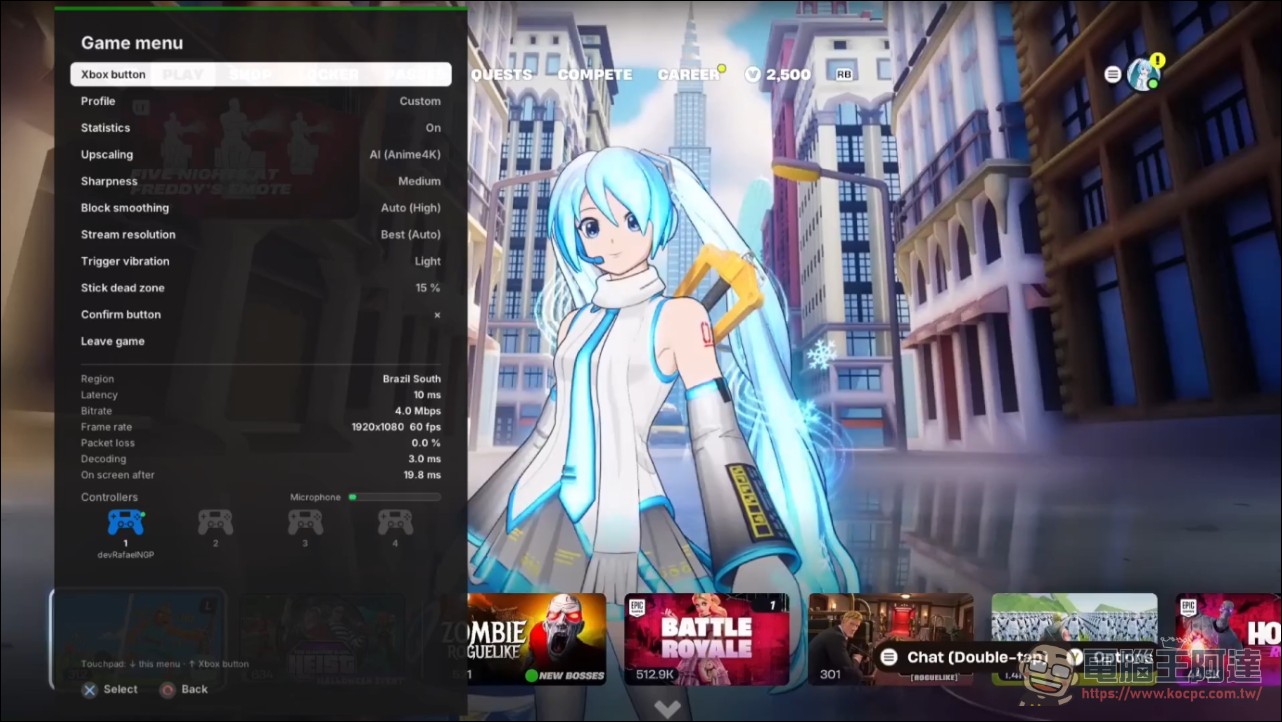
1080p60 streaming, PS5 GPU upscaled to 4K
PSBox supports cloud gaming streaming at up to 1080p at 60 fps, then upscales the image to 4K output. The 4K here is not natively rendered in the cloud; the cloud streams the image at a lower resolution, and after it reaches the local device, the PS5 handles image processing to upscale it and feed it to a 4K TV. The upscaling supports two technologies, AMD FSR 1 and Anime4K. The former is a spatial upscaling image-processing solution, while the latter is commonly used to upscale animation and video. Actual results depend on the game content and source quality, and cannot be compared with native 4K.
The sign-in flow works like an official client: the TV displays a code, and you open the Microsoft link page on your phone and enter the code to pair, so you don’t have to enter your password on the console. Catalog browsing, search, a Game Pass tab, and free games are all included, and version 0.9.5 also adds multilingual support, per-game profiles, automatic updates, and automatic reconnection after disconnection.
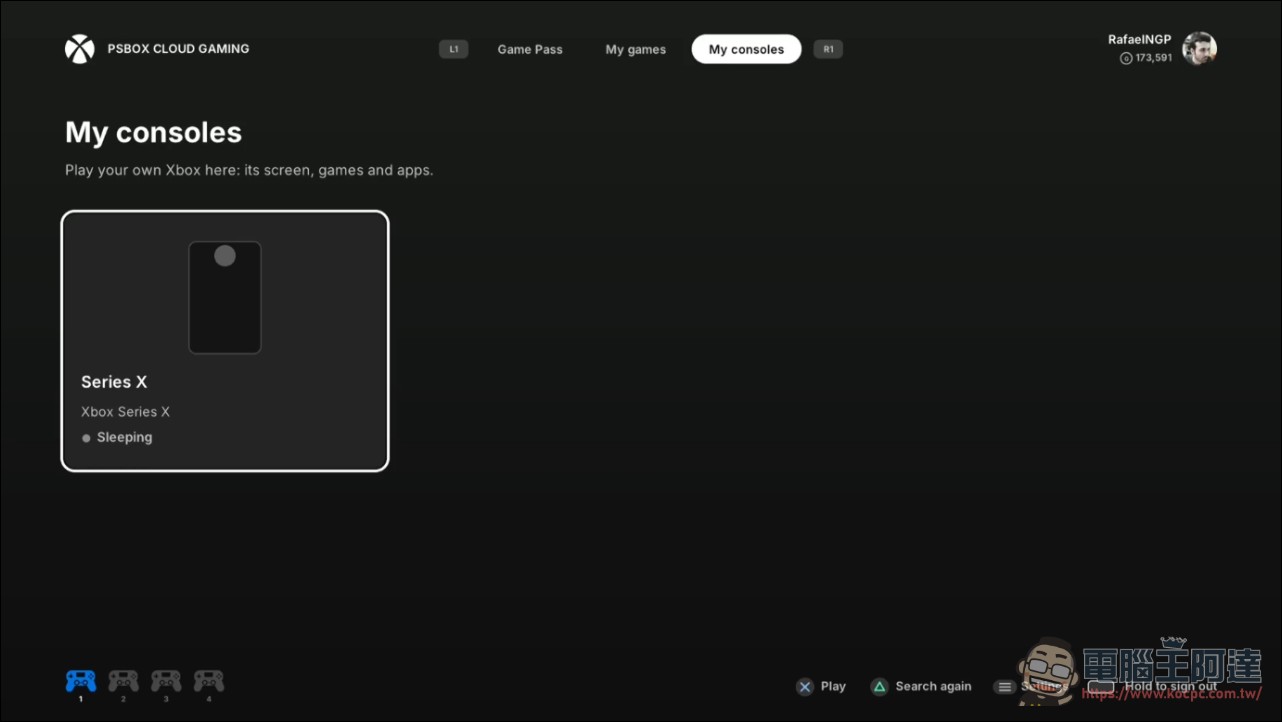
A single PS5 can connect to four controllers, and it can even connect to your own Xbox.
The controls side is the most complete part of PSBox. DualSense is mapped as an Xbox controller, with rumble, adaptive triggers, and light bar colors all following the game, and it supports up to four controllers for local multiplayer. Version 0.9.5 adds controller calibration and voice chat through the DualSense’s built-in microphone. Local multiplayer requires the game itself to support it; PSBox only lays down the mapping pipeline.
Besides Microsoft’s cloud, PSBox also has Xbox Remote Play, which can stream the screen from your own Xbox console to your PS5. The difference between the two is where the game runs: cloud games run in Microsoft data centers, while Remote Play runs on the player’s own Xbox. Interestingly, Remote Play was a feature the author added within days after seeing a Reddit comment wishing for it. For people whose main console at home is a PS5 and whose Xbox is gathering dust, it amounts to one more reason to turn it on.
Hands-on testing drew both praise and criticism, and the pink ghosting is still being fixed.
Early test reports are quite candid. One player tested half a level of Halo and reported that one-third of the screen kept flickering, with macroblocking and pink artifacts, and controller vibration also didn’t respond. The author replied that the flickering was likely caused by network packet loss, and that the next version would fix it and add vibration support. Another player praised it highly, saying they used PSBox’s source code and took only 20 minutes to port a Moonlight client with Claude, calling AI’s power incredible.
PSBox Cloud Gaming v0.9.5 is out now!
byu/RafaelNGP inPS5_Jailbreak
None of cloud gaming’s old limitations are gone: network quality, latency, and server load all affect performance. 1080p60 is the capability ceiling, not a guaranteed value in any environment. Upscaling can’t fix latency, nor can it restore the details lost to streaming compression.
Requirement: Jailbroken devices only—regular players shouldn’t even bother.
Seeing this, there’s no need for everyone to get too excited just yet. PSBox requires a PS5 that can run Homebrew—for example, loading directory-based apps through ShadowMountPlus. To install it, you drop the PPSA99810 folder into the console’s homebrew directory and then mount and launch it. This means the console must have the corresponding system exploit and jailbreak conditions. Version compatibility depends on firmware and tool support, and not every PS5 will work. Jailbreaking also comes with risks to system stability and online services; violating the terms of service may affect your account. This isn’t something you can just download from the PlayStation Store and use. If you really want to do this, you must do so at your own risk.
Conclusion
The significance of PSBox isn’t in turning a PS5 into an Xbox, but in showing how the player community can use software to squeeze services from two platforms into the same machine. Cloud gaming bypasses hardware compatibility issues, the PS5’s GPU handles image post-processing along the way, and Claude compresses development time down to days. It’s still far from a formal solution that ordinary players can use with peace of mind, but in the jailbreak scene, it’s already one of the most interesting homebrew software projects of the year.
Source: KOCPC Chinese