


Imagine you’re driving on a remote country road, or sitting in an office building surrounded by reinforced concrete, when you notice your phone is hotter than usual and its battery is draining surprisingly fast. What’s going on? First, look at the signal strength in the top-right corner of the screen. If your phone has only one bar of signal, that’s very likely the main cause of the heat and battery drain.
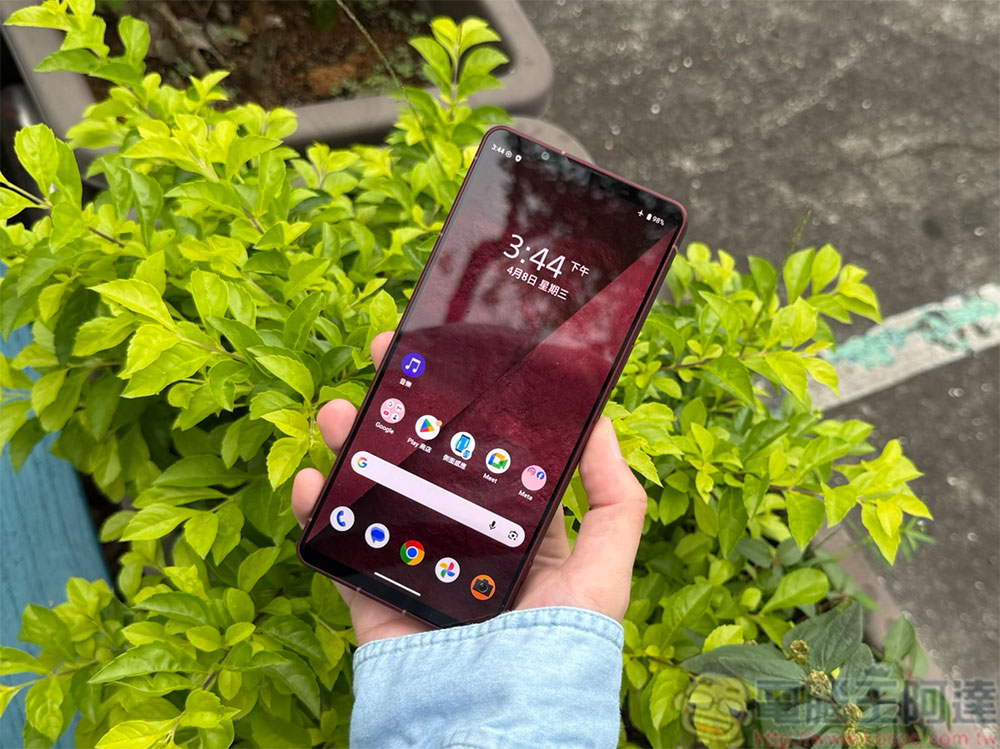
Is your phone inexplicably overheating and draining battery? Poor signal may be the real culprit.
Why does a poor signal make a phone heat up?
For years, we have grown used to using our phones anytime and anywhere, even forgetting that a smartphone is still essentially a phone. Although we now spend more time scrolling social media, watching videos, and sending photos than making calls, these activities all depend on a stable internet connection. Many people assume that what really drains the battery is video playback or social media browsing, while the resources a phone consumes to maintain a network connection in the background are negligible—but that is not entirely true.
At home, a wired network connects to the router via fiber or Ethernet cable, and the router then converts it into a Wi-Fi signal for devices to use. However, mobile networks such as 4G LTE and 5G communicate directly between cell towers several kilometers away and phones. This process is not one-way transmission; rather, the phone and the cell tower continuously exchange signals. The farther you are from the cell tower, or the more obstacles there are in your environment, the more resources your phone must devote to searching for and maintaining a connection.
If you’re driving around, your phone still has to constantly switch its signal source between different cell towers. This doesn’t only happen in rural areas. Even in densely populated cities, signal quality can be poor due to obstruction by tall buildings, underground spaces, or network congestion. When a phone keeps working hard to find a signal and competes with a large number of devices for network resources, its internal components naturally generate more heat.
Why does a phone drain its battery especially quickly when the signal is poor?
When a phone’s received signal is weak, it must increase its radio transmission power to stay connected to the base station. This directly increases power consumption and also generates more heat. More importantly, searching for a signal actually consumes more energy than maintaining a stable connection. When the signal is unstable, the phone will repeatedly search, test, and re-establish connections. Although these actions do not consume large amounts of power as immediately as playing high-definition video, over time their cumulative burden on the battery may even be greater.
During this process, the cellular modem responsible for mobile network communications continues to operate. It is an independent hardware component inside the phone, so the heat it generates does not necessarily come from the processor (CPU), graphics chip (GPU), or the battery itself.
Most smartphones use a passive cooling design. Although some gaming phones have built-in fans, and a few flagship models adopt liquid cooling technology, the vast majority of phones still rely mainly on the chassis structure for natural heat dissipation. As a result, once a component starts generating a lot of heat, the thermal energy is transferred directly to the phone’s surface, where it is ultimately felt by the user. At this point, the phone has few active cooling methods available and often can only wait for the temperature to drop naturally.
Do you need to worry about your phone overheating?
Generally speaking, prolonged high temperatures are not good for any electronic device. Whether it’s a modem, battery, or processor, continuous exposure to high temperatures can accelerate component aging. If a phone is in an environment with extremely poor signal for a long time, it may cause the device to maintain a relatively high temperature for an extended period. However, users don’t need to panic excessively. Situations where poor signal alone leads to dangerous overheating are actually quite rare.
If you know you are about to enter an area with poor signal and do not need internet access for the time being, you can consider simply turning on airplane mode to prevent your phone from constantly searching for a signal. In addition, it is also advisable to avoid charging your phone when it is already hot. Charging itself generates extra heat, and if you add the heat caused by signal searching, the temperature may rise even further. At the same time, try to avoid forcing yourself to watch videos that keep spinning and buffering, because this kind of activity will only make your phone consume more power and get hotter.
If your phone feels unusually hot, you might want to put it down and let it rest for a moment, and check whether any power-hungry background apps are running. If you want to reduce the risk of overheating in the long term, improving your signal reception environment is also worth considering.

How can I improve my cell phone signal?
If you are often in areas with poor signal, you can first assess whether you need to switch carriers. The coverage and density of cell towers vary among carriers; on some routes, the signal may be stable with one carrier but frequently disconnect or be unable to make calls with another. If the signal performance of all local carriers is unsatisfactory, you can consider using a cell phone signal booster (Signal Booster).
These devices can receive weaker base station signals from the surrounding area, amplify them, and then transmit them to the phone. In other words, they can help the phone share the work of searching for signals, reducing device power consumption and heat, while improving call and network quality.
Source: KOCPC Chinese