


After Claude Opus 5.5 launched, quite a few stunning animations and videos began appearing online, and it was unexpected to realize that Claude could create such high-quality AI animations and videos just by writing code. After seeing these works, many Claude users probably want to try it themselves. But once you actually start, you may have little inspiration, or not know how to write the prompts, and in the end you still can’t achieve effects as impressive as others’.
This article is going to recommend a very practical free and open-source project, “Awesome Opus 5.5 Videos.” It collects 475 sets of Claude Opus 5.5 video generation prompts, covering animation, 3D scenes, interactive effects, and many other types. You don’t have to start from scratch every time—just find a work you like, directly reference and modify someone else’s Prompt, and you can create the video effect you want faster.
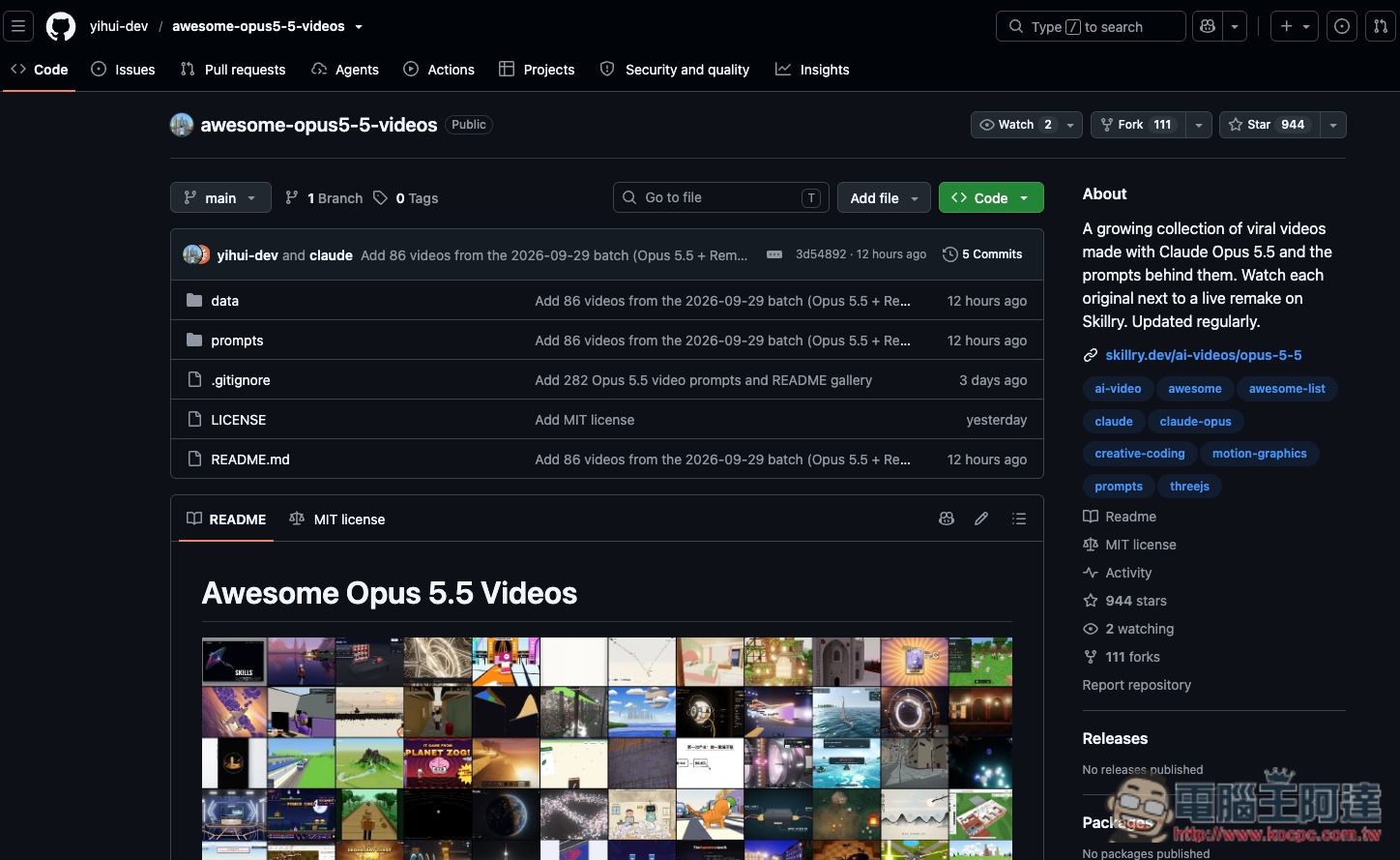
“Awesome Opus 5.5 Videos” is a free project that collects 475 sets of Claude Opus 5.5 video prompts.
Awesome Opus 5.5 Videos is a free open-source project dedicated to collecting Claude Opus 5.5 video generation examples and prompts. It mainly compiles animations, 3D scenes, interactive effects, and visual works created by creators online using Claude Opus 5.5. The project has currently collected 475 sets of prompts and is still being updated. In addition to preserving the finished works, it also includes the prompts used by the original creators and the source posts, making it easy for others to directly study, copy, or even modify them into their own versions.
It’s worth mentioning that the so-called “Claude-generated video” here is not AI directly generating a video like Sora or Veo. Instead, Claude Opus 5.5 writes code such as HTML, Canvas, SVG, and Three.js based on prompts, and the browser then renders it into animation in real time.
As a result, you can see a wide range of different styles, including motion visuals, text animations, UI showcases, product promotions, infographics, science explainers, 3D scenes, and even mini-games and interactive works. Some pieces also incorporate technologies such as GSAP, GLSL, particle effects, and Web Audio to create visual effects close to professional Motion Graphics.
Key Features
- Free and open-source Claude Opus 5.5 video prompt collection project
- Over 470 sets of real-world Prompts have been collected.
- Each case includes the original author’s post or source.
- README Highlights 100 Representative Works
- Covers Motion Graphics, science explainers, 3D scenes, games, and interactive works.
- Common technologies include HTML, Canvas, SVG, Three.js, GSAP, GLSL, etc.
- Prompt can be copied directly, then modified to your own topic and style.
- Skillry offers side-by-side viewing of original works and Live Remakes.
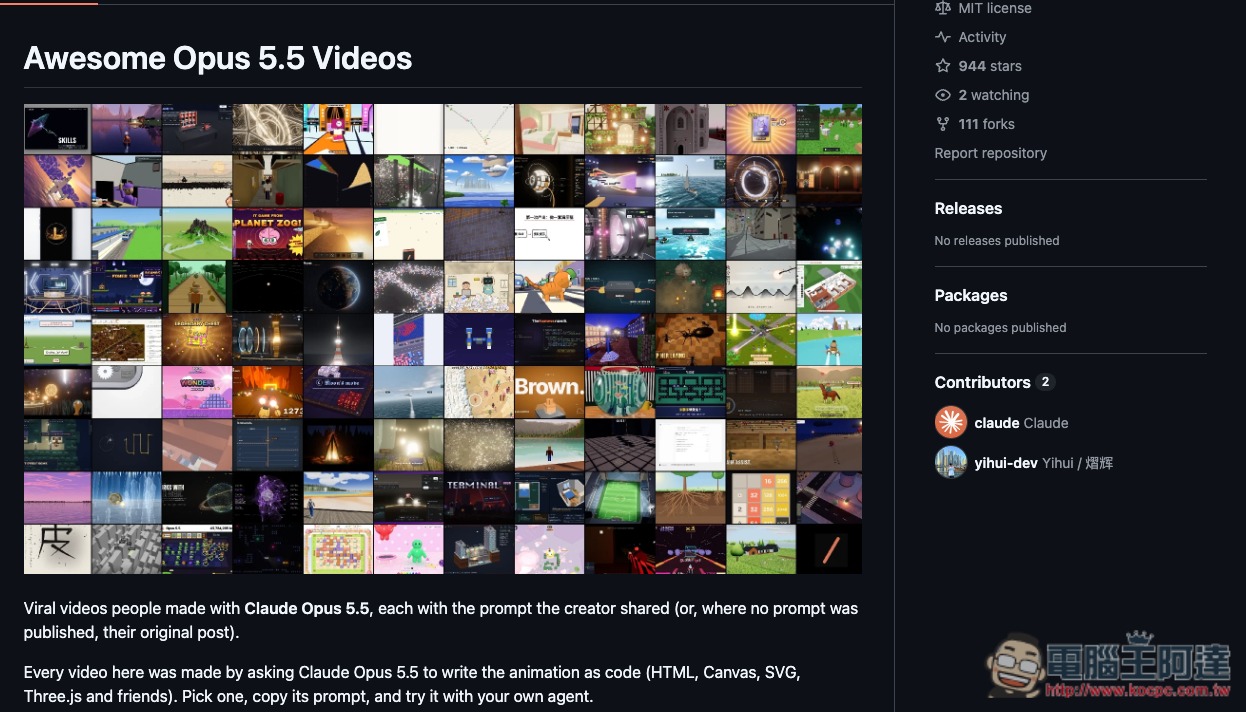
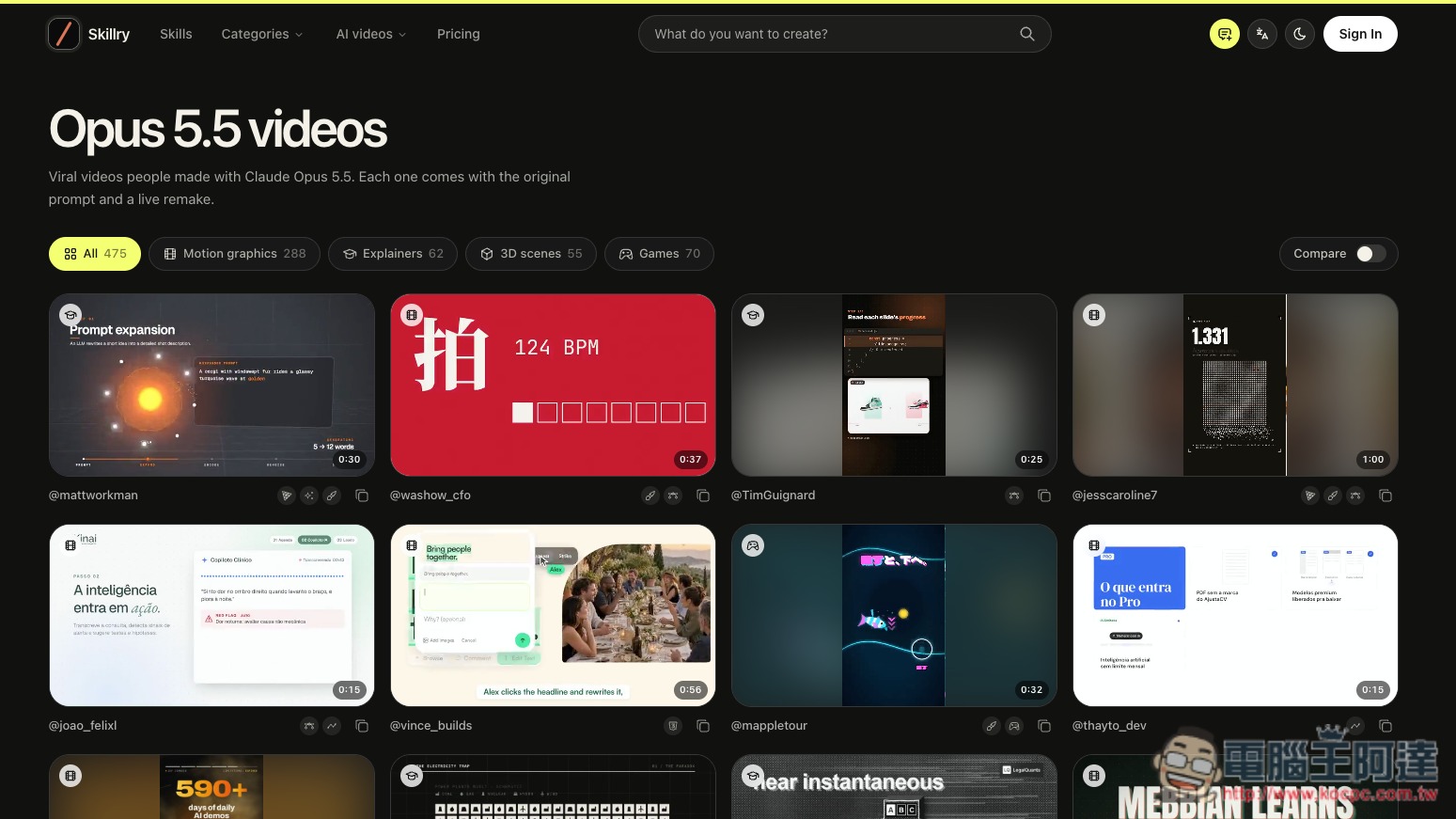
After clicking the link above to go to Awesome Opus 5.5 Videos, scroll down to browse the 100 representative cases currently featured for this project. If you want to see the full 475 prompts, you can visit the Skillry online showcase page provided by the author:
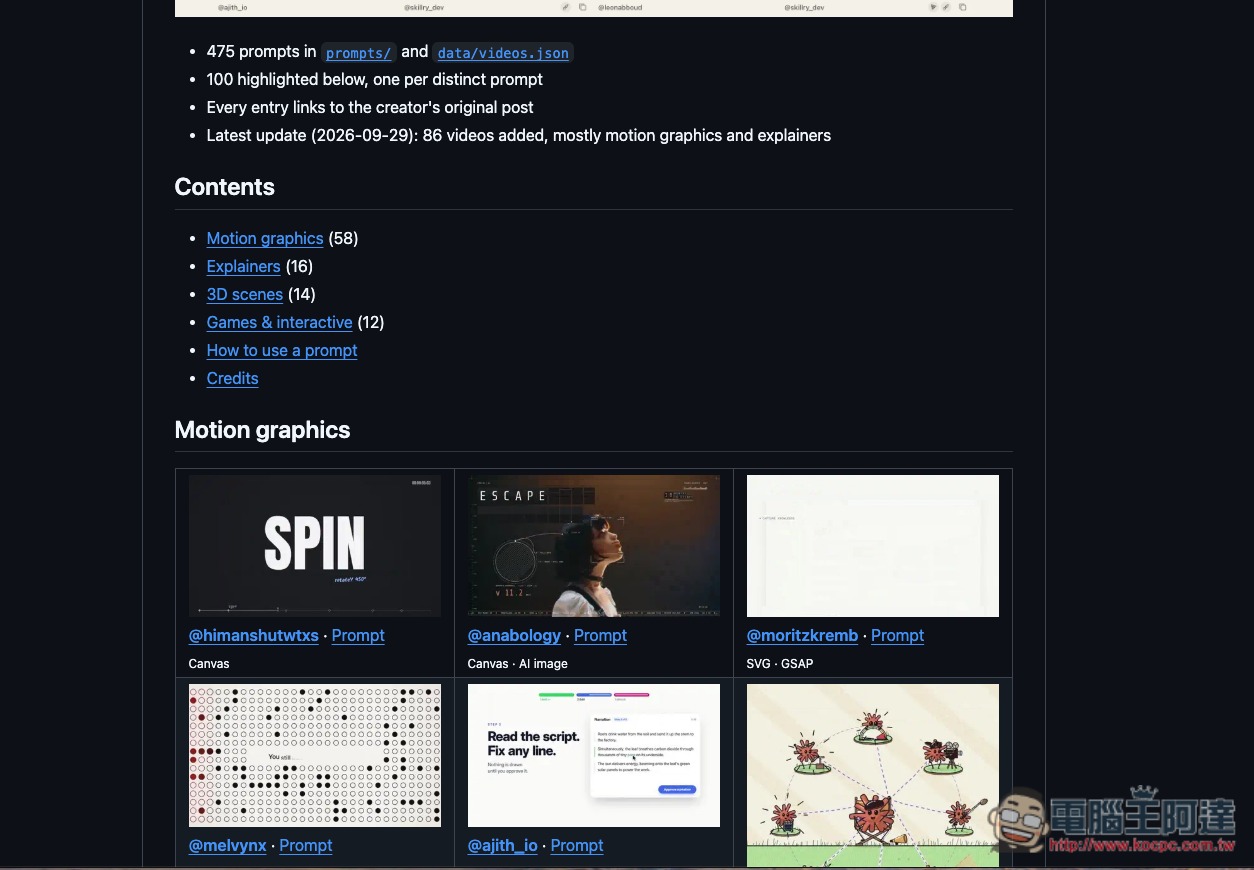
Below is the table of contents. The prompts file contains the complete 475 sets of prompts, but they are just prompts and there are no reference videos, so it is more recommended to go to Skillry Online Showcase PageBrowse:
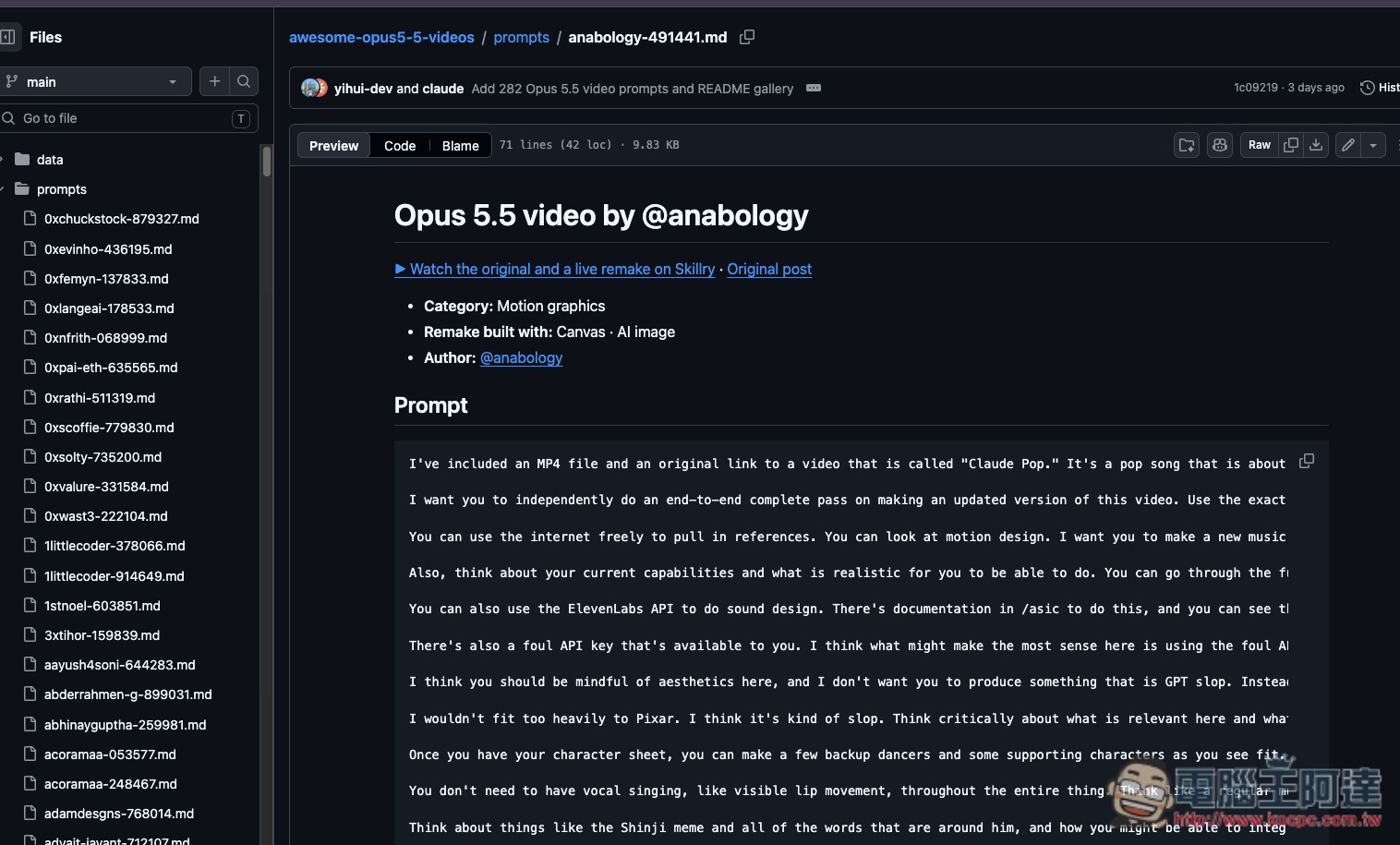
That’s a whole long string of prompts. Of course, you can also click Watch the original… above to watch the demo video, but that’s a bit cumbersome:
The Skillry online showcase page lists all 475 reference videos, so you can see the results directly for yourself first:
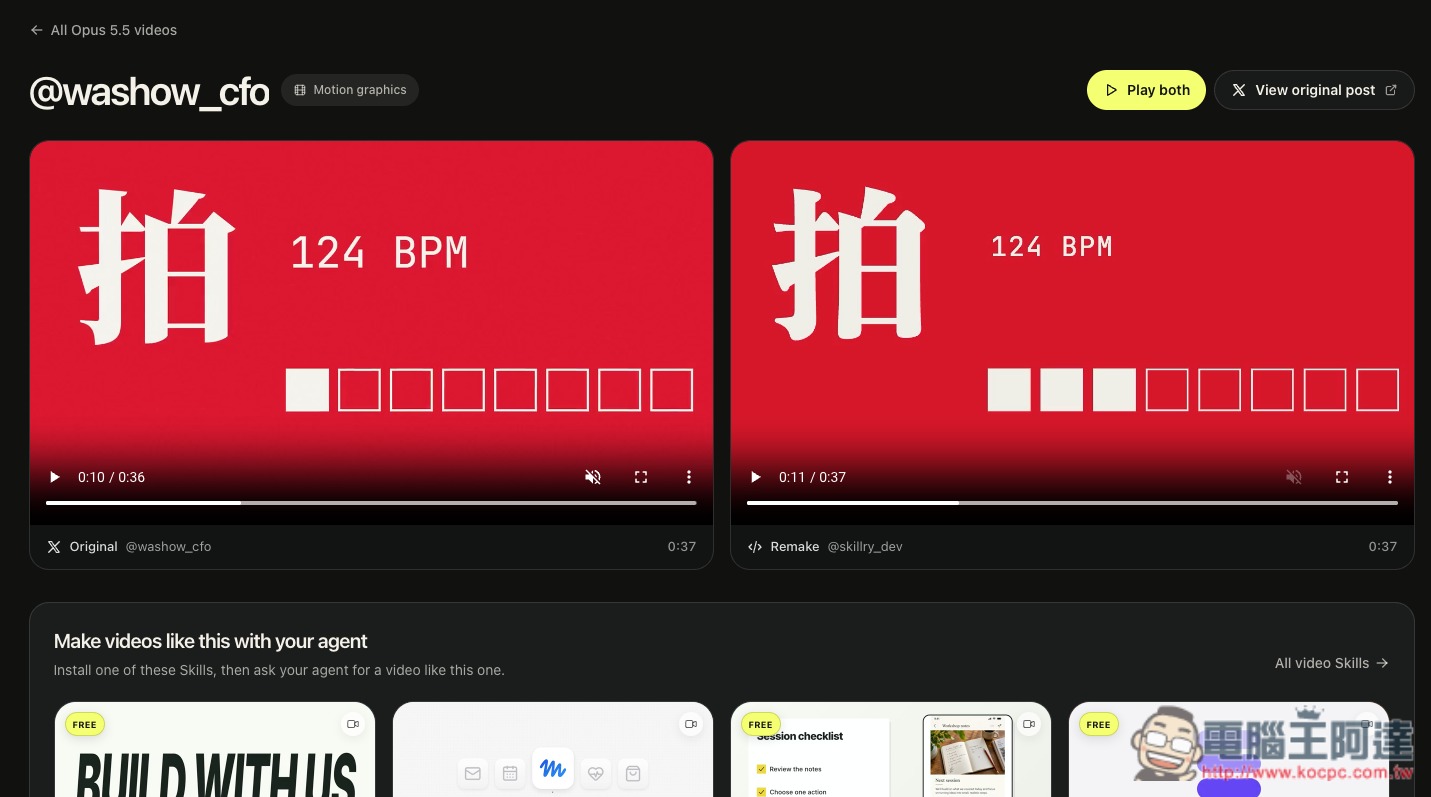
When you see something you’re interested in, the detail page will show the original video and the author’s recreated version. Click View original post in the upper right corner to view the post where the video was originally shared:
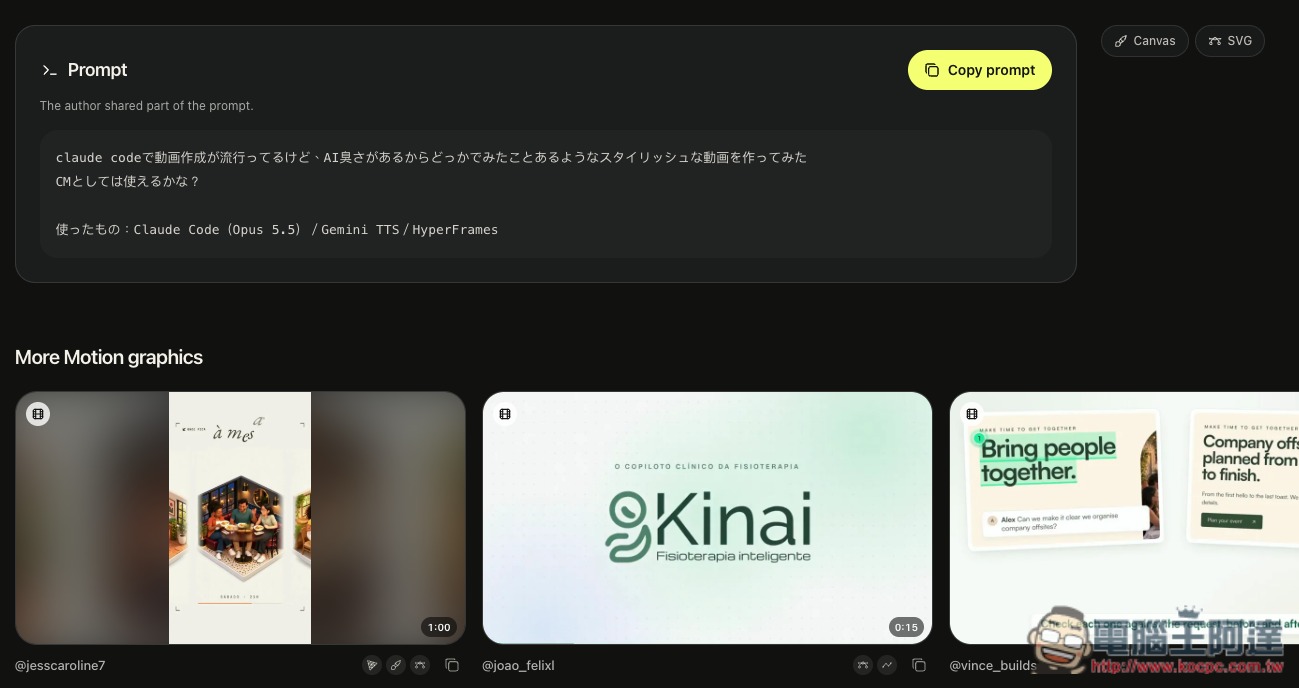
Scroll down to find the prompt:
Source: KOCPC Chinese