


In the past, when people mentioned 3D modeling and design, what often came to mind were complex interfaces and high software licensing fees. When I was learning Autodesk Maya, it was truly a struggle. Although AI has now made learning very easy, AI isn’t all-powerful. With 3D modeling and design, you still have to do it yourself to design and adjust things; at best, AI is just an auxiliary tool.
However, the Tinkercad introduced today is software released by the well-known design software giant Autodesk, completely shattering the stereotype of complexity and high cost. As a completely free online design tool that runs in a web browser, Tinkercad uses extremely intuitive drag-and-drop controls, allowing beginners with no design background, makers, and even school-age children to turn ideas in their heads into physical models in just a few minutes. Whether you want to step painlessly into the world of 3D printing, perform electronic circuit simulation, or develop computational thinking logic, Tinkercad is currently the most approachable and powerful entry-level choice:
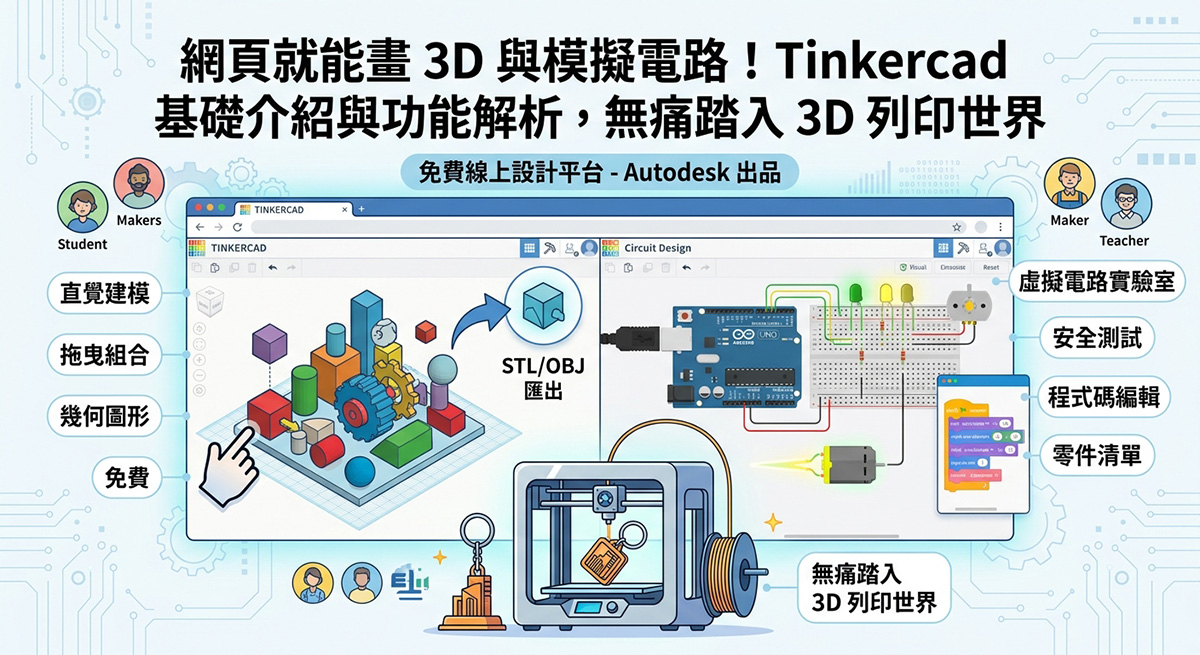
Introduction to Tinkercad
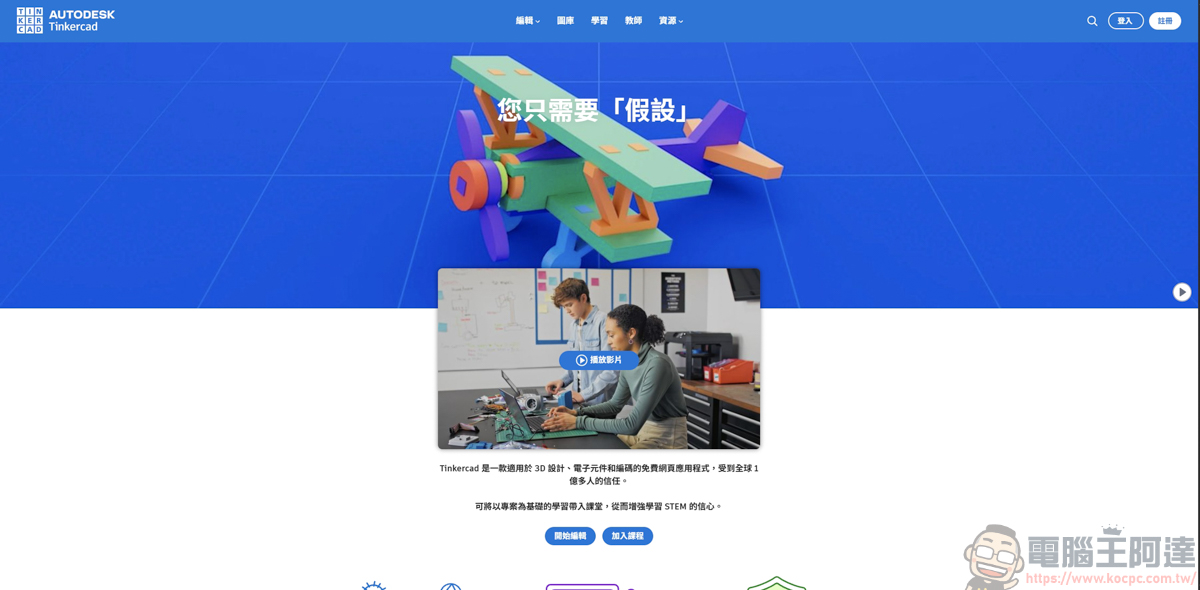
Similarly, click the URL above to go to the Tinkercad homepage:
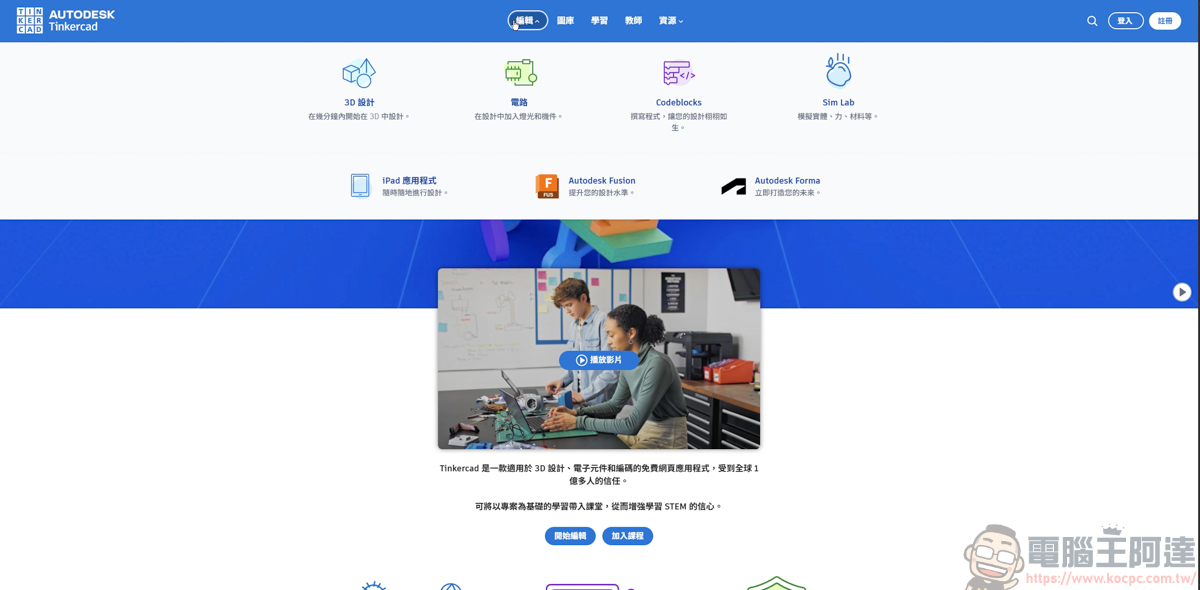
A Brief Introduction to Tinkercad: It is not simply a 3D drawing website; rather, it integrates three core functional modules and a comprehensive education system, meeting a wide range of needs from exterior design to internal interactions:
Registration is free, and you can quickly sign up and log in with a Google account. After logging in, you’ll see the following screen, which mainly offers three features: 3D design, circuit design, and code blocks:
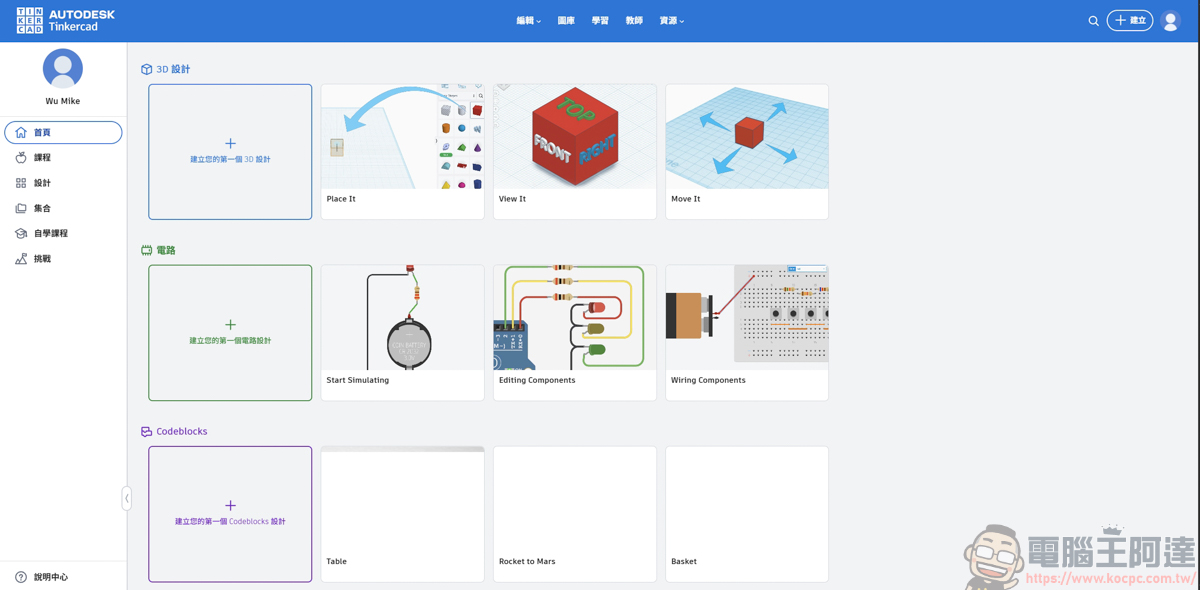
On this page, you can choose an existing example or open a blank template to DIY and play around with it yourself:
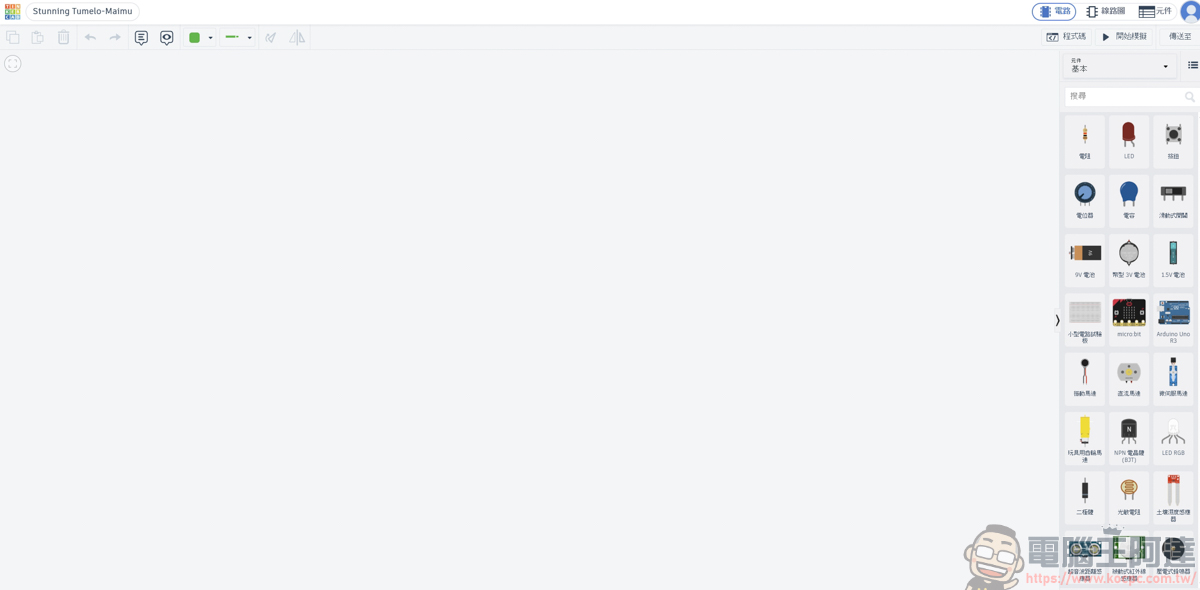
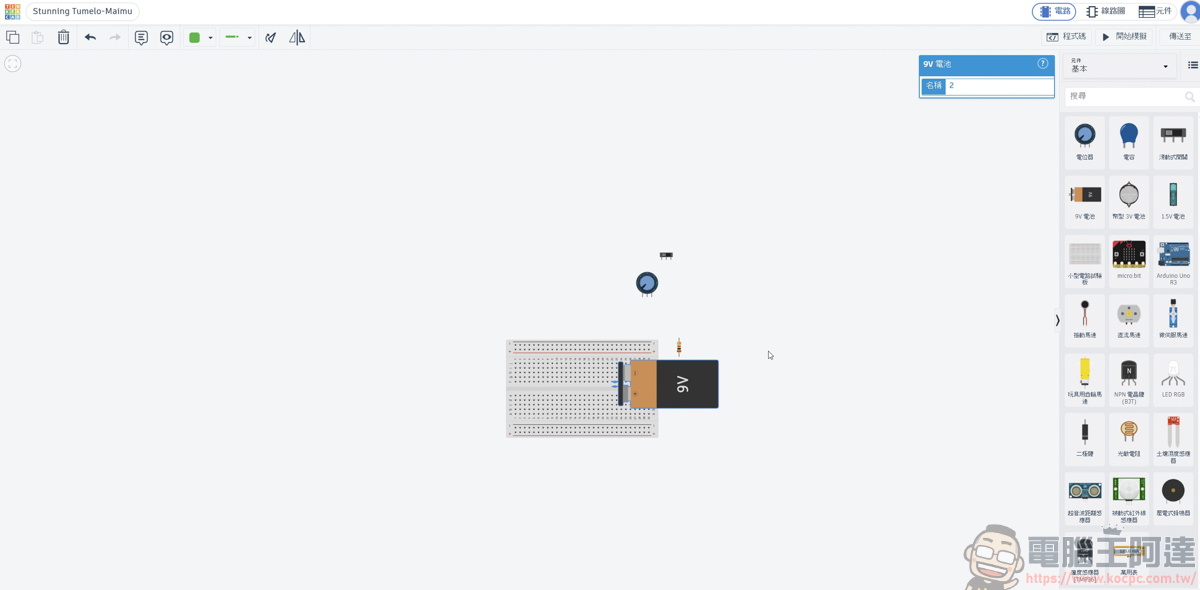
Once you click an object on the right, it will appear in the template. But for someone like me with almost zero experience, I really have no idea how to put this together at all XD
But beginners don’t need to worry either—Tinkercad offers many different courses for you to learn. Whether you want to learn 3D design, circuit design, or code blocks, there are templates here to learn from:
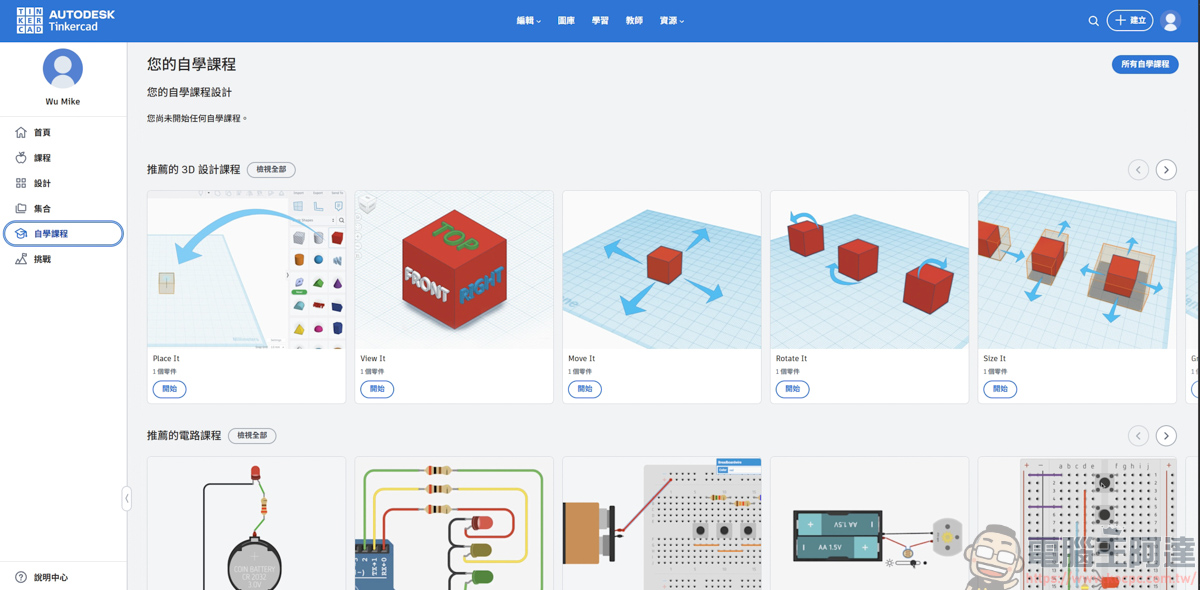
Just choose the example you want to learn:
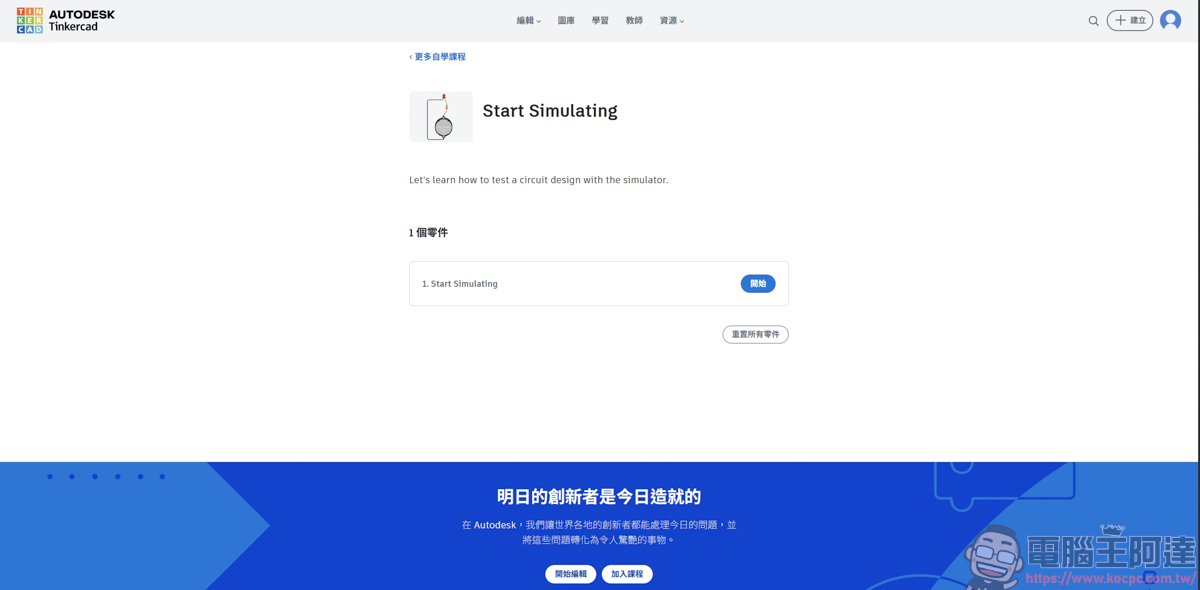
Opening the example will show a directly assembled circuit design:
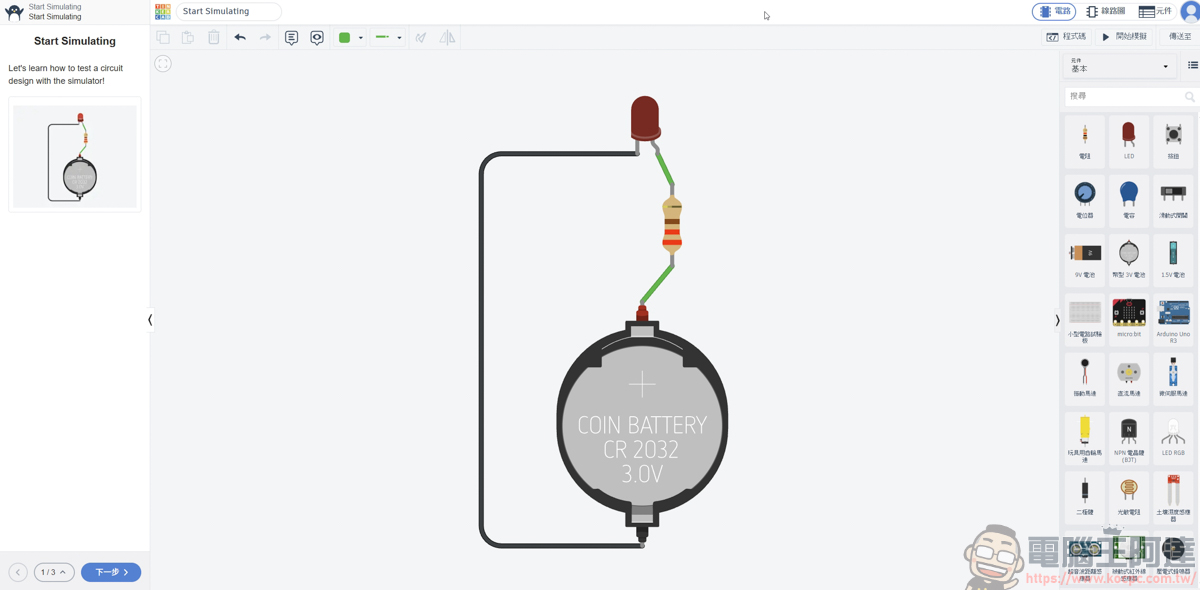
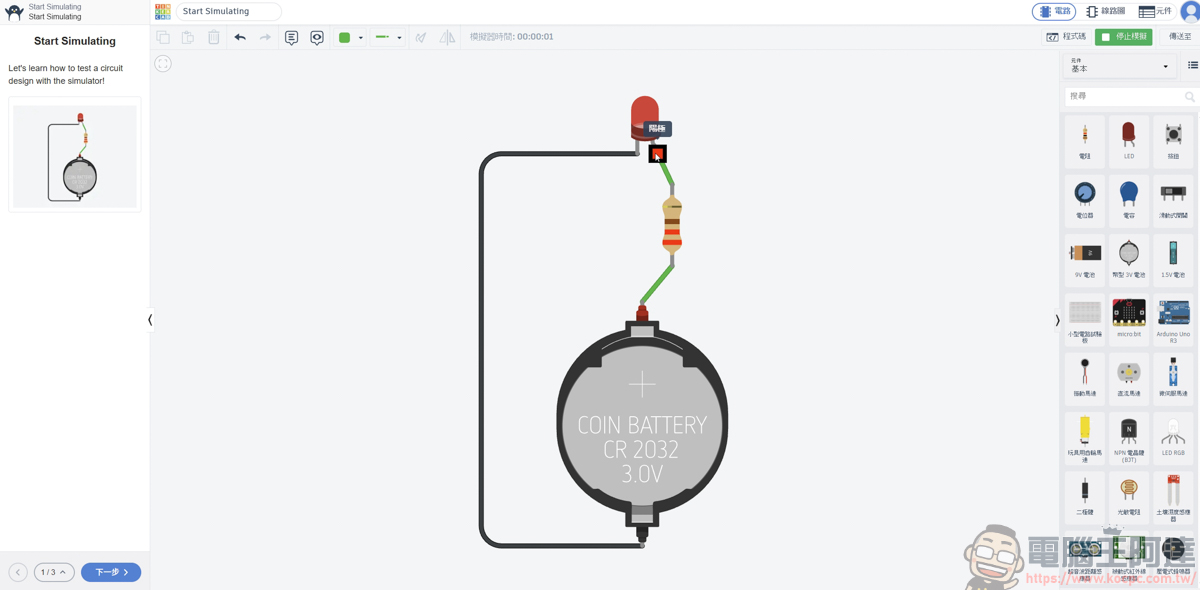
You can click on each object in the template to see how this circuit design is put together. And as soon as you click Start Simulation, the template will actually simulate how this circuit design runs—for example, in this template, the bulb on it lights up once the circuit is connected:
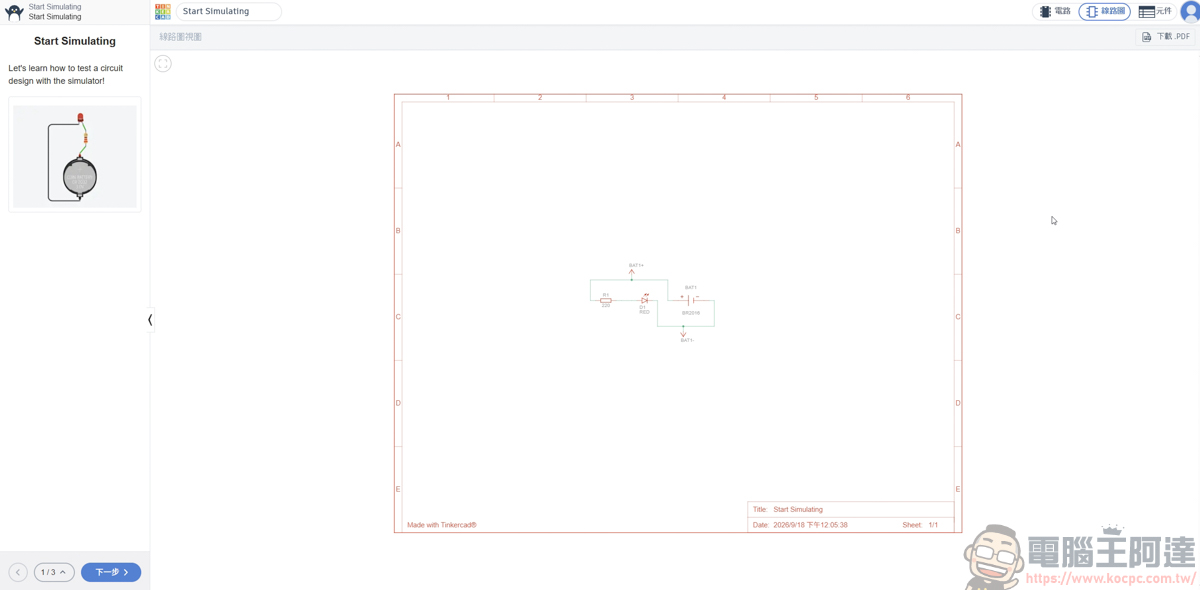
You can also view the detailed circuit diagram:
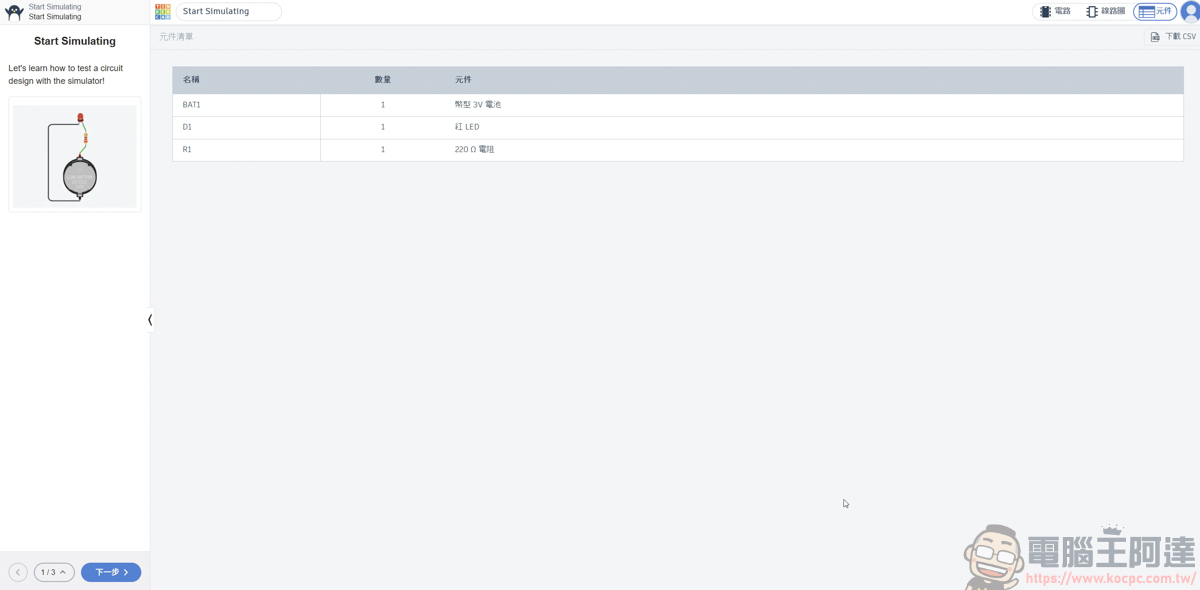
You can also see what parts were used, so if you want to try DIYing it yourself in real life, taking this information to a parts store to buy them can reduce a lot of unnecessary purchase costs :
3D design is Tinkercad’s most well-known core feature. It abandons the complex vertex, edge, and face editing of traditional software and instead uses a “combining geometric shapes” approach. Users simply drag basic shapes such as boxes, cylinders, and spheres from the sidebar onto the workplane, and with simple scaling and rotation, they can piece together complex models:
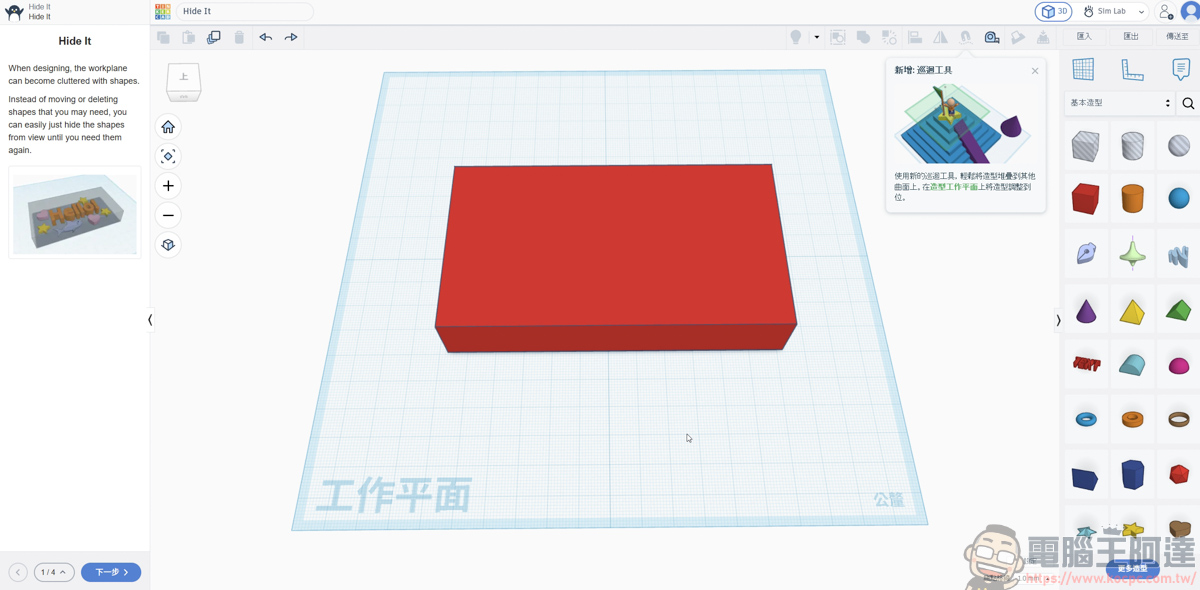
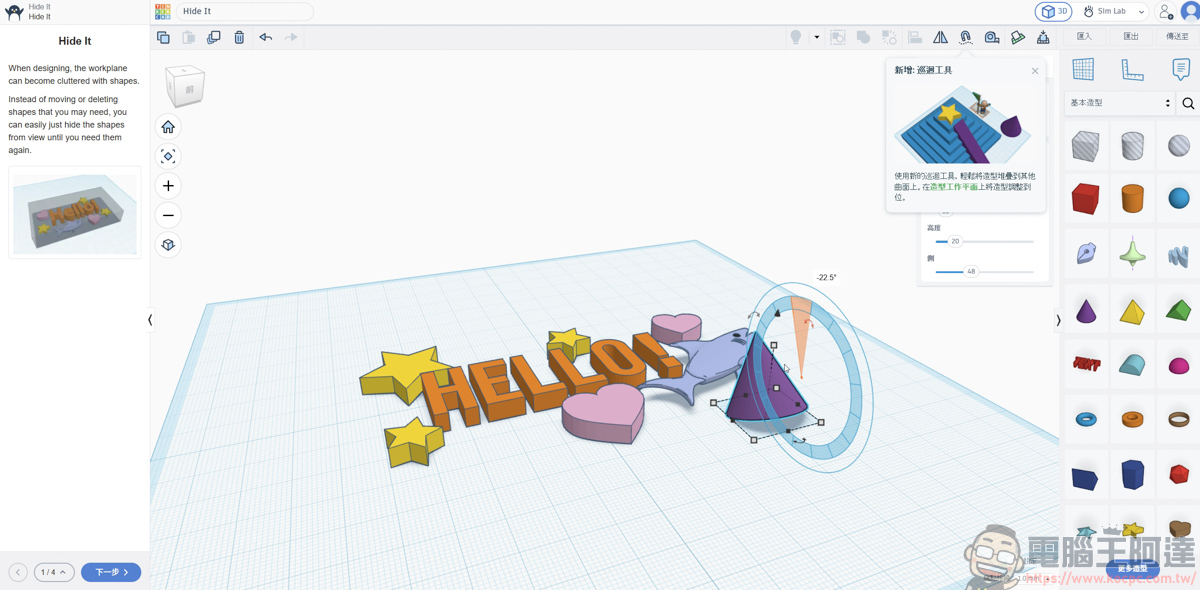
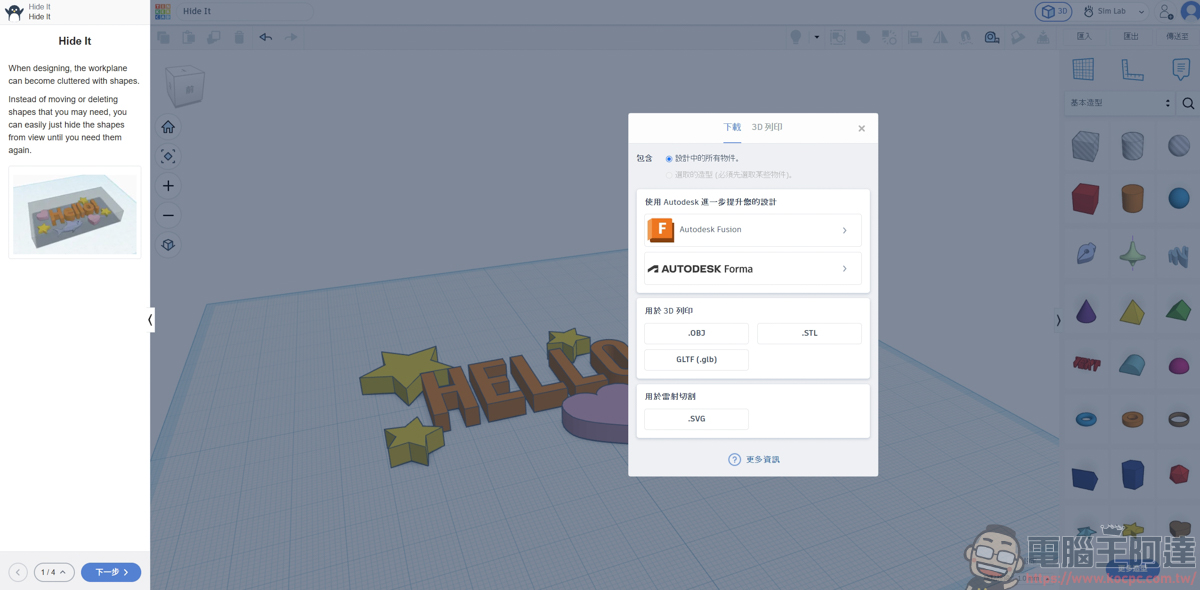
The finished work can be exported directly as STL or OBJ files, seamlessly compatible with 3D printers on the market:
In addition to the features introduced above, Tinkercad offers a dedicated classroom management interface for teaching needs. Educators can easily create virtual classes and generate unique login codes or links for students, eliminating the cumbersome email registration process.
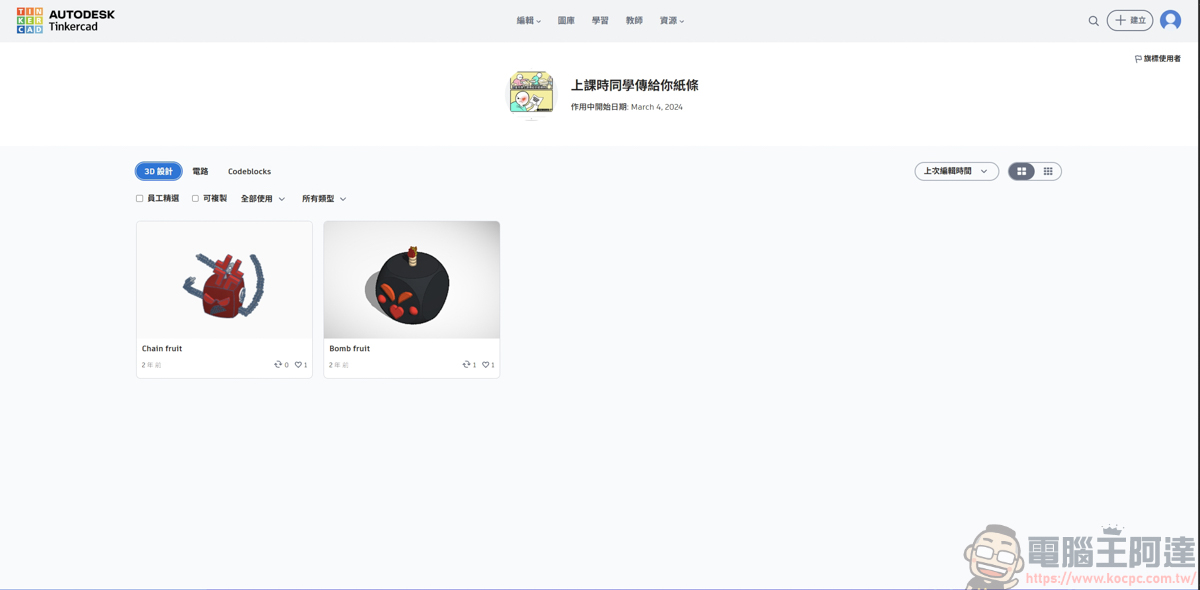
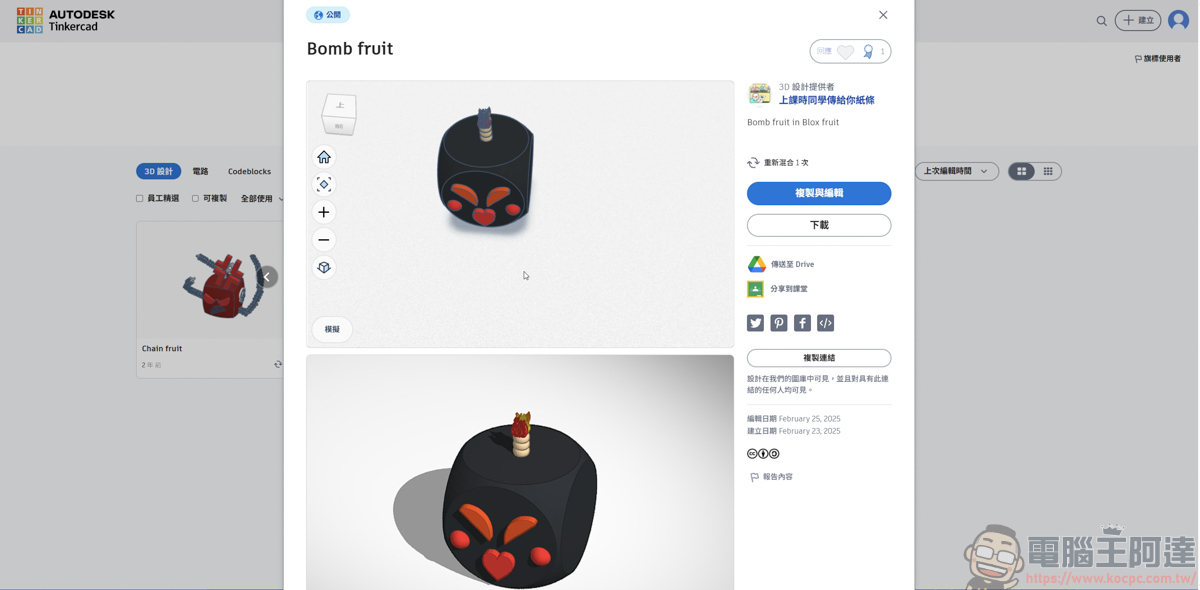
Teachers can assign design tasks directly from the admin panel, view the whole class’s project progress in real time, and all progress is automatically saved to the cloud in real time. In addition, the site’s resource library brings together projects publicly shared by users worldwide; you can click to copy and adjust them at any time to download others’ open-source designs for derivative works and spark more inspiration:
Summary
Tinkercad is a free online 3D design and circuit simulation platform from Autodesk that requires no installation and can be used directly in a browser. It breaks down the high barriers and complex operations of traditional 3D software, using intuitive drag-and-drop assembly to let beginners easily complete 3D modeling and export print-ready formats. Its built-in circuit design features not only allow safe testing of virtual circuits but also let you view the required parts list, greatly reducing implementation costs. With abundant educational templates, cloud collaboration, and an open-source library, it is an excellent tool for painlessly getting started with 3D printing, electronic circuits, and computational thinking.
Source: KOCPC Chinese