


ZSky AI is an AI image and video generation platform that has recently gotten some attention online. Its main selling point is that it’s free and has no generation limits, meaning you can generate as many AI images and AI videos as you want. The video part also supports 720p, and it can be used commercially. Of course, there will be watermarks, and you need to wait in a queue when generating. If you use it during peak hours, you’ll likely have to wait a while, so it’s better to use it in the morning or afternoon; when I tested it at night, the wait was quite long. If you don’t want to wait, you can also consider upgrading to the paid version.
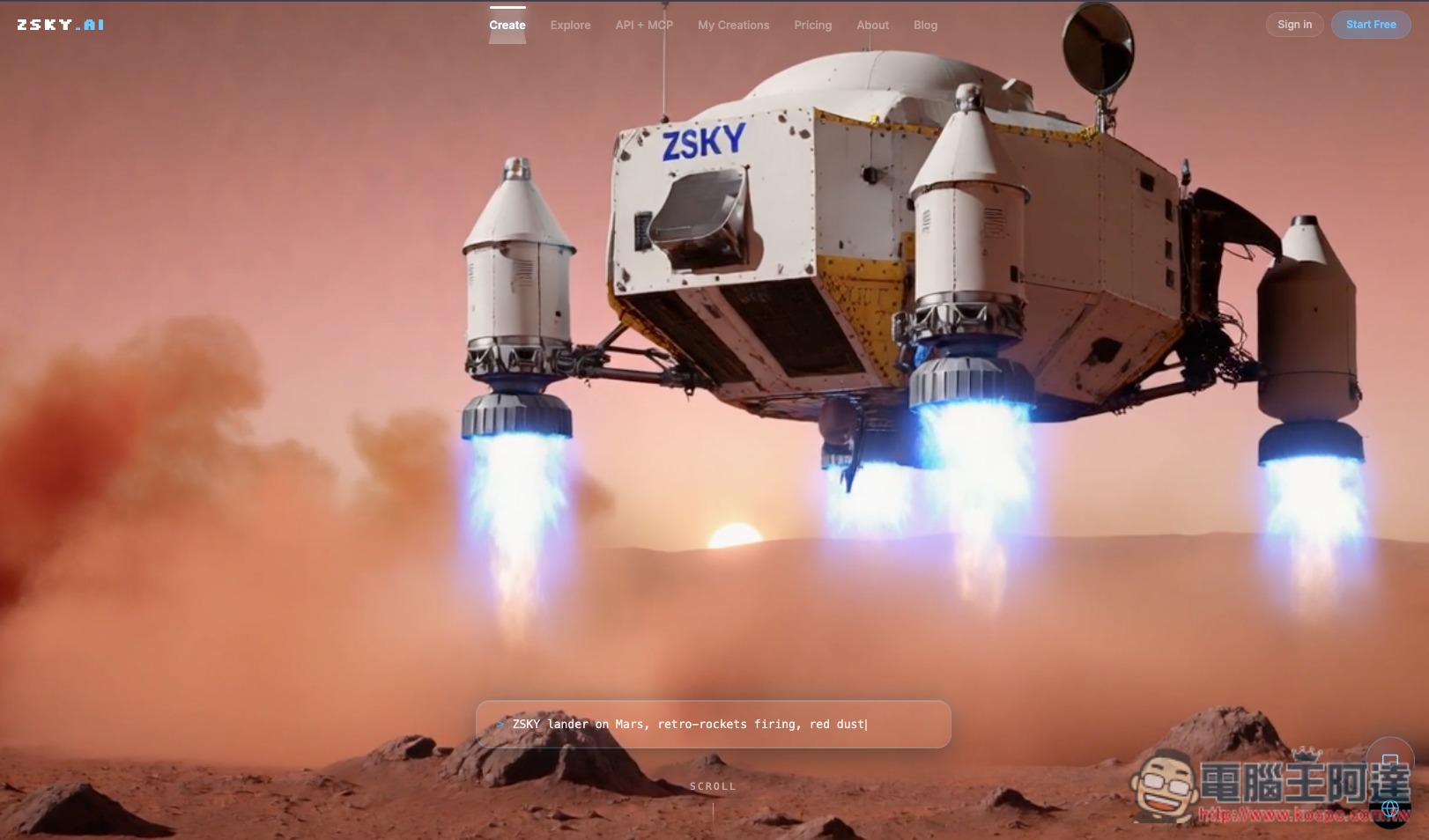
An introduction to ZSky AI, a platform focused on free AI image and AI video generation.
ZSky AI is an online creation platform focused on AI image and AI video generation. No software installation is required—just log in to your account through a browser and enter prompts to start creating. Its biggest feature right now is that even the free plan allows unlimited image and video generation. It does not use the common Credits point system, and there is no daily generation limit. The works you create can also be used for personal and commercial purposes.
For the image portion, it supports text-to-image generation, image-to-image conversion, and offers a variety of visual style options. It also includes features such as background removal, style transfer, and image retouching. The free plan can be used directly, but the output will include a ZSky AI watermark. Upgrading to a paid plan removes the watermark and provides higher-resolution output.
The video features are also quite comprehensive. In addition to the most basic Text-to-Video, it can turn existing images into dynamic content through Image-to-Video, and can even generate video sound effects at the same time, so there is no need to find separate assets to pair with them. In addition, it supports first and last frame and keyframe control, allowing users to more precisely determine the opening and closing frames of the video.
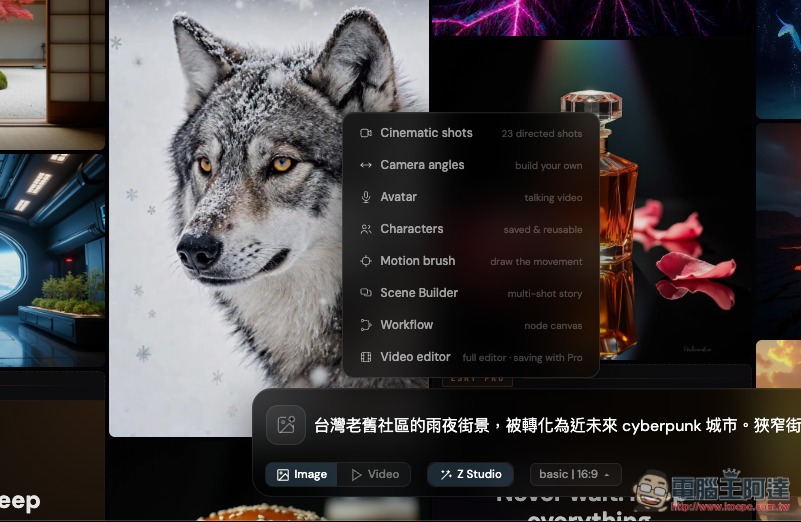
Another distinctive feature of ZSky AI is its built-in Z Studio advanced creation environment, offering Cinematic Shots, Camera Control, Motion Brush, Characters for character consistency, Talking Avatar, Scene Builder for multi-shot stories, and a node-based Workflow Builder. For example, you can first generate a Cyberpunk Taiwanese street scene, then specify the movement of motorcycles, rain, and neon signs, and even combine them into a continuous multi-shot short film.
Key Features
- AI images and AI videos can be generated for free without limits.
- Content generated by the free plan may be used for commercial purposes.
- Videos can generate synchronized sound effects, with support for first/last frame and keyframe control.
- Provides Motion Brush, a dynamic brush
- Supports character consistency and Talking Avatar
- Built-in Scene Builder multi-camera story tool
- No software installation is required; you can use it directly in your browser.
- The free version’s output will have a ZSky AI watermark.
After clicking the link above to go to ZSky AI, register an account first, then you’ll enter the generation interface. Enter your prompt and select image or video below:
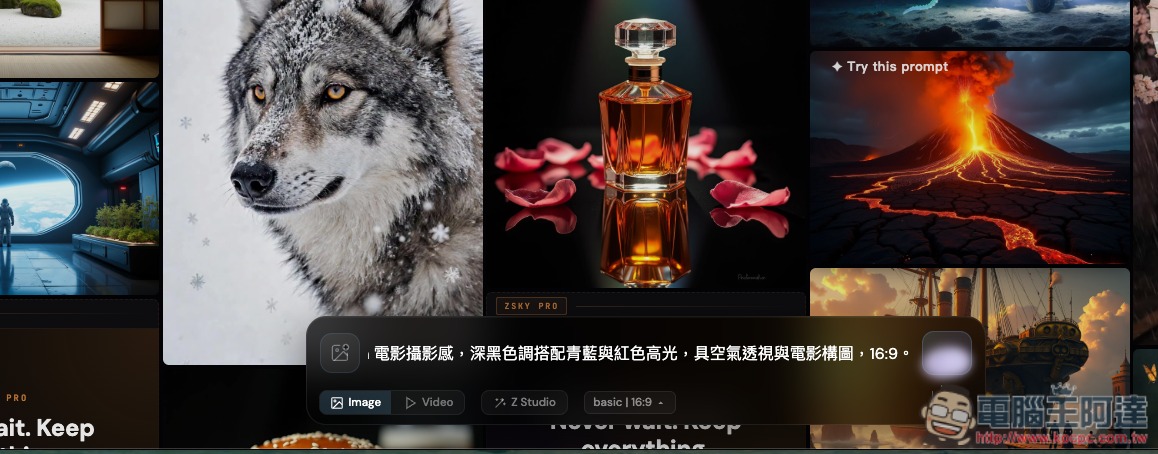
If there are no special requirements, just use the default Z Studio:
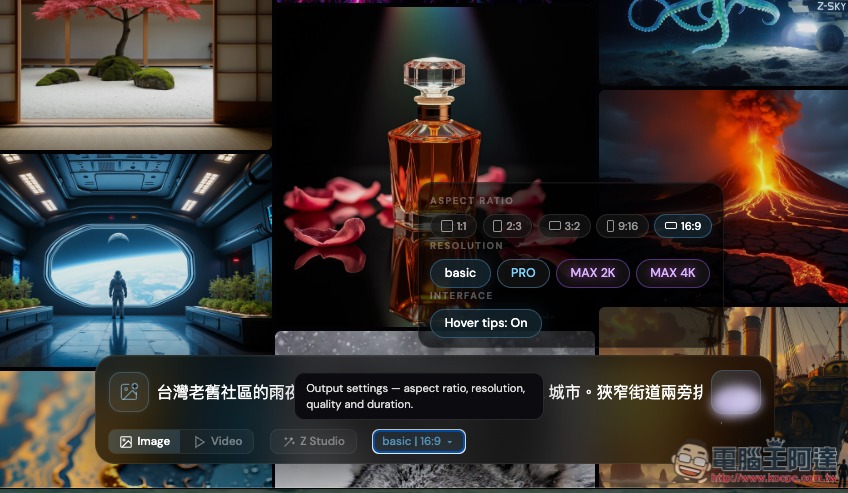
The image aspect ratio can be adjusted, with support for 1:1, 2:3, 3:2, 9:16, and 16:9. The free version only allows selecting basic resolution:
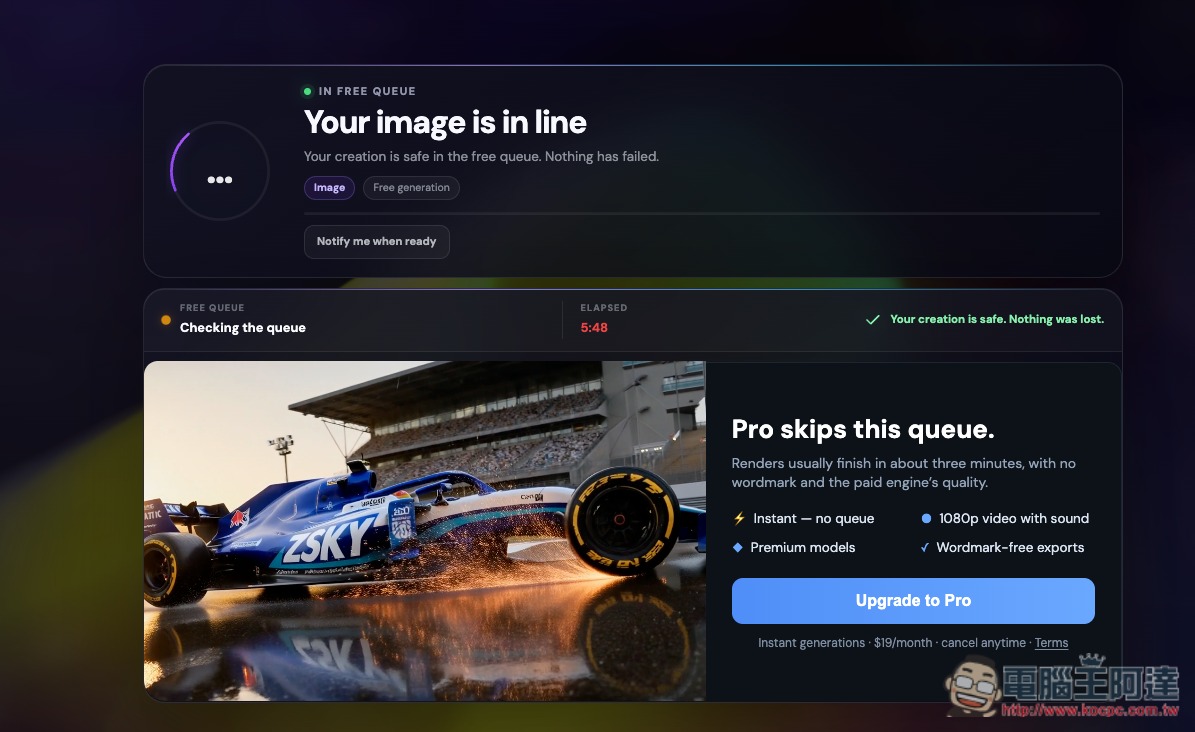
Then it will start generating. It’s not recommended to use it at night, as you’ll be waiting a long time. I tested it, and generating one image in the afternoon takes about 3~5 minutes:
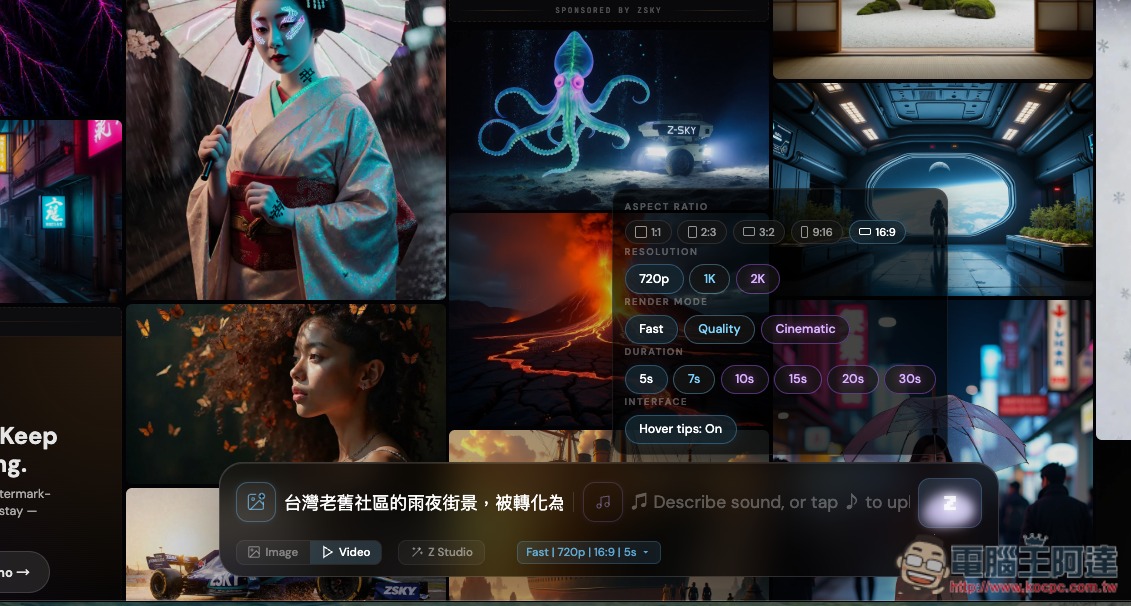
In the video section, the aspect ratio can also be selected; the free version’s resolution is 720p and the length is 5 seconds:
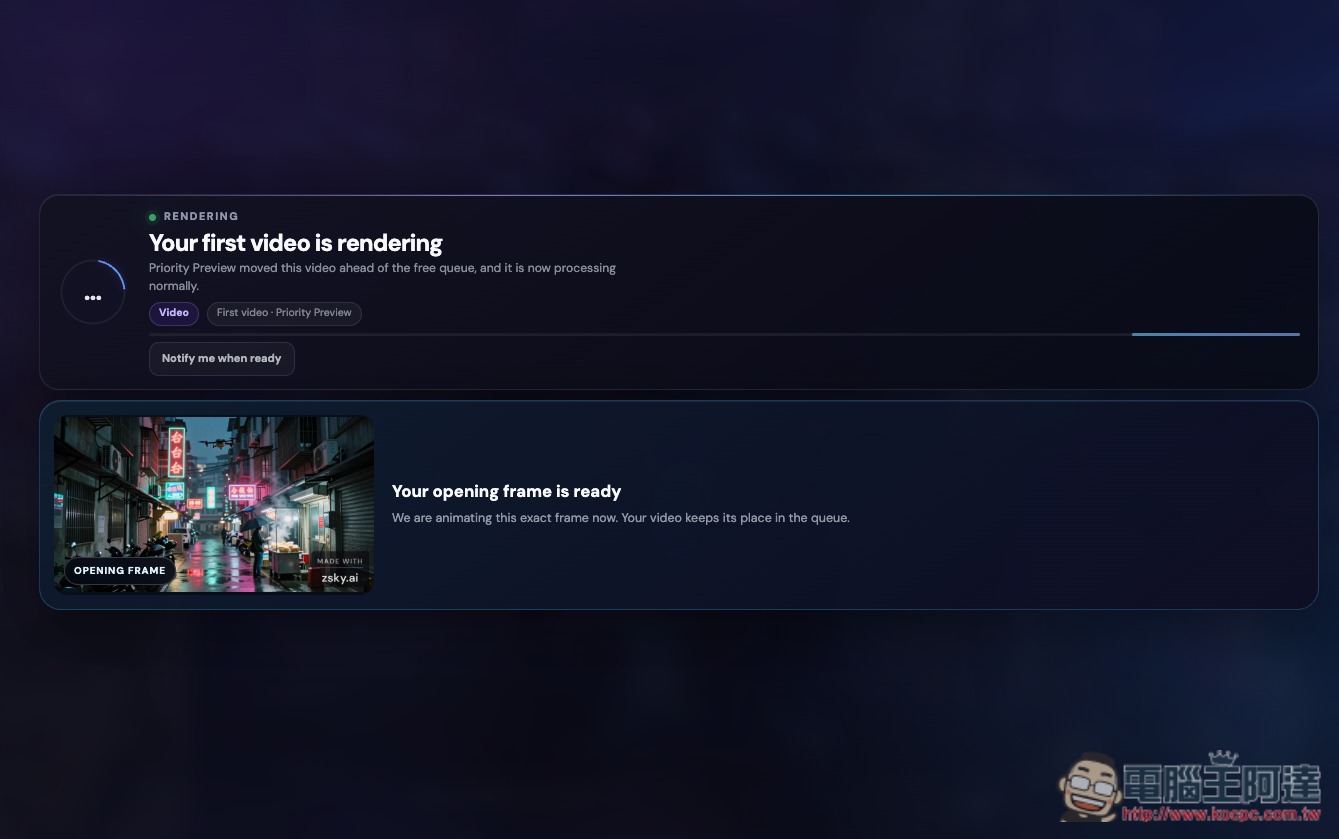
The first video will generate a bit faster:
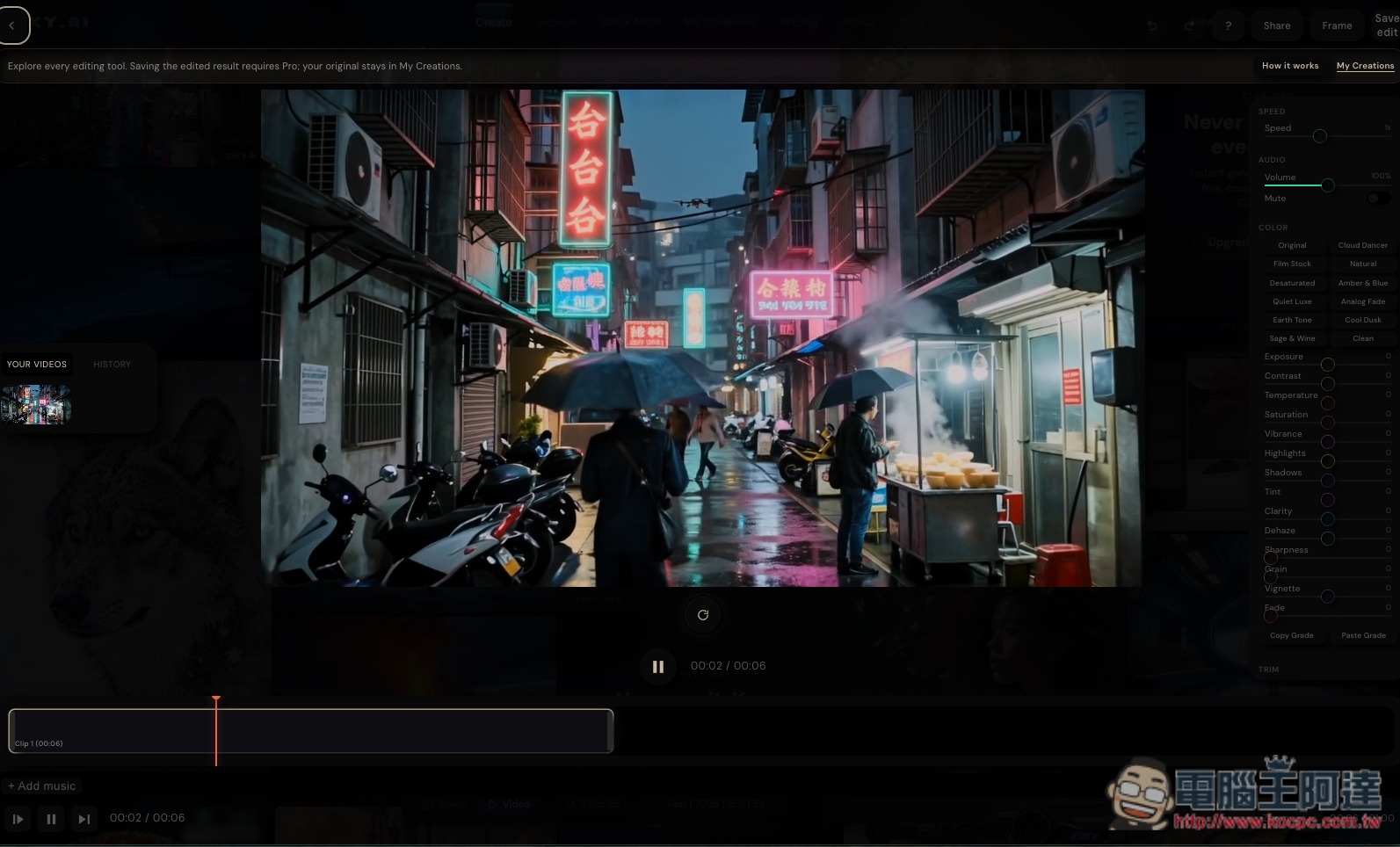
After it’s generated, you’ll be taken directly to the editing screen, but this is only for you to try out, because you can’t save the image after editing either; saving is limited to paid users:
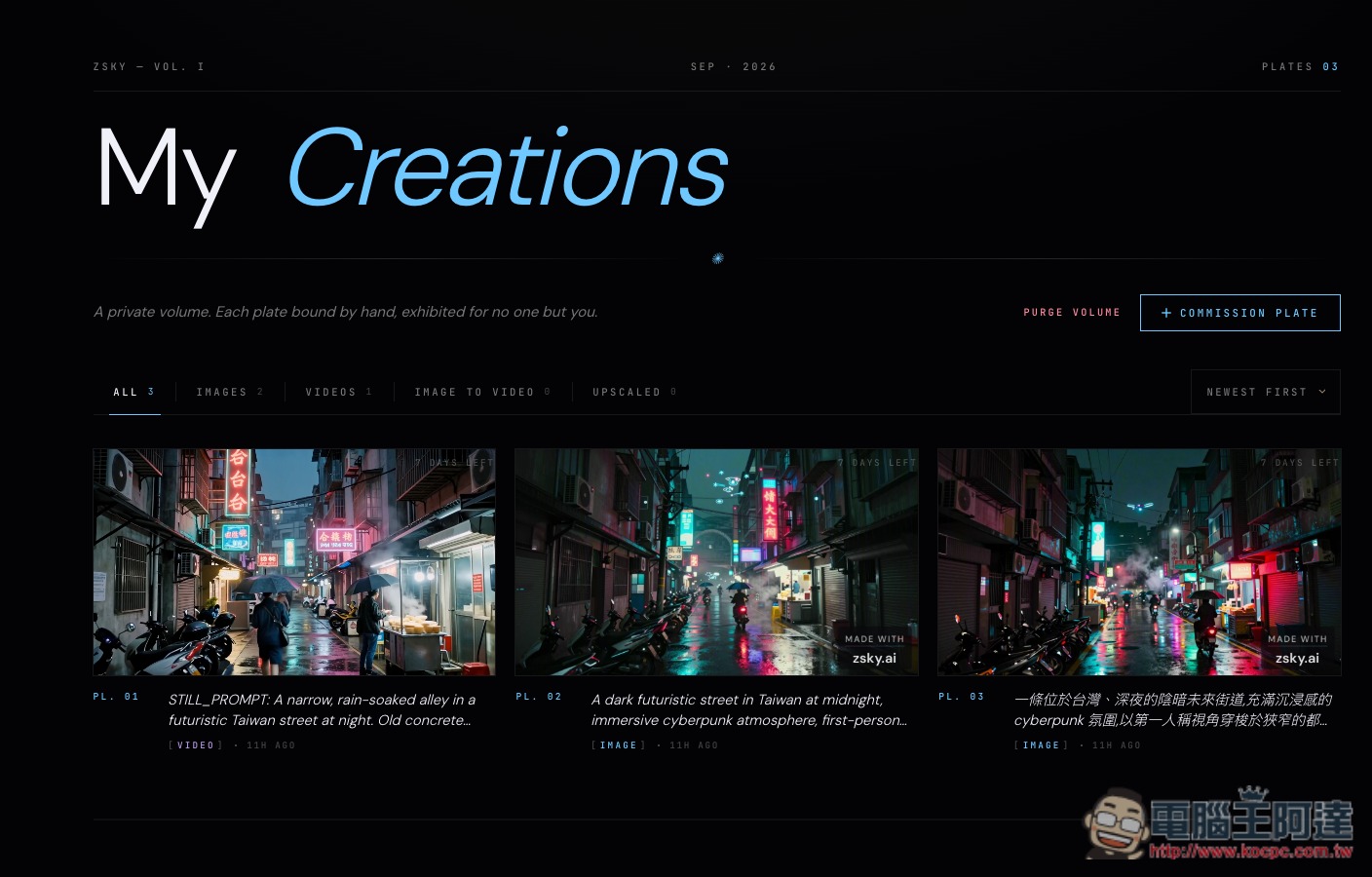
All generated works can be found and downloaded in My Creations:
Source: KOCPC Chinese