


When Microsoft began requiring new Windows 11 devices to include a dedicated Copilot key in 2024, many laptop brands had to redesign their keyboard layouts to make room for this brand-new AI shortcut key. However, adding a key did not come without a cost: some models chose to remove the right Ctrl key, while others sacrificed the existing context menu key, leaving many users inconvenienced.

Windows 11 will soon let users get back the key that went missing because of the Copilot key.
For many people, the replaced key was originally used quite frequently in everyday tasks. Whether it was keyboard shortcuts or quickly opening the right-click function via the Menu key, both were more in line with actual needs than the all-new Copilot key. As a result, when users are forced to give up familiar functions in exchange for an AI key they may not even use often, it has sparked quite a few complaints.
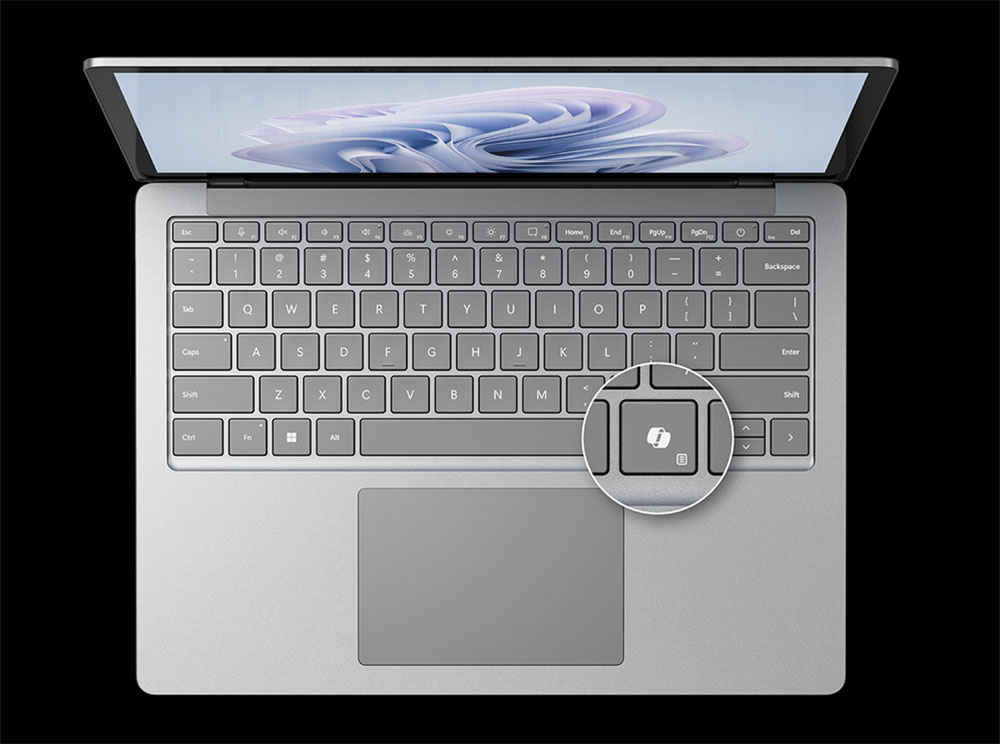
In fact, although Microsoft has offered customization for the Copilot key in the past, the range of adjustments was quite limited. Users could only set it to launch Windows Search or open specific apps that support Copilot key bindings. However, because few software programs support this feature, for most people the only available option was essentially Copilot itself. As a result, many power users began relying on third-party tools to remap the key themselves, gaining greater freedom and control.
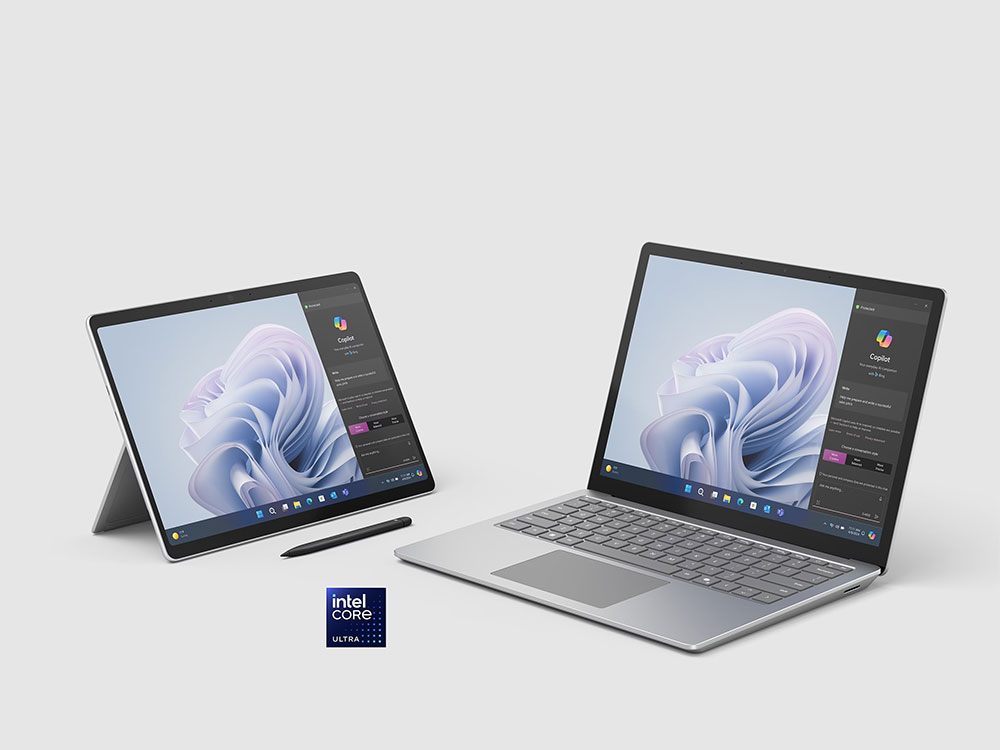
Now, Microsoft has finally responded to this issue. In the latest Windows 11 preview builds, the company has added more practical Copilot key configuration options. Users can now reassign the Copilot key to the right Ctrl key, or restore it to the familiar context menu key. This feature has been rolling out in Windows Insider preview builds and the Release Preview Channel, and will gradually become available to all Windows 11 users through official updates in the future.
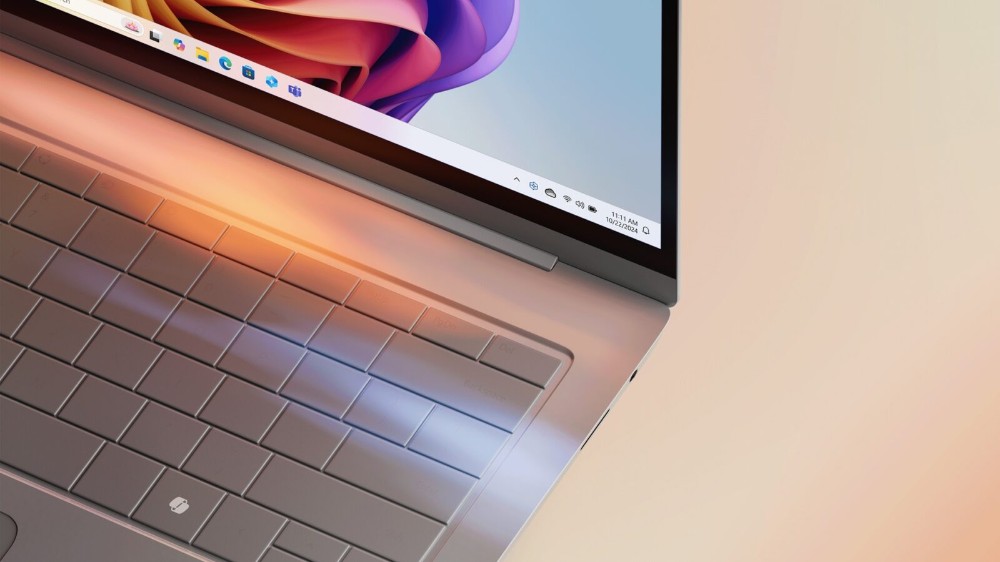
Although Microsoft is using a phased rollout, so different devices may receive the update at different times, for users who have never really used the Copilot key but miss the original keyboard layout, this is undoubtedly an improvement worth looking forward to. Rather than leaving a rarely pressed AI key idle for a long time, restoring it to a more practical function key for daily work can further improve operational efficiency and user experience.
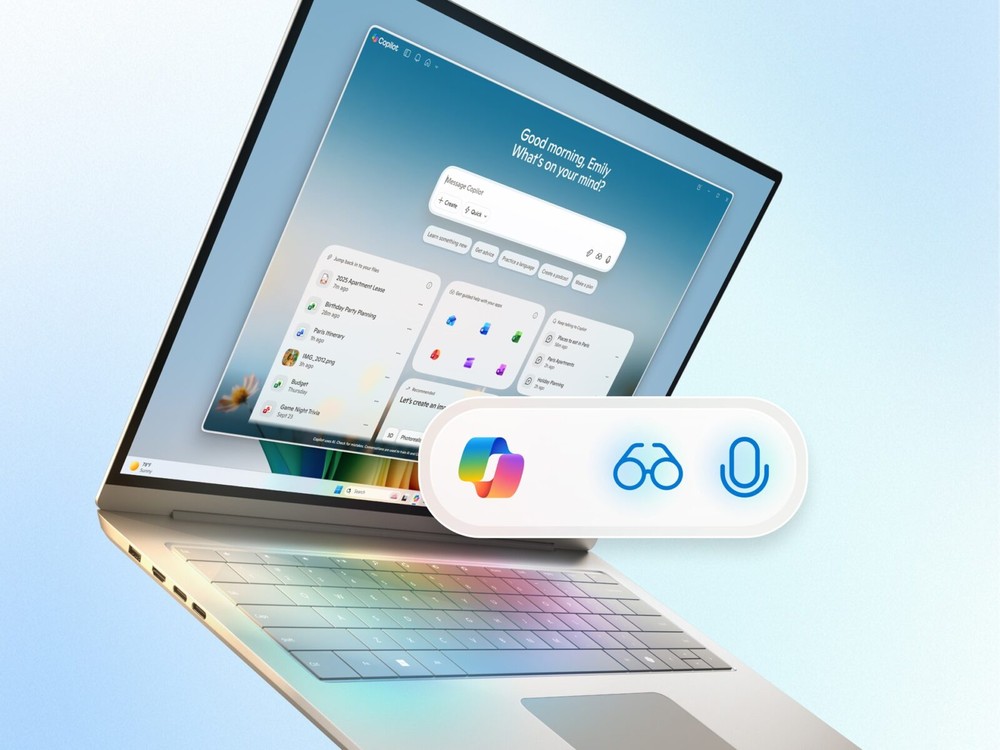
The new setting location is on the “Settings >> Bluetooth & devices >> Keyboard” page. Once users enter it, they can choose whether the Copilot key acts as the right Ctrl key or the context menu key, and it is quite intuitive to operate. However, Microsoft also specifically warns that if the Copilot key is changed to the right Ctrl key, some shortcut combinations involving the right Ctrl key may not work properly, such as right Ctrl with the Windows key, or certain functions of right Ctrl with Shift. Microsoft recommends using the left Ctrl key to perform the same operations in these cases.
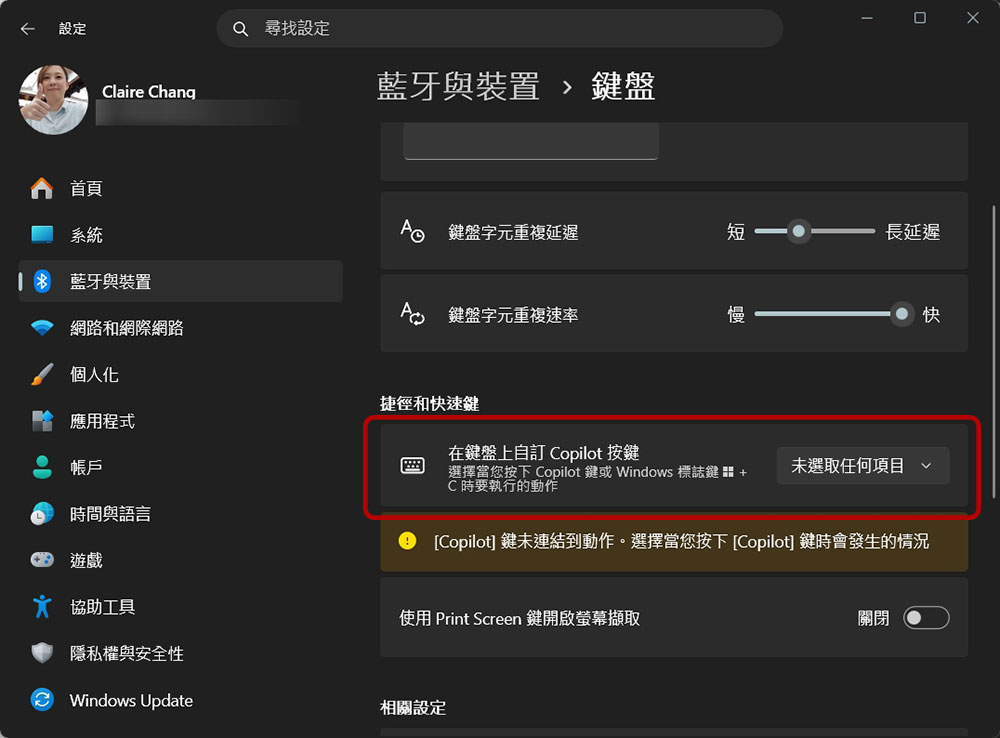
Of course, this improvement does not mean the Copilot key is now fully customizable. Users still cannot, as they can with professional keyboard software, freely assign other keys, shortcut combinations, or custom commands. However, compared with the past, when there was almost no choice, Microsoft is at least beginning to offer more flexible configuration options that better meet real-world needs. For users who lost the right Ctrl key or the context menu key because of the Copilot key, this update means they finally have a chance to restore familiar and important keyboard functions, while also making the Windows 11 experience more closely aligned with the needs of different groups.
Source: KOCPC Chinese