


Many people shopping for a new monitor have considered whether a TV can replace a computer monitor. From a price perspective, it is indeed a very appealing option. Compared with professional monitors of the same size, TVs are usually cheaper, and if you already have an unused TV at home, you may not even need to buy additional equipment—just connect it to your computer via an HDMI cable. However, the lower price actually reflects differences in product design purpose and performance, and these differences often directly affect the everyday user experience. Therefore, if you frequently do document work, image editing, professional design, or are into competitive gaming, you should still choose a dedicated monitor.
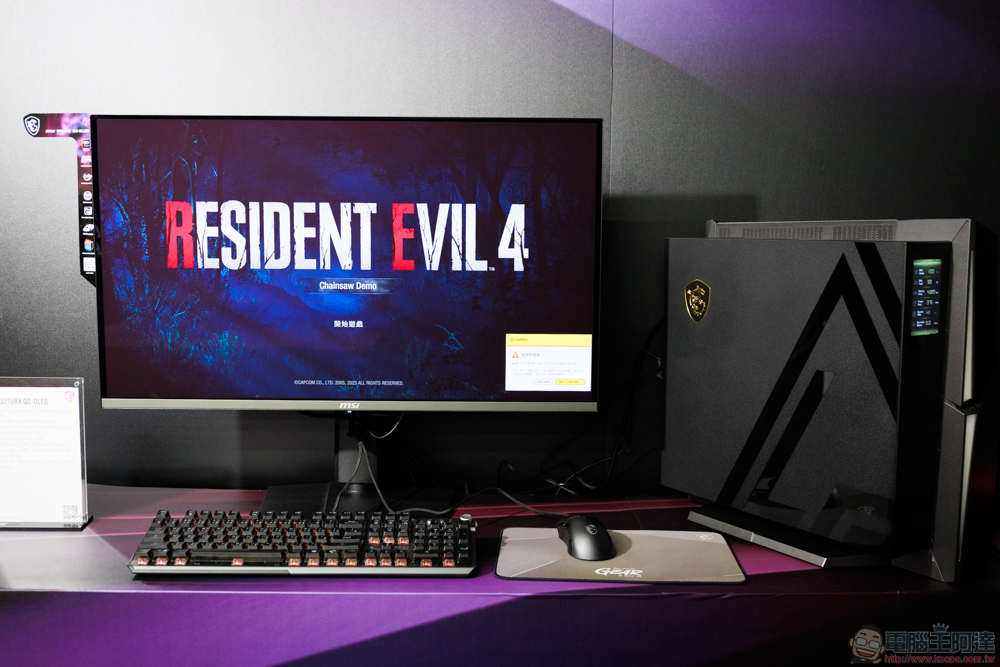
What are the disadvantages of using a TV as a computer monitor?
The biggest difference between a TV and a monitor lies in their original design purposes. TVs are primarily built for viewing from a distance, with viewing distance usually maintained at around several meters; monitors, by contrast, are designed specifically for close-up use, allowing users to read text clearly, inspect details, and work for long periods. When a TV is used as a computer screen, although it can display images normally, it often cannot match a professional monitor in terms of image clarity, responsiveness, and comfort. These differences may not be obvious at first, but after prolonged use, their effects gradually become apparent.

Of course, technically speaking, a TV can absolutely be used as a monitor. Most TVs today support HDMI, so you can simply connect one to output your computer screen to the TV. Users can also set mirror mode, extended desktop, or single-screen display as needed, and the whole process is not complicated.
However, in terms of performance, there is still a clear gap between TVs and monitors. One important reason monitors are more expensive is that they are optimized for input lag, refresh rate, and response time. Take input lag, for example: after a user presses a key on the keyboard, moves the mouse, or uses a game controller, it takes some time for the screen to display the corresponding action. Because TVs typically perform additional image processing before displaying an image, the resulting delay is often higher than that of monitors. During ordinary video viewing, it may be hard to notice, but during real-time operation or competitive gaming, it can noticeably affect the experience.
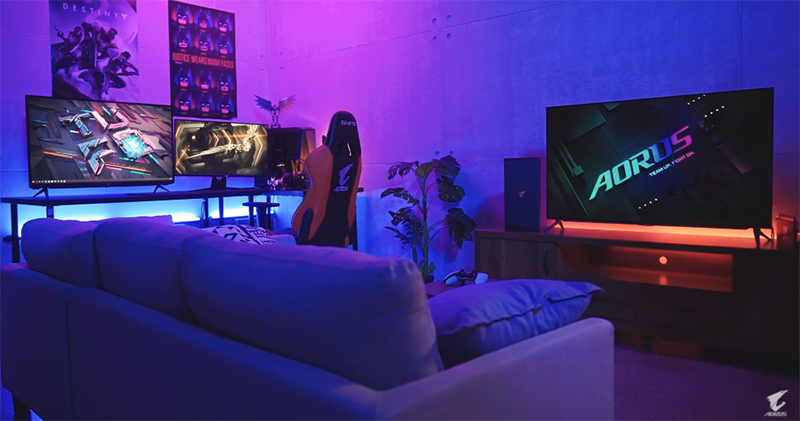
In addition, response time is also a metric that cannot be ignored. Response time refers to the speed at which a pixel switches from one color to another. If response time is too long, fast-moving images may exhibit ghosting or blurring. Although in recent years many brands have launched smart TVs with a “Game Mode” that can effectively reduce latency and response time, they still cannot fully replace professional gaming monitors in overall performance.
In terms of image clarity, TVs also have limitations. Because most TVs are larger, at the same resolution their pixel density is usually lower than that of computer monitors. When the viewing distance is reduced, text edges, icon details, and interface elements may appear less sharp. By contrast, monitors have higher pixel density and can deliver finer image quality, and the difference is especially noticeable when reading documents, editing spreadsheets, or doing design work.
Besides performance and image quality, comfort during extended use is also worth considering. If an oversized TV is placed in front of a desk, users often have to frequently shift their gaze to see the entire screen, which can easily cause eye fatigue and neck strain. Ideally, viewing distance should match the screen size, but when a TV is connected to a computer, users usually sit closer due to operating needs, further increasing discomfort. In addition, some TV backlight control methods may cause flickering, which can also affect visual comfort after prolonged use.
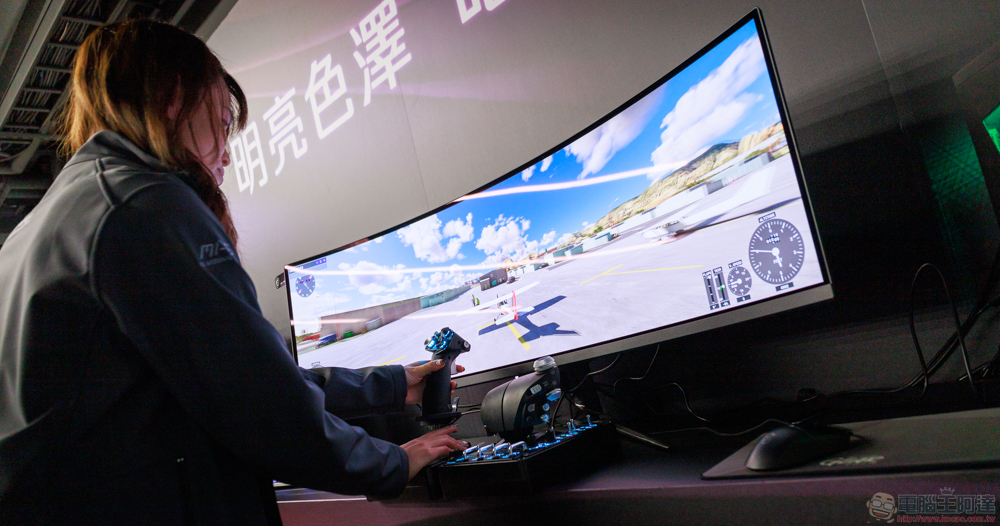
Overall, using a TV as a computer monitor is not unfeasible, and when you’re on a limited budget or only use it occasionally, it can indeed offer good value for money. However, if you’re after a smoother operating experience, clearer picture quality, and a more comfortable environment for extended use, a monitor designed specifically for computers is still the better choice. After all, only by choosing equipment suited to the purpose can you truly get the best performance and enhance the overall user experience.
Source: KOCPC Chinese