


The iMac all-in-one computer is undoubtedly one of Apple’s most iconic products after the MacBook, and the classic glowing Apple logo on its body has become a lasting memory for countless users. Over years of evolution, the iMac has developed from the early rounded, playful G3 design into a modern all-in-one computer that combines both aesthetics and performance.
As a classic home computer, the iMac is not only ideal for office environments with limited space where a traditional tower desktop won’t fit, but it’s also a favorite among minimalists who value a clean, clutter-free desk. While Apple isn’t the only brand offering all-in-one computers, it’s hard to deny that few others match the iMac’s level of design, integration, and overall user experience. That said, before you hit “Buy Now,” there are still several important factors worth carefully considering.

Think twice before buying an iMac: can you accept these 5 drawbacks?
Without a doubt, the iMac is an impressive product—just ask anyone who has used one, and most will give it high praise. Aside from connecting necessary peripherals, it’s essentially ready to use out of the box; plug it in and you can immediately dive into work or entertainment. Add to that a display with vibrant colors and sharp image quality, along with Apple’s deep optimization of software and hardware integration, and the overall user experience is outstanding.
However, no matter how excellent a product is, it is not without flaws. The iMac also has its share of limitations and considerations, and these are precisely what potential buyers should thoroughly understand before making a purchase decision.
The iMac lags behind other Mac computers.
Apple’s product lineup can be roughly divided into two types: one is core products that get updated on a fixed annual cycle, such as the iPhone and MacBook; the other is products with erratic update schedules that make people wonder if Apple has forgotten them entirely—like the HomePod and AirPods Max. The iMac is one of those.
Compared to other Mac products, the iMac’s update cycle is notably inconsistent. Sometimes a new version arrives within a year, while other times it takes over two years. The current iMac was released in October 2024, and quite some time has passed since then, yet there is still no clear word on a successor model.
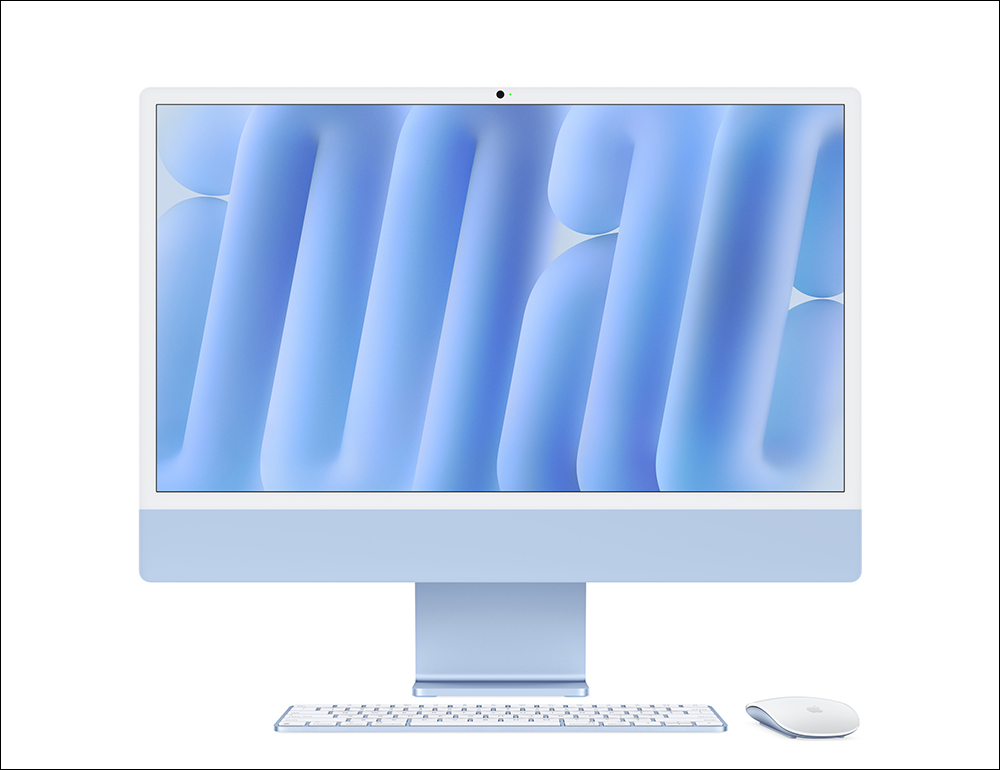
In fact, there has been no shortage of rumors about new iMac models in the market. Initially, expectations were that it would see an update in 2025, and later reports suggested it would debut with the M5 chip. However, as the M6 chip generation approaches, the new iMac has still yet to make an appearance. The latest reports indicate that Apple may release a new iMac powered by the M6 chip in fall 2026, but the update is expected to focus primarily on processor upgrades, with major display technology changes such as Mini-LED or OLED unlikely to be introduced.
This also reflects a reality: compared to the MacBook or iPhone, the iMac is clearly not Apple’s top priority when it comes to resource allocation. Given limited market demand and sales volume, Apple will likely continue with a lower-frequency update strategy going forward. For consumers considering an iMac, one of the biggest dilemmas is “when is the best time to buy.” Purchasing now lets you immediately enjoy the product’s convenience, but you might also face a scenario where a new model suddenly drops with better performance at a similar price; choosing to wait, on the other hand, could mean spending several more months, or even longer, before an update arrives.
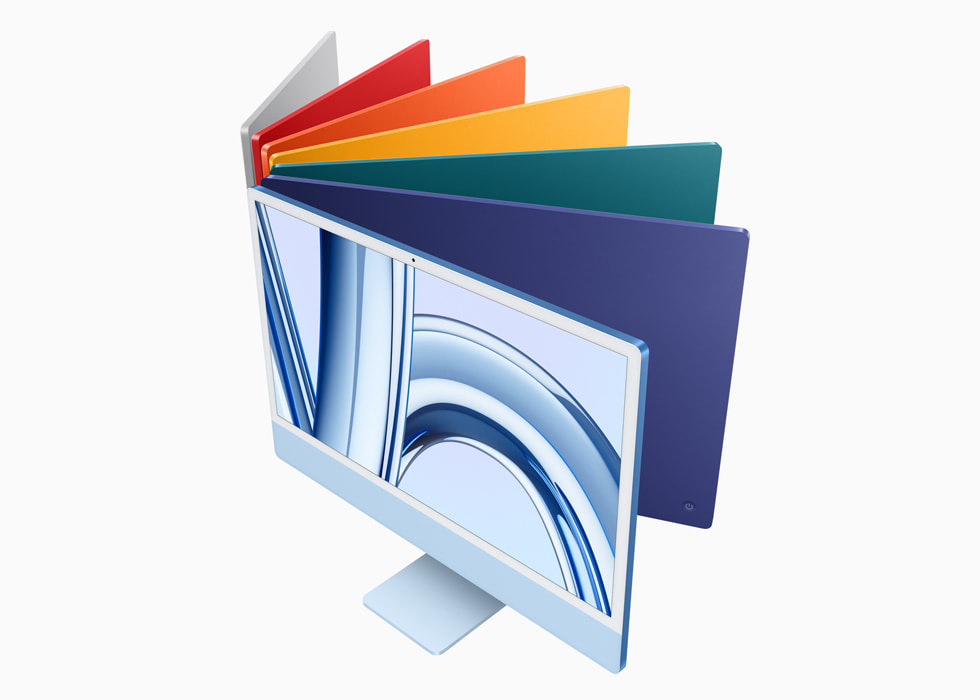
Furthermore, in terms of specification positioning, the iMac is also gradually widening the gap with other Mac products. It still does not support Pro-series chips, and it also lacks the mini-LED XDR display, high-brightness panel, and ProMotion adaptive refresh rate features found on the MacBook Pro. As MacBooks are expected to further adopt OLED panels and even touch functionality in the future, the iMac’s hardware appeal faces more challenges. Additionally, the adoption pace of some next-generation connectivity and communication features remains relatively conservative, which makes its overall competitiveness somewhat insufficient.

Of course, that doesn’t mean the iMac isn’t worth buying. For the vast majority of everyday users, the current iMac with the M4 chip actually offers plenty of performance, more than enough to handle work and entertainment needs for years to come. However, for users seeking top-tier hardware specs or professional-grade performance, the iMac currently lacks compelling enough reasons to justify an upgrade.
There are no other screen size options.
The current iMac comes with a 24-inch 4.5K Retina display, which is more than adequate for most users in terms of size and resolution, and the display quality maintains Apple’s consistently high standard. However, if you’re looking for a larger screen, higher brightness, a higher refresh rate, or more expansive workspace, your options become quite limited. Aside from shelling out for a pricey Apple Studio Display, you’re left to find other USB-C external monitors on your own, since Apple currently doesn’t offer any larger iMac models.

For the average home user, 24 inches is indeed more than sufficient, but for those who spend long hours at a desk—especially remote workers who need to have multiple applications and windows open at once—screen space is always welcome. A larger display means you can fit more content on screen at the same time, reducing the time wasted constantly switching between windows with Command + Tab or Mission Control.
Even on a 24-inch screen, displaying two apps side by side can still feel a bit cramped. As people age, many also gradually increase the font scaling for the system and apps to get a more comfortable reading experience, which further reduces available screen space. So for some users, 24 inches still struggles to fully meet daily needs. Additionally, adding an external monitor with mismatched specs and appearance could also disrupt the clean, streamlined all-in-one design aesthetic of the iMac.
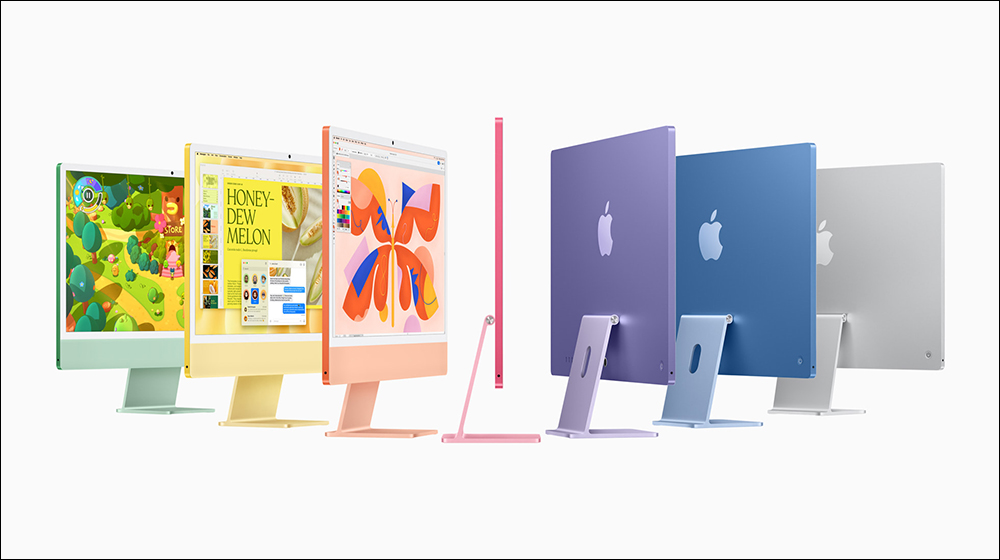
Regrettably, Apple still hasn’t released a 32-inch or larger iMac. For years, 24 inches has remained the mainstream size for the iMac. If Apple does adopt the more costly OLED display technology in the future, the barrier to launching larger models will likely only get higher. For the iMac, which isn’t exactly Apple’s main product line, a large-size version seems even more out of reach.
Additionally, the iMac also has limitations in external display support, and the actual number of connectable monitors varies by model. For professional users who need a multi-monitor work environment or seek expansive display space, the iMac is not the ideal choice. If monitor size and expandability are your priorities, choosing a Mac mini or Mac Studio paired with your preferred monitor setup is often a more flexible solution.
No height adjustment
If you don’t want to experience back pain and soreness after long hours of work, or put too much strain on your neck and shoulders, maintaining proper sitting posture is absolutely not something to overlook. One of the key factors affecting sitting comfort is whether the monitor height is appropriate. Ideally, the screen should be positioned at your natural eye level, allowing you to read content easily without lowering your head or hunching over.
Unfortunately, although the iMac’s screen supports tilt adjustment, the standard stand does not offer height adjustment. This may seem like a small design detail, but it can directly affect comfort and ergonomics during prolonged use.

The most straightforward solution is to choose the VESA mount version at the time of purchase, rather than the all-in-one aluminum stand that comes standard with Apple. This way, users can pair it with a monitor arm or wall mount to freely adjust the screen’s height and position. However, this also means giving up the iMac’s original clean, elegant stand design and having to purchase additional mounting equipment. For users who may change their office environment, sit-stand desks, or desktop configurations in the future, it also adds a certain degree of planning cost.
Of course, using the standard stand isn’t entirely without solutions. Many users raise their iMac with risers, monitor stands, or storage shelves to bring the screen to a more comfortable viewing height. While this approach is practical and low-cost, it does somewhat compromise the overall aesthetics of the desk. As for users with height-adjustable desks, since they can directly adjust the desk height, they typically feel less affected by this limitation.
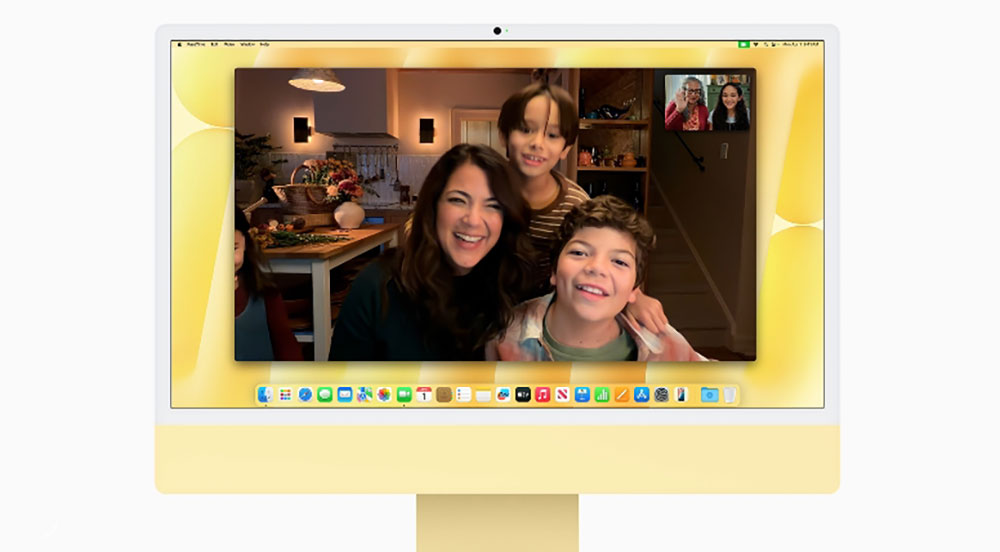
In any case, for a desktop computer positioned as high-end and design-oriented, it is indeed somewhat disappointing that the official stand still does not offer height adjustment to this day. This design limitation, which has remained unaddressed for years, has also consistently been one of the drawbacks that many users must factor into their evaluation when considering purchasing an iMac.
Third-party desktop monitors and a Mac mini would be cheaper (and possibly better).
If your goal is to buy a reasonably priced, compact desktop Mac, the iMac isn’t necessarily the most attractive option—the Mac mini is worth considering instead. The most obvious reason is price. The Mac mini’s starting price is far lower than the iMac’s, so even if you factor a display into the budget, the total cost can still come in below the iMac. In other words, you not only enter the macOS ecosystem at a lower cost, but you may even have room to choose a monitor with higher specs and a larger screen, while your total spending remains quite competitive.
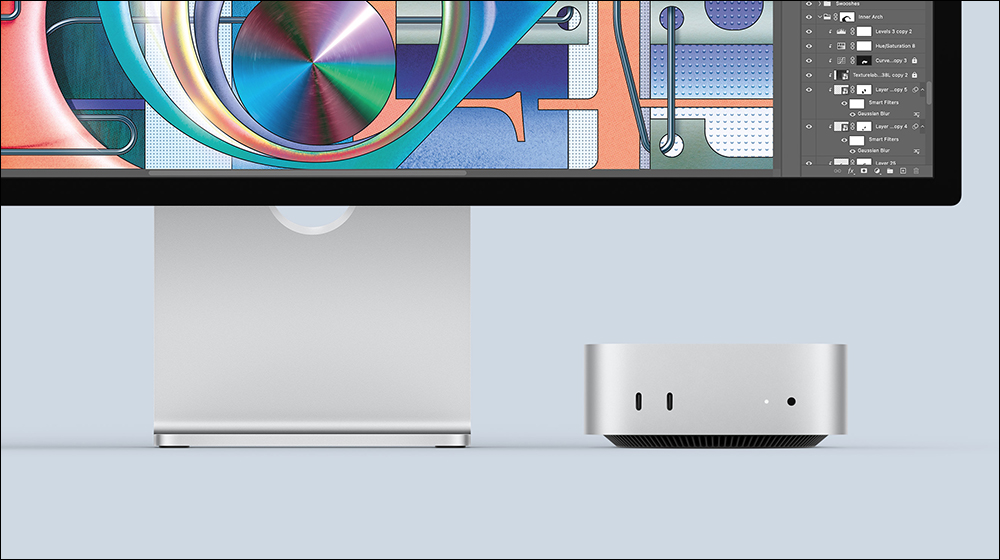
In addition to its price advantage, the Mac mini also offers more flexibility in hardware configuration. Users can choose to upgrade to the more powerful Pro-series chip to meet the demands of high-workload tasks such as audio-visual creation and software development. In terms of ports, the Mac mini also provides richer expansion capabilities, including front USB-C, Thunderbolt, high-speed network port, and HDMI interfaces, making it more convenient to connect external storage devices, displays, or other peripherals.
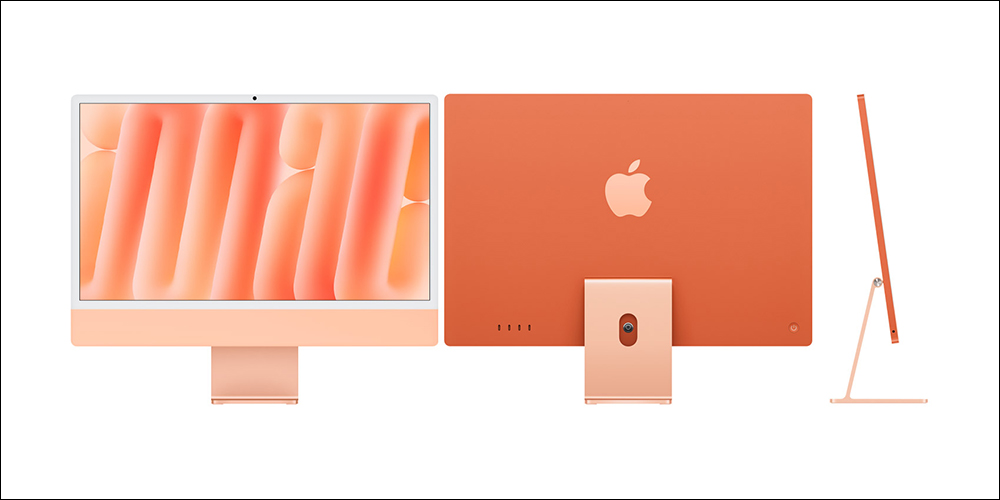
Another easily overlooked advantage is the freedom it offers. Since the computer and display are separate, users can choose their own monitor size, resolution, and refresh rate. And if they want to upgrade the screen later, they don’t have to replace the entire computer. Plus, the new-generation Mac mini has a remarkably compact body that can even be neatly tucked behind the monitor or in a corner of the desk, making it just as easy to create a clean, minimalist desktop setup like an iMac.
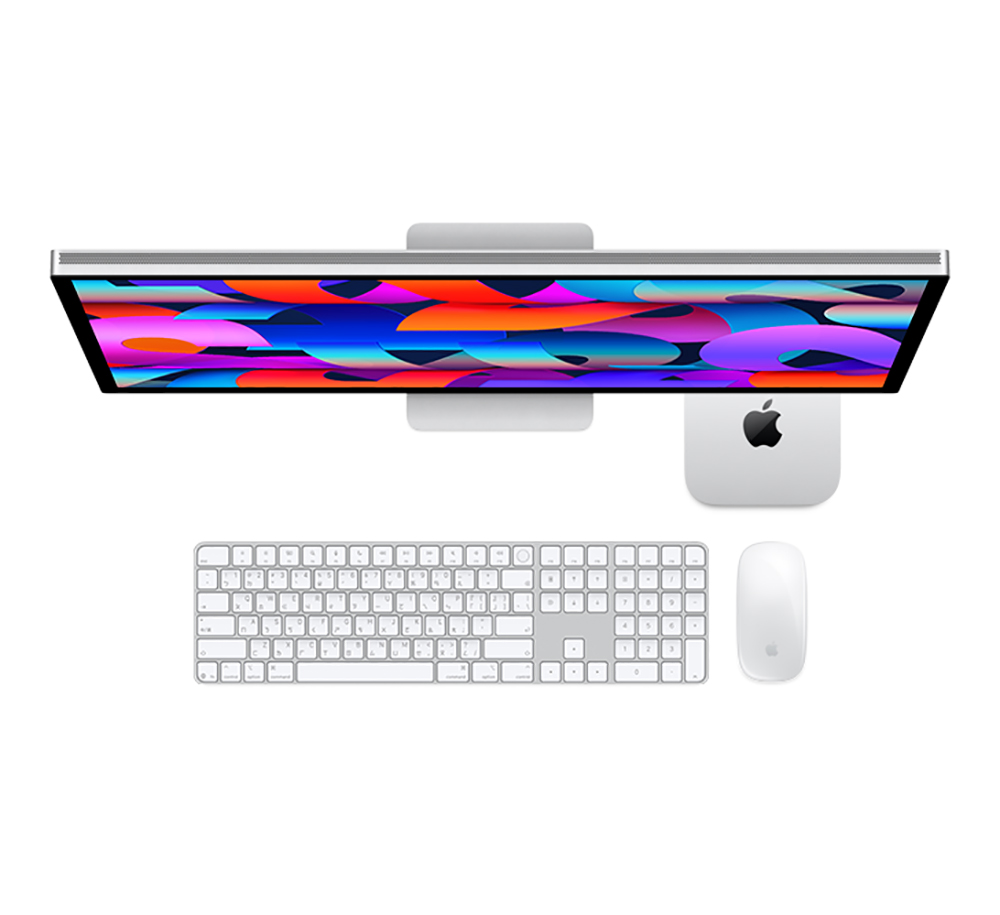
Of course, the Mac mini is not without its drawbacks. Compared to the iMac’s all-in-one design, it requires separately pairing a monitor, speakers, microphone, and camera, and setting up and managing cables is relatively more troublesome. The iMac’s advantage lies in being ready to use out of the box—it not only comes with a high-quality built-in display, but also integrates an excellent audio system, microphone, and webcam, with a clean and consistent overall appearance that won’t be marred by various extra accessories.
Therefore, the choice between iMac and Mac mini ultimately comes down to your needs. If you value minimalist design, convenience, and a fully integrated all-in-one experience, the iMac remains appealing; but if you care more about value for money, hardware expandability, and room for future upgrades, then the Mac mini is likely the smarter choice.
Ports are extremely limited.
Apple computers have long faced the same problem: their port configurations are often not generous enough, and the iMac is no exception. At first glance, the iMac has a larger body than the MacBook, so in theory it should be able to fit more interfaces. After all, the MacBook, Mac mini, and Mac Studio all have to cram various ports into a limited chassis, while the iMac clearly has more ample space at the back. However, Apple apparently has no intention of taking advantage of that.

The entry-level iMac only offers two Thunderbolt ports, with virtually no other expansion options. There are no USB-A ports on the chassis, and no Ethernet port is included either—the only somewhat conventional interface left is the 3.5mm headphone jack on the side. For a desktop computer priced at nearly $1,500, this configuration is hardly generous.
If you want to upgrade to the version with four Thunderbolt 4 ports, you’ll have to pay extra. While this upgrade cost also brings more CPU and GPU cores, as well as more complete external display support, it doesn’t increase memory or storage capacity, so the overall value for money may not live up to everyone’s expectations.

The impact of insufficient ports goes far beyond just the numbers on a spec sheet. When you need to connect a USB-A flash drive, an external hard drive, a wired network, or an additional HDMI or DisplayPort monitor, you’ll inevitably have to rely on a USB-C hub or docking station to solve the problem. The issue is that a docking device with good quality, complete ports, and stable power delivery often comes at a high price, effectively adding to the overall cost of the device.
More importantly, additional hubs and adapter devices inevitably disrupt the iMac’s originally clean and seamless all-in-one design. Whether it’s an expansion unit mounted behind the machine or extra cables and equipment cluttering the desk, they all run counter to the minimalist aesthetic the iMac strives for.
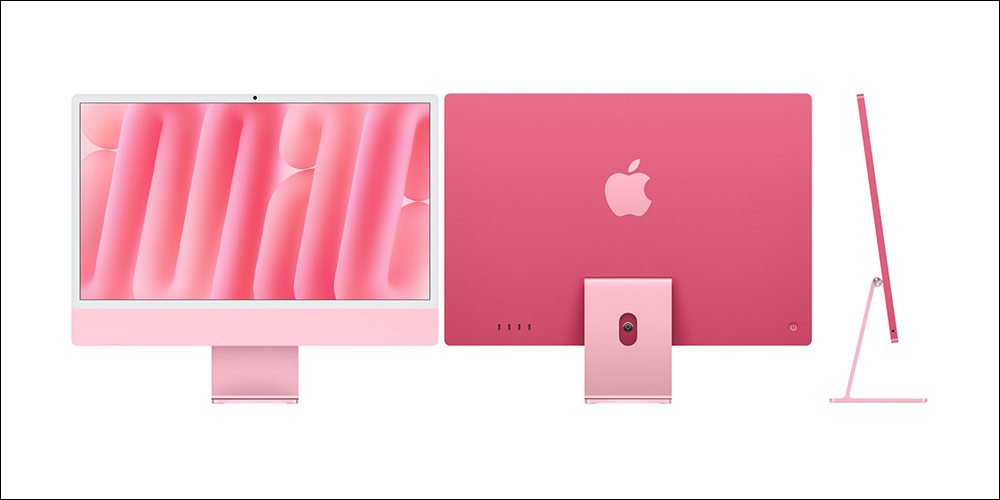
Admittedly, Apple may cite the ultra-thin chassis design and internal space constraints as reasons for not offering more ports. However, from a consumer perspective, the insufficient port configuration remains one of the iMac’s most frequently criticized shortcomings. For users who need to connect peripherals often or have higher expansion requirements, this is undoubtedly a key factor to carefully consider before placing an order.
Source: KOCPC Chinese