


Now available for download on the Internet YouTube、TikTok、Facebook It can be said that there are more and more free tools from popular websites, in addition to the ones we introduced before Savexr、DownloadBunny In addition to waiting, I just discovered a VidMate that also supports most popular websites. The YouTube part can also be downloaded to 4K resolution and is completely ad-free. Especially, the usage experience is different from that of another model FastYTM Exactly the same, it feels like the developer should be the same.
Reminder: Please confirm whether the YouTube content has legal authorization before use, such as uploading your own works, creatively using CC authorized content or public domain materials. If it is a music or audio-visual work protected by copyright, downloading or converting it without the consent of the rights holder may involve copyright risks and may also violate the terms of service of the original platform.
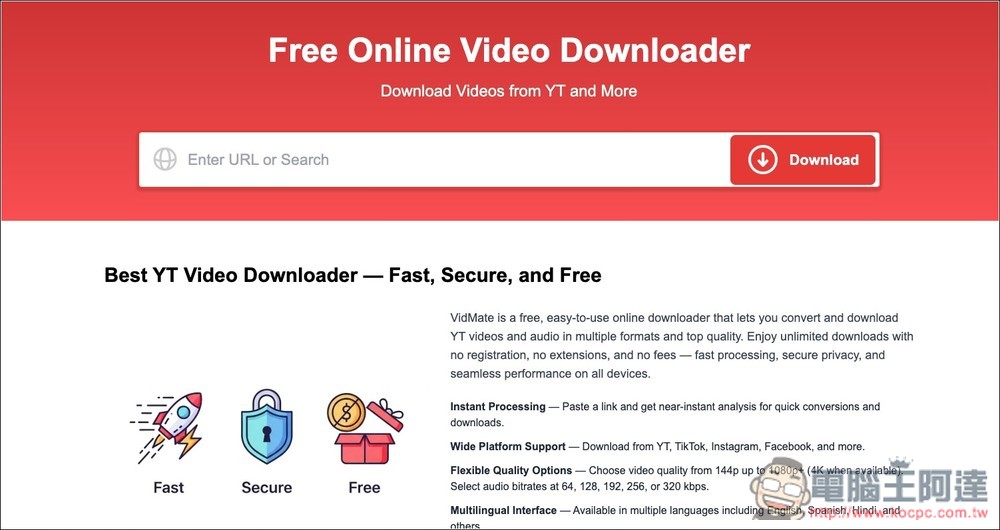
Introduction and operation tutorial of VidMate free video and music download tool
VidMate is a free online download tool. Its biggest feature is that it is very simple to operate. Just paste the YouTube video URL into the input box of the website, and the system will automatically analyze the video content and provide multiple download format options, such as MP4 video or MP3 audio. The entire process does not require registering an account or downloading any applications or plug-ins.
In terms of video quality, VidMate also offers a variety of resolution options. Depending on the video source, you can usually download videos from 144p, 360p, 720p to 1080p, and some videos even support higher resolutions, such as 2K or 4K. For users who need high-definition videos, it is very practical to be able to freely choose the download quality. If you want to save storage space and use it on a mobile phone, it is recommended to choose a lower resolution version.
In addition to YouTube, it also supports other social platforms such as TikTok, Instagram or Facebook.
Main features
- Installation-free: You can download videos directly through the browser, no need to install any software or plug-ins
- Simple operation: just paste the video URL and it will automatically parse and provide download options
- Multiple format support: download MP4 videos or convert to MP3 music files
- High-definition video: Provides multiple resolutions depending on video source, up to 1080p or higher
- Cross-platform use: supports browser use on computers, mobile phones and tablet devices
- Quick analysis: After pasting the link, you can quickly analyze the video and generate a download link.
- No registration required: you can download videos or music directly without creating an account
After clicking the link above to enter VidMate, you can paste the URL of the video or music you want to download. I will use YouTube as an example. After pasting, it will be analyzed immediately, and then the loading points of each sound quality and resolution will be displayed below:
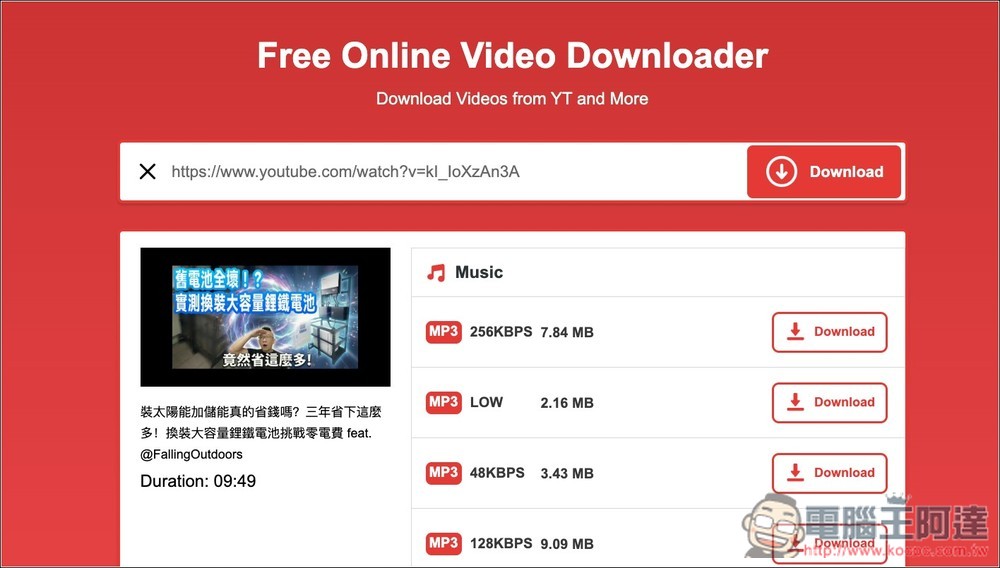
The video part is all in MP4 format, 720p is enough for mobile phones, and the file size is small and does not take up space. If you want higher resolution, click Show more below:
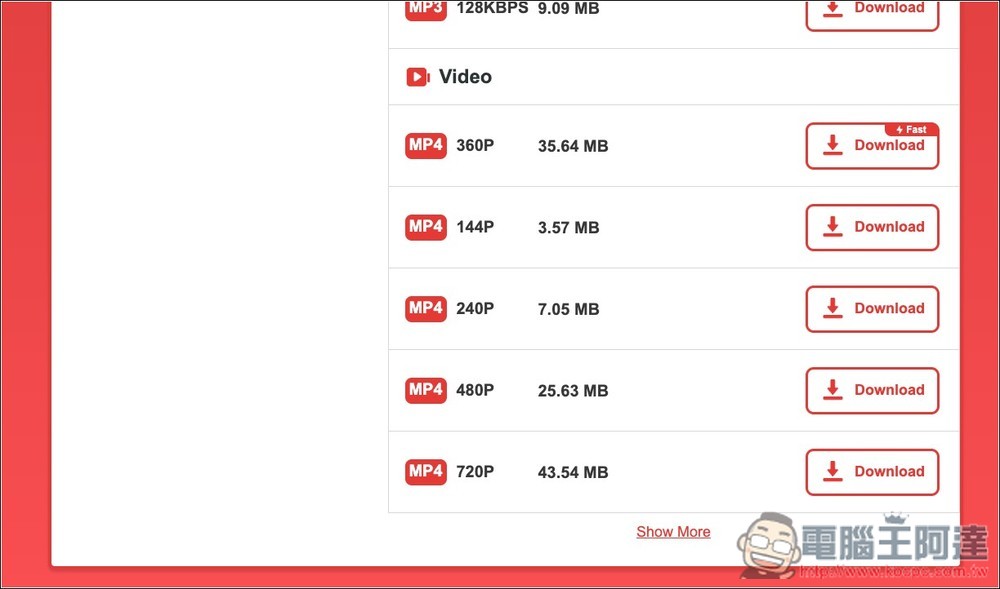
You can find 1080p, 2K and 4K resolutions, and the 4K files are quite large:

After selecting the resolution or sound quality, the file preparation will begin:

When finished, press Download Now and the download will begin:

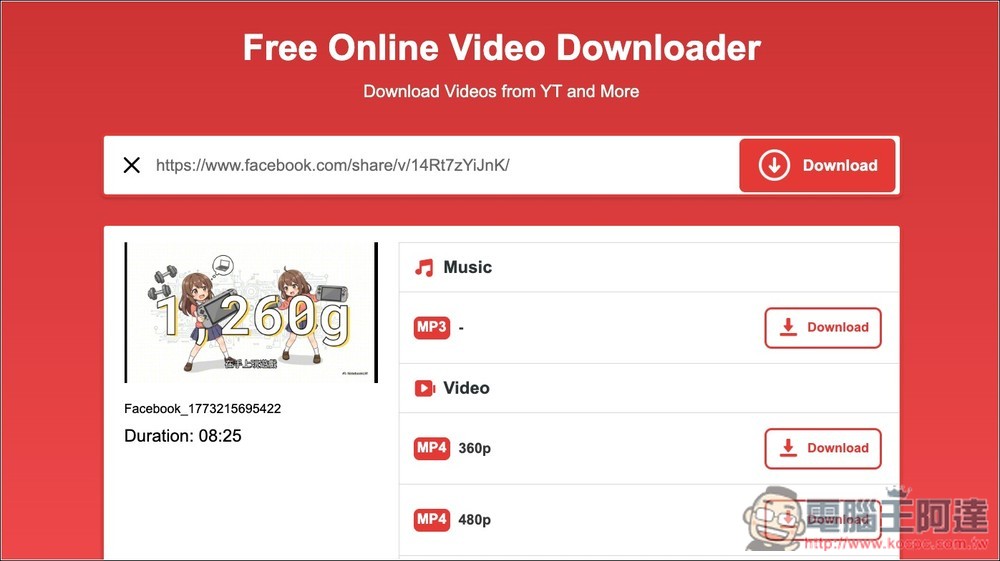
The actual test Facebook video was also successful:
Source: KOCPC Chinese