


One Click Sticker, the free tool we previously introduced for making LINE stickers, has recently received a new update. This time it adds animated sticker functionality, and it’s completely free. The process is still very simple: just upload your image, choose a style, then specify a theme or select suggested options, and you’ll get your own exclusive LINE animated stickers. It even supports generating up to 40 sets at once, which is a huge number.
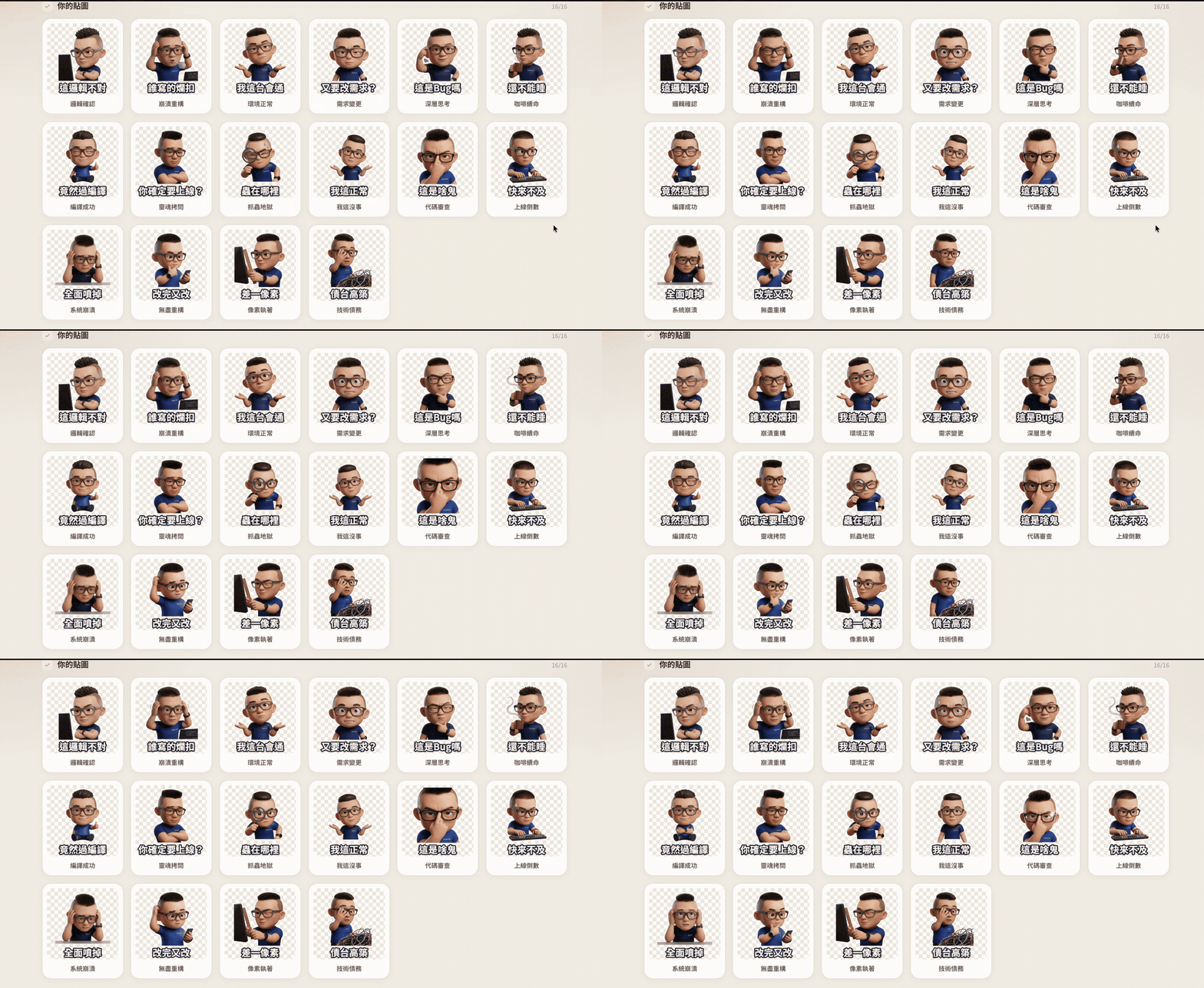
One Click Sticker V5.8.0: Introduction to a Free Tool for Generating LINE Static and Animated Stickers! Tutorial on How to Generate LINE Animated Stickers
One Click Sticker V5.8.0 is an online tool focused on AI sticker generation. You don’t need to draw, remove backgrounds, or design stickers one by one. Just provide a photo, and AI can create an entire set of stickers with different expressions and actions. Besides your own selfies, you can also use photos of pets or couples together.
In addition to traditional static stickers, version V5.8.0 lets you directly create animated GIF stickers. When creating animated stickers, you can choose to generate 8, 16, 24, or up to 40 at a time. More importantly, the animated stickers generated meet LINE platform requirements, meaning that once generated, you can directly apply to publish them on LINE. It also supports Discord.
Powered by Gemini, the converted stickers maintain character consistency—the AI preserves recognizable facial and personal features from the original photo as much as possible, then extends them into different expressions. The complete sticker set looks like the same character, rather than changing with each generation.
Main features
- Supports generating static and animated GIF stickers.
- Generate a complete sticker set all at once—no need to work through them one by one.
- The stickers comply with LINE platform guidelines.
- Selfies, portraits, pets, couple photos, etc., can be turned directly into sticker characters.
- AI will preserve recognizable features of people as much as possible.
- Export with transparent background.
Go to One Click Sticker V5.8.0
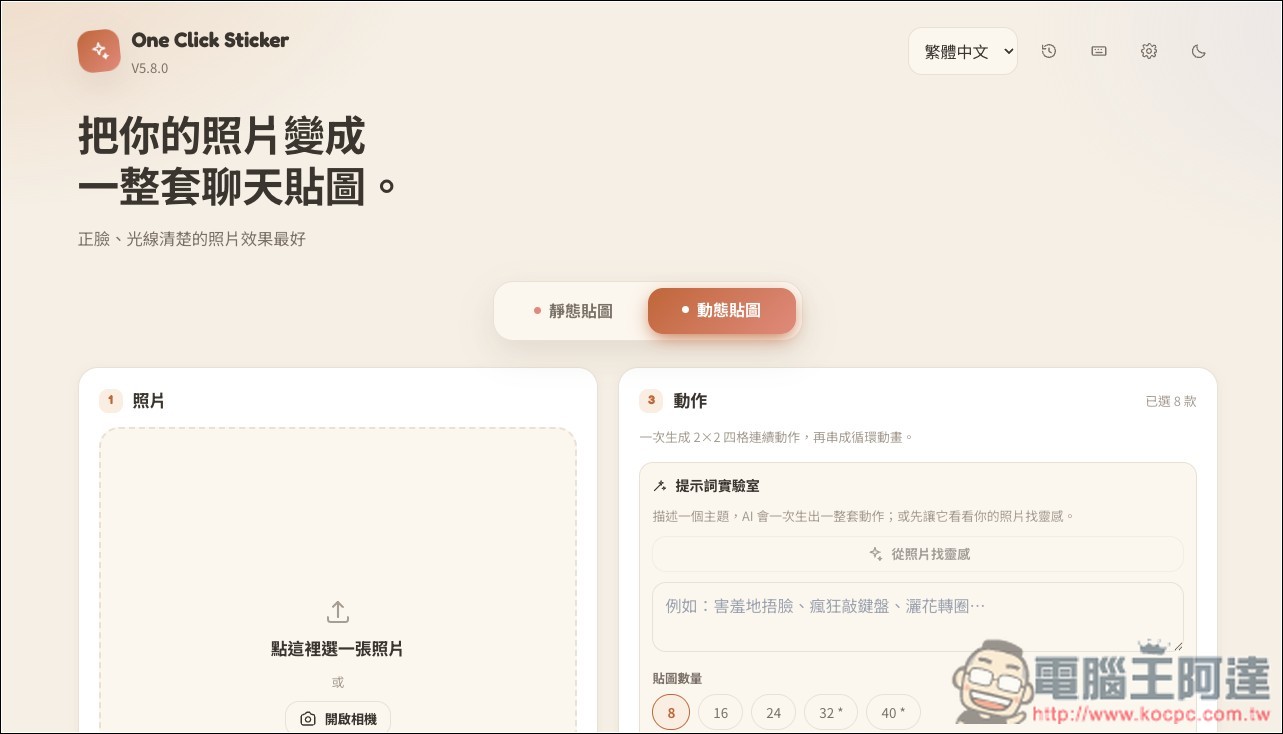
After tapping above to enter One Click Sticker V5.8.0, you will see two modes: static stickers and animated stickers. Select Animated Stickers:
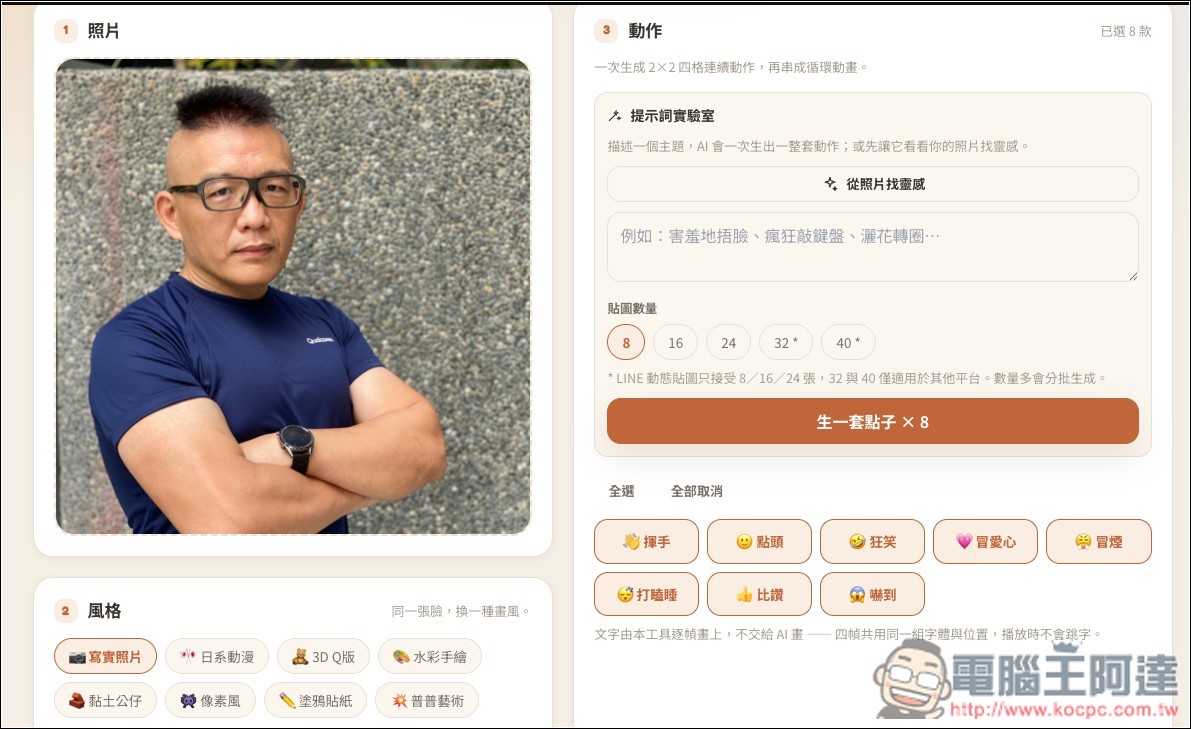
Upload the photo you want to convert into LINE animated stickers, then set the style and action:
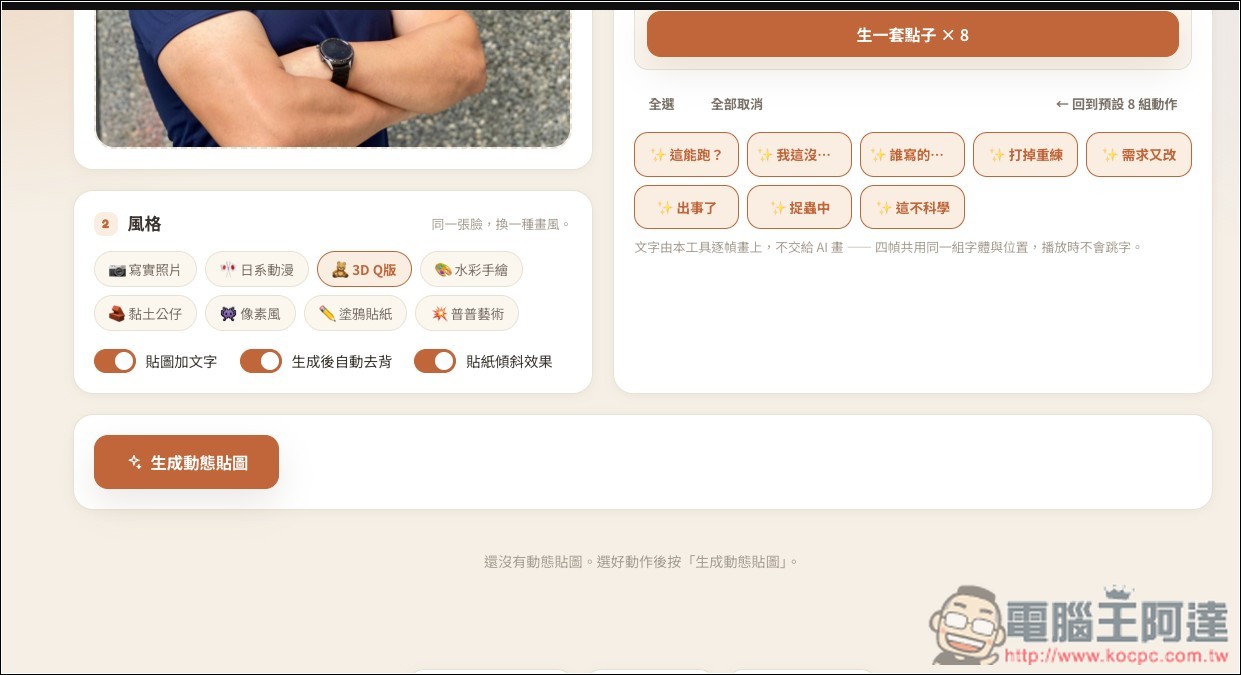
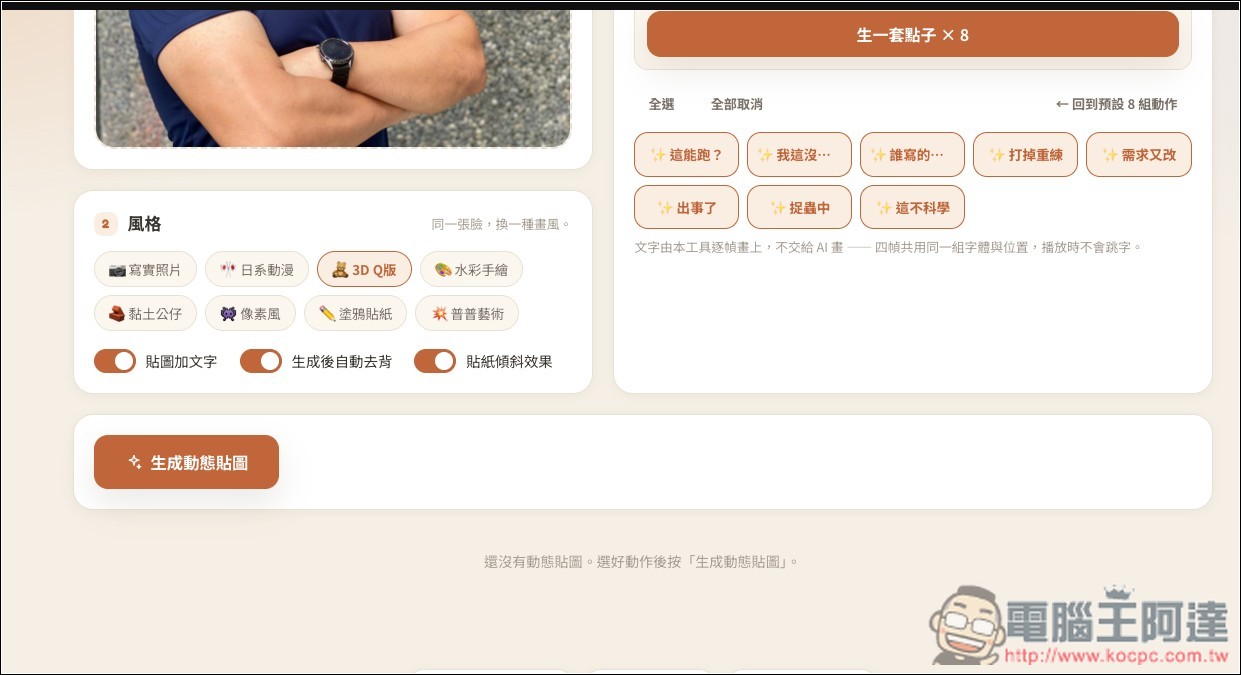
There are many style options, including realistic photos, Japanese anime, 3D chibi, watercolor hand-drawn, clay figurines, pixel art, graffiti stickers, and pop art. You can also specify whether stickers should have text, automatic background removal, and tilt effects:
For the theme prompt on the right, if you don’t have any ideas, you can also let the AI draw inspiration from the photo. For example, with this photo of Ada, three options came up: a hardcore engineer’s soul-searching question, I’ll just sit here quietly watching you show off, and this haircut says I’m not someone to mess with. I picked the first one, then hit Generate a Set of Ideas below. The sticker count defaults to 8; for LINE stickers you can change it to 16 or 24, and 32 or more only applies to other platforms.
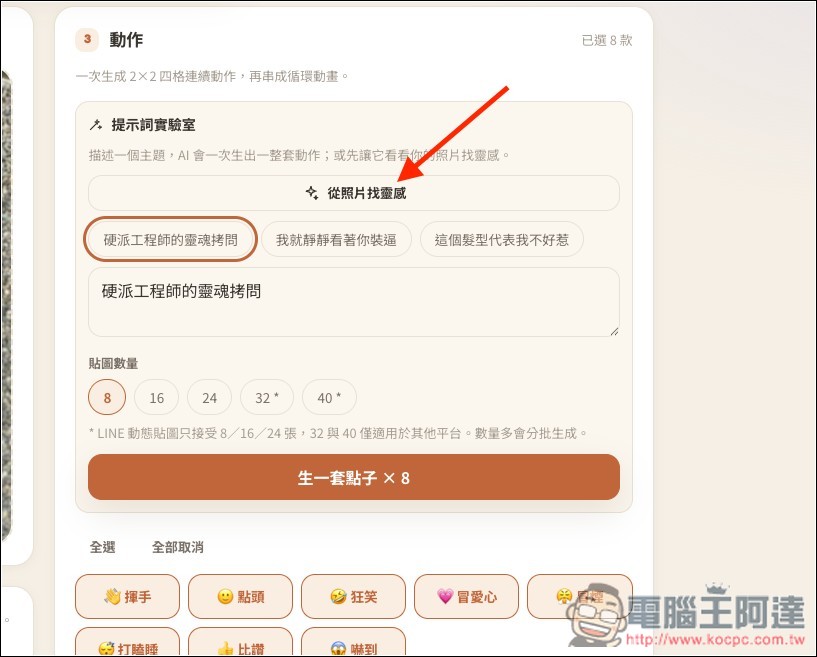
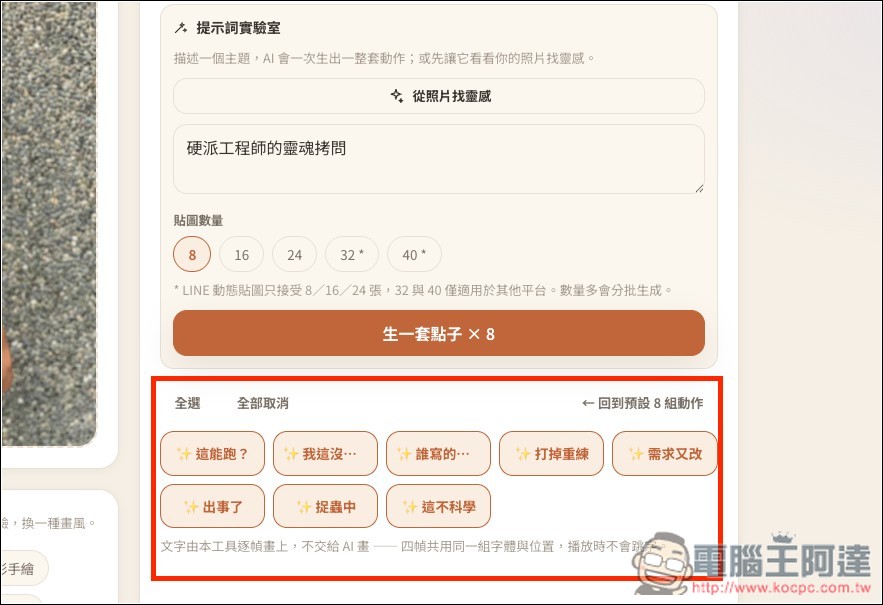
Below will appear the theme of each sticker, and if you’re satisfied, you can scroll down.
Click the button to generate dynamics:
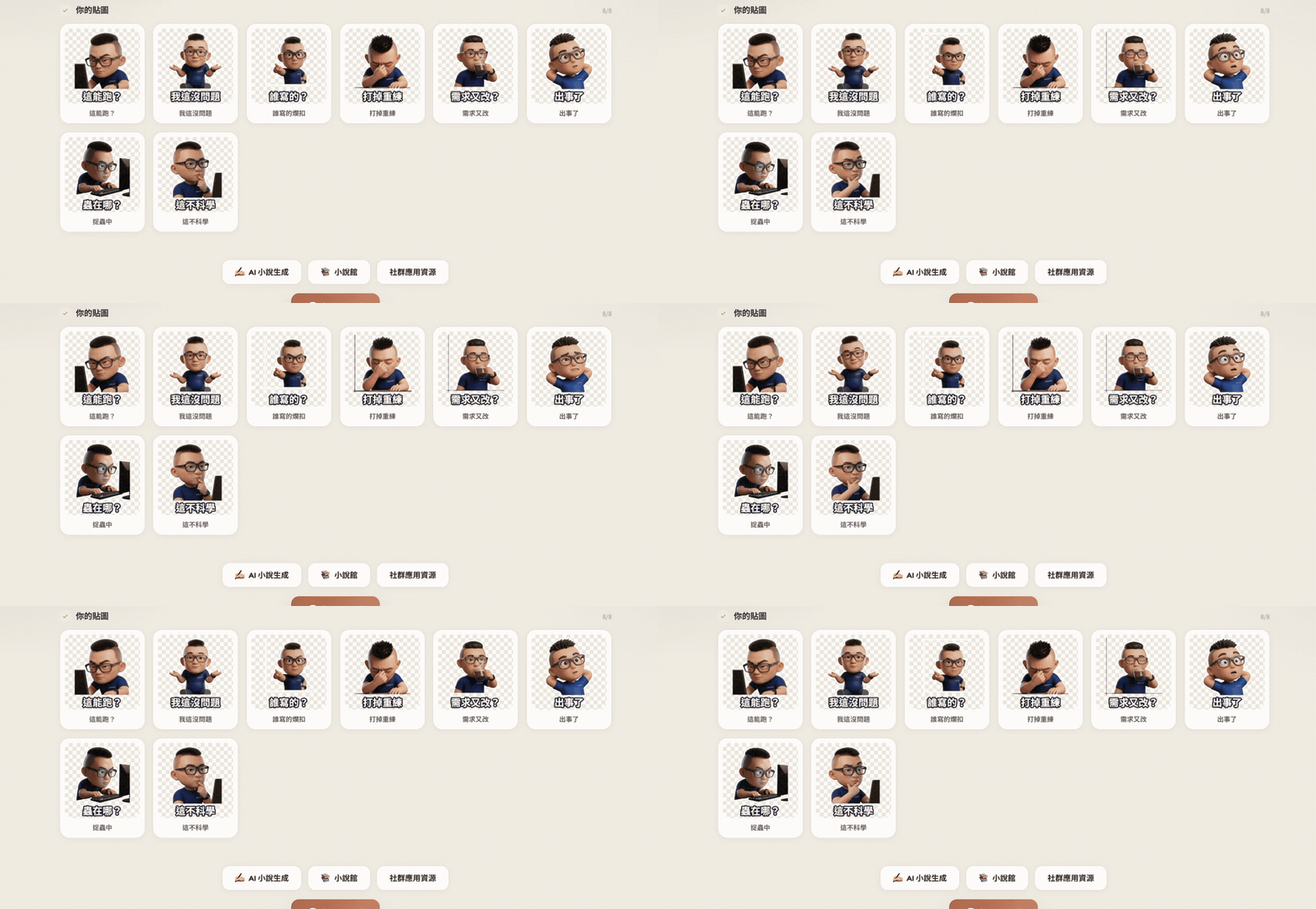
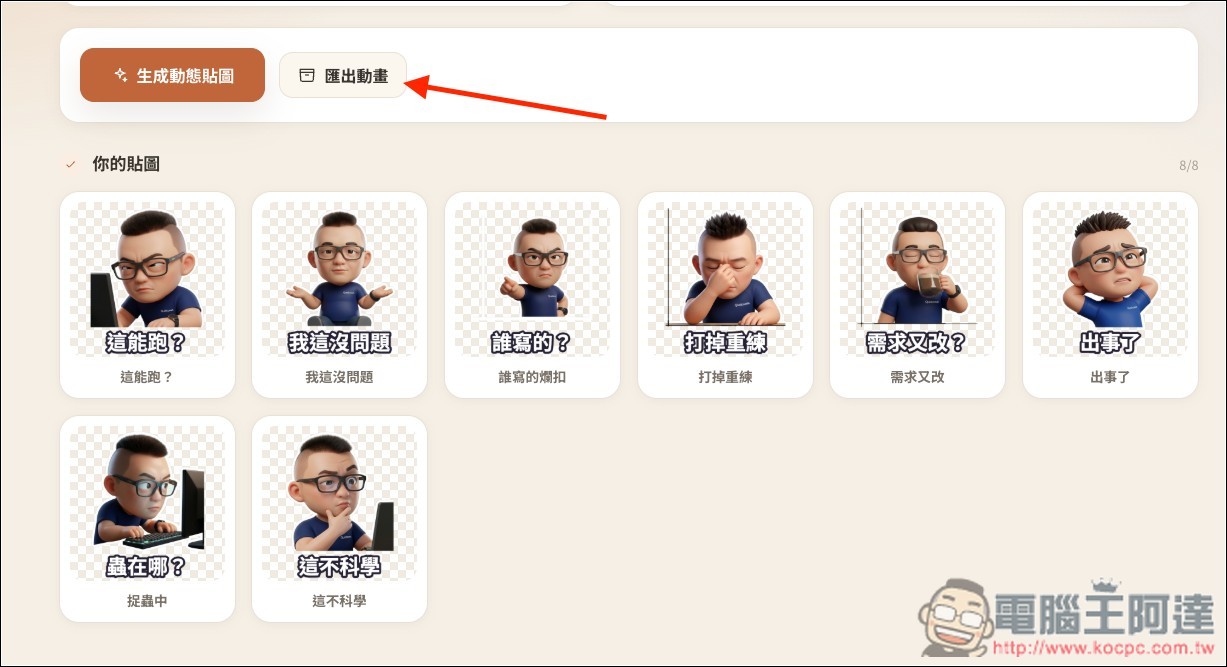
After waiting a few seconds, LINE’s animated stickers came out one by one:
If satisfied, click the Export Animation button above:
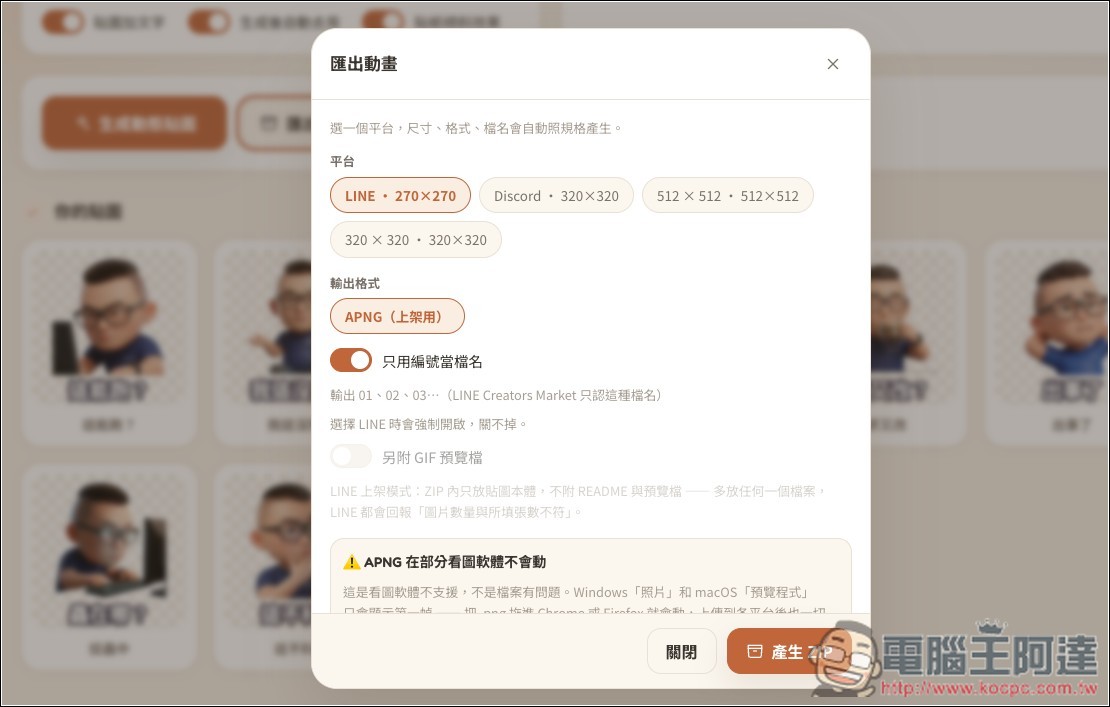
Confirm which platform you want to use: LINE is the first option, and Discord is also supported:
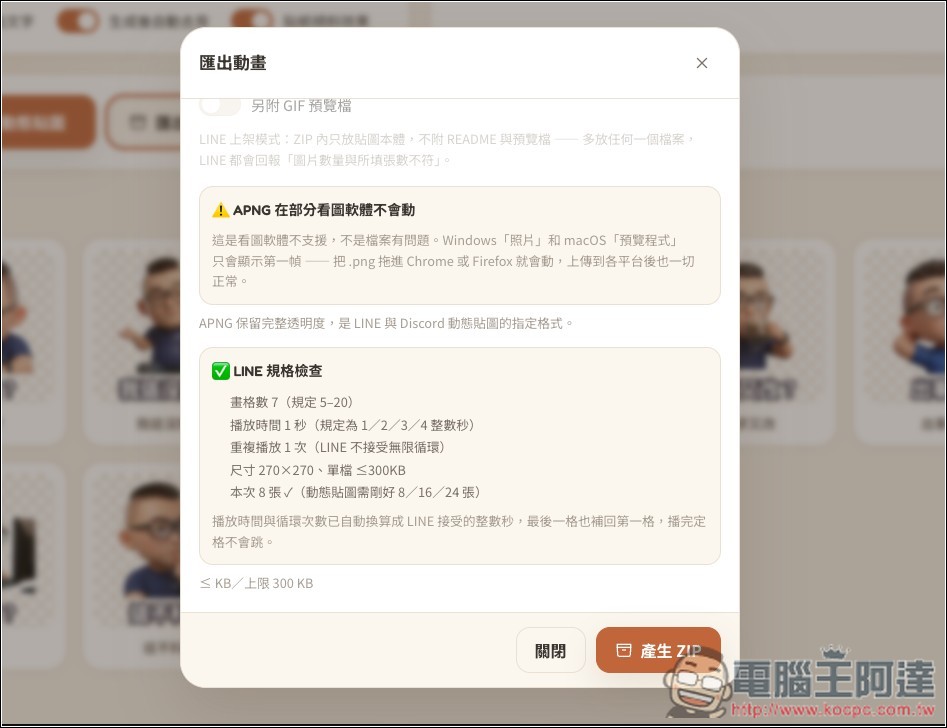
Below, it will also confirm whether it meets LINE’s specification checks. If there are no issues, click “Generate ZIP file”:
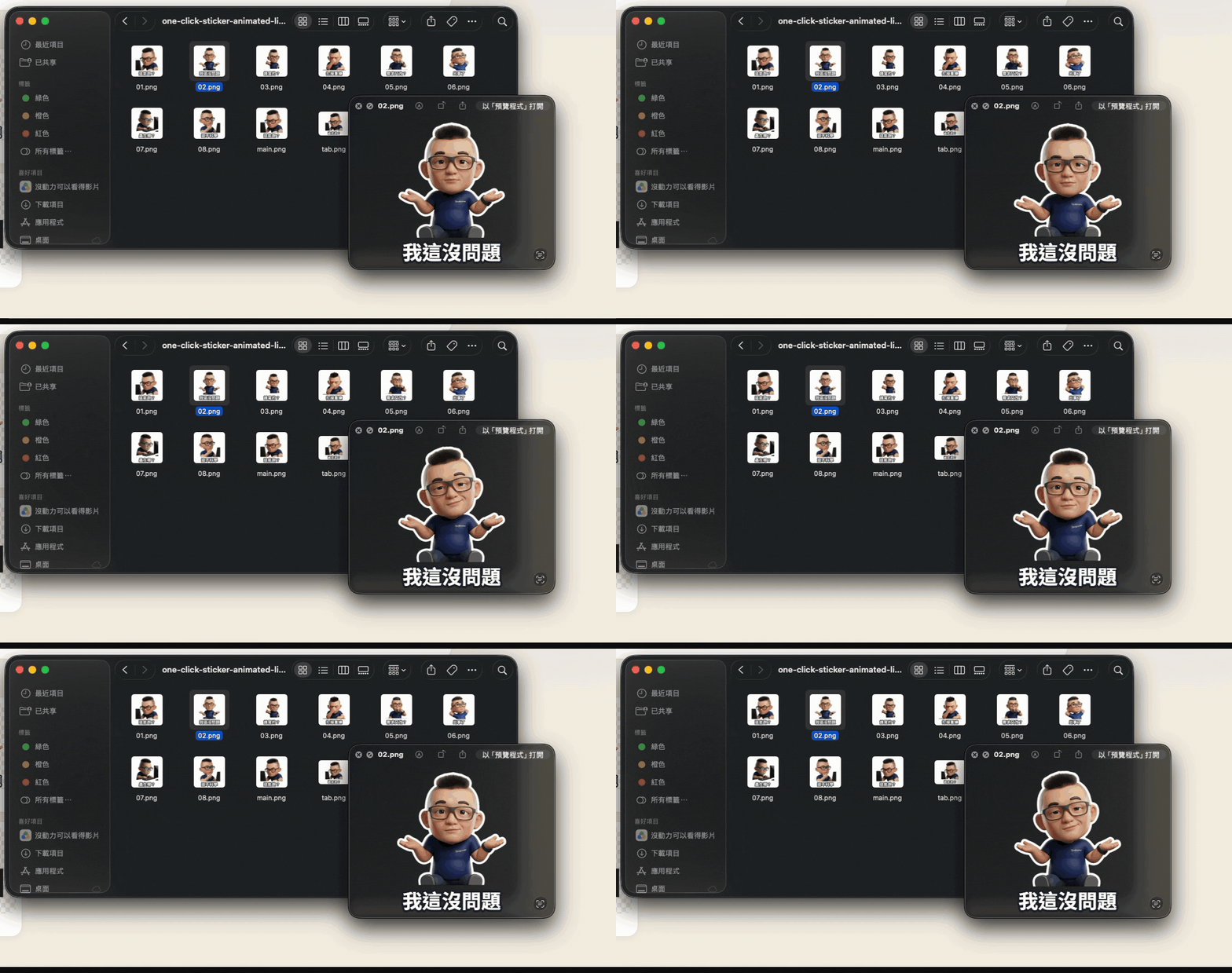
After downloading and decompressing, you will get every animated sticker:
Source: KOCPC Chinese