


There are many available for download on the Internet now YouTube Or other platform video and music tools, but many of them are either full of ads or only support low image quality. Some of them are still usable today but will be dead tomorrow. Therefore, the more you can collect in your pocket list, the safer it will be. Recently I discovered this free online download tool “Downloaderto”. In addition to YouTube, it also claims to support more than 1,000 websites, including Facebook、Instagram、TikTok, Vimeo and other popular platforms can be used. The video quality can be up to 4K. It can also directly convert videos into MP3 music files. There is no need to install any software or register an account. You can use it directly by opening the browser. It is also supported on mobile phones.
remind: Please confirm whether the content on YouTube or other websites is legally authorized before use, such as: uploading works by yourself, creating and using CC authorized content or public domain materials. If it is a music or audio-visual work protected by copyright, downloading or converting it without the consent of the rights holder may involve copyright risks and may also violate the terms of service of the original platform.
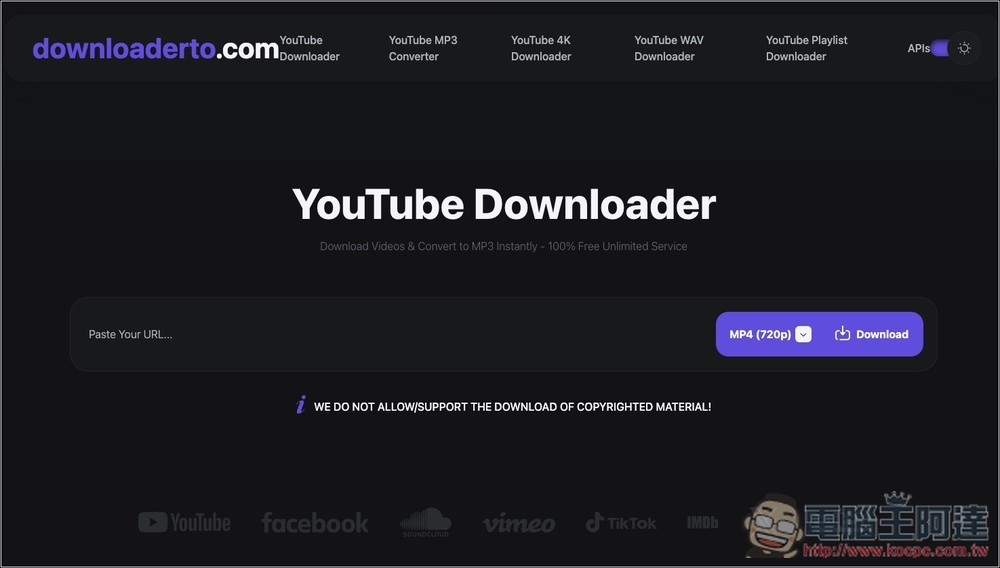
Downloaderto online video download free tool introduction and operation tutorial
Downloaderto is a video downloading tool that features “no installation, no registration, and can be used by opening a webpage”. It claims to support more than 1,000 platforms, including YouTube and TikTok, which are most commonly used by many people. Users only need to paste the video URL and it can quickly convert it to the video format they need.
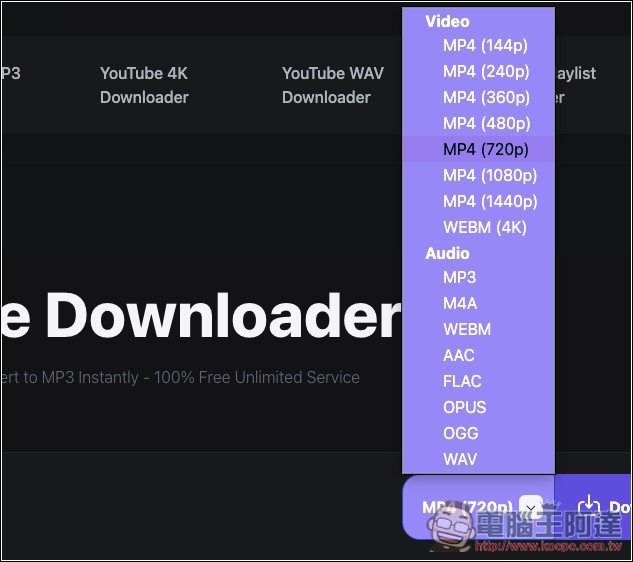
Supports a variety of common formats, not only MP4 videos, but also audio formats such as MP3, M4A, AAC, FLAC, WAV, OGG, OPUS, etc. The video section also provides different resolution options, including 144p, 240p, 360p, 480p, 720p, 1080p, and even 1440p and 4K, allowing users to choose based on device capacity, network speed, and viewing needs.
Although there are no ads on the page of this website, when you press the conversion and download buttons, pop-up ads will pop up. You can just close them and ignore them.
Main features
- No installation or registration required, just open the browser and use it
- Supports video downloading and audio format conversion from websites such as YouTube
- Can output MP4, MP3, M4A, AAC, FLAC, WAV, OGG, OPUS and other formats
- Provides multiple resolution options, with the highest resolution supported up to 4K
- The operation process is simple, you can start processing after pasting the URL
- Support playlist download function
- Can be used on computers, mobile phones, tablets and other devices
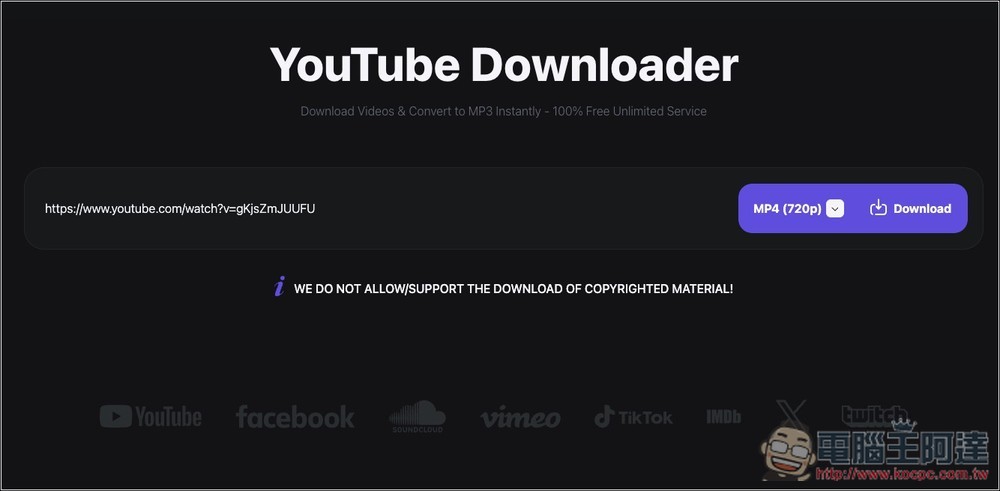
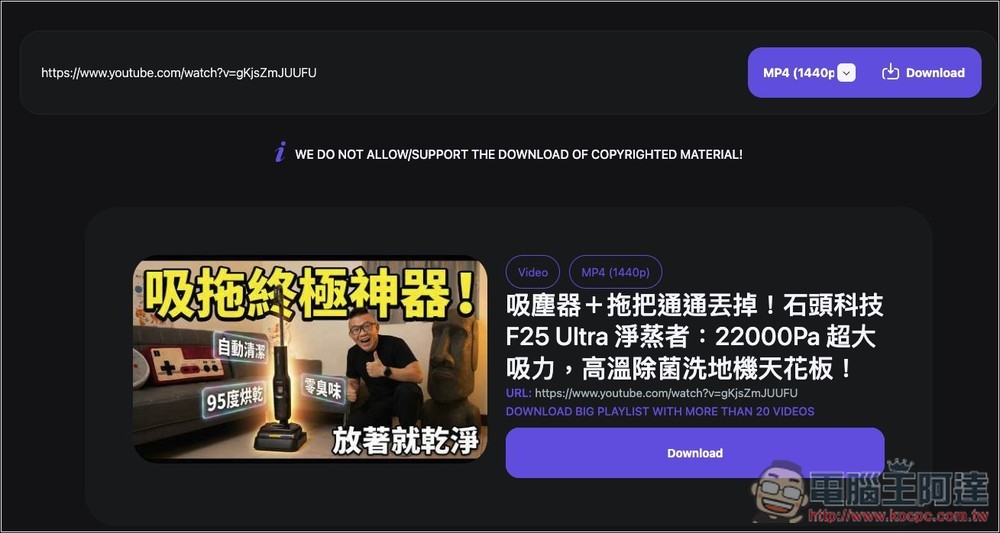
After clicking the link above to enter Downloaderto, you can paste the URL of the video you want to download. I will demonstrate below on YouTube:
Open the menu on the right and select the video resolution or audio format you want. Videos below 2K are in MP4 format, and 4K is in WEBM format:
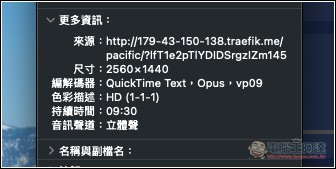
I select 1440p and press Download. The conversion will start below and wait for Progress to finish running, which will take about tens of seconds. In addition, ignore the MP4 (720p) written above. After downloading it, I checked that it is indeed 1440p:
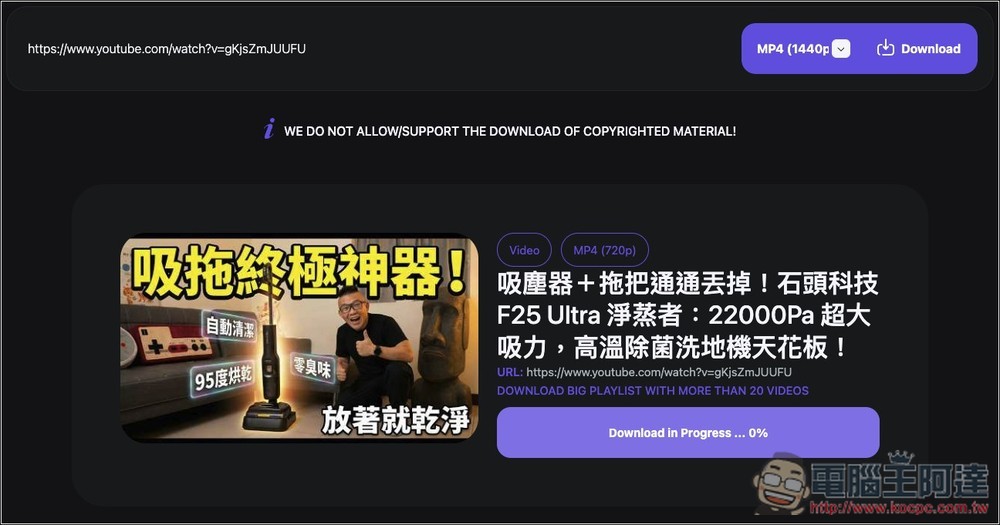
After changing to Download, click to start downloading:
Check that 2K quality is indeed available:
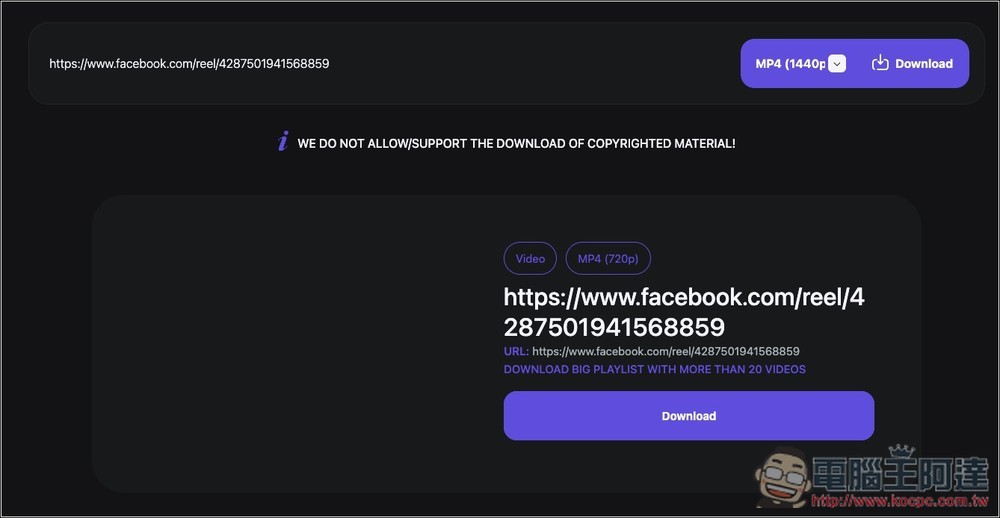
I tested it on Facebook and it was successful, but there is no preview screen for the video, but pressing Download will download it:
Source: KOCPC Chinese