


Microsoft still seems to be looking for a better way to integrate Copilot with Windows 11. Foreign media Windows Latest The latest changes show they are returning to the original design direction, with the AI existing on the desktop as a side-docked panel rather than floating as a separate window above the system. This update is currently being rolled out gradually to all Windows 11 users.
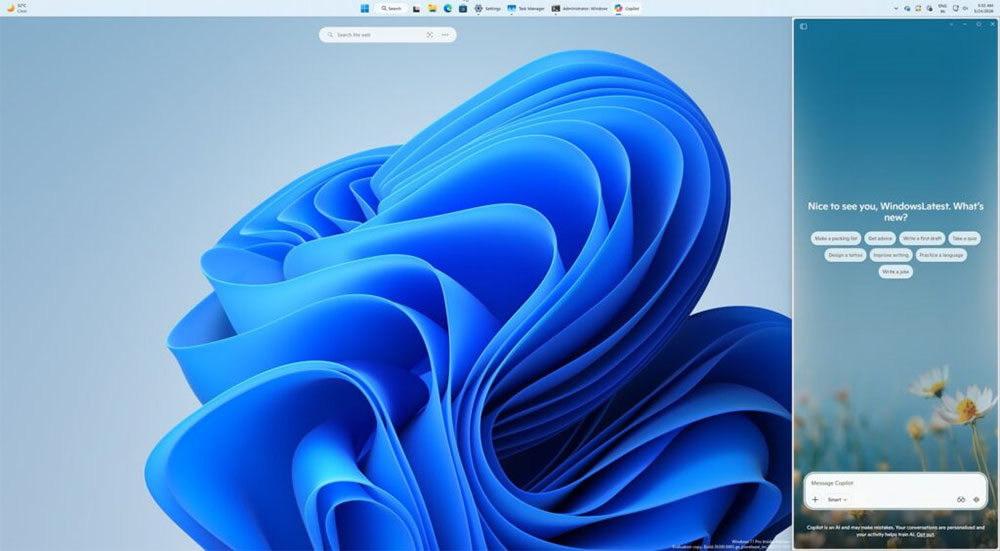
Microsoft’s new Copilot will become a Windows 11 sidebar.
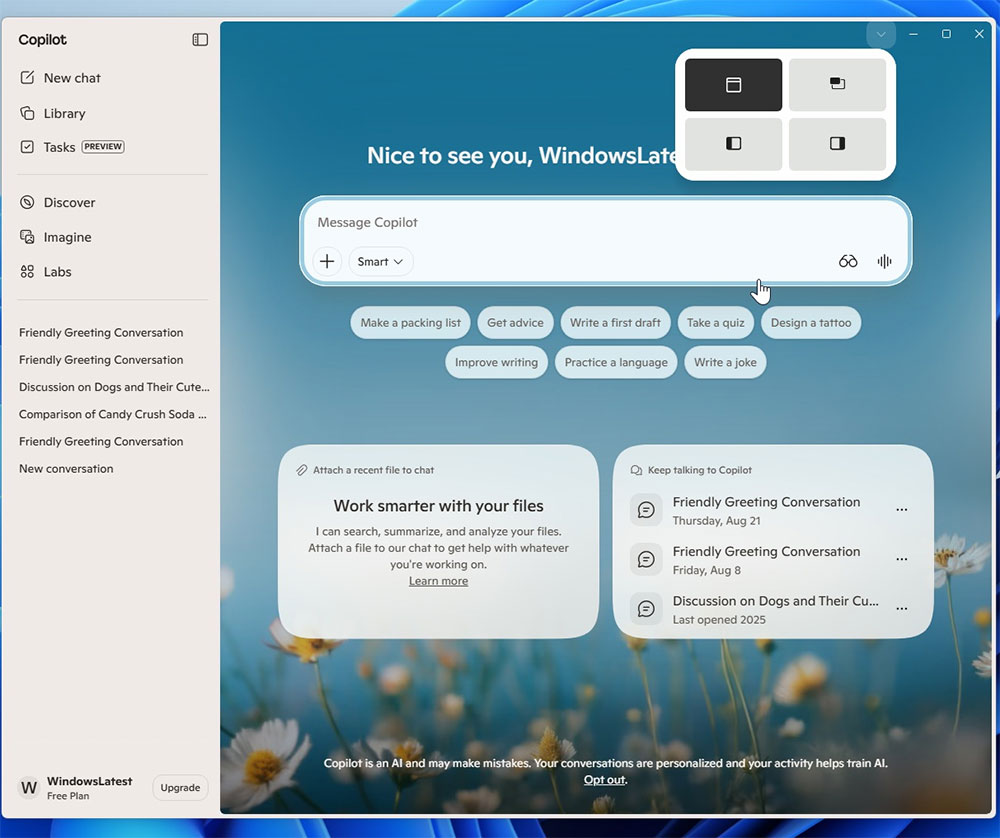
By default, Copilot still opens as a normal application window. However, if you move the mouse to the new drop-down menu on the window title bar, you’ll see a “Snap” option that docks Copilot to the left side of the screen. As for whether the system will automatically choose a docking position when users enable more advanced features—such as Copilot Vision, which can recognize on-screen content—that remains unclear.
From the screenshots provided by Microsoft, the new Copilot docking suggestions look similar to Windows 11’s native window snapping feature, but the two mechanisms are actually different. When hovering the mouse over Copilot’s new menu, you will see layout options exclusive to Copilot. In addition to maintaining the existing app window mode and picture-in-picture mode, two new layouts have been added: “Dock left” and “Dock right.”
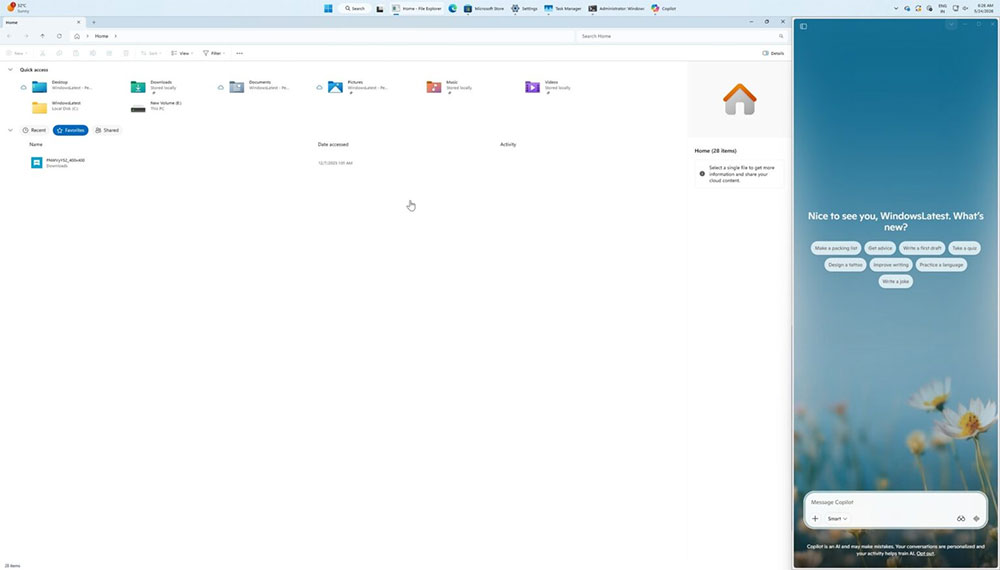
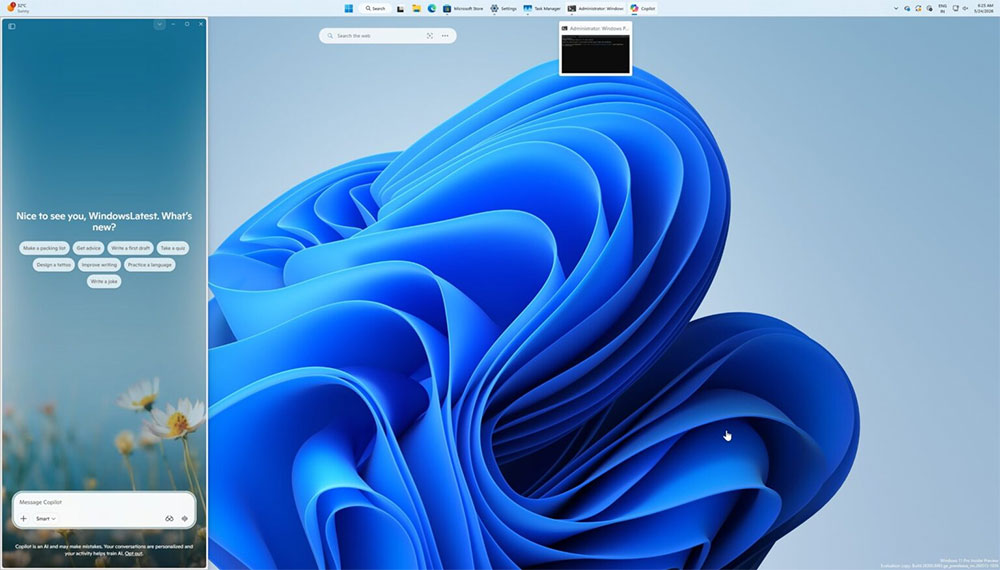
When Copilot is docked, the Windows 11 interface automatically readjusts, moving the desktop watermark or other content to the other side while rearranging the positions of other applications to fill the remaining space. For example, even when File Explorer is already displayed in full screen, Copilot still occupies a portion of the right side, forming a fixed split view. This is the effect of the new “docking experience.”
This design philosophy is actually quite close to how Copilot originally appeared on Windows 11: the AI doesn’t float independently, but sits alongside apps, letting users call on the AI at any point in their workflow. Once docked, Copilot stays anchored to the edge of the screen, and other windows automatically rearrange around it. Compared with earlier versions, this change gives users more control over how Copilot appears. In addition to docking on the left or right, it can also switch to a floating picture-in-picture-style window that always stays on top of other apps.
Source: KOCPC Chinese