


Nowadays, many people use AI to convert videos and audio into text, but most free tools have time limits. This article recommends a tool called “Video Transcriber” with no time restrictions, and it supports many platforms, including direct uploads, YouTube, TikTok, and Instagram. It also offers a quota of 4 videos per day, which should be enough for most people.
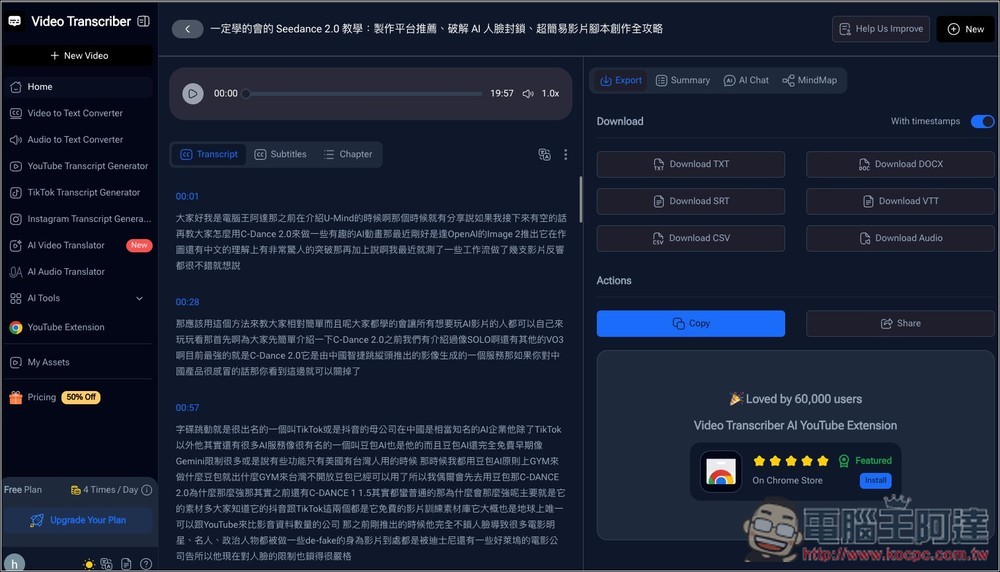
Video Transcriber: Introduction and Tutorial for the Free AI Online Video-to-Text Tool
Video Transcriber is an AI transcription tool built around no sign-up, free usage, and online processing. There’s no need to install software—simply upload a video, paste a link, or import audio to start transcribing right away.
Supports a wide range of needs, such as converting MP4 files, recordings, online courses, and meeting recordings into text. It also supports YouTube videos, content from some social platforms, and common audio formats. Although the interface is not in Chinese, it is very easy to use: upload your file → select a language (the default is Auto detection) → wait for the AI to finish recognition, and then you will get a transcript. The transcription speed is quite fast.
The only thing to note is that if YouTube already has subtitles, it will directly grab the caption file provided by YouTube instead of transcribing it on its own.
According to the description, it also features speaker recognition, which can help distinguish different speakers when multiple people are talking in a video—quite convenient. Free users can transcribe 4 videos per day.
Key Features
- Free to use, no account registration required.
- Supports video and audio transcription.
- You can upload files or paste links to process them.
- Supports multiple common formats (e.g., MP4, audio files, etc.)
- Provides AI-powered automatic verbatim transcription.
- Supports multilingual recognition and speaker identification.
- Copy, download, and organize text content for later use.
- Perfect for students, creators, meeting notes, and content repurposing.
- Operate entirely through the browser—no software installation required.
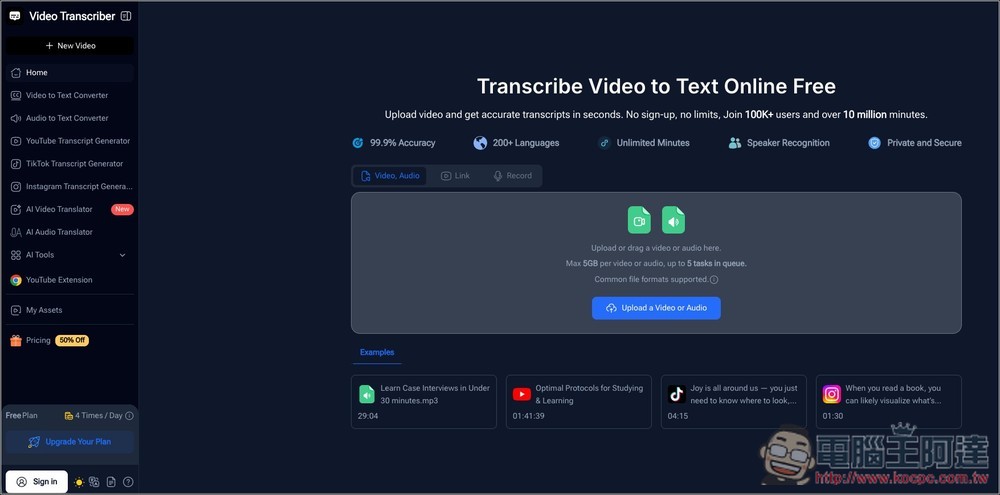
After clicking the link above to enter the Video Transcriber homepage, you can upload the video or audio file you want to transcribe. It supports single files up to 5GB with no duration limit and can process up to 5 tasks simultaneously. If you want to transcribe a video from another platform, click Link at the top; Record on the right is for recording and transcribing audio:
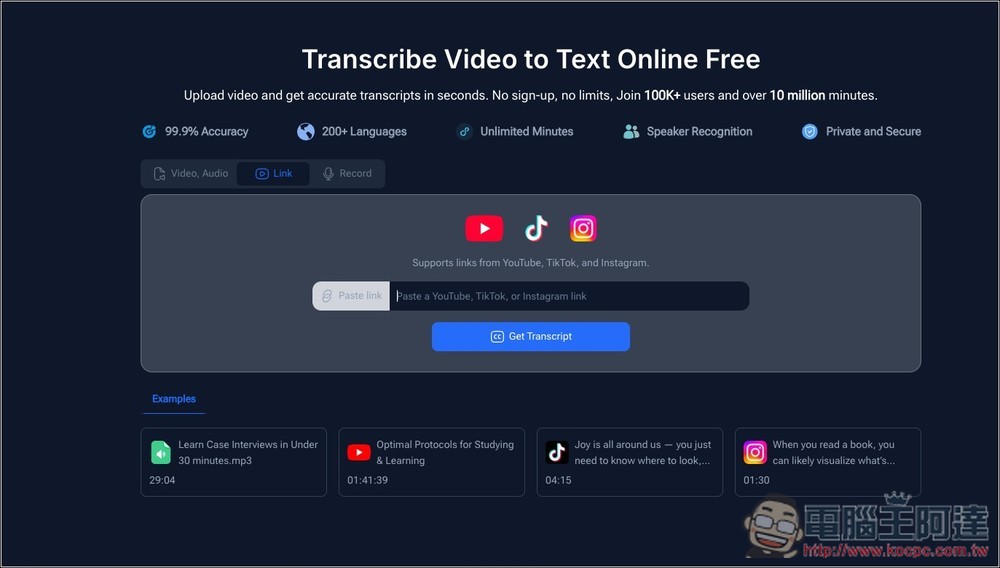
We currently support three platforms: YouTube, TikTok, and Instagram:
I’ll first test the YouTube video:
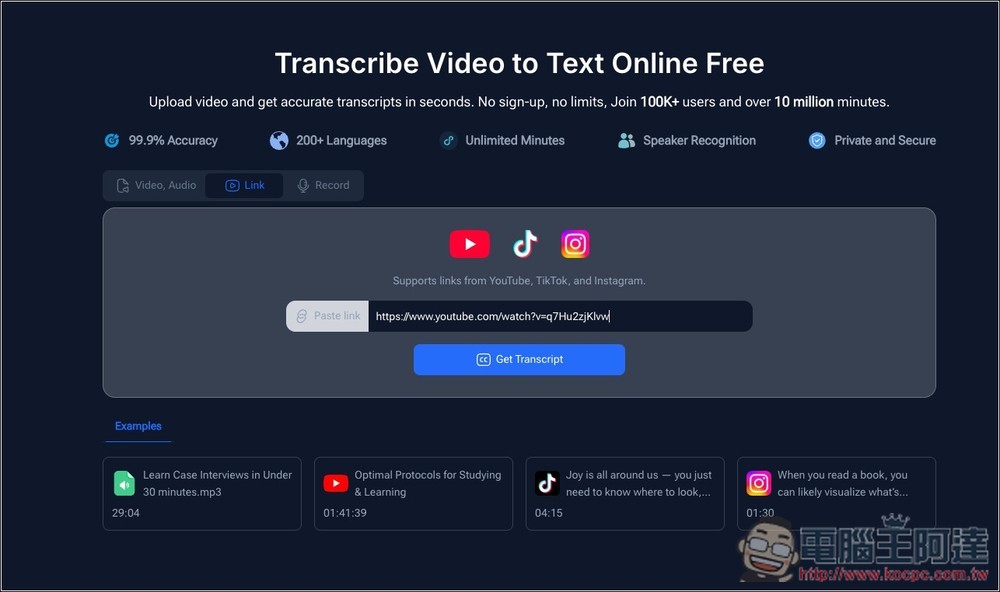
For Language, you can basically just set it to Auto; the recognition is quite accurate. I tested several videos, and all of them successfully recognized Traditional Chinese:
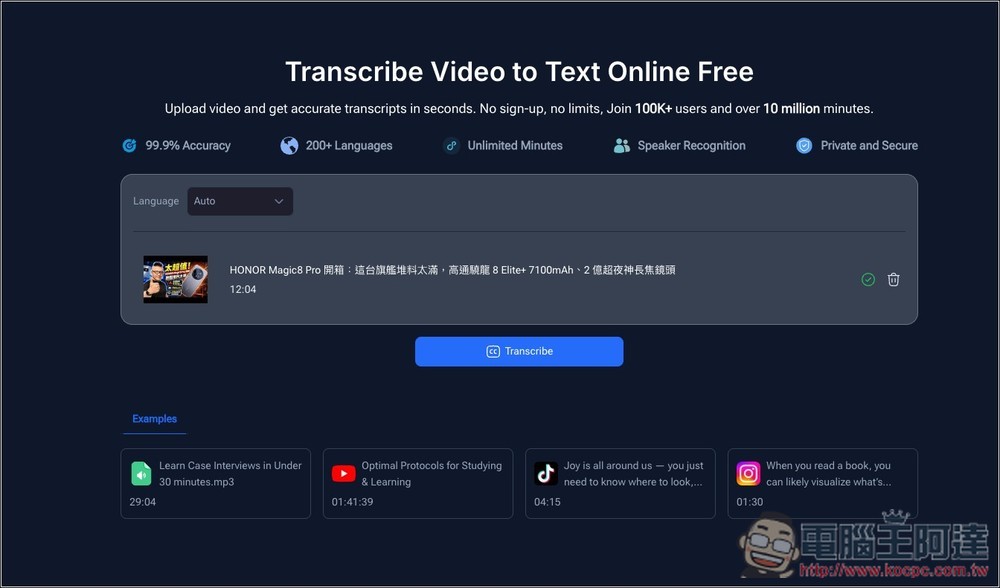
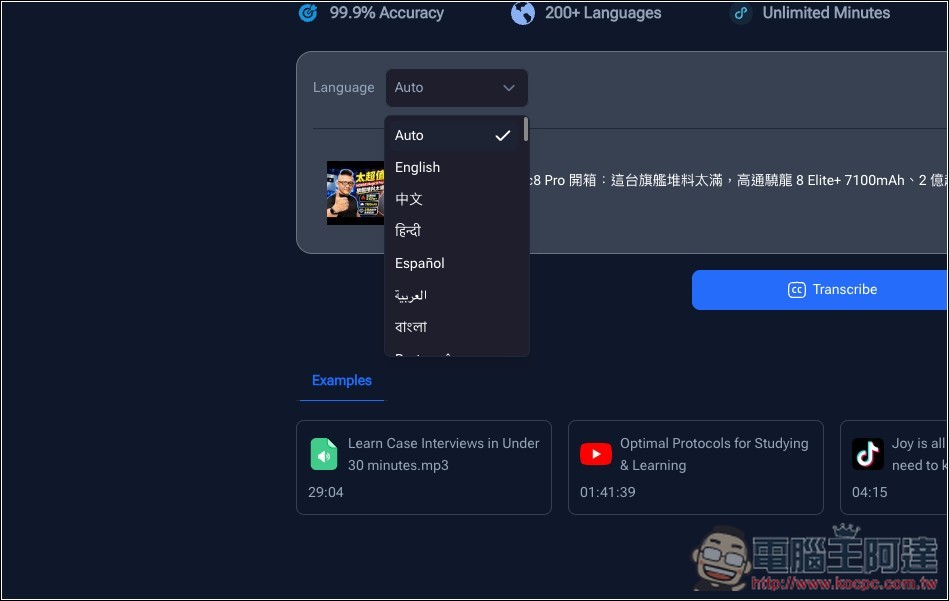
Of course you can specify it, but there is only one option for Chinese, and the AI will automatically determine whether it is Simplified or Traditional Chinese:
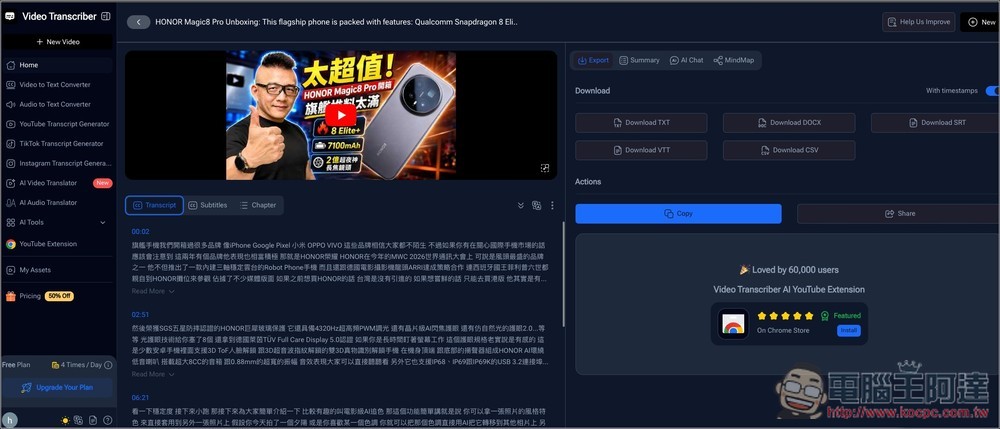
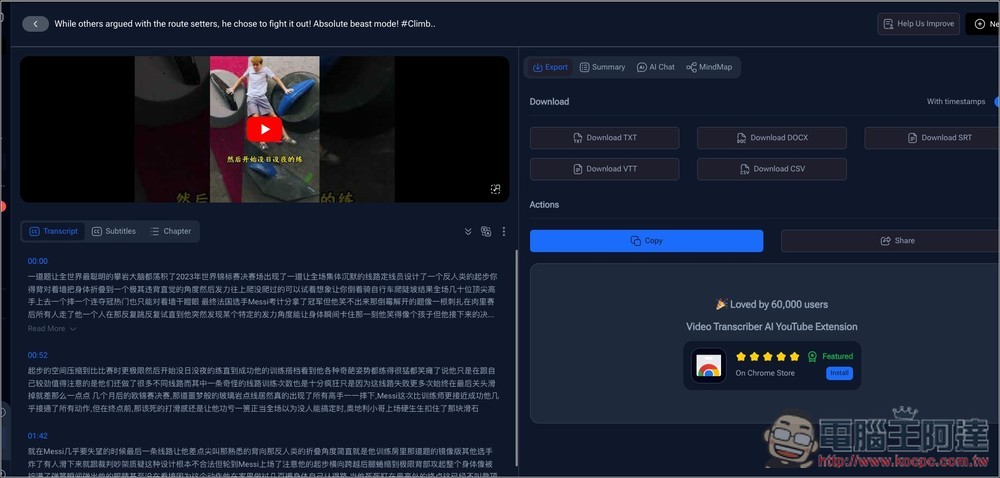
Once processing is complete, you’ll be taken to the dashboard, where the transcribed transcript appears in the middle. However, since this Ada video already has Chinese subtitles, I noticed that it simply uses YouTube’s Chinese subtitles instead of transcribing the audio itself. This still deducts one free credit, so keep that in mind. On the right, you can choose your download format: TXT, DOCX, SRT, VTT, and CSV.
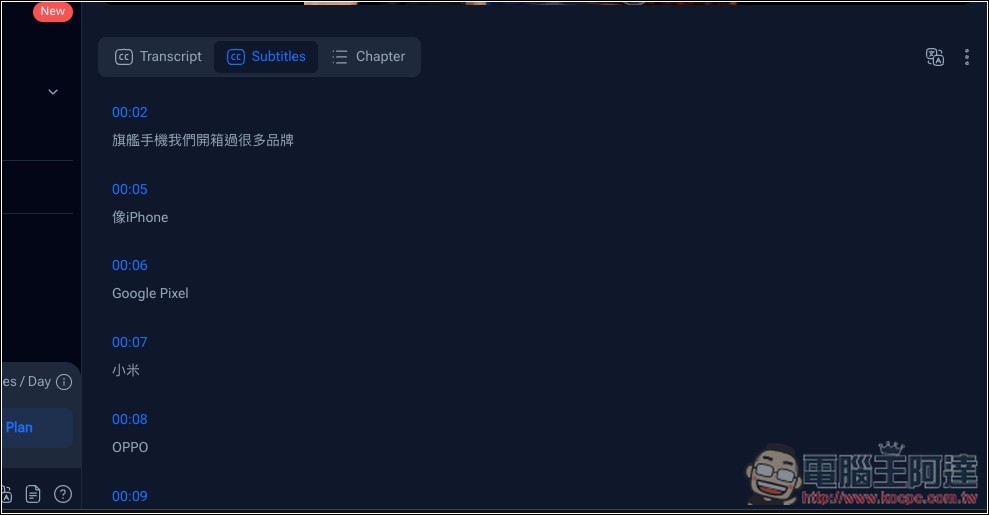
Also available in subtitle format (Subtitles):
Another distinctive feature is that it also includes some AI tools, such as summarization (currently English-only), chat, and mind maps:
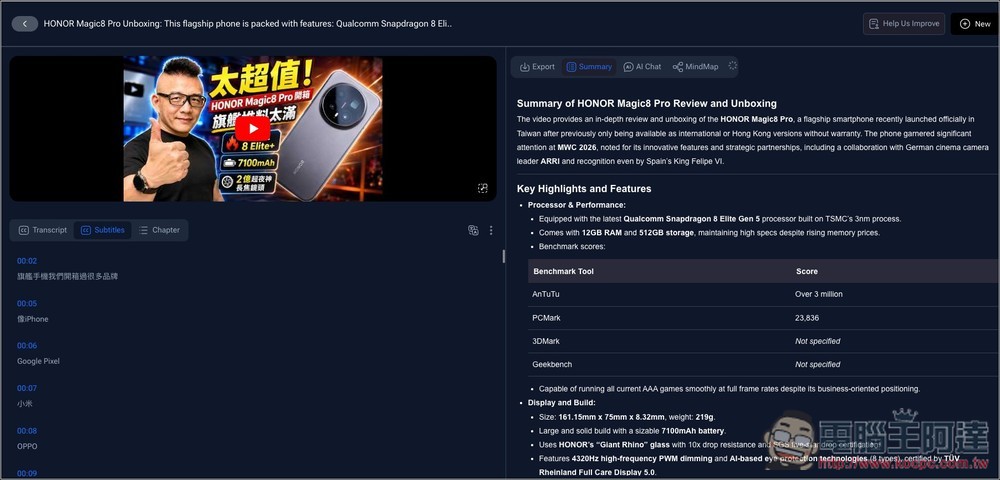
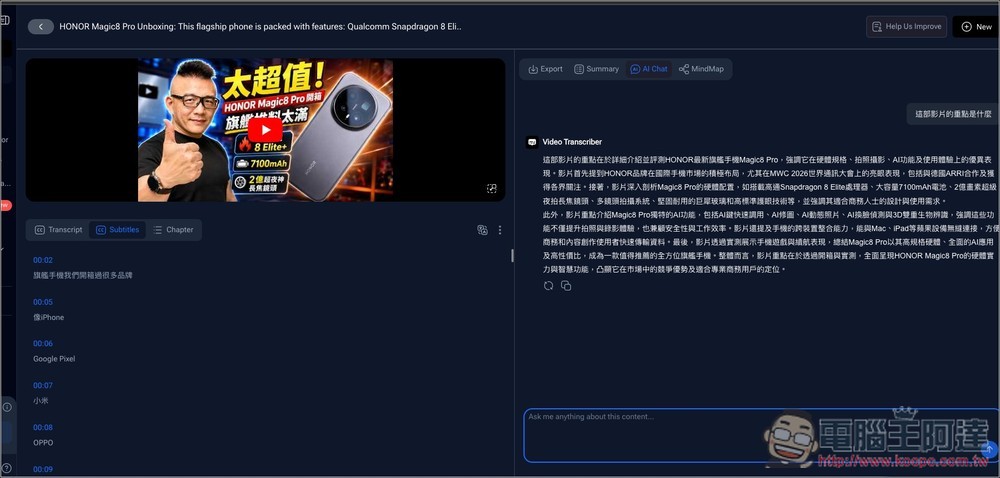
Chat AI can reply in Chinese, so you can ask any questions about the video:
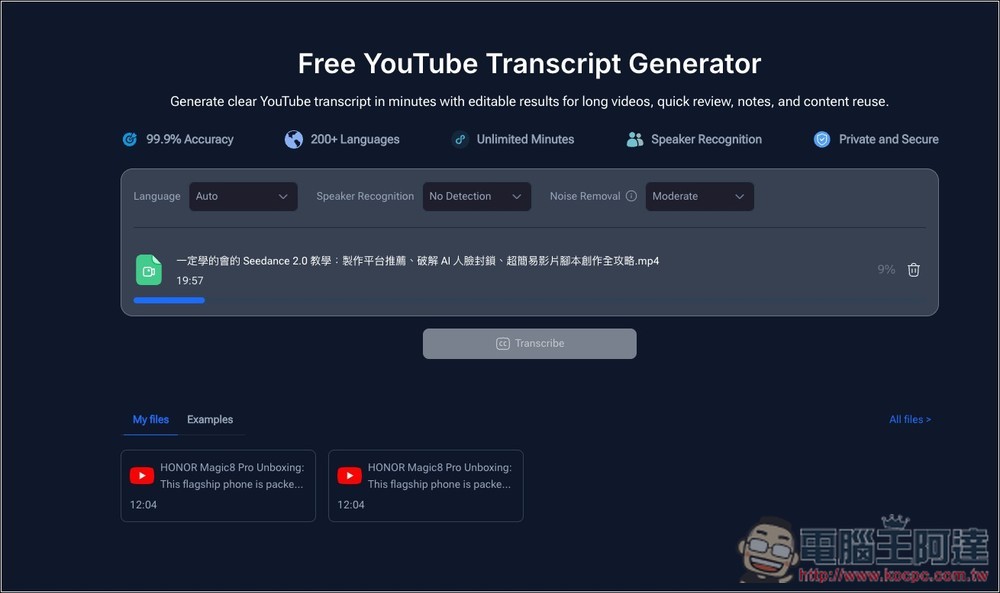
Next, I tested uploading a video myself; this one is 20 minutes long:
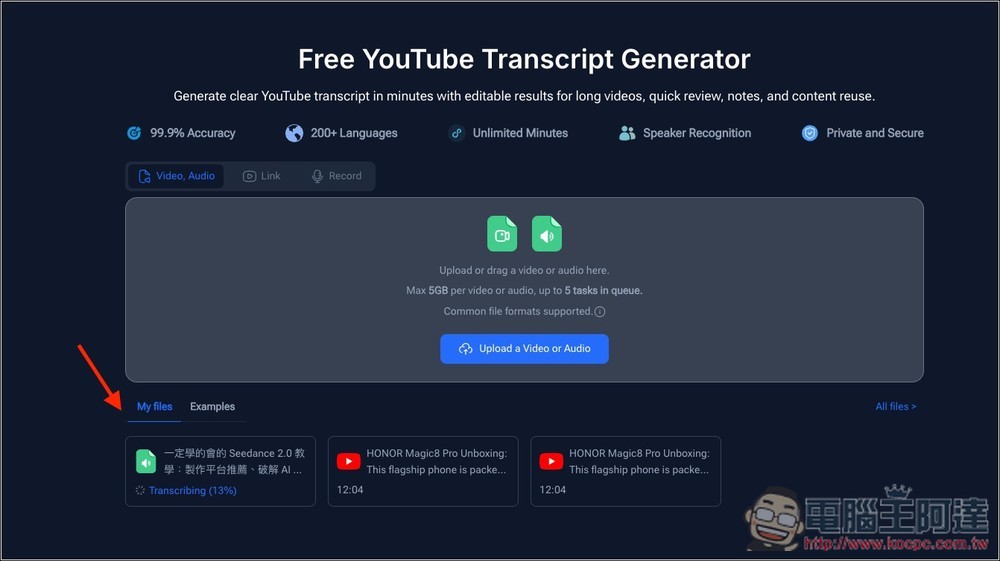
After the upload is complete, “Transcribing…” will be displayed below:
Once it finishes running, you’ll get the transcript:
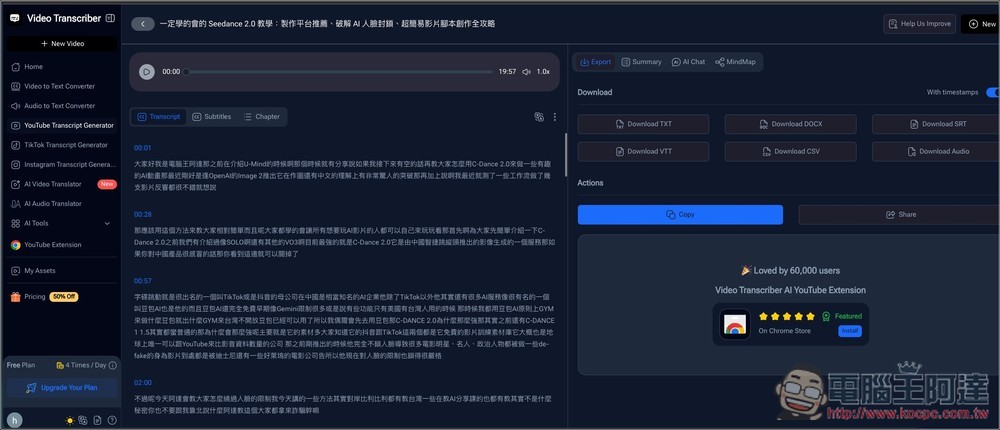
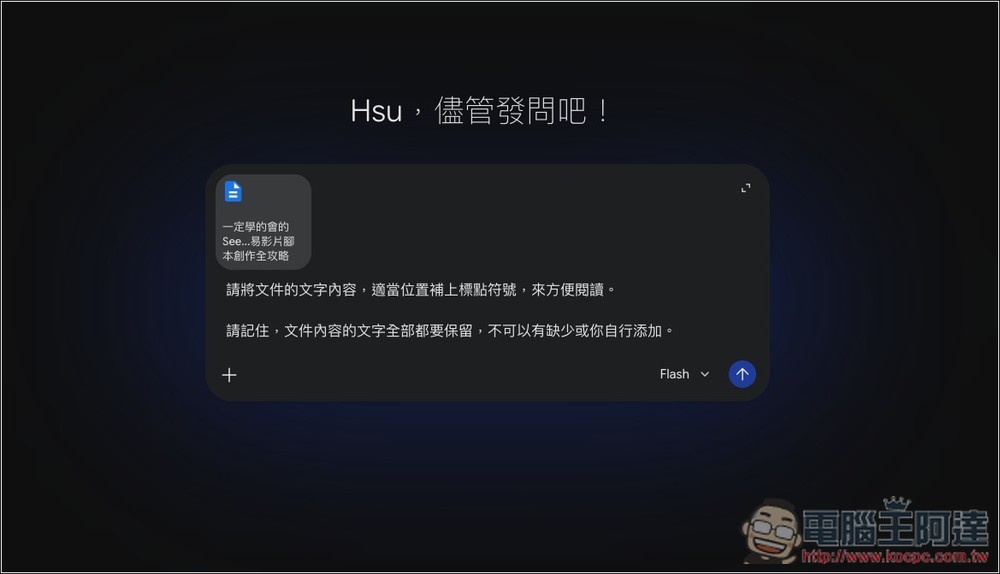
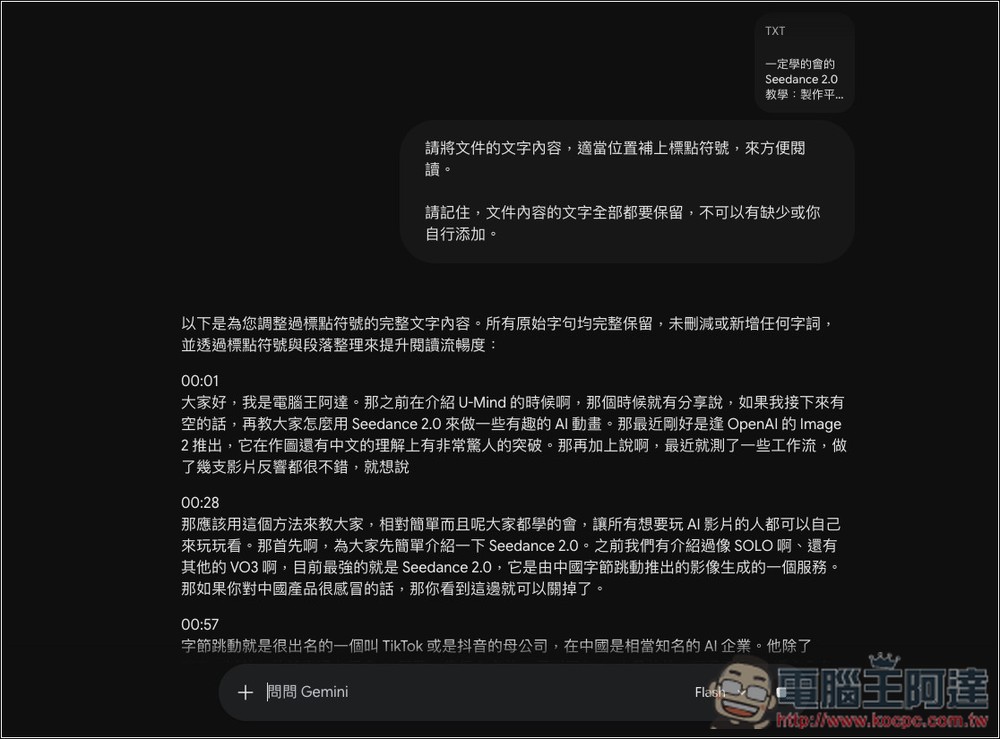
Since the transcripts had no punctuation, they were very difficult to read, so I uploaded the downloaded files to Gemini, ChatGPT, or Claude and asked the AI to add punctuation. Using a stricter prompt can more effectively prevent the AI from hallucinating content:
Like this, AI will add punctuation where appropriate and even correct typos:
Finally, I’ll also test YouTube Shorts, which definitely won’t have a subtitle file:
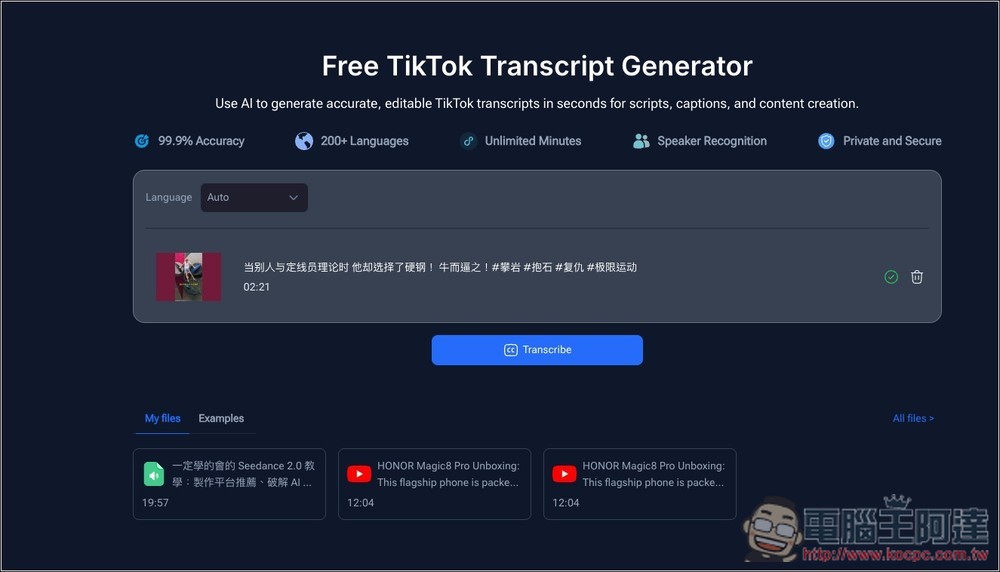
Successfully transcribed as well:
Source: KOCPC Chinese