


Microsoft is quietly adjusting the way Windows updates work, and this time the direction finally makes most users feel that “the wait has finally come.” For years, Windows updates have been viewed as necessary but annoying: They keep your system secure and feature-updated, but they often pop up at the most inopportune times and interrupt your workflow. Now, Microsoft is beginning to rethink the update experience, with the goal of making it closer to user needs and reducing unnecessary waiting and interference.
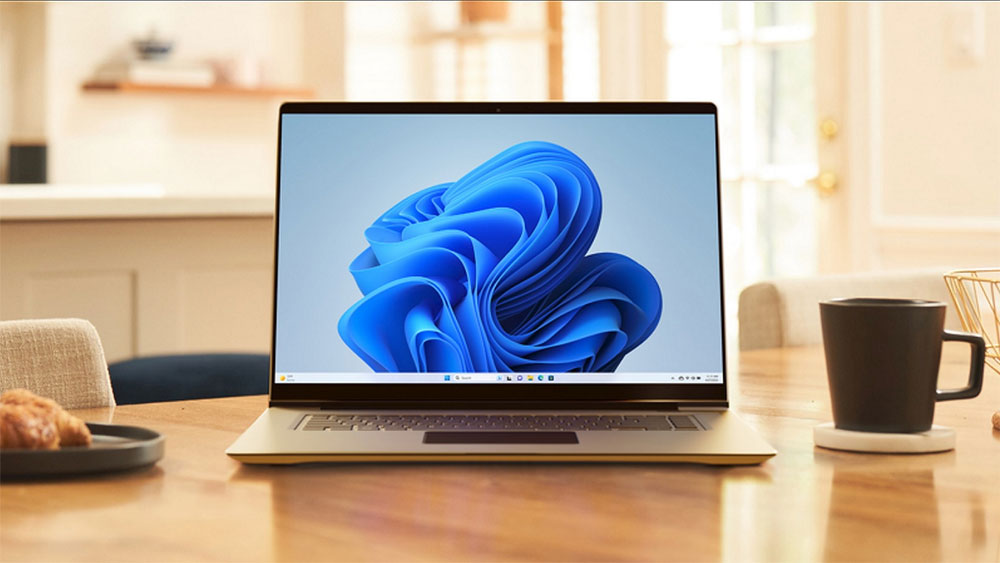
Microsoft now lets users skip forced updates, speed up Windows 11 installations
First, one of the most welcome changes is that Windows Update can finally be paused at any time. Although this feature existed in settings in the past, it was not available in all situations, especially during the initial setup process (OOBE) of a new device, where users were often forced to wait for the update to complete before entering the desktop. This approach troubles many people: they obviously just want to quickly complete the installation and start using the computer, but they have to wait for ten minutes or even longer before setting up the screen.
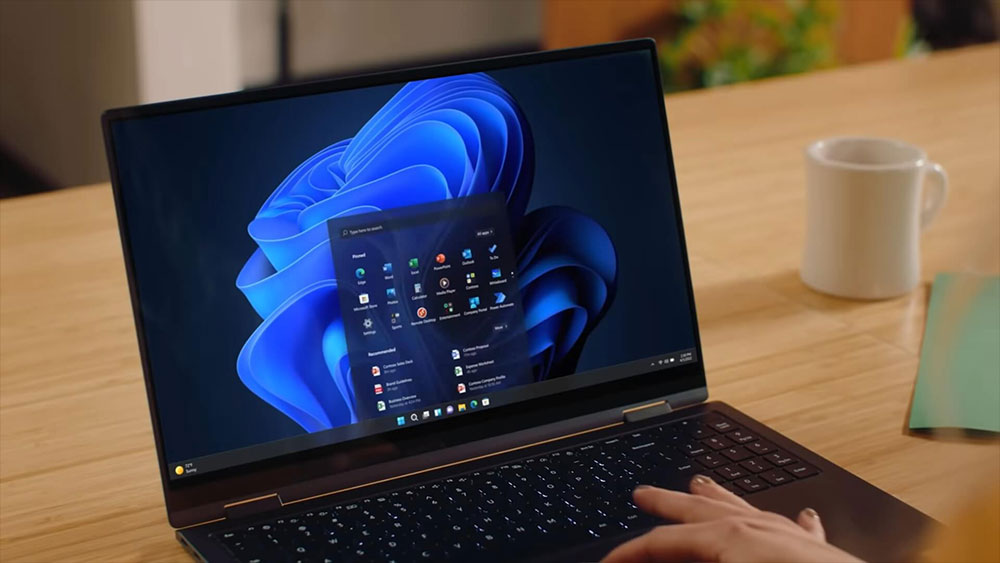
Microsoft clearly heard these complaints. From now on, when setting up a new Windows 11 device, a new option will be available whenever it’s in connected mode: “Update later.” With just one click, users can skip the lengthy update process and allow the system to complete a basic installation before downloading and installing the latest feature updates and security patches in the background. This is a very useful improvement for anyone who just wants to quickly get to the desktop, install an app, or start working.
🚀 *new feature alert*
New #Windows11 devices now give you the option to immediately skip updates during device setup – giving you the option of landing on the desktop faster or getting updates right away to land fully setup and ready to go. #UpdateControl #WindowsUpdate pic.twitter.com/c7PlsQmhTT
— ariaupdated (@ariaupdated) April 13, 2026
It is worth noting that this change is mainly targeted at unmanaged devices used by general consumers; IT administrators in enterprise environments can still decide whether to force updates during initial setup or allow them to be skipped through existing management policies. Microsoft has been testing this feature for several months, and now it is enabled by default, which means that when purchasing a new Windows 11 device in the future, users no longer need to wait for the update to be completed in front of the settings screen before they can start using the computer.
However, being able to skip updates isn’t all that’s changed with this OOBE. Microsoft also appears to be revisiting other controversial requirements in the initial setup process, the most concerning of which is the “mandatory use of a Microsoft account.” This policy has caused a lot of backlash over the years, and even some Windows engineers have publicly expressed dissatisfaction. Recently, there are signs that Microsoft may be preparing to relax this restriction, allowing users to complete settings with local accounts in more situations. If this change is officially implemented, it will be one of the most popular adjustments since the launch of Windows 11.
However, there are still some problems that have not yet been improved. For example, Windows 11 automatically enables BitLocker encryption on many new devices without providing a clear option for general users to decide whether to enable it during the OOBE phase. For users who are not familiar with encryption technology, this may lead to difficulties in data rescue or system maintenance in the future. In addition, the restriction that requires an Internet connection to complete setup still exists, which is still an unnecessary obstacle for users who do not have Wi-Fi, or who just want to create a local account offline.
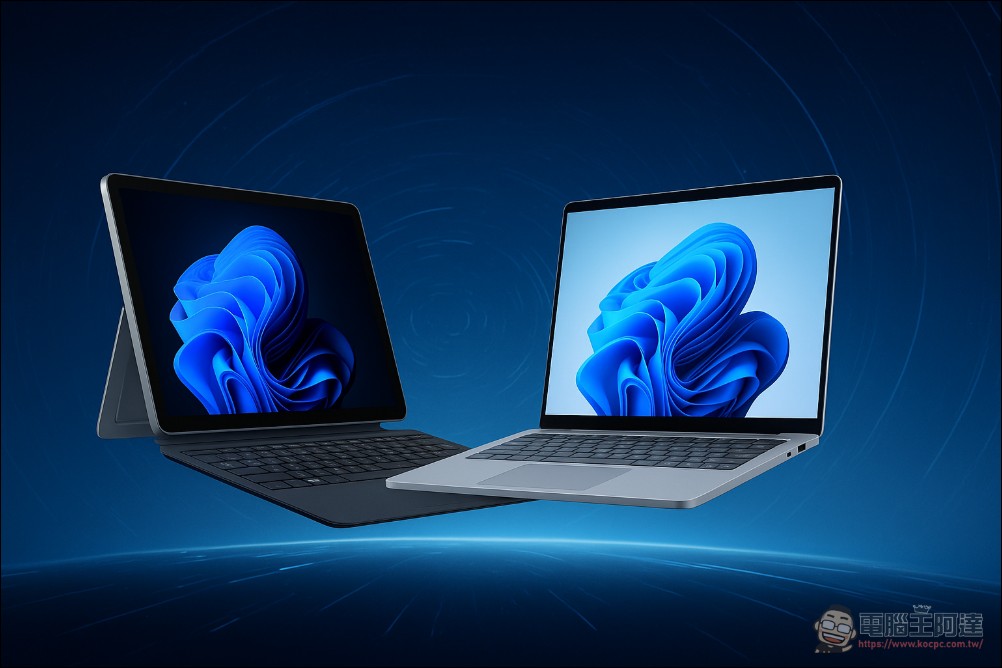
Overall, Microsoft’s adjustments to the Windows update and initial setup process are indeed moving in a friendlier and more flexible direction. Being able to skip updates and shorten the waiting time has been a request of users for many years, and now it has finally been answered. Although there are still some policies that have not been relaxed, it can at least be seen that Microsoft is beginning to re-examine design decisions that make users feel inconvenient. In the future, if Microsoft can further relax account restrictions, provide more transparent encryption options, and make OOBE more concise and intuitive, the overall Windows experience will be improved. For users who rely on computers for work and life every day, these seemingly small adjustments can often bring more practical convenience than large feature updates.
Source: KOCPC Chinese