


Last fall, Google launched an experimental Windows desktop app that was like “the next productivity tool.” Today, this tool is officially available to all Windows users. Its practicality far exceeds my original expectations, and it can even be said to be “worthy of downloading immediately”.
Google’s new Windows desktop app is now available to everyone, providing quick access to tools like Gemini, Lens, and search
从功能本质来看,这款应用程式并没有带来全新的 Google 服务,而是把 Gemini、智慧镜头、搜寻等工具整合成一个更快速、更贴近桌面操作的入口。 It sounds mundane, but when you actually use it, you will find that its value does not lie in “what is added”, but in “what it allows you to do faster”.
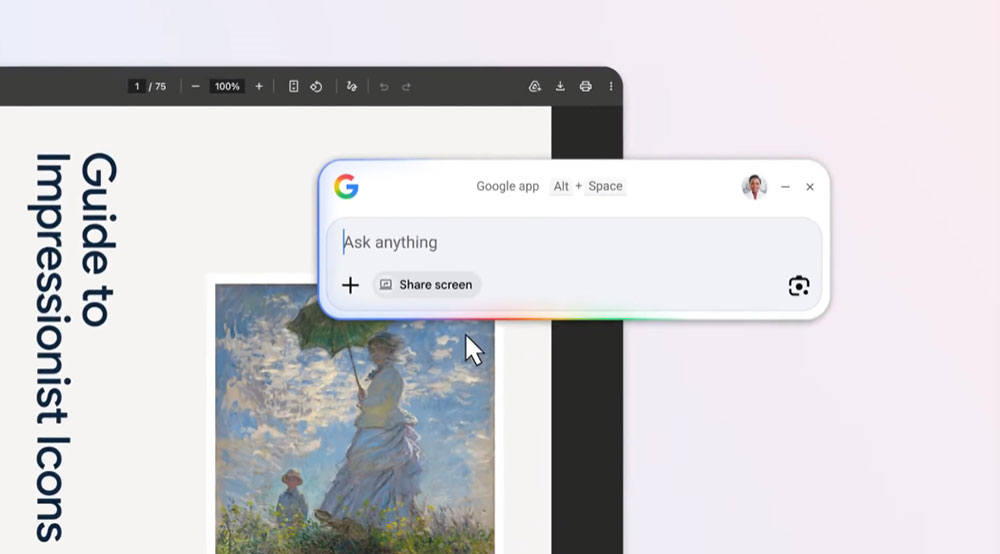
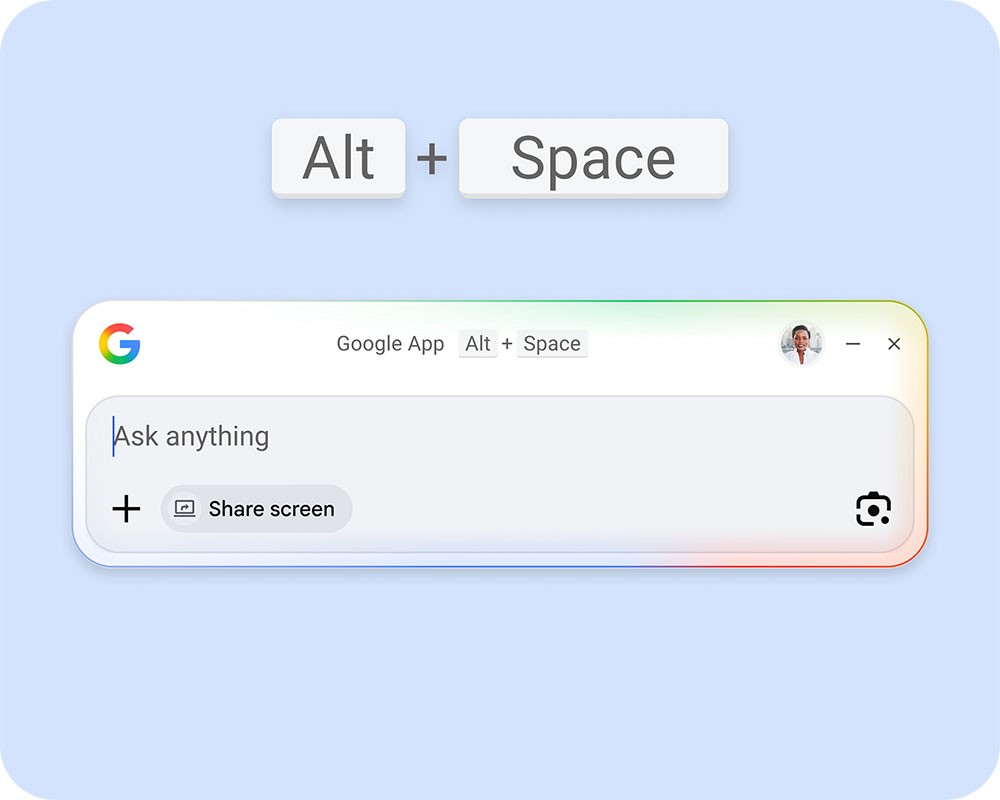
The most obvious example is shortcut keys. Press Alt + Spacebar, and the Google Desktop app will pop up immediately, faster than opening a browser, typing in a URL, or even opening a new tab. The pop-up search box will appear directly above the content you are editing, and you don’t even need to click it to start typing. The speed of this “search at any time” alone is enough to make it a permanent tool in your daily workflow.
But what’s really surprising is its deep integration with Google services. Start testing with the simplest questions, such as finding information from Gmail. It can not only read the content of emails, but also parse the information in the attached PDF. I asked it: “Where was my seat at last night’s concert?” It immediately responded with the area, row number, and seat number, without me having to go through the email myself. You can also ask: “When is the meeting with XXX?” It also quickly gives the date, time, location, and even reminds me that I have responded to attend. Of course you can also find this information yourself, but using this app can make it faster, so fast that it makes you wonder how much time you have wasted looking through emails before.
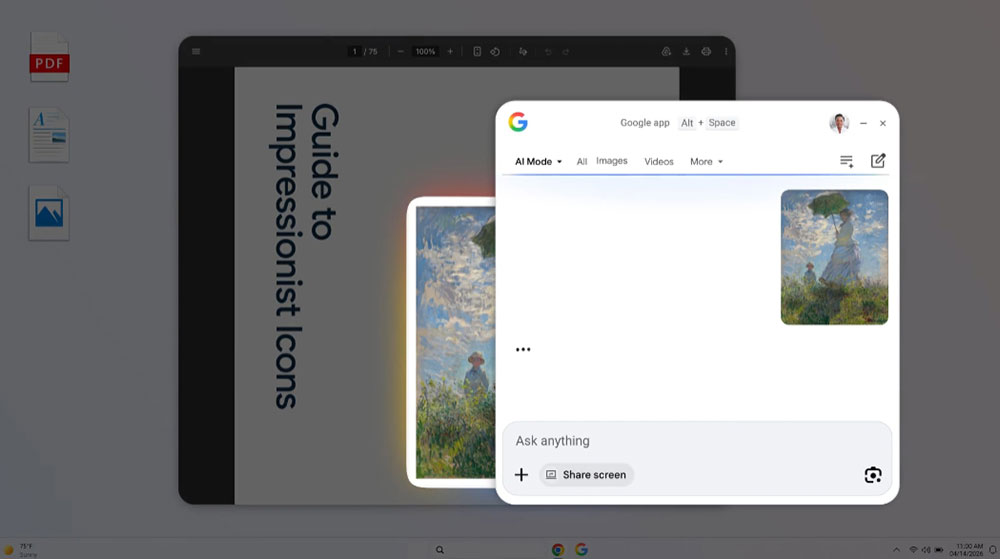
The smart lens function has also been completely moved to the desktop, and it is easier to use than imagined. After clicking, you can select any area on the screen, search for pictures, copy text, and find product sources. You can try to capture text from a document photo. It captures dozens of lines of content almost instantly, and the accuracy is quite high.
The screen sharing function makes it a “desktop learning assistant.” When I was helping my son with his math homework, I suddenly couldn’t remember the steps to convert a fraction into a decimal. I opened the assignment in a browser and let the app help solve the problem through screen sharing. It does not give answers directly, but provides directions for solving problems, which is just right for primary school students’ homework.
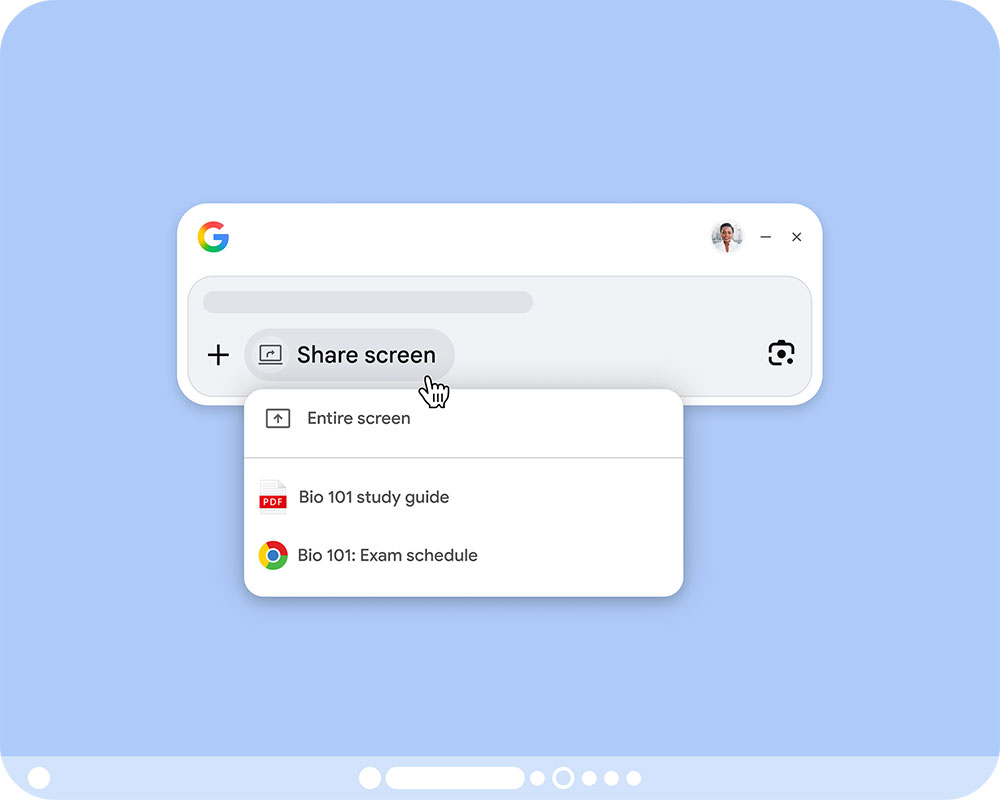
The app can also search files on your computer, but it’s not perfect yet. It doesn’t understand the semantic question “Where is the PDF I just downloaded?” but if you enter the file name, it will display the results at the bottom of the window. It’s not as smart as I expected, but at least it comes in handy when you know the file name.
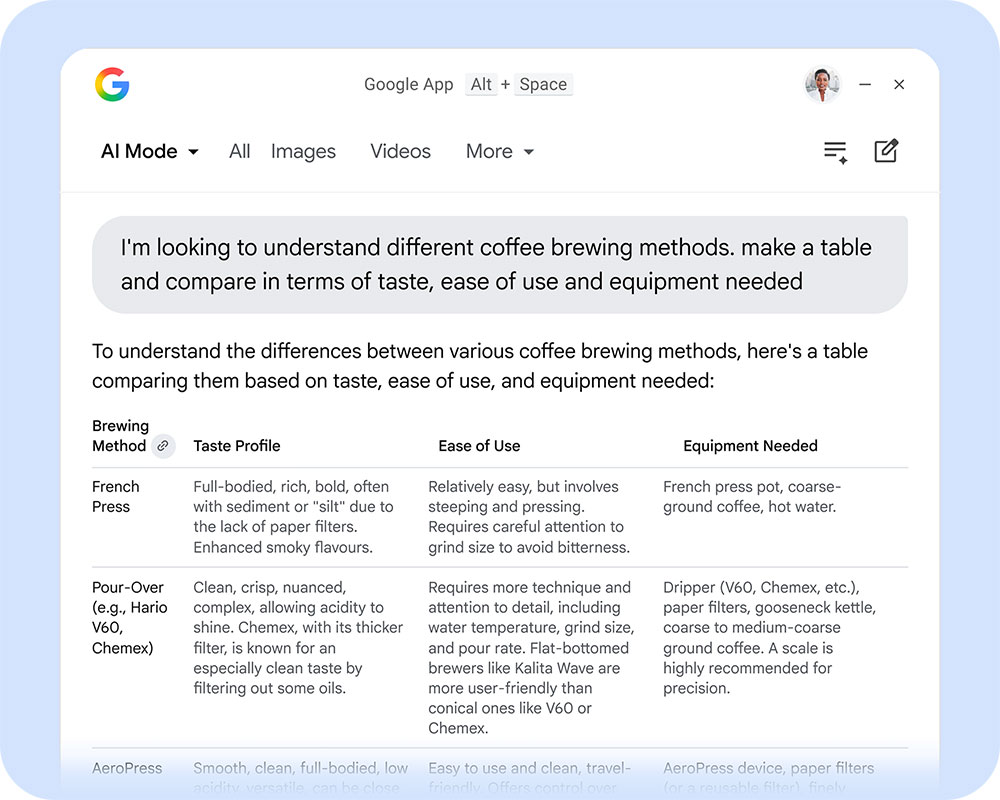
Overall, the Google desktop application does not bring any new Google features, but it condenses the tools that were originally scattered in the browser, mobile phone, and cloud into a super-fast entrance that can be called up at any time. Its value is not “what it can do”, but “what it allows you to do faster”. If you search, check emails, find photos, copy pictures and text every day, then this application will make you noticeably improve your efficiency.
It’s not a flashy product, but it’s a practical tool. It’s definitely worth a try for anyone who needs to quickly find information, organize their workflow, or just want to make computer operation more smooth. If you want to download,Click here, but currently only available in English.
Source: KOCPC Chinese