


Although the Mac system itself is very easy to use, you may still encounter that the software you want to use is not supported, or due to some testing requirements, you need to use the Windows 10 operating system. BootCamp is one way, but this requires restarting and switching to Windows 10, which is not so convenient to use. The well-known Parallels Desktop virtual machine software is not cheap. Is there a better way? The good news is that with the launch of the latest version of VMware Fusion 12, VMware has also released a free serial number for personal use. You can get it by registering without paying any fees. Mac users who lack Windows virtual machine software should not miss it. Let’s teach you how to get it.
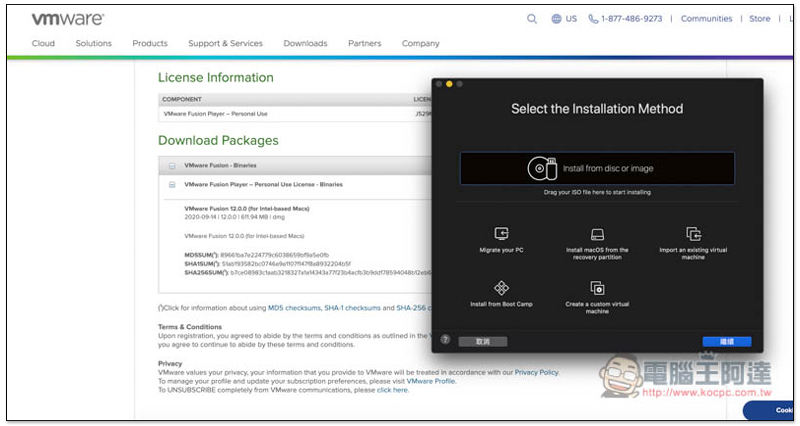
Steps to obtain a free serial number for VMware Fusion 12 for personal use
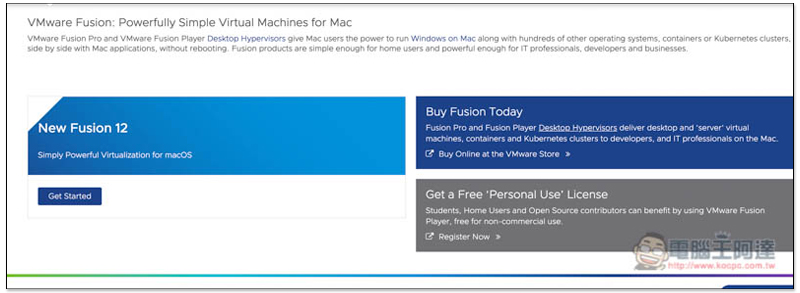
The method to obtain it is very simple,Click me to enter the VMware official website, scroll down the right side of the screen and you will see a Get a Free “Personal User” License block, please click on it:
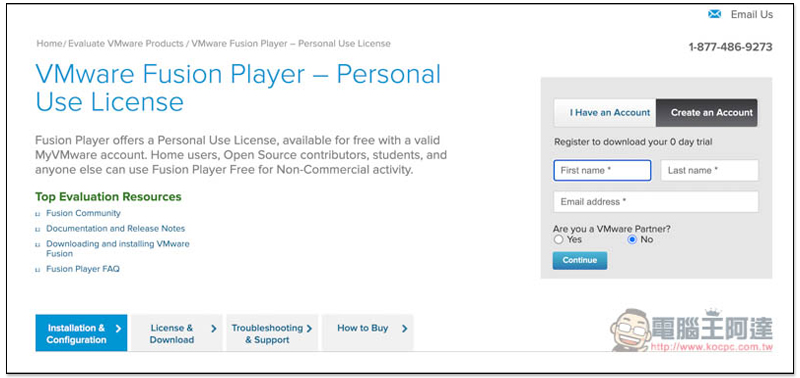
Those who already have an account can log in directly. If not, click Create an Account to apply for free:
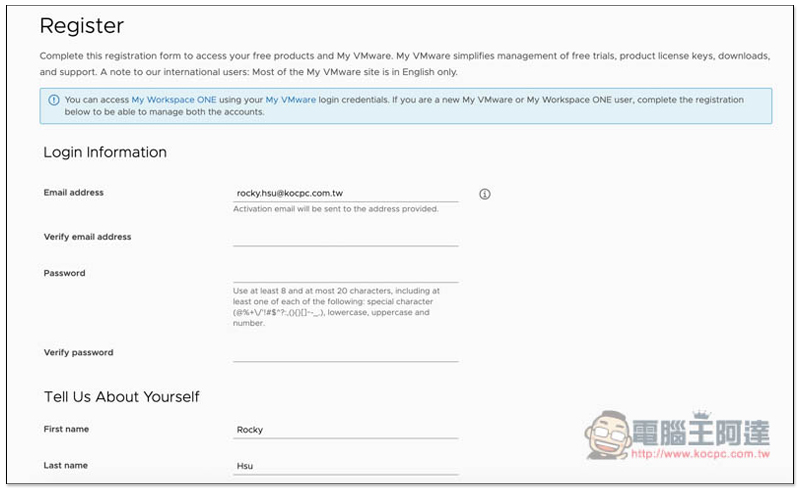
Fill in your basic information:
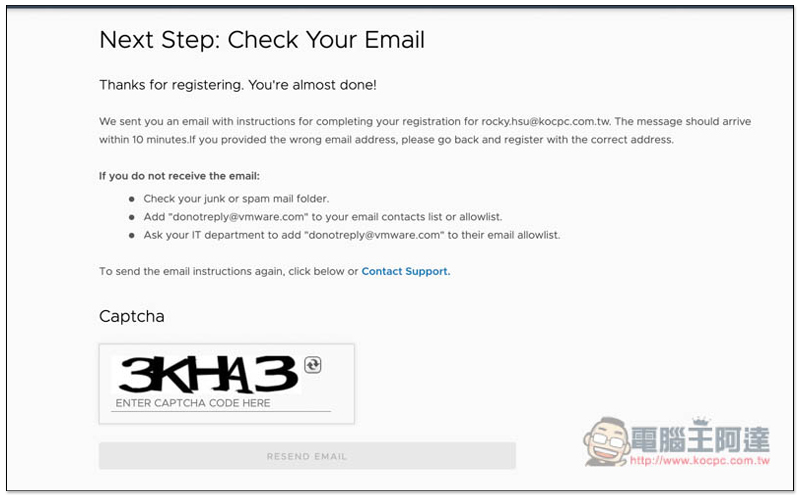
After registration, a verification email will be sent to your mailbox. If you do not receive it, please click RESEND EMAIL below:
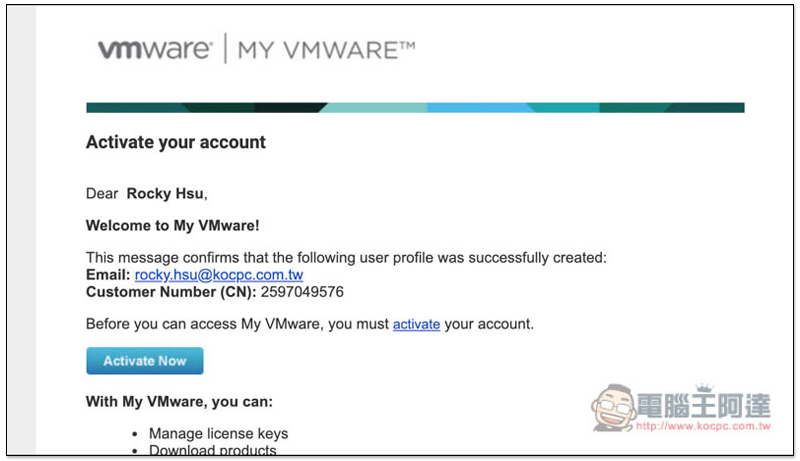
You will receive this letter in your mailbox, click Activate Now to activate:
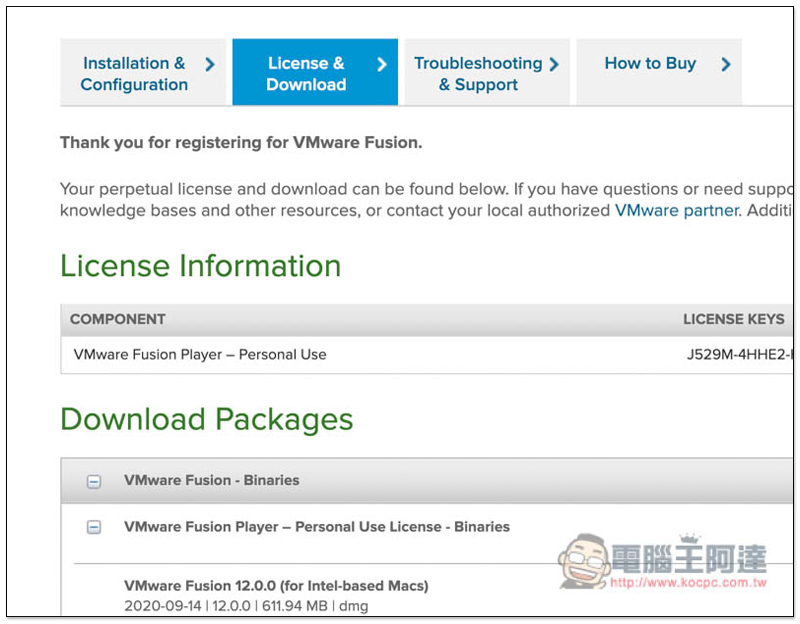
After completing the activation, go to the backend of your personal account. In the License & Download menu, you will see your VMware Fusion Player – Personal Use serial number. The software installation file can be found in Download Packages below. Also note that this serial number can only be used for personal use and cannot be used for commercial purposes. For commercial purposes, a paid version must be purchased:
After downloading the installation file, double-click to open it, and then double-click on the screen:
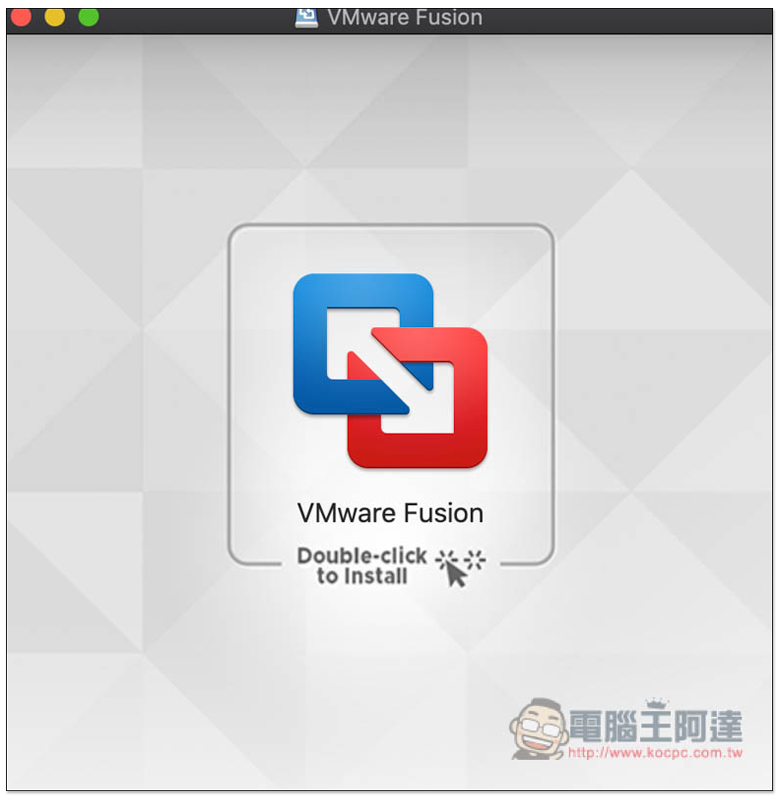
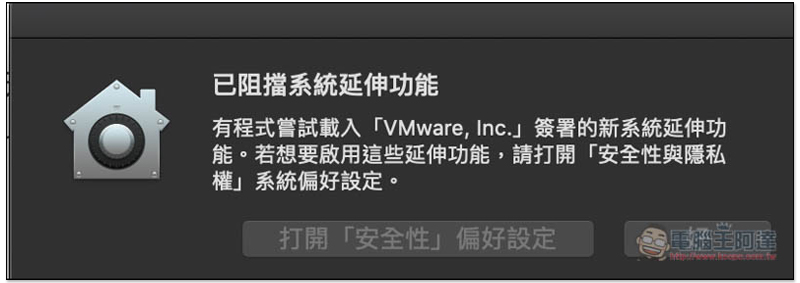
The installation process will then be launched. If some system blocking messages occur, please click “Open Security Preferences”:
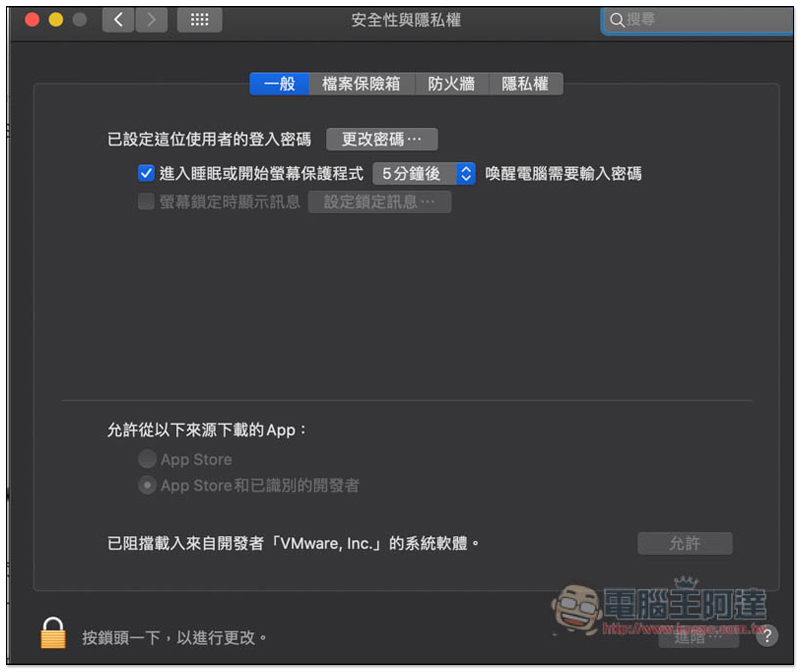
Press the lock on the lower left and enter the login password. Click Allow on the right:
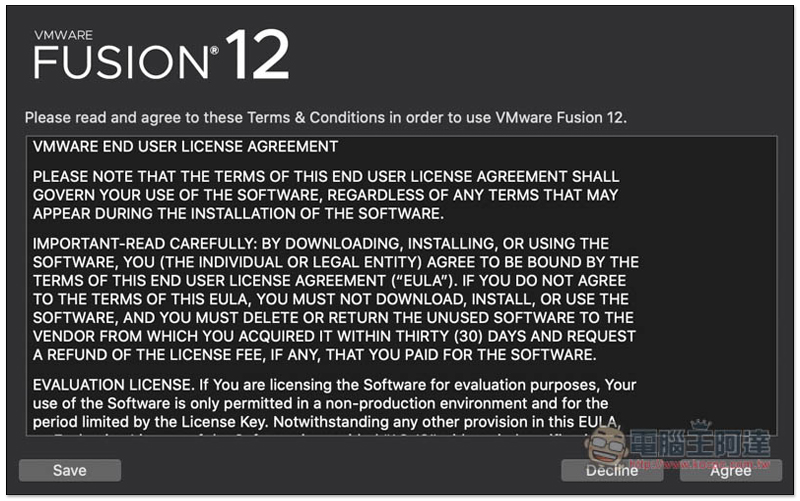
Then you can start the installation:
Paste the personal serial number you just obtained and click Continue to continue: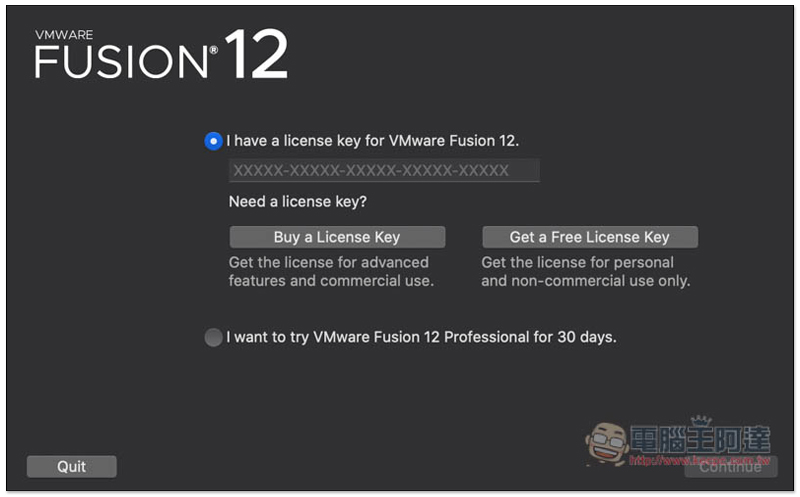
The actual test is indeed enabled successfully:
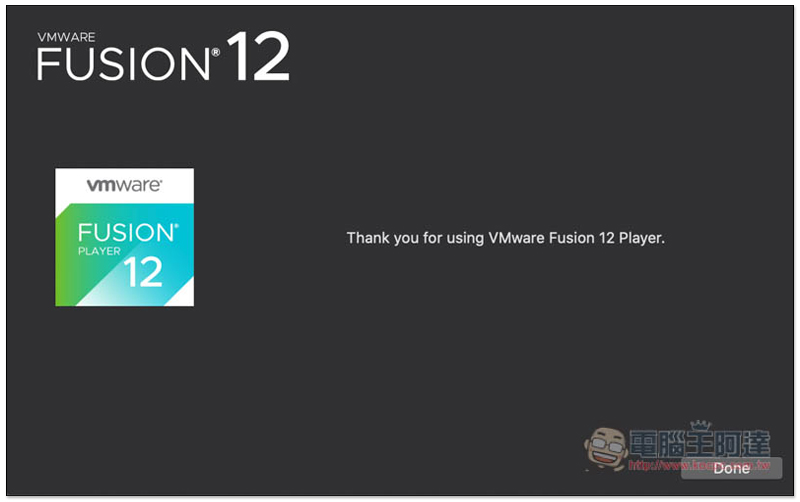
Before you start using it, you also need to give permission to control System Events, click “OK”: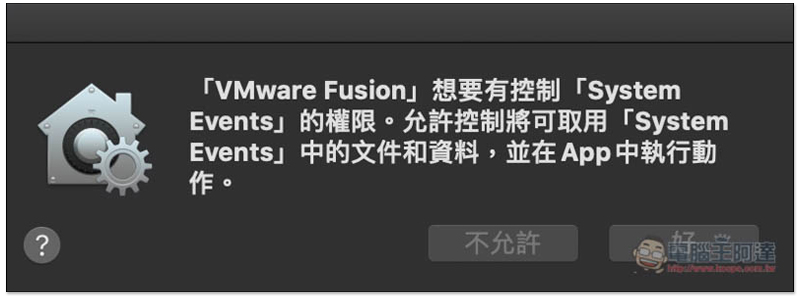
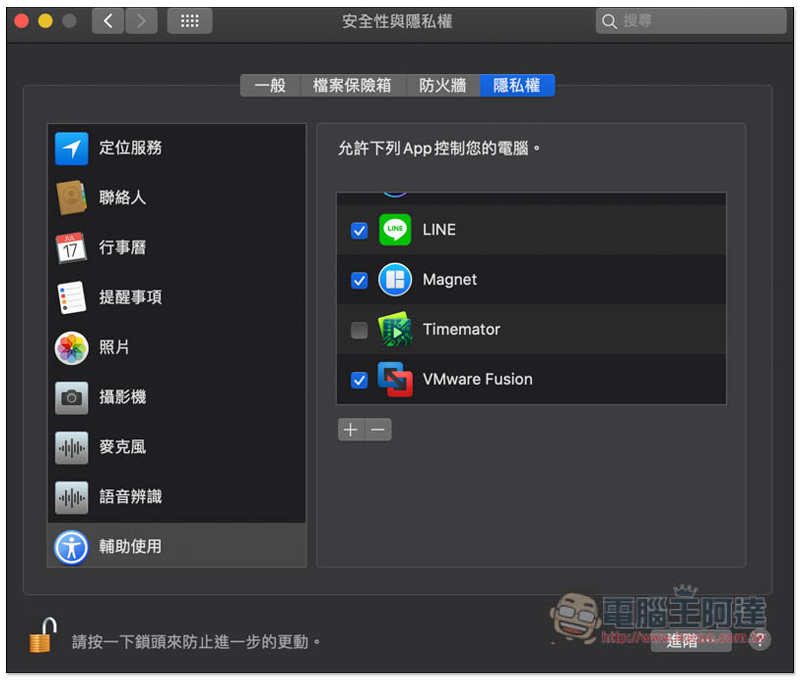
Tick VMware Fusion in auxiliary use, and the setting is complete:
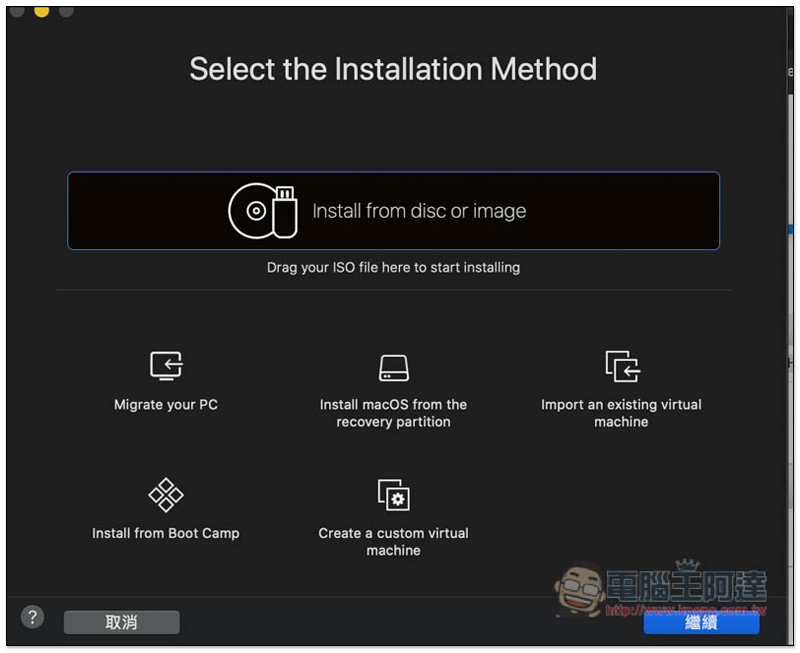
You can start installing the Windows 10 virtual machine. Click Install from disc or image above to select the image file. Installation from Boot Camp is also supported:
Finally, a reminder that VMware Fusion is only virtual machine software and does not include Windows 10 installation files. Those in need can download it from Microsoft’s official website.
Supplementary information
- VMware Fusion official website:Click here to go
VideoProc 超好用的影音軟體限免中!可下載 YouTube 影片或音樂、影音轉檔、4K 影片剪輯、螢幕錄影(Windows、Mac)
Source: KOCPC Chinese