


upgrade to macOS 26 After that, the original classic Launchpad became completely different. It was no longer a full-screen display, but a small window. Although it had an automatic classification function, when App As you install more and more, it will become easier to find, but for some older Mac For users, it may feel very uncomfortable. If you haven’t adapted to it yet and want to change back to the old version of Launchpad, Buho Launchpad is currently offering a lifetime versionLimited exemptionOffer, just install this software and you can instantly get back the old version of Mac Launchpad.
More importantly, this lifetime version can be upgraded to the latest version for free forever and gets all the features. It is worth it for Mac users.
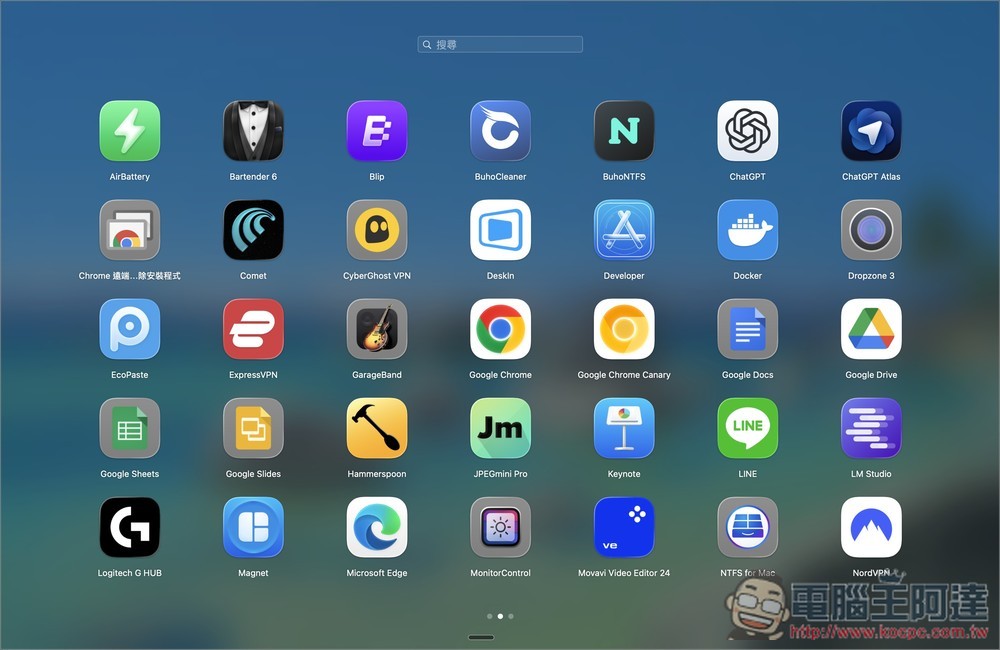
Lifetime version of BuhoLaunchpad is free! Lets you switch back to using the old version of Mac Launchpad
BuhoLaunchpad is an app launch tool specially built for macOS. It reproduces the classic, intuitive and full-screen interface of the old version of Launchpad, so that users who are accustomed to the old version can continue to use it. It also supports global shortcut keys. After pressing the key combination you specify, you can immediately open or hide the launcher, saving time on clicking. Perfectly supports macOS 14/15/26, as well as Apple Silicon and Intel Mac, and can automatically import the folder configuration of the old version of Launchpad.
Main features
- Instant Search: Find any program quickly
- Drag and drop organization: free sorting, creation of folders
- Multi-page management: A large number of apps can be easily classified
- Global shortcut keys: call or hide Launchpad with one click
- Import the old layout: you can seamlessly continue your habits even after upgrading macOS
- Supports macOS 14/15/26, M series and Intel Mac
Get BuhoLaunchpad Lifetime Edition
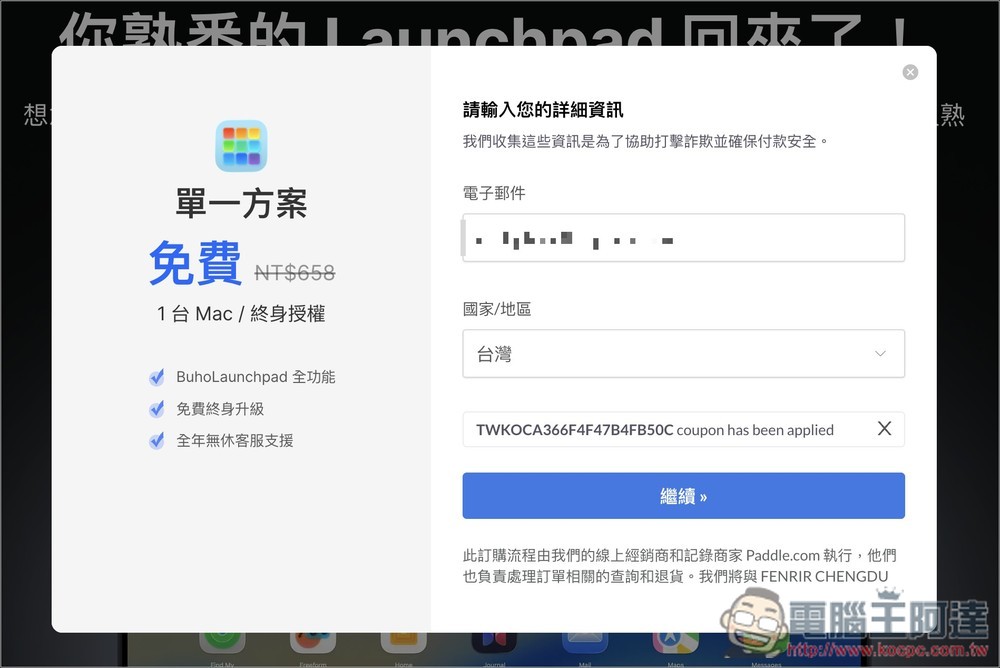
The Buho Launchpad lifetime limited free event is expected to end on Friday night. After clicking the link above to go to the event page, there will also be a countdown timer above. There is still more than one day left to write the article. Then click “Get Authorization for Free” on the right:

This screen will pop up. Enter your email at the top and the country/region at the bottom. The email will need to be received, so don’t fill it in randomly:
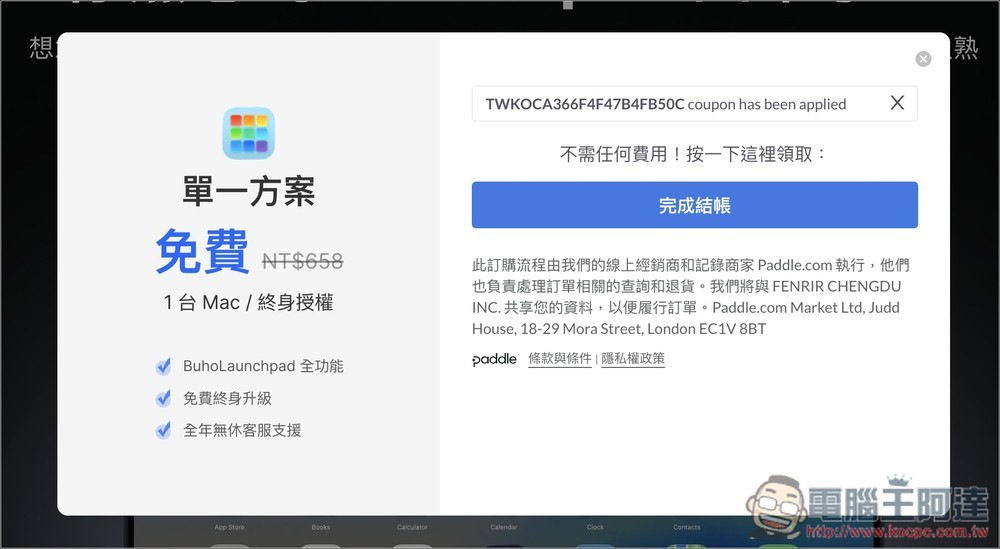
Then click “Complete Checkout” without filling in any payment information:
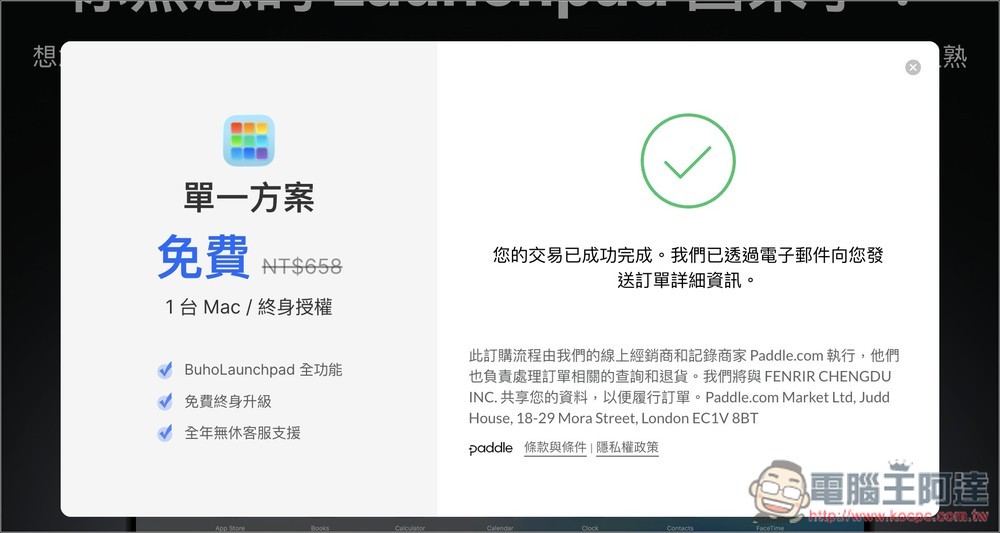
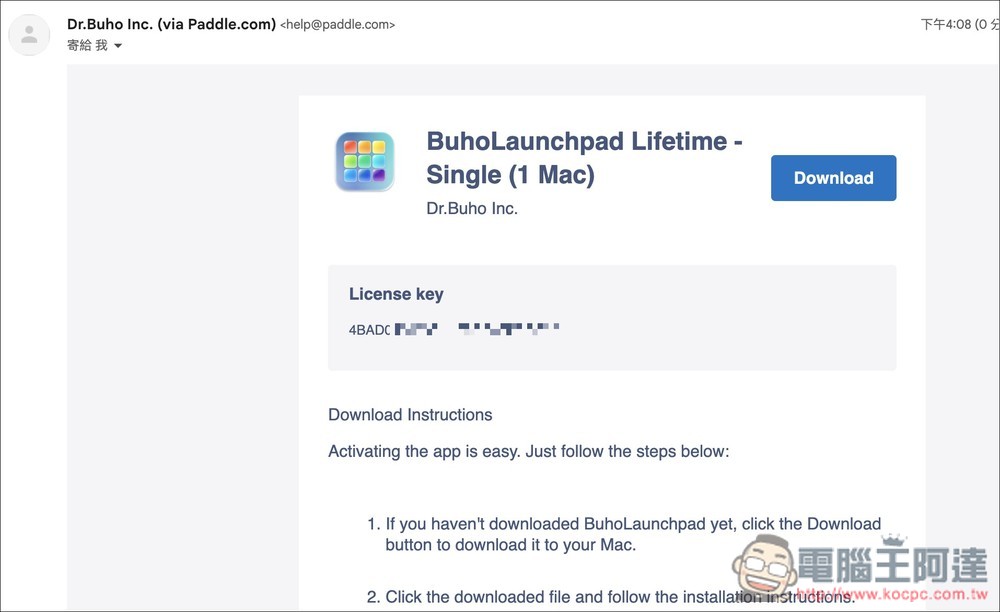
When this screen appears, you can go to the mailbox you just filled in to see if you have received the serial number:
You will receive this letter. The License key is the activation serial number. Click Download in the upper right corner to download the Buholaunchpad installation file:
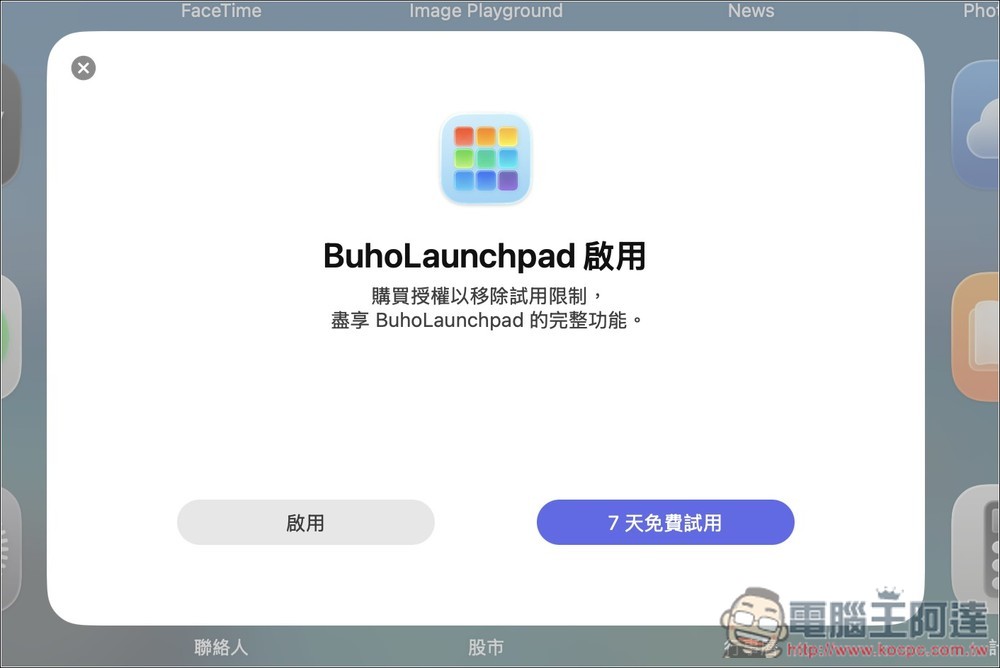
After installation, open Buho Launchpad. The following screen will be displayed. Click to enable:
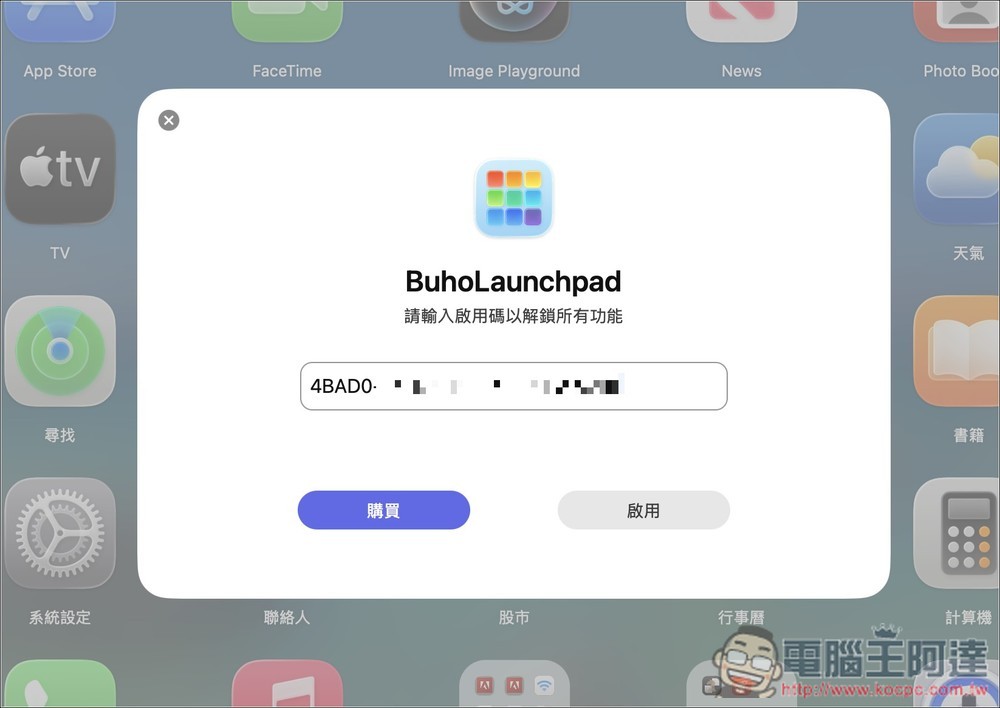
Fill in the serial number you just obtained, and then click Enable:
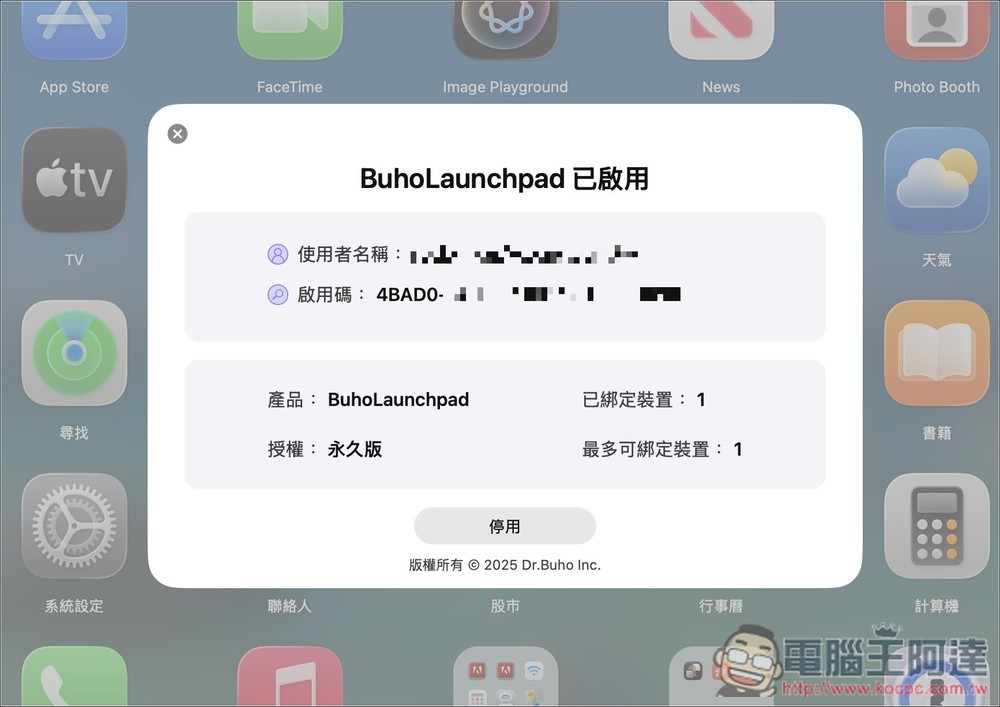
That’s it! The authorization does say “permanent version”. Also note that this serial number can only be bound to one Mac device. If you have multiple Mac devices, repeat the above steps to obtain a new serial number:
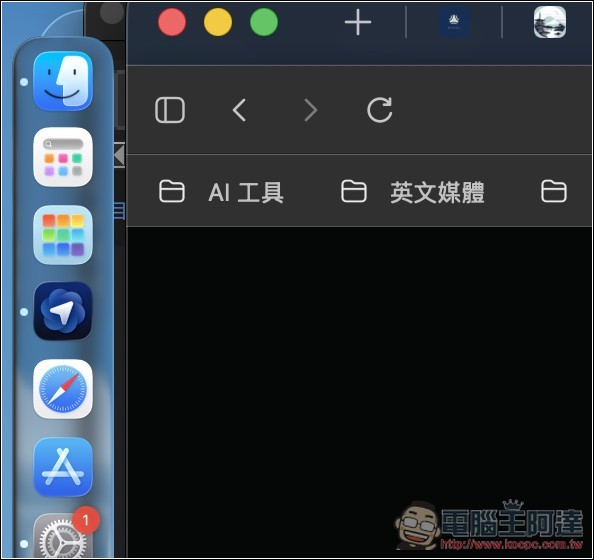
The Mac’s built-in Launchpad will not disappear, and you can continue to use the new version if necessary. It is recommended to drag the BuhoLaunchpad application to the left so that you can click on it in the future to open the old launchpad:
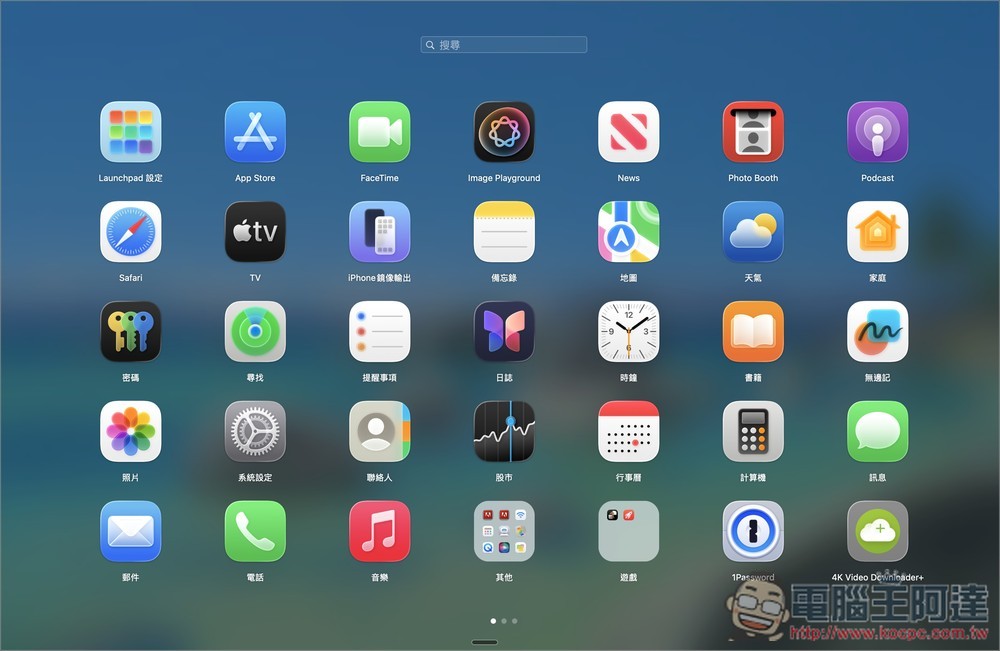
As shown below, the familiar old version is back! There are BuhoLaunchpad settings in the upper left corner:
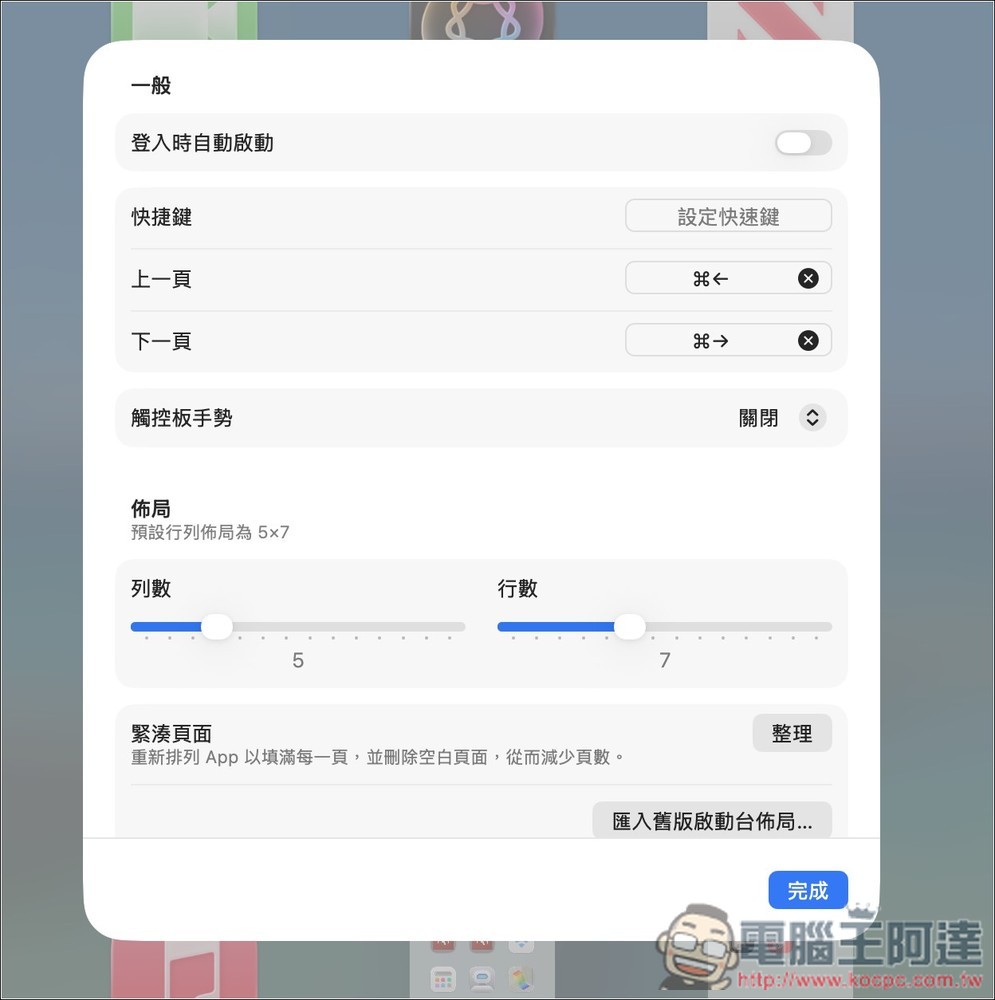
There is no shortcut key by default, you can set it yourself if necessary. There are already shortcut keys for the previous page and next page, and trackpad gestures are also supported. The number of rows and columns of the layout can be adjusted:
Source: KOCPC Chinese