


“Keep your computer up to date” is a cliché, but it’s still often ignored. If you’re one of those people who sees notifications of available software updates and clicks on them, you might want to reconsider this. Most of the time, updates are released either to help improve performance or to address critical security vulnerabilities. Software companies are certainly not asking for trouble when they release updates, and most users benefit from ensuring they are up to date. Of course, there are exceptions to every rule; for example, people with older hardware may not want to update their software due to compatibility issues with the latest versions; some may also want to wait a bit to make sure the update doesn’t cause other disruptions.
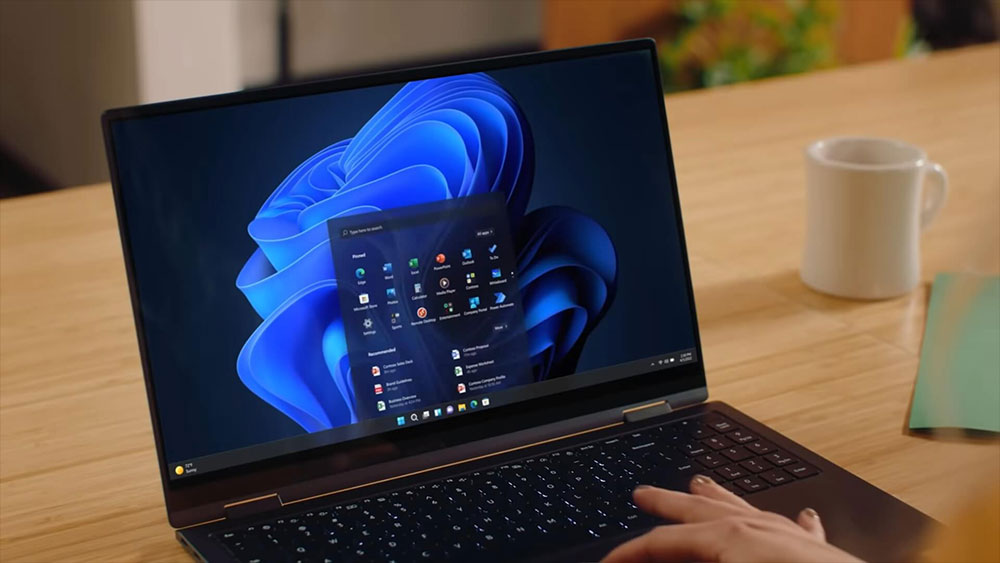
Why is it important to keep your computer updated? Understand the importance of software and driver updates
Most common types of updates
Not all updates are created equal, and therefore, the reasons for their publication may vary. Some updates you may want to install immediately, while others you may want to wait and see if they are needed. Either way, it’s great that you have choices and that companies are doing their best to ensure that the software and programs they release are compatible with a variety of devices.
- Feature updates
Generally, these updates are rolled out regularly and add new features to further enhance the user experience. - Driver update
These updates are rolled out to ensure that your operating system can work with specific hardware and tell it what to do. - Firmware update
This update applies to software that is paired with specific hardware and will ensure that the hardware functions properly. Not all hardware will have firmware, but all hardware will have drivers. - Security updates
The most important type of update is this one, which is intended to prevent malicious people from exploiting certain vulnerabilities that may exist in the software, and to protect you and your data. Of course, while you can take extra steps to protect your system, updates are an important part of security. - Full product update
Full product updates basically work without you having to manually remove and install them. It deletes old and unnecessary files and replaces them with files required by the new and improved software version. \
Companies like Microsoft also have what they call Windows Quality Updates or Cumulative Updates, these are usually automatically downloaded to your computer and rolled out on a set schedule, so you see them regularly. Sometimes you may even need to download multiple updates at the same time to resolve the issue at hand.
What needs to be updated?
Mobile phones and computers are usually the two products that are updated most frequently. However, any technology can receive updates, and even many popular cards can now receive over-the-air (OTA) updates. OTA is also the preferred update method for most phones and computers, but sometimes you may need to update content manually. Manual updates typically require you to download the update from the manufacturer’s website and then install it yourself; OTA updates, on the other hand, can be downloaded to your device over the air and are easier to install.

For computers, there may be many updates that need to be completed. From software, programs and operating systems (like Windows 11), all the way to your motherboard, CPU or the latest shiny graphics card, everything needs drivers, and graphics card drivers are regularly updated to ensure they remain compatible and provide optimal performance for new games.
Are updates really that important?
Whether an update is important depends on the type of update, but in most cases, it is important to install the update. Sometimes an update may try to fix more than one thing, so unless you read the entire changelog, you may miss the functionality you want. Of course, if it’s just a feature update and the feature is something you don’t need, you can wait until the next update to install it.
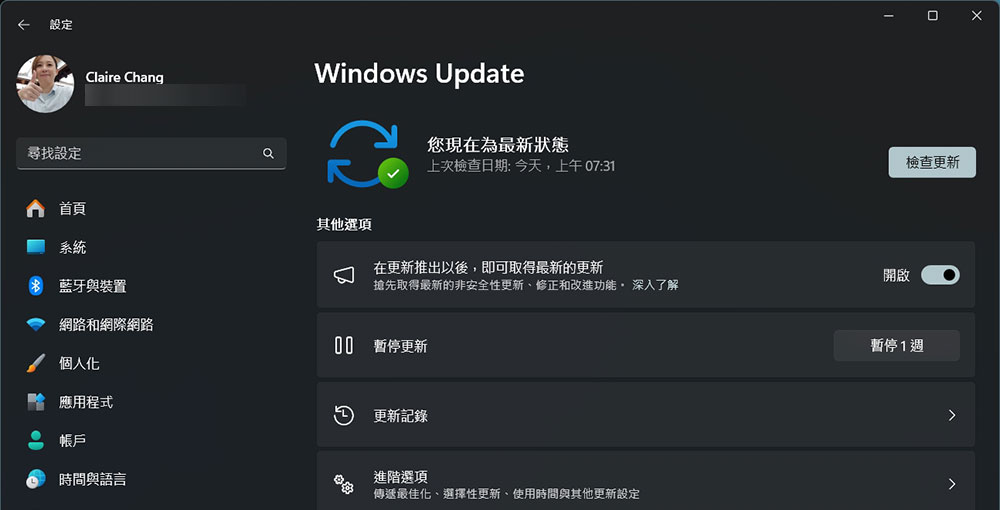
On the other hand, if it is a security update it should be installed as soon as possible. As mentioned before, security updates often fix vulnerabilities, and nine times out of ten these vulnerabilities have been exploited by unscrupulous parties, so it’s best to install them quickly to stay safe. Also, if you feel like something isn’t quite right, it’s a good idea to check the brand or manufacturer’s website to see if there are any latest updates available to install.
Source: KOCPC Chinese