


If you are like the editor and are planning to upgrade to iOS 18 in the future, you can set the quick buttons on both sides of the lock screen to different camera applications for quick access. You may still be worried, maybe one day you will want to use the original camera app including special shooting functions such as movie quality. Therefore, it is difficult to choose whether to maintain the original iPhone shortcut keys. don’t worry! This article teaches you how to solve this problem. Continue reading After customizing the lock screen shortcut keys to other functions in iOS 18, there is still a way to quickly launch the original camera app! Report text.
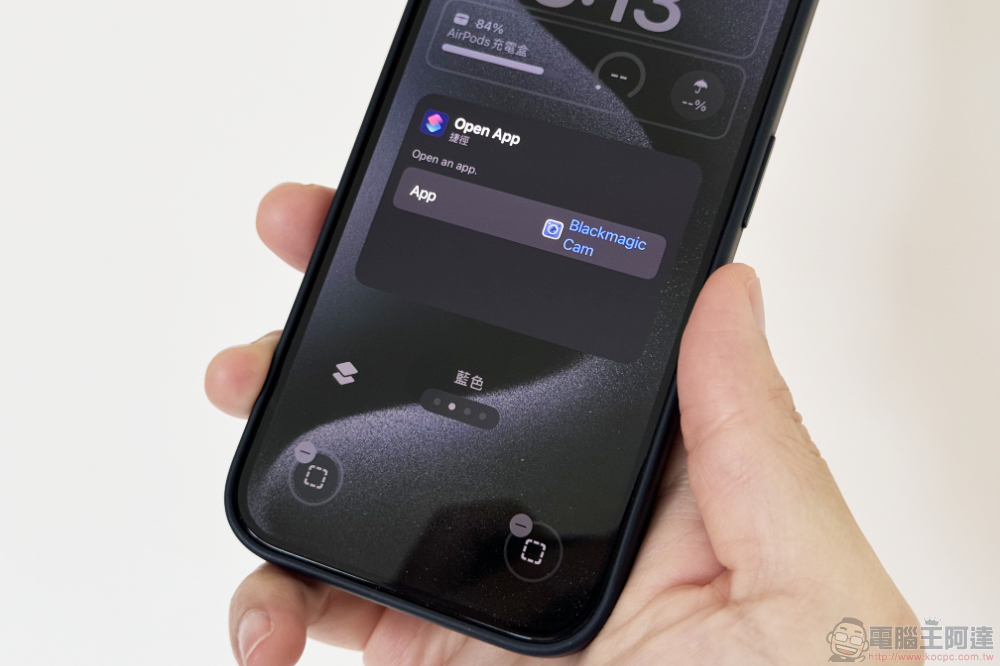
After iOS 18 locks the screen shortcut keys and customizes them to other functions, there is still a way to quickly launch the original camera app!
If you, like the editor, are planning to upgrade to iOS 18 in the future, you can set the quick buttons on both sides of the lock screen to different camera apps for quick access – I will definitely not say that I have already reserved the one on the right. Leica LUX App, and on the other side is the Blackmagic Cmaera App (consider switching to the latest Final Cut Camera in the future). A complete usage scenario that takes both manual exposure and special filter effects into consideration! Perfect!
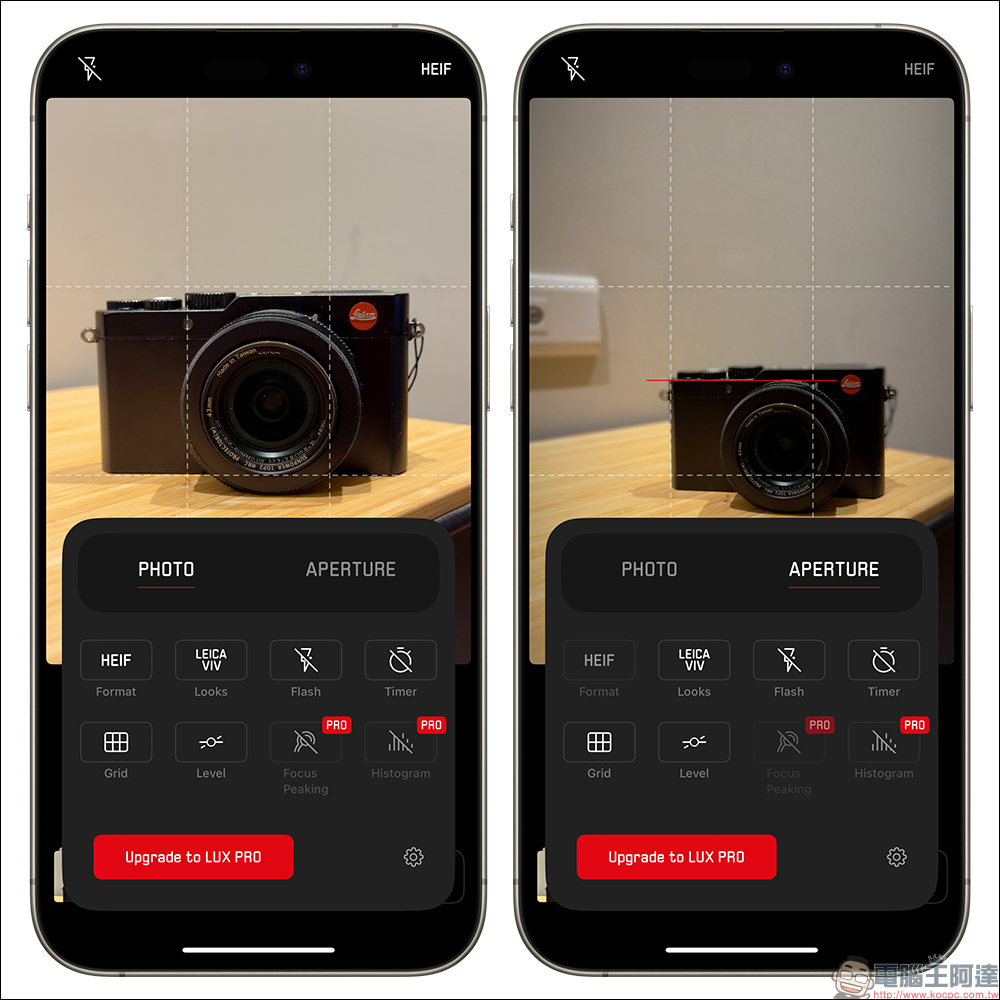
However, you may still be worried, maybe one day you will still want to use the original camera app including special shooting functions such as movie quality – or you simply think that the original shooting functions are simple and unburdened. Therefore, it will be difficult to choose whether to maintain the original iPhone shortcut keys.
But in fact, this problem is not that complicated at all! Because we may have forgotten How long has this road taken? iOS and even iPadOS still have a very simple operation, which is to activate the camera directly through the edge gesture of the lock screen.
This feature is currently confirmed to still exist in the iOS 18 Beta developer test version!
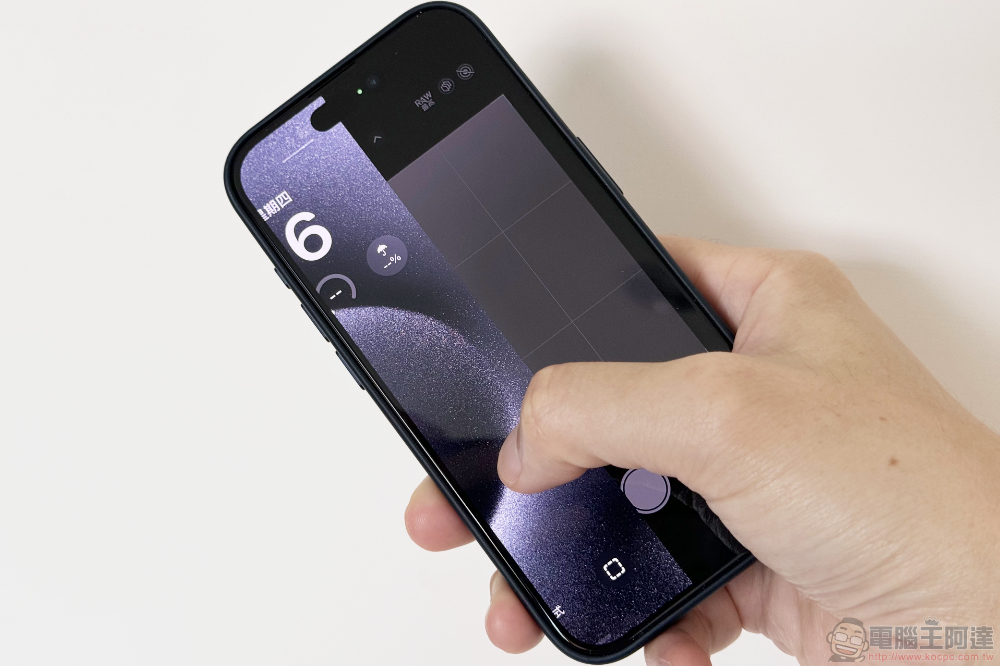
To put it simply, everyone can use the custom shortcut key function of the lock screen with peace of mind. There is no need to worry that after replacing the camera App button, it will become impossible to directly wake up the camera to take pictures when the screen is locked.
At this stage, there are many ways to quickly launch the camera app on the iPhone – the iPhone 15 Pro series has an action button to launch it. By quickly swiping in the control center from the upper right corner of the screen, you can also place the original camera app, and you can even launch Leica or Blackmagic apps directly in the control center like a shortcut key to lock the screen.
Finally, I will also teach you how to change the screen shortcut buttons in the iOS 18 lock screen.
The initial steps are basically the same as modifying the lock screen. Basically, when the lock screen lights up, long press the lock screen to enter the editing screen with the “Customize” button.
At this time, click “Customize” and select “Lock Screen” on the left to enter editing mode. Here you can simply click on the shortcut button you want to customize to change the settings.

That is to say, there seem to be some problems with the customized App startup function for the Control Center and Lock Screen shortcut buttons on iOS 18 – that is, you cannot really select it, or a clone will appear in the Control Center after you select it. This part is probably a bug in the iOS 18 Beta version. I believe it will be fixed in subsequent versions and even the official version.
via|
Further reading:
Opinion: Is it serious that Gogoro is suspected of using Chinese-made motors?
Source: KOCPC Chinese