


At this year’s Google I/O, one of the features that I am looking forward to is the new assistance function in the sidebar/mobile application that can use the power of Gemini AI to help you quickly master the daily tedious Gmail messages. Recently, the foreign media Android Authority gave us a first look at the specific experience of integrating Gemini into the Gmail mobile application by enabling the Flag function. Continue reading The latest version of the Gmail app is starting to feature a Gemini AI button that can help you summarize the content of lengthy letters! Report text.
▲Image source: Android Authority
The latest version of the Gmail app starts to feature a Gemini AI button that can help you summarize the content of lengthy letters!
At this year’s Google I/O, one of the features that I am looking forward to is the new assistance function in the sidebar/mobile application that can use the power of Gemini AI to help you quickly master the daily tedious Gmail messages. Recently, the foreign media Android Authority gave us a first look at the specific experience of integrating Gemini into the Gmail mobile application by enabling the Flag function.
▲Image source: Android Authority
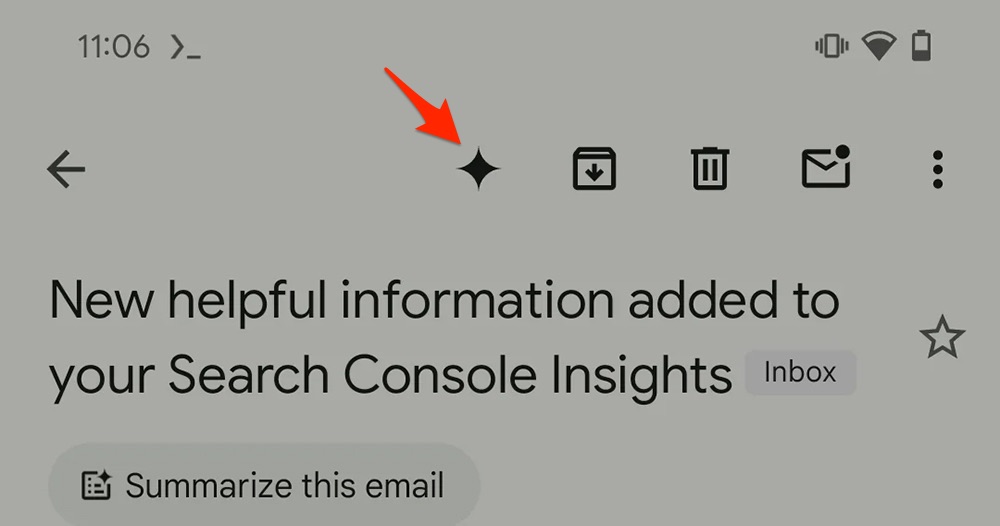
According to foreign media information, they can enable Gemini AI buttons starting from version 2024.05.19.635289964 of the Gmail app.
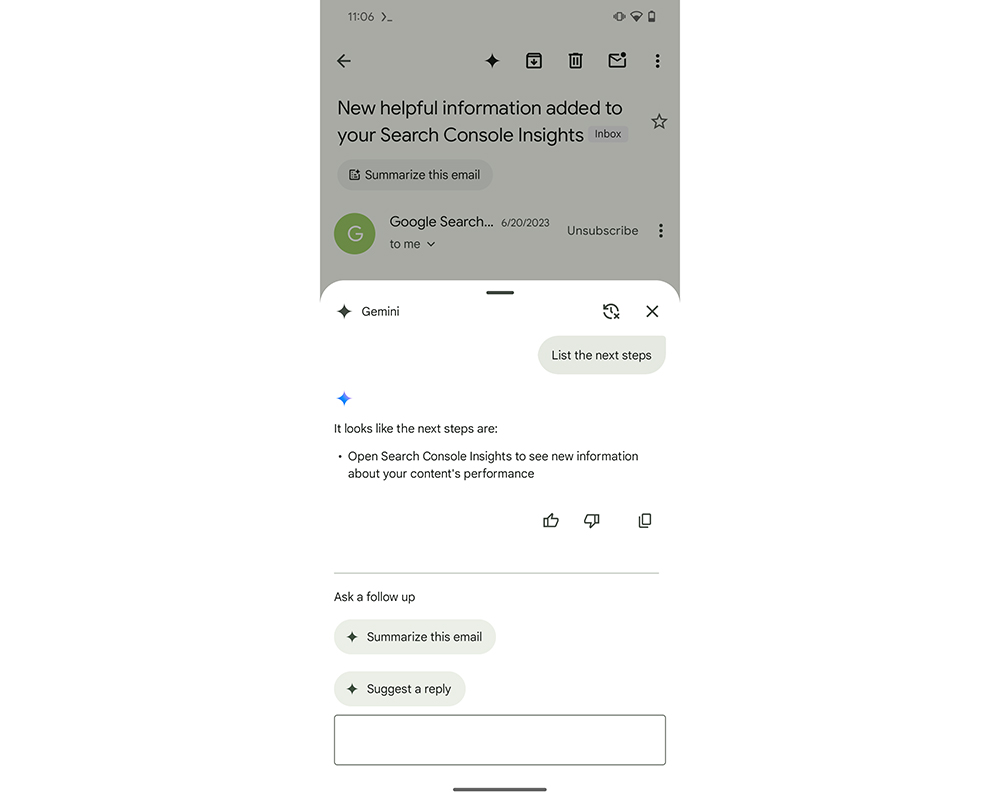
At that time, it was basically an interface function that could start a conversation with Gemini AI – but it was still better than Android Messages simply integrates the Gemini app chat functionway is much better. Because in Gmail’s Gemini experience, you will be able to organize email content and reply to suggestions and other functions – awesome!
As for the latest version 2024.05.26.638440827, foreign media found that Google has continued to make more optimizations for the Gmail app that integrates Gemini.
▲Image source: Android Authority
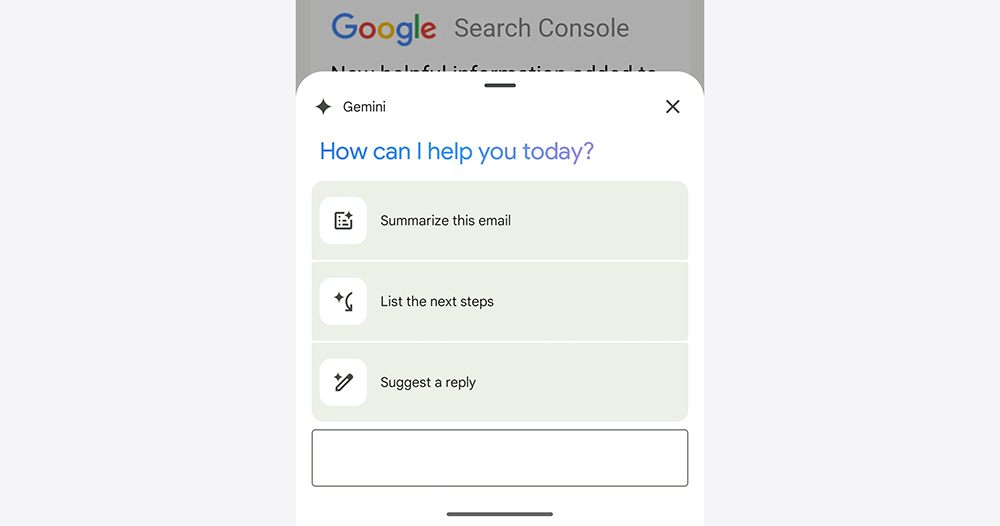
Just like the feature demonstration mentioned when Google I/O was released, the new Gmail app has been assisted by Gemini after pressing the star button to the left of the archive button. The “How can I help you today?” dialog interface that pops up now has new suggestions including “Summary this email”, “List next steps” and “Suggested replies”. The point is, these features currently work fine.
▲Image source: Google
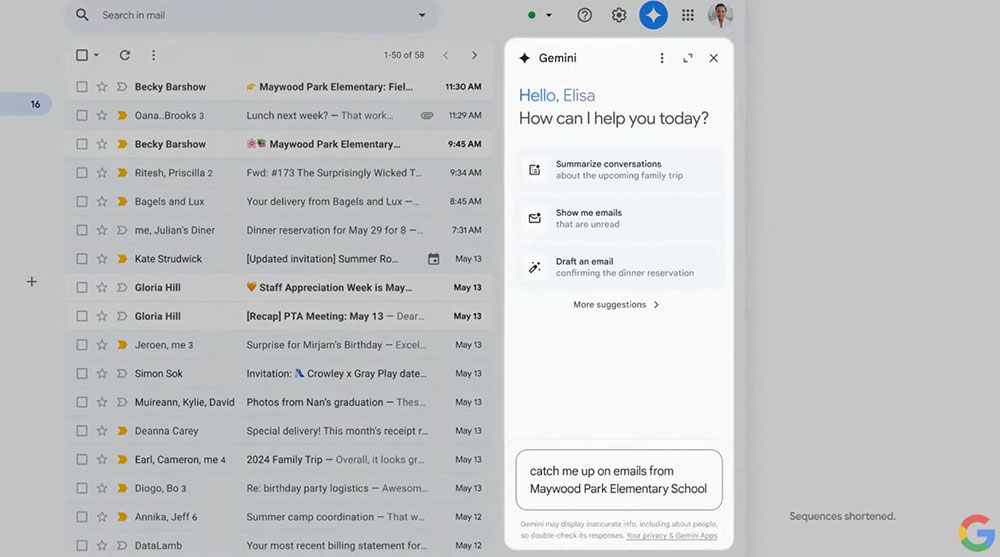
From the interface point of view, the Gmail version of the Gemini AI conversation interface is basically the same as the standard version. Both can score and copy the data generated by the AI, and can also continue the conversation.
It must be said that being able to summarize the content in Gmail has been of great help to me. In addition, in the past, Gmail basically only provided smart reply functions for non-Chinese languages. I am also looking forward to whether it can perfectly support Chinese through the power of generative AI.
I really hope that Google will soon open it up to all users!
Further reading:
Holding back? The much-criticized Google AI Overviews has been silently reduced in appearance
Source: KOCPC Chinese