


As the official version of iOS 17 becomes more stable, many iPhone users have begun to explore the practical functions of this latest system. Recently, we also tried out the “Check in” function introduced for the latest version of iMessage, which was first announced at WWDC. Continue reading Is the iOS 17 safety notification feature easy to use when your iPhone automatically reports safety? This article teaches you how to use report text.
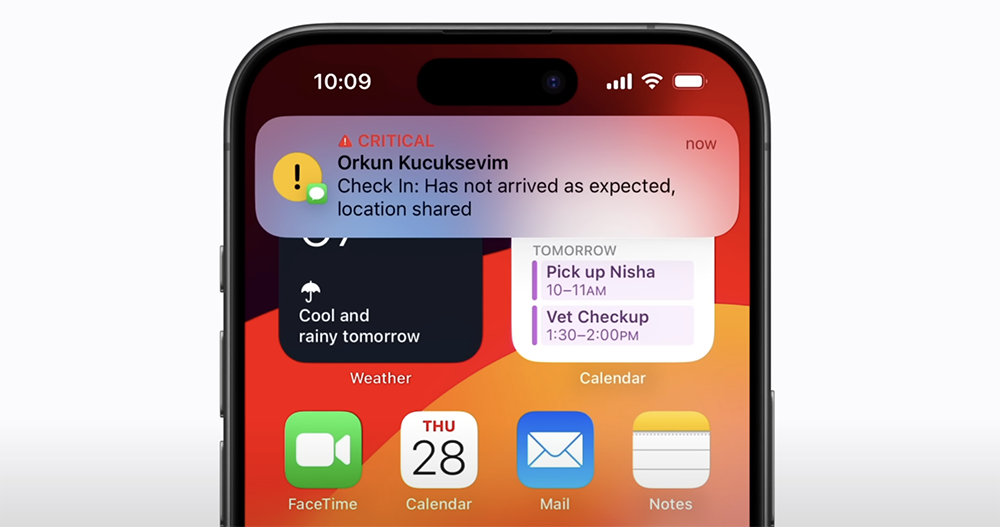
Is the iOS 17 safety notification function that allows iPhone to automatically report safety easy to use? This article teaches you how to use it
As the official version of iOS 17 gradually becomes stable (all parties have worked hard to analyze various “overheating” from manufacturing process, body structure to material science), many iPhone users have also begun to explore the practical functions of this latest system. Recently, we also tried out the “Check in” function first announced by WWDC and introduced into the latest version of iMessage.
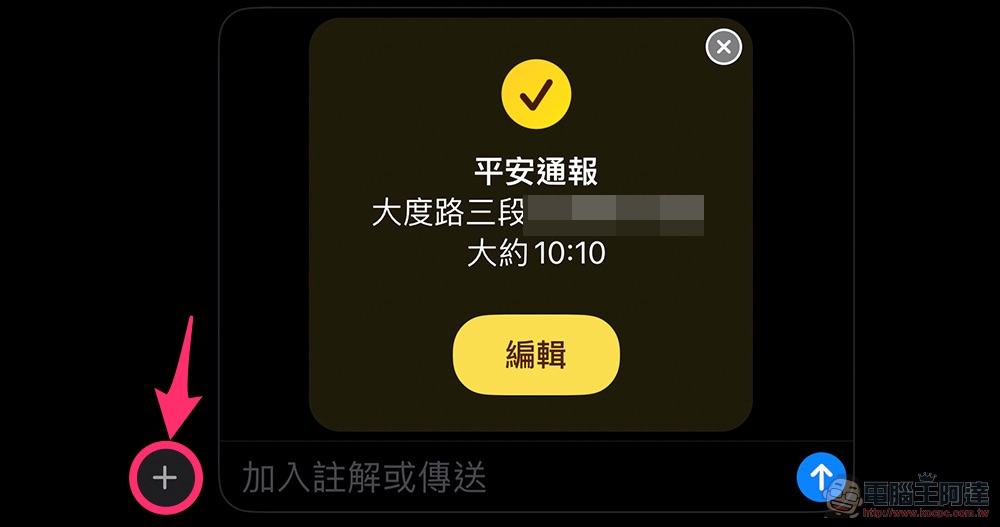
Basically, this feature is as easy to understand as its name. But compared to the location sharing of general messaging software, or simply sending a message to inform friends that they are about to/have arrived. The safety notification function of iOS 17 will be able to match your location, with rough navigation itinerary estimates and geofence information, combined with automatic messaging functions to enhance the user experience.
To put it simply, after you set this function before departure, the iMessage App will send a message to remind the other party when you are about to arrive at the agreed upon location – if you cannot arrive in time, it will also remind the other party and even inform the other party of the situation you may encounter (it will also provide information such as the unlocking time of the phone and the time when the watch was taken off for reference – you can also choose not to provide too complete information).
iOS 17 safety notification usage experience
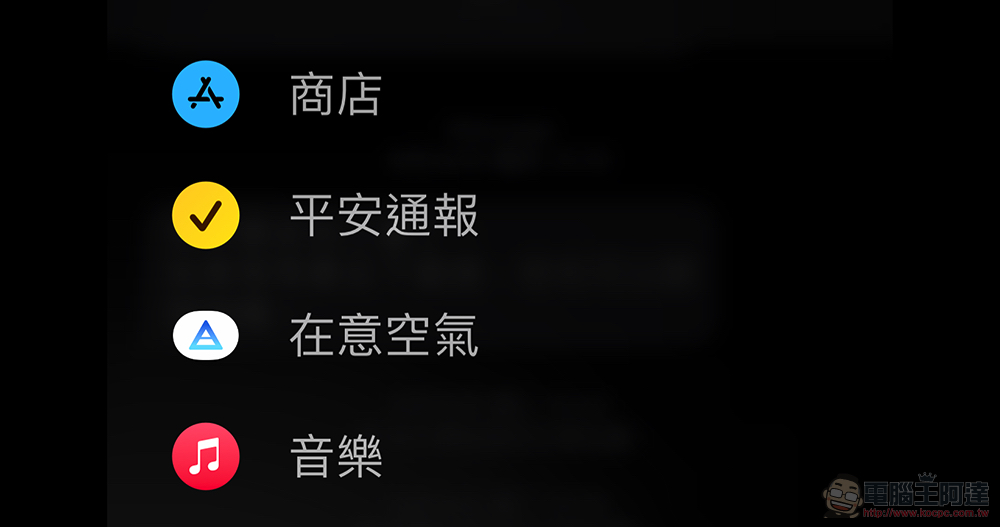
To use the “Safe Notification” function, just select “More” from the “+” in the lower right corner of the iMessage App message and you will find this function in the function bar:
After clicking on it, an editable message card will be brought out – the safety notification seems to pre-populate the address based on your upcoming calendar itinerary. Don’t worry, you can also change the address through the editing function:
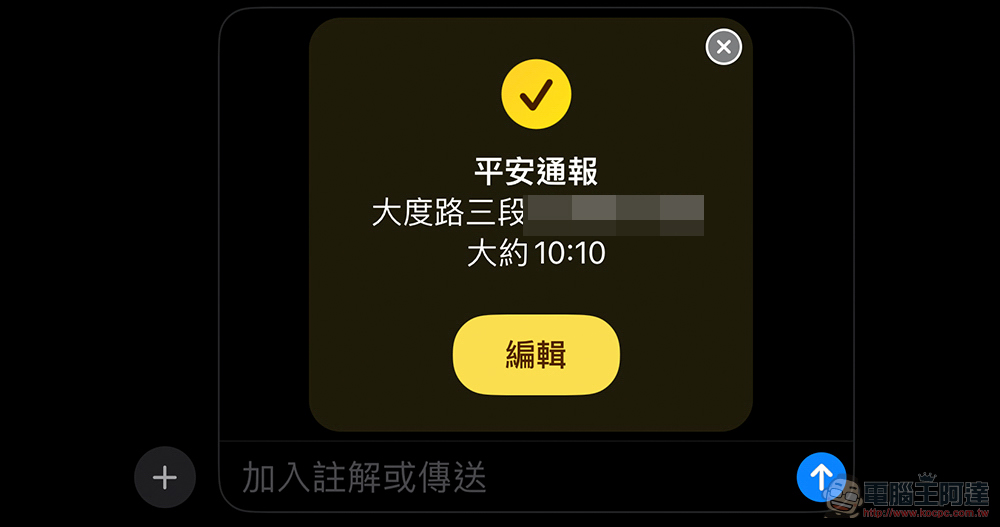
In the edit menu, you can change the location where you want to check in, set the way to get there, and increase the estimated time. Through the “Message Settings” at the bottom, you can change the completeness of the information that the “Safety Notification” function will provide to the message recipient when you are unable to respond to the clock check – the full version of the mobile phone section will provide the last unlock time/reception status/battery, etc.; for Apple Watch smart watches, it will also include battery and last removal time, etc. You can let the other party refer to the situation you may currently encounter:
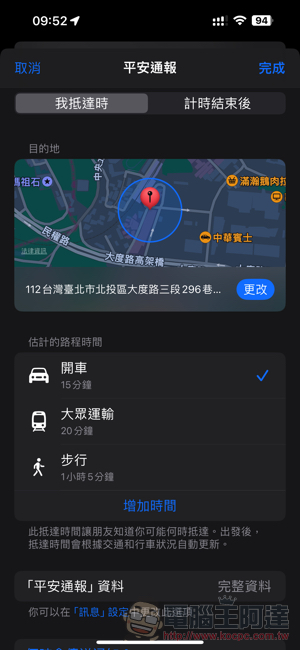
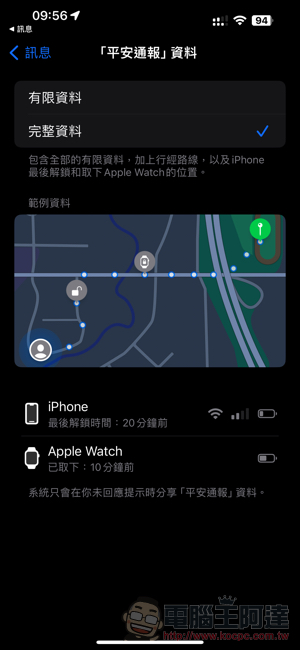
When setting the address to be confirmed (you can also change it to only set the meeting time), you can also choose the geofence range for detecting the arrival time – the estimated time will be updated in real time based on the conditions. After completing the safety report, you can also view relevant information about the current settings through the message:
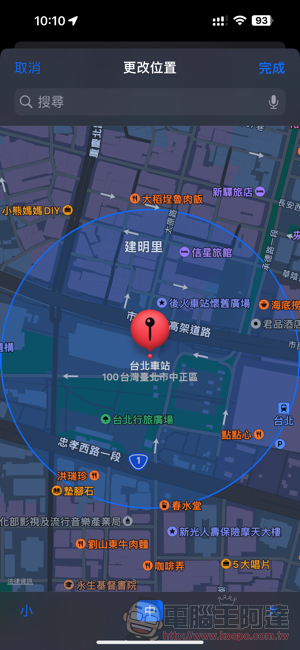
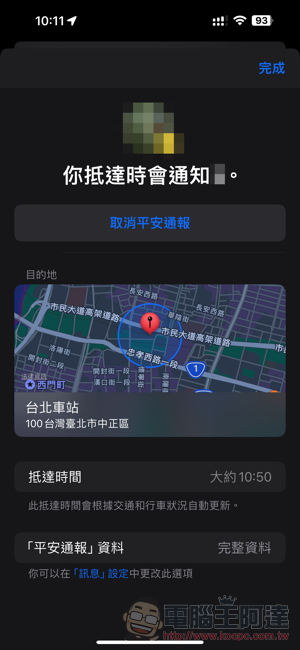
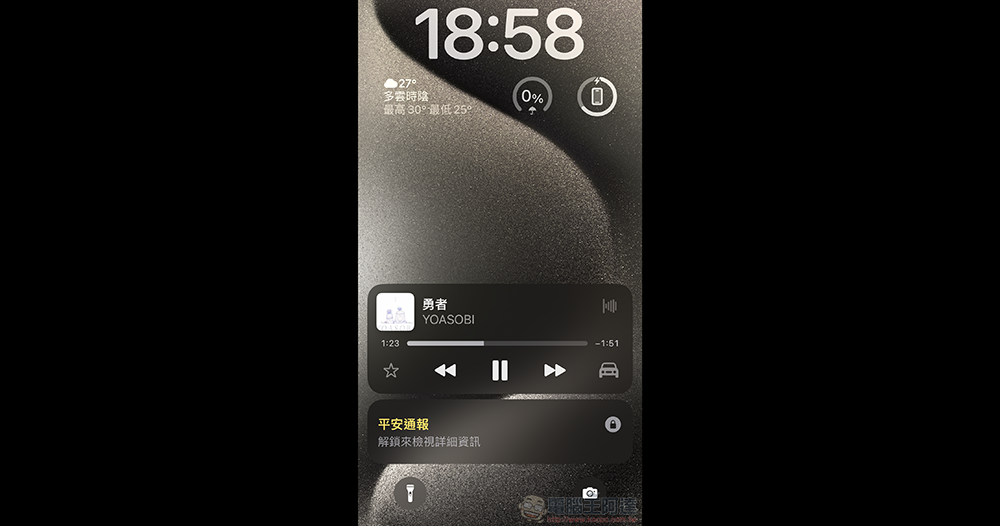
After the “Safety Notification” transmission is completed, you can see on the lock page during the trip that you are currently in a check-in state that will report information to the transmission party:
When using the mobile phone, you can always see that the dynamic island is currently in the “safety notification” state (QQ did not win the prize):
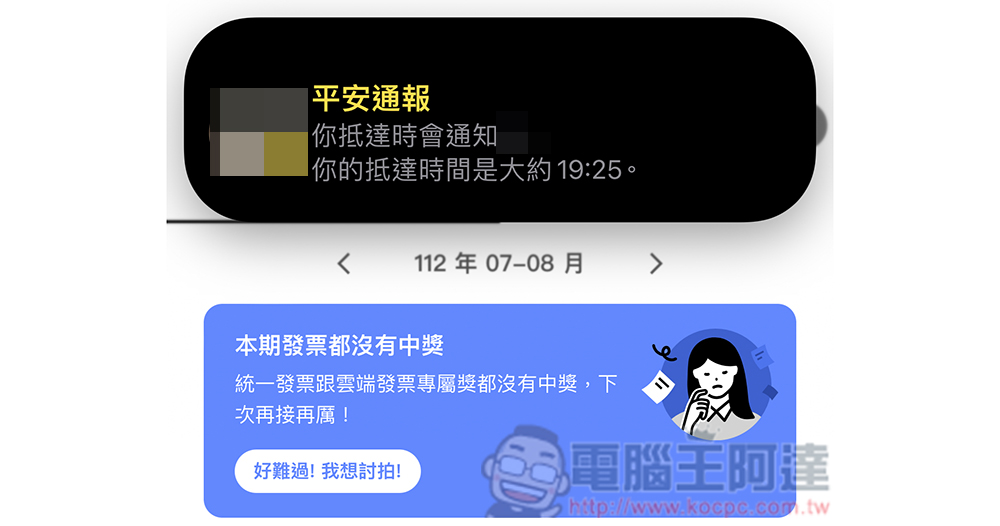
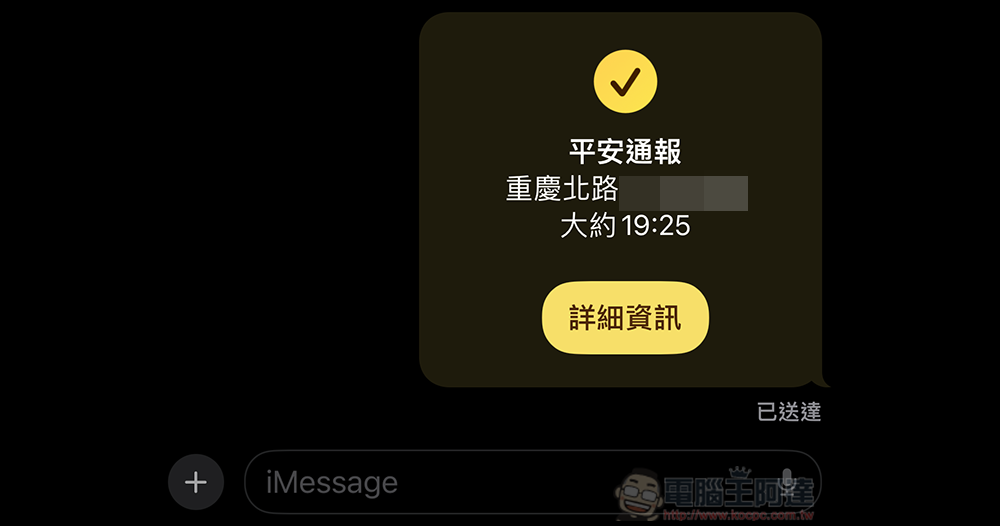
During the journey, the other party will be able to see your current arrival time estimate, and the safety notification will also send you an arrival message to the other party when you reach the geofence range:
When you are late and do not request an extension in the safety notification interface, the other party will receive a reminder that you may encounter problems (here we use a screenshot from Apple Support), and can obtain relevant data including location information from the iMessage App to provide each other with possible help:
Although seriously speaking, iOS or even other systems or messaging/map services actually provide similar functions. I just believe that for most people, even if this feature is turned on, they may not have time to watch the positioning information that will be updated without knowing when.
The safety notification function of iOS 17 provides a relatively proactive reward mechanism. The function that can proactively send messages to notify the situation can not only avoid the dangers caused by sending messages while moving, but also provide an insurance function that allows everyone to “prepare before using” through the rich information provided by the automatic function. Finally, if you want to watch a detailed function introduction video, you can also refer to the official content below.
Further reading:
Source: KOCPC Chinese