


While most Windows programs and applications provide enhanced productivity or entertainment, some of them are undesirable. These unnecessary programs can also occupy your precious system resources, reduce system performance, and clutter your desktop with unnecessary icons (if you like to place desktop shortcuts). Such applications and programs are often referred to as “bloatware.” For users, it is worth understanding how to identify and clean up bloatware.
Is the system overburdened? It doesn’t hurt to delete these Windows programs and apps
Of course, just because an app is rarely used doesn’t automatically make it bloatware. For example, iTunes, which is loaded on all Windows operating systems, was once one of the most popular applications in the world of audio applications. However, the growing influence of online music platforms such as Spotify has turned iTunes from an indispensable application to a barely used application. Bloatware can range from completely redundant programs to programs that are no longer supported and have been abandoned by their developers. Either way, you can safely remove these outdated software and switch to more modern and useful options. Below we have classified some meaningless applications and programs in Windows. We recommend that you uninstall them to free up more resources.
Microsoft Silverlight
Microsoft Silverlight, which debuted in 2007, is a web application framework developed by Microsoft that enables developers to build interactive and rich multimedia content for web browsers. At the time, Microsoft pitched it as a platform-independent solution to deliver multimedia and interactive content on the Web as a competitor to Adobe Flash (now a pointless obsolete program). Silverlight allows developers to create visually appealing and interactive user interfaces, including animations, vectors, and media playback, while providing a framework for building cross-platform applications.

However, the program’s heyday is over (it never seemed to win over Adobe Flash), and users can delete it. Modern browsers are not compatible with Silverlight. In fact, the only browser that is compatible with Silverlight is the long-dead Internet Explorer. Silverlight is now used as a client programming language by less than 0.1% of websites, so users can safely uninstall it from Windows machines.
Java
Like Microsoft Silverlight, Java is a high-level, general-purpose programming language. Sun Microsystems designed Java to be platform independent, which means that Java code can run on Windows, Mac and Linux operating systems as long as users have the latest version of Java installed on their devices. Java is famous for its “write once, run anywhere” principle, which allows developers to write code once and deploy it to multiple platforms without recompiling. In its heyday, Java was used to develop a variety of applications, including desktop software, web applications, and mobile applications.

Today, Java has fallen out of favor, and in fact can even be considered an unnecessary security risk, as many cybercriminals use Java as a method of attack, not to mention that Java does not automatically install updates like most applications. However, unlike Silverlight, the Java brand is not completely useless because developers still use the Java Development Kit (JDK) to develop new programs. What you can safely remove is the Java Runtime Environment (JRE), since less than 0.1% of websites still use Java.
Feedback Center and Obtain Assistance
The names “Feedback Hub” and “Get Help” may sound useful, but unless this is your first time using Windows, there’s no need to keep these apps around. Even after deletion, once you encounter a problem, you can still find a lot of information on the Internet, which may be more valuable than what is in these applications. The Feedback Hub is mainly used by Microsoft to report possible problems or desired features, but Get Help is another built-in support tool introduced in Windows 10 to help users find solutions to common Windows problems. Like the Feedback Hub, Get Help also provides the option to contact Microsoft Support.
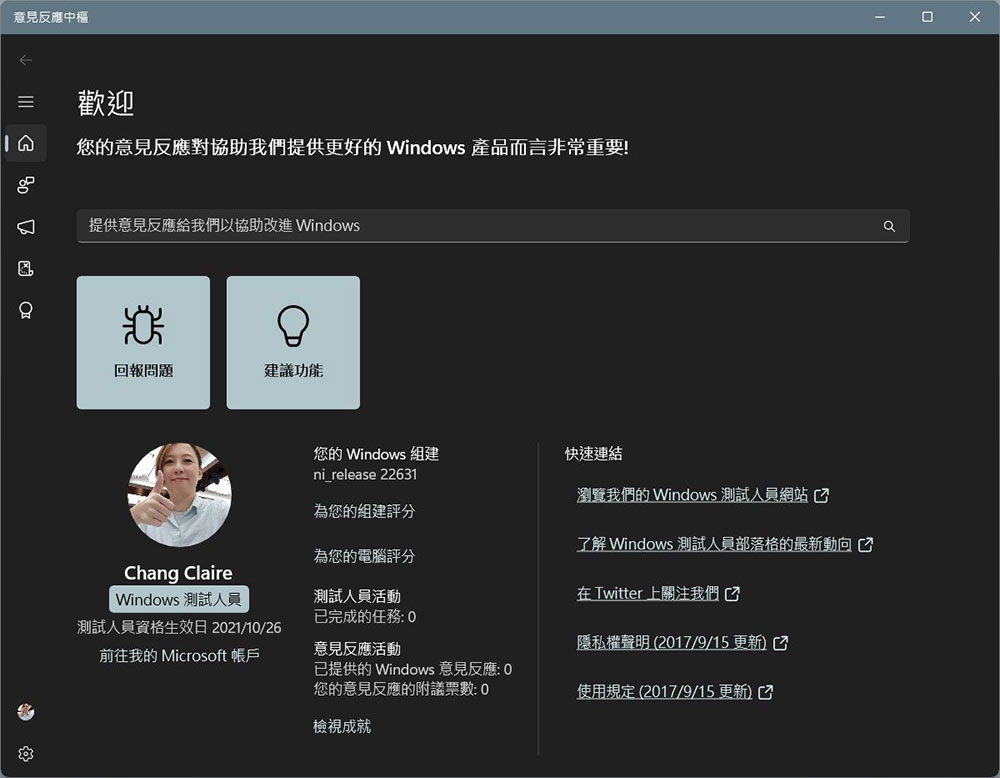
Although these programs do not take up a lot of space, most of them can be annoying to novice users, with constant pop-ups and notifications disrupting your game or workflow. While disabling notifications is an option, these apps can be safely removed without hampering your Windows experience.
Quicktime
Quicktime is one of the oldest multimedia players, originally developed by Apple in 1991. Quicktime has also been available for Windows for a long time, and while the program is fully functional, there are better media player options for both Windows and macOS. While the program still receives updates on macOS, the Windows version has been silent for nearly seven years. However, Quicktime’s Windows woes didn’t stop there. Shortly after Apple stopped supporting the Windows version of Quicktime, a serious vulnerability was discovered in the program.
Since iTunes doesn’t rely on it to function, you can also safely and easily remove it from your Windows device. While Windows usually comes with several pre-installed multimedia players for users to choose from, probably the best alternative to Quicktime player is VLC. VLC can play almost any type of file, supports casting and streaming to other devices, and has many other features such as subtitles and conversion tools.
Adobe Flash and Shockwave Player
Adobe Flash and Shockwave Player are companion applications that function similarly to programs such as Java and Microsoft Silverlight. Both are widely used to play interactive content, animations and mini-games on the web. Flash Player is primarily used as a browser plug-in that allows users to view and interact with multimedia content, including animations, videos, and games. Shockwave Player, meanwhile, was primarily intended for offline gaming, i.e. games that were more interactive and immersive than earlier versions of Flash could handle.

Both Flash Player and Shockwave Player played an important role in the early development of the web, enabling developers to create engaging visual experiences for users. However, technological advancements have eliminated the need for these two programs, and Flash is no longer supported by modern browsers or Adobe, so the program may be vulnerable to security risks. Uninstalling it as early as possible can help reduce the risk.
WinRAR
File compression and decompression tools have become an essential component of Windows software, and for some time WinRAR was the king over other similar software. WinRAR has been widely used for many years due to its ease of use, efficiency of compression and support for various archive formats. It’s also basically free, and while it starts out as a trial version, the program never stops working or forces users to pay for lack of payment. However, the rise of similar programs has caused WinRAR to lose its dominance and become less useful on modern devices.
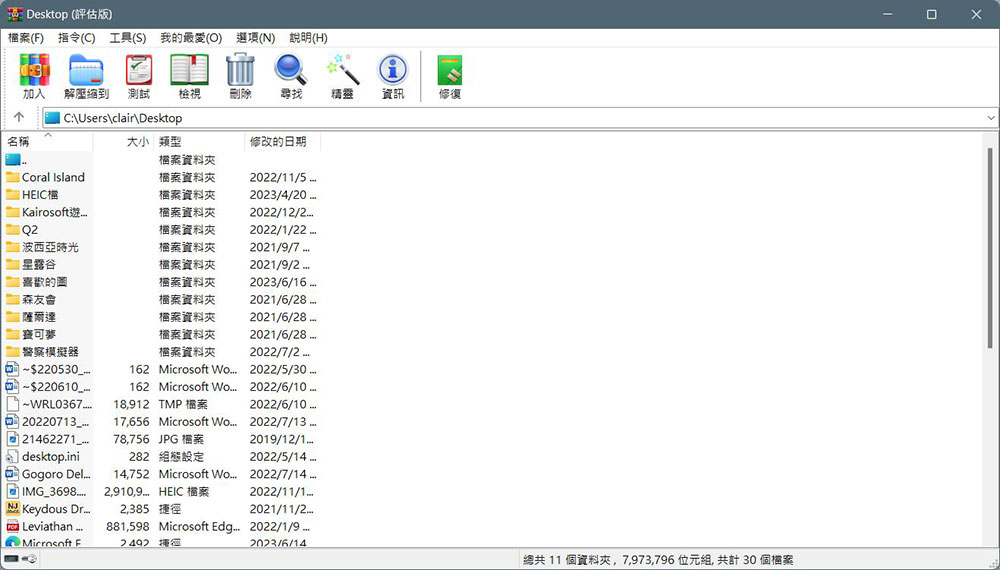
Users can use Windows’ built-in tools to decompress the archive, and can also find a range of WinRAR alternatives that are more friendly and optimized for modern hardware without having to pay for software frequently. WinZip Pro is undoubtedly a higher-end program, but may be considered an unnecessary expense for most people. 7-Zip remains the best option as it offers 10% better compression than the free versions of WinRAR and WinZip without urging users to buy.
Candy Crush Saga and other preloaded games
“Candy Crush Saga” was launched on mobile phones in 2012 and has gradually expanded to other platforms. Windows is among them, and it is also listed as a system pre-loaded item. However, although this series of games is loved by many people, you may not want to play it on your computer, so even if it is installed on your computer, you may not open it until the computer is obsolete. Candy Crush Saga isn’t the only game preloaded, however. All games you can’t play or launch can be deleted.

Inflation software
While all of the previously mentioned programs can be considered bloatware by many, there are many other PC manufacturer-specific programs that can be safely removed because they take up too much storage space. Depending on the manufacturer, these programs may look different in name or design, but the content remains largely the same. For example, Toshiba is notorious for installing “utilities” on its laptops that most users will never use. Examples of these programs include Toshiba App Place, Toshiba Laptop Checkup, and WildTangent Games, among many others.
Other brands such as Lenovo, Dell, Asus, and HP also load their products with unnecessary commercial software that may be useful, but is equally useless to the vast majority of Windows users and will only confuse novice users. Removing these software will take a little time, but the end result is that you will gain a lot of extra space.
Source: KOCPC Chinese