


Every Christmas, in addition to exchanging gifts and having dinner together, the small details on your mobile phone can silently add to the festive mood. This year LINE Once again, the “feeling of holiday rituals” has been taken to the extreme, from the hidden keyword effects that appear in the chat room to the sleigh animation that quietly appears on the homepage. Even the chat room screen during the New Year’s Eve period is paved with romantic snow scenes in advance.
There is no need to download additional materials or special settings. As long as you perform the right actions at the right time, you can see the festive Easter eggs carefully prepared by LINE. These seemingly inconspicuous little special effects can easily bring people closer during a chat, adding a bit more warmth to an ordinary message. If you also want to make this year’s Christmas more exciting on your mobile phone, you really can’t miss these details.
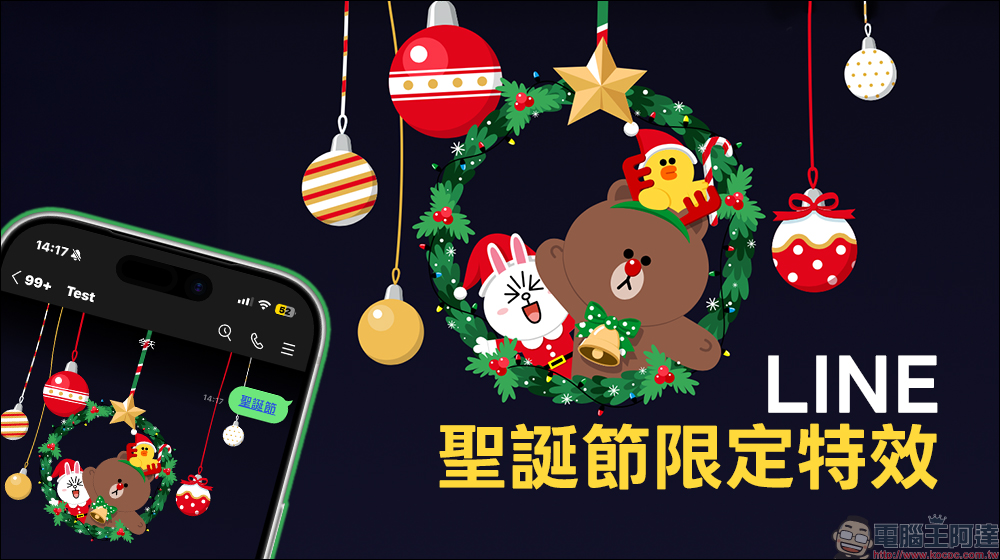
LINE Christmas chat room special effects are here! Complete guide to keyword special effects and homepage limited special effects
For many people, the ritual of Christmas does not just exist in making reservations at restaurants or exchanging gift lists. Mobile phones have actually become a part of the holiday. Especially on LINE, which is used every day, as long as the screen changes slightly, people can immediately realize “Ah, the festival is really coming.”
This year, LINE is also not absent. From chat interactions to homepage visuals to the chat room background during the New Year’s Eve period, there are many small ideas that only appear at specific times. These functions are the kind of design that makes you laugh if you accidentally touch them. They are especially suitable for times like Christmas when a gentle atmosphere is needed.
If you are sending a message during the Christmas period and suddenly see the screen moving, it is not an illusion, but LINE’s keyword effects secretly working. During the designated event, as long as you enter a set of keywords “Christmas” or “Xmas” in the LINE chat room, the screen will immediately trigger a limited animation. Bear, Bunny, and Sally will appear together, and the entire chat room will instantly become full of festive atmosphere.
The event time is from 10:00 am on December 22, 2025 to 10:00 am on December 26, 2025, Taiwan time. During this period, whether it is a one-to-one chat or a group, as long as the keyword appears, there is a chance to see special effects.
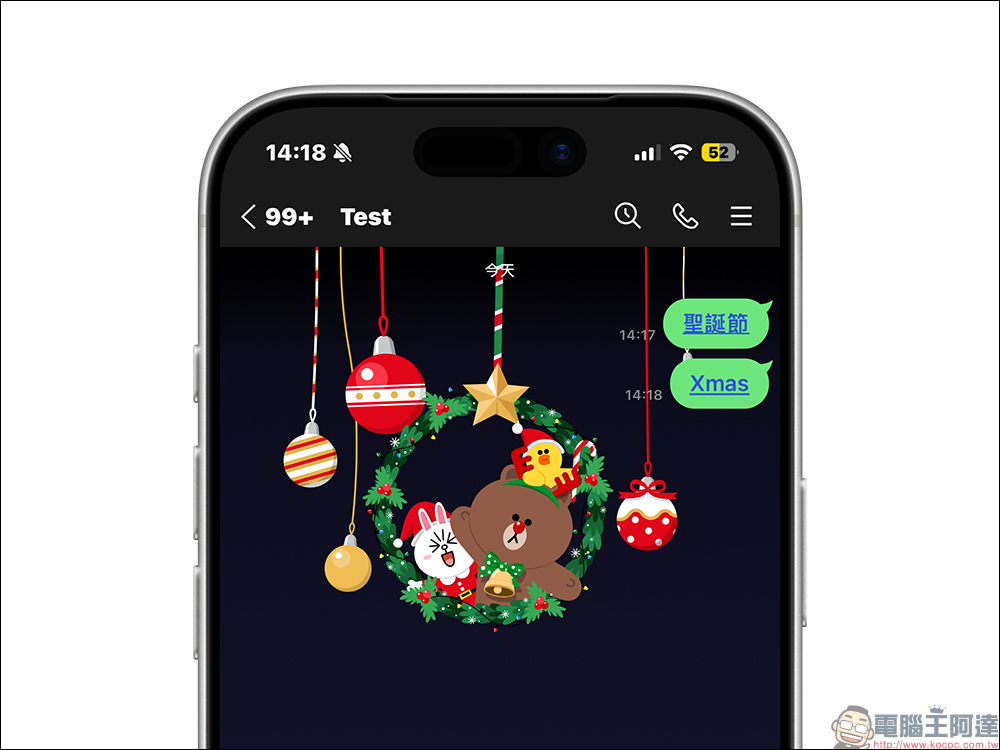
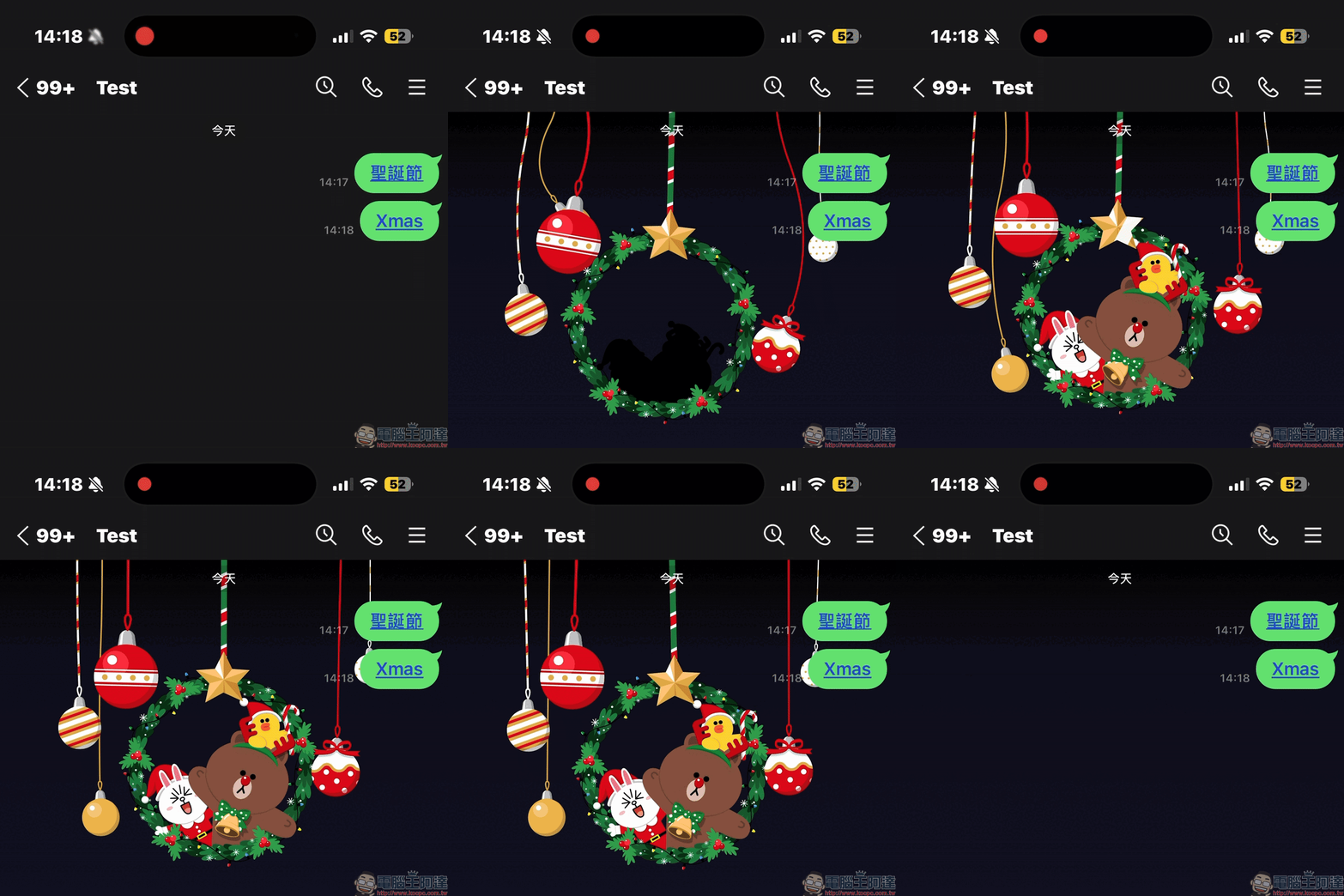
After seeing the special effects for the first time, many people can’t help but keep retyping keywords, but in fact, LINE has thoughtfully designed a “replay” mechanism. When a keyword appears and the special effect is successfully triggered, just click on the keyword link that appears in the chat room to play the animation again. There is no need to repeatedly send messages, and it is more friendly to friends.
Why doesn’t it show up no matter how I call?
If you enter a keyword and nothing happens, there are usually a few directions you can check:
- Confirm whether the LINE version meets the requirements. iOS requires 9.15.0 or above, Android requires 10.2.0 or above, and the system version is Android OS 7.1 or above. The PC version requires 6.7.3 or above.
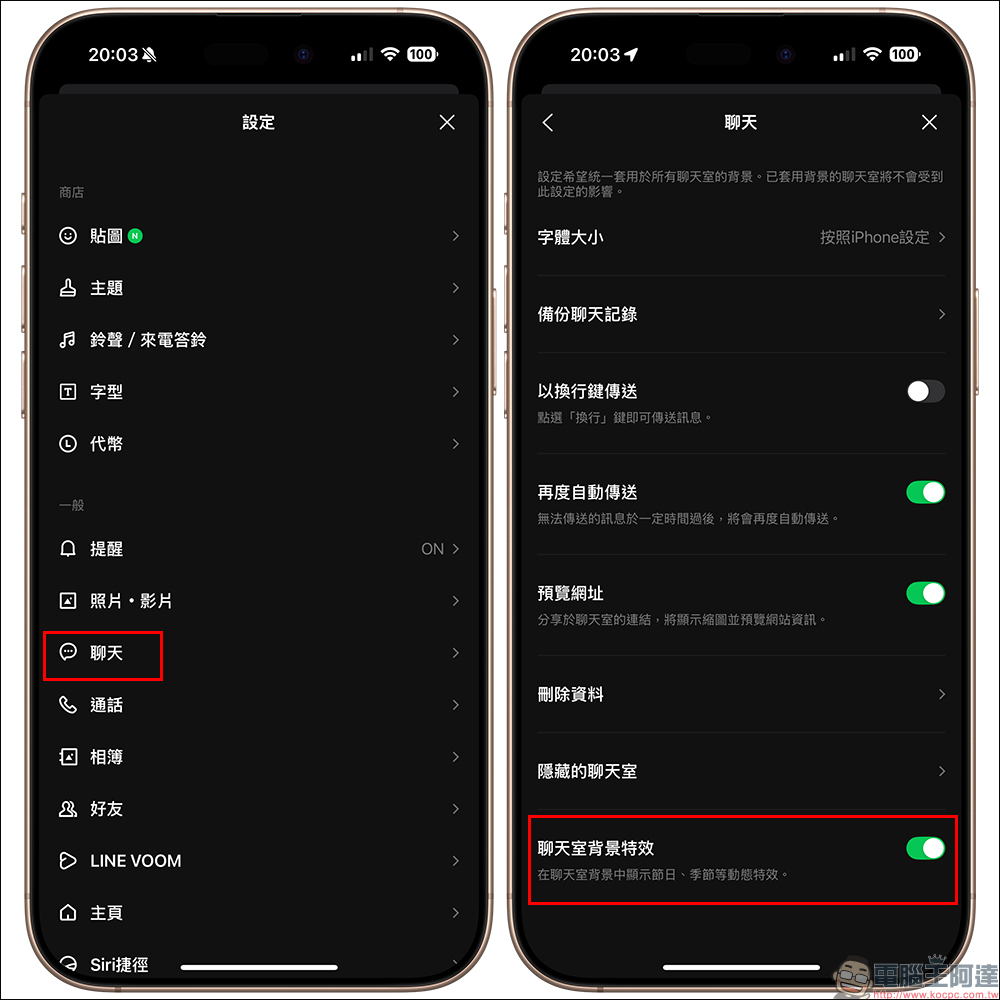
- Confirm whether the special effects playback has been manually turned off. The chat room special effects are turned on by default, but if you have turned them off before to save power or keep the screen clear, you need to check the settings again.
In addition to chat interaction, the LINE homepage is also secretly changed into holiday-limited visuals during Christmas. As long as you enter the homepage during the event time, you will have the opportunity to see the cute sleigh special effects. The overall style is more warm, which is very suitable for a holiday with a fairy tale feel like Christmas. The homepage special effects will appear from 17:00 pm on December 21, 2025, to 16:59 pm on December 25, 2025, Taiwan time.
There is usually a slogan at the bottom of the screen. After clicking it, you can further view the Christmas limited event information of LINE gifts. It is a typical method of combining visual and easter egg marketing, but it will not make people feel too deliberate.

Why do my friends have it but I don’t see it?
The home page special effects did not appear. The reason is actually more common than chat rooms. If it happens to be your birthday during the event, LINE will prioritize the birthday effects and the Christmas theme will be squeezed out. In addition, please go to LINE settings to confirm whether the “playback effects” on the homepage are turned on. The path is the gear icon in the upper right corner of the LINE homepage. After entering, select the homepage and confirm whether the playback effects are enabled.
The mobile phone system itself may also affect the display effect. If “Reduce Motion Effects” or “Remove Animation” is turned on, LINE’s special effects may be directly blocked by the system. For iOS, you need to turn off the reduction animation effect, and for Android, you need to make sure that the removal animation is not enabled.
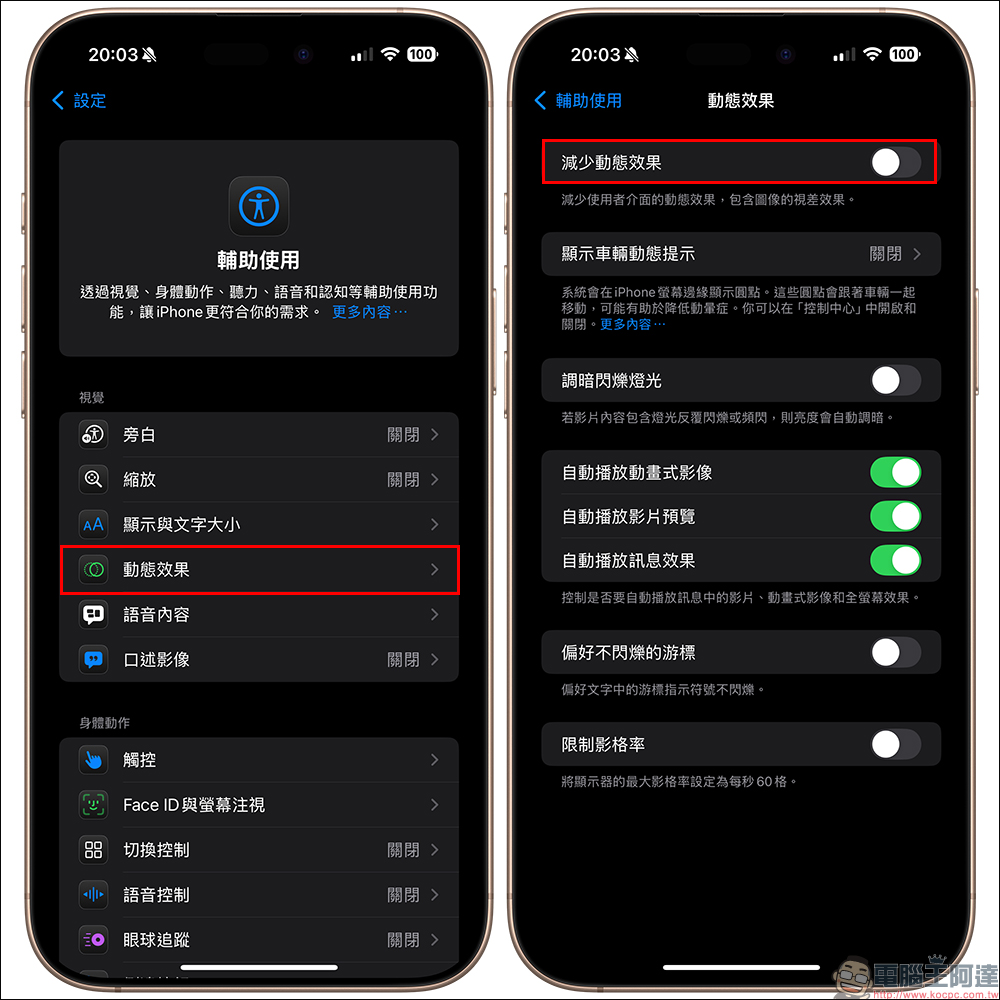
If you have just reinstalled LINE recently, it is possible that the special effects materials have not been downloaded yet, so you cannot see them during the event. This situation usually returns to normal after a while.
Further reading:
Source: KOCPC Chinese