


Although most people can now use mobile phones (especially Android) to perform 70 to 80% of the work they used to do on computers, there are still a few situations where a computer is indispensable. Especially when some websites are opened on a mobile device, no matter how you set them, they will show you a mobile version that may have fewer functions or be unfamiliar. It is really annoying at that time! However, recently there is a very powerful application that can turn your Android phone or tablet into a computer equipped with Windows 11 in one second after installation, and it is completely free! That is “HyperDroid – PC Launcher”.
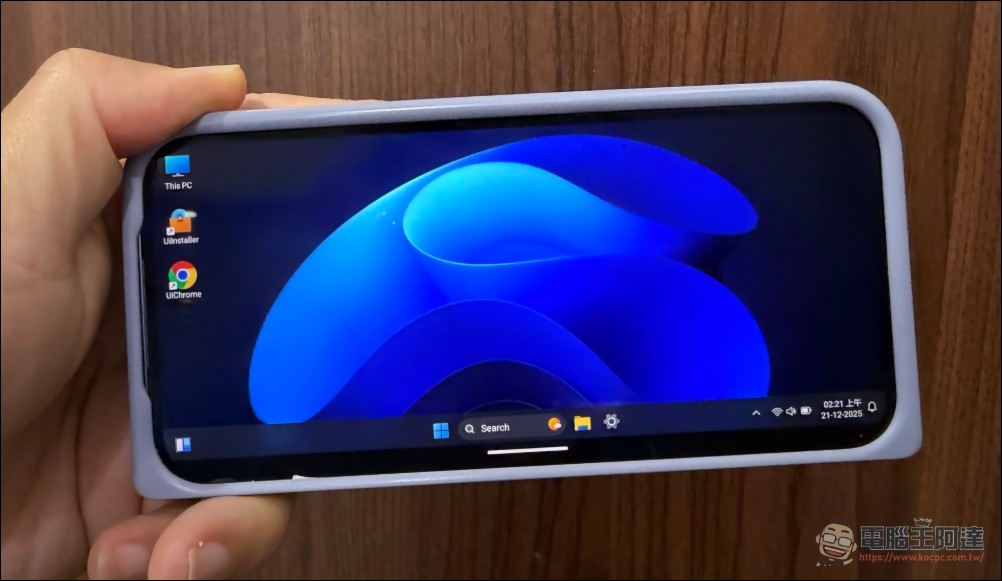
However, I personally recommend using it on an Android tablet or folding machine, so I will use the tablet to introduce it next:
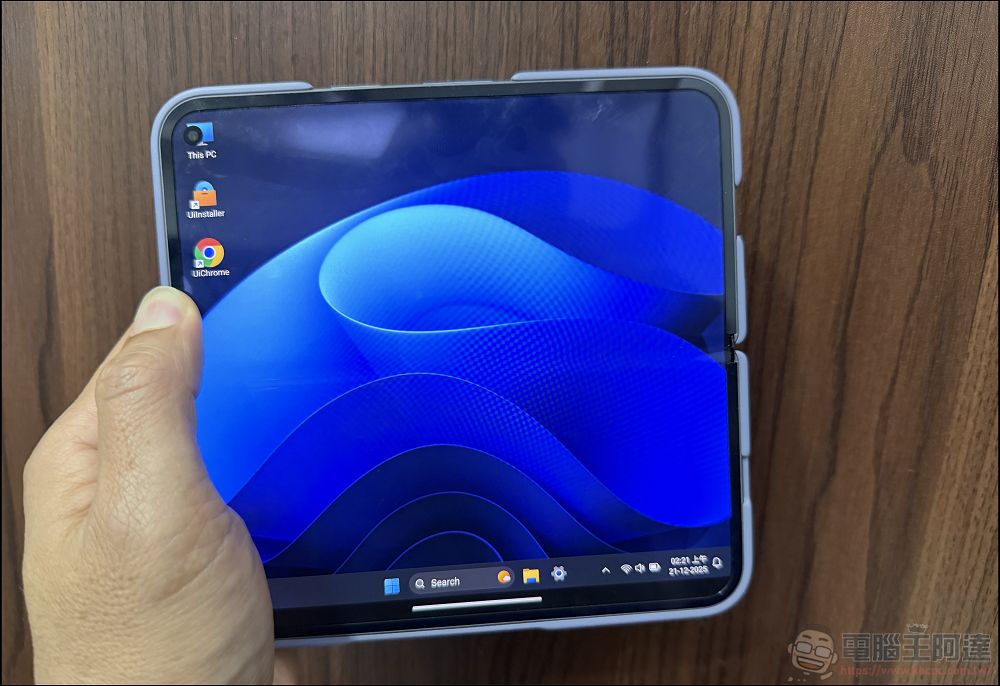
HyperDroid: Turn your Android phone or tablet into a Windows 11 computer in one second!
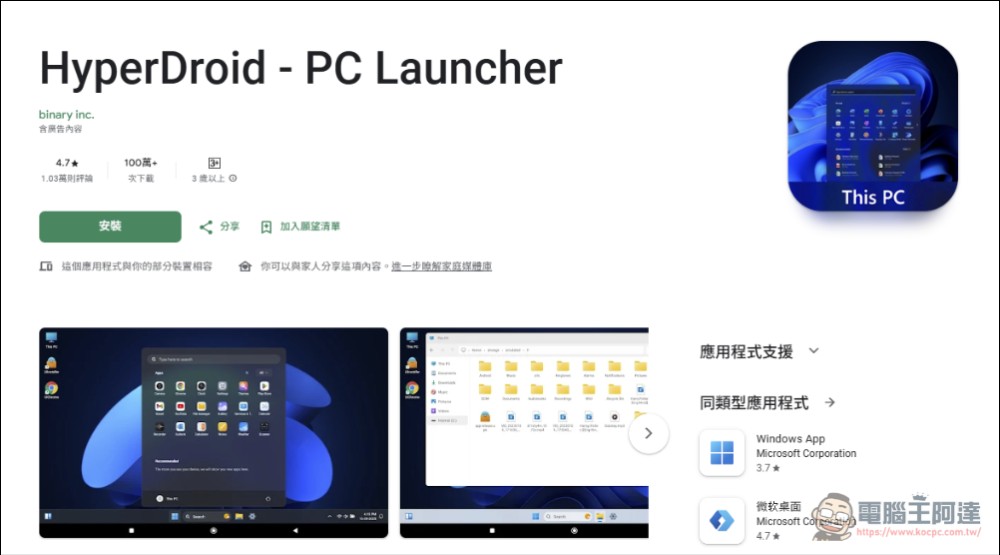
First go to the Play Store to download and install“HyperDroid – PC Launcher” (please click me):
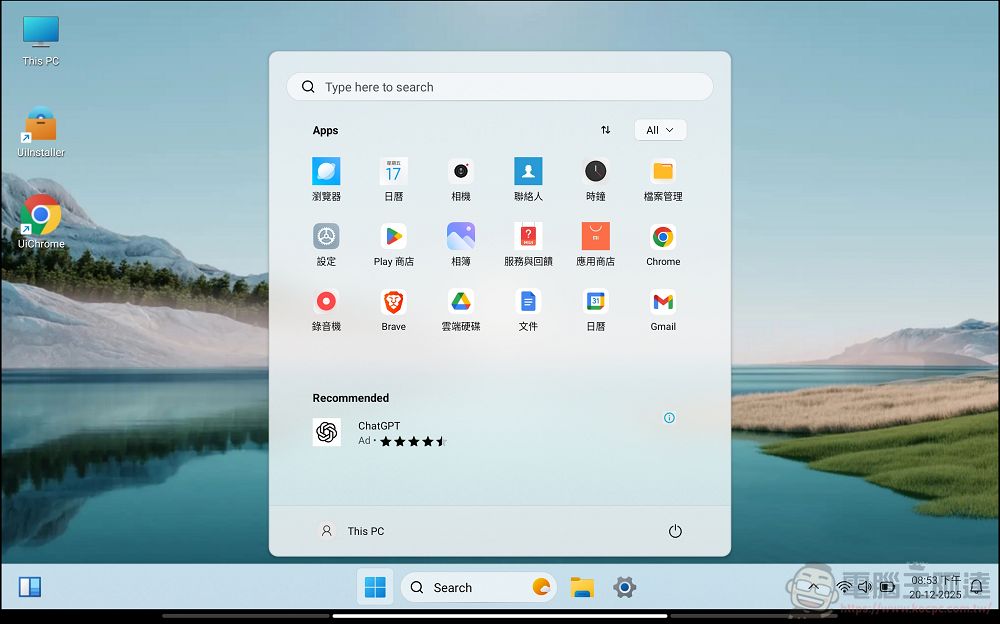
Then directly execute the APP and you will enter a long interface that is very similar to Windows 11. In fact, “HyperDroid” itself is not an emulator or cloud computer that simulates the functions of Windows 11. It is a type of “Launcher”. You can imagine it is a program like a desktop UI launcher. It directly displays the content of our Android phone or tablet in a familiar computer interface:
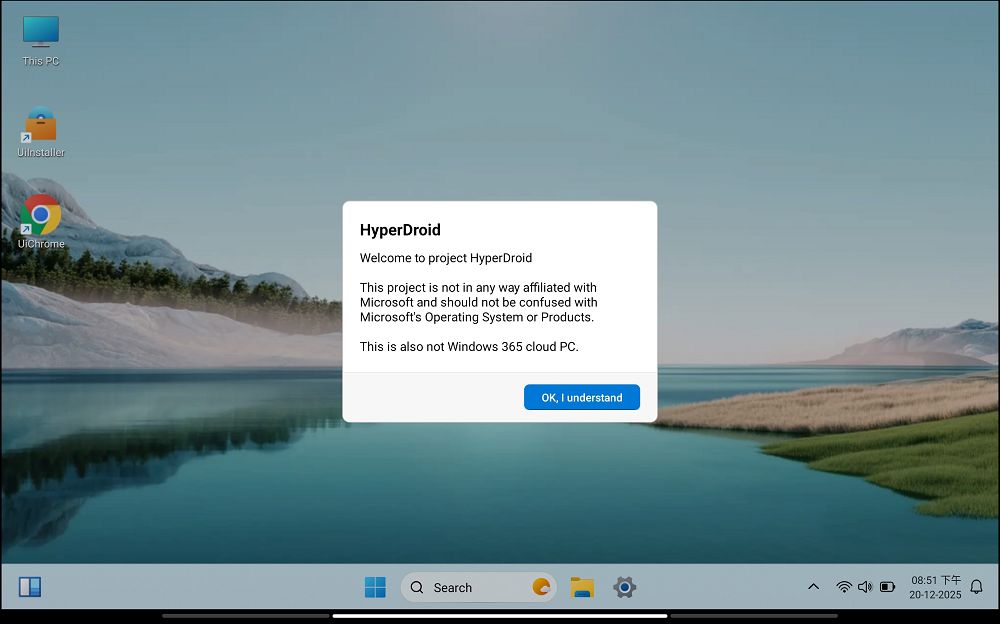
HyperDroid’s appearance, the start menu and console interface that pops up after clicking the window key are almost identical to Windows 11. It can also be controlled like a computer through a connected Bluetooth keyboard and mouse. Opening the program set is still the original App in our device. If you execute those programs, you will jump out of the HyperDroid interface and return to the original App execution screen:
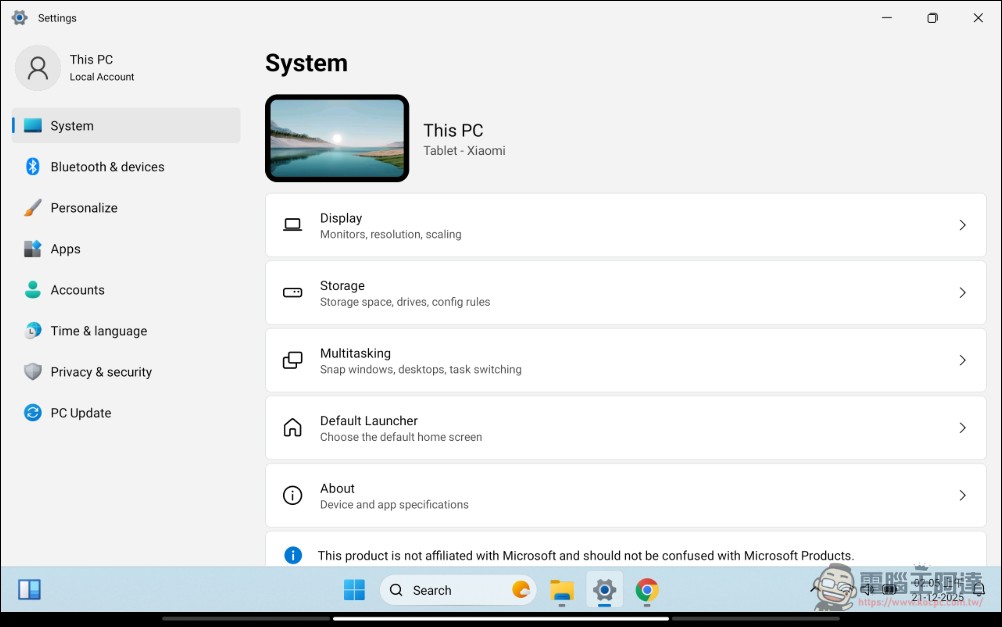
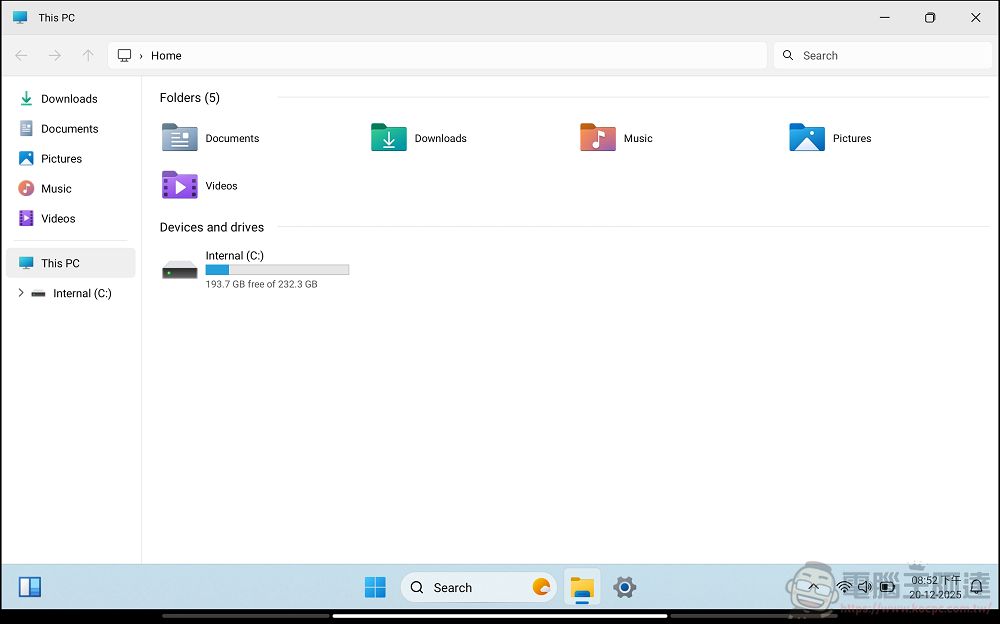
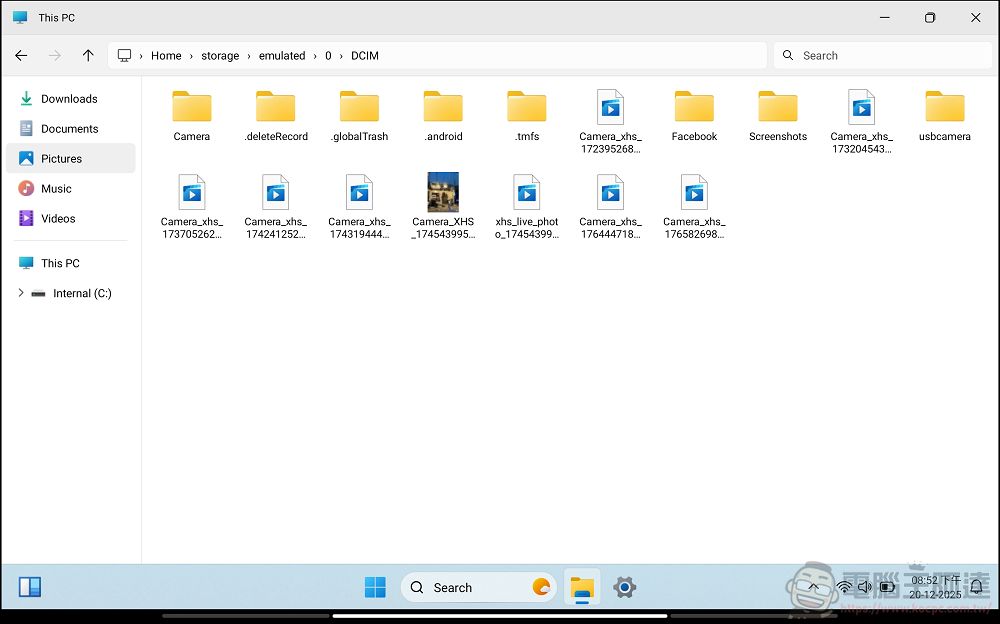
Of course, if HyperDroid only looked like Windows, I might not be too lazy to introduce it. The great thing about HyperDroid is that it has the same file manager experience as Windows 11. Friends who use mobile phones will find it very unintuitive to manage files on mobile phones, and it is not as convenient as operating a computer. HyperDroid’s file manager function is the same as that of a regular Windows computer in terms of appearance, structure, and operations (copy, cut, delete…). There are different folders for folders, downloads, music, pictures, and videos. The current device capacity will also be displayed. You can also quickly select and switch on the left side. It is really useful when paired with a keyboard and mouse:
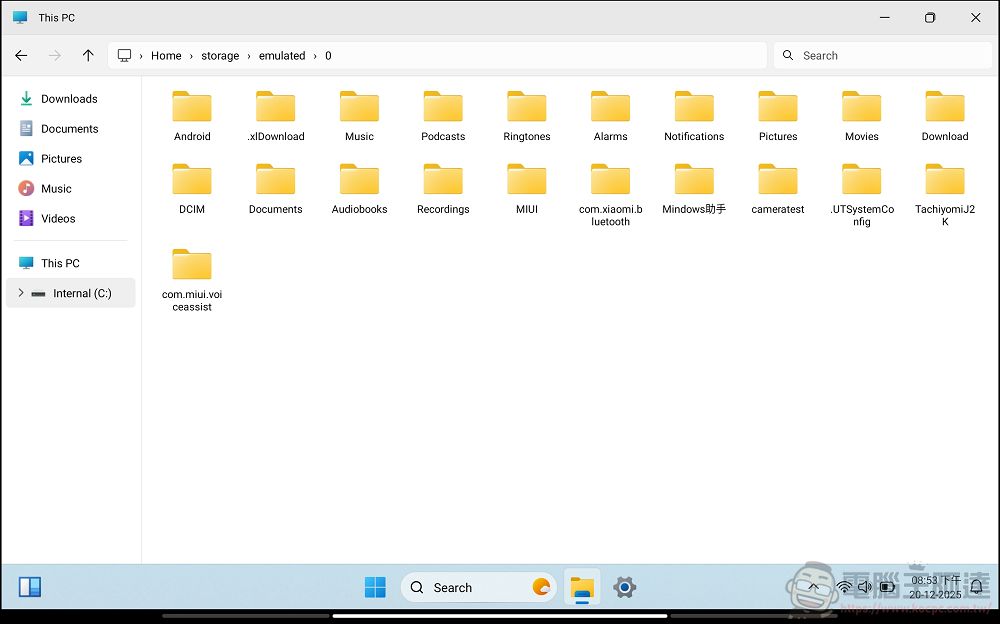
It is even more intuitive to click on the root directory to switch to other directories to find things (friends who manage files should know what I am talking about):
Just like on a computer, you can also click on photos, videos, and files to open them directly:
Videos can be played directly in HyperDroid, and can be full screen or windowed. You can even drag them anywhere to watch videos and listen to music while performing other tasks: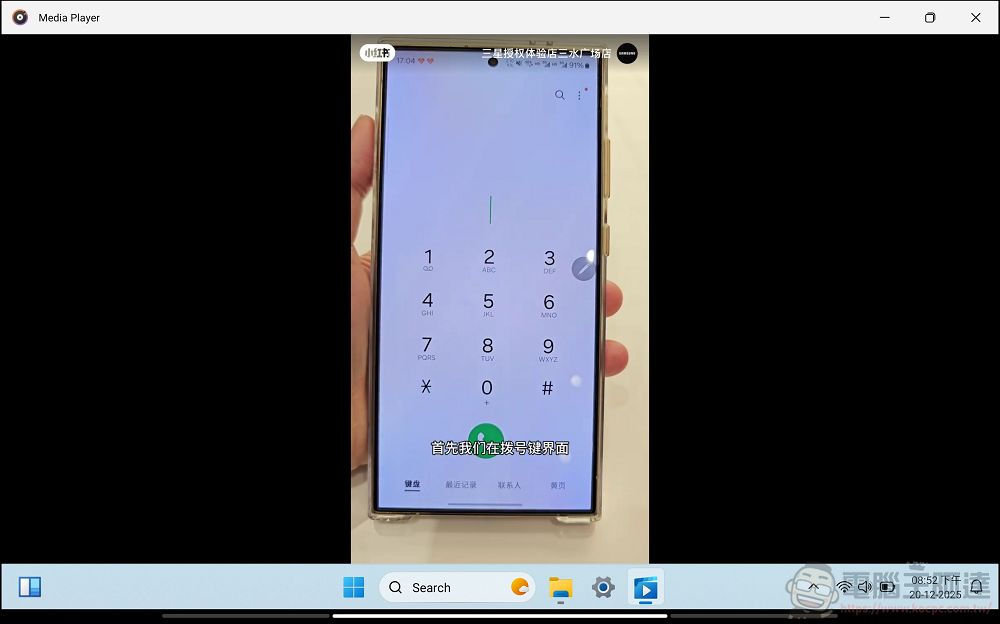
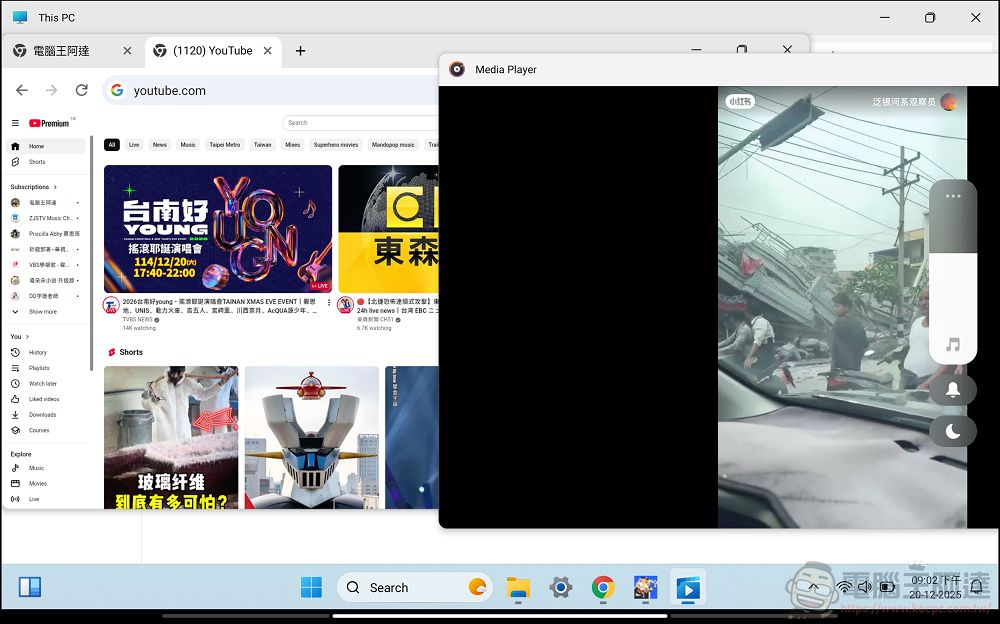
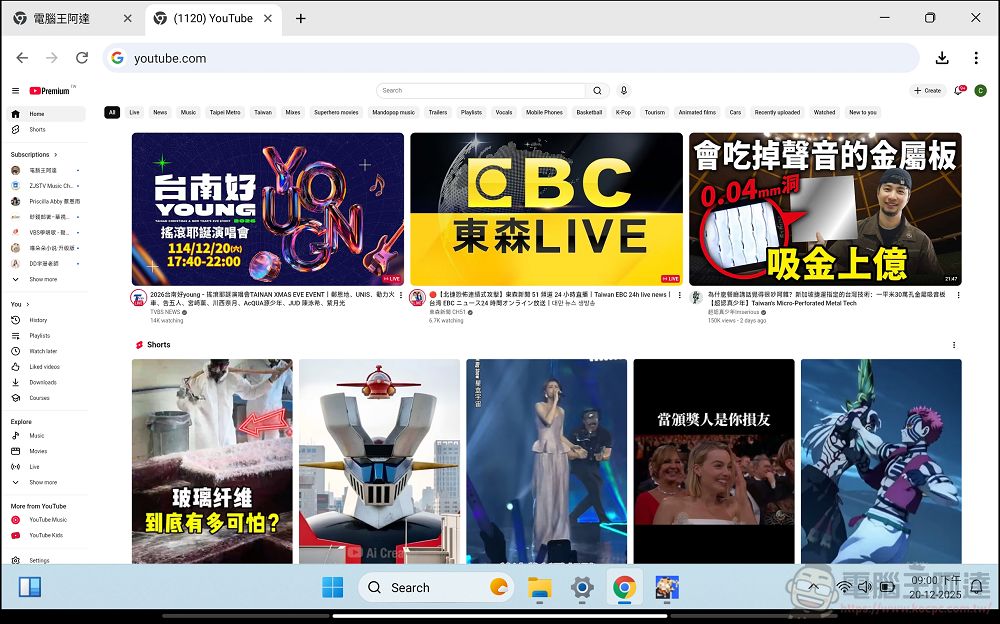
In addition to the easy-to-use file manager function, what I personally like the most is that HyperDroid also has a built-in desktop browser (Chrome). When opening web pages, they are presented in the same way as on the desktop. You may have encountered that sometimes you need to use the original computer version of the page to perform certain functions on your mobile device. Even if you turn on the PC mode in the mobile browser, many websites will still layout the mobile version for you. It is not very convenient for some Web Apps. Now HyperDroid can solve these pain points:
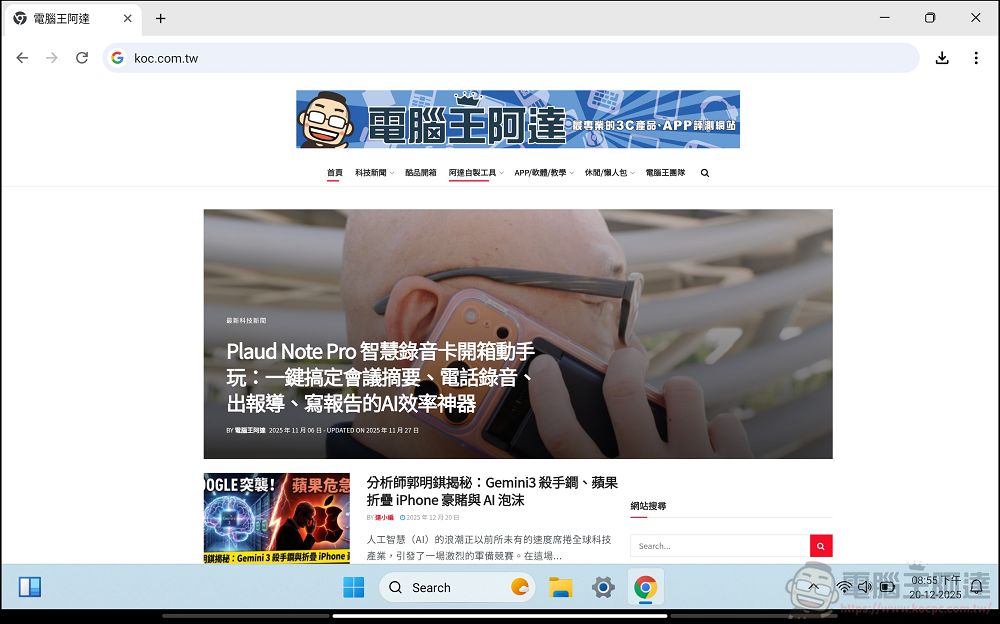
And you can also open multiple paginations, which is very convenient for me. Although the fonts are relatively small, you can zoom the screen to solve the problem:
“HyperDroid – PC Launcher” (please click me)
The above is a brief introduction to HyperDroid. If you are like me and sometimes need to operate some web pages and multi-tasking needs on the mobile phone that can only be executed on the computer page, it is really convenient. What’s more, this App is only 13 MB, which is really amazing! If I can make a wish, I personally hope (fantasy) that the author of HyperDroid can execute some plug-ins for daily use in this browser that is the same as the desktop (Edge can now execute some browser plug-ins). Then it can really replace the computer in many cases, and I can share it with everyone for reference.
Source: KOCPC Chinese