


When your Windows computer feels sluggish over time, you’ll want to upgrade or take advantage of some gadgets to help alleviate the situation. The three free tools we recommend this time are simple, lightweight, and can effectively clean up clutter, free up space, and help Windows regain speed again. They’re not magic, nor are they meant to replace deeper troubleshooting, but it takes very little effort to bring noticeable improvements. If your legacy system is starting to show its age, or the computer you use every day is feeling heavier than it should be, these are great tools to get started.

Is your Windows computer running sluggish? These 3 free tools can help you
WinDirStat
WinDirStat is a great tool that can help you figure out why your computer suddenly feels congested or slow. It scans your hard drive and creates a visual map of each folder and file, making it very easy for you to discover where your space has gone. Instead of rummaging through Explorer for guesswork, you’ll see a clear, color-coded diagram that shows the biggest issues at a glance. It may seem technical at first, but it’s one of the most straightforward ways to clean your system without installing heavy or risky gear.
The image shows the hard drive distribution. You can see in the image below that my user folder alone is 101.9GB. This is a great example of how WinDirStat can highlight the true usage status of your space, even if it is hidden deep in the file system.
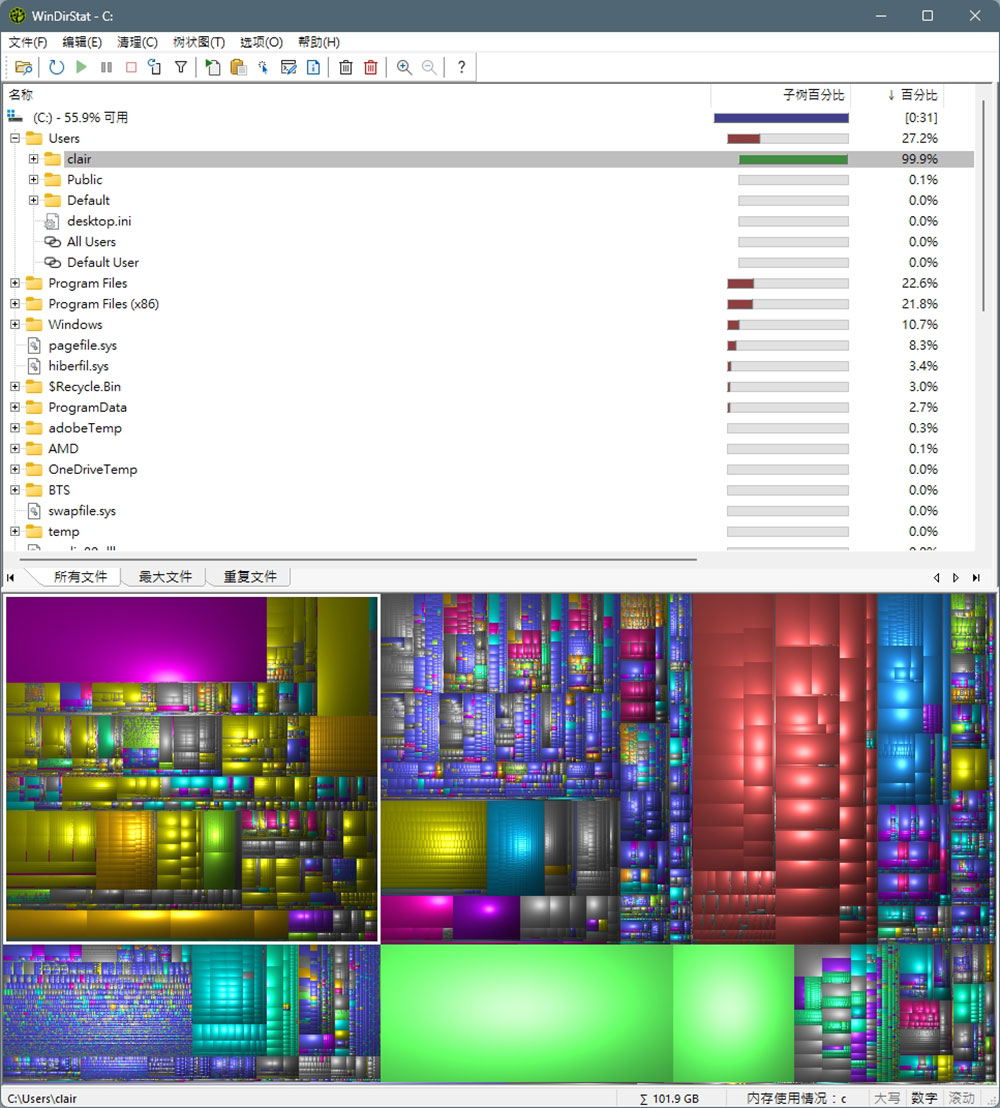
I’ve used this tool several times on older computers that have been upgraded through multiple versions of Windows. For example, on a computer used for multimedia functions, although I have uninstalled most of the videos, there is still insufficient display space. WinDirStat instantly pointed me to a forgotten folder with a huge scratch file made by a video editor, as well as some old ISOs I no longer needed. Deleting these files freed up several gigabytes of data, and the system immediately stopped feeling stuck.
BleachBit
BleachBit is a lightweight, open-source cleaning tool focused on cleaning up the clutter left by Windows (and Linux) and applications. It clears temporary files, browser caches, logs, installer remnants, and other junk that quietly accumulates over time. Unlike many paid “computer cleaners,” it doesn’t come bundled with ads, background processes, or questionable system tweaks. You get a simple list of items you’ll want to remove, along with clear explanations of what each option does, making it easy to use without worrying about damaging something important.
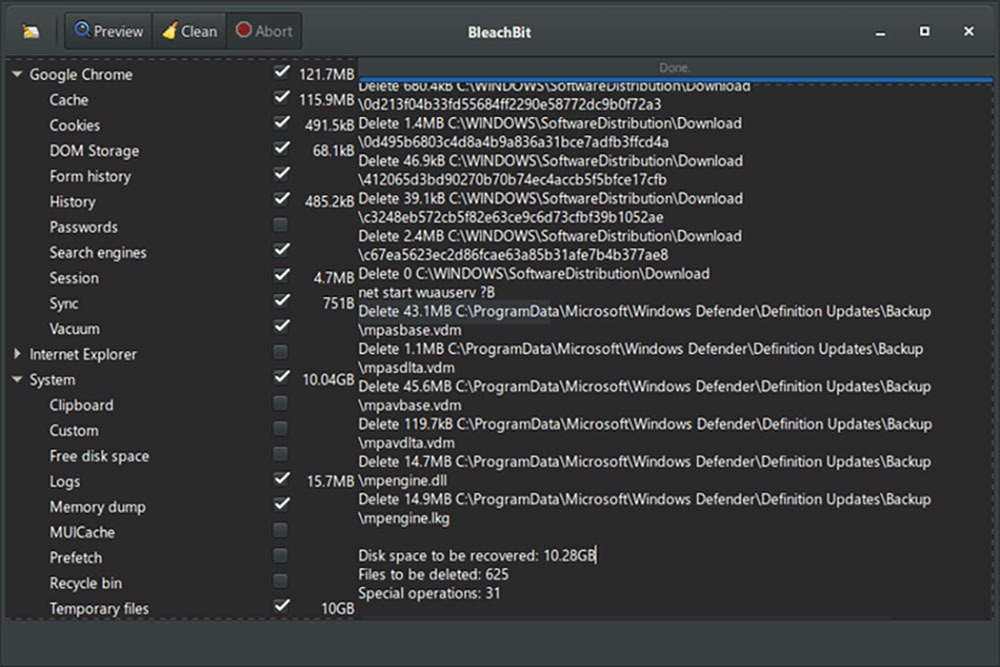
BleachBit’s real strength is its transparency. You have full control over what gets cleaned up, and nothing happens automatically unless you specify it, making it perfect for older systems with limited storage space, or for people who want to tweak Windows quickly but don’t want to install a ton of software. It won’t replace more in-depth troubleshooting, but it will steadily clear up space and reduce those minor issues that can cripple performance.
Everything
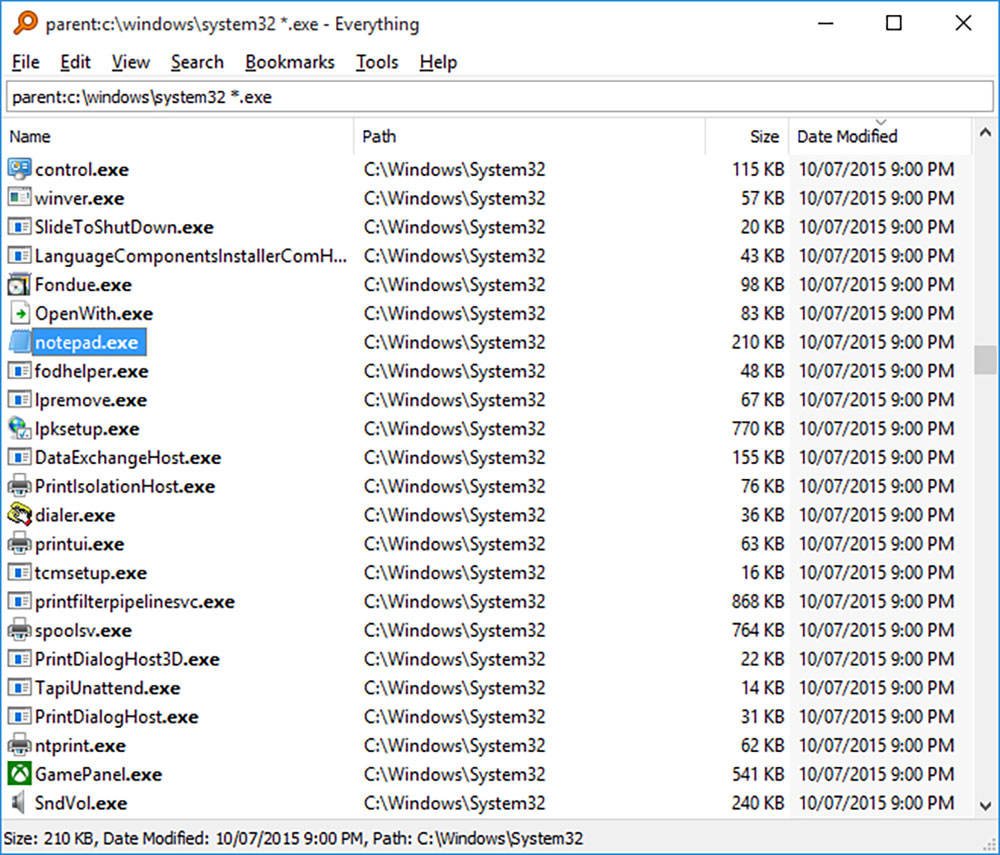
Unlike built-in search, which is slower and updates the index simultaneously, Everything indexes files almost instantly the moment you open them. Type in a few letters and results appear instantly, fast enough that you can almost use the search box as a command launcher. It’s most effective at helping you find files that you don’t quite remember where they are stored in your system. Especially for people who frequently switch work, media and testing between multiple devices, the hard drive can easily become a mess no matter how hard you try to organize it. If you need to retrieve a lost document, old screenshot, or hidden profile, you can often find it faster with Everything than with a manual search. Once you get used to it, this is one of those gadgets that makes Windows feel smoother and more efficient.
These tools won’t solve every performance problem, but simple actions can make your sluggish Windows computer feel noticeably better. WinDirStat, BleachBit, and Everything each take care of different parts of the cleaning process, and together these tools help clear space, eliminate clutter, and make Windows feel more responsive. They’re free, lightweight, and easy to use, making them a solid first step before diving into more in-depth troubleshooting. Whether you’re looking to update an old system or quickly tweak your daily driving, these are the tools to try first.
Source: KOCPC Chinese