


If you don’t fancy using Android’s built-in file manager, there are plenty of other options for download in the Google Play Store, but many of them are riddled with ads, have a paywall, or both. File managers have access to the entire user file system, so you want to make sure you can trust them to handle all your data securely. This time we have compiled 4 free, ad-free and privacy-focused open source file managers that you can try.

4 open source Android file managers that are free, ad-free and won’t spy on you
Fossify File Manager
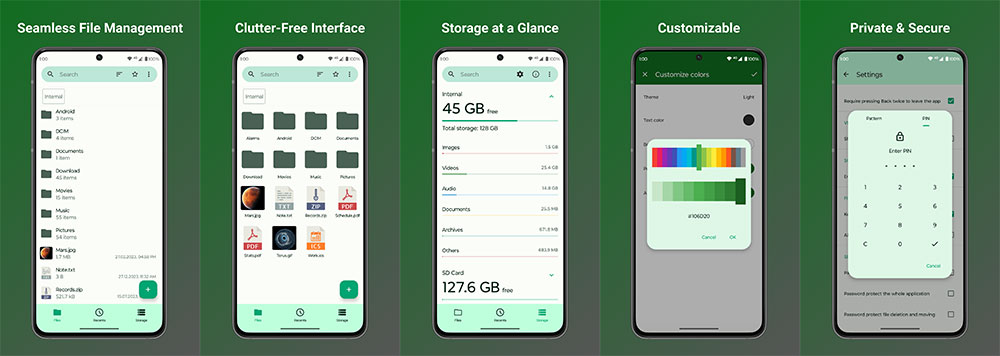
Fossify File Manager is a lot like Google Files in that it’s lightweight, smooth, organizes your files into categories, and provides an extremely simplified interface. Fossify File Manager doesn’t have advanced features like dual-pane view, cloud integration, or FTP support, so it’s not suitable for advanced users. However, if you want a simple and unfussy file manager, this app is for you.
The interface is divided into three tabs: File, Recent and Inventory. Just like Google Files, you can see recently downloaded or opened files in the Recents tab, view files by category in the Inventory tab, and explore all files in the Files tab. There are options to quickly compress and decompress files in the right-click menu. You can also hide files, turn on and off visibility, and lock files with a password. You can even password-lock the entire file manager itself. After password protection is set, files cannot be moved or deleted without entering a password. Finally, you can customize colors and embellishments to add a bit of personality to an otherwise boring app. However, it does not have a recycle bin function, so when you delete a file, one action is to permanently delete it.
Ghost Commander
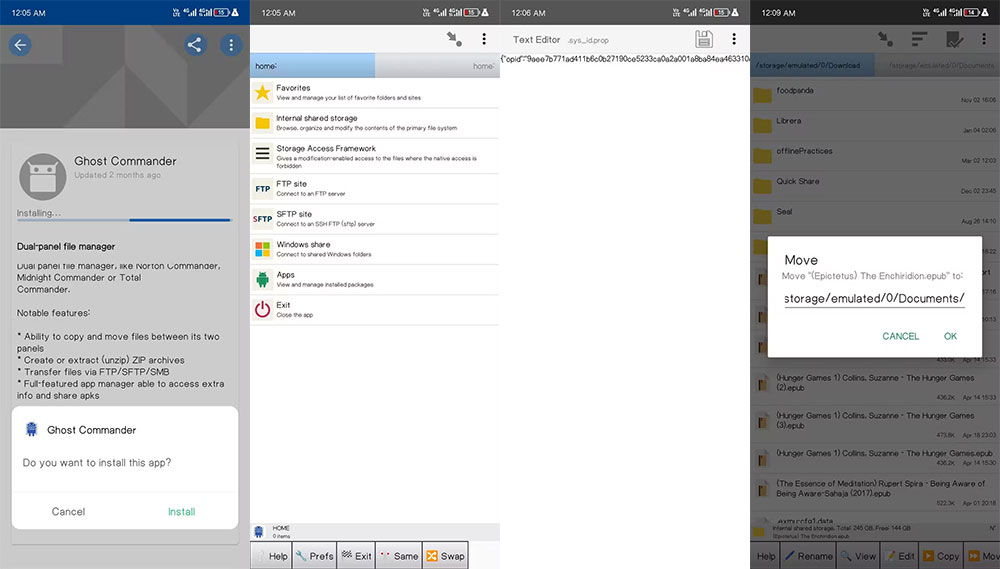
There’s nothing pretty about this app but it’s all functionality. It is designed for advanced users who require a dual-panel or dual-tab interface to move files between folders. It provides a quick way to connect to FTP and SFTP servers, and you can even connect directly to shared Windows directories through this application. Additionally, it lists all the apps and services on your phone that you can download directly or share as APK files.
When launched, you will see two tabs at the top to quickly switch between the two file manager panes. You can move or copy files between these panes through the shortcuts in the bottom menu. You can add bookmarks to folders and they will appear in the Favorites pane. You can also compress and decompress files directly from the menu. Ghost Commander also has a built-in text editor, making it easy to quickly modify configuration files without leaving the application.
Material Files
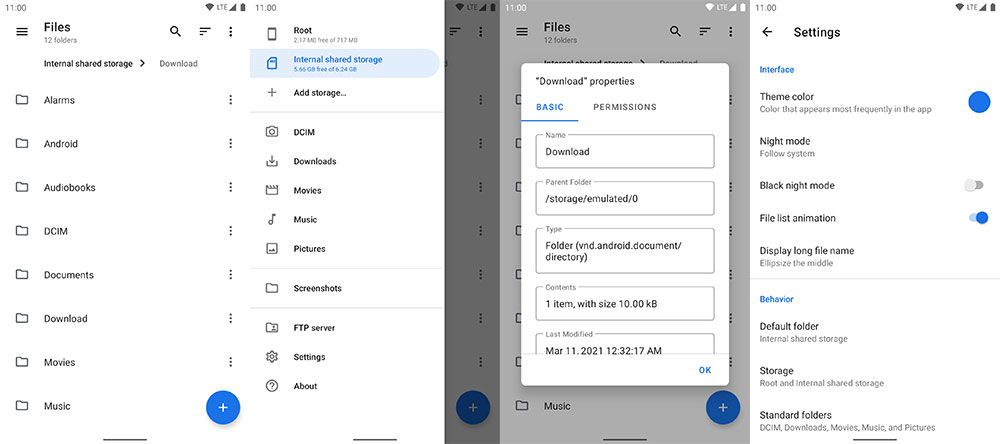
Material Files combines the best of both worlds, with beautiful graphics and extra features that advanced users will appreciate. Thanks to its Material UI aesthetic, this file manager looks a lot like Google Files, so if you’ve used Google Files, switching to Material Files should be smooth. You can access files by category by swiping left. Camera shots, photos, screenshots, videos, downloads, music and movies are all concentrated in dedicated categories in the sidebar. You can adjust how these categories are presented in settings.
However, Material Files includes features not found in Google Files, including support for new FTP, SFTP, SMB, and WebDAV servers. You can even quickly access your FTP server via the sidebar shortcut. In addition to these extra features, Material Files also includes the standard multifunctional toolkit, including bookmarking, compressing and decompressing files, toggling the visibility of hidden files, and creating home screen shortcuts. However, Material Files does not have the function of locking files and folders, nor will it put deleted files into the recycling bin.
Amaze File Manager
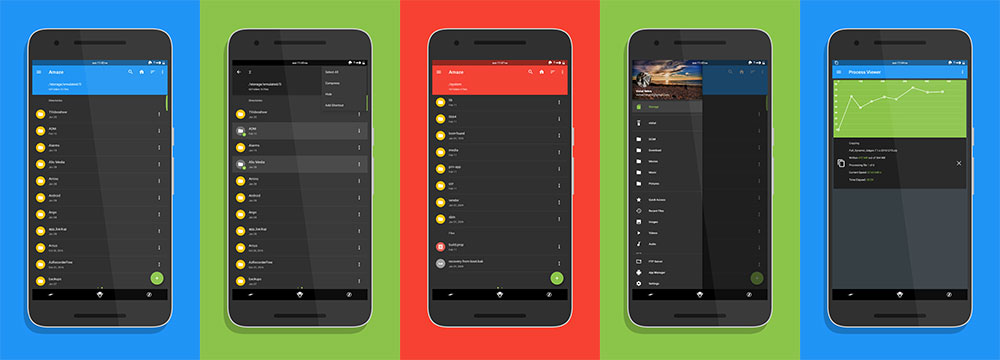
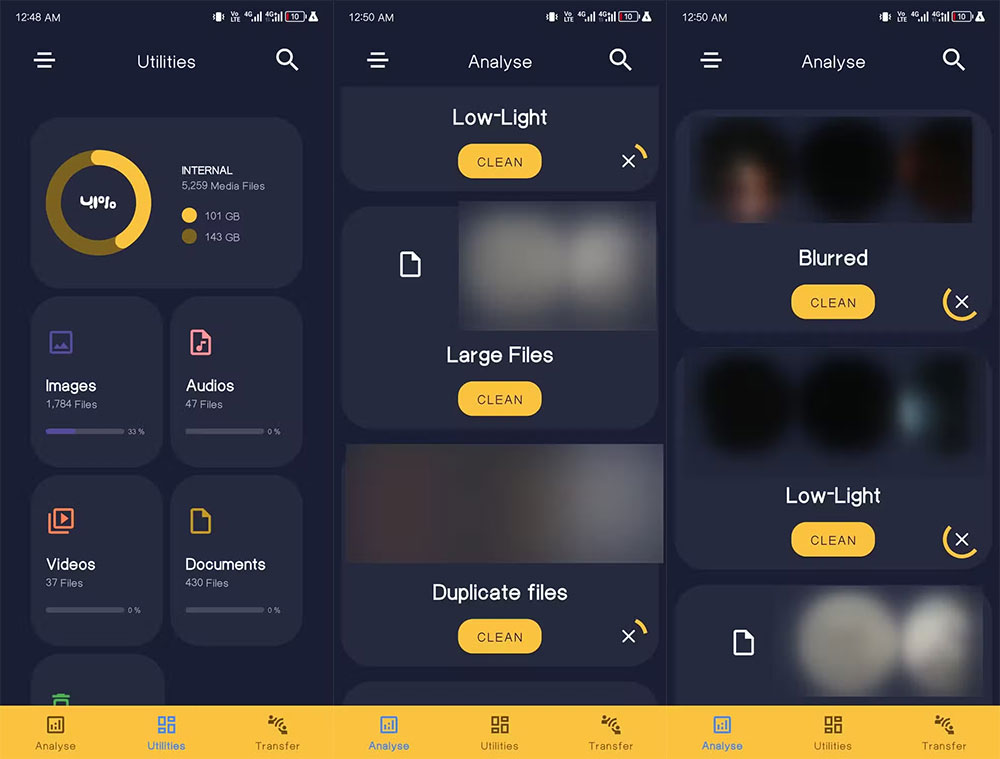
Amaze File Manager includes everything you need in a file manager and more. It has a beautiful interface and animations that you can customize according to your preferences. You can change the theme, icon appearance and navigation bar. You can add bookmarks to the sidebar and switch quick access shortcuts, and the overall feel is smooth. Amaze supports media players, so you can open image, video, and music files without leaving the file manager (but you’ll need to install Utilities plugin). This plug-in also provides a storage analysis interface that can intelligently classify hidden files, large files, blurry or poorly lit images, duplicate files, unused applications, and old files. You can then clean up files and free up storage space as needed.
It has a built-in application manager that allows you to back up the APK files of installed applications with just one click. You can also uninstall and launch apps through this app manager, and you can password-protect files and folders in Amaze. Amaze has built-in on-the-fly decompression and compression of files, you can even enable the trash so deleted files are not permanently lost, and it supports FTP server connections.
You don’t need to pay a subscription fee or endure endless ads to access files, because there are already great free and open source file managers available. The 4 we have selected above are all worth trying, so you may want to change your taste.
Source: KOCPC Chinese