


Although now AI It is easy to generate, but if there is a ready-made one that can be used directly, and it can be used for commercial purposes, it is more convenient to use the ready-made one directly. If you often useHand drawn materialwords, fromJapanLoose Drawing is worth collecting. It provides a large number of Japanese-style hand-drawn materials, ranging from animals, humans, education, nature, medical care, to emotions, etc. All materials are free to use, and commercial use is no problem, and there is no need to attach the source. More importantly, it can be directly adjusted to the color you need online.
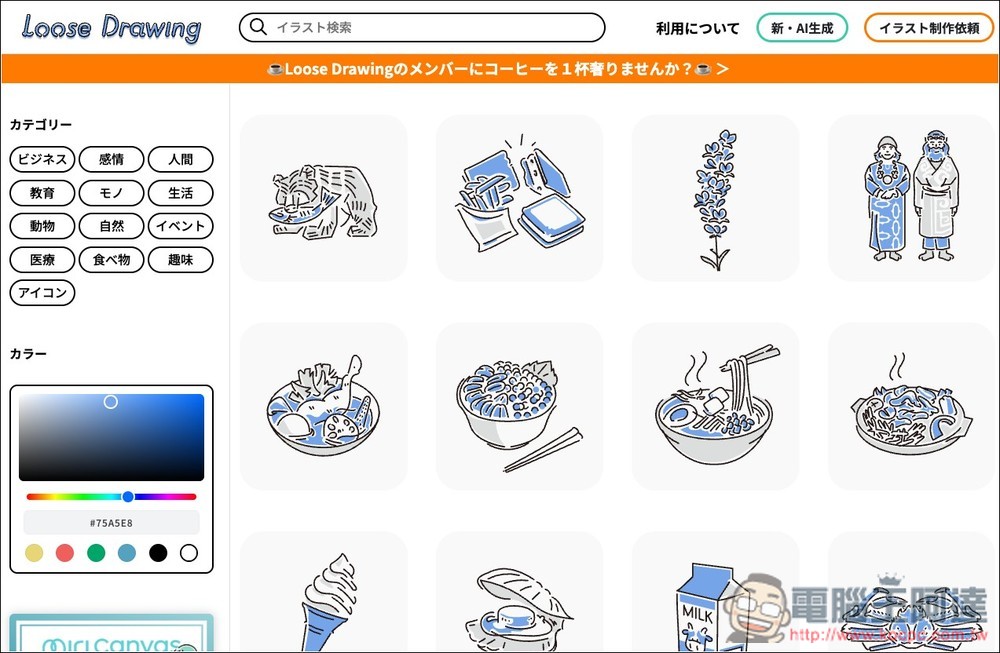
Loose Drawing is a free hand-painted material website from Japan, which can be used commercially and directly colorized online.
Loose Drawing is a website that provides “free and commercially available” Japanese illustration materials. The style is mainly hand-drawn lines, simple flat illustrations with soft tones. It is very suitable for presentations, blogs, social posts, teaching materials, business design, company profiles, marketing materials and educational purposes.
The website is operated by a Japanese team, and the update frequency is quite high. Each illustration has a line style, and the overall design presents a clean, warm, and easy-to-read visual effect. It also provides functions such as classification and adjusting the main color of illustrations to make the materials more in line with your brand style. Recently, they have also launched AI generation tools and online editing functions to quickly create the illustration materials you need.
Main features
- Free commercial license (no registration required to download)
- Japanese hand-painted materials, unified style and high quality
- The main color can be customized to quickly meet the needs of the brand or project.
- Supports AI generation and Miricanvas editing tools
- Frequent updates, and the material library continues to expand
- Provide illustration commissions and corporate case presentations
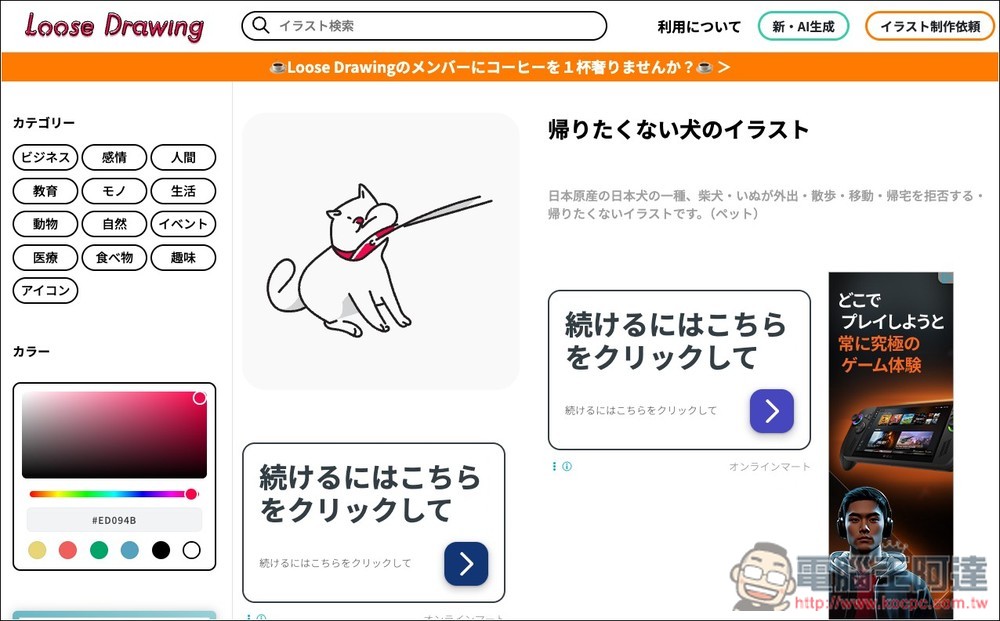
After pressing the top button to enter the Loose Drawing website, you can start browsing all the materials on the right. The top left is the classification function, including business, emotions, human world, education, objects, life, animals, nature, festivals, medical, food, fun, and icons. Below is the function to adjust the main color:
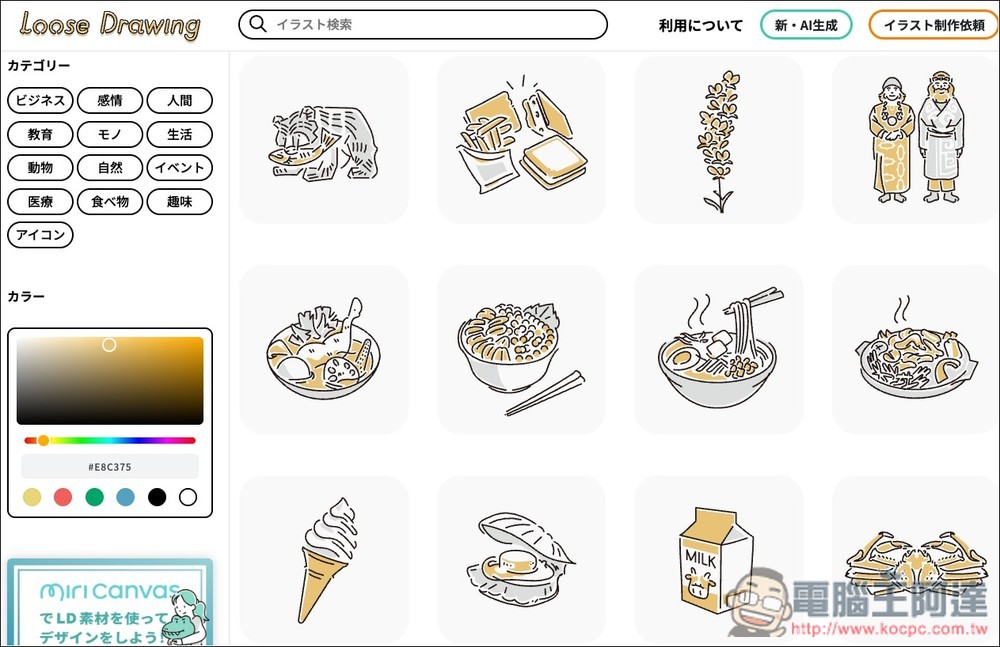
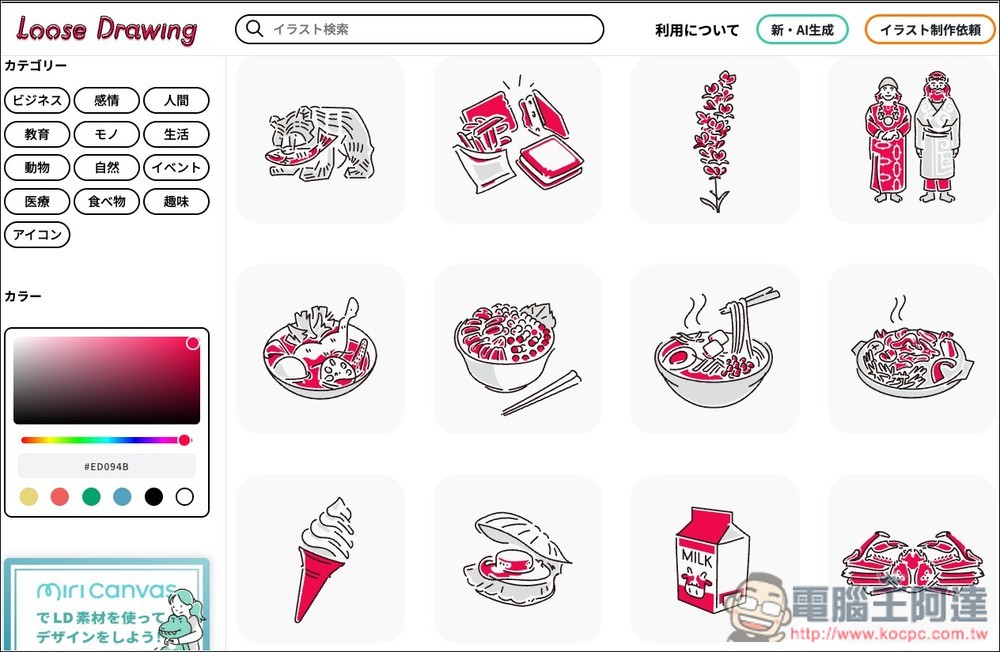
I adjusted it to red, and the main color of all the materials on the right will become red. I don’t need to modify it myself, which is very convenient:
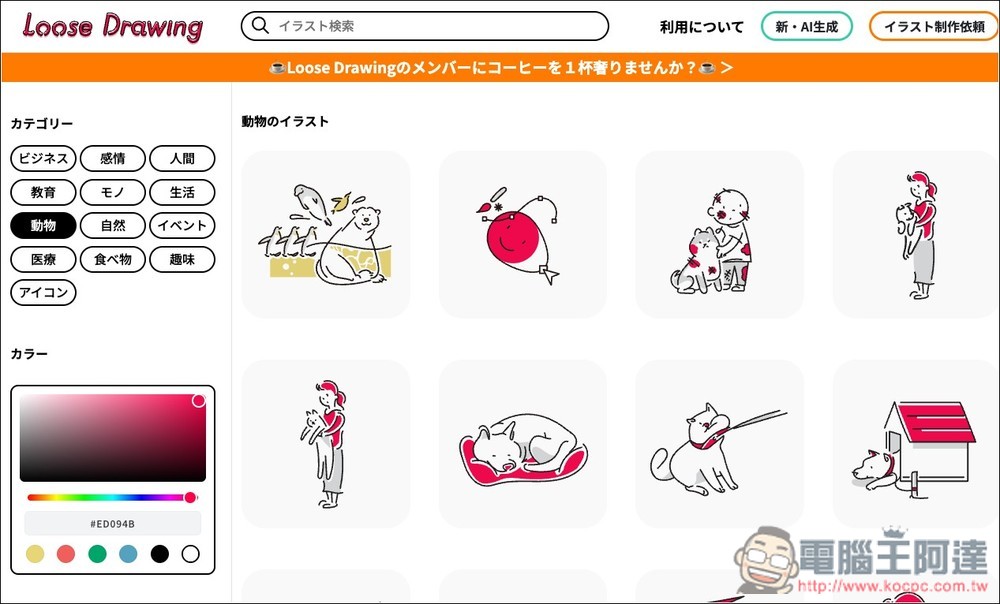
It is faster to search through the classification function. The search function is also supported, but you need to enter Japanese. After I click on animals, only animal-related hand-painted materials will be listed on the right:
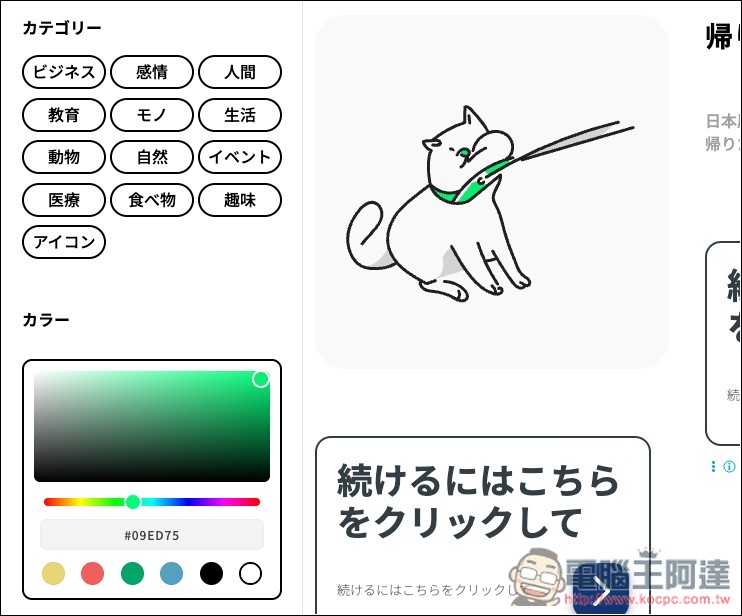
After you find the material you like, go to the inner page and check if the color is correct. If not, adjust the color palette on the left:
For example, what I need is green, so I change it to green, and the main color of the material on the right instantly changes to green:
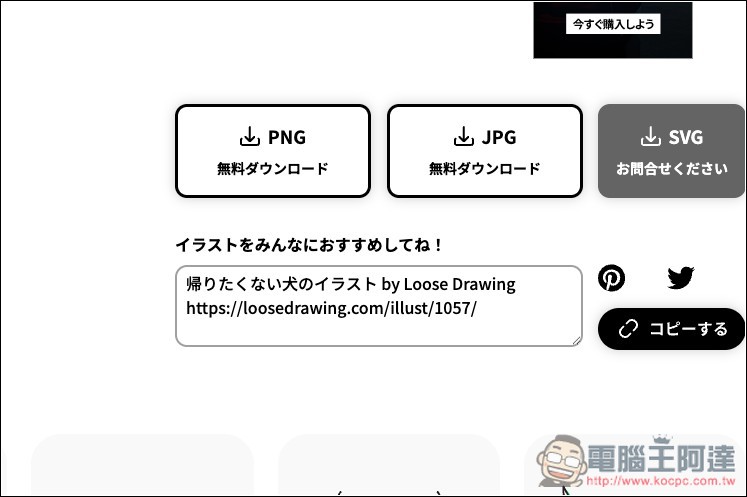
Then scroll down and you will find the download point for PNG and JPG. Click on it and the download will start. SVG you have to ask them to get:
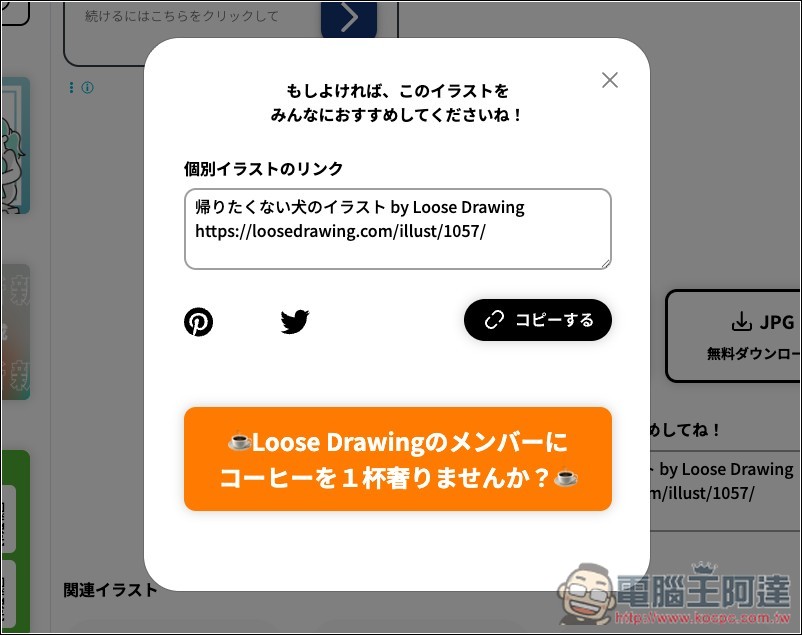
After downloading, a source text demonstration will pop up for you to use quickly. You can decide whether to use this part yourself. They do not force it:
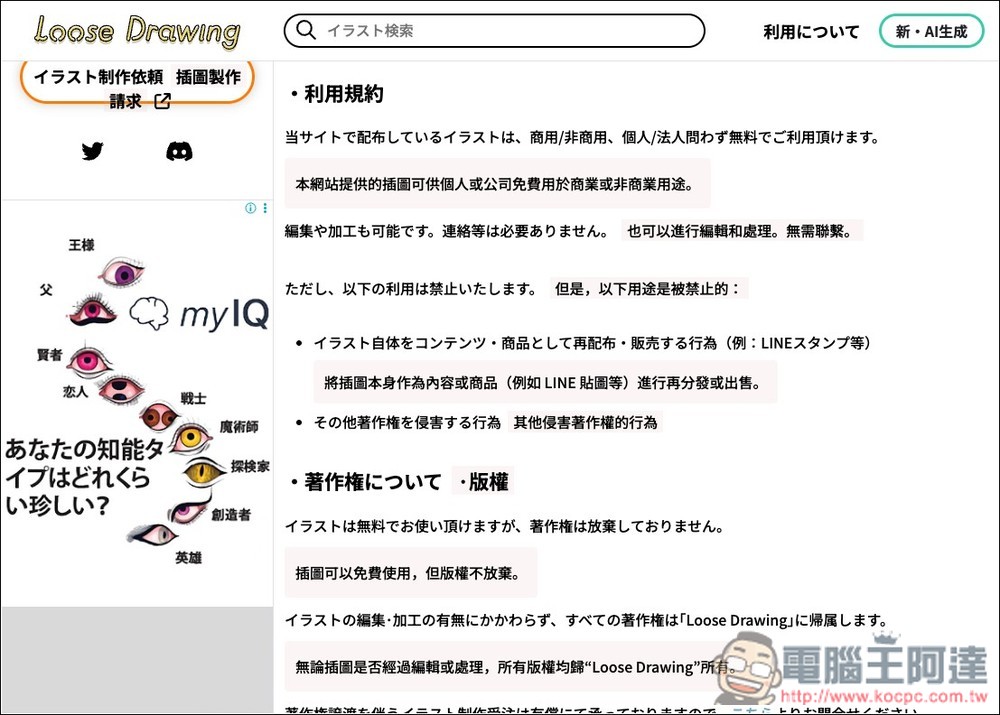
For the authorization section, you can go to the Utilize… menu in the upper right corner, which will explain in detail which situations are subject to use and which are not allowed, such as personal business, and there is no requirement to attach the source, but the illustrations cannot be sold as content or products, and other copyright infringement behaviors:
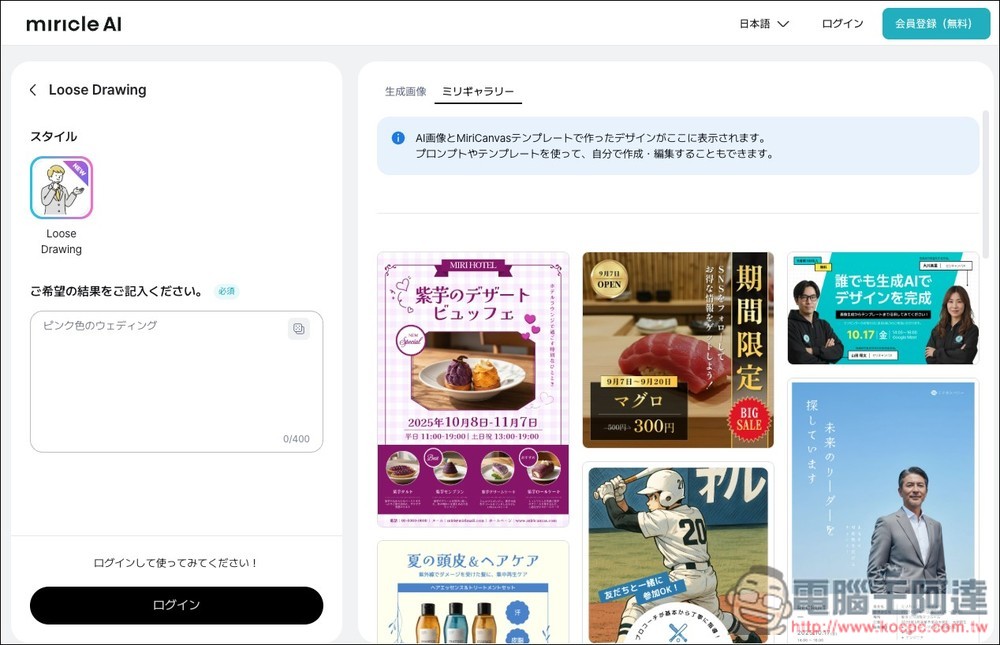
The picture below shows the newly launched AI generation tool. You need to log in to your account to use it:
Source: KOCPC Chinese