


in recent years YouTube The length of advertisements has become more and more “astonishing” in recent years. Many users have complained that the opening advertisements are often 30 seconds or 45 seconds, and they have even encountered “extremely long skits” that last more than half an hour. While subscribing YouTube Premium It can solve all advertising problems at once, but for those who don’t want to spend an extra 199 yuan per month, in fact, some netizens recently shared a test tip that “can be used on mobile phones and computers without installing plug-ins”. Just change the URL and you can directly enter the ad-free playback interface. No need to crack or install additional tools, you can significantly reduce annoying advertising interference. How is it done? Can you even unlock the picture-in-picture and background playback in the mobile version? Continue reading this article to take you through it all.
Don’t want to subscribe to YouTube as a Premium member but want “ad-free viewing”? Learn this little trick
YouTube has become a part of modern people’s lives. Whether they are watching TV shows, looking up information, listening to music, or even just watching videos while eating, the platform’s presence is almost equivalent to being a part of daily life. However, many netizens have been irritated by YouTube ads recently. The main reason is not because of the ads themselves, but because “the length is getting more and more exaggerated”, and more and more ads cannot be skipped.
A netizen recently complained on the Internet that he usually doesn’t have any objections to advertising because he knows that the platform needs to rely on advertising to make money to maintain operations, and he is even willing to watch 5-second or 15-second pre-roll ads before videos. But one day when he was watching a video, he lowered his head and swiped his phone and then looked up, only to find that the ad had already played for 21 seconds but could not be skipped. When he looked carefully, the ad length was as high as 45 seconds. This made him couldn’t help complaining: “Is this testing the user’s patience?”
After the article was exposed, it caused heated discussions. Many netizens shared the exaggerated situations they encountered. Some people encountered 27 minutes of advertising, while others encountered advertising content that lasted more than half an hour. It was no longer an advertisement at all, but a “short drama”. What’s even more frustrating is that sometimes, just by pausing the video and turning the screen horizontally, an advertisement will appear next to it, which is quite disturbing to the experience.
Under this situation, more and more users are beginning to think: “Can I only get rid of ads by subscribing to YouTube Premium?” In fact, Premium is indeed the most official and complete way, but not everyone is willing to spend a fixed monthly expenditure of 199 yuan, so alternatives often become hot topics on the Internet.
What’s included in YouTube Premium?
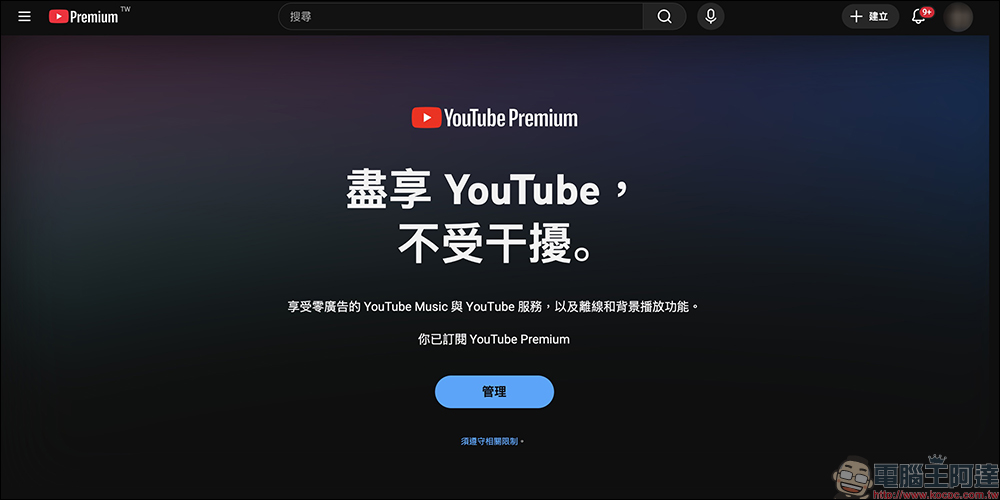
Before introducing the tips, let’s briefly understand what services Premium can bring.
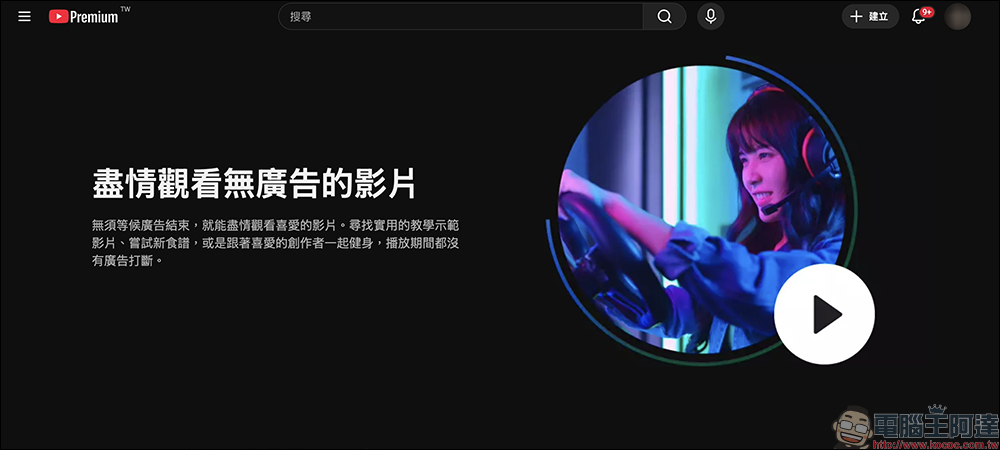
- Watch videos with zero ads: Video playback is no longer interrupted and the experience is smoothest.
- Background playback: You can continue listening when switching apps or turning off the screen.
- Download videos offline: watch them while flying or commuting.
- YouTube Music Premium: Over 100 million songs available ad-free, offline, and in the background.
- YouTube Kids is ad-free: giving parents more peace of mind.
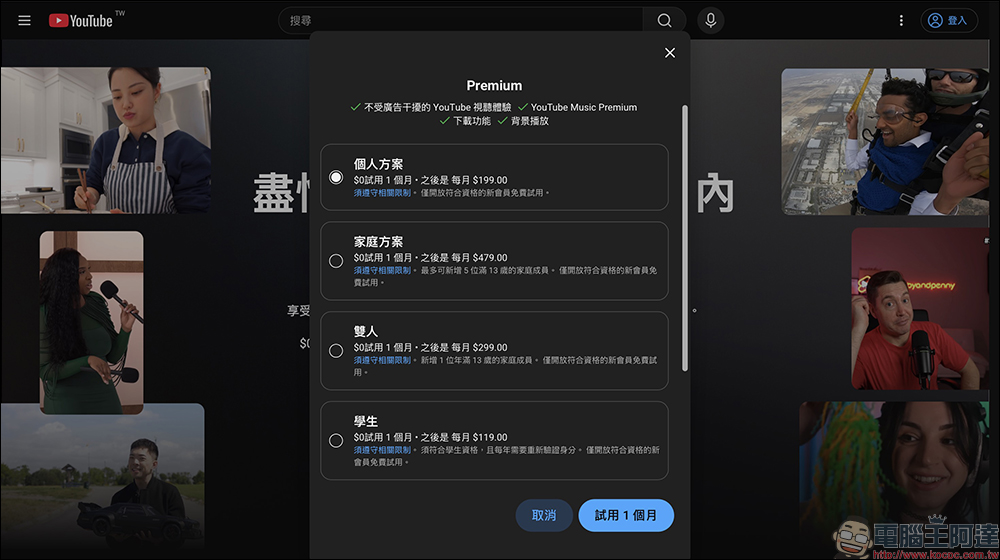
The monthly fee plans for Taiwan Premium are as follows:
- Personal plan: 199 yuan per month
- Two-person plan: 299 yuan per month (can add 1 additional family member)
- Family plan: $479 per month (up to 5 people)
- Student plan: 119 yuan per month (qualification verification required)
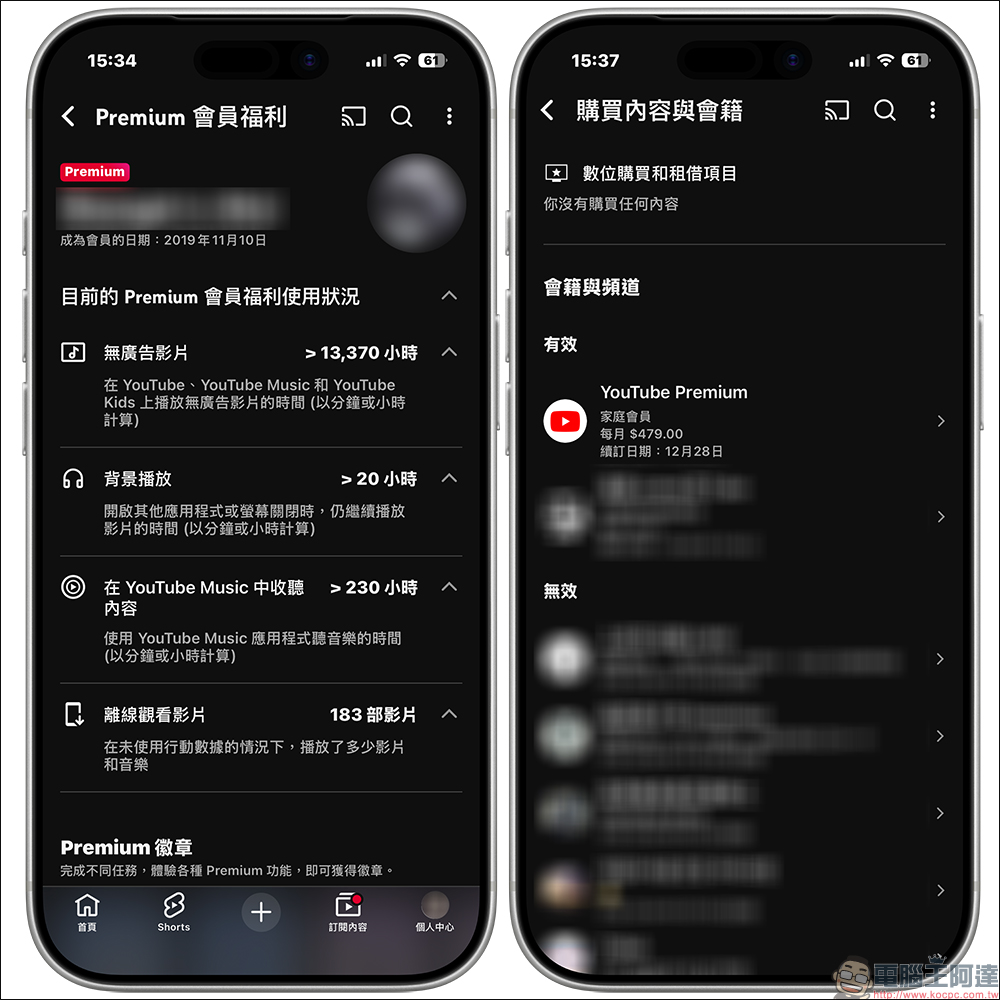
If you use YouTube extensively every day, YouTube Premium is indeed a very complete plan, and the inclusion of YouTube Music saves you money on online music streaming services. Taking the author as an example, I have subscribed to YouTube Premium since it was launched in Taiwan. Later, I also upgraded the family plan for my family to use together, so that my family can use the various benefits of Pemium membership on mobile devices, TVs, and computers.
However, if you simply want to play a YouTube video and want to play it without ads, the following is a simpler method: YouTube ad-freeTips.
How can I watch YouTube Premium without any ads?
If you are still waiting to decide whether to subscribe and upgrade to YouTube Premium, or you still need to watch YouTube ads at work and only need ad-free video playback at certain times, the method currently tested is effective on both mobile and computer versions, and does not require downloading any additional plug-ins or third-party apps. This is very simple:
First, open the YouTube video page and find the video you want to play, then find “youtube” in the address bar:
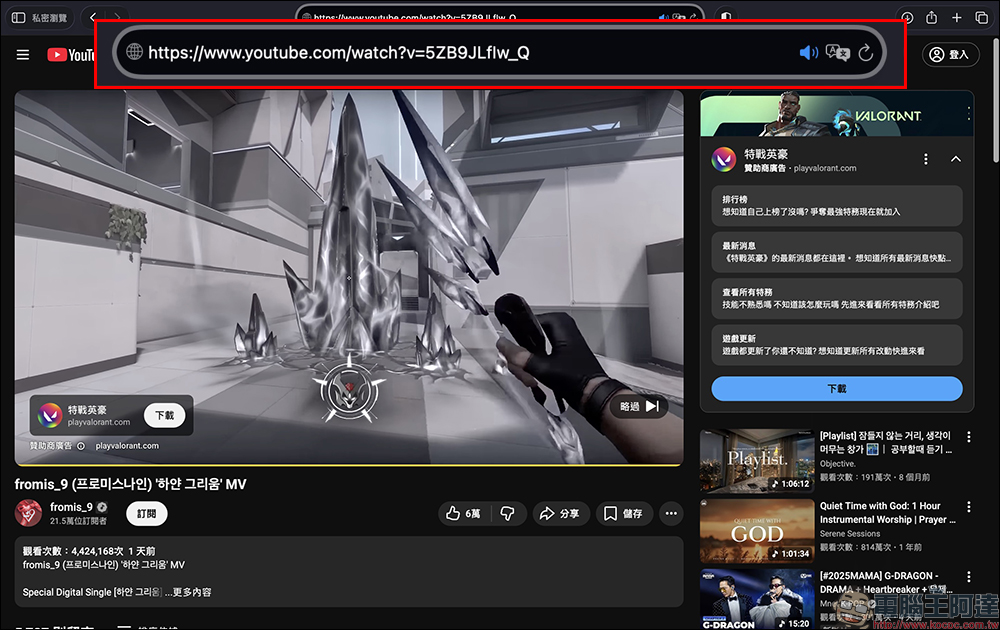
Add a “-” symbol between “t” and “u”:
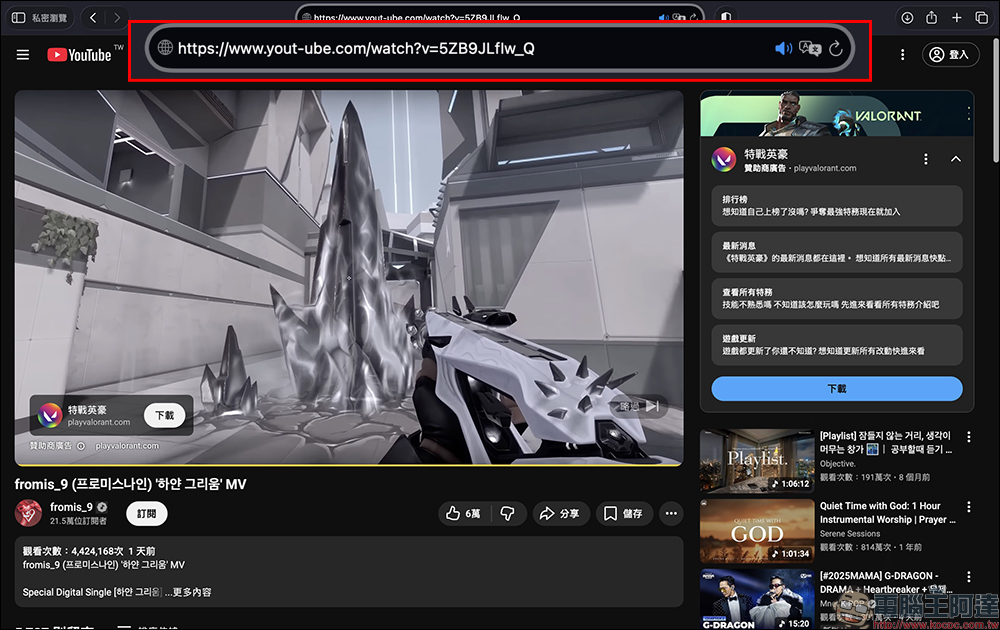
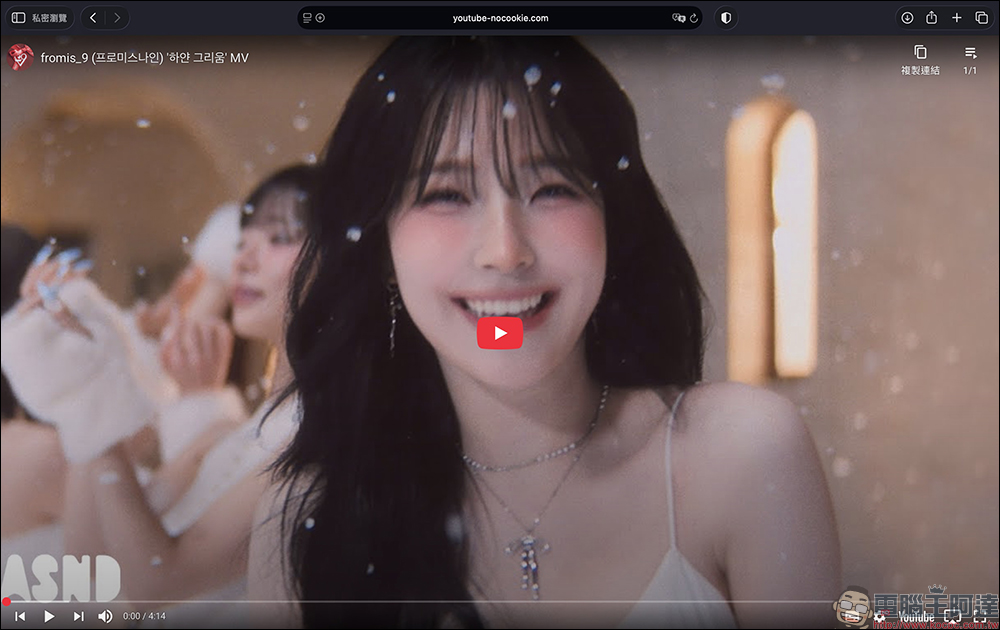
After pressing Enter, YouTube will jump to another playback interface. Press play on this interface to watch the video ad-free:
For example, the original video link is:
「https://www.youtube.com/watch?test」
Just change “youtube” to:
「https://www.yout–ube.com/watch?test」
After typing, press Enter to see the interface change to video preview mode. The biggest advantage of this mode is that the video can be played directly without pre-title, mid-title or end-title advertisements.
Is this method easy to use? What should I pay attention to?
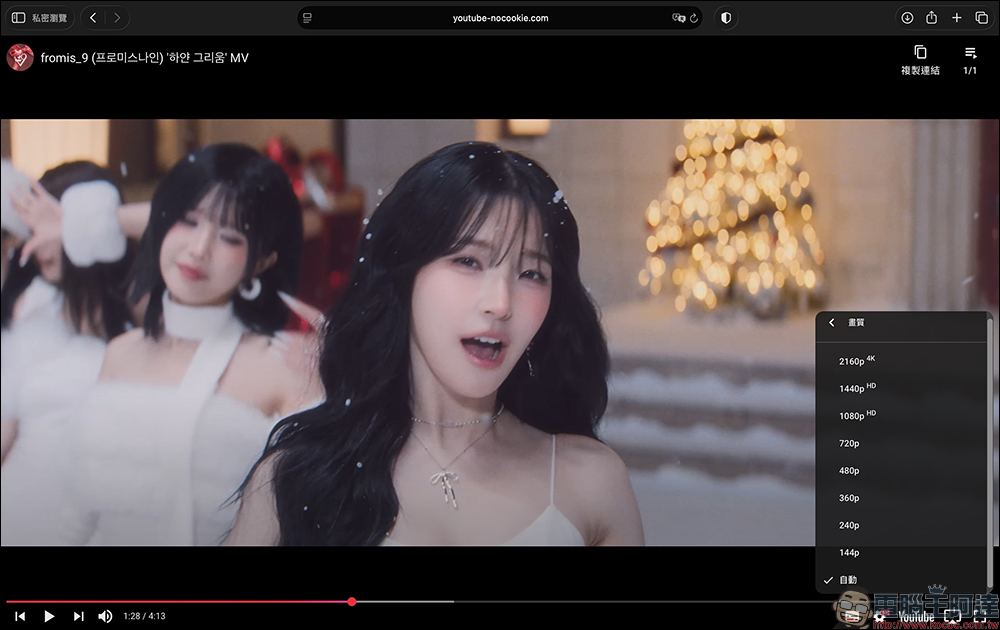
Judging from actual measurements, the success rate of this method is quite high, and the supported functions are also complete, such as:
Image quality adjustment can be used normally, and there is no problem in playing 2160p 4K videos.
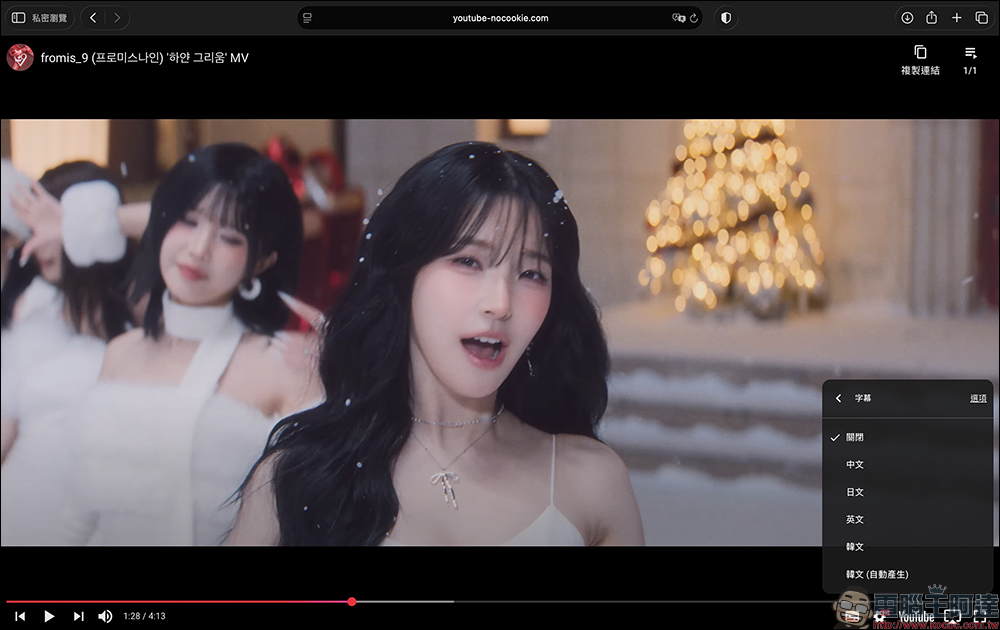
Subtitles can be turned on and language switched:
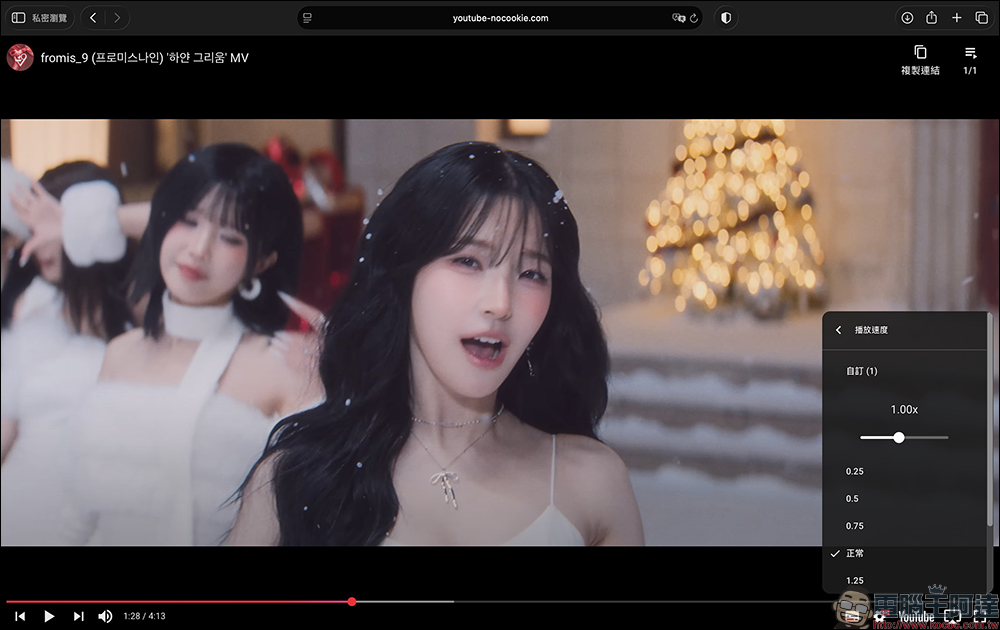
Double speed playback works normally:
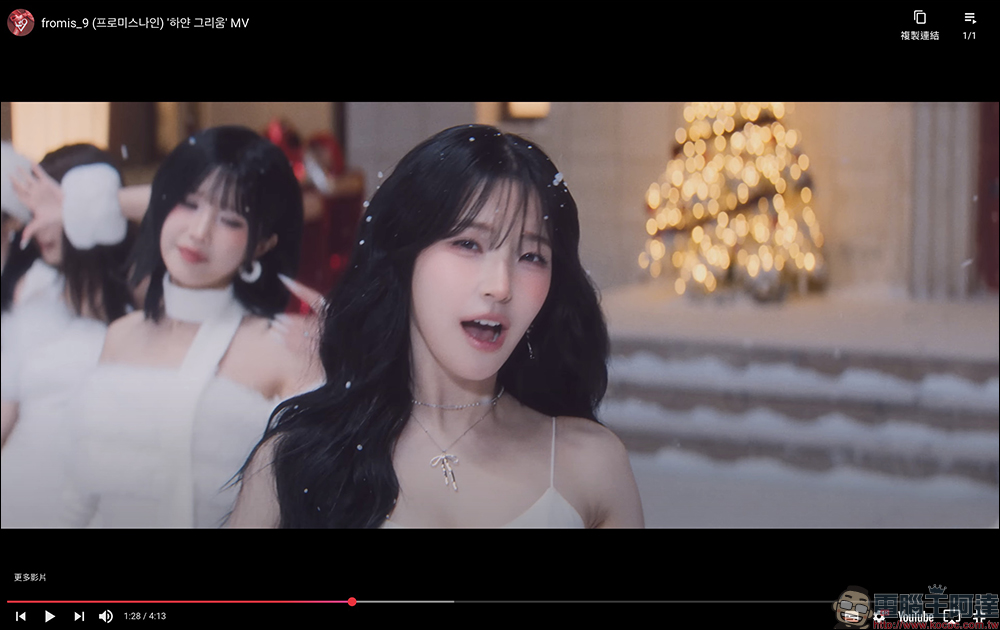
Switchable full screen playback:
Co-screening on the same scene: This method is also applicable to the mobile version, and it also supports “picture-in-picture” and “background playback”
The YouTube ad-free playback secrets shared today can be used directly on the computer version and can also be used on the mobile version. The steps are basically the same. The same method is to open the browser to play the video that you want to convert to ad-free playback, then add “-” in the URL field and send it.
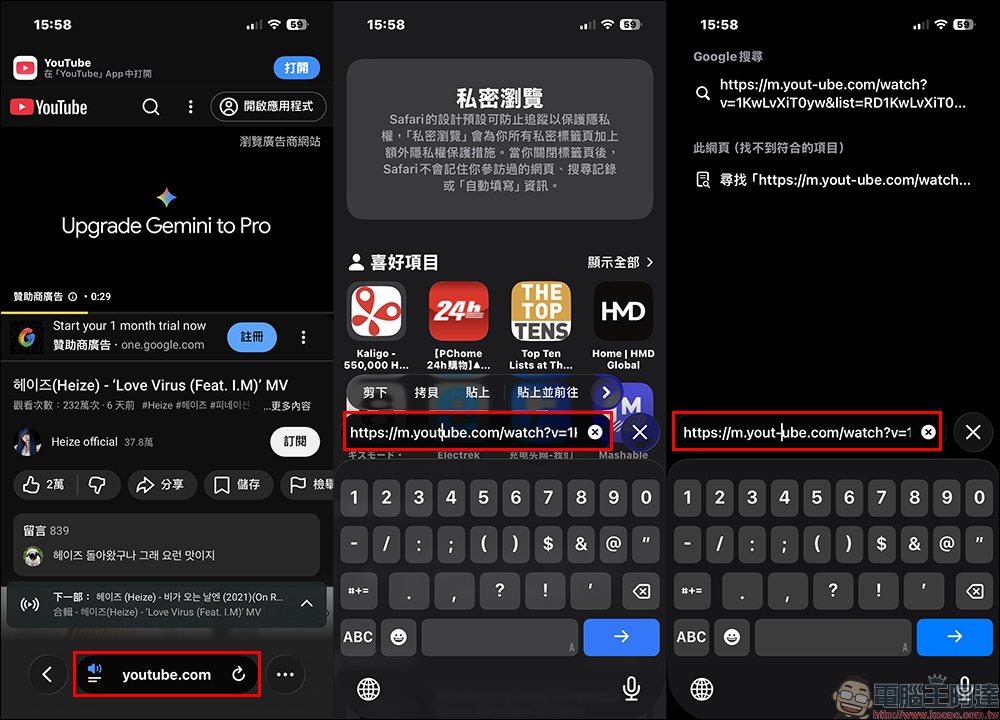
At this time, the screen will also transform into a full playback interface. Click Play to play the video without ads. The mobile version can also switch to full screen, adjust video quality, playback speed, and subtitle settings.
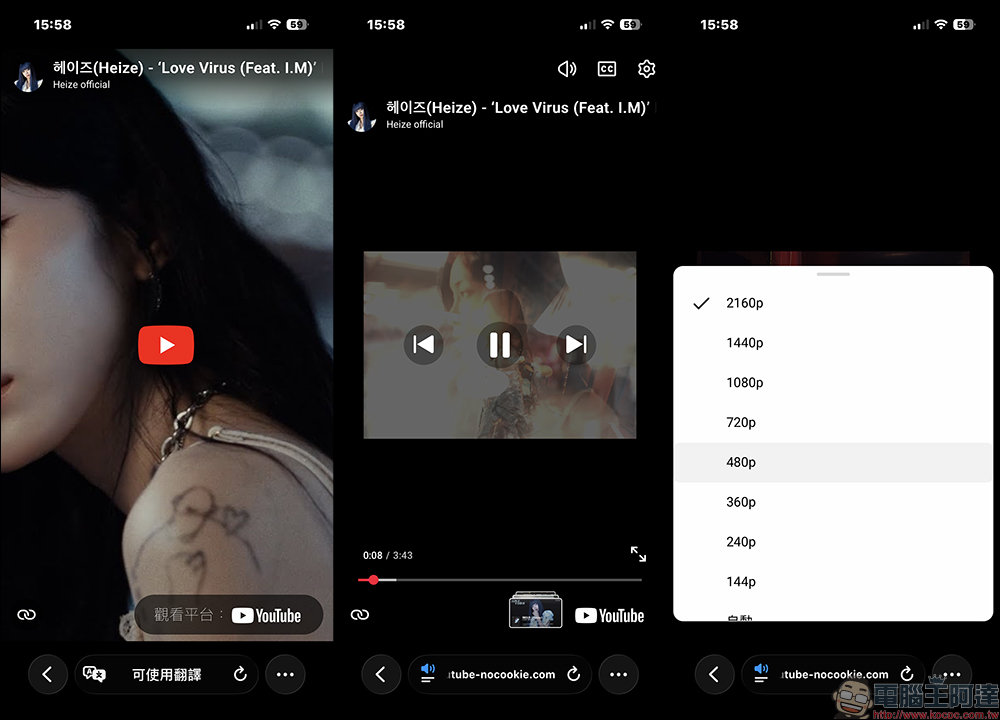
However, there is a hidden feature that the computer version does not have, that is, the mobile version can support “picture-in-picture” playback and “background playback”! However, to enable these two hidden functions, you need to follow a specific process and there are some restrictions.
Picture-in-picture playback (supports private browsing/incognito mode)
The first is “picture-in-picture” playback. You need to start playing the video in the converted YouTube playback interface, and then click the “Full Screen” button on the screen to convert it to a true full-screen playback screen. . Finally, slide up the screen to return to the home screen of the phone. At this time, you will find that the video being played is still playing and starts to play in picture-in-picture format. The step of “switching to full screen playback” is very important. If you do not return directly to the main screen in full screen, the video cannot be played in picture-in-picture mode. In addition, picture-in-picture playback also supports “private browsing (incognito mode)”.
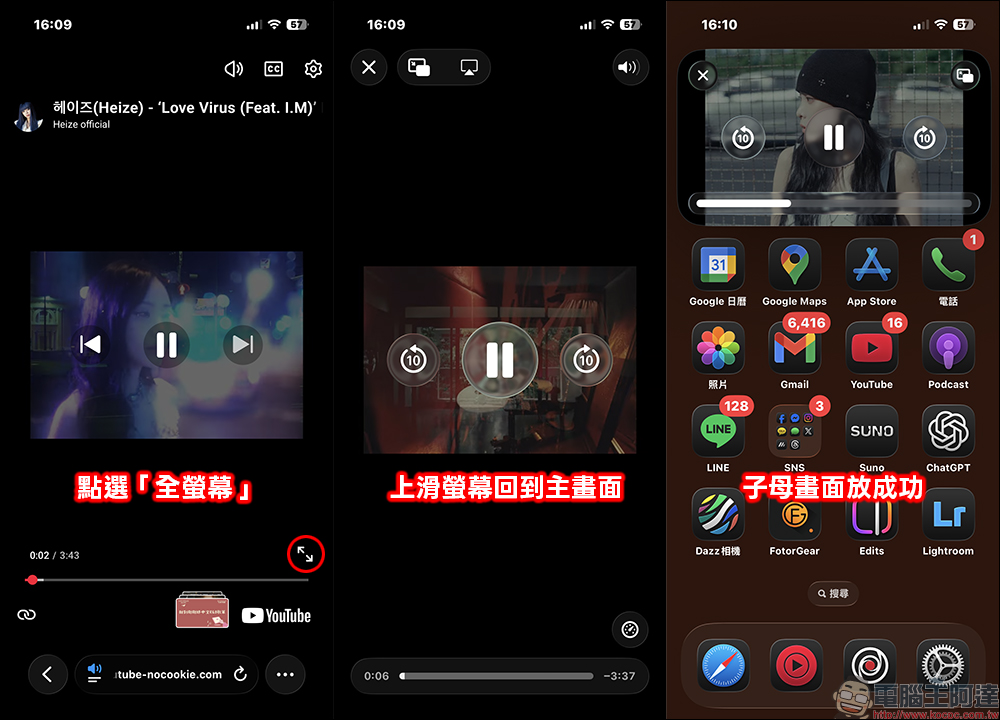
Background playback (private browsing/incognito mode not supported)
If you want to “play background” video sound and listen to music, you must first convert the YouTube video to an ad-free interface according to the above steps, then switch to “full screen” and lock the phone screen. At this time, you will see that the video is playing in the background (sound). If you lock the screen without first switching to full screen, the video will be paused first, and you need to click the play button again in the player that locks the screen to continue playing.
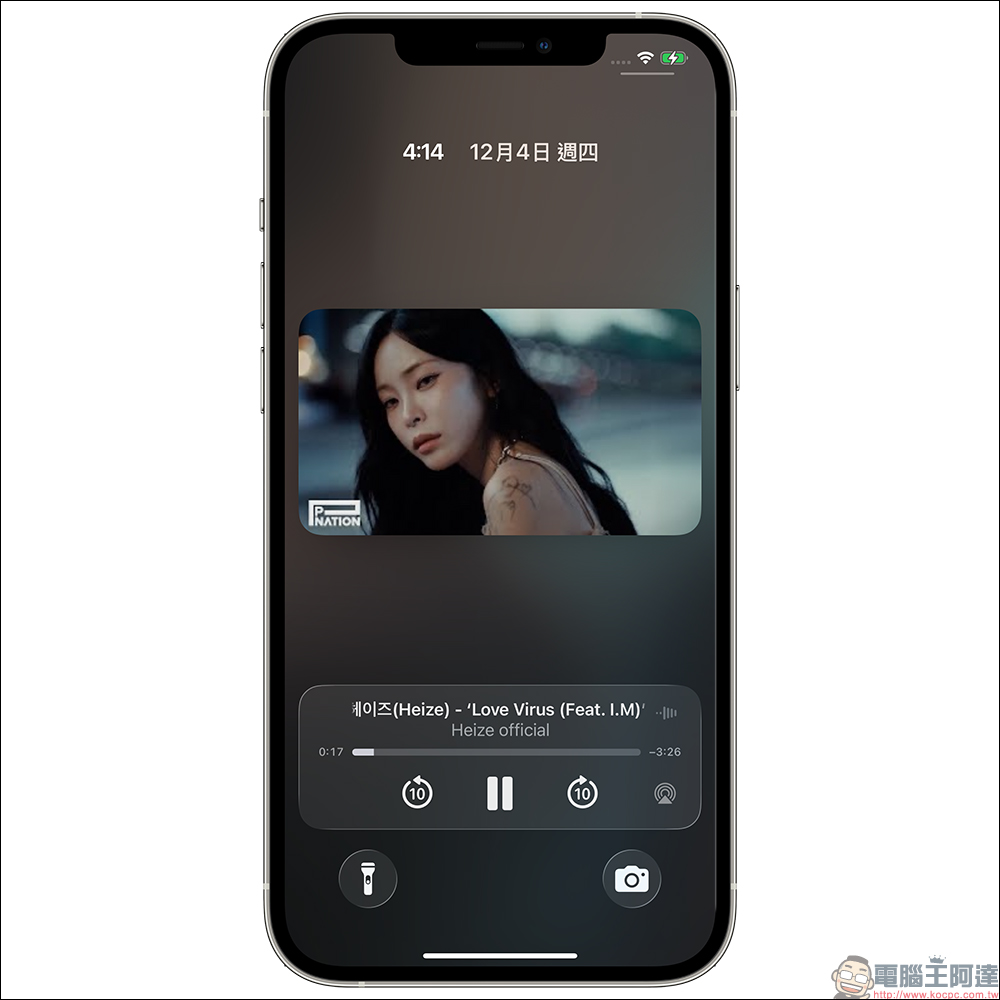
Conclusion
Compared with installing AdBlock or other plug-ins, the advantage of this method is that “there is no need to download any additional tools”, which is even more convenient for mobile users. However, we should also be reminded that YouTube may update the mechanism at any time, and this method may fail in the future, so it is more like a “temporarily useful trick” rather than a long-term alternative. If your YouTube usage is heavy, Premium is still the most stable and creator-friendly option.
Further reading:
Source: KOCPC Chinese