


Mac The software is not like Windows There are so many, so for those who are new to Mac or plan to use Mac, they will definitely be troubled not knowing what software can be installed to use. This article will recommend a pretty good GitHub project: Awesome Mac, which collects more than a hundred useful ones. Mac software,from AI, communication, reading and writing, data recovery, virtual machines, download tools, translation tools, and third-party application markets App There are many, and most of them are free to use.
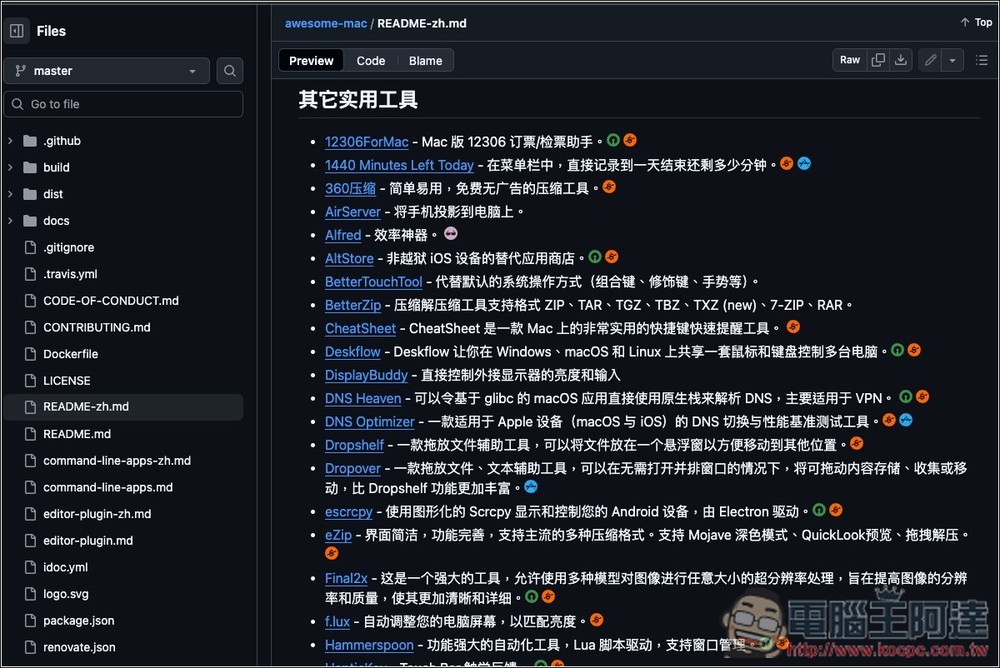
Awesome Mac With this list, you no longer have to worry about running out of software on your Mac.
Awesome Mac is a resource collection project specially created for macOS users. It contains a large number of practical Mac applications and tools, covering development environments, design software, daily work assistance and other types. The concept of the project is to allow more people to quickly find high-quality Mac software. Whether they are professional engineers, designers, or general users, they can find productivity tools that suit them through this list.
This list is maintained by the community, meaning anyone can submit new suggestions through a Pull Request or Issue. Chinese and English versions are provided and clearly presented in categories, such as developer tools, AI clients, browsers, translation tools, security software, etc.
Main features
- Complete classification: Based on functional classification, covering development, design, documentation, audio and video and other fields.
- Open source sharing: Anyone can participate in maintenance and contribution, and the content is transparent and continuously updated.
- Professional orientation: includes many commonly used tools for developers, such as JetBrains series, VSCode, and Xcode.
- Catering to general users: In addition to professional software, there are also many daily practical applications, such as file conversion and password managers.
- Multi-language support: Provides instructions in Chinese and English, so you don’t have to worry about not understanding them.
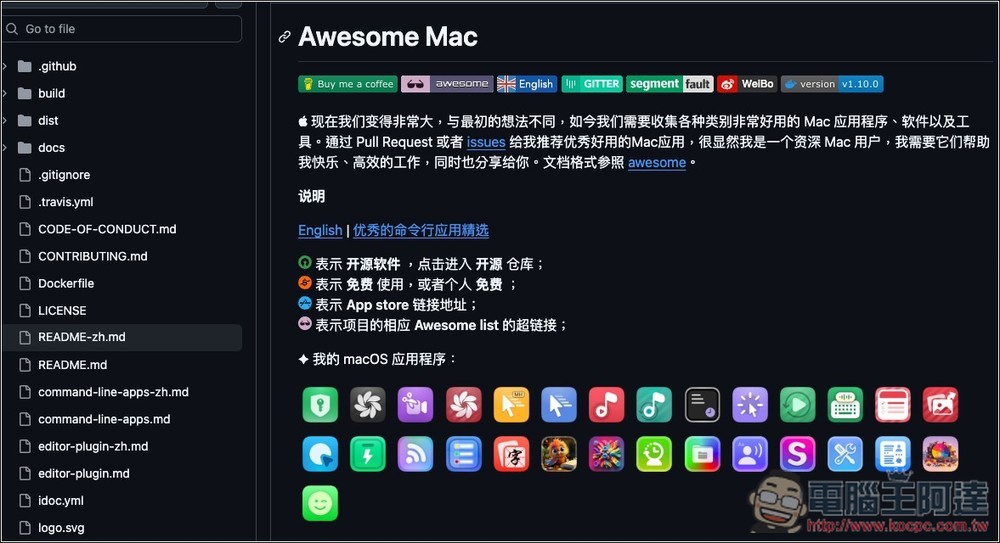
After clicking the link above to enter Awesome Mac, the default description is in English. Click the Chinese in the picture below to switch to the Chinese version:
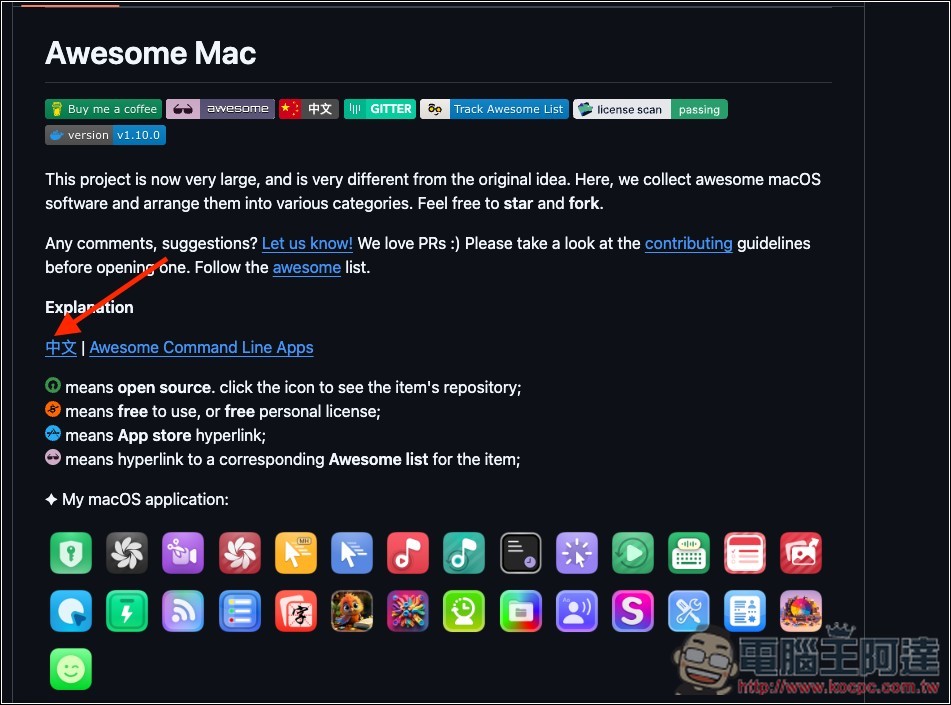
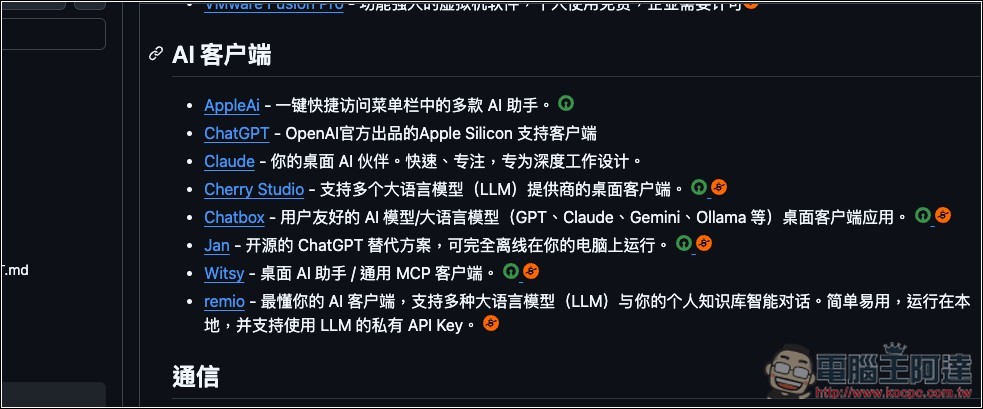
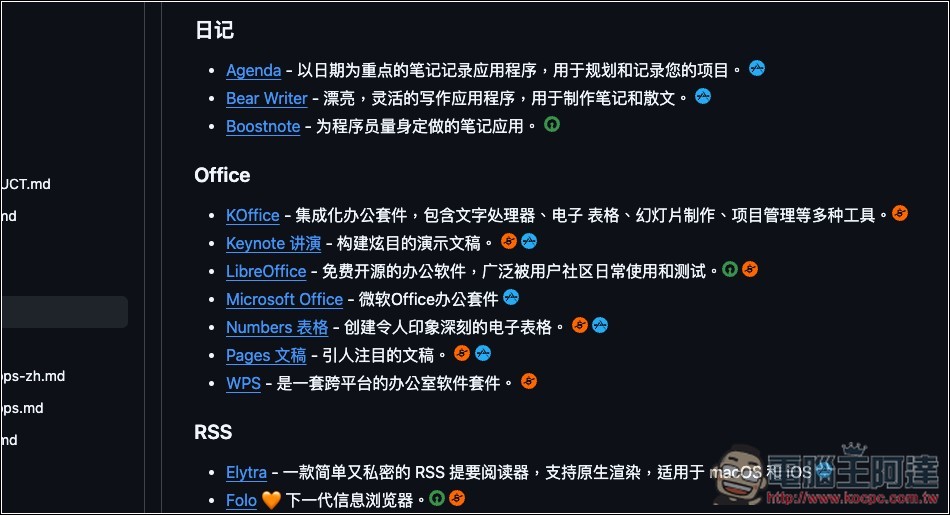
As shown in the figure below, it is worth noting the illustration, which will be noted after basically every software. There are four icons, green represents “open source software”, red represents “free for use or personal use”, blue represents “App Store installation link”, and lavender represents “hyperlink to the corresponding Awesome list”:
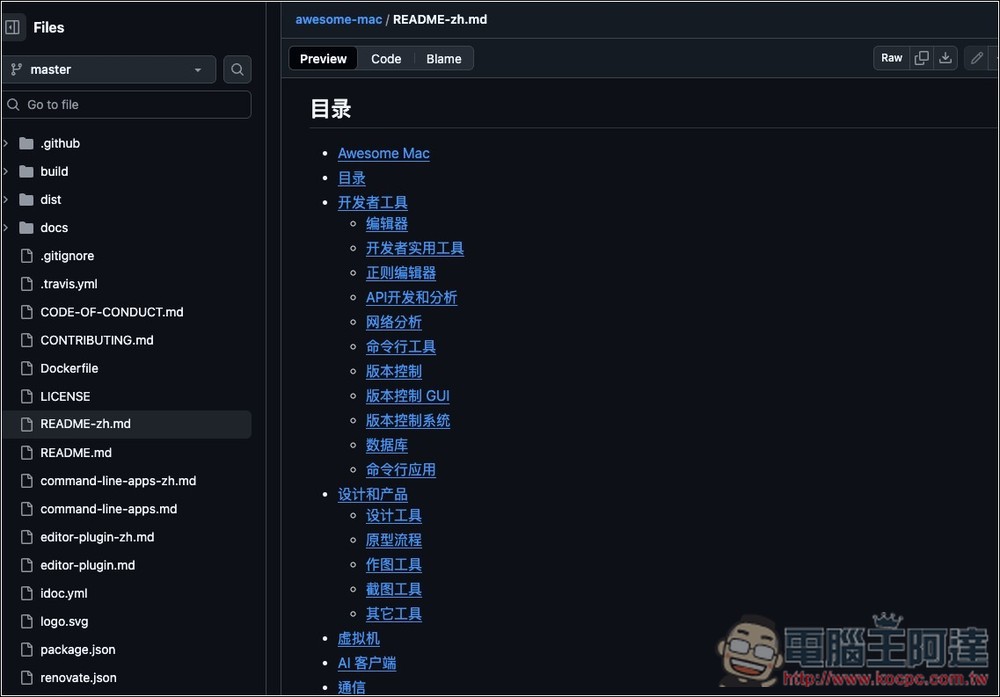
There is a complete directory list. It is recommended to find the category you want here first, otherwise there will be a lot of software. There are currently 20 categories in total, including developer tools, design and products, virtual machines, AI clients, communications, data recovery, audio and video, reading and writing tools, software packaging tools, download tools, network disks, input methods, browsers, translation tools, security tools, scientific Internet, other practical tools, remote assistance, QuickLook plug-ins, third-party application market APPs, and Mac software download websites:
Each software will have a name, brief description, and icon:
Even when it comes to Office software, Mac has many options:
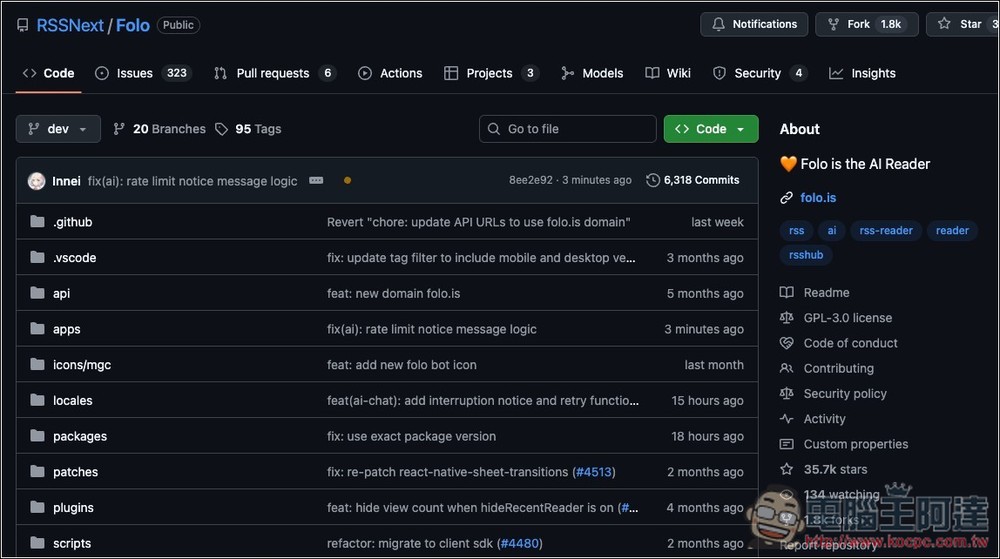
Press the name of the software you want to try, and you will jump to the download page. The one below is an open source software, so the GitHub project will be opened directly:
Source: KOCPC Chinese